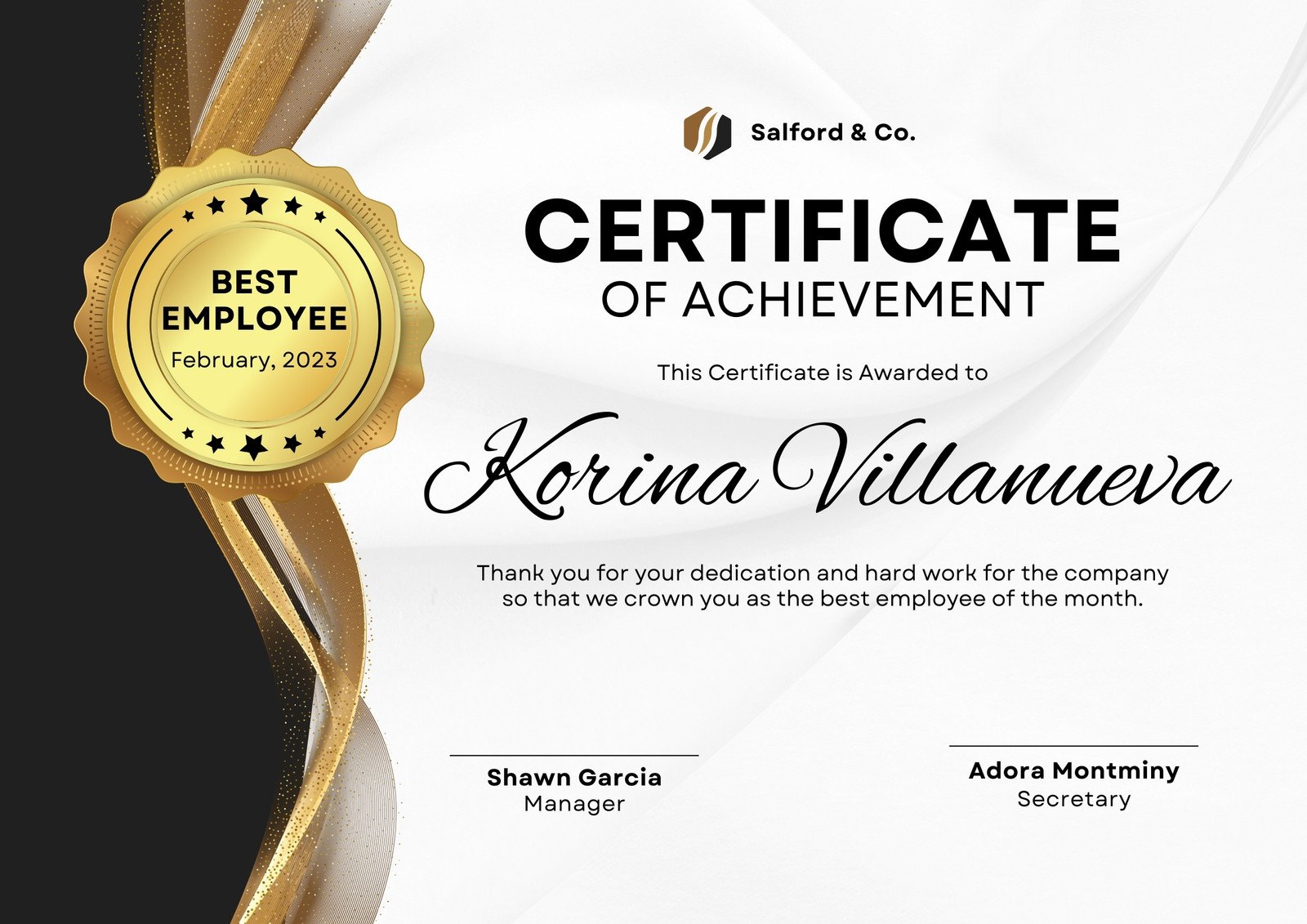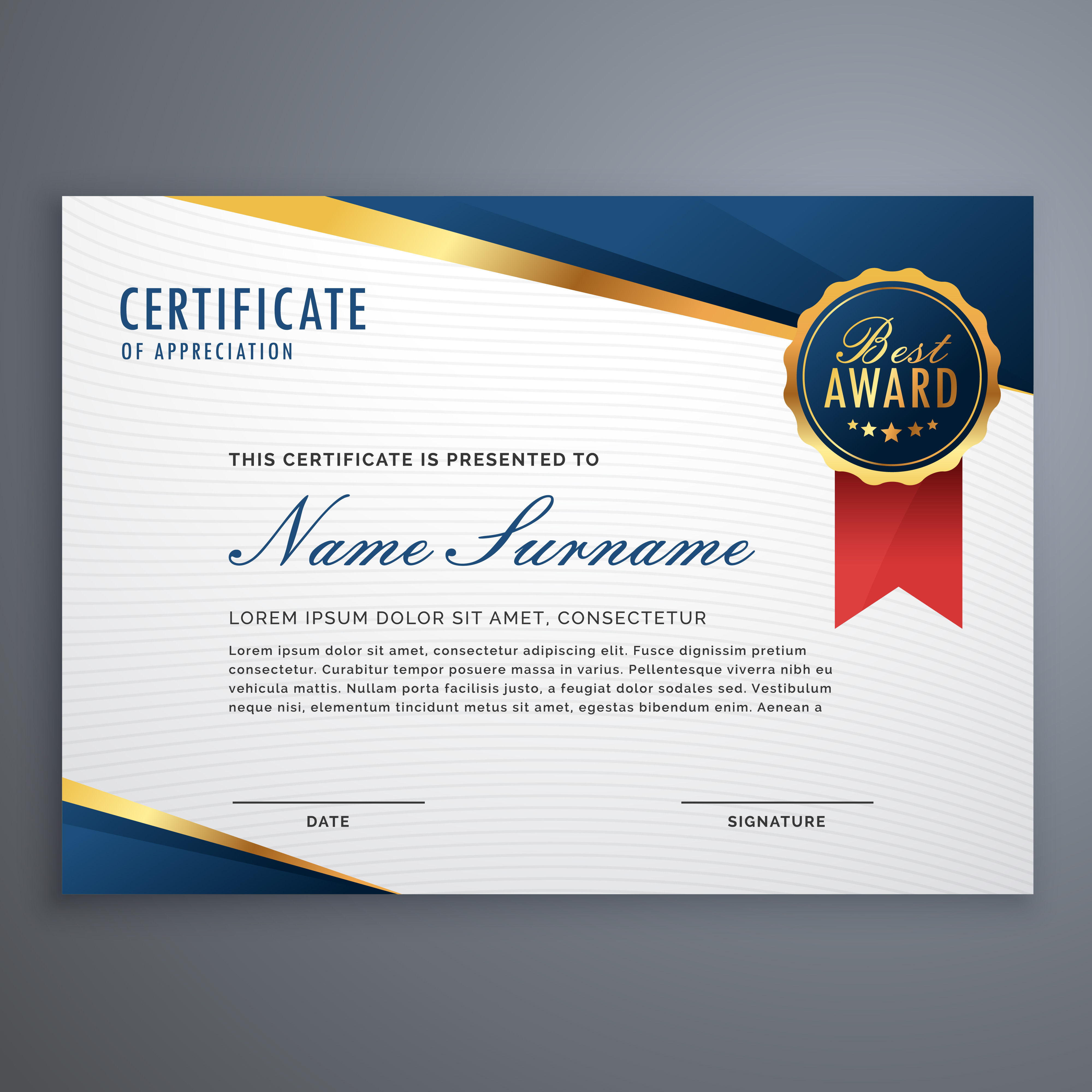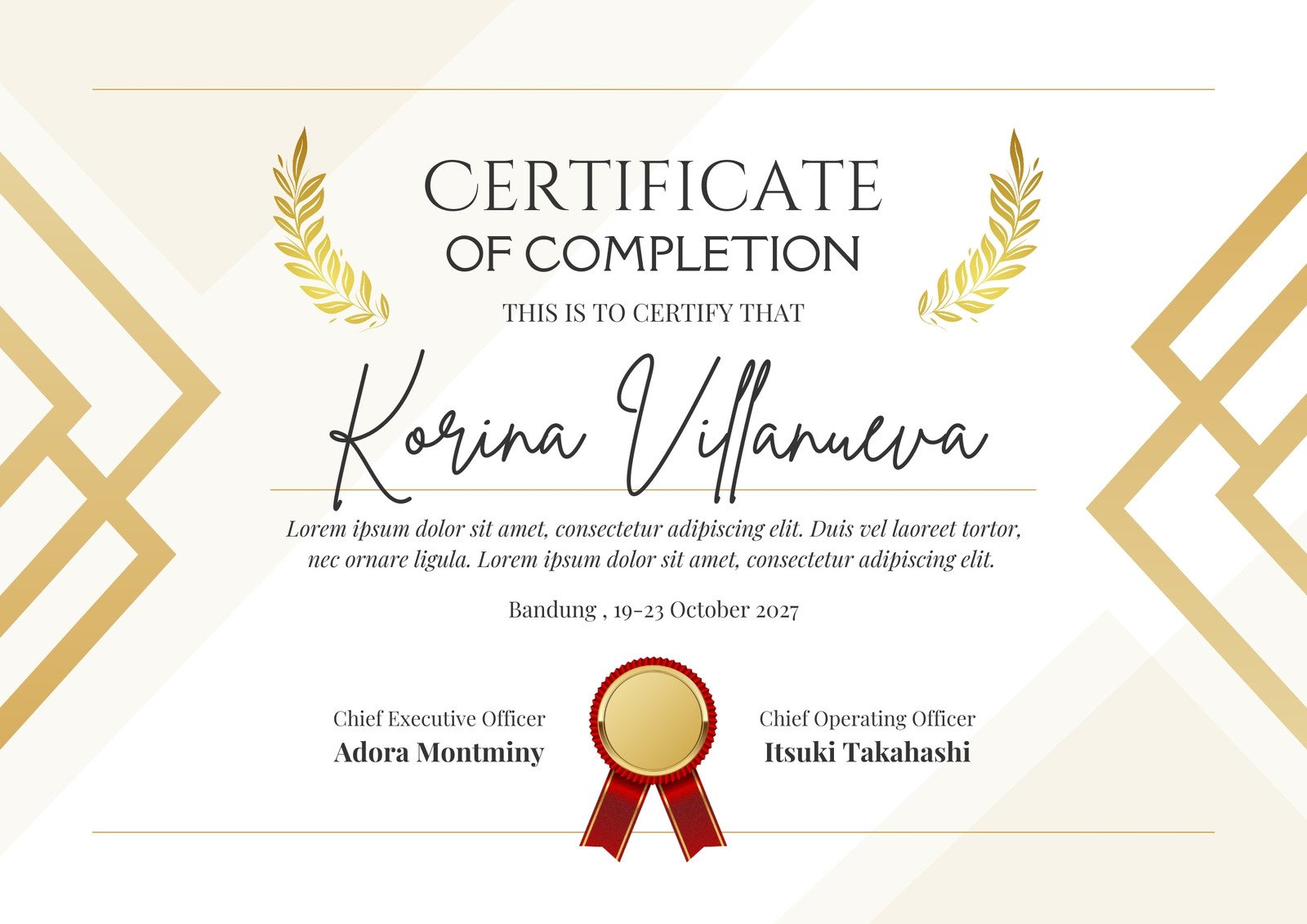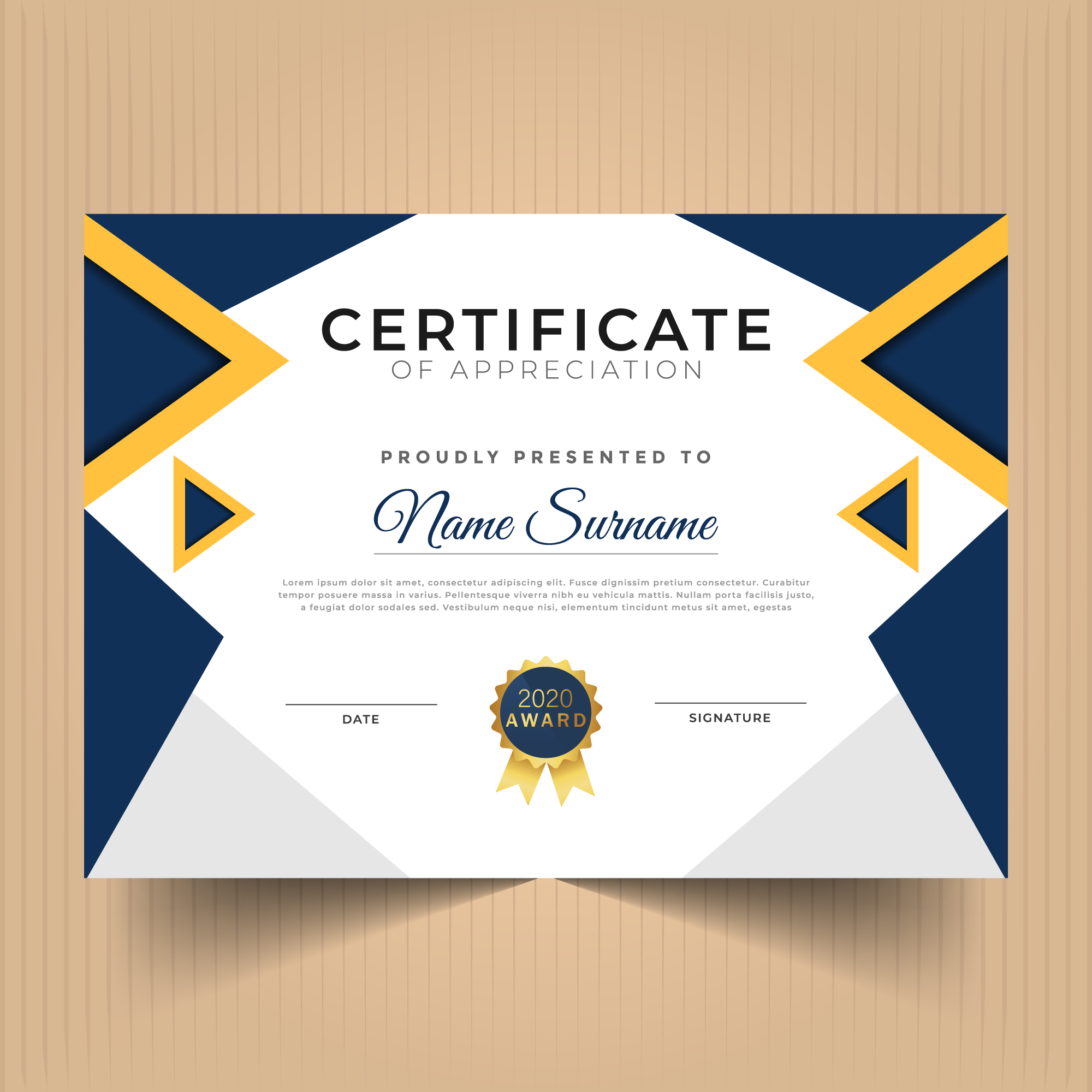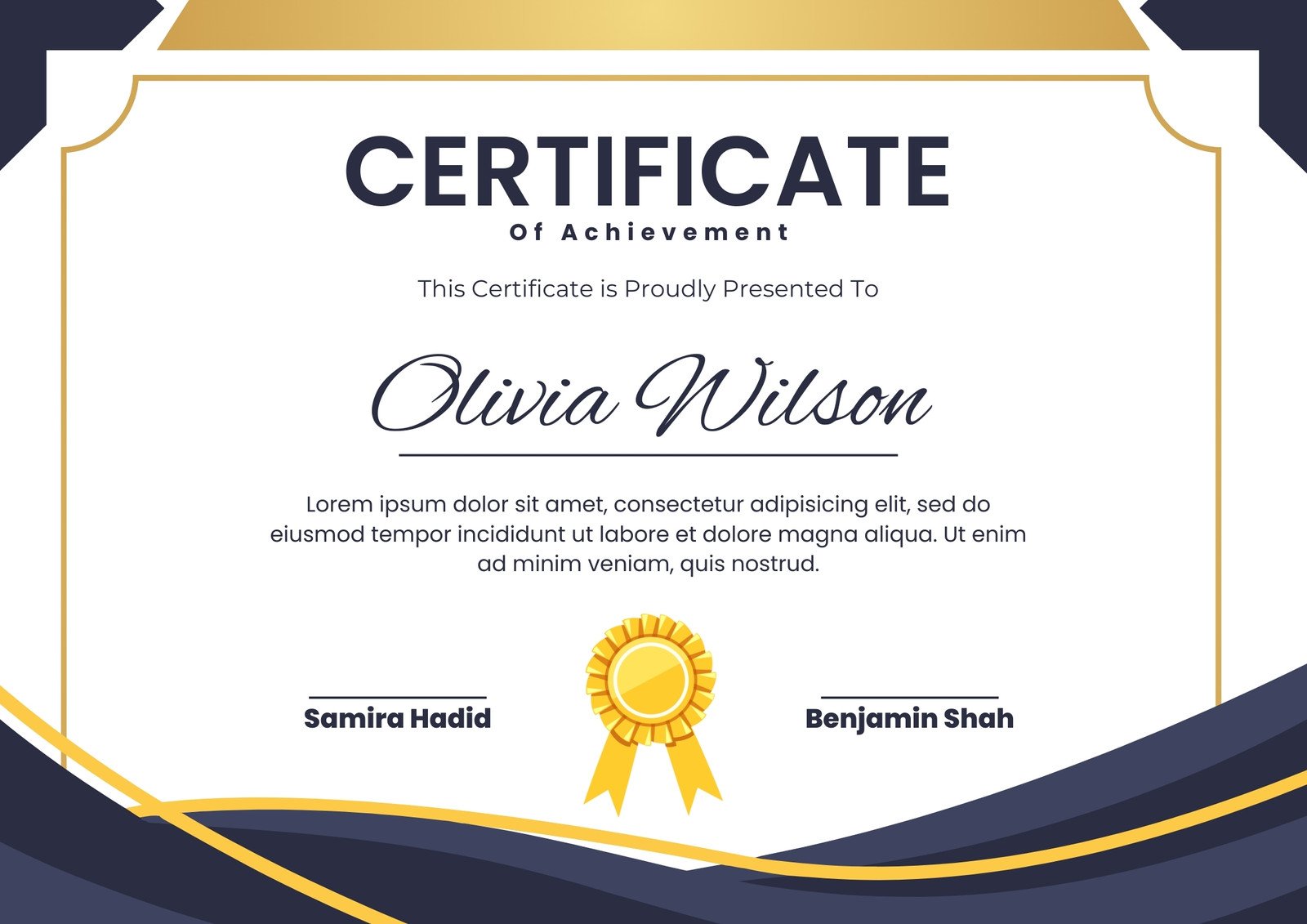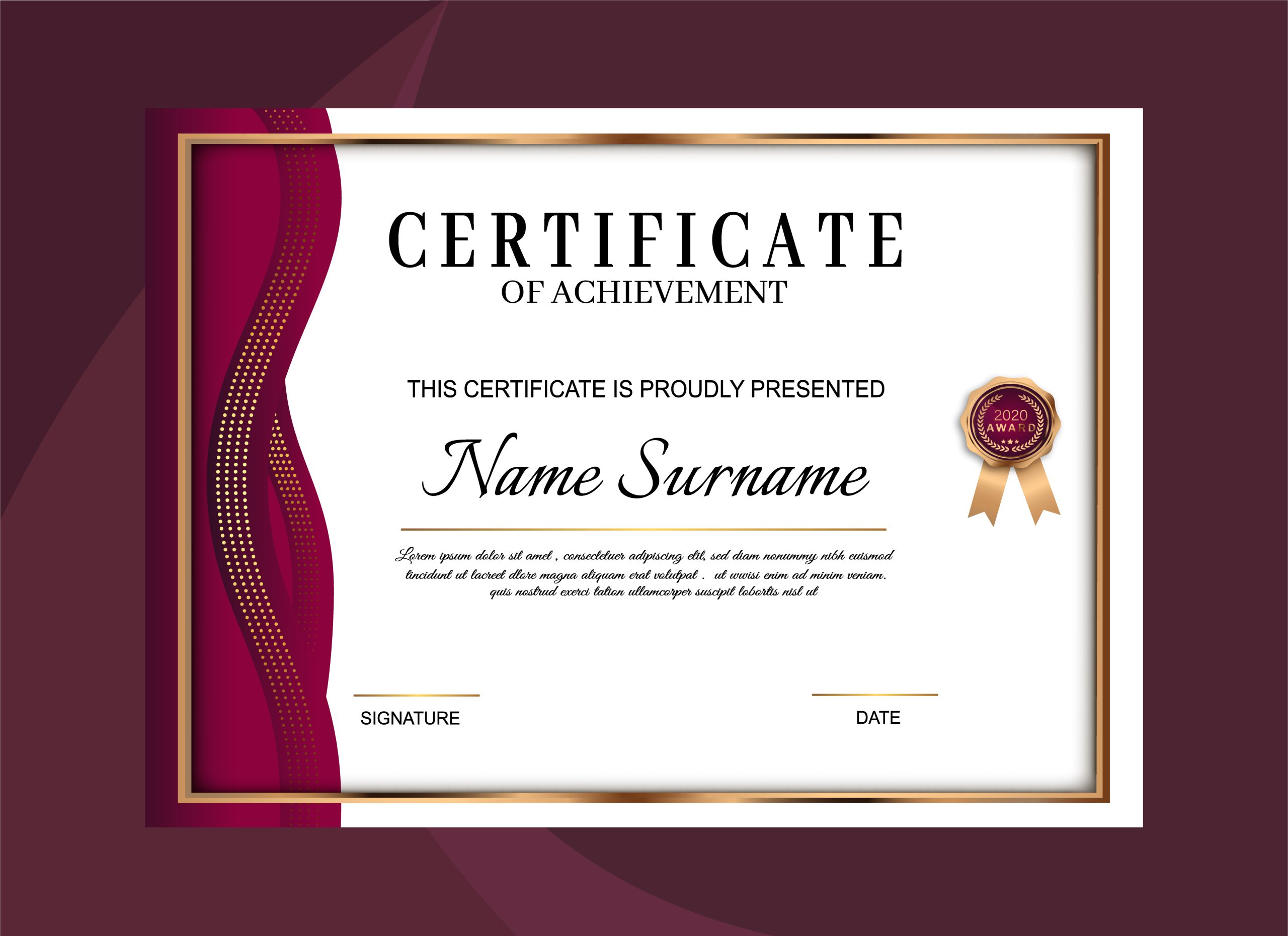
Sample Award Certificates Templates provide a ready‑made foundation for recognizing achievement, celebrating milestones, and reinforcing positive behavior across schools, workplaces, and community groups. Whether you’re a teacher awarding top students, a manager honoring outstanding employees, or an event organizer commemorating a special occasion, a well‑designed certificate instantly adds credibility and a sense of pride. This guide walks you through everything you need to know about selecting, customizing, and printing award certificates that look professional, feel personal, and leave a lasting impression.
Why Use Sample Award Certificates Templates?
Instant Professionalism
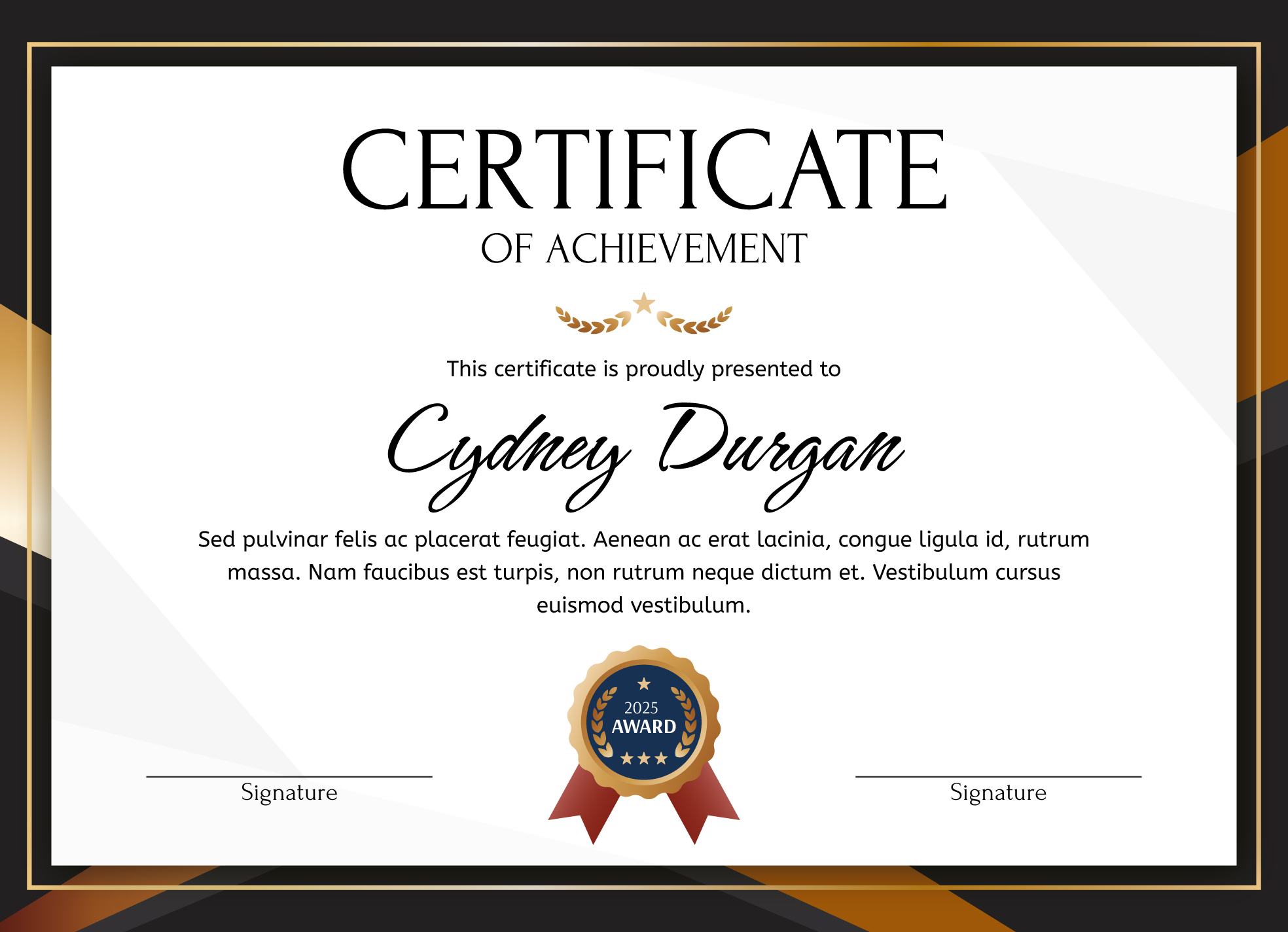
Templates are crafted by graphic designers who understand typography, color theory, and layout balance. By starting with a pre‑designed file, you avoid the trial‑and‑error stage of creating a design from scratch, ensuring the final product looks polished and trustworthy.
Time and Cost Efficiency
Designing a certificate can take hours, especially if you’re not familiar with design software. A template reduces that time to minutes, allowing you to focus on the content of the award rather than the visual details. Most high‑quality templates are free or cost a fraction of a custom design commission.
Consistency Across Events
When you use a consistent template family for different events, participants instantly recognize the branding and understand the significance of the award. This uniformity builds a cohesive identity for your organization or institution.
Easy Customization
Modern templates are built in editable formats such as Microsoft Word, Google Docs, Canva, or Adobe Photoshop. You can swap text, logos, and colors with a few clicks, making each certificate unique while retaining the core design.
Types of Award Certificate Templates
Academic Certificates
Schools and universities often need certificates for honor rolls, perfect attendance, and graduation. Academic templates typically feature elegant serif fonts, subtle borders, and muted color palettes that convey prestige without being overly flashy.
Corporate Recognition
Businesses award certificates for employee of the month, sales milestones, and years of service. Corporate designs favor clean lines, bold headings, and corporate colors that align with brand guidelines. Including a company logo adds authenticity.
Sports and Recreation
Team coaches and league organizers rely on sporty templates that incorporate dynamic graphics such as shields, ribbons, or trophies. Bright, energetic colors help convey the excitement of competition.
Community and Volunteer Awards
Non‑profits and community groups celebrate volunteers, donors, and local heroes. Templates in this category often include warm, inviting imagery like hands, hearts, or community silhouettes, paired with friendly, approachable fonts.
Creative and Artistic Honors
For art contests, writing competitions, or theater productions, templates may feature decorative flourishes, brushstroke accents, or themed illustrations that reflect the creative nature of the award.
How to Choose the Right Template
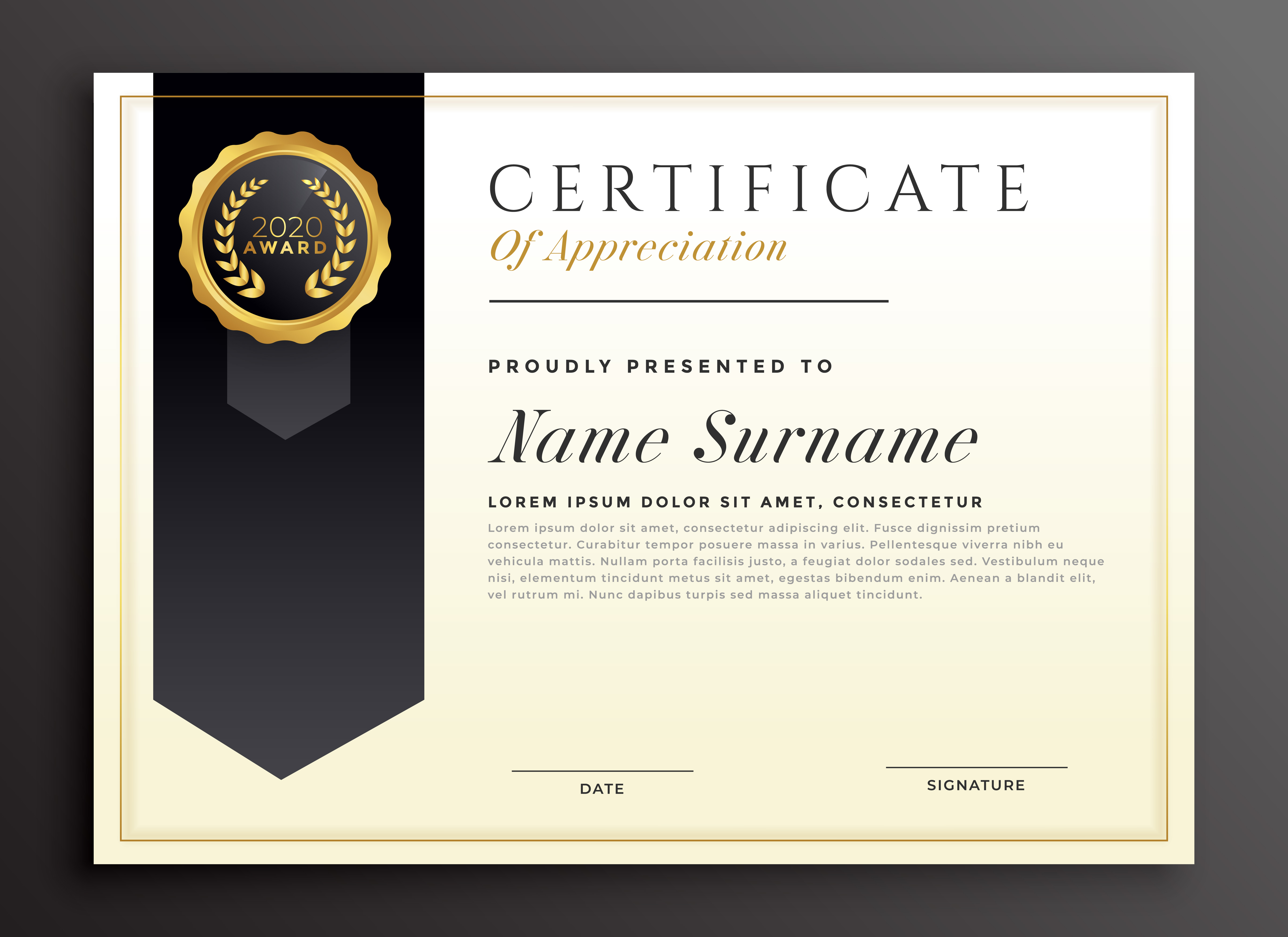
Identify the Award’s Purpose
Start by clarifying what the award celebrates. An academic excellence award calls for a formal, dignified look, whereas a “Best Team Player” award in a sports league may benefit from a more vibrant, energetic design.
Match Your Brand Colors
Incorporate your organization’s primary and secondary colors to reinforce brand identity. Many template libraries let you easily adjust the color palette, so you can stay on‑brand without hiring a designer.
Consider the Recipient Demographic
Certificates for children often use larger fonts, playful icons, and brighter colors, while certificates for senior professionals should lean toward classic typography and subdued tones.
Check the File Format Compatibility
Make sure the template is available in a format you can edit. Word and Google Docs are user‑friendly for most people, while Photoshop or Illustrator files are ideal for designers seeking pixel‑perfect control.
Look for Editable Elements
Templates that label placeholders (e.g., “Recipient Name,” “Date”) make the customization process smoother. Some templates even include pre‑built text styles for headings, subheadings, and body text.
Customizing Your Template for Maximum Impact
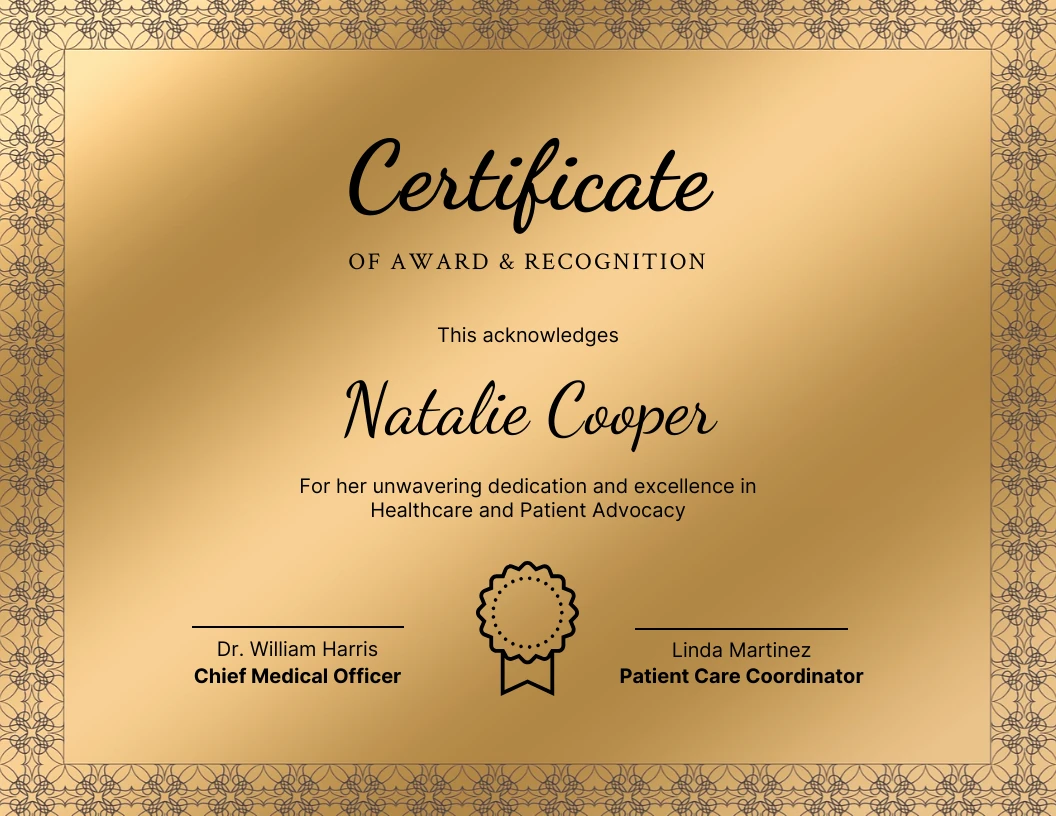
Personalize the Text
Replace generic placeholders with specific details: the recipient’s full name, the exact achievement, and the date of presentation. Use active language like “Awarded for outstanding leadership in project X.”
Insert Logos and Seals
Adding an official logo or seal adds legitimacy. Place the logo in the top‑left or top‑center position, and consider a watermark seal behind the text for a subtle security feature.
Adjust Font Hierarchy
Use a larger, bold font for the recipient’s name, a slightly smaller font for the award title, and an even smaller font for the descriptive line. This visual hierarchy guides the reader’s eye naturally.
Incorporate Meaningful Graphics
Enhance the design with icons that reflect the award’s theme—a graduation cap for academic honors, a trophy for sports, or a lightbulb for innovation awards. Ensure graphics are vector‑based for crisp printing.
Choose the Right Color Scheme
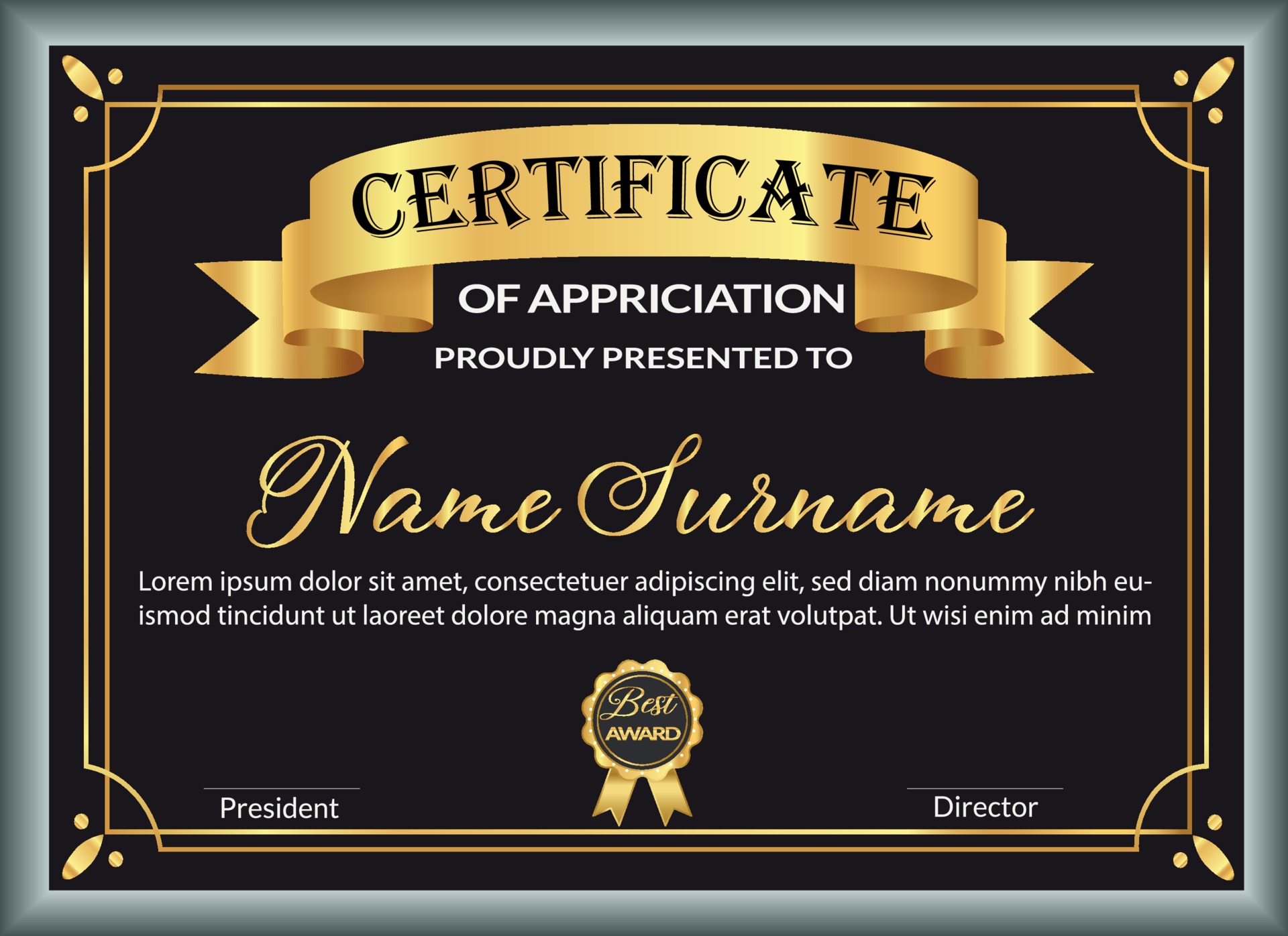
Contrast is key. Dark text on a light background ensures readability. If you opt for a dark background, use light or metallic text colors (gold, silver) for a premium feel.
Proofread Thoroughly
Even a single typo can diminish the perceived value of the award. Double‑check spelling of names, titles, and dates. If possible, have a second person review the certificate before finalizing.
Where to Find High‑Quality Free Templates
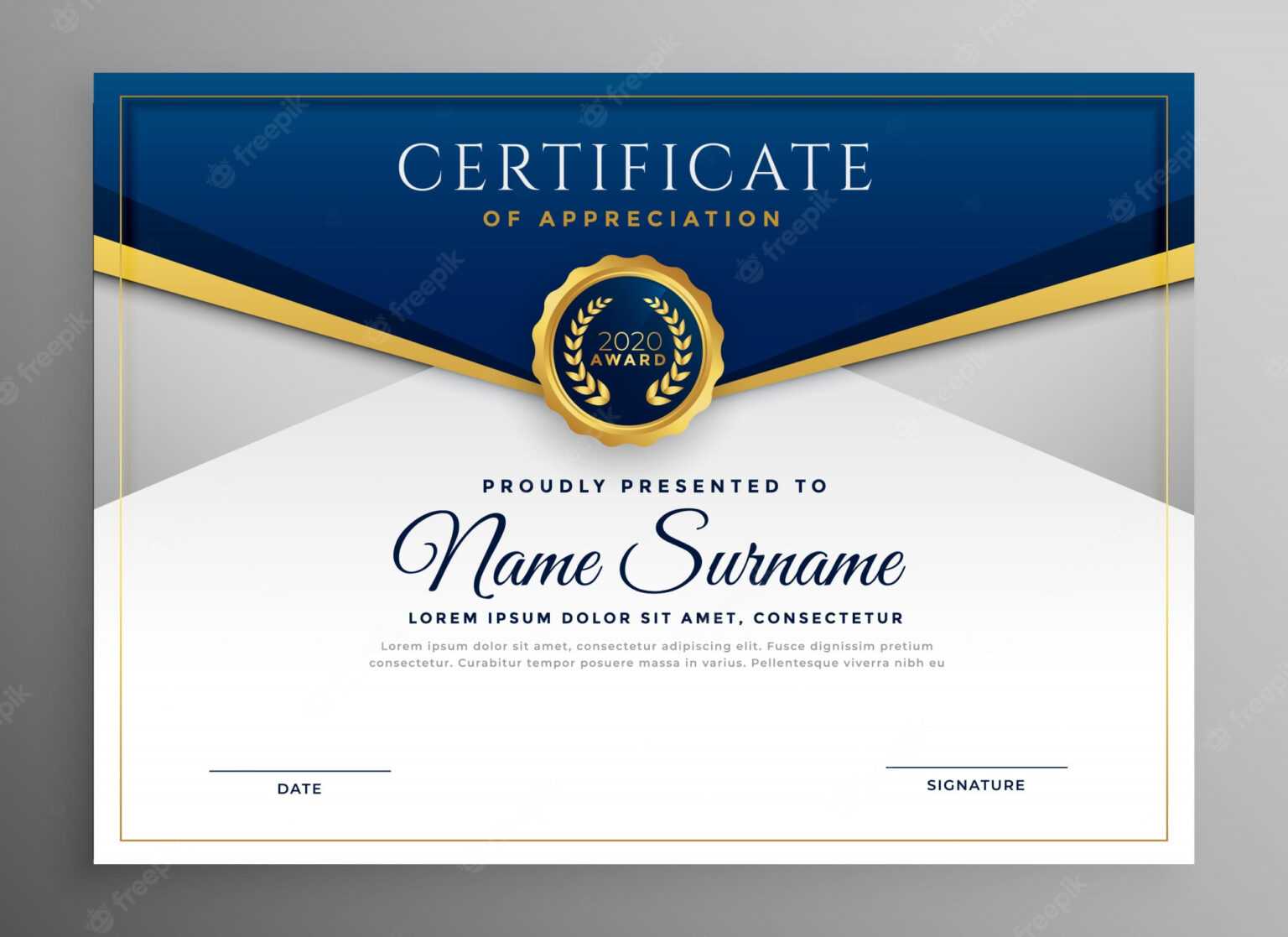
Several reputable platforms offer free, downloadable award certificate templates that meet professional standards. Look for sites that provide files in multiple formats, clear licensing terms, and a variety of styles. A quick search for “free award certificate template” will reveal options ranging from minimalist designs to ornate, decorative layouts.
Template Libraries with Search Filters
Many template repositories allow you to filter by category (academic, corporate, sports), color scheme, and file type, making it easy to locate a design that matches your exact needs.
Community‑Driven Design Resources
Graphic design forums and community sites often share user‑created templates that are free to use with attribution. These can be a treasure trove of unique designs not found on mainstream sites.
Using Canva’s Free Offerings
Canva provides a vast library of award certificate templates that you can edit directly in the browser. The platform’s drag‑and‑drop interface is intuitive, and you can download the final design as a PDF, PNG, or JPG.
Best Practices for Printing and Presentation

Select the Right Paper Stock
Choose heavyweight, acid‑free paper (typically 80‑100 lb) for a tactile, premium feel. Textured or linen‑finish paper adds a subtle elegance that cheap stock cannot replicate.
Use High‑Resolution Settings
Export your final design as a PDF with at least 300 dpi resolution. This ensures crisp text and sharp graphics, especially important for intricate borders and fine details.
Consider Embossing or Foil Stamping
For high‑profile awards, embossing or foil stamping the recipient’s name or a logo adds a tactile element that elevates the certificate’s perceived value.
Frame or Mount the Certificate
Presenting a certificate in a simple frame or mounting it on a board protects it from damage and makes it ready for display. Choose a frame color that complements the design without overwhelming it.
Maintain Consistency in Orientation
Always print certificates in the orientation specified by the template (portrait or landscape). Changing orientation can distort layout elements and reduce visual impact.
Real‑World Examples and Success Stories
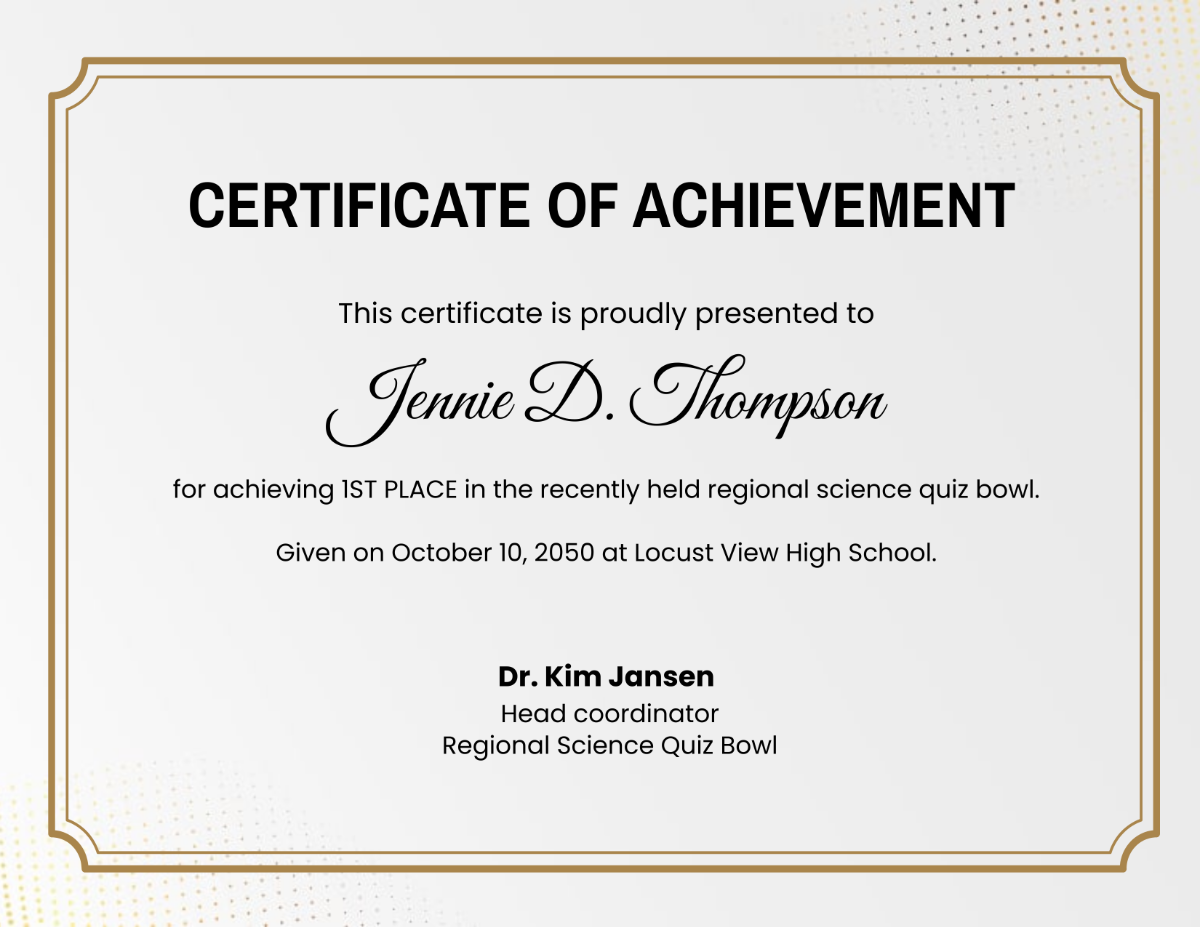
Several schools have reported a 20 % increase in student motivation after adopting a unified set of award certificates with vibrant colors and personalized messages. In a corporate setting, a mid‑size tech firm switched to custom‑branded certificates and saw employee recognition program participation double within six months. Sports leagues that introduced themed certificates featuring team colors reported higher player satisfaction scores, with athletes citing “feeling truly valued” as a key outcome.
Case Study: Academic Excellence Program
A district-wide academic excellence program implemented a single award certificate template across 15 schools. By customizing each certificate with the school’s logo and the student’s name, administrators reduced design time by 75 % and saved $2,000 in design costs annually. The uniform look also reinforced the program’s credibility, leading to higher student enrollment in advanced courses.
Case Study: Employee Milestone Recognition
A financial services firm adopted a sleek, gold‑accented certificate template for five‑year service awards. The template was edited in Google Docs, allowing managers to generate certificates on demand. Employee surveys indicated a 30 % boost in perceived appreciation, and the firm noted a measurable reduction in turnover among long‑tenured staff.
Frequently Asked Questions

Can I edit a PDF template?
While PDFs are generally final‑output formats, many PDF editors (such as Adobe Acrobat) let you edit text fields if the template was designed with editable fields. However, for full design flexibility, it’s easier to start with a Word, Canva, or Photoshop version.
Do I need special software to customize templates?
No. Most award certificate templates are available in user‑friendly formats like Microsoft Word, Google Docs, or Canva, which require only basic computer skills. Advanced designers may prefer Photoshop or Illustrator for pixel‑perfect control.
What is the ideal size for a certificate?
The most common sizes are 8.5 × 11 in (letter) and 11 × 14 in (legal). Choose a size that fits standard frames and matches the amount of content you need to display.
How can I protect my certificates from forgery?
Incorporate subtle security features such as watermarks, micro‑text, or a unique serial number. Embossed seals and foil accents also make it difficult to replicate the certificate without specialized equipment.
Conclusion

Choosing the right Sample Award Certificates Templates and tailoring them to your specific context can transform a simple piece of paper into a powerful symbol of achievement. By understanding the different template types, selecting a design that aligns with your brand and audience, and following best practices for customization, printing, and presentation, you ensure that each award feels personal, prestigious, and memorable. Whether you’re honoring a student, an employee, an athlete, or a community volunteer, a well‑designed certificate reinforces the value of hard work and inspires future excellence. Start exploring reputable template libraries today, apply the customization tips outlined above, and watch the impact of your recognition program soar.