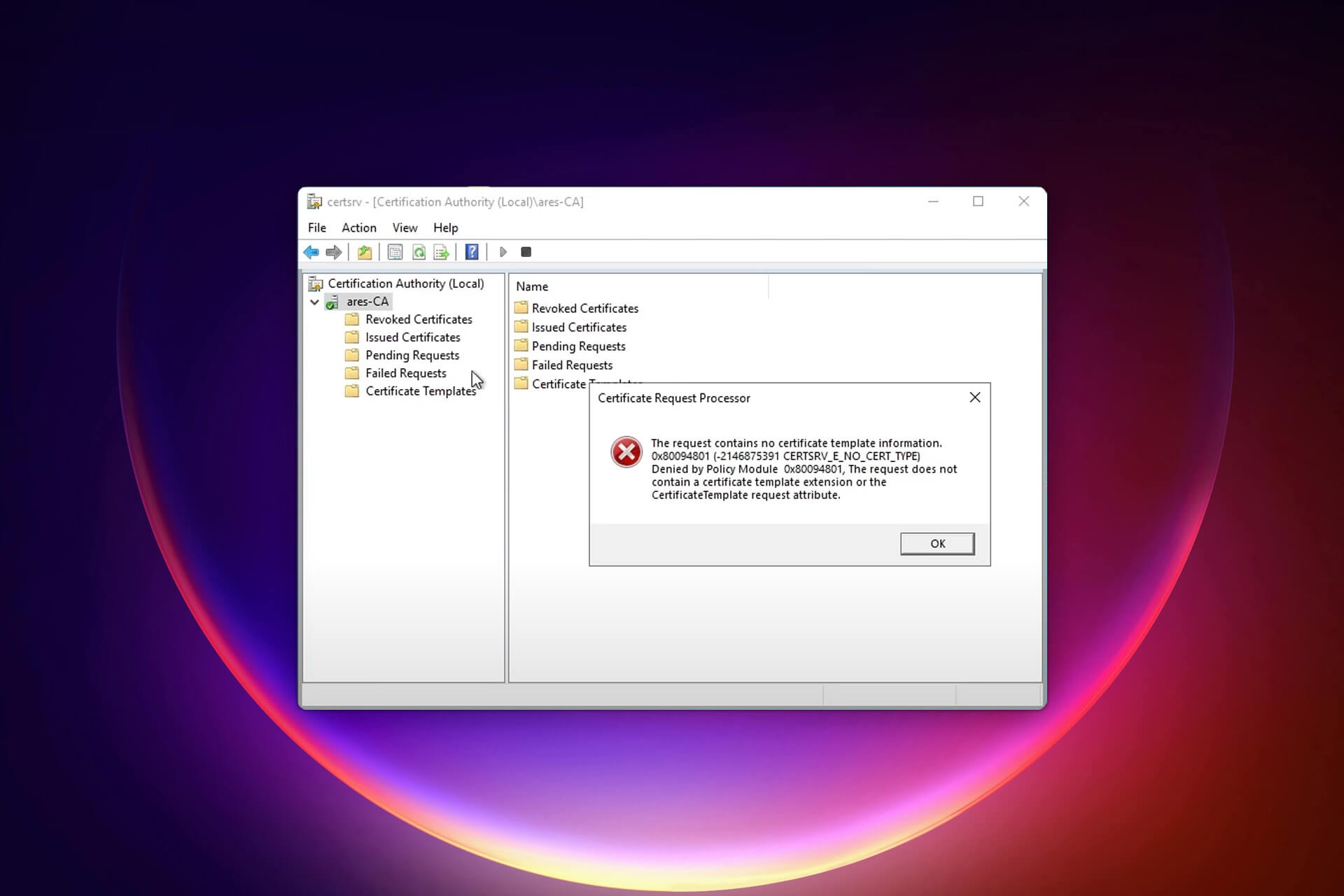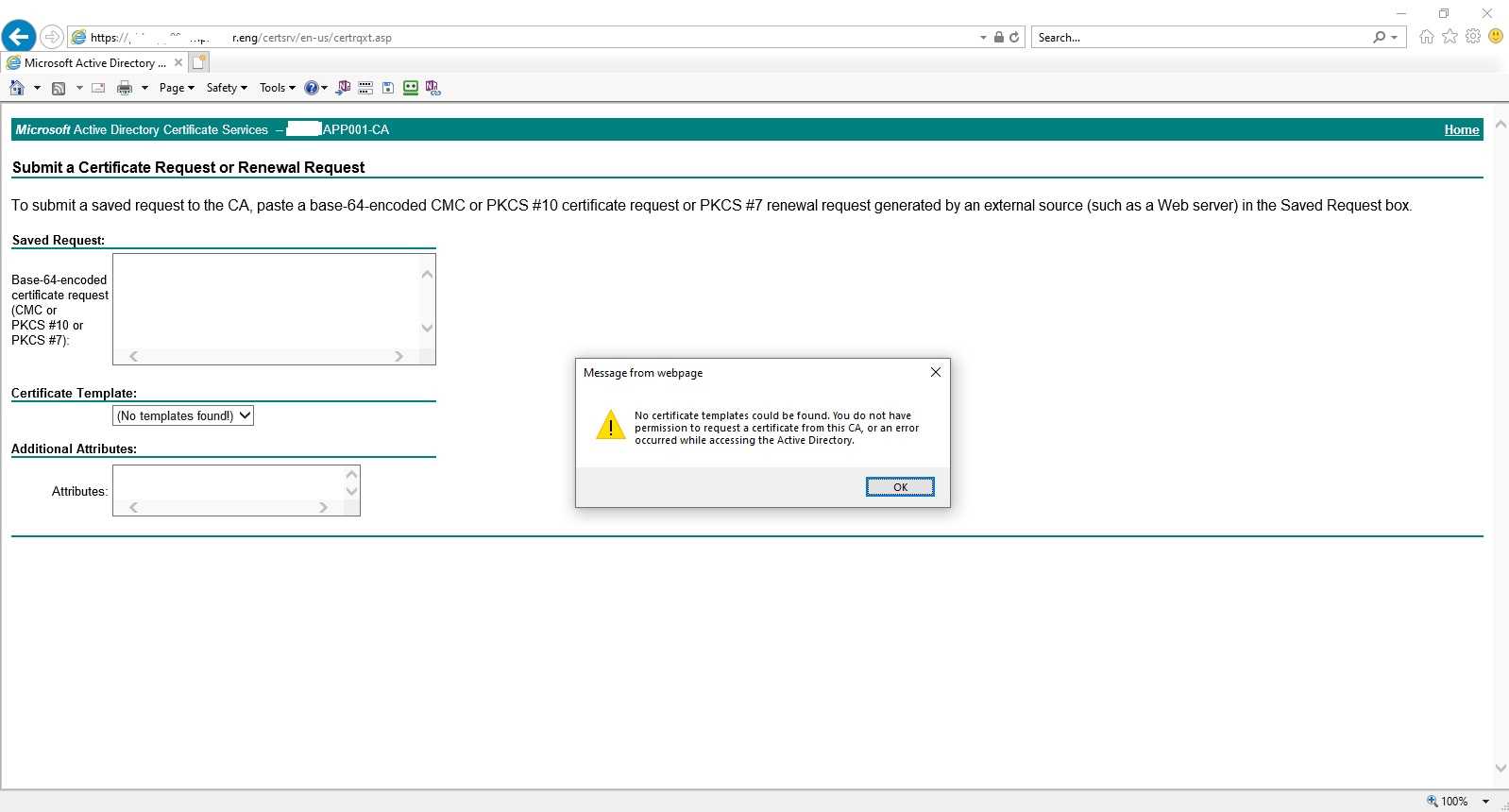
No Certificate Templates Could Be Found is a frustrating error that often surfaces when you attempt to issue a digital certificate through Microsoft’s Certificate Authority (CA) or when you try to access a template repository from a networked Windows environment. In the context of modern enterprise security, certificate templates are the backbone of Public Key Infrastructure (PKI), providing a reusable framework for issuing certificates that satisfy various authentication and encryption requirements. When this error appears, it usually signals a deeper issue: a misconfiguration, an access permission problem, or an architectural flaw that could compromise the entire certificate lifecycle.
Understanding the Role of Certificate Templates
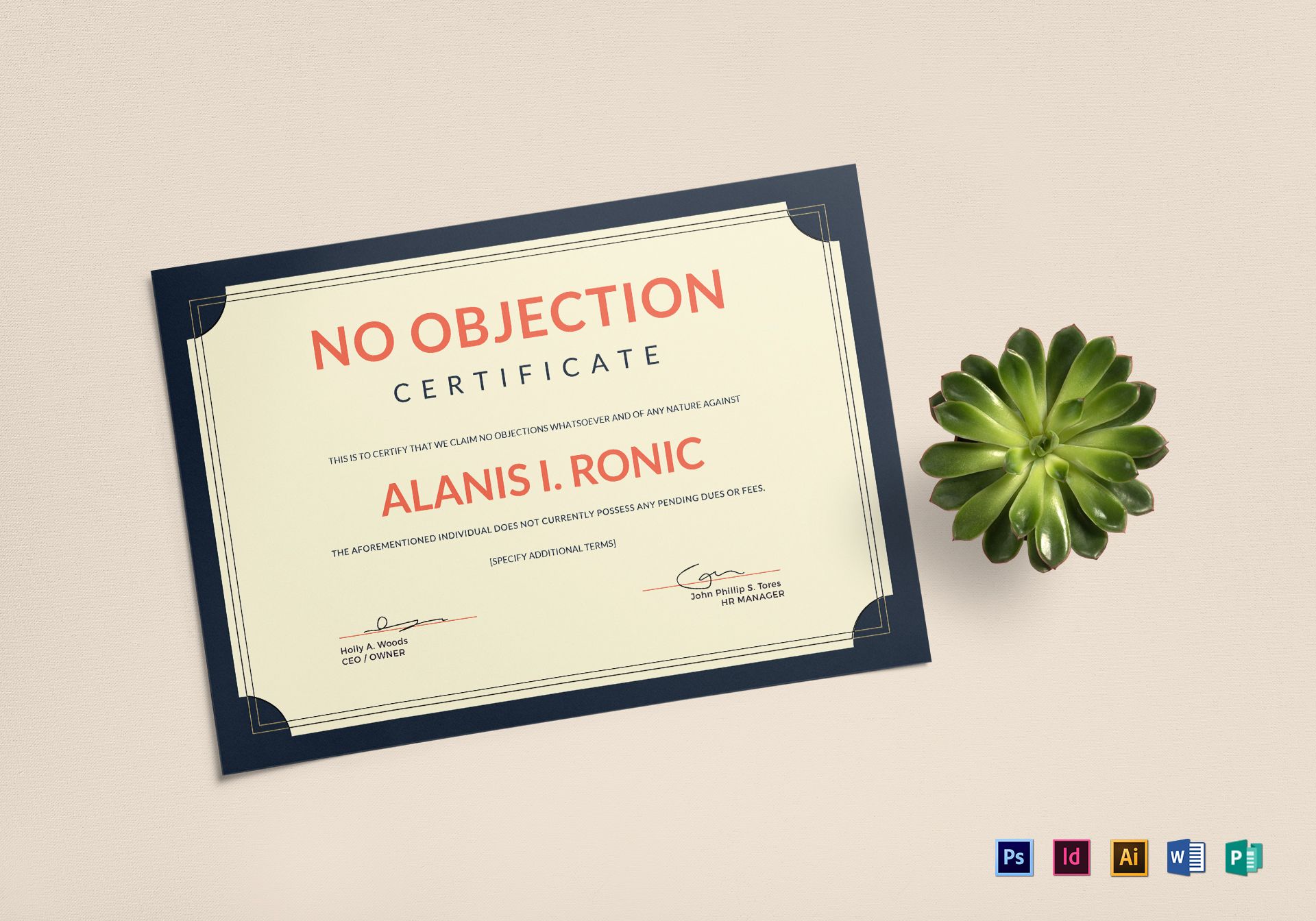
Certificate templates define the properties of the certificates that will be issued. They specify the cryptographic algorithm, validity period, intended usage (such as email protection, client authentication, or code signing), and the permissions that govern who can enroll for the certificate. Without these templates, a CA cannot generate certificates that match an organization’s security policies.
Why Templates Matter in an Asian Business Environment
Asian enterprises often operate across multiple jurisdictions with varying compliance requirements. A well‑structured template system ensures that certificates meet local data‑privacy laws—such as Japan’s Act on the Protection of Personal Information—or regional standards like the EU’s GDPR. By centralizing template management, companies can quickly adapt to regulatory changes and maintain consistency across global branches.
Typical Use Cases for Certificate Templates
- Enterprise VPN access for remote workers
- Secure email via S/MIME for client communications
- SSL/TLS certificates for intranet web services
- Code signing for internal software releases
- Smart card authentication for high‑level employee access
Diagnosing “No Certificate Templates Could Be Found”

Before jumping to a fix, you must identify where the failure originates. Common symptoms include:
- CA Management Console displays an empty template list
- Group Policy Objects (GPOs) referencing templates fail to apply
- Certificate Enrollment web portals return “error 500” or “template not found” messages
Step 1: Verify CA Configuration
Open the Certification Authority console on the CA server and check the following:
- Navigate to Certificate Templates and confirm that the template node exists.
- Right‑click the CA and choose Properties → Private Key tab to verify that the CA can access its private key.
- Under Security, ensure that the appropriate groups (e.g., Enterprise Admins, Certificate Template Admins) have Read permissions for the template store.
Step 2: Check Active Directory Replication
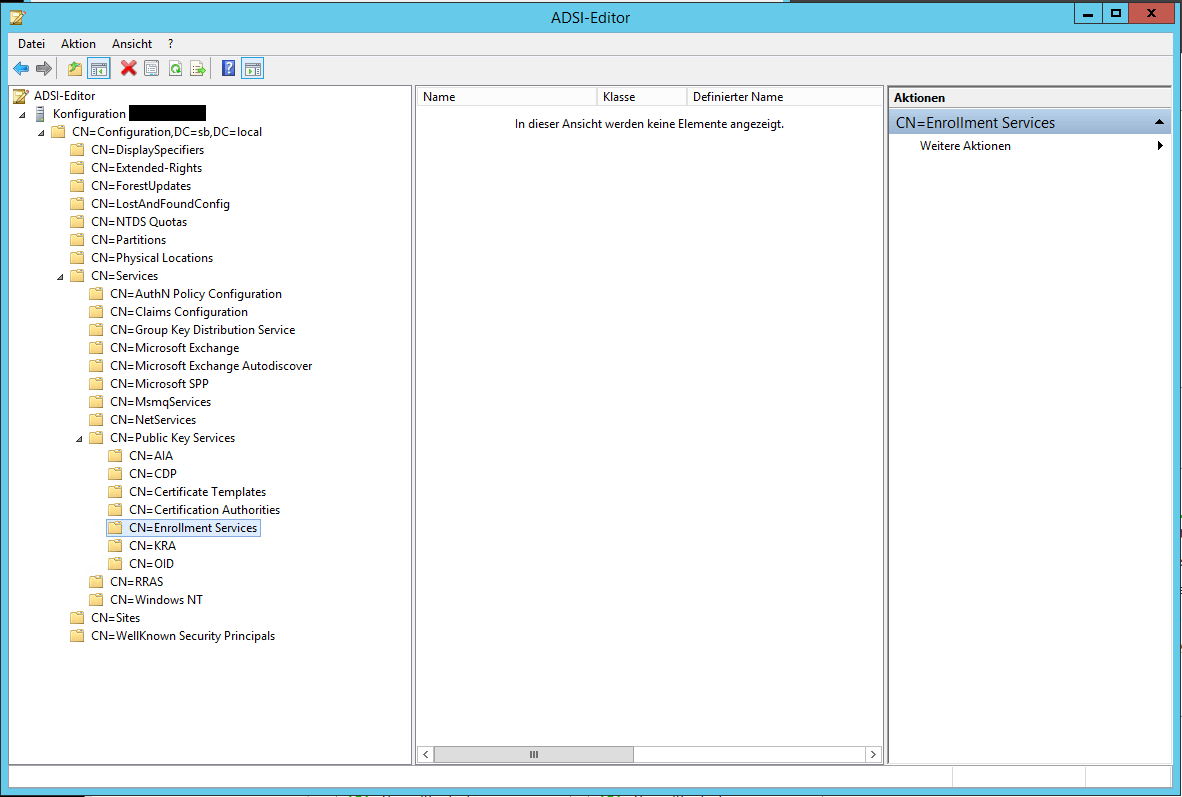
Certificate templates are stored in Active Directory’s CN=Public Key Services,CN=Services container. If replication between domain controllers fails, some nodes may not see the templates. Run repadmin /replsummary to inspect replication health and use ntdsutil to force replication if necessary.
Step 3: Inspect Group Policy Configuration
Group Policy settings may reference template names that no longer exist or have been renamed. Open the Group Policy Management console, locate the relevant GPO, and verify that the Certificate Services Client – Autoenrollment settings point to valid template names. A typo or outdated reference will cause the “no templates” error during enrollment.
Step 4: Review File System Permissions
If the CA is installed on a shared file system or if the template database resides on a network share, incorrect NTFS permissions can prevent the CA service from accessing the template definitions. Make sure the CA’s system account (e.g., LOCAL SERVICE or domain service account) has at least Read permissions on the template folder.
Common Causes and Their Fixes
1. Deleted or Missing Templates
Occasionally, admins accidentally delete templates during cleanup or migration. To recover:
- Use the certtmpl.msc console to create a new template with the same name and properties.
- Re‑assign the new template to the CA by right‑clicking the CA, selecting New → Certificate Template to Issue, and picking the restored template.
- Ensure that the template is published in the CA’s template store.
2. Permission Misconfigurations
When the CA’s service account lacks read permissions to the template store in AD, enrollment will fail.
- Open the Active Directory Users and Computers console.
- Enable Advanced Features → navigate to CN=Public Key Services,CN=Services.
- Right‑click the template container, choose Properties → Security, and grant Read to the CA’s account.
3. Incompatible CA Versions
When migrating from an older Windows Server version (e.g., Server 2008) to a newer one (e.g., Server 2019), template compatibility issues can arise. Use the certtmpl.msc export/import functionality to migrate templates between versions, ensuring that the Template Version is set to a compatible value.
4. Faulty Certificate Enrollment Services (CES)
On Windows Server 2016 and newer, the CES handles enrollment requests. If the CES service is stopped or misconfigured, templates may not load:
- Open Services console.
- Verify that the Certificate Enrollment Web Service is running.
- Check the event logs for errors such as “Failed to load template store” and address based on the logged error codes.
Real‑World Scenario: A Southeast Asian Bank

Consider a multinational bank headquartered in Singapore that manages thousands of branch offices across Indonesia, Thailand, and Vietnam. The bank’s IT team relies on certificate templates to issue smart‑card certificates for ATM machines, secure email for executive communication, and TLS certificates for its intranet portals.
During a routine audit, the bank’s compliance team discovers that several branches report “No Certificate Templates Could Be Found” when attempting to enroll a new certificate for a branch server. Investigation reveals that the bank’s AD forest was recently upgraded, and the domain controllers in the Indonesian office were lagging behind in replication due to a network partition. Consequently, those controllers had an incomplete view of the template store.
To resolve the issue, the bank’s PKI specialists performed a targeted replication sync using repadmin /sync, re‑granted template read permissions, and re‑issued the template for all affected servers. They also added a fallback GPO that triggers a local template cache refresh on each server, ensuring that even in the event of temporary network failures, certificates could still be issued with minimal interruption.
Preventing Future Template Loss

1. Regular Backups of the Certificate Store
Use the certutil -backupdb command to back up the CA database and the template store daily. Store these backups offsite or in a secure cloud bucket with immutable retention policies.
2. Implement Strict Access Control Policies
Enforce the principle of least privilege on AD objects. Only allow Certificate Template Admins and Enterprise Admins to modify template permissions. Use auditing to log any changes to the template store.
3. Automate Template Verification
Deploy a lightweight PowerShell script that runs nightly, checks the presence of critical templates, and sends an email alert if any are missing or unpublished. A sample script snippet:
Get-CATemplate -CAName "PKI-Cert-CA" | Where-Object $_.TemplateName -notin @("WebServer","SmartCard") |
    ForEach-Object Send-MailMessage -To [email protected] -Subject "Missing Template" -Body $_.TemplateName
This proactive check eliminates manual oversight and speeds response times.
4. Maintain a Template Change Log
Document every template creation, modification, or deletion in a shared knowledge base. This log becomes invaluable during troubleshooting, especially when multiple administrators manage the PKI across different regions.
Advanced Troubleshooting Tips

Use the Certification Authority Console’s “Refresh” Feature
If the console appears frozen or templates seem missing, right‑click the CA node and select Refresh. This forces a reload of the template store and often resolves temporary glitches.
Check the Certificate Store Path in the CA’s Configuration File
The CA’s configuration is stored in %SystemRoot%\System32\Certsrv\CertEnroll\. Open the CA.msc file and confirm that the Template Store path points to the correct AD container. Misconfigurations here can redirect the CA to an empty or incorrect store.
Leverage the Certificate Management PowerShell Module
Modules such as PKI provide cmdlets like Get-CATemplate and Set-CATemplate for script‑based management. This allows for automated audit scripts that compare the live template list against a baseline configuration file.
Conclusion

The “No Certificate Templates Could Be Found” error is more than a minor hiccup; it is a signal that your PKI infrastructure may be in jeopardy. By understanding the central role of templates, systematically diagnosing common root causes, and implementing robust prevention strategies, organizations—particularly those spread across multiple Asian countries—can safeguard their digital identities and maintain compliance with stringent security standards.
Regularly backing up templates, enforcing strict access controls, automating verification processes, and keeping a detailed change log are essential practices that will keep your certificate lifecycle running smoothly. Remember that certificates are the invisible guardians of trust in modern IT, and protecting their source—the templates—is paramount for a resilient and secure enterprise ecosystem.