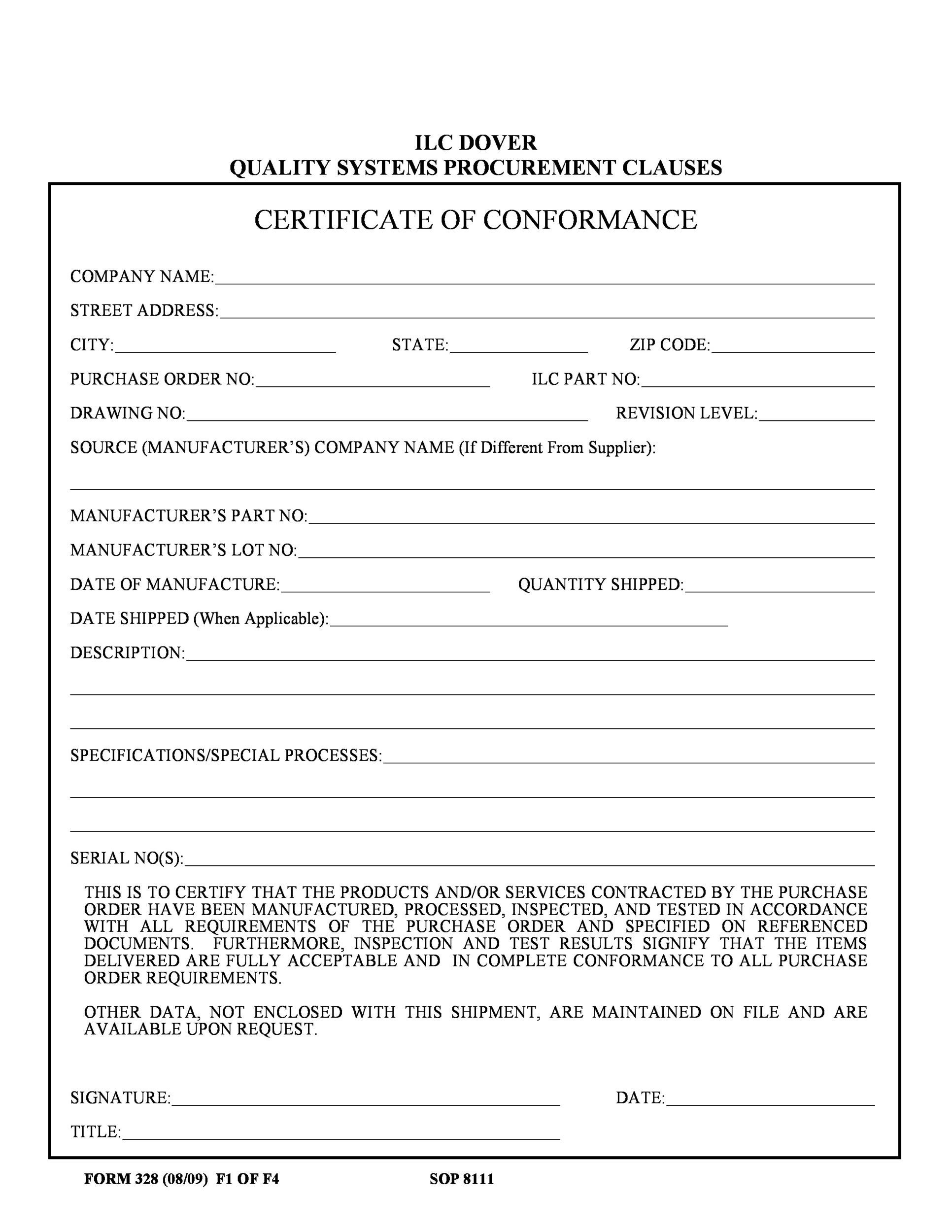
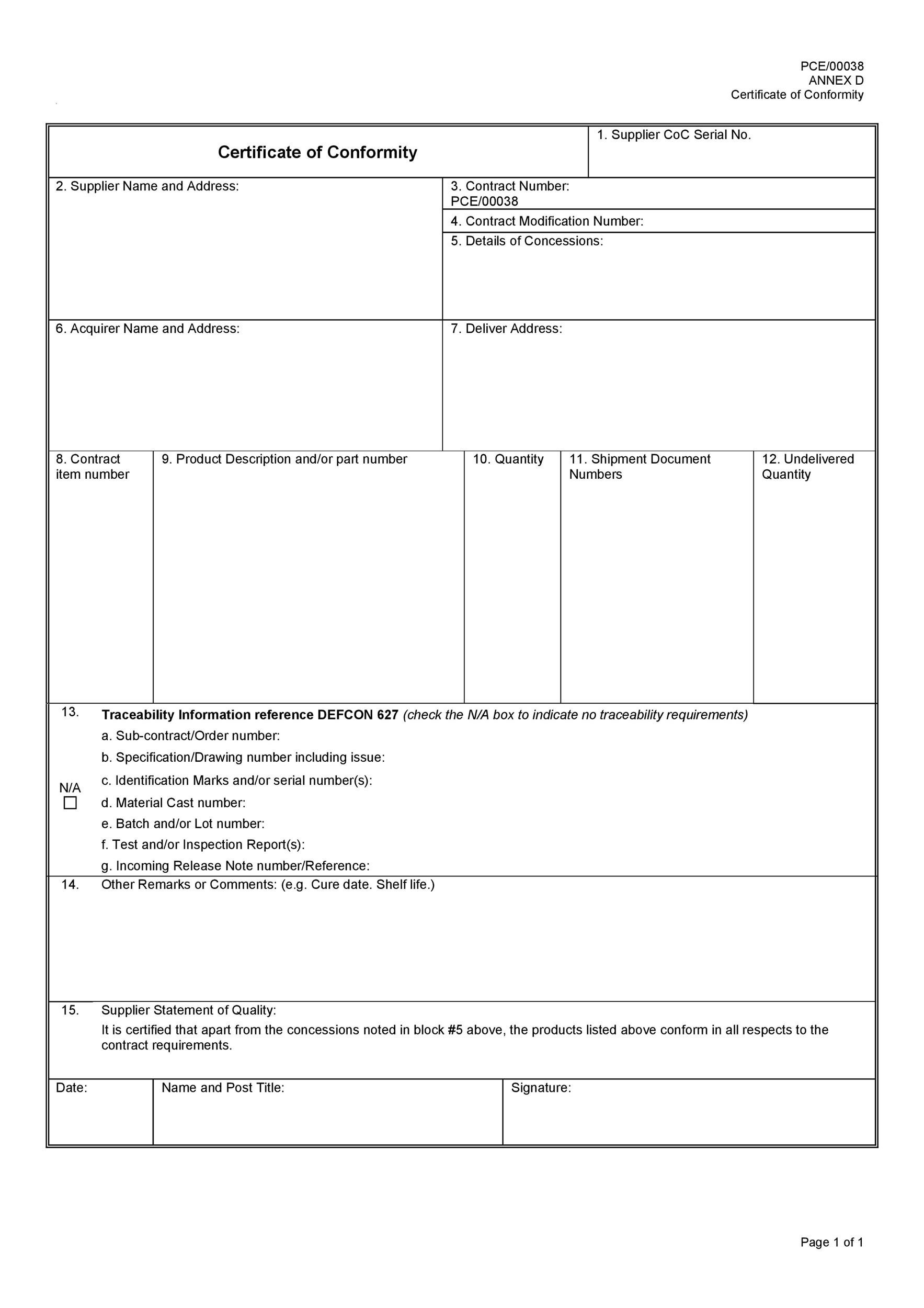
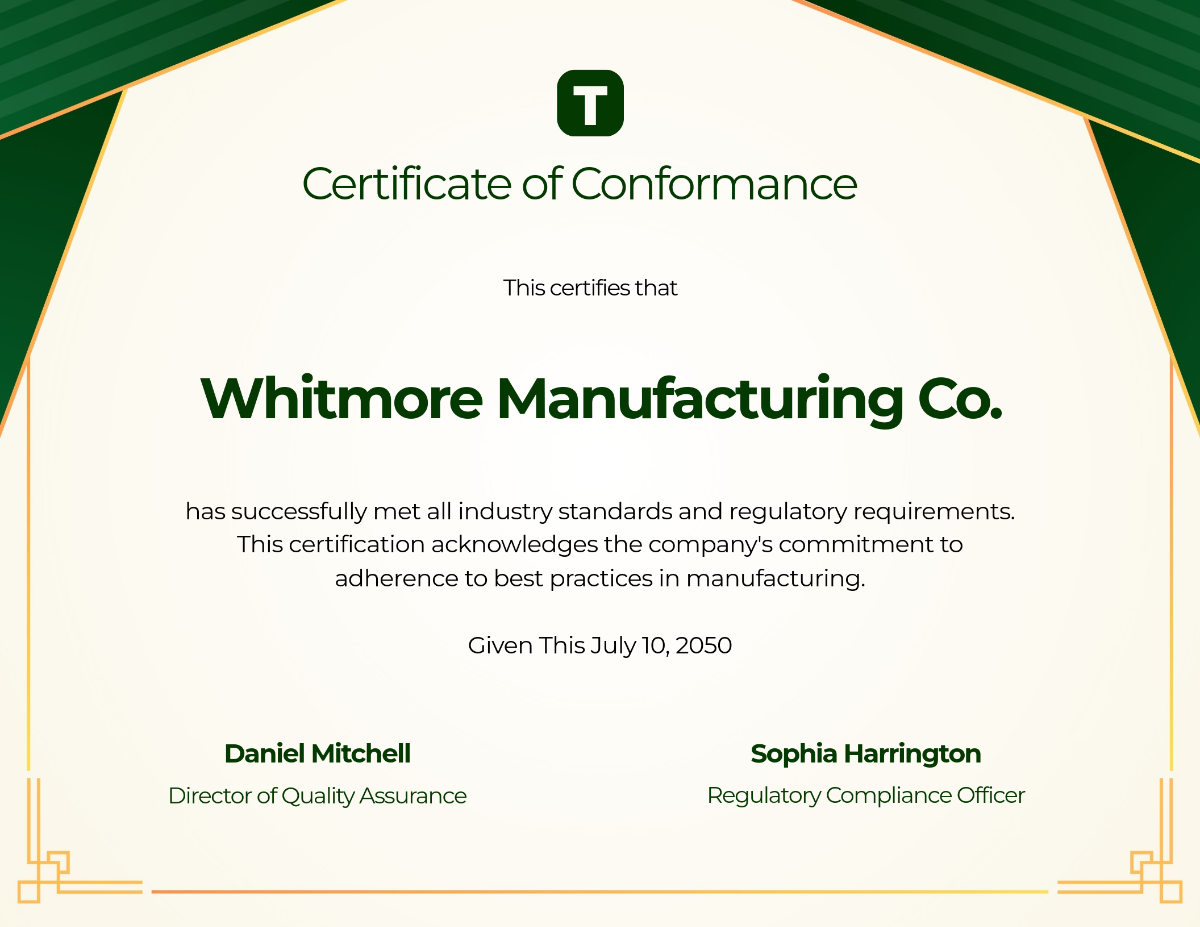
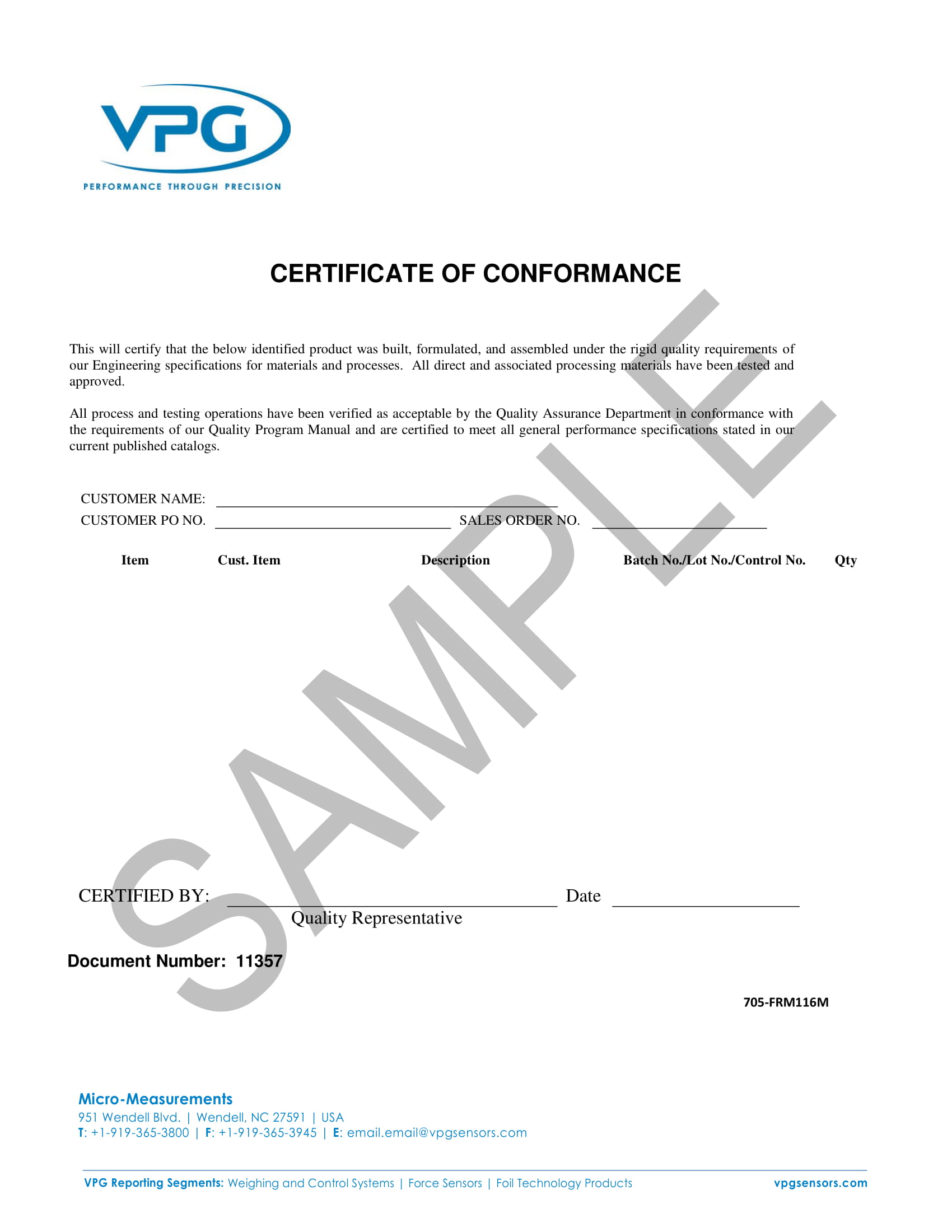
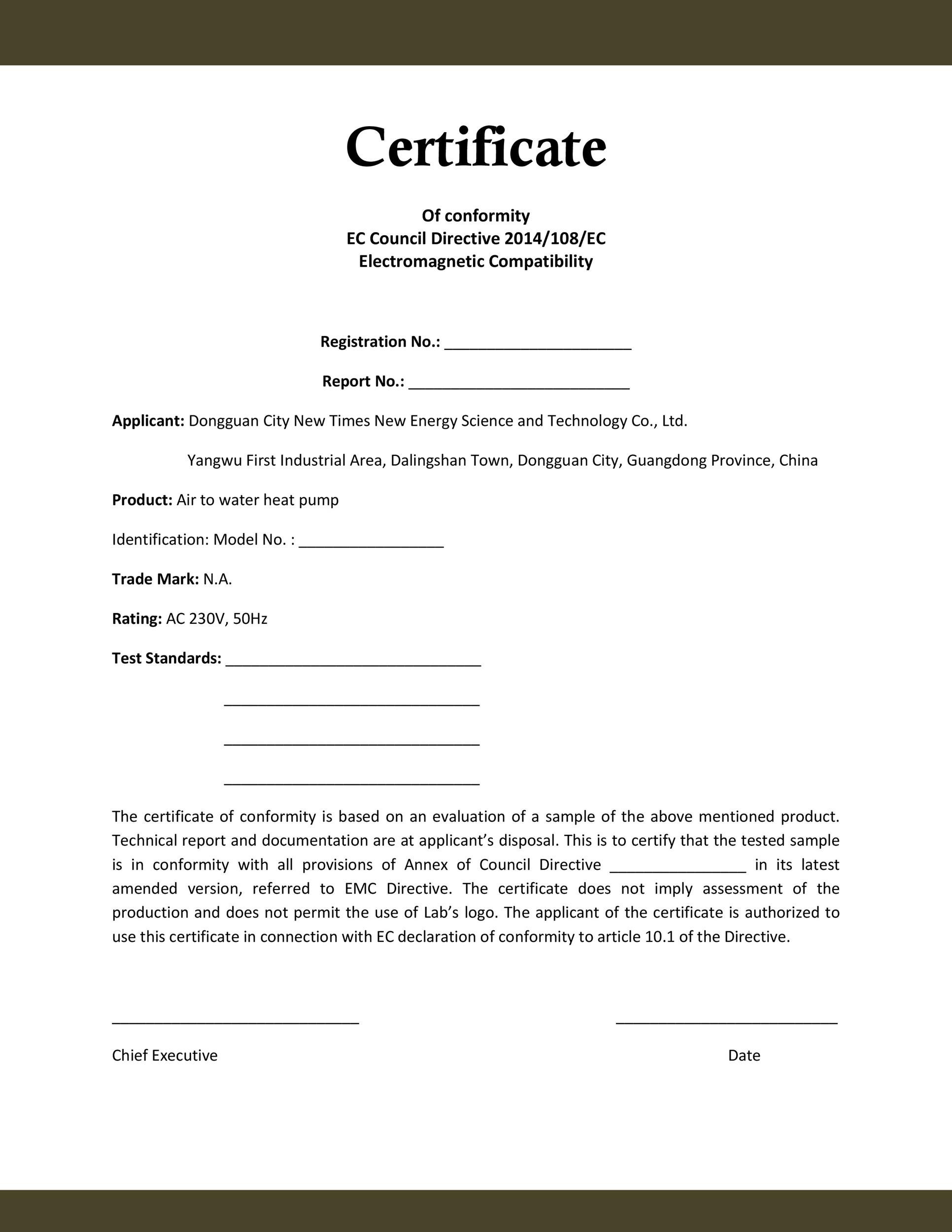
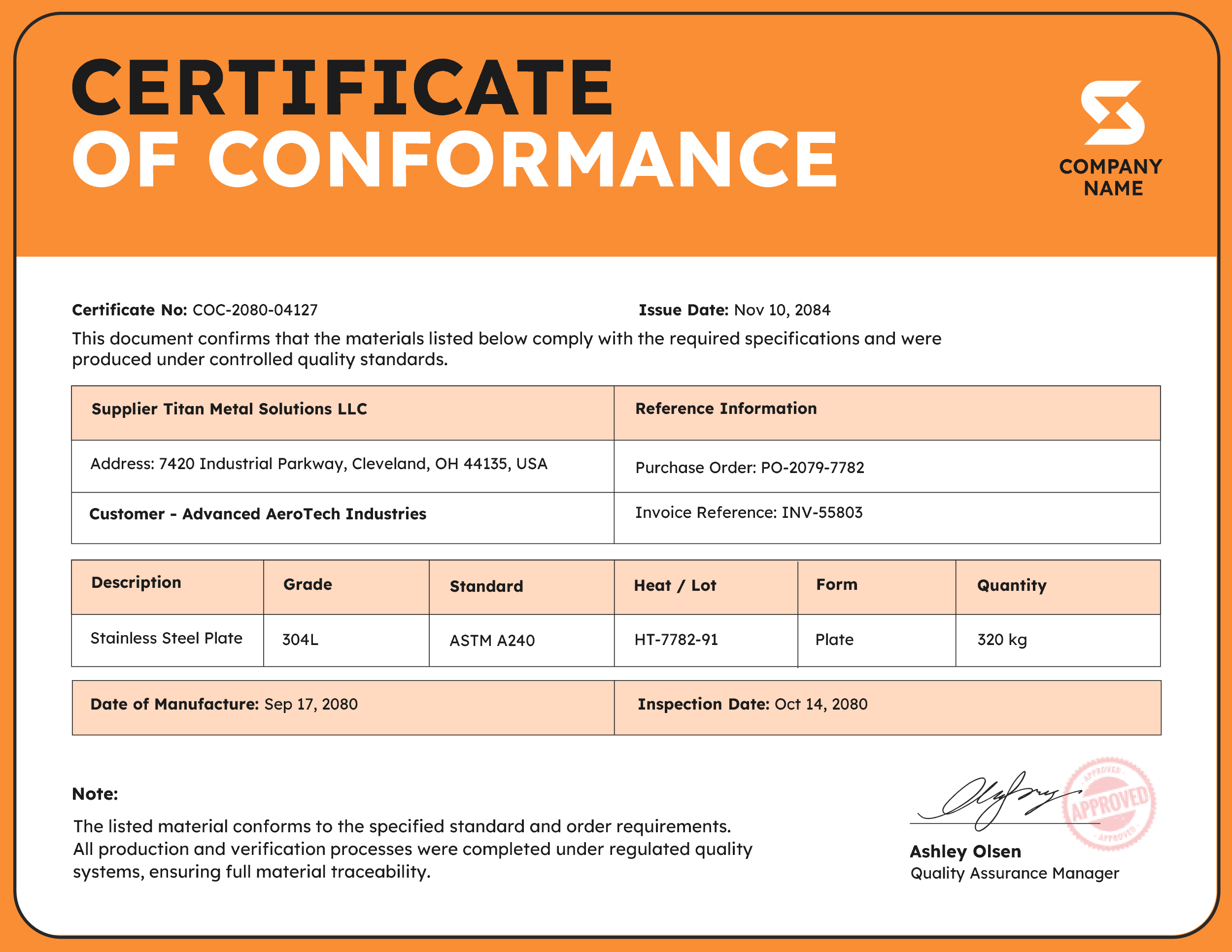
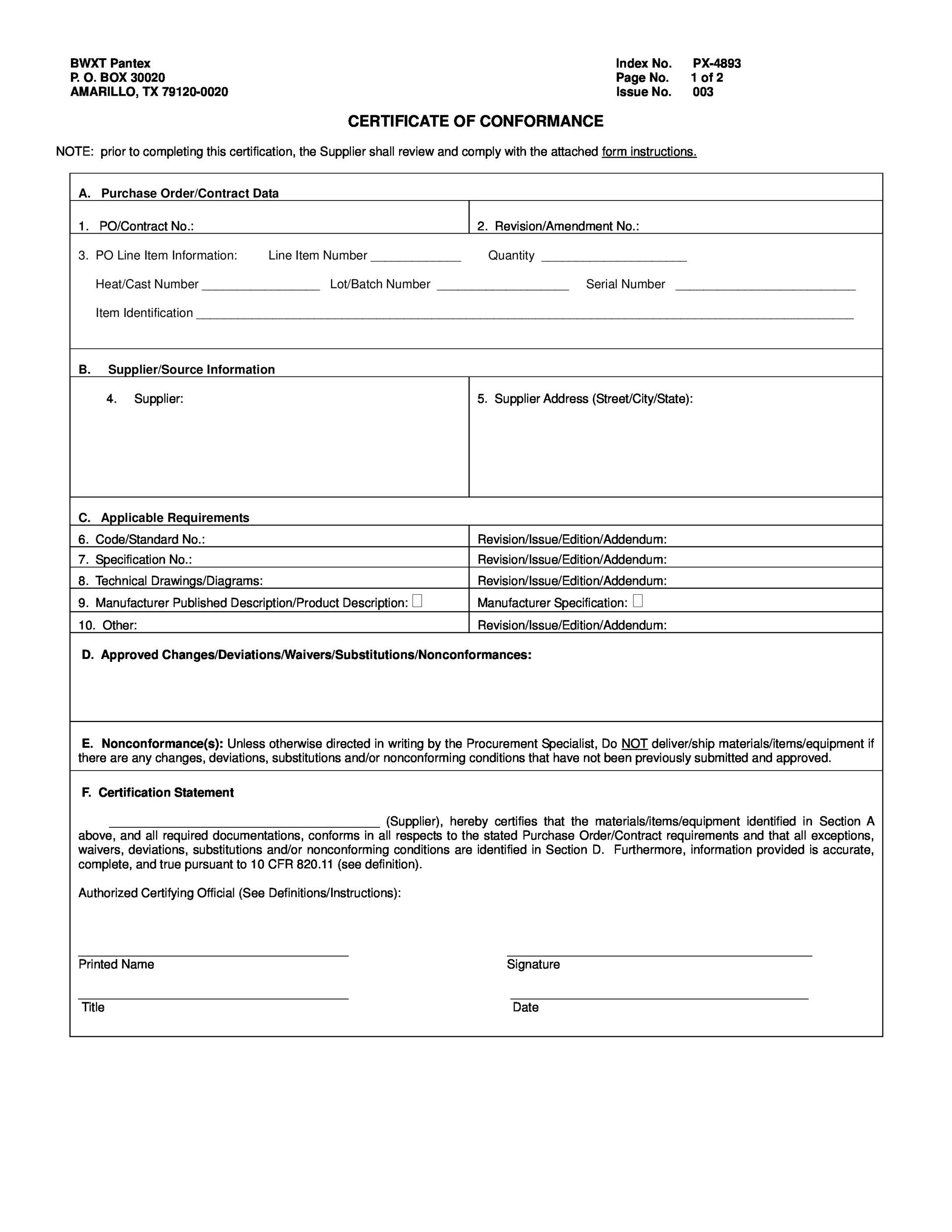
Certificate Of Conformance Template—the unsung hero of the corporate world, quietly ensuring every product that leaves the factory floor meets the exact same high standards you’d expect from a superhero’s secret identity. Think of it as the “I promise I’m not a fraud” badge you hand out to your customers, but with more paper and less glitter.
The Big Picture: What Is a Certificate Of Conformance Anyway?
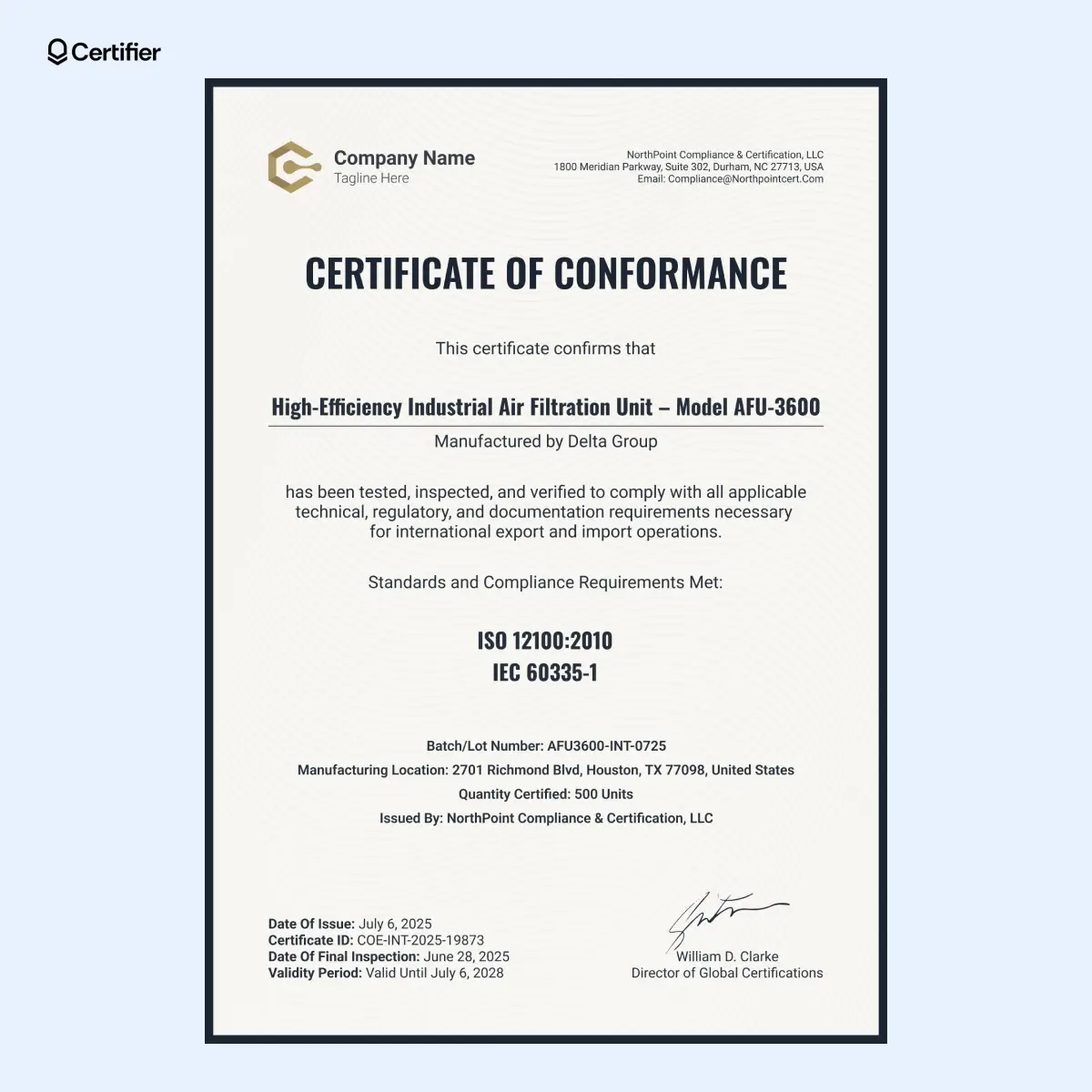
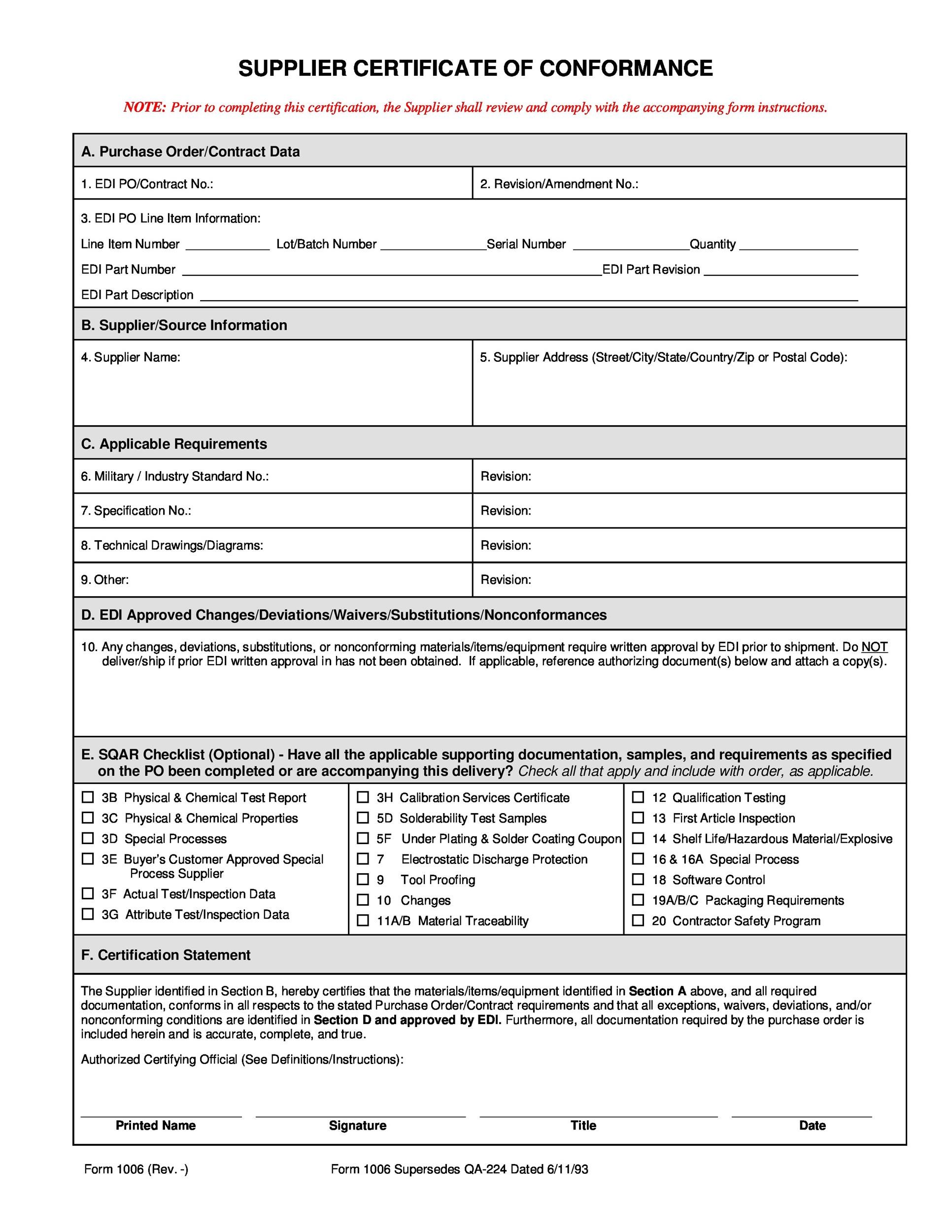
Imagine you’re a chef, but instead of a soufflé, you’re cooking up a batch of industrial screws. Before sending those screws to a client, you need to prove they’re made to spec. That’s where the Certificate Of Conformance, or CoC, steps in—an official declaration that the product meets all required specifications, tests, and regulatory standards. In a world that increasingly demands traceability and quality assurance, a well‑crafted CoC can be the difference between a satisfied client and a costly recall.
Why You Should Care About the Template

1. Saves Time & Money
Everyone loves a shortcut, especially when you’re a busy procurement manager who can’t afford to write a new letter every time a batch ships. A ready‑made template eliminates the tedious “copy‑paste‑adjust” loop, letting you focus on more critical tasks, like figuring out whether that new coffee machine actually works.
2. Instills Trust
A polished, professional Certificate Of Conformance can make your brand look like a rockstar instead of a basement start‑up. It signals to clients that you’re serious about quality, which can boost repeat business and open doors to new contracts.
3. Keeps You Legally Safe
Regulatory bodies love documentation. A standard template that includes all mandatory fields—batch number, test results, compliance standards—helps you avoid legal headaches if a product ever gets questioned or a customer files a complaint.
Choosing the Right Template: Do You Need a Printout or a Digital Version?
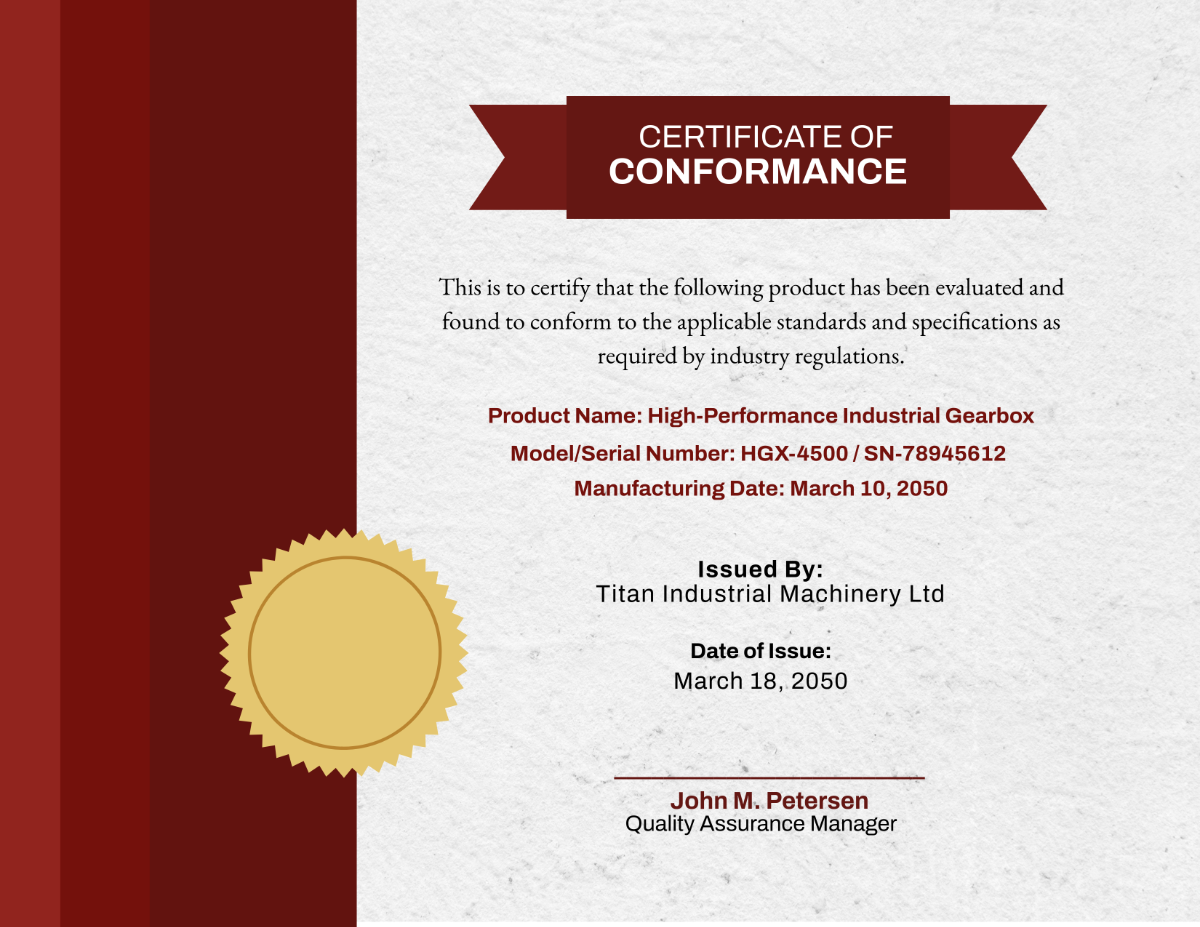
Print‑Ready vs. Editable PDF
Print‑ready templates are perfect for quick hard‑copy dispatches. They’re usually locked down, ensuring your brand colors and logos stay consistent. Editable PDFs, on the other hand, let you tweak fields on the fly, making them ideal for dynamic workflows or if you’re sending certificates via email.
Where to Find Free Templates
- Industry Associations: Many professional bodies offer downloadable CoC templates tailored to their specific sector.
- Open Source Repositories: Websites that host community‑shared templates can be a treasure trove.
- Software Suites: Some document creation tools come with built‑in templates that can be customized for your needs.
Customizing Your Certificate Of Conformance
Brand Consistency is Key
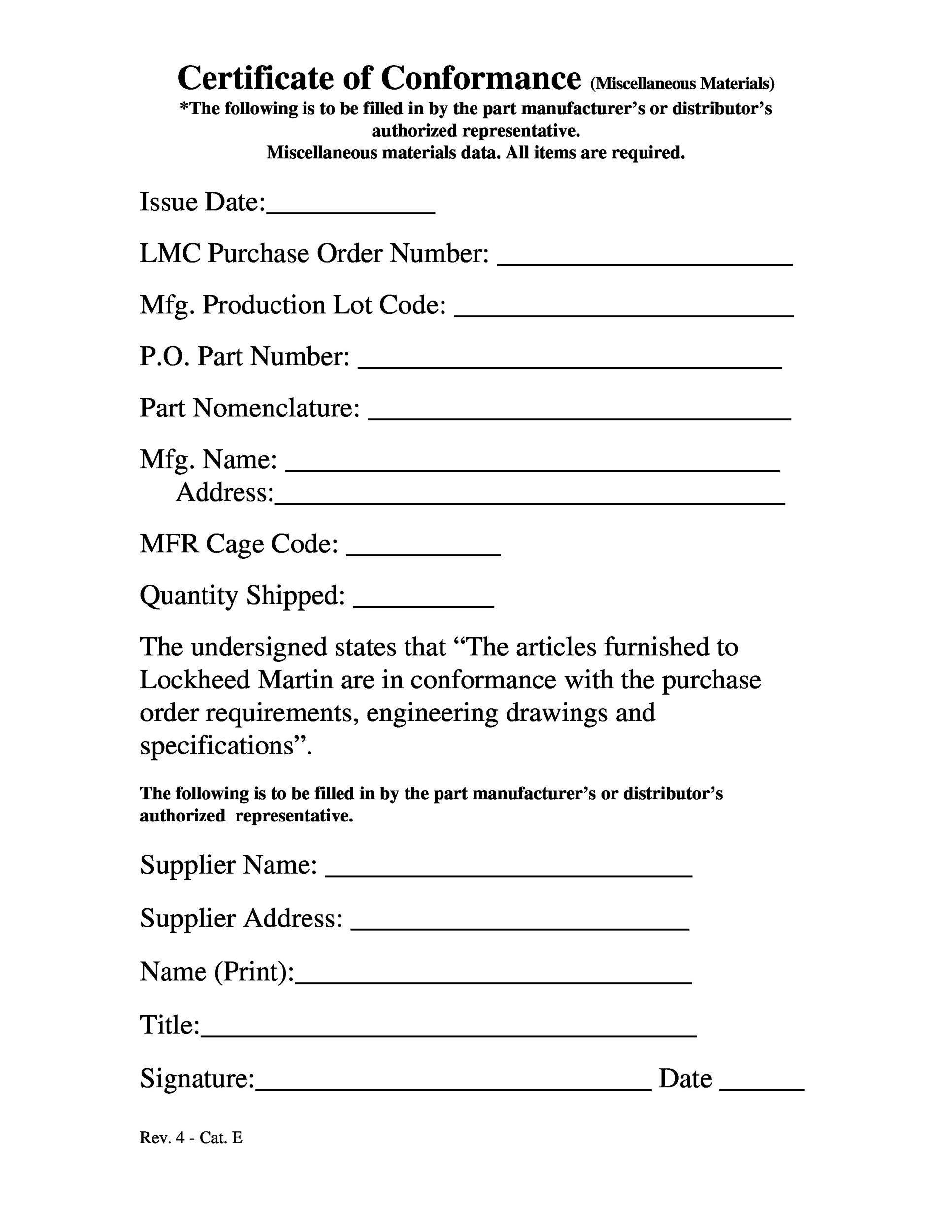
Even though the core data remains the same, the look and feel of your CoC should mirror your brand. Here’s a quick checklist:
- Logo Placement: Top‑center or top‑left—pick a spot that doesn’t interfere with critical information.
- Color Scheme: Stick to your brand palette to reinforce recognition.
- Typography: Use readable fonts for headings and body text; avoid Comic Sans unless your company is a cartoon studio.
- Watermarks: A subtle watermark can add an extra layer of authenticity.
Make It Legible and Easy to Update
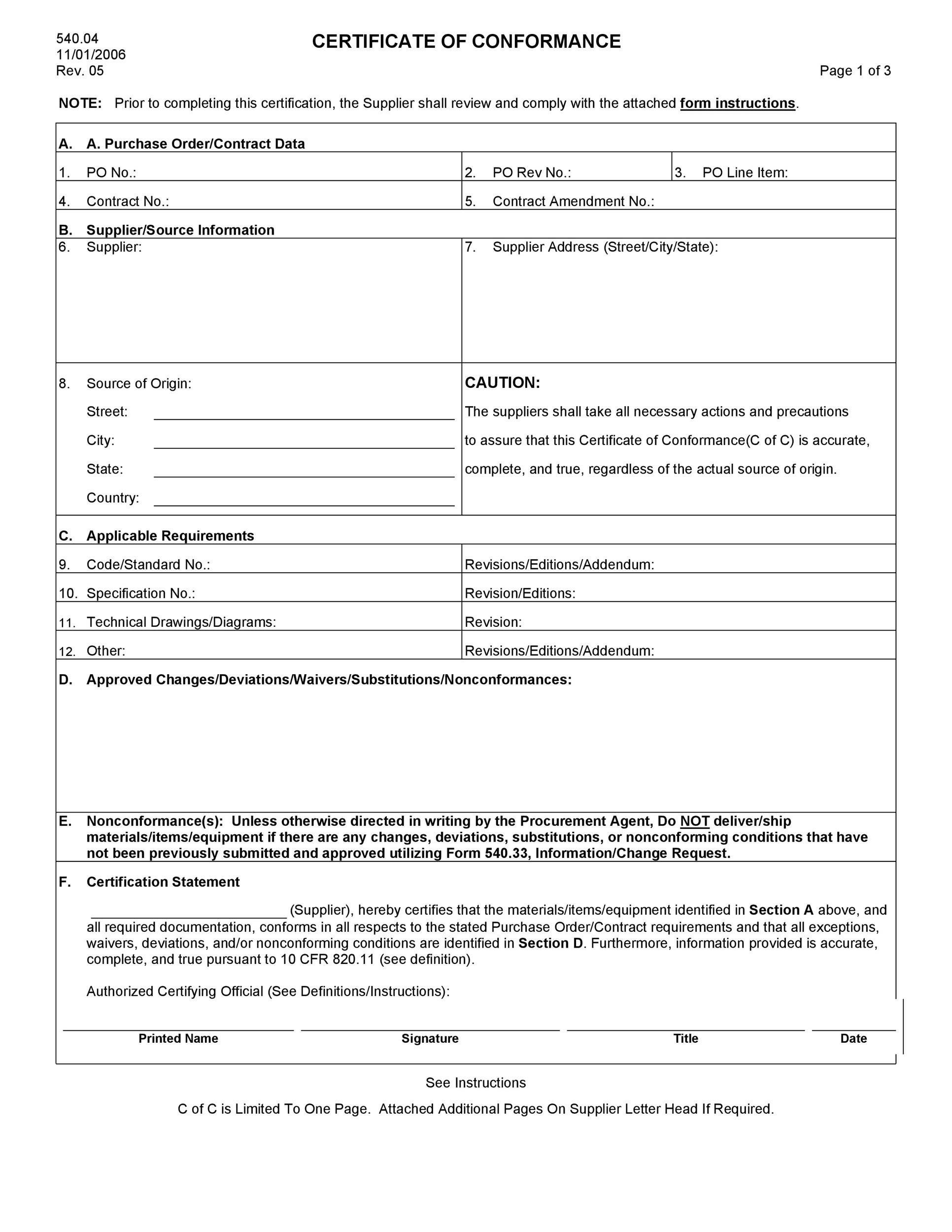
Remember, your CoC is not just a document; it’s a tool. Use clearly labeled fields and keep the layout simple so that your QA team can fill in results without tripping over confusing boxes.
Adding a Digital Signature
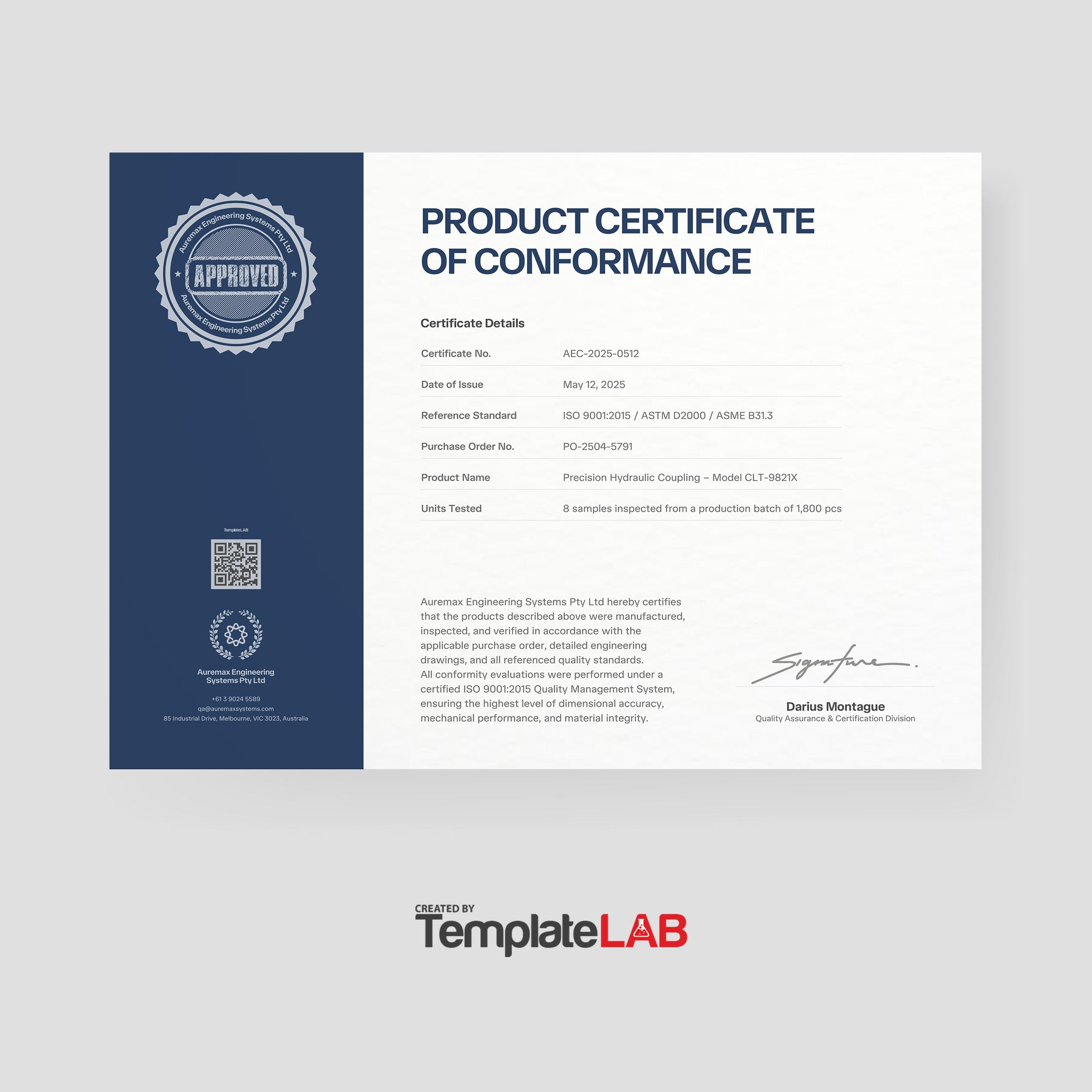
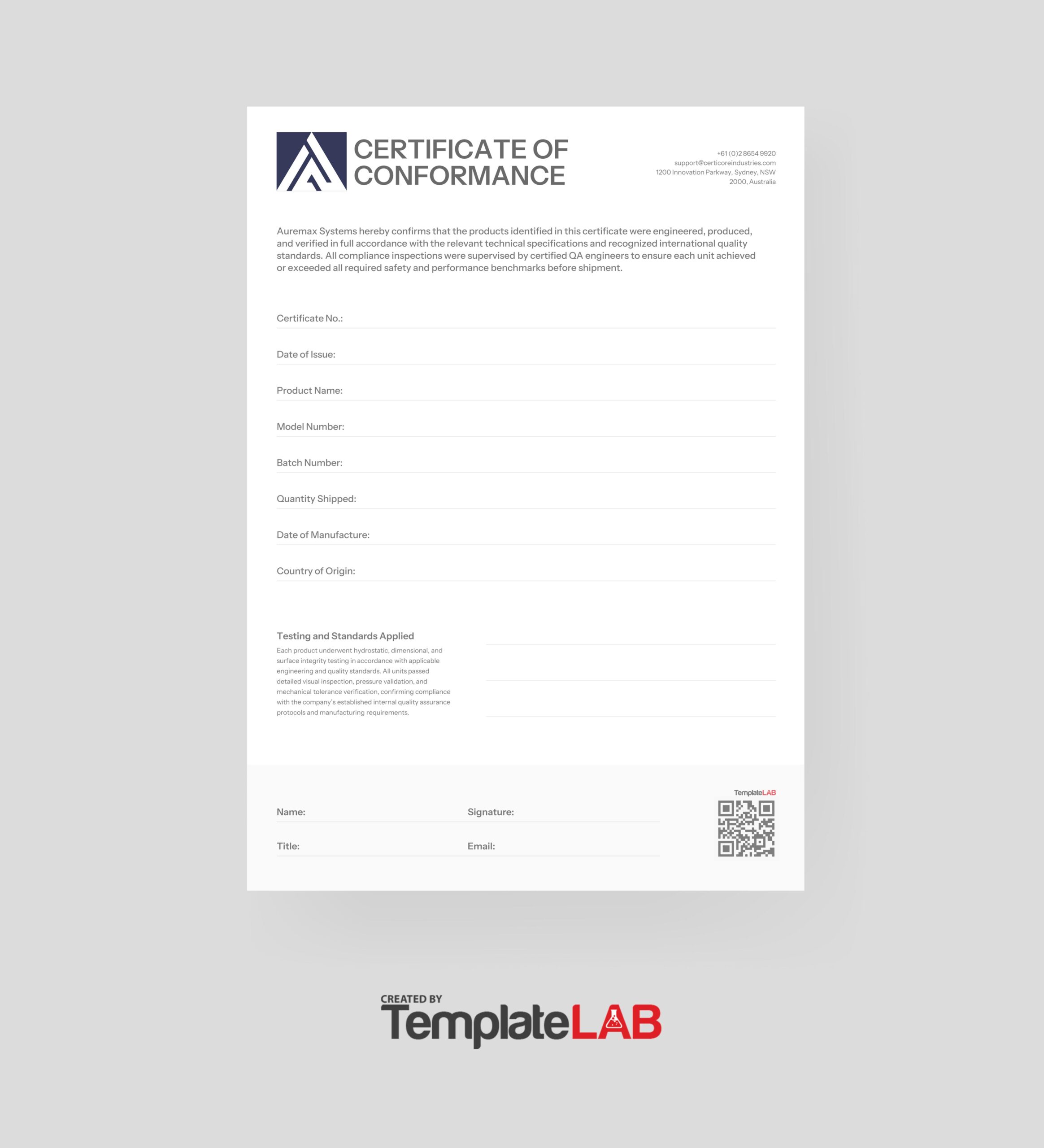
In the era of electronic records, a digital signature adds a touch of modernity and security. Most PDF editors allow you to embed an electronic signature or even a QR code that leads to a verification portal. This step turns a static document into a living artifact that can be validated in real time.
Step‑by‑Step: Populating a Certificate Of Conformance Template
Step 1: Gather All Necessary Data
Before you even touch the template, gather everything: batch numbers, test dates, results, and compliance certifications. Think of it as assembling ingredients before you cook. If you miss a spice, the entire dish (or document) suffers.
Step 2: Open the Template in Your Preferred Software
Adobe Acrobat, Microsoft Word, or even Google Docs can handle most templates. If you’re working with a locked PDF, use a tool like Adobe Acrobat Pro to unlock form fields.
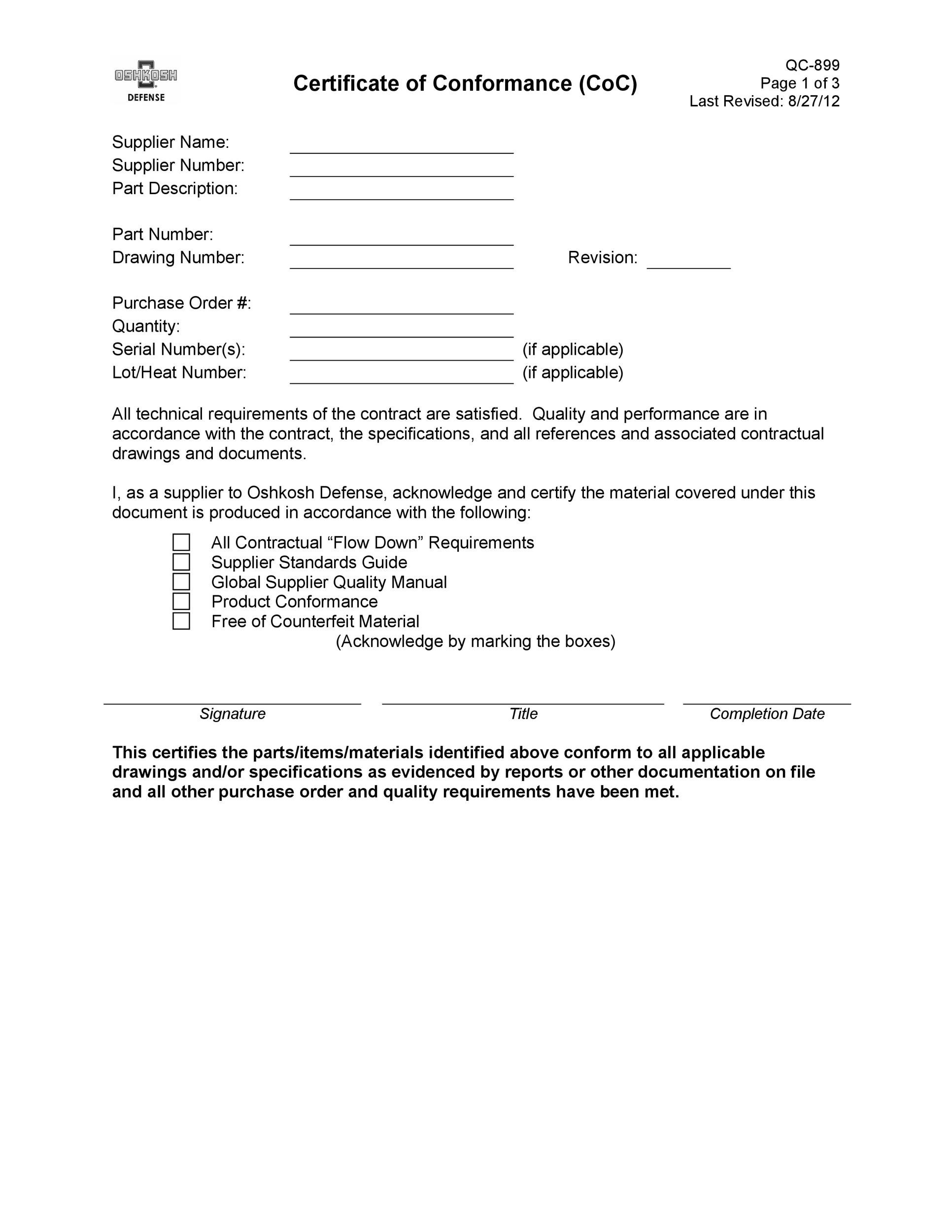
Step 3: Fill in the Core Fields
- Company Name
- Product Description
- Serial / Batch Number
- Test Results
- Compliance Standards (ISO, ASTM, etc.)
- Signature and Date
Step 4: Double‑Check for Accuracy
Errors in a CoC can be catastrophic. Have a second pair of eyes review the document, or better yet, implement a digital validation step that flags missing or inconsistent data.
Step 5: Final Touches and Distribution
Once verified, you can either print a hard copy for physical shipping or send a PDF via secure email or a customer portal. If you’re going digital, remember to embed the QR code or digital signature for instant verification.
Real‑World Success Stories
Case Study 1: The Toy Manufacturer That Saved Millions
A mid‑size toy company was facing a potential recall after a batch of plastic pieces failed safety tests. By implementing a standardized CoC template that included an automated QR code verification system, they were able to identify the faulty batch within 24 hours, halting distribution and saving an estimated $1.2 million in potential damages.
Case Study 2: The Pharmaceutical Giant’s Compliance Boost
With strict FDA regulations, a pharmaceutical supplier integrated a digital CoC template into their electronic health record system. The result? A 40% reduction in audit findings over two years, and a smoother certification process for every shipment.
Common Pitfalls and How to Avoid Them
1. Overcomplicating the Design
A cluttered certificate can look like a ransom note. Stick to a clean layout and avoid excessive graphics.
2. Skipping the QA Review
Even if you’re a whiz with templates, never skip a final QA check. A single typo in a serial number can cause downstream issues.
3. Neglecting Digital Security
Paper certificates are nice, but digital ones should be protected with password encryption or access controls, especially when dealing with sensitive compliance data.
Tips for Maintaining Template Relevance Over Time
Keep Standards Updated
Regulations evolve. Set a reminder to review your template every 12–18 months to ensure it reflects current compliance standards.
Solicit Feedback from Stakeholders
Ask your QA team, suppliers, and even clients what they think of the certificate’s readability and completeness. A well‑informed template is a happy template.
Version Control Matters
Use version numbers or timestamps on the document so everyone knows which iteration is current. This practice prevents confusion when multiple parties are involved.
How to Incorporate Humor Without Losing Professionalism
1. Use a Light‑Hearted Title
Instead of “Certificate Of Conformance,” try “Officially Approved! (No, it’s not a pizza order.)”—but keep the formal version on the first page.
2. Add a Fun Footer
A small, tasteful joke or a witty quote in the footer can lighten the mood without undermining credibility.
3. Include a “Did You Know?” Section
Drop a quick fact about your industry or a playful statistic that keeps readers engaged while still conveying essential info.
Conclusion: Your Certificate Of Conformance Is More Than Paper
In a landscape where trust, compliance, and efficiency converge, a Certificate Of Conformance Template is not just a bureaucratic formality—it’s a strategic asset. By selecting the right template, customizing it thoughtfully, and integrating modern digital features like QR codes or e‑signatures, you can transform a simple document into a powerful tool that safeguards your brand and delights your clients. Remember: a good CoC is like a well‑made joke—it delivers the punchline (proof of compliance) while leaving everyone smiling. So next time you need to prove your product’s perfection, don’t just hand over a blank sheet—send over a polished, humor‑infused Certificate Of Conformance that says, “We’re legit, and we can prove it!”