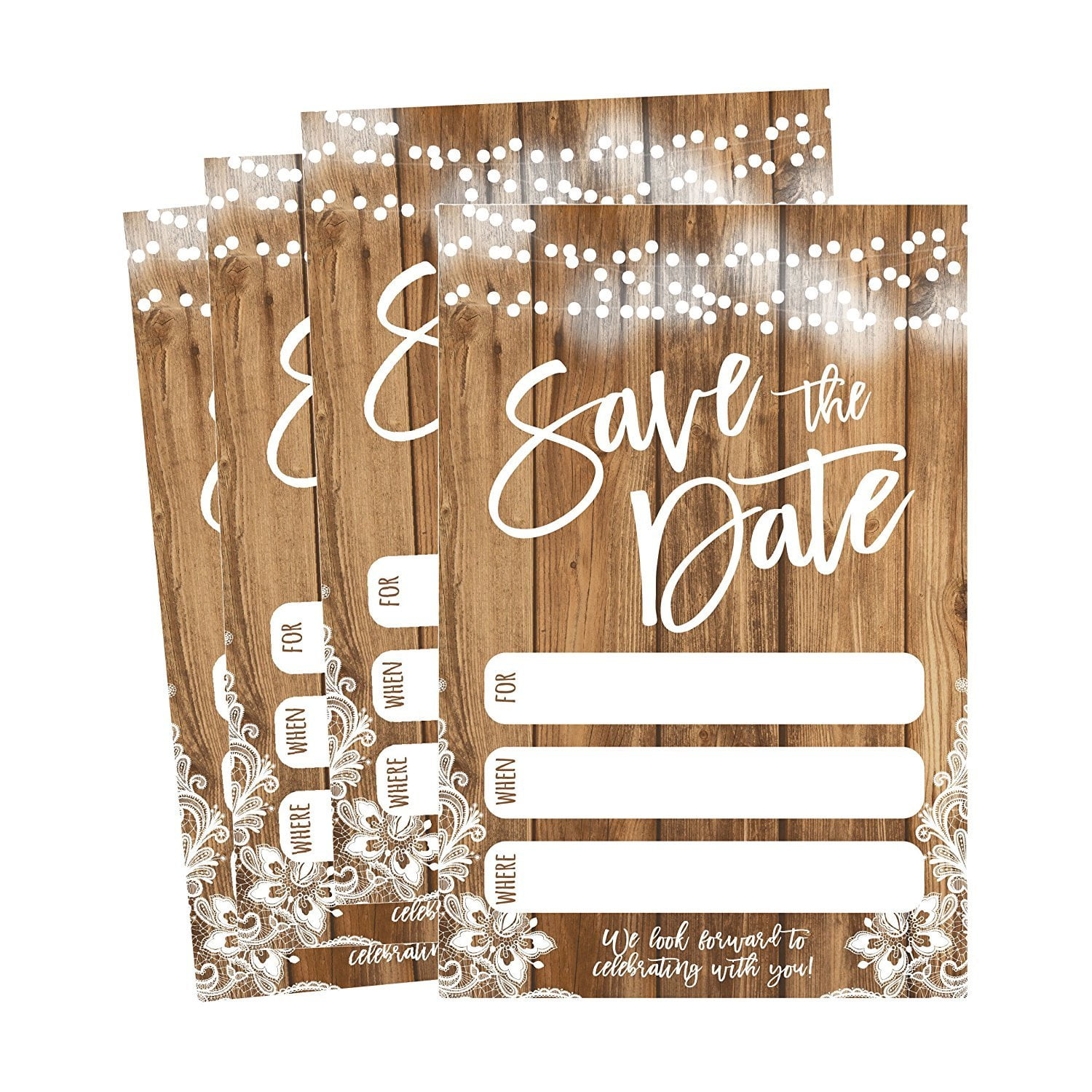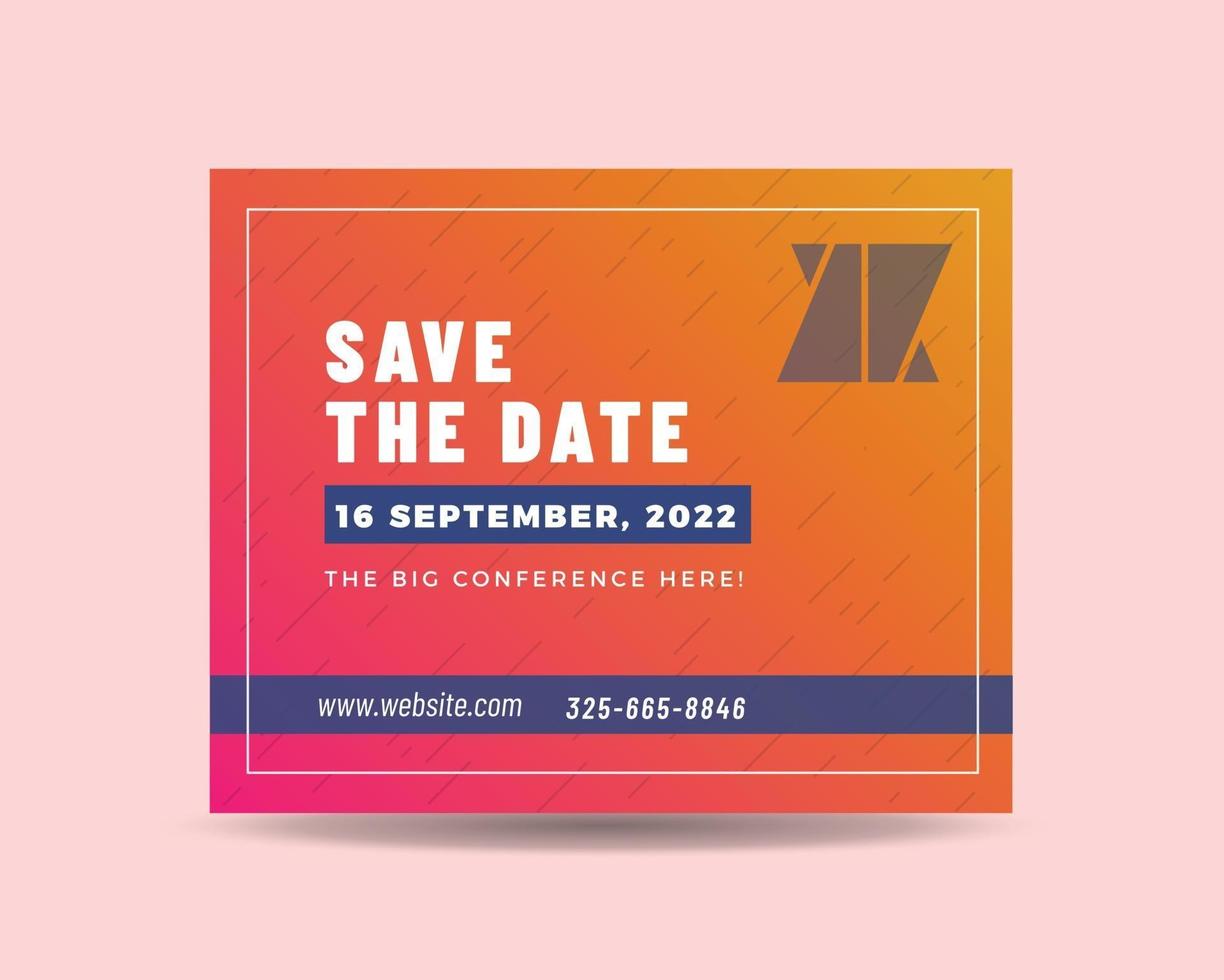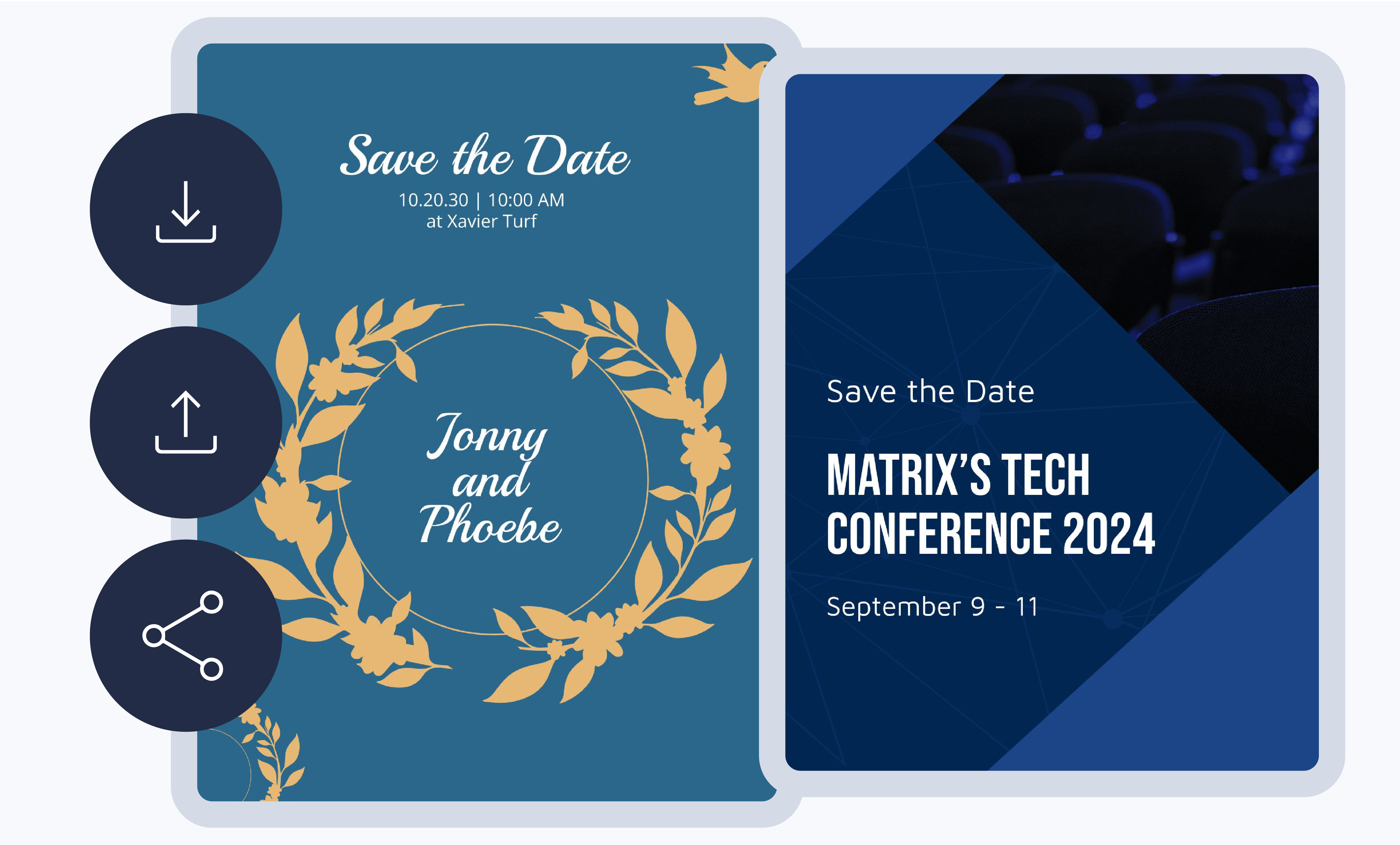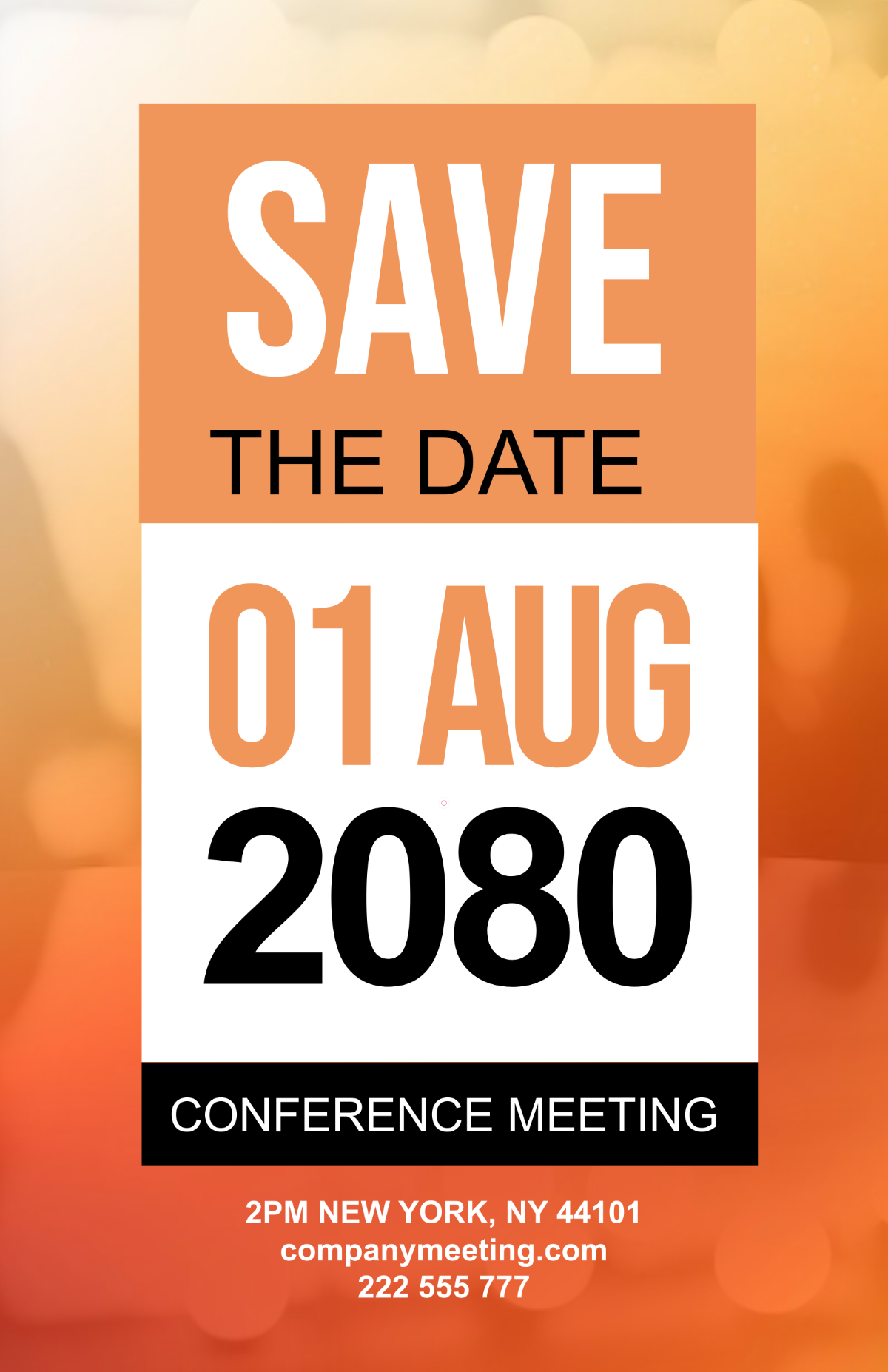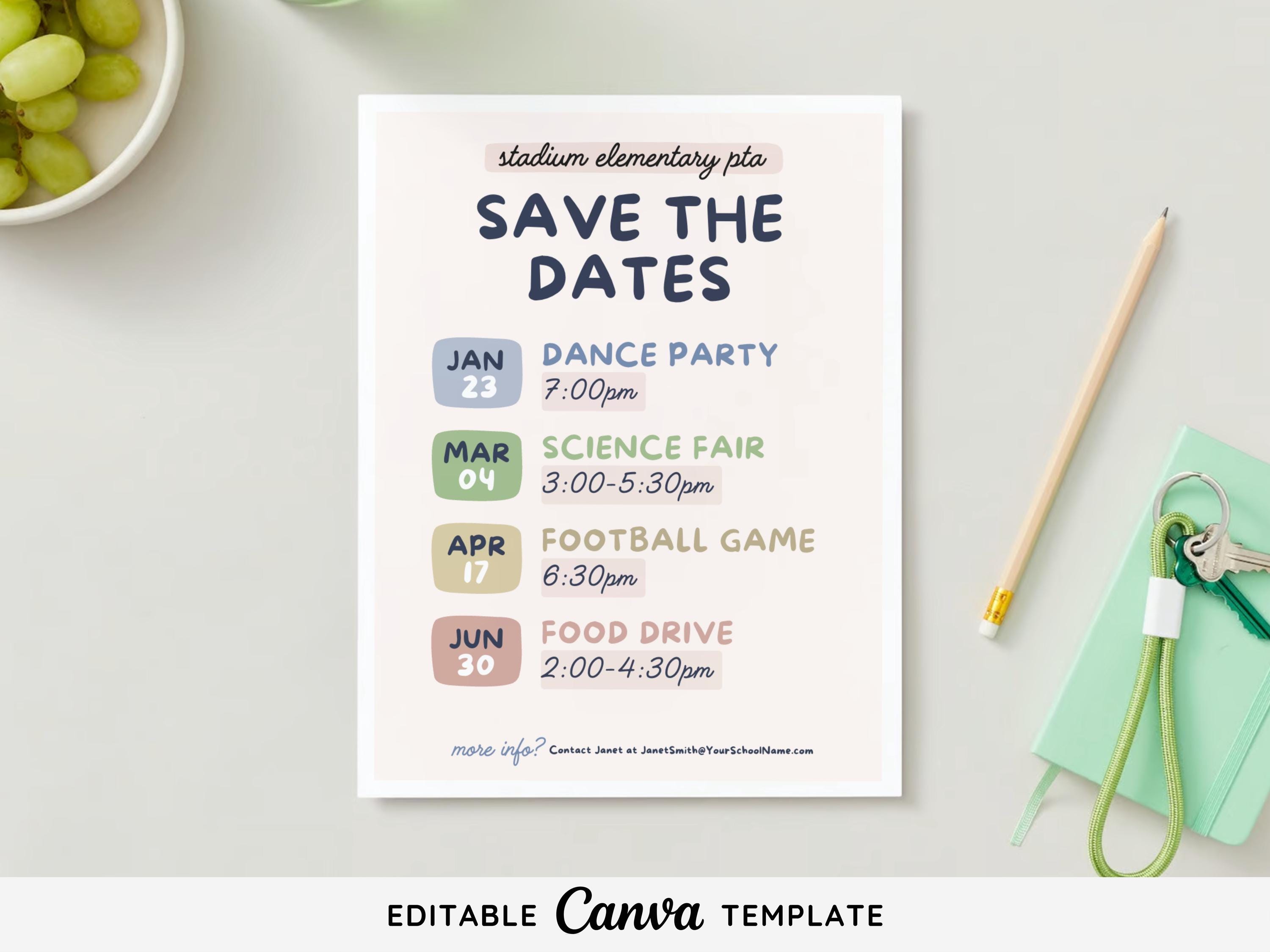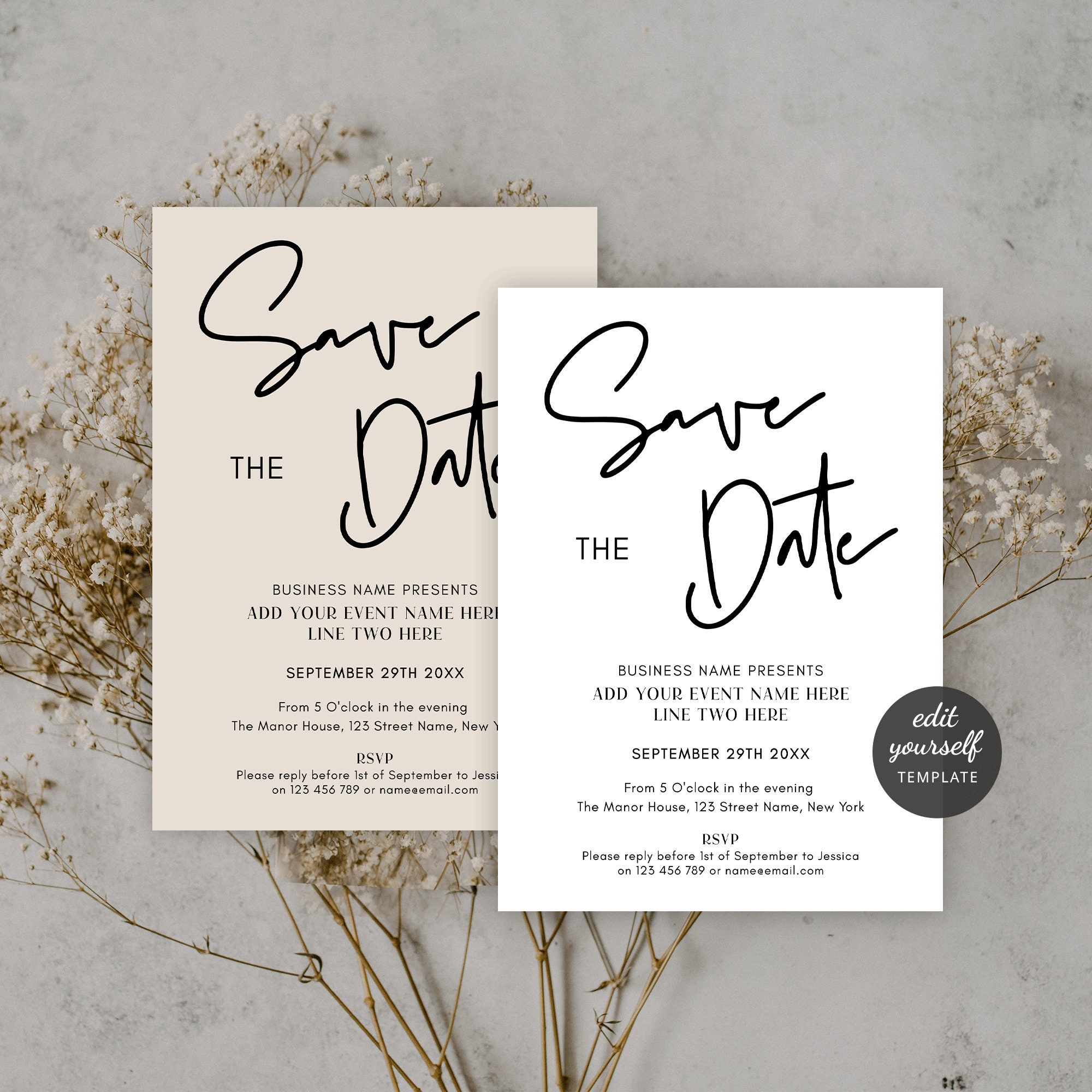
Meeting Save The Date Templates are the silent ambassadors of professional gatherings, delivering essential information with elegance before the agenda unfolds. In a world where the first impression often occurs within a few seconds of visual exposure, these templates shape perceptions, set expectations, and build anticipation—all while streamlining logistics for organizers.
Why Save The Date Works for Meetings

Historically, save‑the‑date notices have long served weddings and major celebrations. Translating this concept into a corporate context amplifies engagement by giving participants a clear, memorable cue to reserve their calendar slots early. Early notice reduces scheduling conflicts, increases attendance rates, and allows attendees to coordinate travel or remote participation with confidence.
Historical Context and Modern Relevance
From the postal stamps of the 19th century to the instant notifications on smartphones, the principle of reserving time has persisted. In modern corporate environments, where meetings often collide with international time zones, a thoughtfully designed save‑the‑date instantly clarifies critical details—date, time, platform, and priority—cutting the need for repetitive follow‑ups.
Key Advantages
- Enhanced Visibility – A visually distinct template stands out in crowded inboxes.
- Pre‑Engagement – Participants prepare mentally and logistically.
- Brand Reinforcement – Consistent styling echoes corporate identity.
- Efficiency – One template distributes to multiple channels without redesign.
Choosing the Right Black-Themed Template

Black-themed designs exude sophistication and authority, ideal for executive briefings, product launches, and investor meetings. The contrast of white or muted tones against a dark background enhances readability and delivers a modern, minimalist aesthetic.
Color Palette and Contrast
While the backdrop may be deep charcoal or midnight blue, accents should remain bold—gold, crimson, or electric blue—to draw attention to critical information such as date and call‑to‑action buttons. Avoid overly saturated colors that clash, which can distract from the core message.
Typography that Stays Legible
Large, sans‑serif fonts such as Helvetica Neue, Futura, or Montserrat work well. Use a maximum of two typefaces; one for headings and another for body text. Maintain sufficient line spacing and ensure font sizes for dates and times are prominent (typically 48–60 px) against the dark background to guarantee legibility across devices.
Iconography and Visual Hierarchy
Use minimalist icons to signal actions (e.g., a calendar icon for the date, a clock for the time). Visual hierarchy is critical: headline > date/time > venue/details > RSVP link. The reader should absorb the hierarchy intuitively, moving from the most important element to supporting information.
Design Elements Every Template Should Have
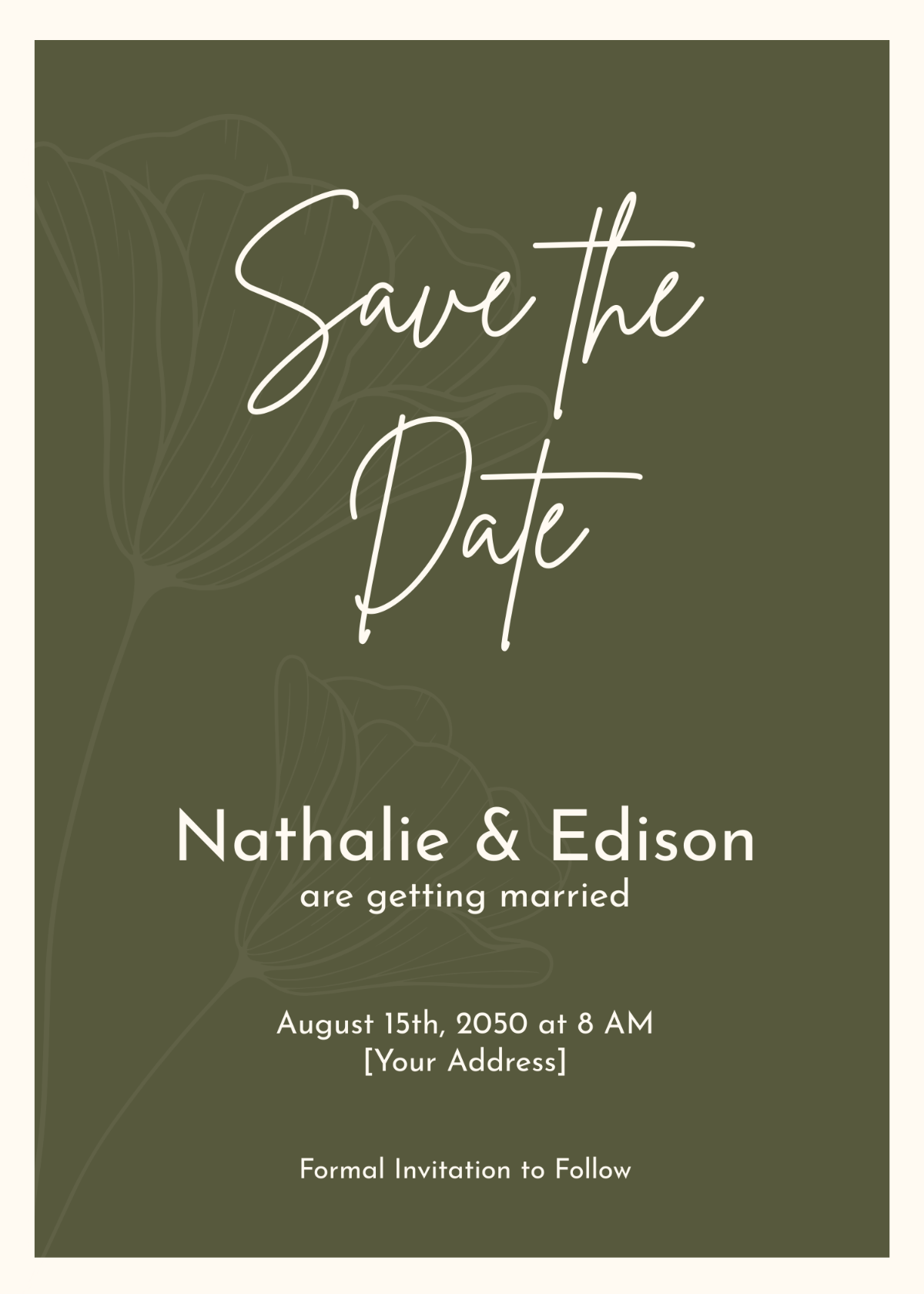
Even the simplest layout must convey all necessary information clearly. Below is a checklist of essential components.
Header and Title Placement
The header usually contains the company logo or event name in a prominent position. Place the main title—e.g., “Quarterly Strategy Review”—centered or aligned left, using a larger font to assert priority.
Date and Time Details
Position the date and time near the top, using a contrasting color that captures immediate attention. Include time zone information for international participants to avoid confusion.
Venue and Agenda Preview
For in‑person meetings, provide a short address and room number. For virtual gatherings, embed a short link or QR code to the meeting platform. A one‑sentence agenda preview (e.g., “Budget Alignment & Project Roadmap”) offers a quick snapshot of discussion topics.
Call to Action
A prominent RSVP button or link must be present. Use action verbs like “Reserve Your Seat” or “Confirm Attendance” in a contrasting button style to prompt immediate engagement. If the template is also used for digital calendars, include a “Add to Calendar” button or downloadable iCal file.
Customization Tips for a Personal Touch
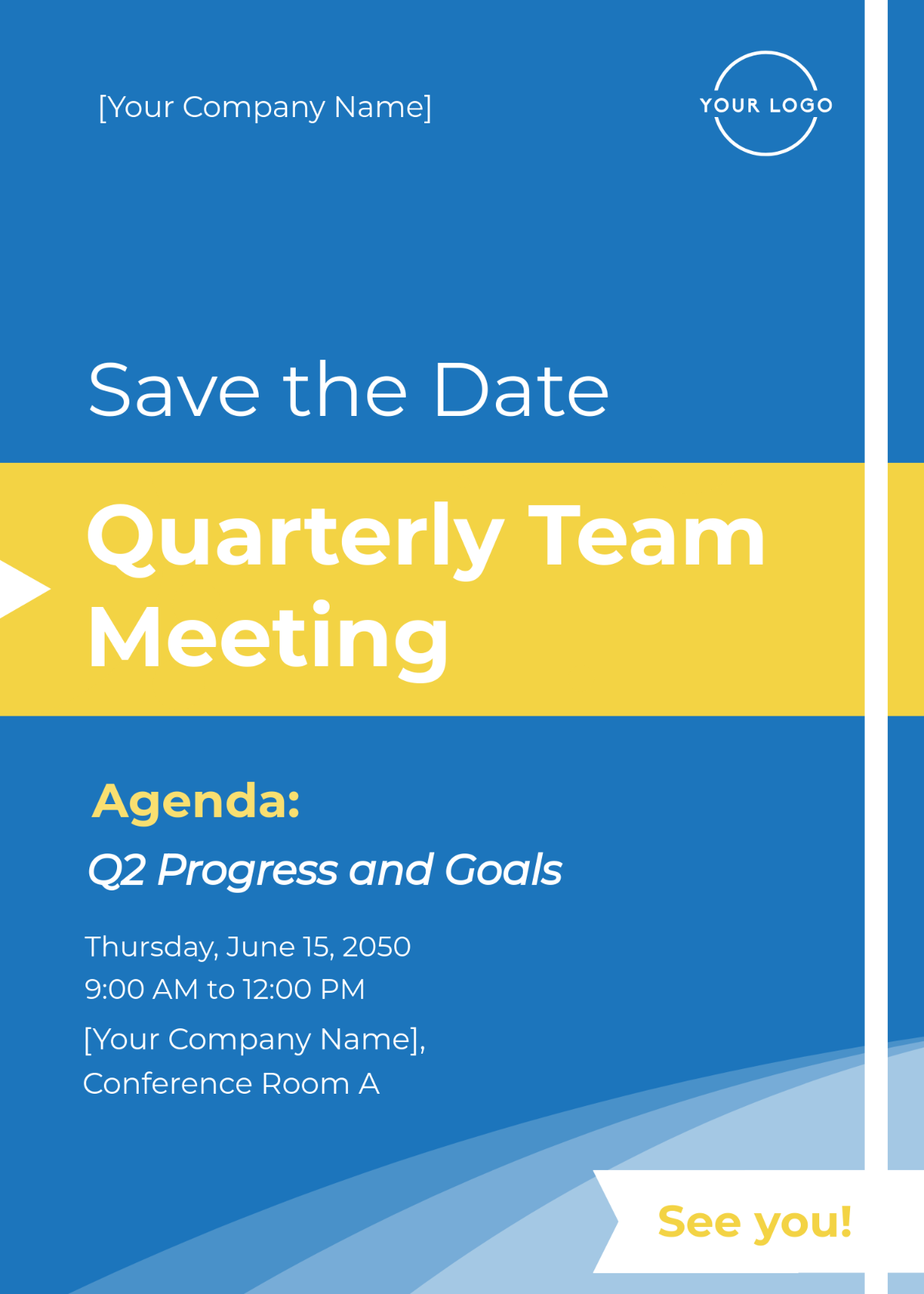
Templates should not feel generic. Customization creates authenticity and reflects organizational culture.
Branding Consistency
Incorporate the corporate color palette, typography, and imagery style. Even within a black theme, brand colors can appear subtly in borders, icons, or text accents.
Custom Images vs. Stock
Use high‑resolution, brand‑relevant imagery or graphics. If the meeting revolves around a product launch, include a muted product illustration that blends with the dark background. Avoid generic stock photos that dilute brand identity.
Interactive Elements
Embed animated elements sparingly. For digital invitations, a short looping animation of a calendar flipping can add modern flair. Ensure such effects do not hinder load times or distract from core content.
Distribution Channels and Timing

The success of a save‑the‑date template also hinges on strategic dissemination and timing.
Email Campaigns
Send the first save‑the‑date 30–45 days before the event to maximize buffer time. Use a clear subject line such as “Save the Date: Q3 Steering Committee – 12 June.” A follow‑up reminder 14 days later can reinforce the invitation.
Calendar Integration
Attach an iCal or Google Calendar file to the email, allowing recipients to add the meeting directly to their personal calendars with a single click. For virtual meetings, embed a link to a calendar event that automatically populates the date, time, and location.
Print and Digital Versions
While email remains primary, some organizations still send physical invitations to high‑level stakeholders. Ensure print versions match digital branding and maintain legibility with high‑quality inks on matte cardstock. For digital use, optimize for responsiveness so the template displays well on mobile devices.
Real-World Success Stories

Examining how real organizations have leveraged save‑the‑date templates offers practical insights.
Corporate Board Meeting Example
GlobalTech, a multinational, issued a black‑themed save‑the‑date six weeks before its annual board meeting. The template featured a crisp company logo, the event title, and an interactive “Add to Calendar” button. Within 48 hours, over 90% of board members had added the meeting to their calendars, leading to a record attendance rate and a smoother kickoff.
Annual Conference
HealthFirst, a non‑profit, used a dark‑themed template to announce its 2024 health summit. The design incorporated a muted background with vibrant accent lines pointing to keynote speakers. The template was shared across email, social media, and the organization’s website. The combined strategy drove a 25% increase in early registrations compared to previous years.
Common Mistakes to Avoid

Even small oversights can erode the impact of a save‑the‑date.
Overcrowding
Filling every inch with text or graphics creates visual noise. Maintain ample white space (or dark space) to guide the reader’s eye toward the most important information.
Poor Readability
Black text on a black background, or light text on a dark background with insufficient contrast, can render details unreadable, especially on mobile screens. Test the design across devices and adhere to WCAG contrast guidelines.
Ignoring Accessibility
Include alt text for images and ensure the template is screen‑reader friendly. Use semantic HTML (e.g., for emphasis, for context) to provide structure beyond visual styling.
Conclusion

A well‑crafted meeting save‑the‑date template is more than a placeholder—it is a strategic communication tool that sets the tone, guarantees clarity, and aligns participants toward shared objectives. By selecting a refined black theme, applying thoughtful design principles, customizing for brand authenticity, and distributing across multiple channels at optimal times, you ensure that every stakeholder not only saves the date but feels engaged and prepared for the meeting ahead. The result is higher attendance, smoother execution, and a strengthened reputation for professionalism and foresight.