Taking Minutes In A Meeting Template is not just a procedural chore; it’s the backbone of accountability, clarity, and continuity in any professional setting. When you capture every decision, action, and nuance accurately, you transform a simple discussion into a living document that propels projects forward and keeps teams aligned.
Why Accurate Minutes Matter

In the fast‑paced world of business, a single misinterpreted directive can derail a project, inflate costs, and erode trust. Minutes serve three primary functions: record, reference, and trigger. They record what transpired, provide a reliable reference for future meetings, and trigger the execution of action items. Without a robust template, minutes become a muddled blur of bullet points that lack context.
Consider a recent product launch meeting where a marketing lead decided to shift the release window by two weeks. The meeting minutes, captured using a simple, well‑structured template, were shared within hours. The engineering team adjusted timelines, the sales department re‑priced bundles, and the customer support squad updated FAQs—all within a single day, preventing costly back‑ups and preserving customer trust.
Core Elements of a Meeting Template

Header Information
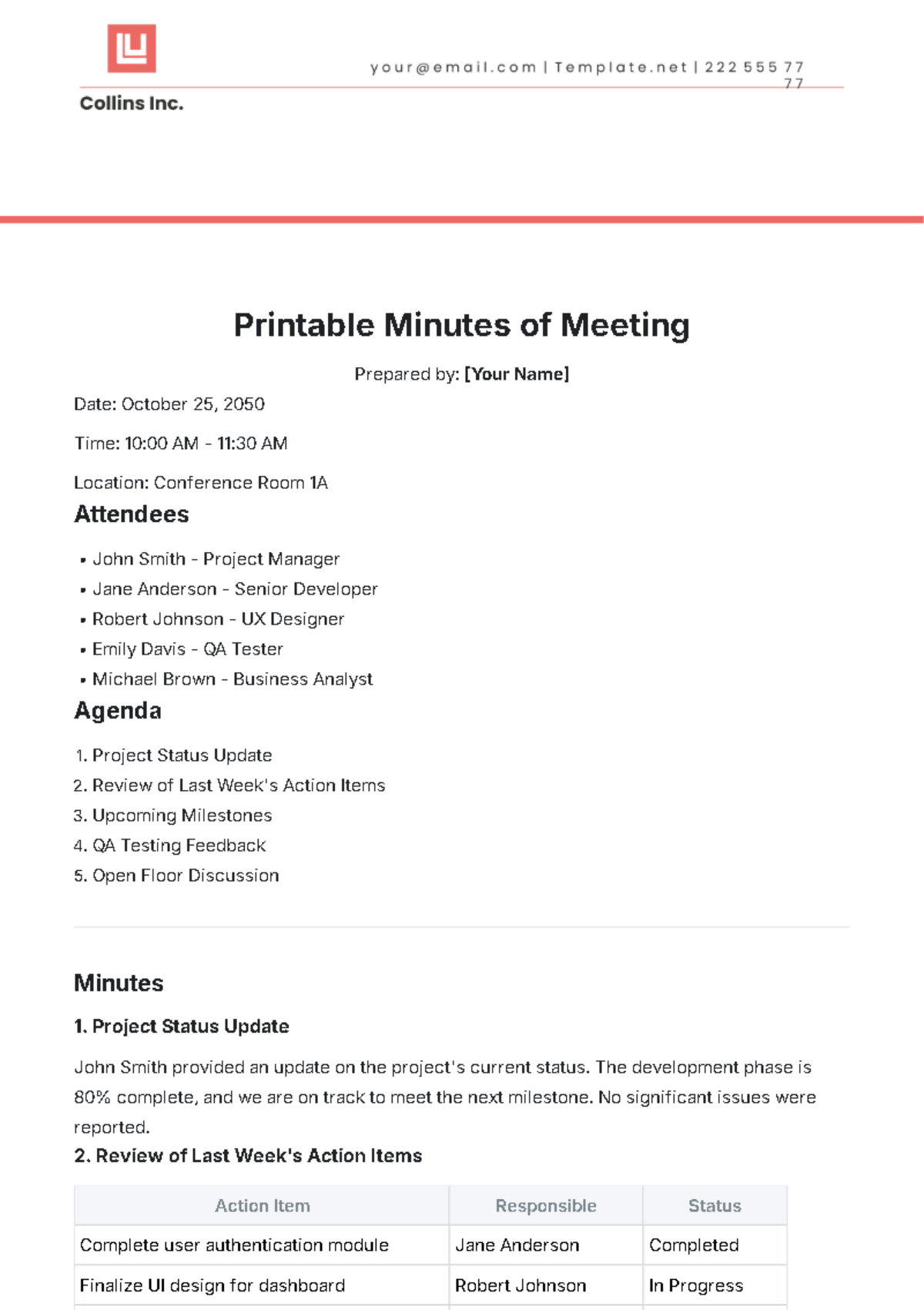
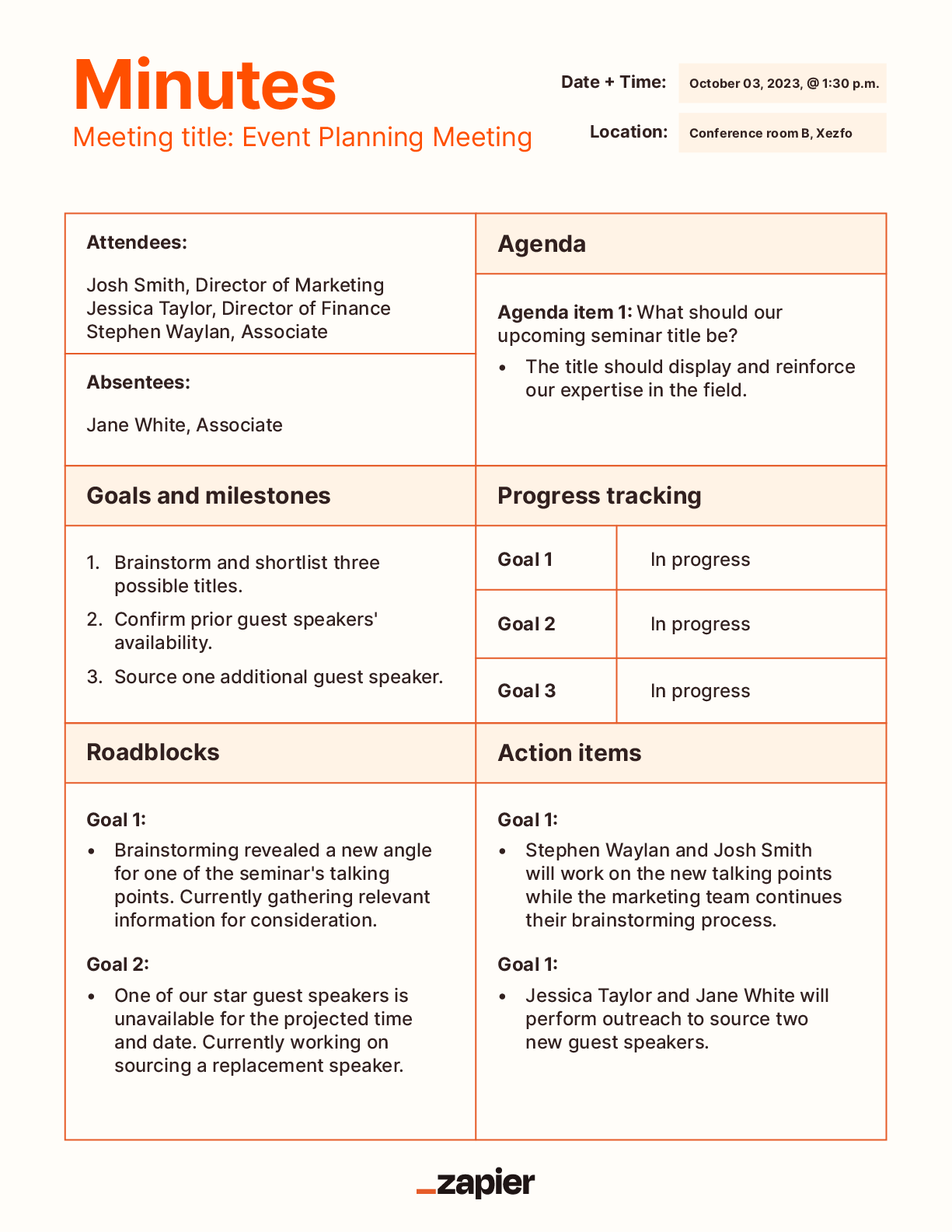
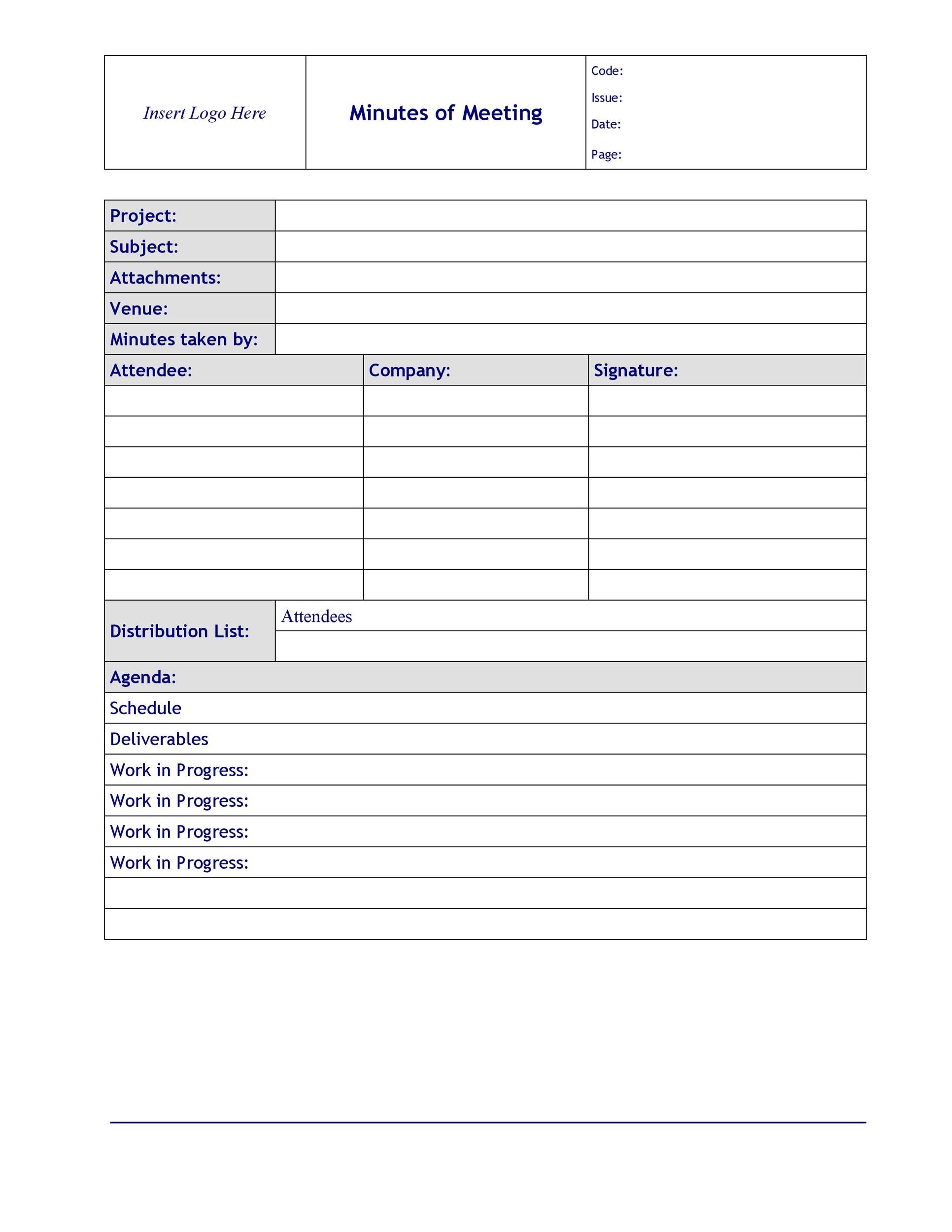
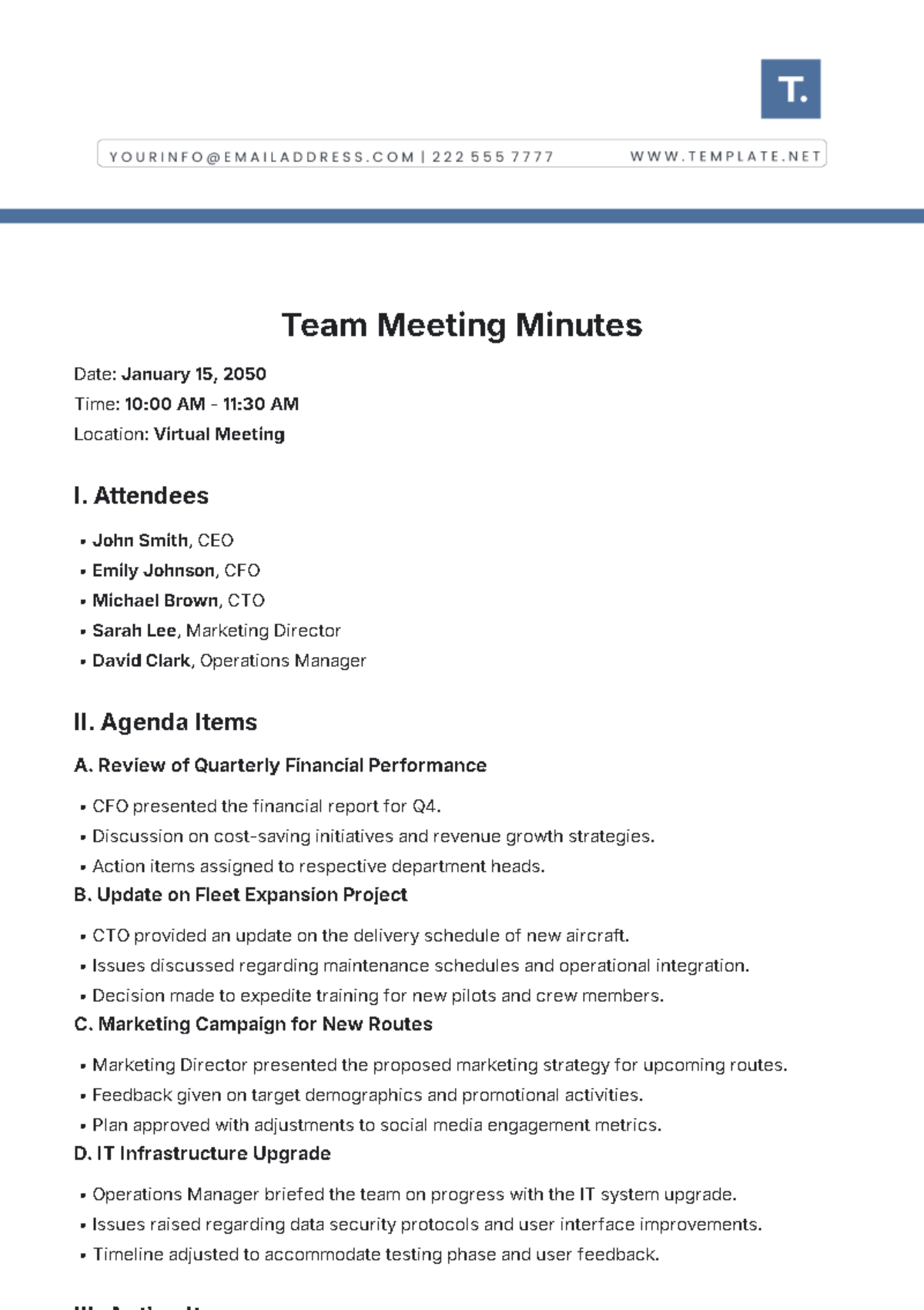
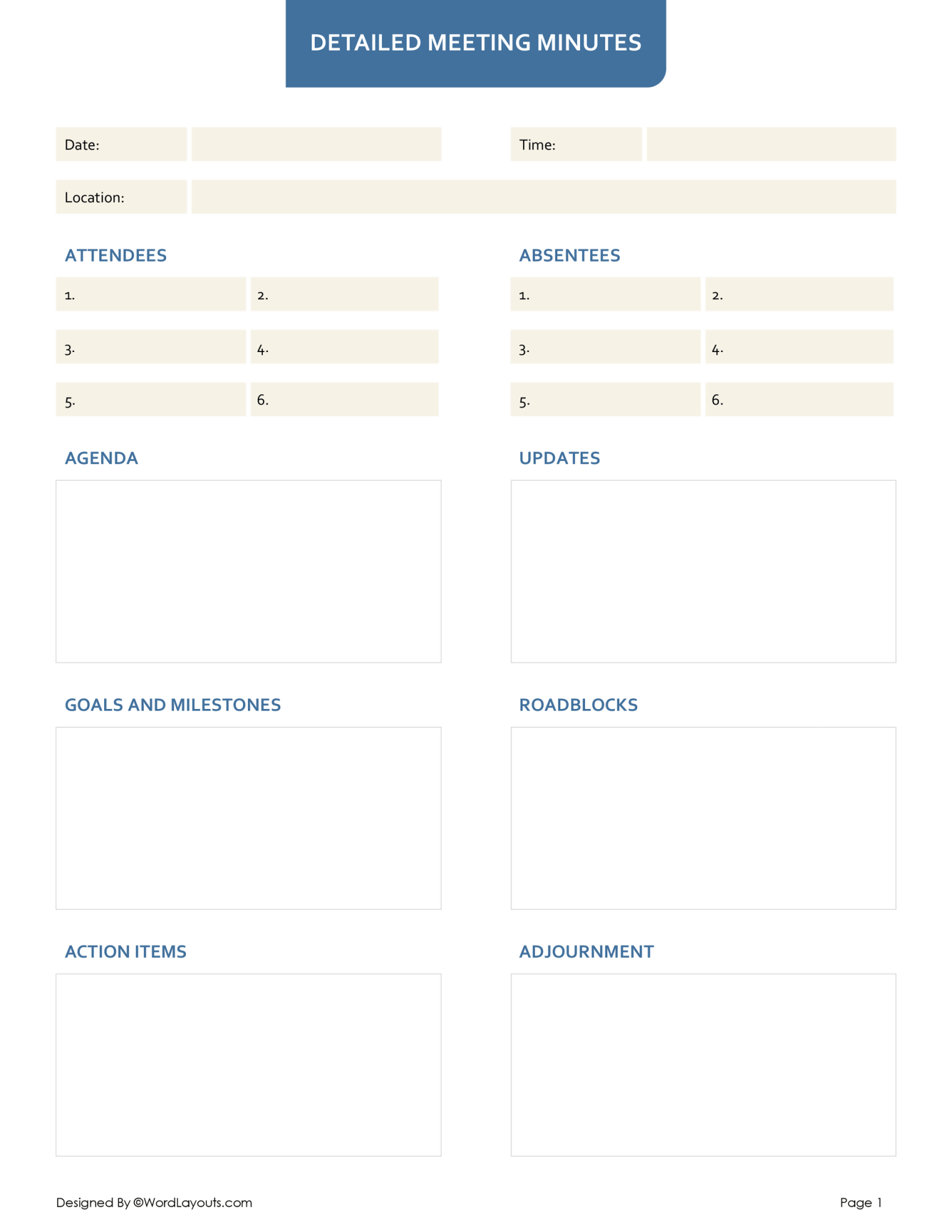
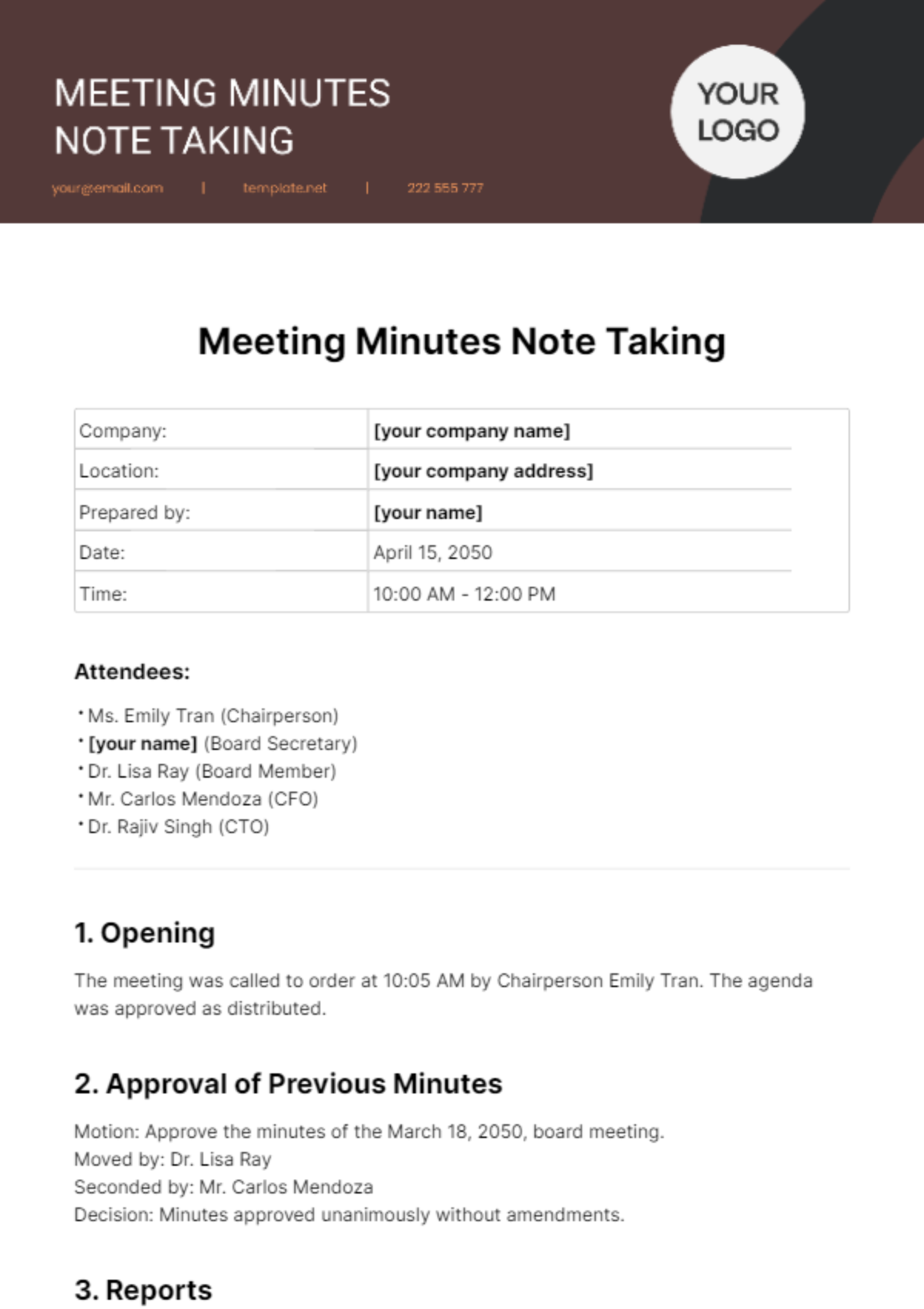
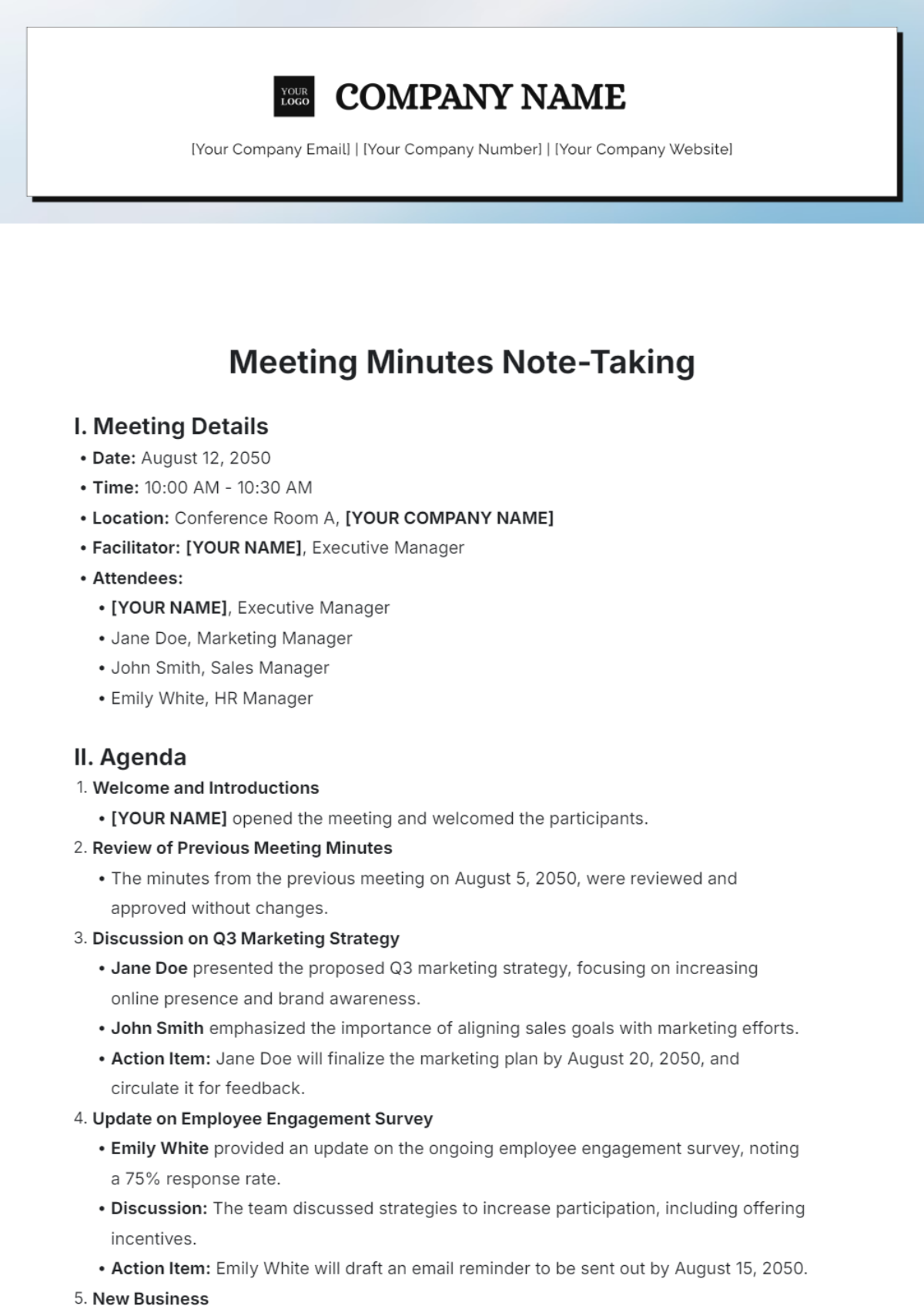
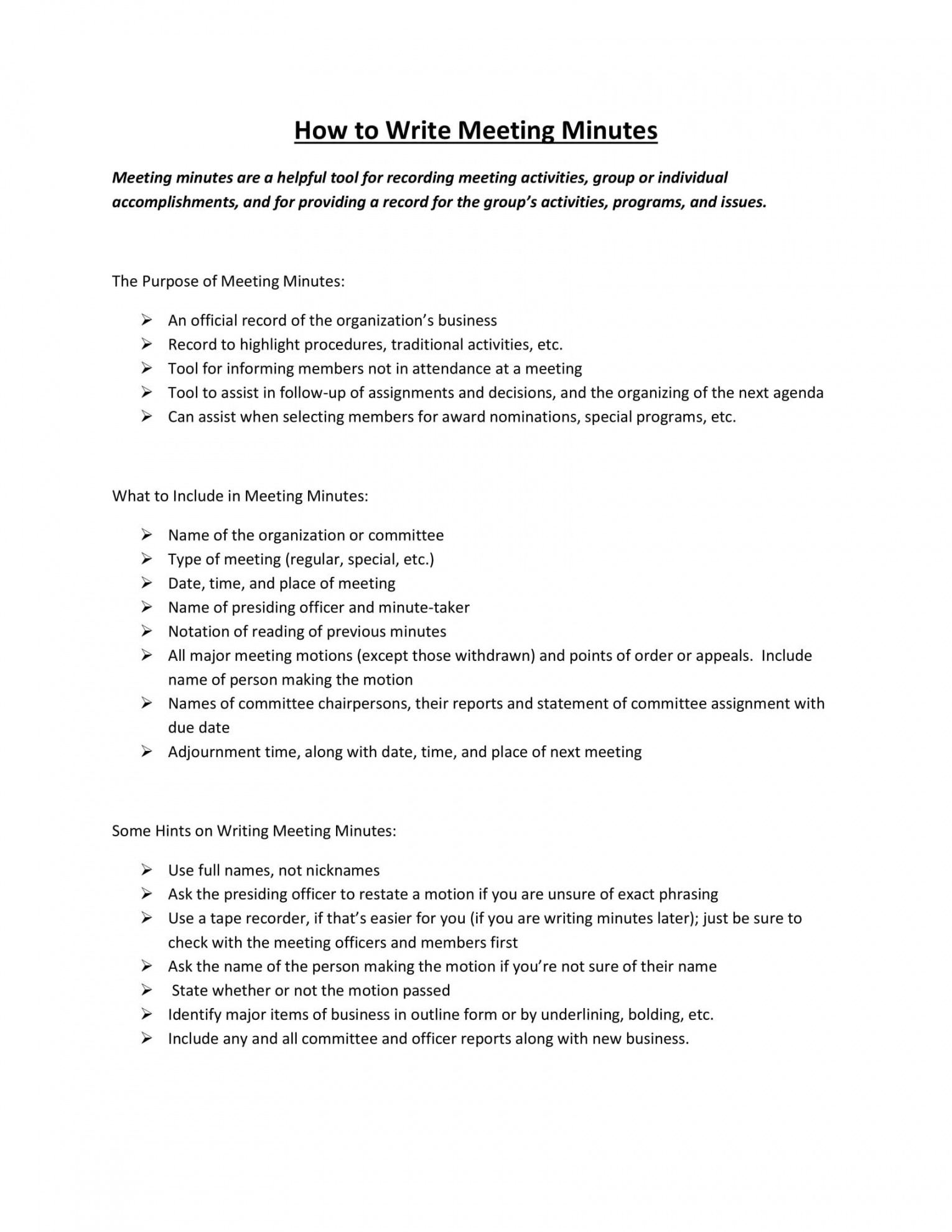
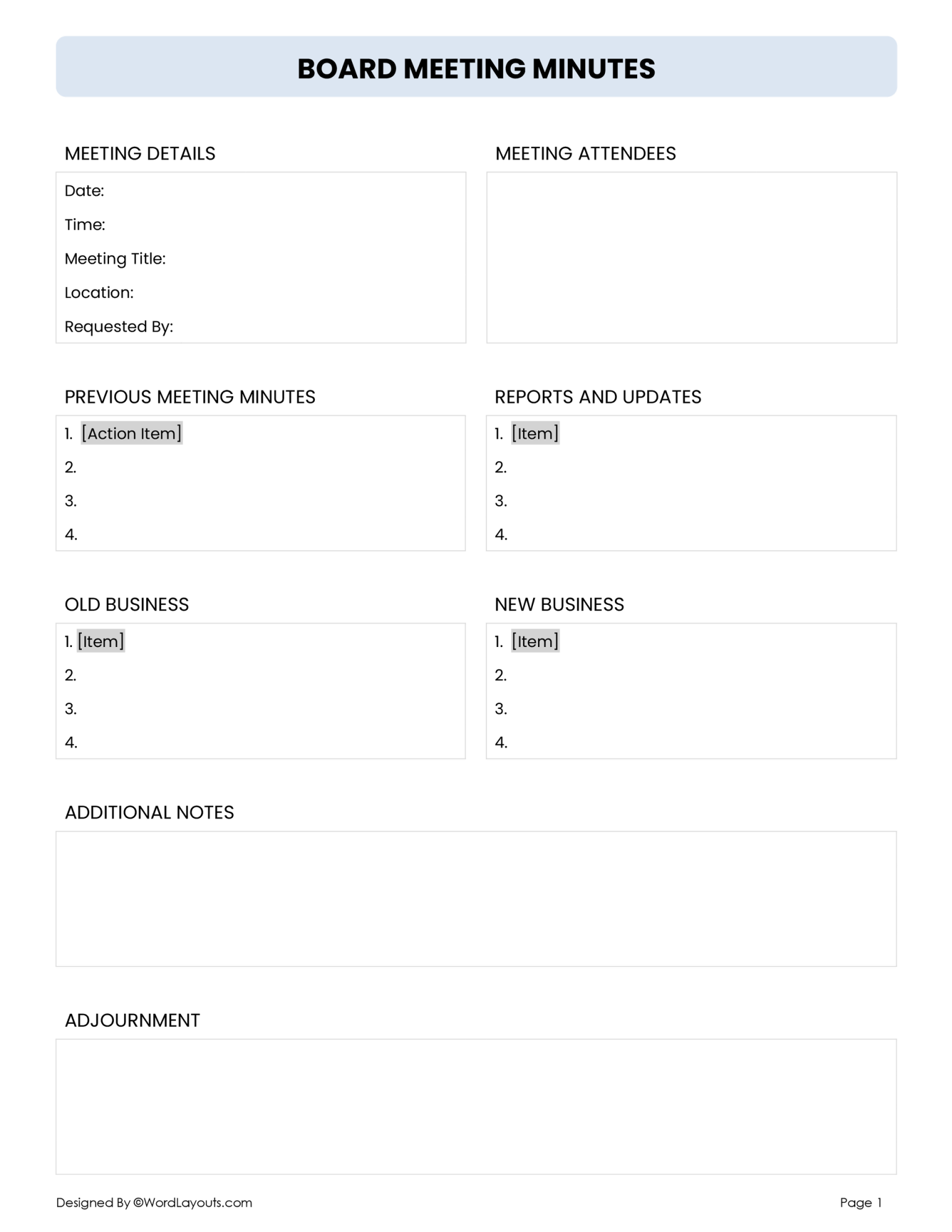
A clear header should include the meeting title, date, time, venue (or virtual link), and participants. Add a unique meeting ID if your organization tracks sessions across projects.
Agenda Overview
List each agenda item with a brief description and allotted time. This structure helps the recorder stay on track and highlights priority topics.
Discussion Summary
For each agenda point, record the main arguments, conclusions, and any dissenting views. Use concise language while preserving essential context.
Action Items
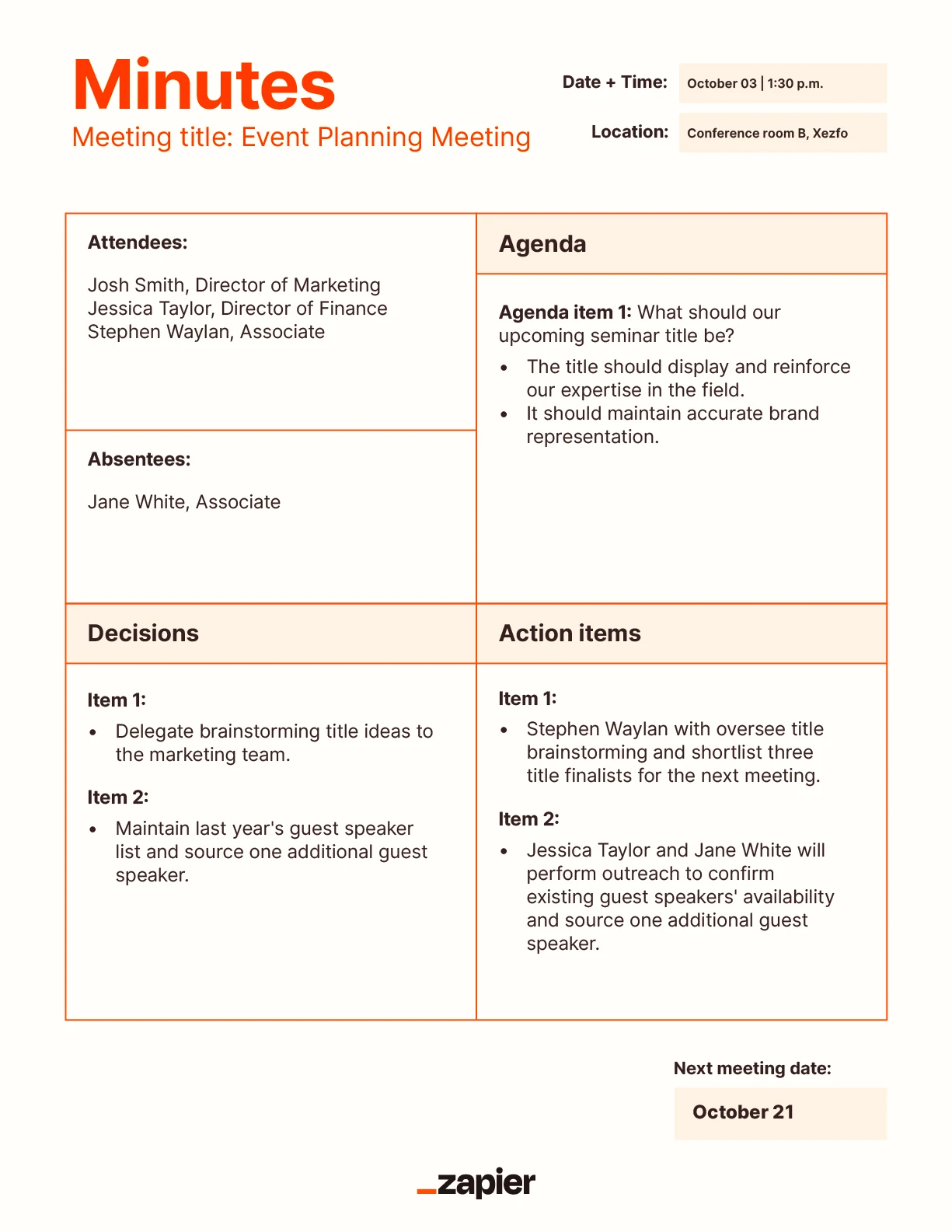
Action items must be captured as “Who” + “What” + “Deadline.” An example: John Doe will prepare the cost analysis by May 12th.
Decisions & Commitments
Explicitly state decisions made and any commitments or approvals. This section serves as evidence for accountability.
Next Steps & Follow‑Up
Summarize the next meeting date, any pre‑work required, and the responsible parties for follow‑up.
Choosing the Right Template Format

Digital Templates
Cloud‑based tools like Google Docs, Microsoft OneNote, and collaborative platforms such as Notion provide real‑time editing, version control, and easy sharing. They also allow embedding links to related documents, making minutes a living hub of information.
Print‑Friendly Templates
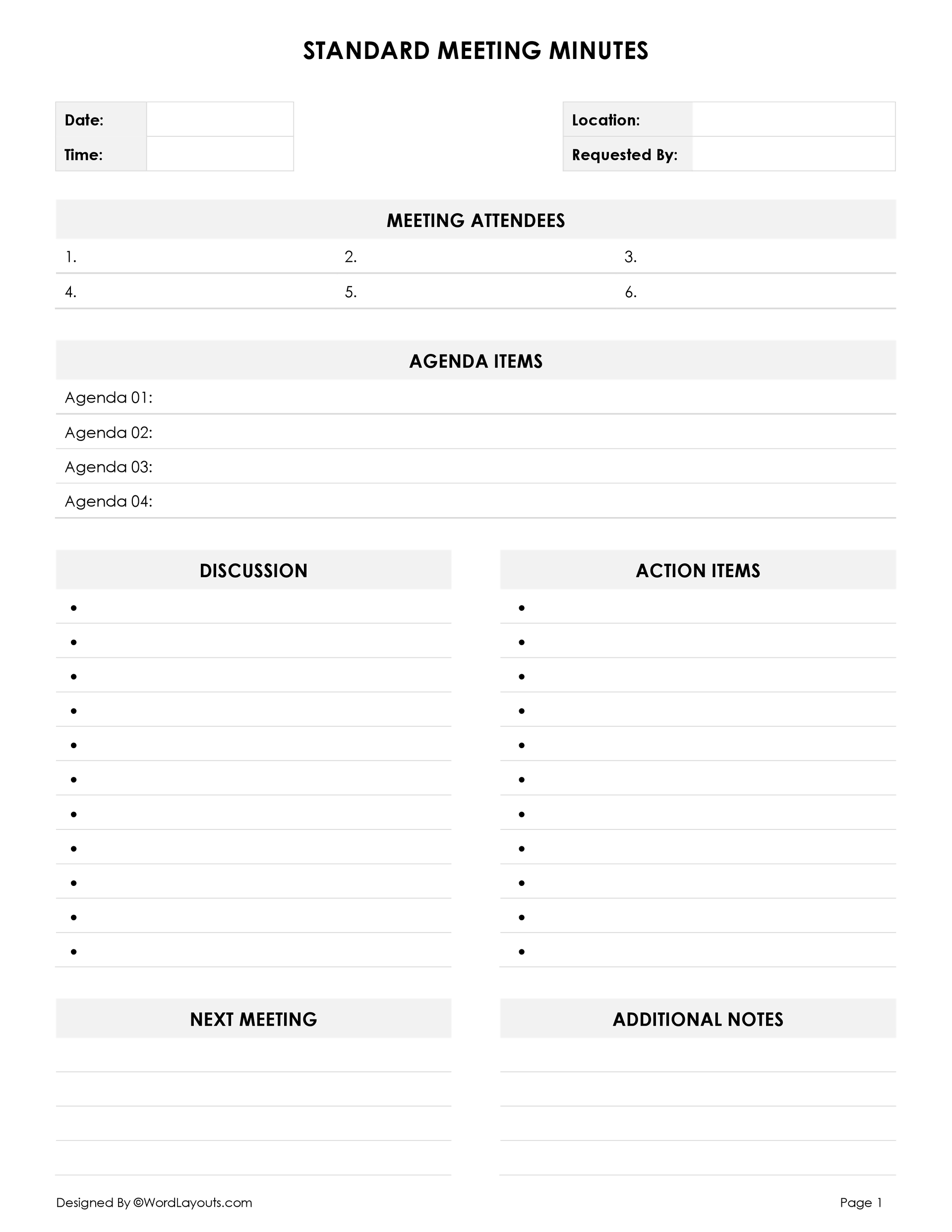
For environments that still rely on paper, a clean, printable PDF or Word template that includes checkboxes for action items enhances readability during the meeting and ensures no details are lost when digitizing afterward.
Customizable Templates
Start with a base template but build in placeholders for industry‑specific terms—e.g., “Compliance Deadline” for regulatory teams or “Budget Allocation” for finance departments. This flexibility maximizes relevance across departments.
Customizing Your Template
Adapt the template to your team’s culture and workflow. If your organization values visual clarity, incorporate color‑coded rows: green for approved actions, yellow for pending items, and red for critical deadlines. Use icons or emojis sparingly to denote urgency or status, but keep the document professional.
Consider adding a “Notes” column for quick side comments that can be expanded in later drafts. This prevents the main body from becoming cluttered while preserving context.
Step‑by‑Step Minute‑Taking Process

Before the Meeting
- Review the agenda and pre‑read relevant materials.
- Set up the template in your chosen tool and test formatting.
- Decide on a consistent time‑stamping method (e.g., ISO 8601).
During the Meeting
- Start with the header immediately, noting attendees and time.
- Follow the agenda order; for each item, capture the core discussion points.
- Document action items as they arise, using the “Who/What/When” format.
- Use shorthand for common terms but avoid acronyms that might confuse future readers.
- Verify key decisions in real time by asking the presenter to confirm.
- Keep the tone objective—avoid subjective adjectives unless they reflect a stakeholder’s sentiment.
After the Meeting
- Within 24 hours, finalize the document, add hyperlinks to referenced files, and distribute via your organization’s standard communication channel.
- Mark the action items with due dates and assign them using project‑management tools (e.g., Trello, Asana).
- Archive the minutes with a consistent naming convention such as “MM-DD-YYYY_ProjectX_MeetingNotes.”
Best Practices for Real-World Use
- Use a consistent voice—third person, present tense, and concise language.
- Leverage templates across all meetings, from daily stand‑ups to quarterly strategy reviews, ensuring familiarity.
- Include a “Revision History” section to track edits and provide context for changes.
- Encourage participants to review the minutes within one business day to confirm accuracy.
- Integrate the minutes with your project timeline to automatically flag overdue actions.
Digital vs Paper Templates
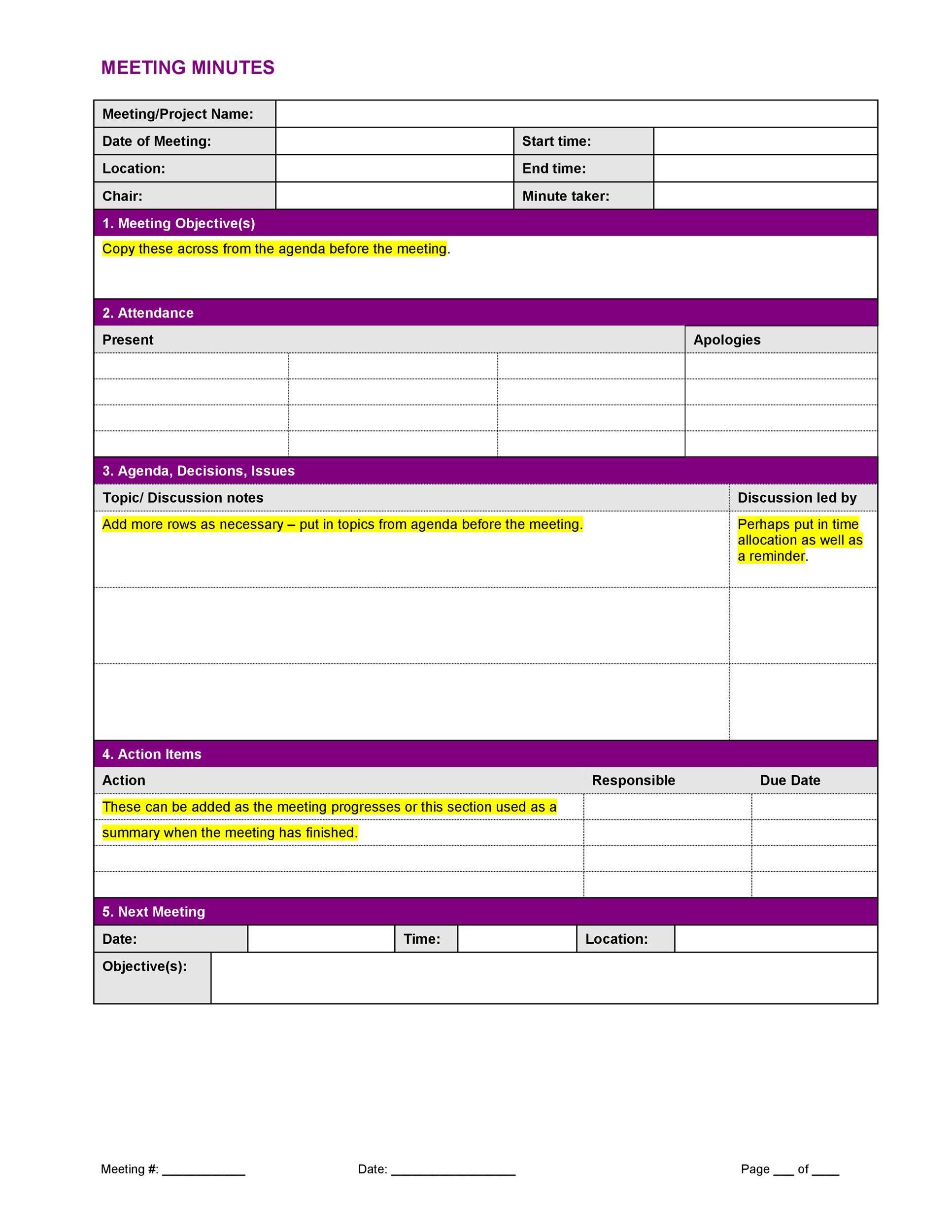
While digital templates offer collaboration and accessibility, paper templates still hold value in high‑security environments or in regions with limited internet connectivity. A hybrid approach—taking notes on paper and later transcribing into a digital template—ensures redundancy and compliance with data‑retention policies.
Advanced Tips and Tricks
Template Automation
Use macros or scripting in Google Docs to auto‑populate date and attendee fields. In Microsoft Word, a custom “Meeting Minutes” Quick Part can pull meeting metadata.
Integrating with AI Assistants
Leverage AI transcription services to capture spoken dialogue, then use natural‑language processing to auto‑generate action items. This can dramatically reduce the manual workload.
Version Control
Store minutes in a versioned repository (e.g., Git) if your team requires audit trails. Each commit represents a new iteration after stakeholder approval.
Common Pitfalls to Avoid
- Neglecting to capture attendees or their roles—future reference will suffer.
- Over‑loading minutes with jargon—future stakeholders may not understand.
- Failing to set deadlines for action items—responsibility dissipates.
- Disregarding follow‑up—decisions become stagnant and lose momentum.
- Ignoring formatting consistency—readability suffers across documents.
Using Templates for Remote Meetings
Remote settings demand additional rigor. Assign a dedicated note‑taker in advance and use collaborative editing so everyone can see the minutes live. Highlight action items in a separate “Follow‑Up” panel and link them to shared project boards.
Time zones can confuse timestamps; standardize to UTC or provide a local time conversion chart for global teams.
Automating the Minute‑Taking Workflow
Integrate your meeting platform with a workflow automation tool. For instance, after a Zoom meeting, trigger a Zapier workflow that pulls the recording, transcribes it, and populates a pre‑formatted Google Sheet. The sheet’s “Action Items” column can automatically create Trello cards.
Conclusion
Mastering Taking Minutes In A Meeting Template turns a routine administrative task into a strategic asset. By structuring your minutes with clear headers, concise discussions, actionable tasks, and definitive decisions, you create a living record that fuels project continuity, enhances accountability, and drives measurable outcomes. Adopt the right format, customize thoughtfully, and follow a disciplined process, and you’ll transform every meeting into a catalyst for success, not just a fleeting conversation. The next time you sit at a table, remember: the minutes you draft are not merely a recap—they are the blueprint that will shape how your team moves forward. Ensure they are precise, timely, and accessible, and your organization will reap the benefits for years to come.