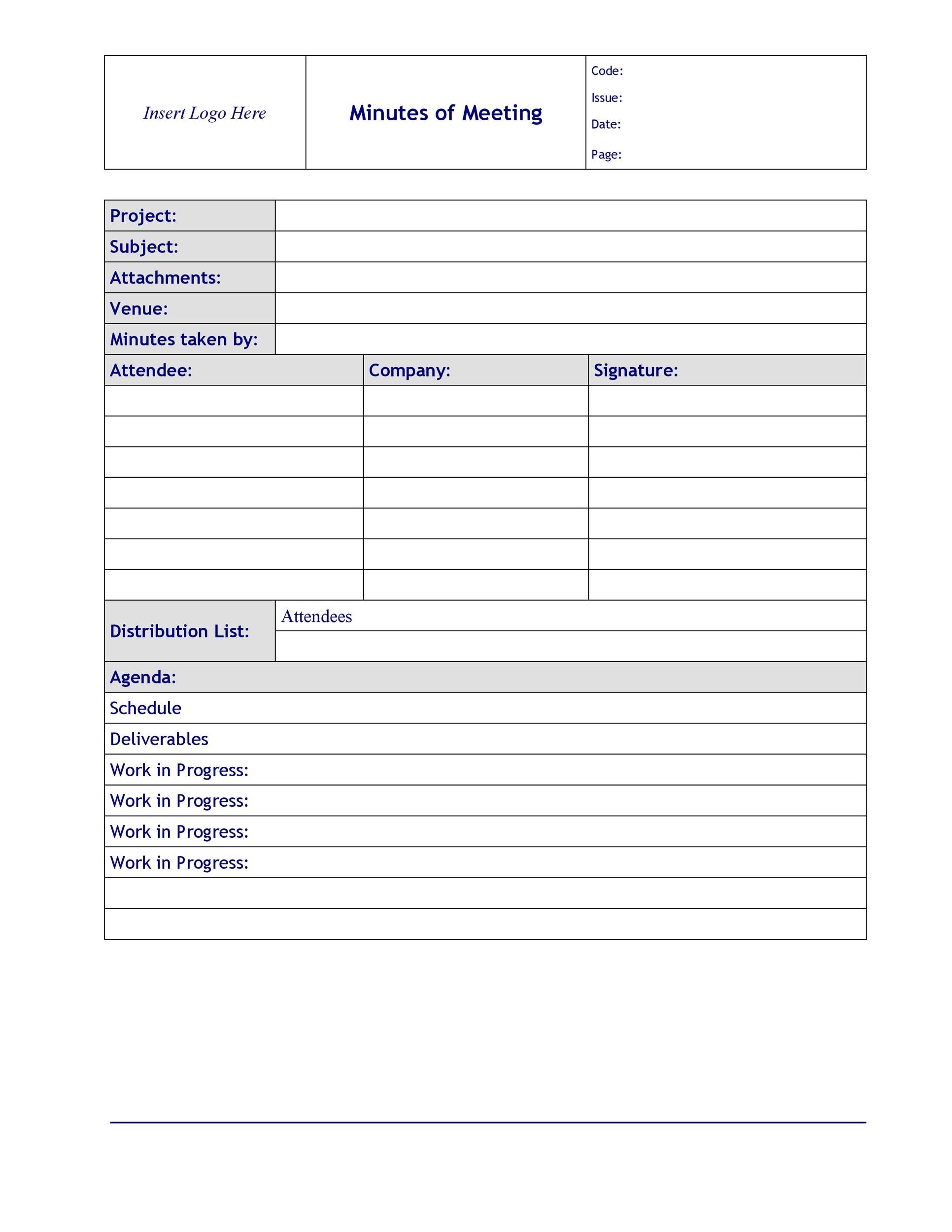
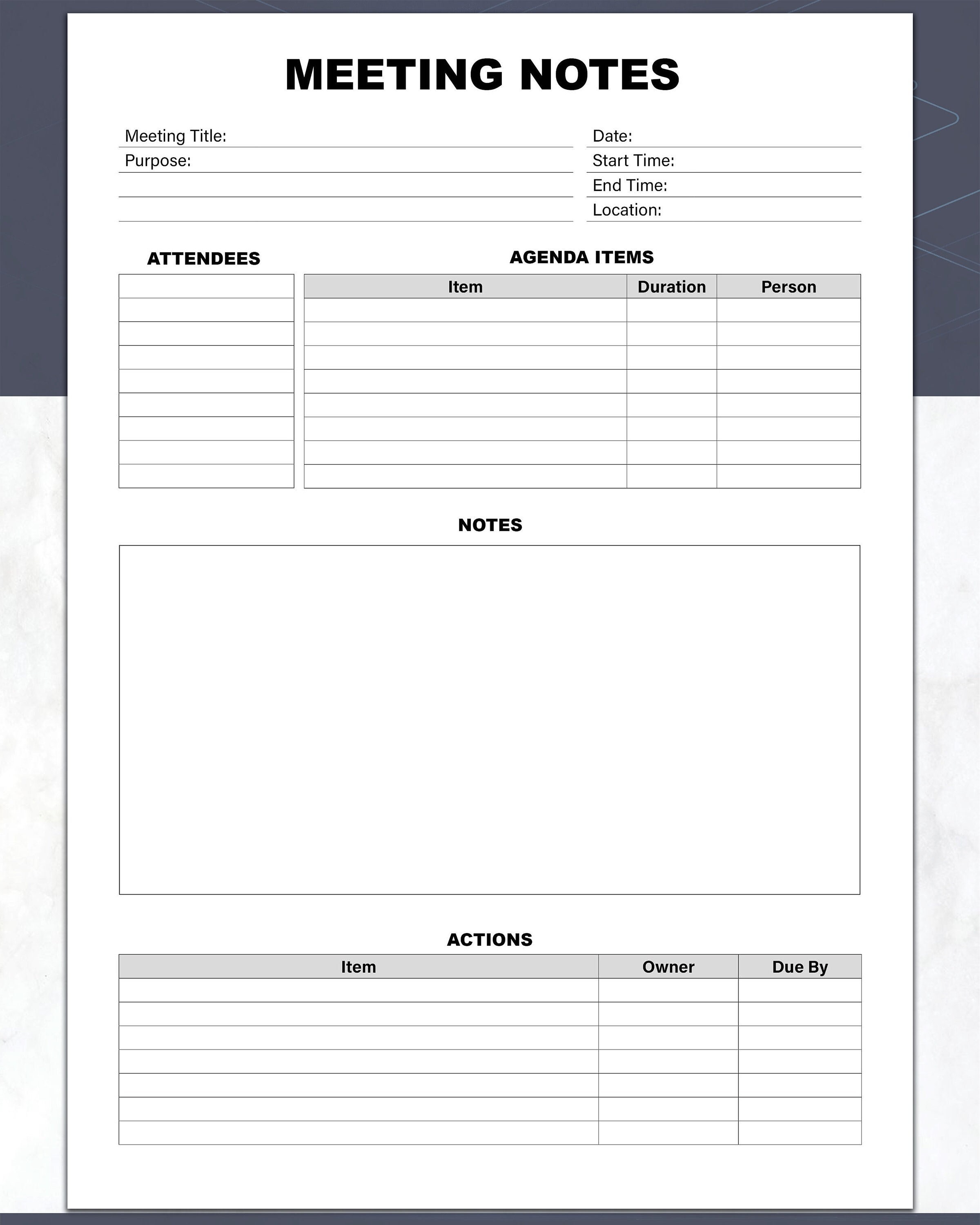
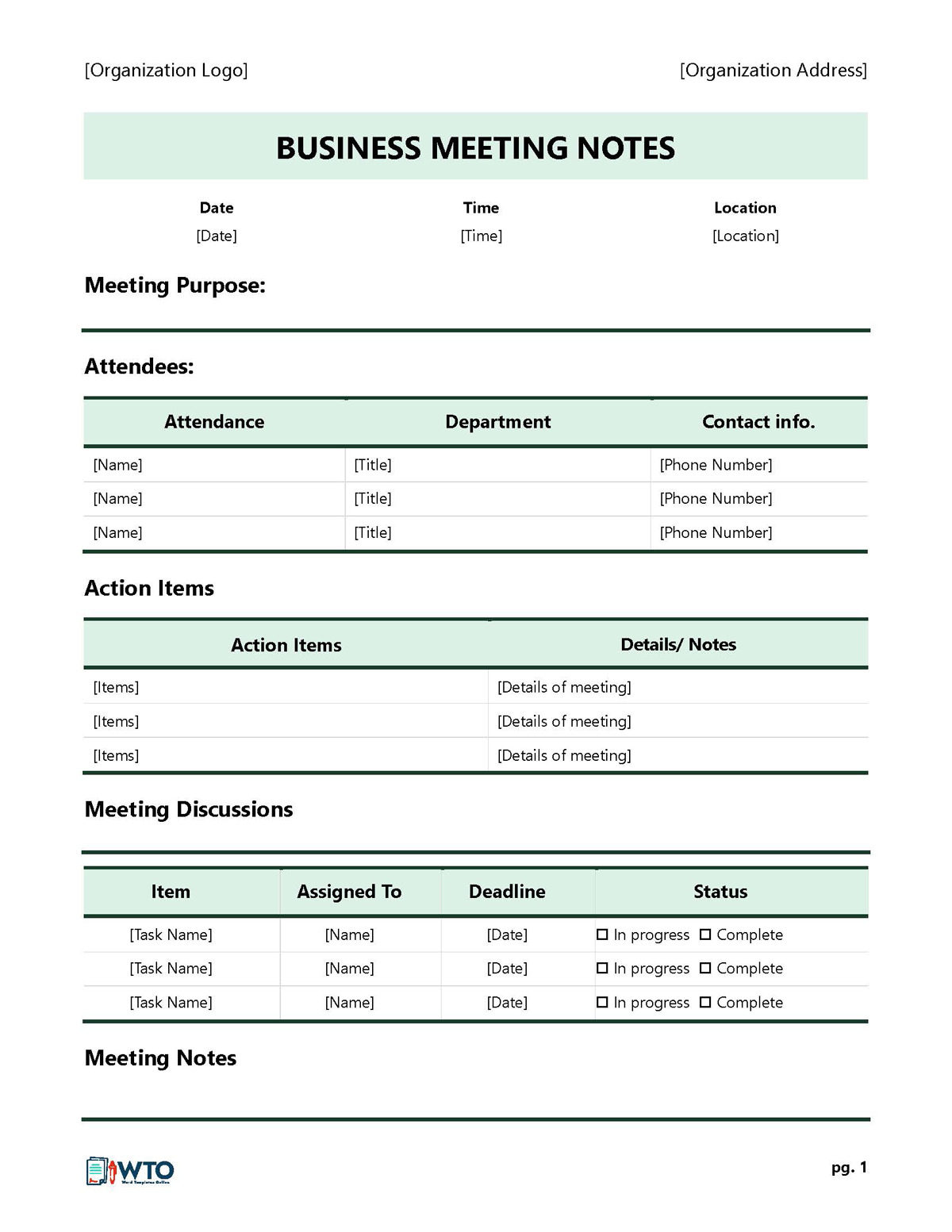
Meeting Notes Template Word serves as the backbone of efficient, transparent, and actionable meetings across any industry. By embedding a consistent structure into your daily workflow, you can turn raw discussions into clear decisions, measurable tasks, and a reliable historical record that stakeholders trust and reference.
Benefits of a Standardized Template
Consistency and Professionalism
When every meeting follows the same format, attendees know what to expect, and external stakeholders view your organization as organized and detail‑oriented. A uniform template signals professionalism and reinforces your brand’s commitment to clarity.
Time Efficiency
With a ready‑made layout, minute writers spend less time formatting and more time capturing content. A simple table with predefined columns speeds up data entry and reduces the risk of omissions.
Better Decision‑Making
Explicitly documenting decisions and associated responsibilities eliminates ambiguity. When action items are assigned and deadlines tracked, decision owners can follow up quickly, leading to faster execution.
Core Elements of an Effective Meeting Notes Template
Header Information
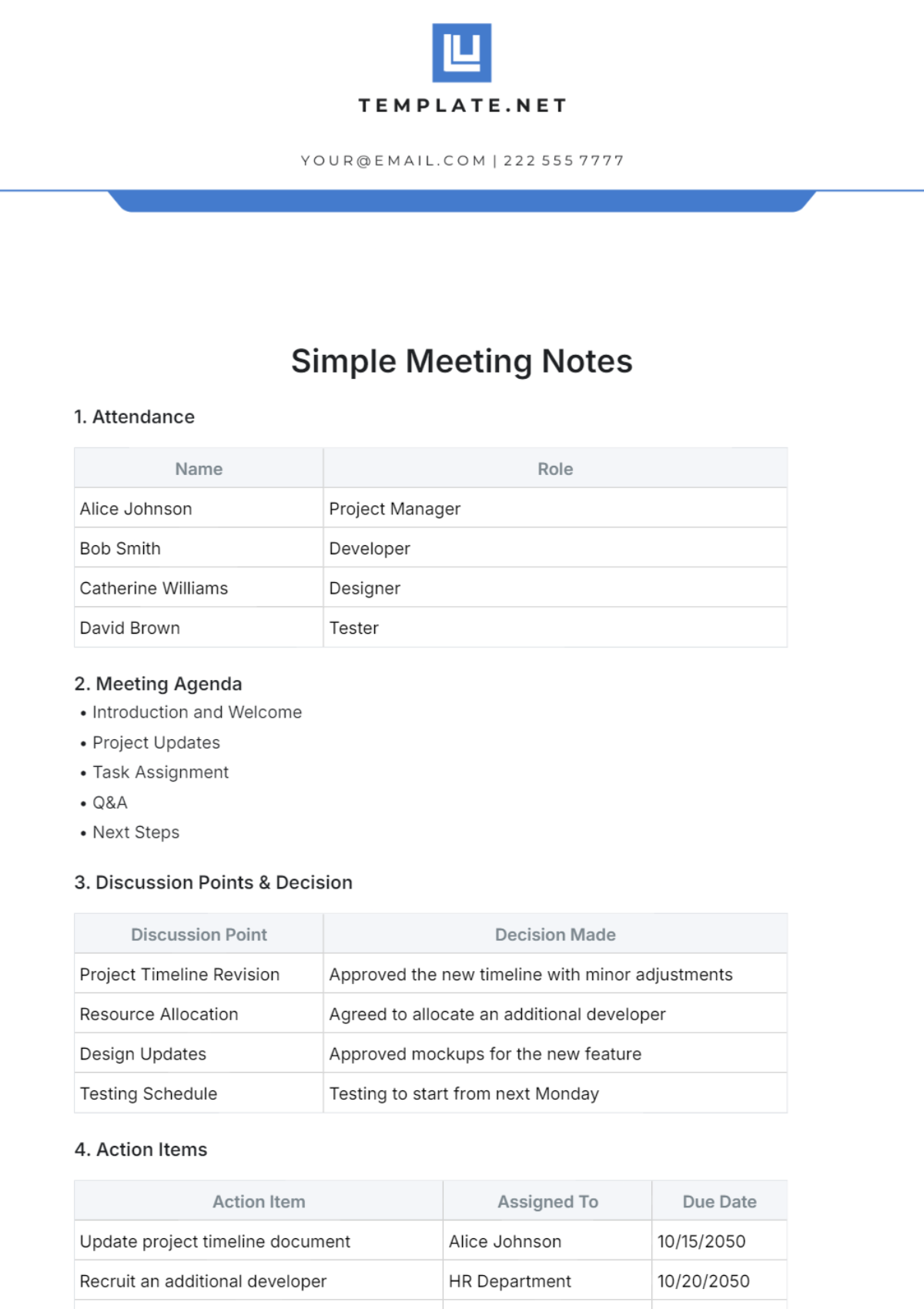
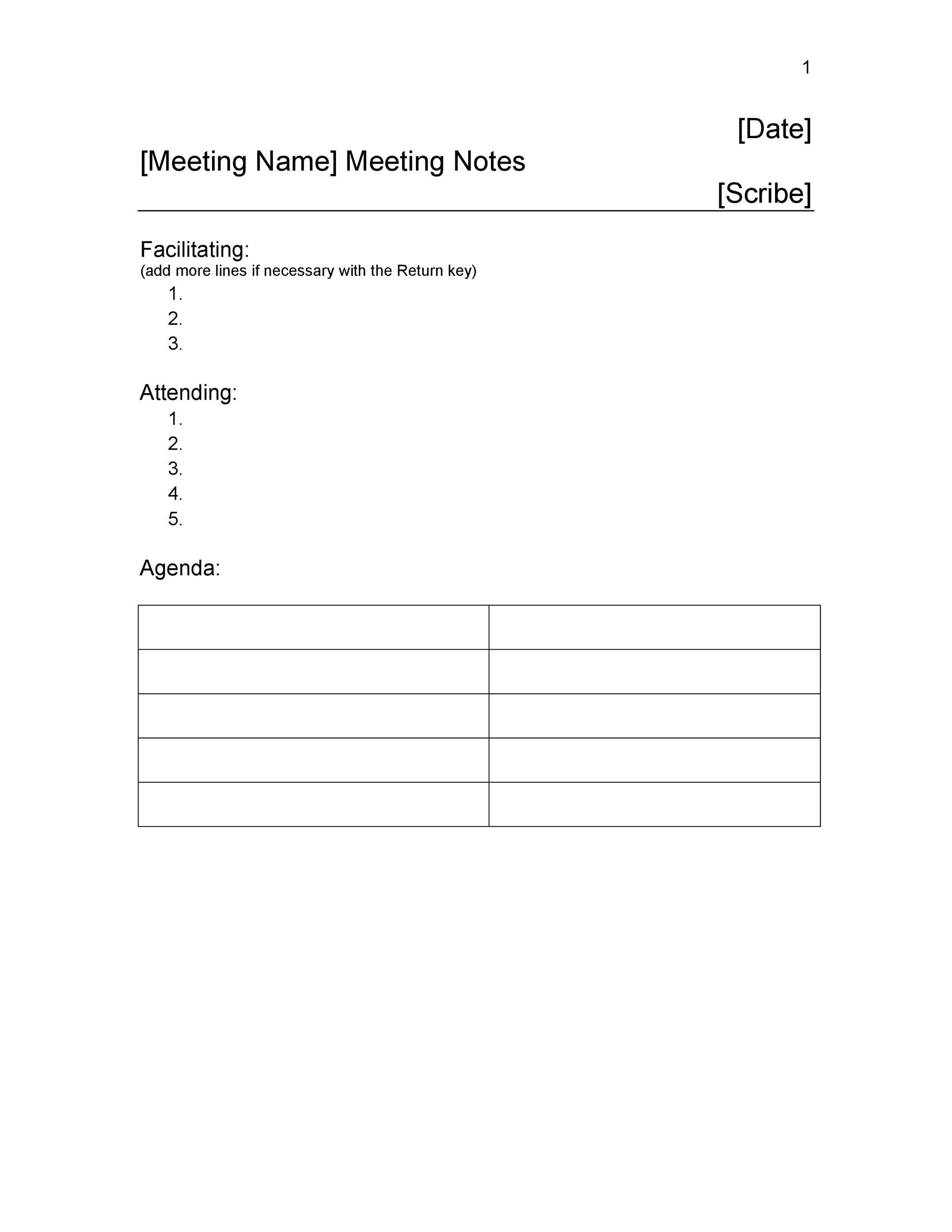
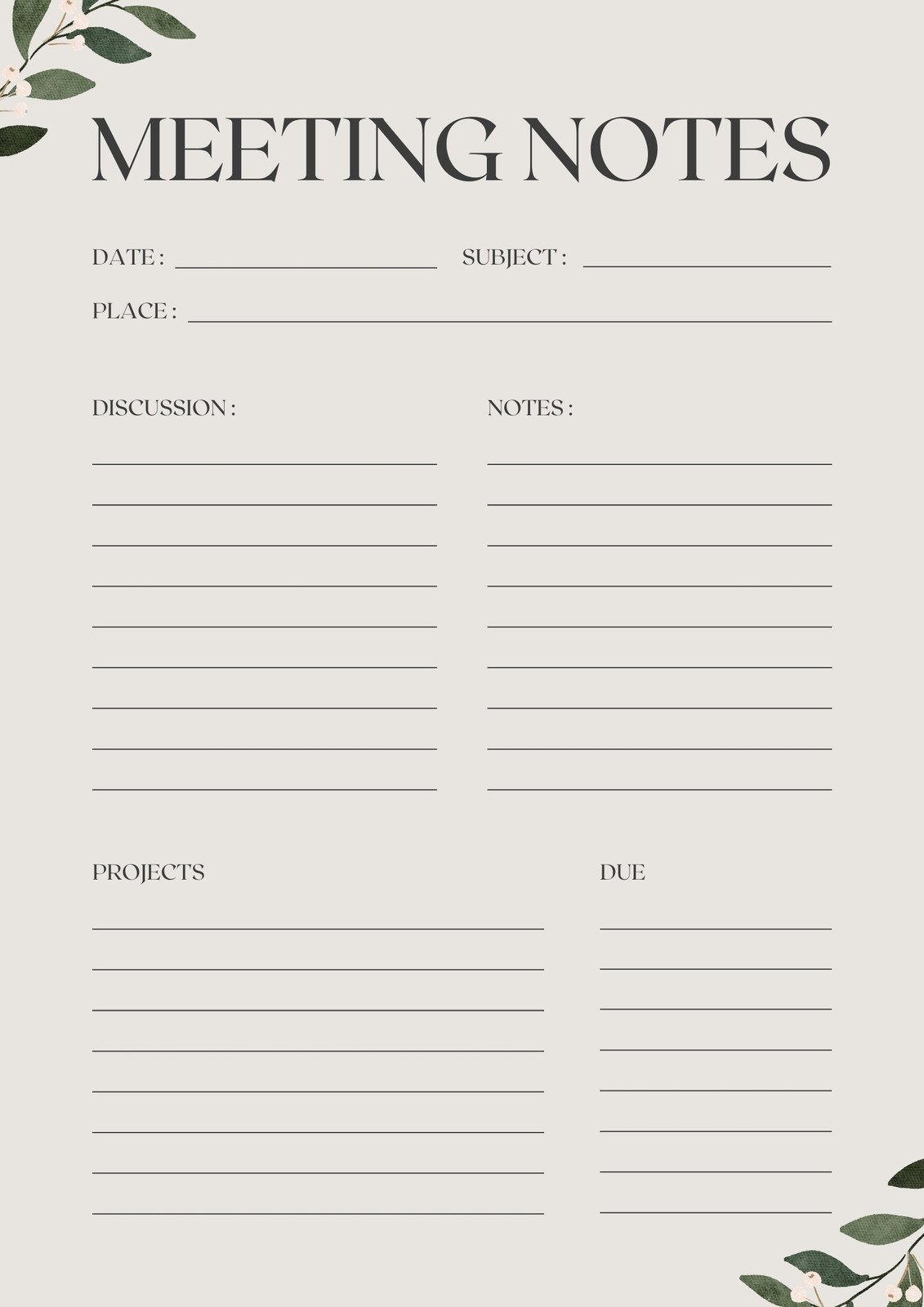
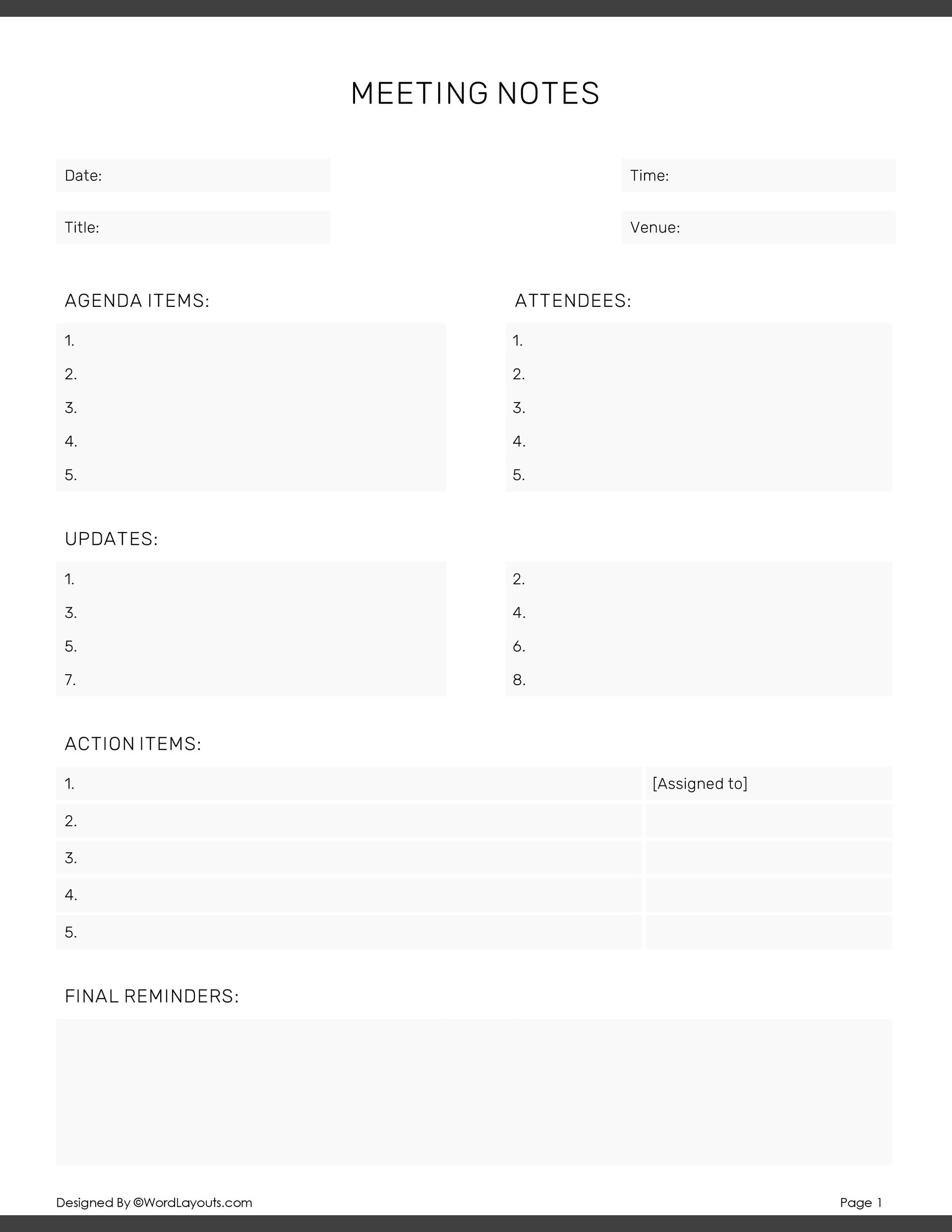
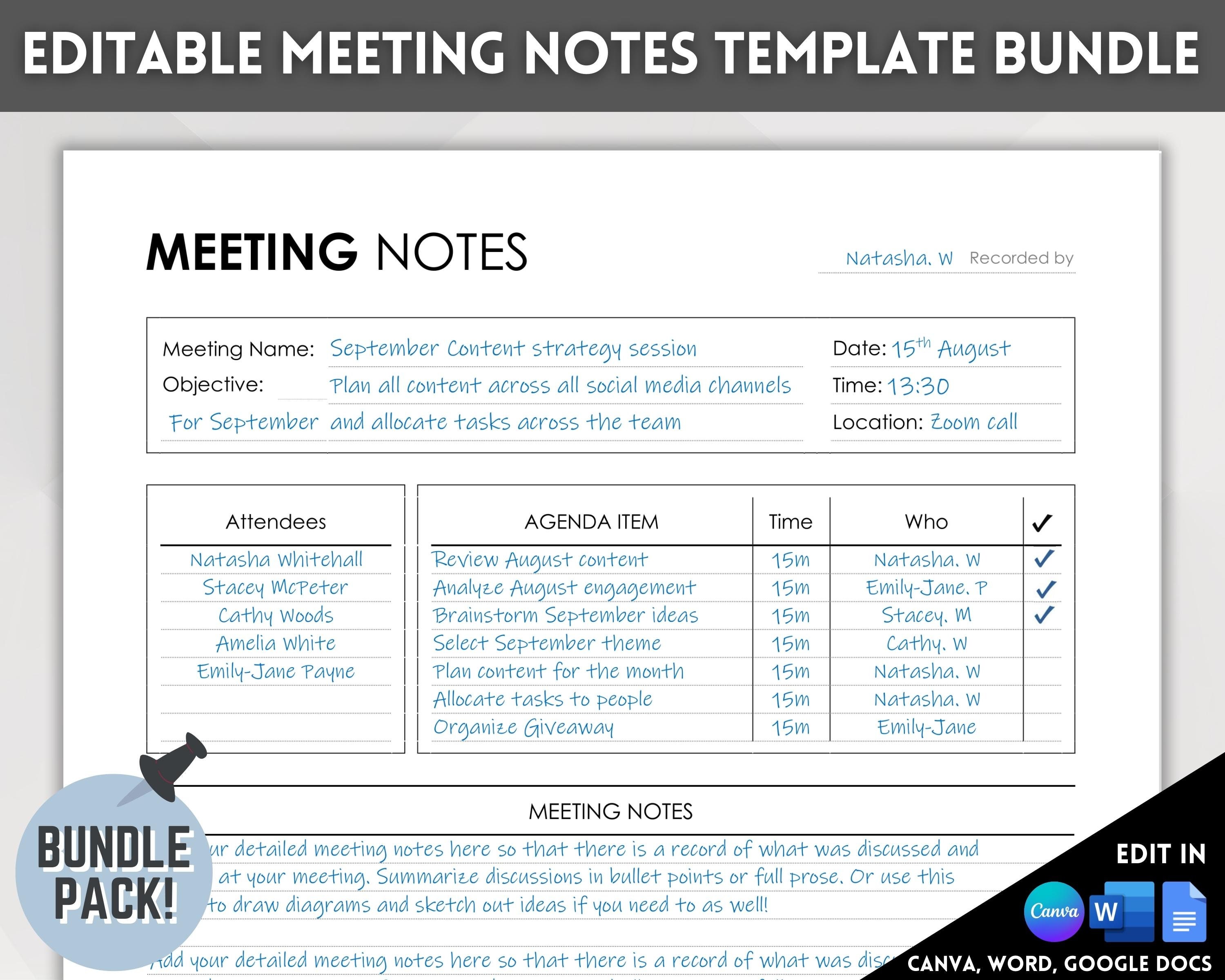
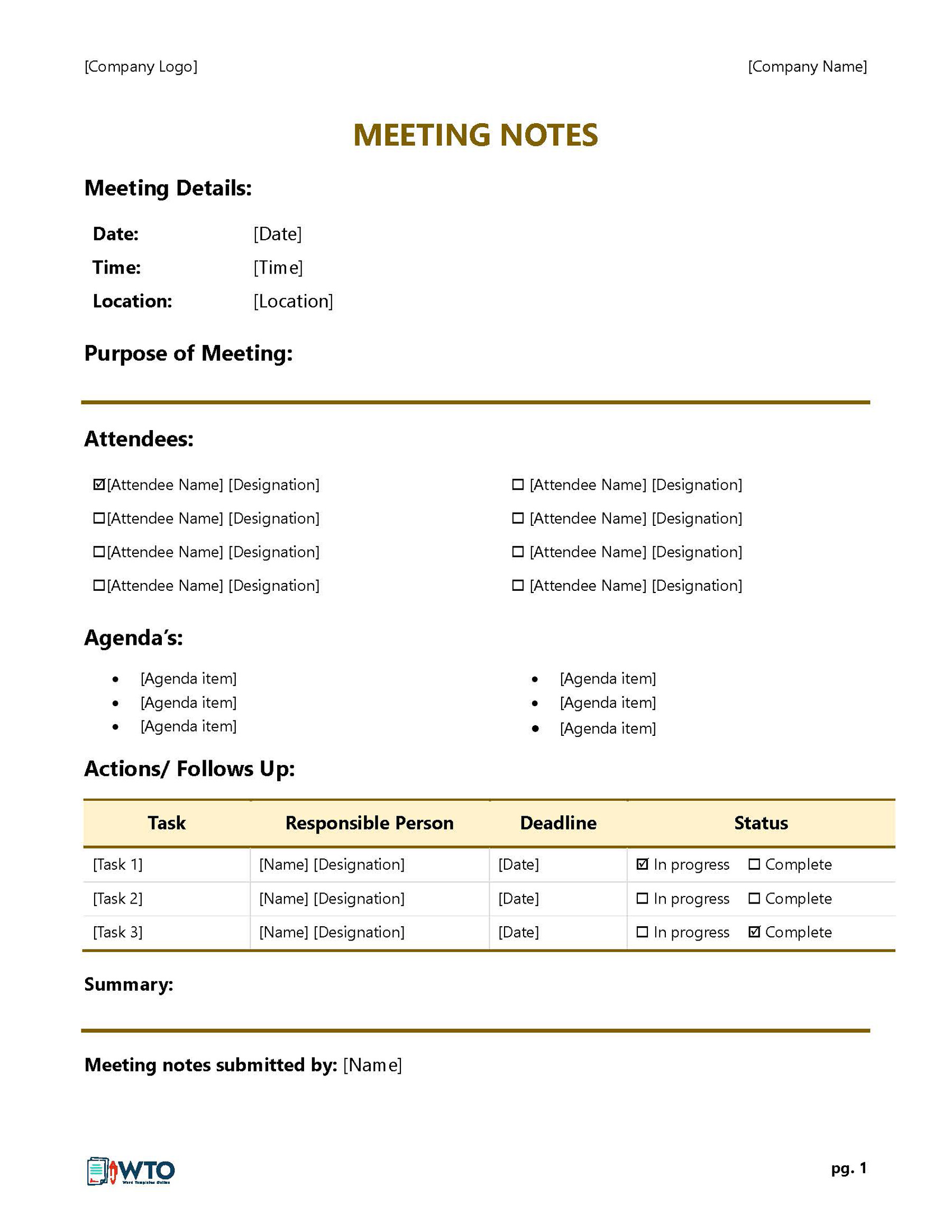
The top of every document should capture the meeting title, date, time, location, and organizer. Including a unique meeting ID or reference number aids in indexing and future retrieval.
Agenda Items
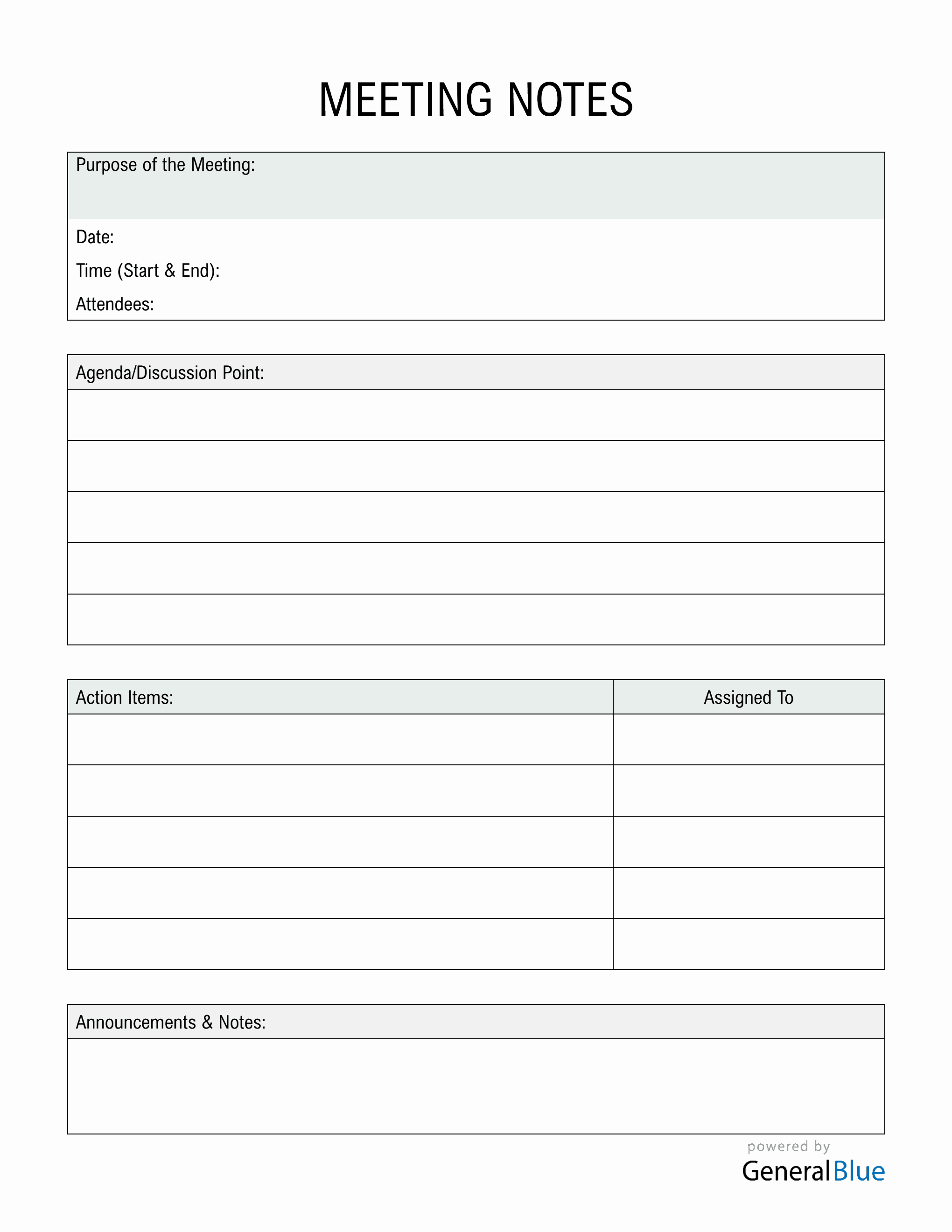
List each agenda point in a table column. This creates a clear roadmap and allows participants to see progress as items move from discussion to decision.
Action Items
Allocate a dedicated row or section for actionable tasks. Each action item should include the owner, description, deadline, and completion status. A checkbox column is highly effective for visual tracking.
Decisions Made
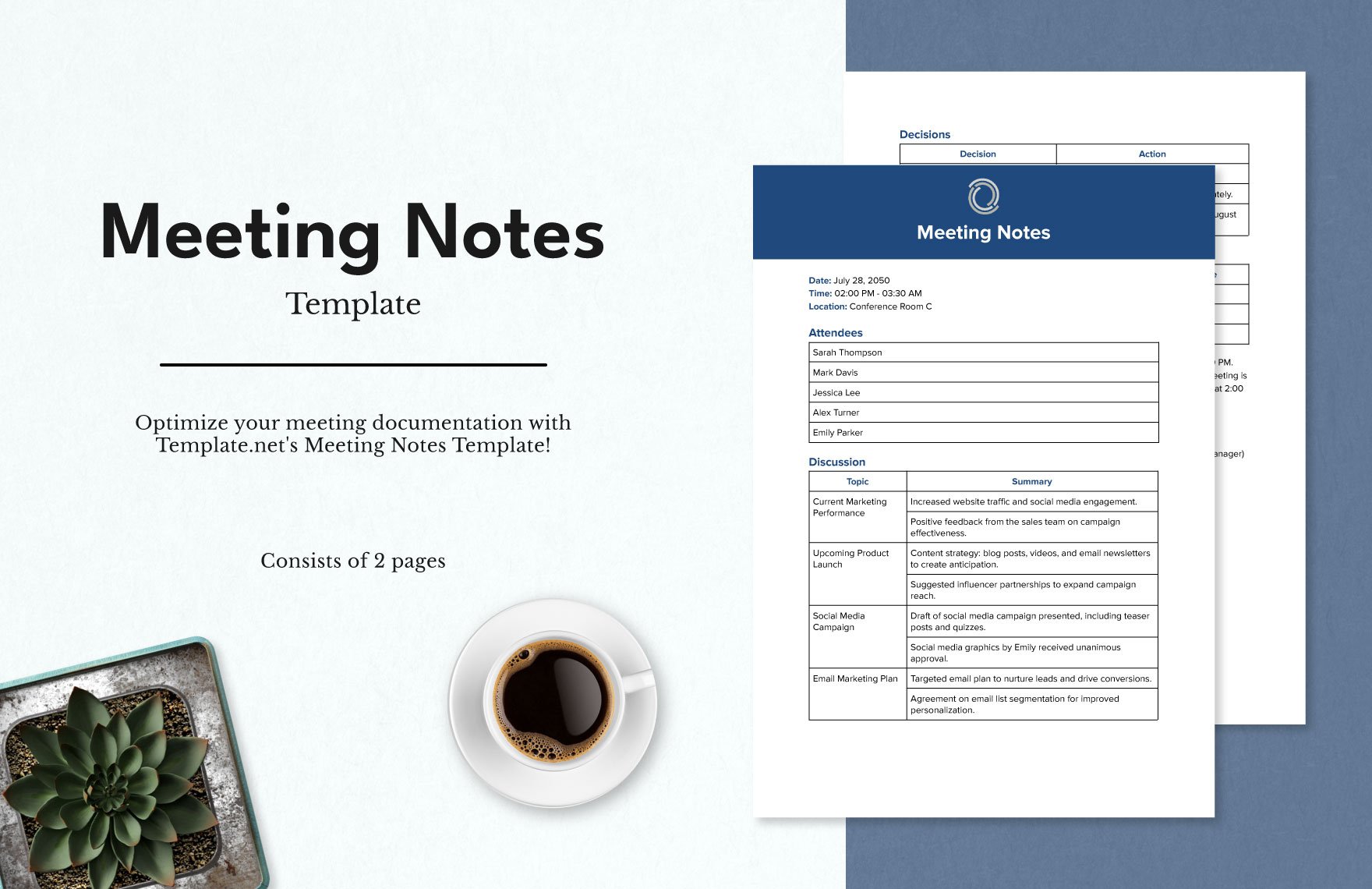
Separate a section for formal decisions. Capture the rationale, alternatives considered, and any related metrics or KPIs that justify the choice.
Participants & Roles
List attendees, their roles, and any absentees. This clarifies who contributed to each discussion and who will be accountable for subsequent actions.
Follow‑Up & Next Meeting
Conclude with a brief note on the next meeting date, time, and preliminary agenda. This ensures continuity and keeps stakeholders prepared.
Step‑by‑Step Guide to Building Your Template in Word
- Open a New Document. Start with a blank page to avoid legacy formatting.
- Set Margins and Page Layout. Use standard 1″ margins for readability and set orientation to portrait.
- Create a Header Table. Insert a 2‑row table: the first row for the title and the second for meeting details. Merge cells as needed.
- Define Agenda Columns. Insert a table with columns titled “Item,” “Discussion,” “Decision,” and “Action Owner.” Use a light gray background to differentiate the header.
- Insert Action Item Checkboxes. In the “Action Owner” column, enable Developer tools > Check Box Content Control for quick status updates.
- Apply Consistent Styles. Select each header row and apply a built‑in style like “Heading 2” for easy navigation.
- Save as a Template. Go to File > Save As > Word Template (.dotx). Name it “Meeting Notes Template Word.”
Once saved, any new meeting note can be started by selecting the template from the “New” dialog, ensuring instant access to the predefined structure.
Customizing for Different Meeting Types
Board Meetings
Board notes often require formal approval sections, financial summaries, and compliance checklists. Add a “Board Approval” column and a “Financial Summary” row for executive reports.
Project Kick‑offs
Kick‑offs emphasize scope, milestones, and stakeholder responsibilities. Include a “Milestone” column and an “Owner” column to map deliverables.
Daily Stand‑ups
These short meetings benefit from a rapid‑capture format: “What I did yesterday,” “What I’ll do today,” and “Roadblocks.” A three‑column table with time stamps fits well.
Common Pitfalls and How to Avoid Them
- Overloading the Template – Keep the layout simple. Too many columns confuse attendees and delay note taking.
- Ignoring Accessibility – Use readable fonts like Calibri or Arial, keep font size 11 or 12, and provide high‑contrast table shading.
- Failing to Review – After meetings, circulate the minutes promptly and request confirmation of action items. Late reviews erode trust.
- Not Archiving Properly – Store completed minutes in a structured folder hierarchy (Year/Quarter/Meeting ID) and index with keywords for future search.
Leveraging Built‑in Word Features
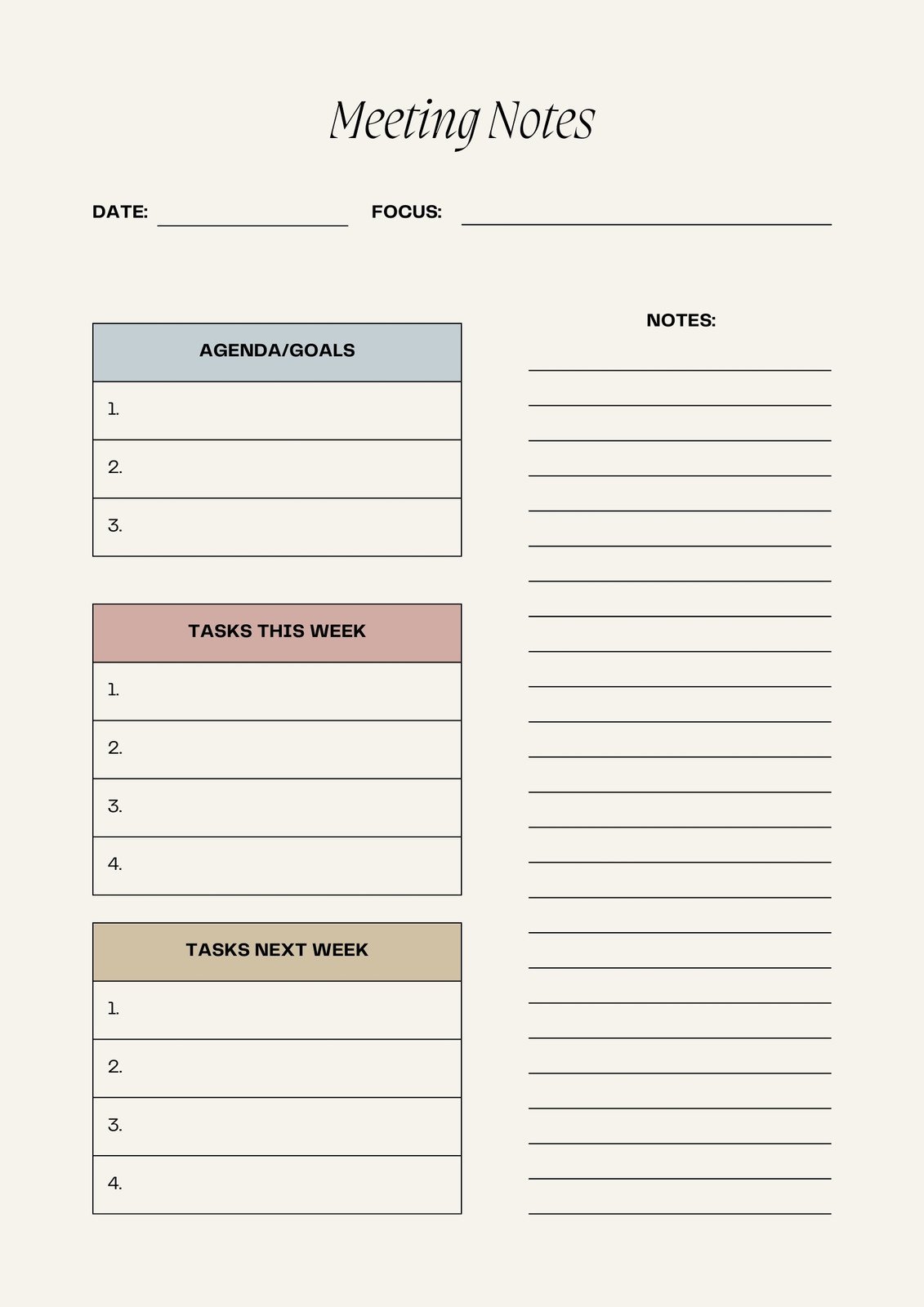
Styles & Themes
Apply a consistent theme to ensure color palettes and fonts remain uniform across all documents. Update the theme once, and all templates reflect the change.
Quick Parts
Use Quick Parts to insert repeating sections such as “Prepared By” or “Date.” This reduces manual input and potential typos.
Automating Date and Page Numbers
Insert field codes for the current date and page numbers. Word automatically updates these when the document is opened or printed, keeping the notes current.
Free Resources & Sample Templates

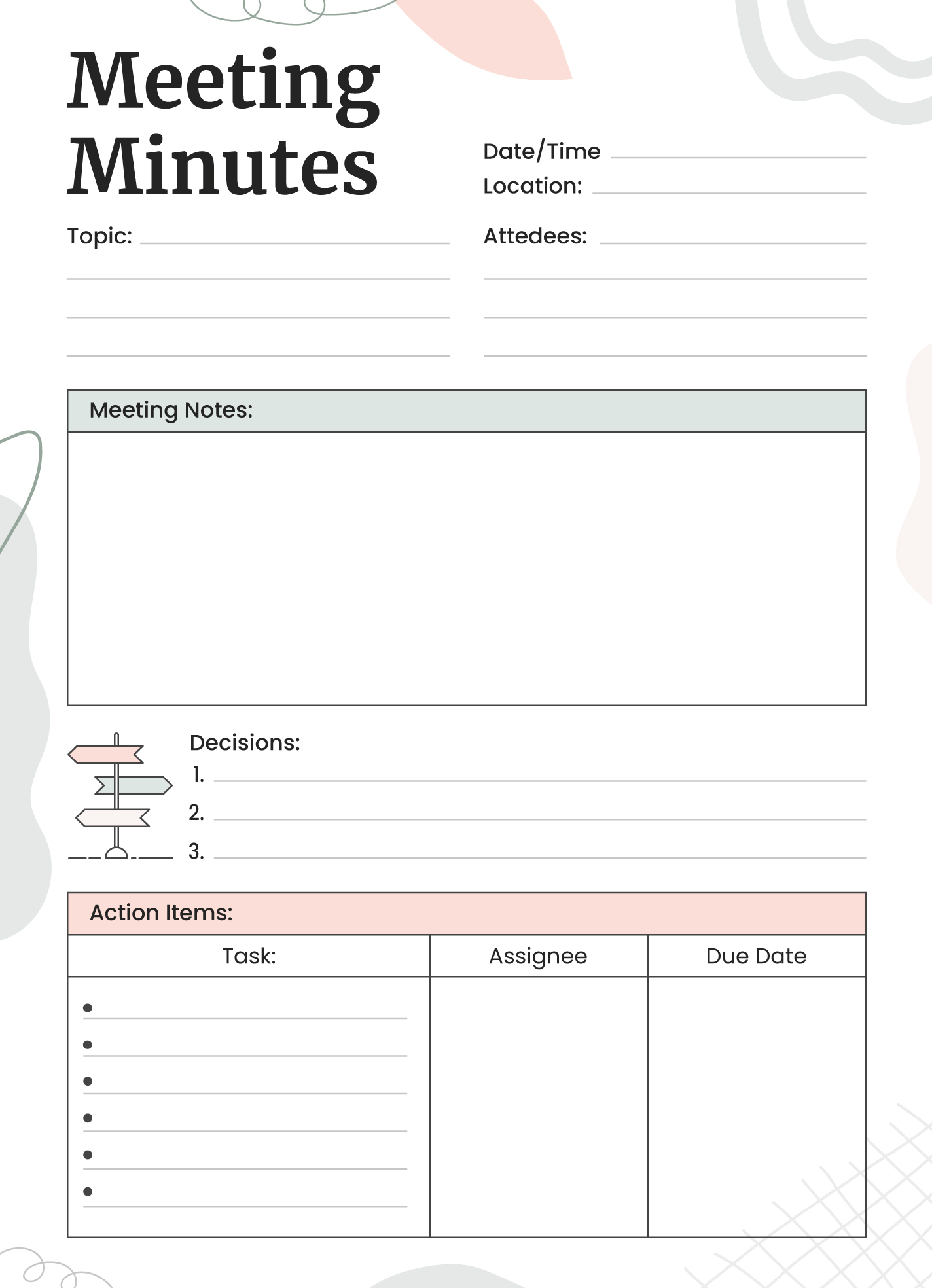
Several reputable providers offer downloadable Meeting Notes Templates Word for free. These templates typically include sections for agenda items, decisions, and action items, all formatted with professional styling. They can be customized further to align with your organization’s brand guidelines.
Real‑World Use Cases
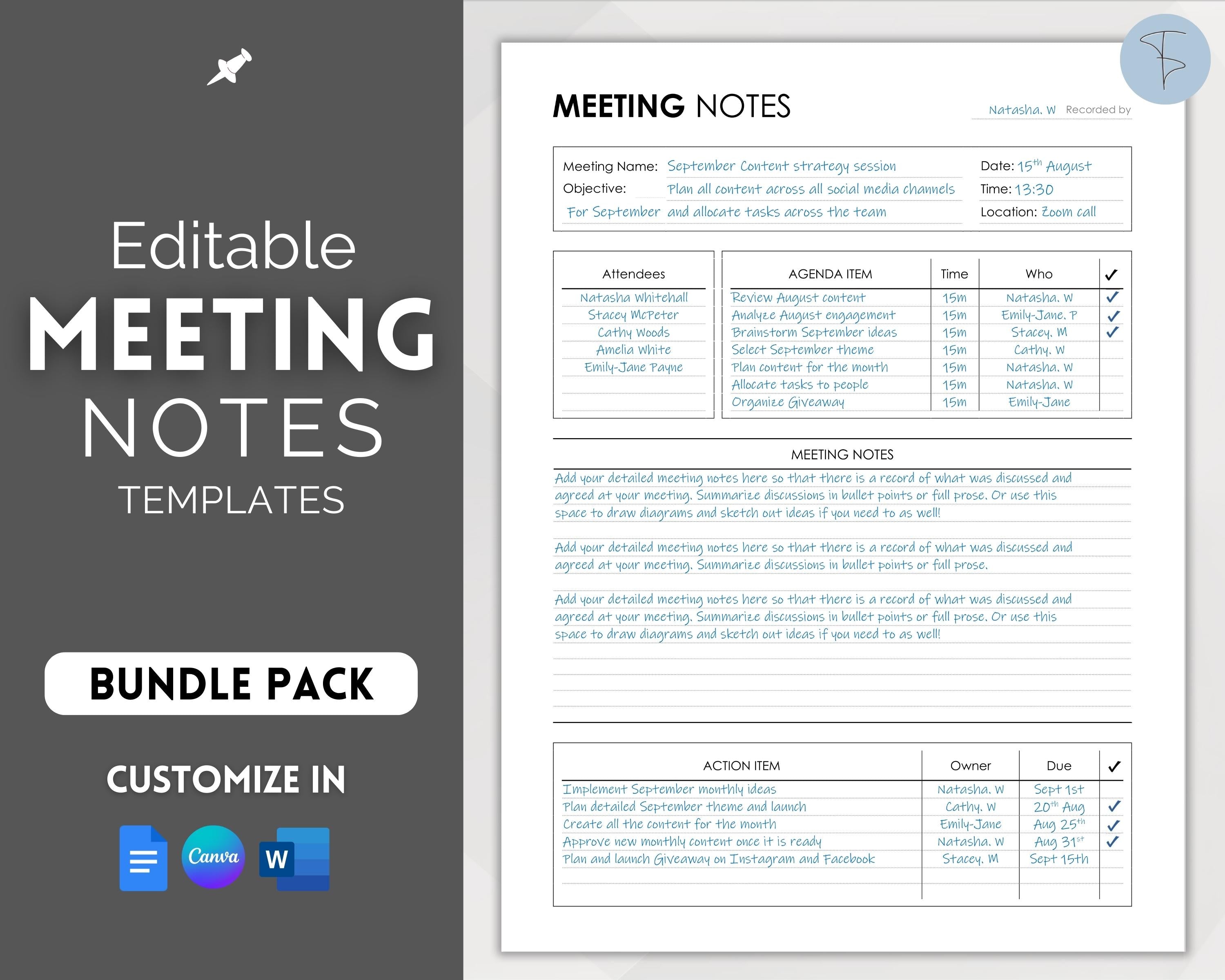
Imagine a product launch planning meeting. The template’s “Decision” column captures whether the launch date is confirmed, while the “Action Owner” column tracks responsibilities for marketing, engineering, and customer support. After the meeting, the minutes provide a single source of truth that the launch team consults daily.
In a quarterly financial review, the template’s “Financial Summary” row logs key metrics, and the “Board Approval” column records final sign‑off. Executives can quickly scan the minutes to verify compliance and alignment with strategy.
For cross‑functional agile stand‑ups, the three‑column table allows team members to note progress, upcoming tasks, and blockers in real time. The minutes become a living document that guides sprint planning and retrospective discussions.
Conclusion
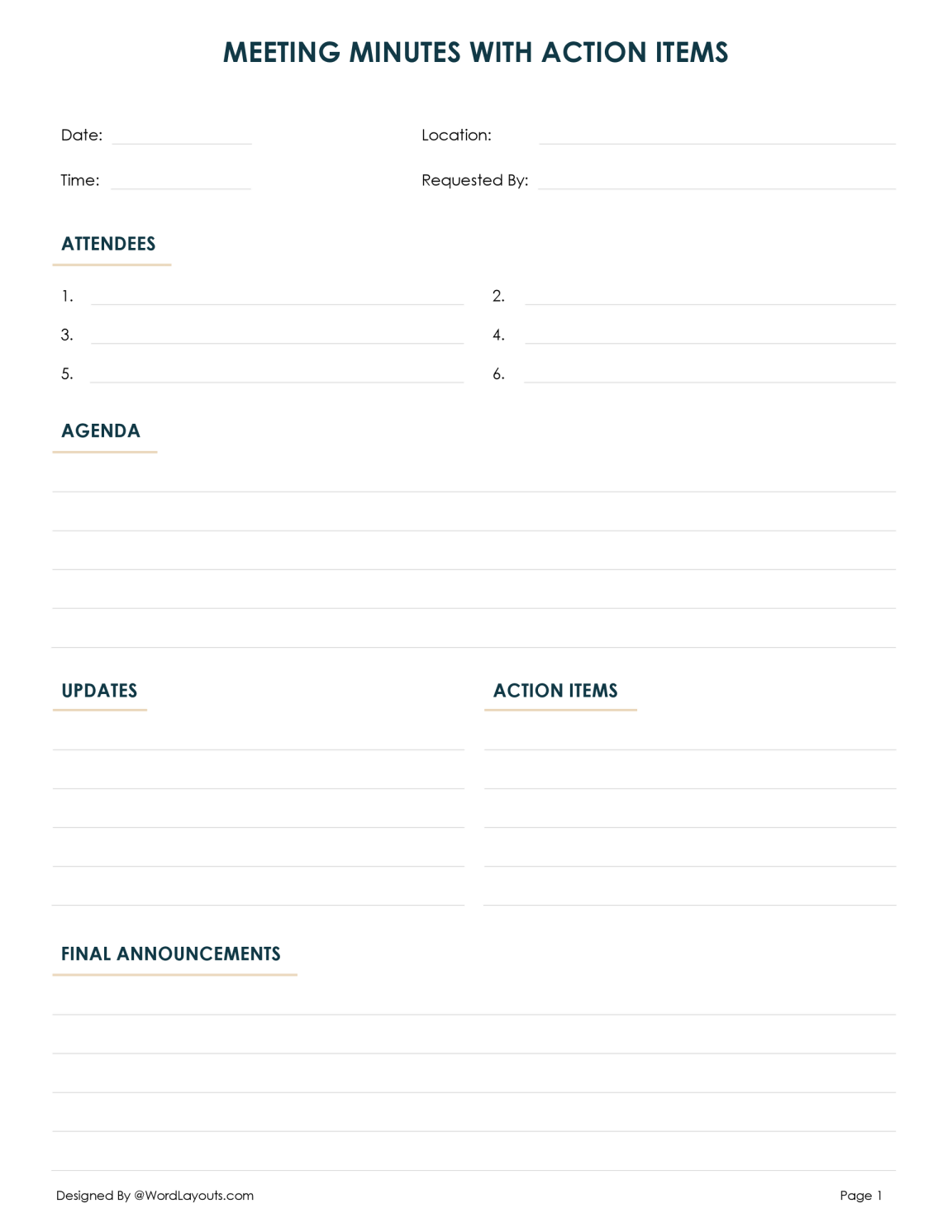
Adopting a Meeting Notes Template Word transforms routine discussions into structured, actionable intelligence. By embedding clear headers, agenda alignment, and action tracking into a single document, you create a living archive that drives accountability and efficiency. Whether you’re coordinating board meetings, kick‑off sessions, or daily stand‑ups, a thoughtfully designed template saves time, reduces ambiguity, and elevates the professionalism of your organization. Invest the few minutes to set up your template today, and watch every meeting become a step toward measurable success.