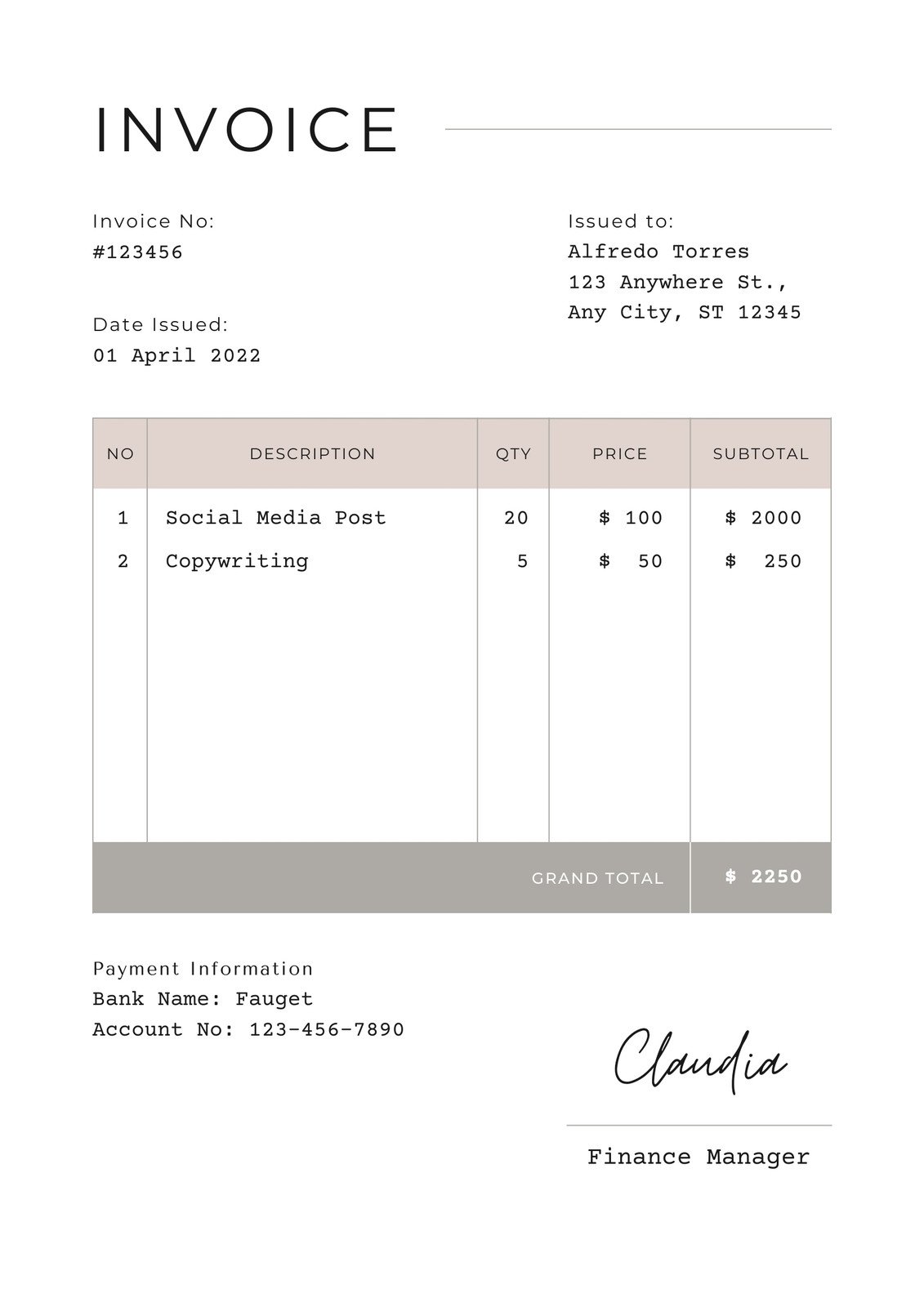
Make Your Own Invoice Template Free is more than a buzzword—it’s a gateway to professional billing, brand consistency, and cost savings. Whether you’re a freelancer, a small business owner, or a startup founder, having a tailor‑made invoice that reflects your identity can set you apart from competitors and boost client confidence. Below, we walk through why custom invoices matter, the best free tools to build them, and practical steps to create, refine, and distribute templates that work for you.
Why Custom Invoices Matter

Invoices are often the first tangible piece of communication between you and a client. A polished, clear, and branded document signals expertise, builds trust, and speeds up payment processes. Standard, generic templates can feel impersonal and may even hide critical details that are essential for compliance or tax reporting.
Brand Consistency Drives Credibility
When every invoice carries your logo, color palette, and typography, it reinforces your brand identity. Clients recognize the visual cues and are more likely to associate professionalism with your services.
Clarity Improves Payment Speed
Custom invoices allow you to highlight payment terms, due dates, and late fee policies prominently. By eliminating ambiguities, you reduce back‑and‑forth email exchanges and lower the chances of delayed payments.
Regulatory Compliance Made Easy
Different regions require specific fields—tax IDs, VAT numbers, or purchase order references. Tailored templates enable you to embed these details automatically, ensuring compliance without extra manual effort.
Free Tools to Create Invoice Templates

There are several no‑cost platforms that let you design and download professional invoice layouts. Below are the most popular options, each with unique strengths.
Google Docs & Sheets
Google’s suite is a flexible, cloud‑based solution that offers customizable table layouts and a vast range of free add‑ons. Its real‑time collaboration feature is ideal for teams that need to review or edit invoices before sending.
Canva
Canva’s drag‑and‑drop interface is perfect for visual designers. With a library of free templates, you can customize fonts, colors, and placeholders without any coding knowledge.
LibreOffice Writer
This open‑source office suite provides a familiar Word‑like environment. Its template manager lets you store multiple invoice styles locally, and the ability to export PDFs ensures you preserve formatting.
Wave Accounting’s Free Invoicing Tool
Wave offers a dedicated invoicing module that includes pre‑built templates. Even though it’s primarily an accounting platform, you can export invoices as PDFs and adjust elements like logos and terms.
Google Slides
While not a conventional document editor, Slides allows creative layout design. Once completed, export the slide as a PDF to use as an invoice. This method is excellent for high‑visual businesses such as photographers or event planners.
Step‑by‑Step Guide: From Blank to Finished

Below is a detailed walkthrough that works with any of the aforementioned tools, focusing on essential fields and design logic.
Step 1: Set Up Your Page
- Select the appropriate paper size—typically 8.5″ x 11″ (US Letter) or A4 for international clients.
- Choose margins that leave ample space for header and footer sections.
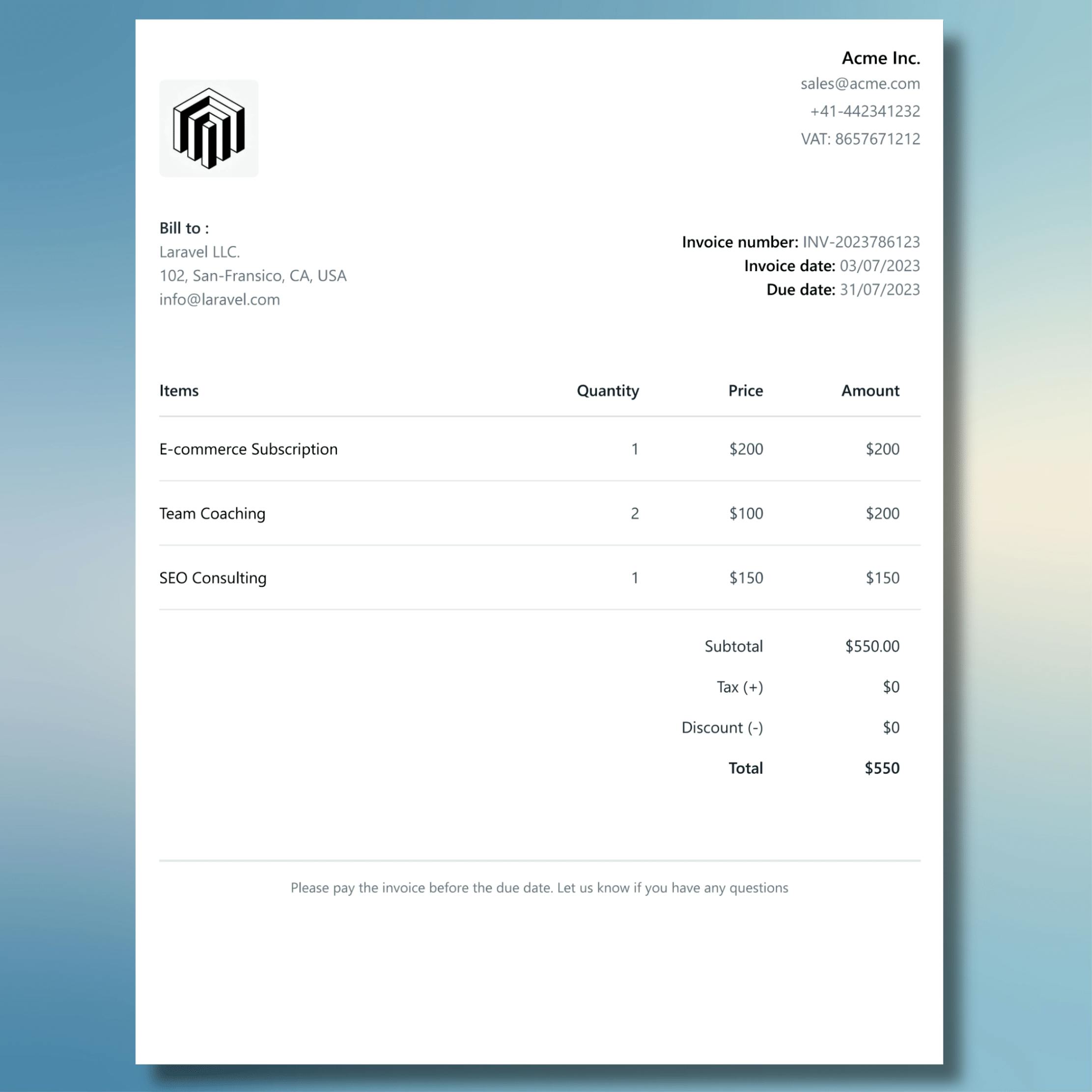
Step 2: Design the Header
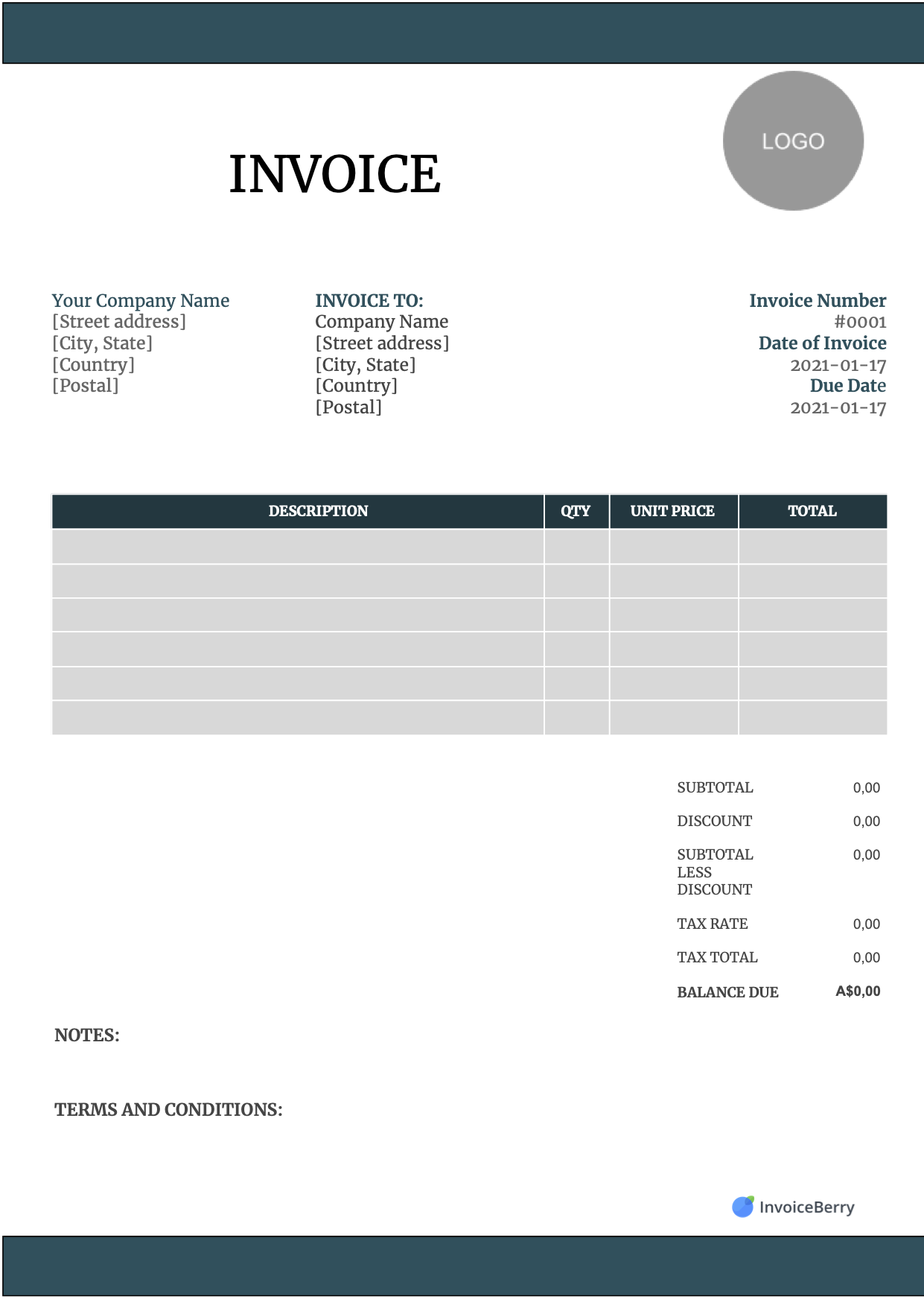
- Add your company logo prominently at the top left.
- Place your business name, address, phone number, and email on the same line or right beside the logo.
- Include your tax ID or registration number if required by law.
Step 3: Create the Invoice Metadata Block
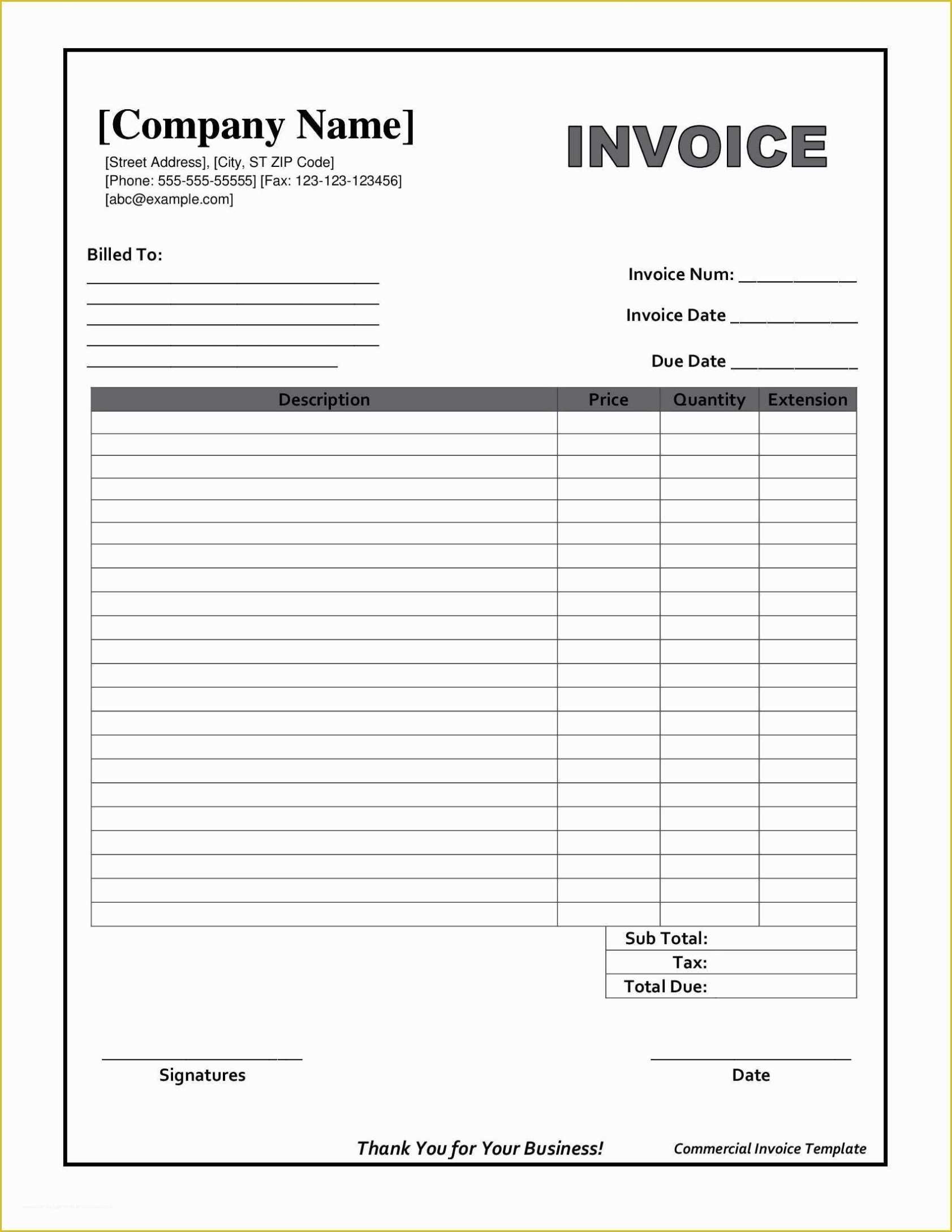
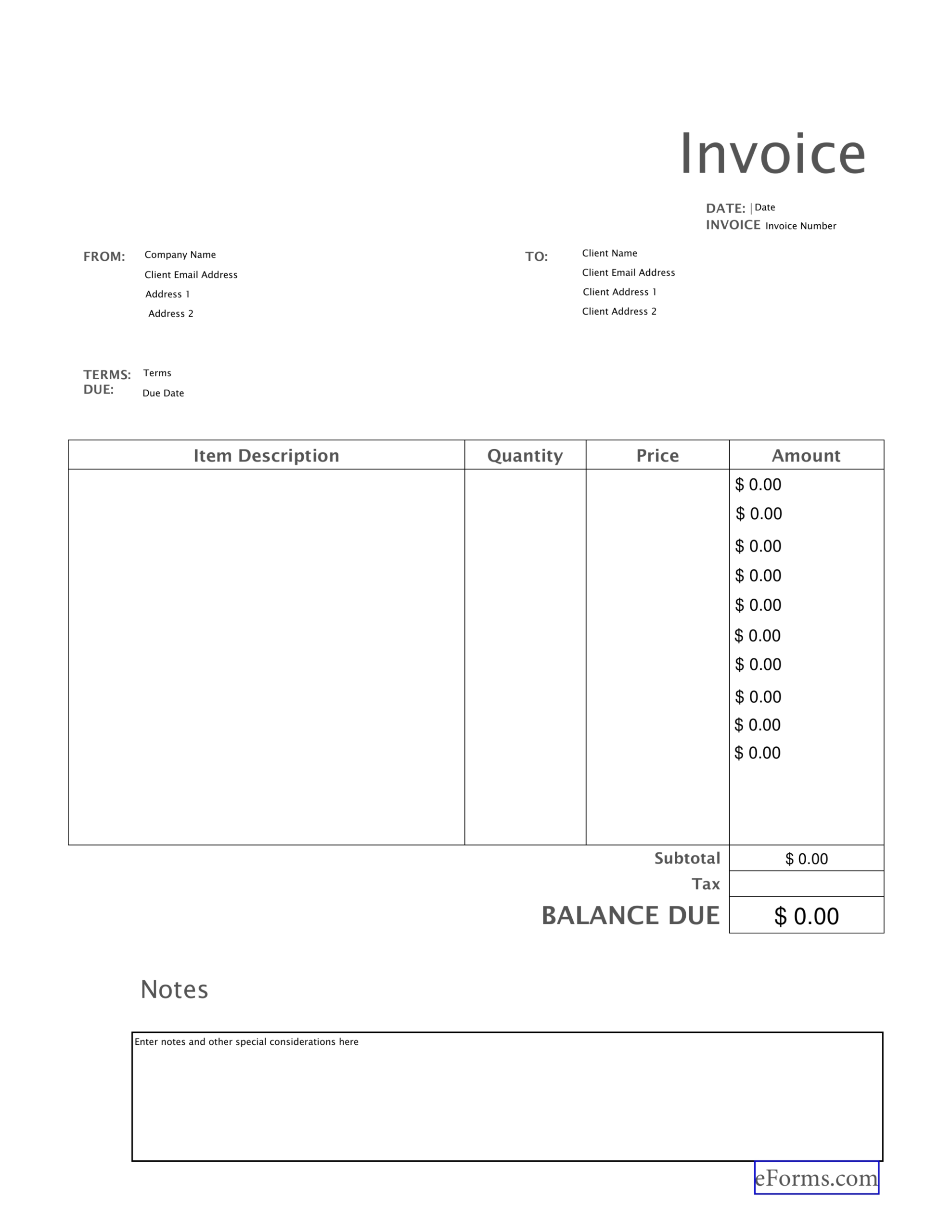
- Invoice #: a unique alphanumeric identifier.
- Date of issue.
- Due date or payment terms (e.g., Net 30).
- Client’s contact information: name, address, and billing email.
Step 4: Itemize Your Services
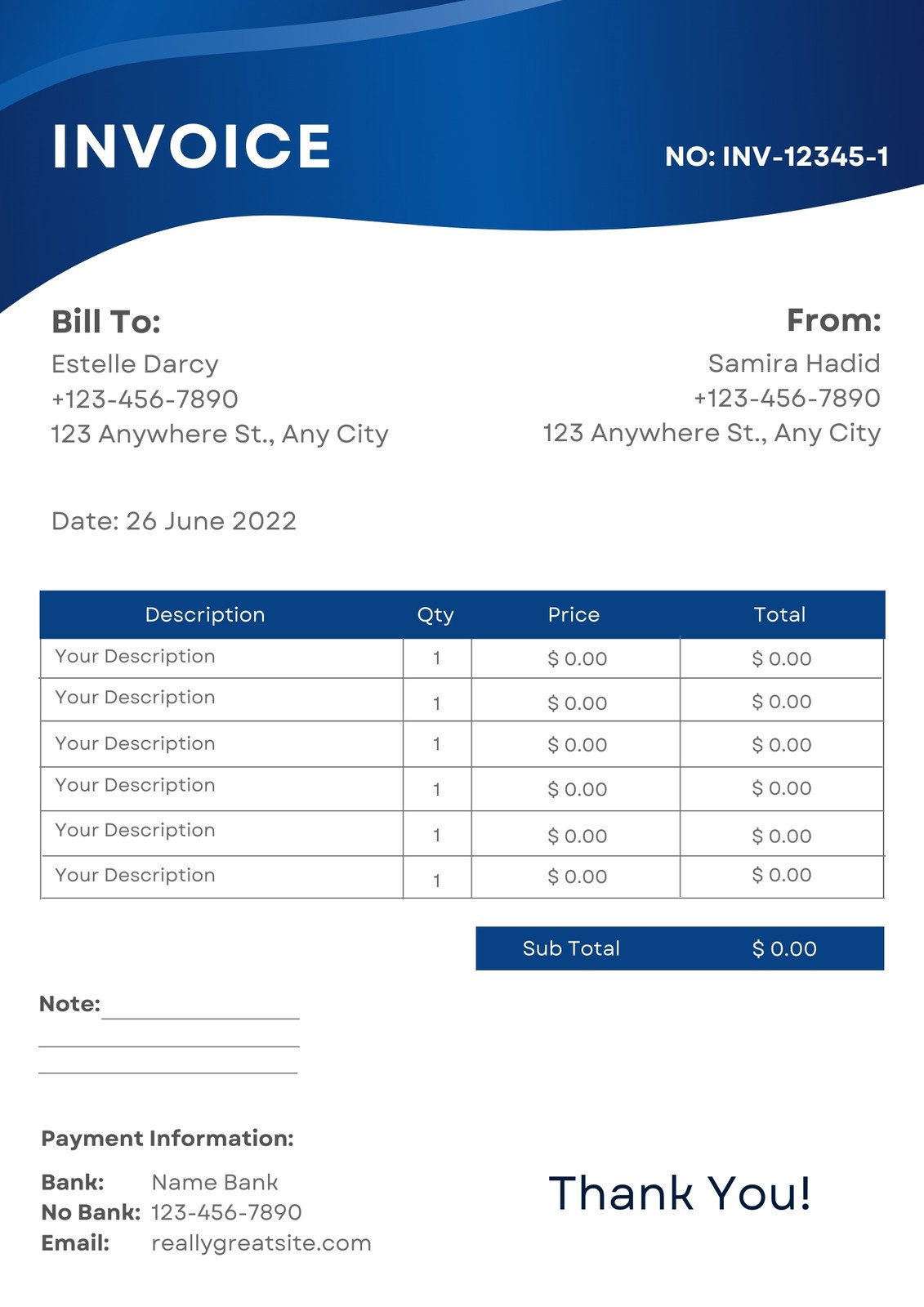
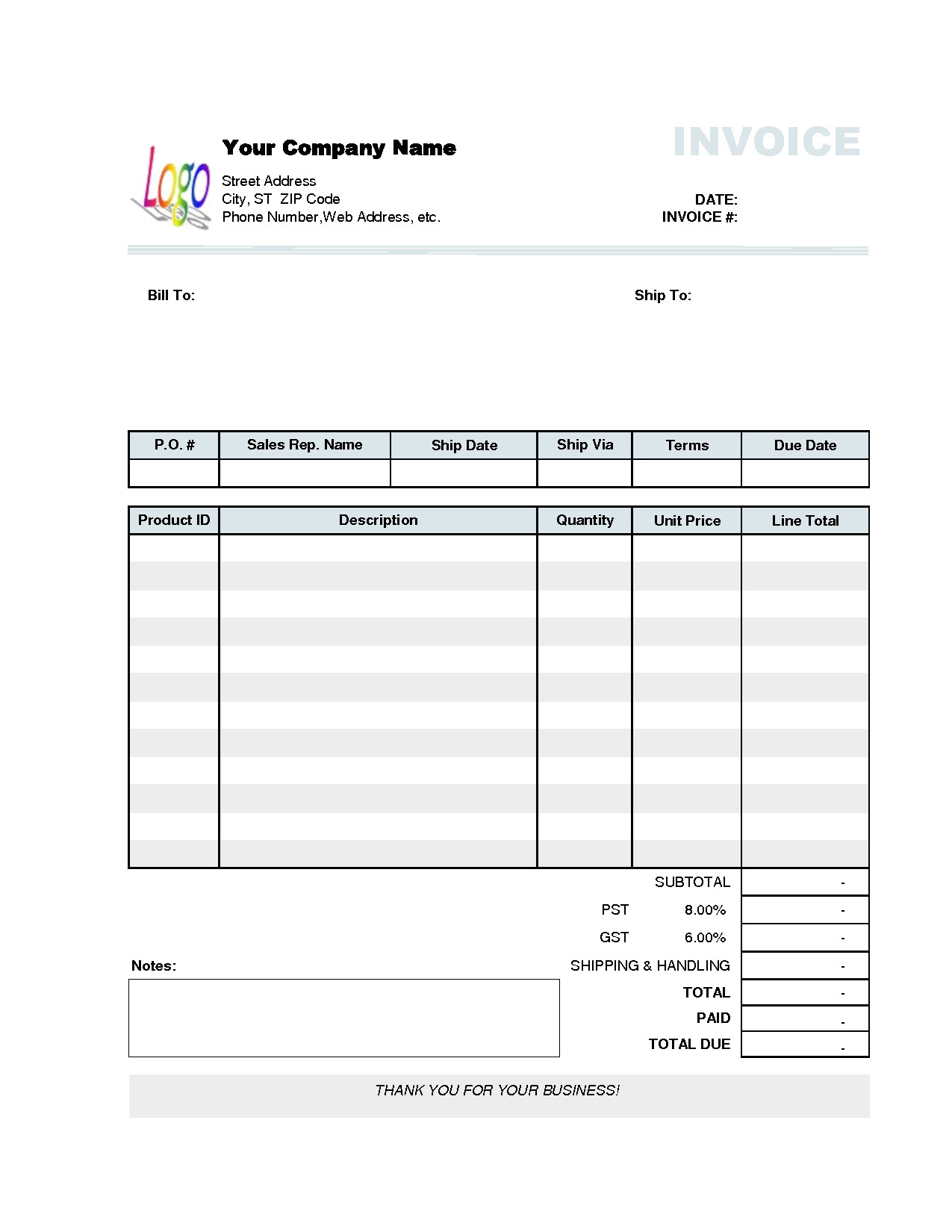
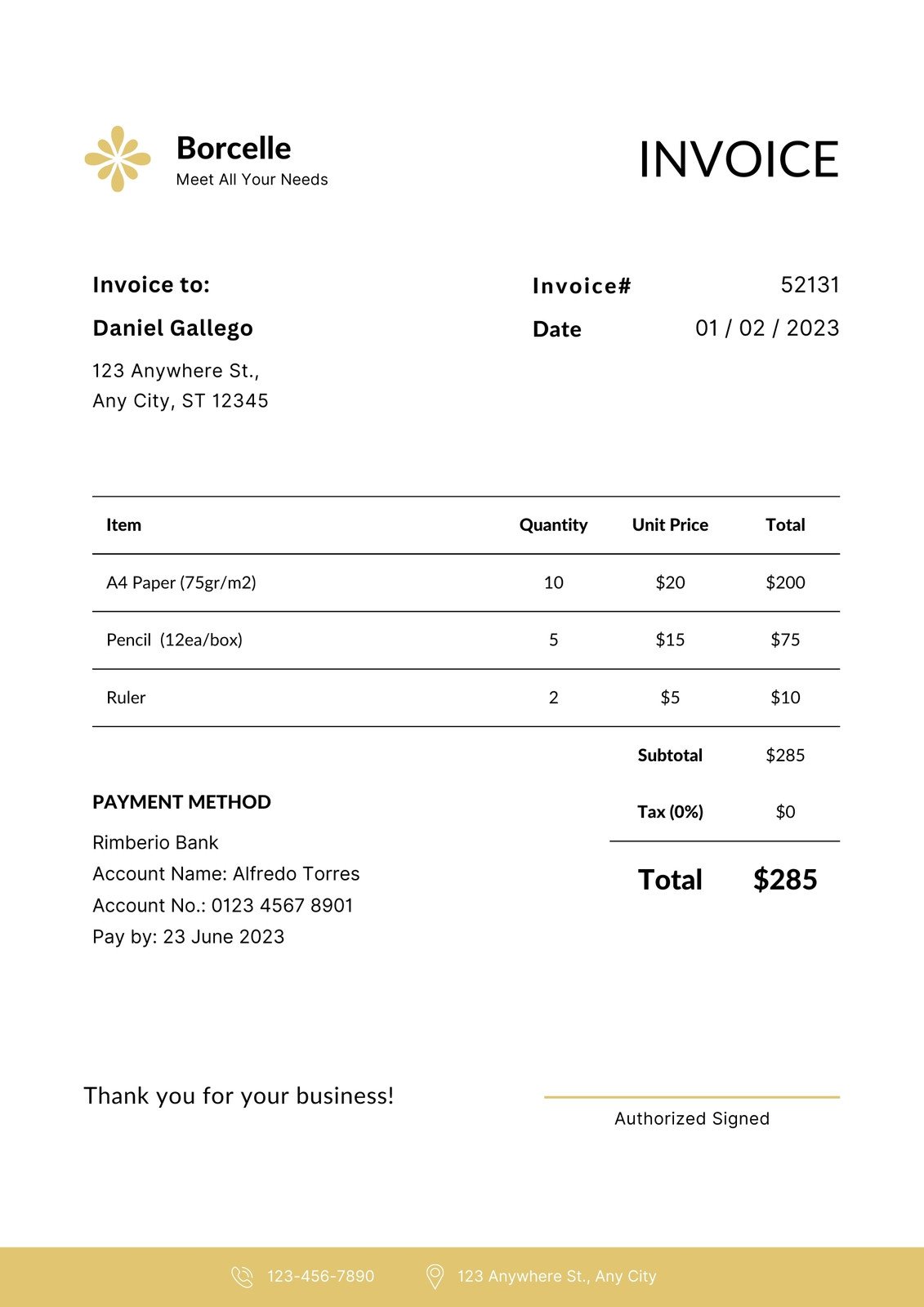
- Use a table with columns: Description, Quantity, Unit Price, and Total.
- Add a subtotal row, then calculate taxes as a separate line item.
- Insert a grand total that stands out, perhaps in a bold font or a shaded background.
Step 5: Add Terms & Conditions
- State payment methods accepted (bank transfer, PayPal, etc.).
- Clarify late fees or early payment discounts.
- Include a brief statement about dispute resolution or refund policy.
Step 6: Final Touches
- Use consistent fonts—serif for body text, sans-serif for headings.
- Maintain a clean color scheme: one or two brand colors are enough.
- Double‑check alignment and spacing to avoid awkward gaps.
- Proofread for spelling, numeric accuracy, and formatting consistency.
Step 7: Save and Export
- Store a master copy in a secure, backed‑up location.
- Export the invoice as a PDF to preserve layout across devices.
- Consider creating a PDF form with editable fields if you plan to reuse the template frequently.
Design Tips for a Professional Look

Good design is not about flashy graphics but about clear communication. Below are proven techniques that elevate your invoice’s visual appeal.
Use a Grid System
Grids ensure elements line up neatly, giving the document a structured feel. Align logos, headings, and tables to the same baseline for consistency.
White Space Is Your Ally
Avoid clutter by leaving generous margins and spaces between sections. White space improves readability and prevents the invoice from feeling rushed.
Highlight Key Information
Use bold or a subtle background to emphasize total amounts, due dates, and payment methods. This guides the client’s eye toward crucial details.
Keep Color Subtle
One or two brand colors, used sparingly, prevent visual overload. A light gray background for the table can make numbers pop without overpowering the design.
Typography Consistency
Select one or two fonts and stick with them. Headings can be a slightly bolder weight, while body text stays readable at 10–12 points.
Common Mistakes to Avoid

Even seasoned freelancers can slip into costly errors. Here’s what to watch out for:
Missing Tax or Legal Information
In many jurisdictions, invoices must include a VAT number or tax ID. Neglecting this can lead to audits or payment delays.
Inconsistent Date Formats
Use a single date format throughout—preferably ISO (YYYY‑MM‑DD) or the widely recognized MM/DD/YYYY. Mixed formats confuse recipients and can cause processing errors.
Overloading the Invoice with Text
A cluttered document can deter clients. Keep descriptions concise and consider using a separate attachment for detailed work logs.
Failing to Test the Template
Before using a new template, send a test copy to yourself or a colleague to ensure the PDF displays correctly across devices.
Advanced Customization Techniques

Once you’ve mastered the basics, you can take your invoices further with automation and integration.
Dynamic Fields with Spreadsheet Software
In Google Sheets or Excel, set up formulas to automatically calculate totals, taxes, and late fees. Populate the document using placeholders that update with a single click.
Embedding QR Codes
Add a QR code that links directly to your payment portal or an online payment processor. This streamlines the payment process for clients who prefer mobile solutions.
Branding with Watermarks
Inserting a subtle company watermark can deter fraud and reinforce branding without distracting from the content.
Using PDF Form Fields
Create interactive PDF invoices where clients can enter payment amounts or attach receipts. This reduces errors and speeds up the approval cycle.
Saving and Sharing Templates
Once finalized, your invoice template should be accessible across devices and platforms. Here’s how to manage it efficiently.
Centralized Cloud Storage
- Upload the master copy to Google Drive, OneDrive, or Dropbox.
- Set proper permissions to protect sensitive information.
- Version control helps track changes and revert to earlier layouts if needed.
Using a Template Library
- Store multiple templates for different client types (e.g., corporate vs. individual).
- Label files with descriptive titles like “Standard Invoice – 2026” for quick retrieval.
Exporting to Multiple Formats
- Save as PDF for final delivery.
- Keep editable versions in DOCX or ODT for future modifications.
- Consider a ZIP archive for bulk sending or archiving.
Integrating with Accounting Software

Free invoicing templates work best when combined with accounting tools that handle bookkeeping, tax calculations, and payment tracking.
Wave Accounting
- Sync your PDF invoices with Wave’s ledger to automatically track payments and generate financial reports.
- Leverage Wave’s payment links embedded within the invoice for instant receipt of funds.
Zoho Invoice (Free Tier)
- Upload your custom template and use Zoho’s automation to send invoices on a schedule.
- Track overdue invoices and send automatic reminders.
QuickBooks Self‑Employed (Free Trial)
- Use the trial to import your templates and manage expenses concurrently.
- Export detailed reports for tax season.
Real‑World Examples of Custom Invoice Impact
Here are brief case studies illustrating how custom invoices can elevate a business’s reputation and revenue.
Case Study: The Freelance Graphic Designer
By switching from a generic template to a branded PDF with a QR code for payment, the designer saw a 25% decrease in payment turnaround time and reduced disputes by 30%.
Case Study: Small Boutique Retailer
Incorporating a detailed product table and a subtle company watermark increased client trust, leading to a 15% upsell rate on bundled services.
Case Study: Consulting Startup
Using a dynamic spreadsheet-based template that auto‑calculated VAT, the startup avoided tax miscalculations that previously cost them a $1,200 penalty.
Frequently Asked Questions

Can I create a free invoice template in Word?
Yes, Microsoft Word offers free templates, but they may not export cleanly to PDF on all devices. For best results, consider Google Docs or Canva.
Is it legal to include a disclaimer about late fees in an invoice?
In most jurisdictions, stating your late fee policy is permissible and can be enforced, provided it’s clearly visible and agreed upon by the client.
How often should I update my invoice template?
Every 12–18 months is a good rule of thumb, especially if you change branding, tax regulations, or payment methods.
Can I share the same template for multiple clients?
Absolutely, but customize fields such as client name, address, and tax ID for each invoice to maintain professionalism.
Conclusion
Mastering Make Your Own Invoice Template Free is an investment that pays dividends in brand perception, client satisfaction, and operational efficiency. By selecting the right free tool, following a structured creation process, and applying thoughtful design principles, you can produce invoices that not only look polished but also function seamlessly within your financial ecosystem. Keep the template fresh, test it rigorously, and integrate it with your preferred accounting software, and watch as timely payments and repeat business become the norm rather than the exception.