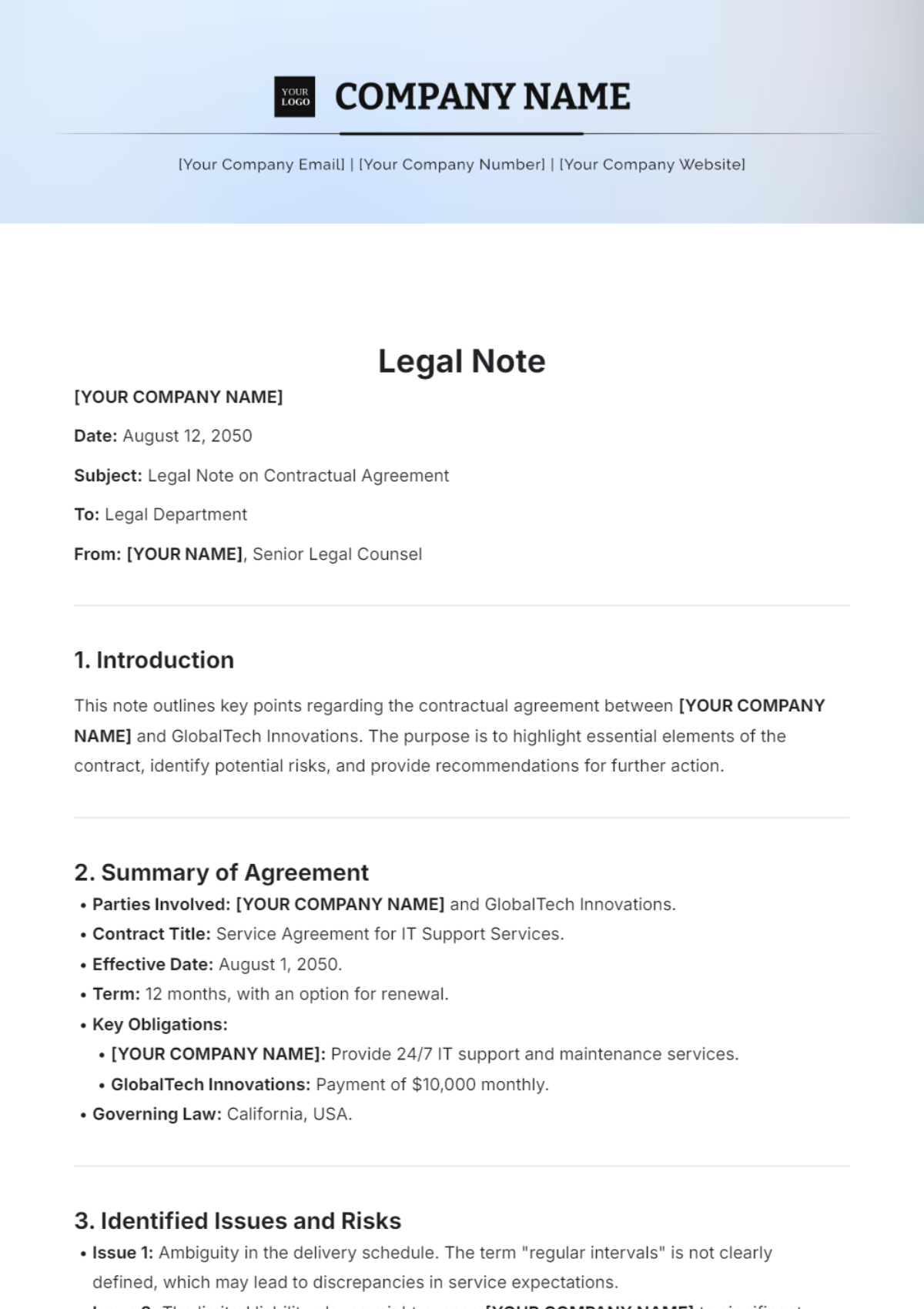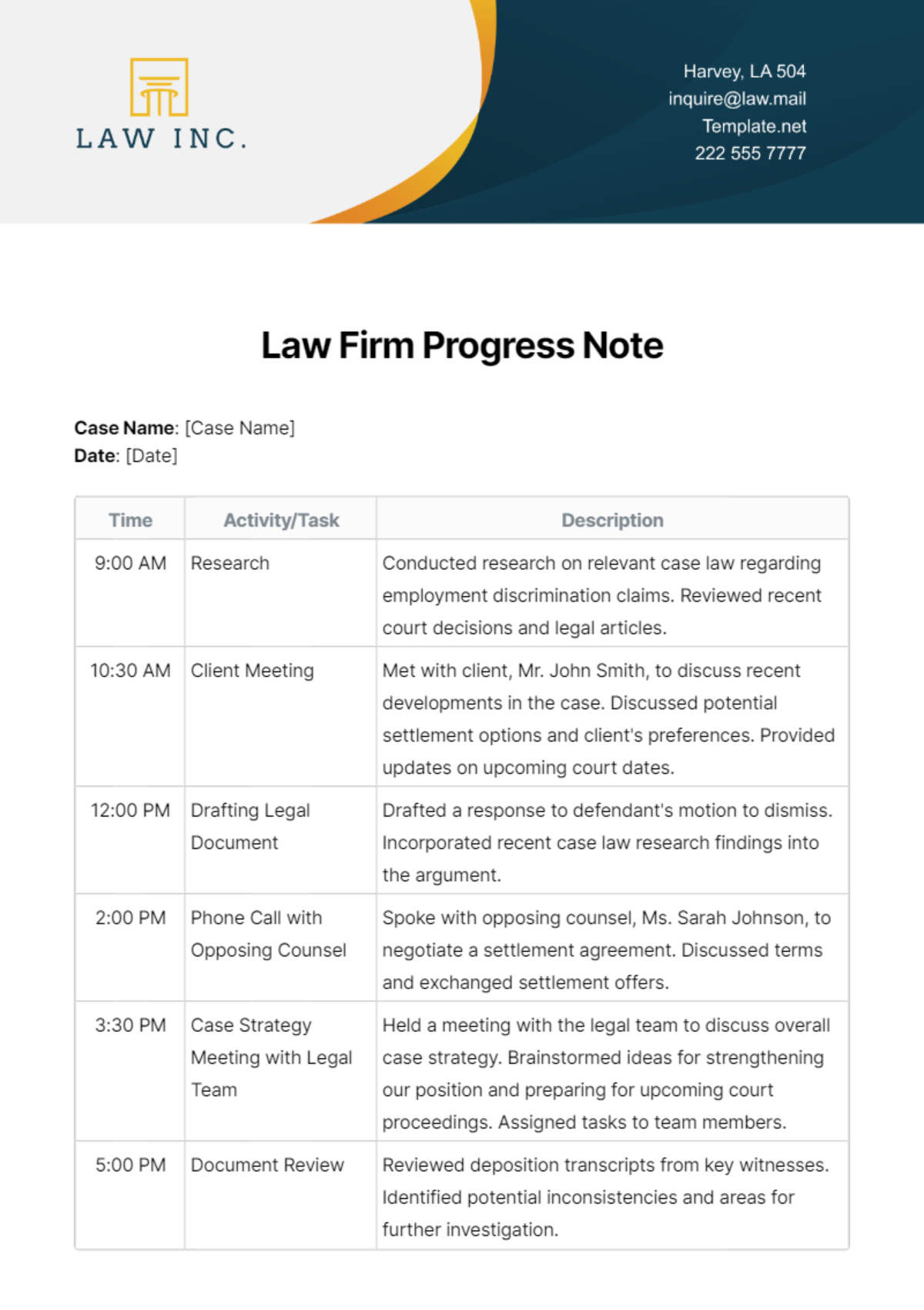
Legal File Note Template is the cornerstone of disciplined case management, enabling attorneys and support staff to capture critical details with consistency, speed, and legal defensibility. In a fast‑moving practice environment, the ability to document conversations, decisions, and actions in a structured format reduces risk, enhances client communication, and streamlines billing. This article walks you through the essential components of a high‑quality file note template, explains how to tailor it for various practice areas, and shares actionable tips for integrating the template into everyday workflows while avoiding common pitfalls.
Why a Legal File Note Template Matters
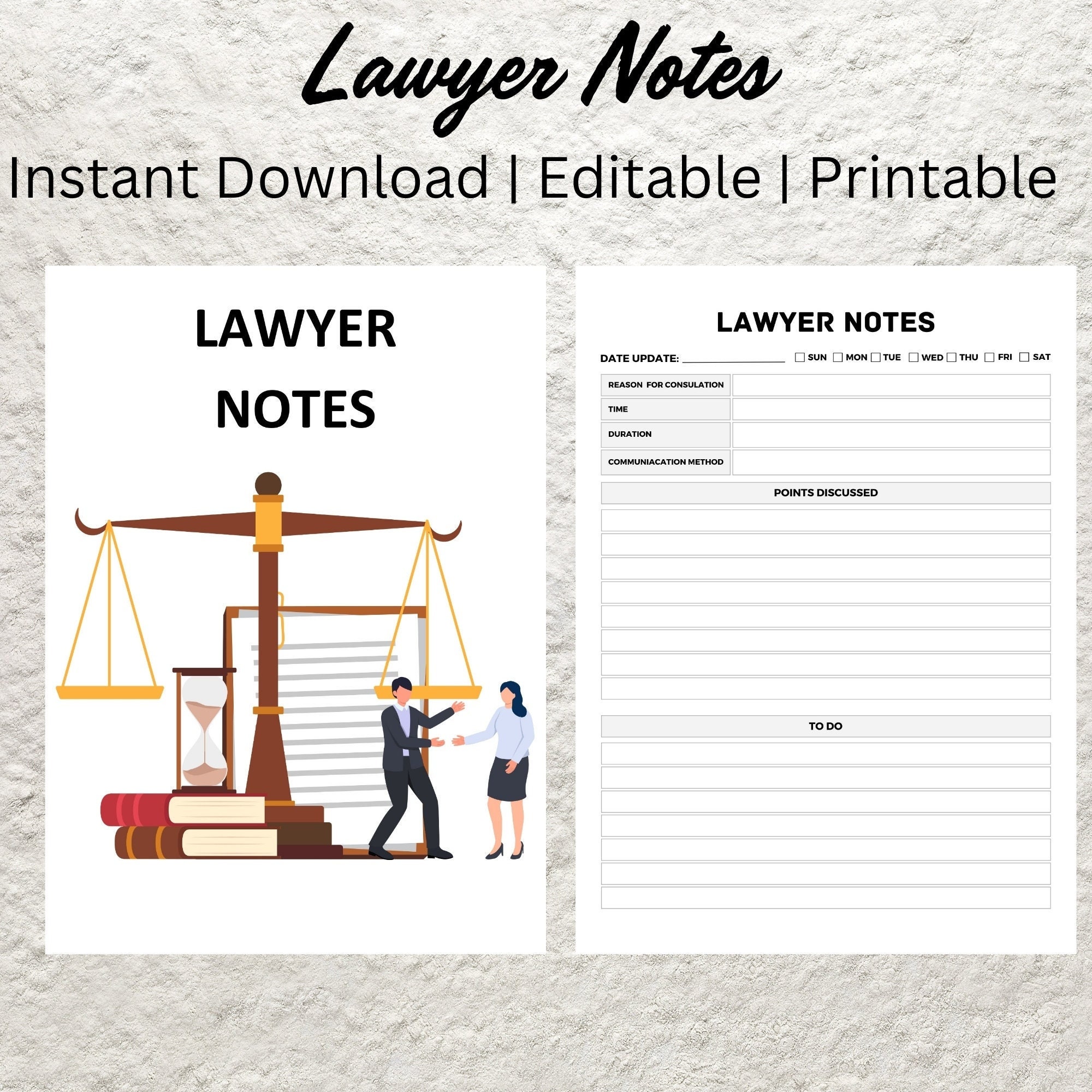
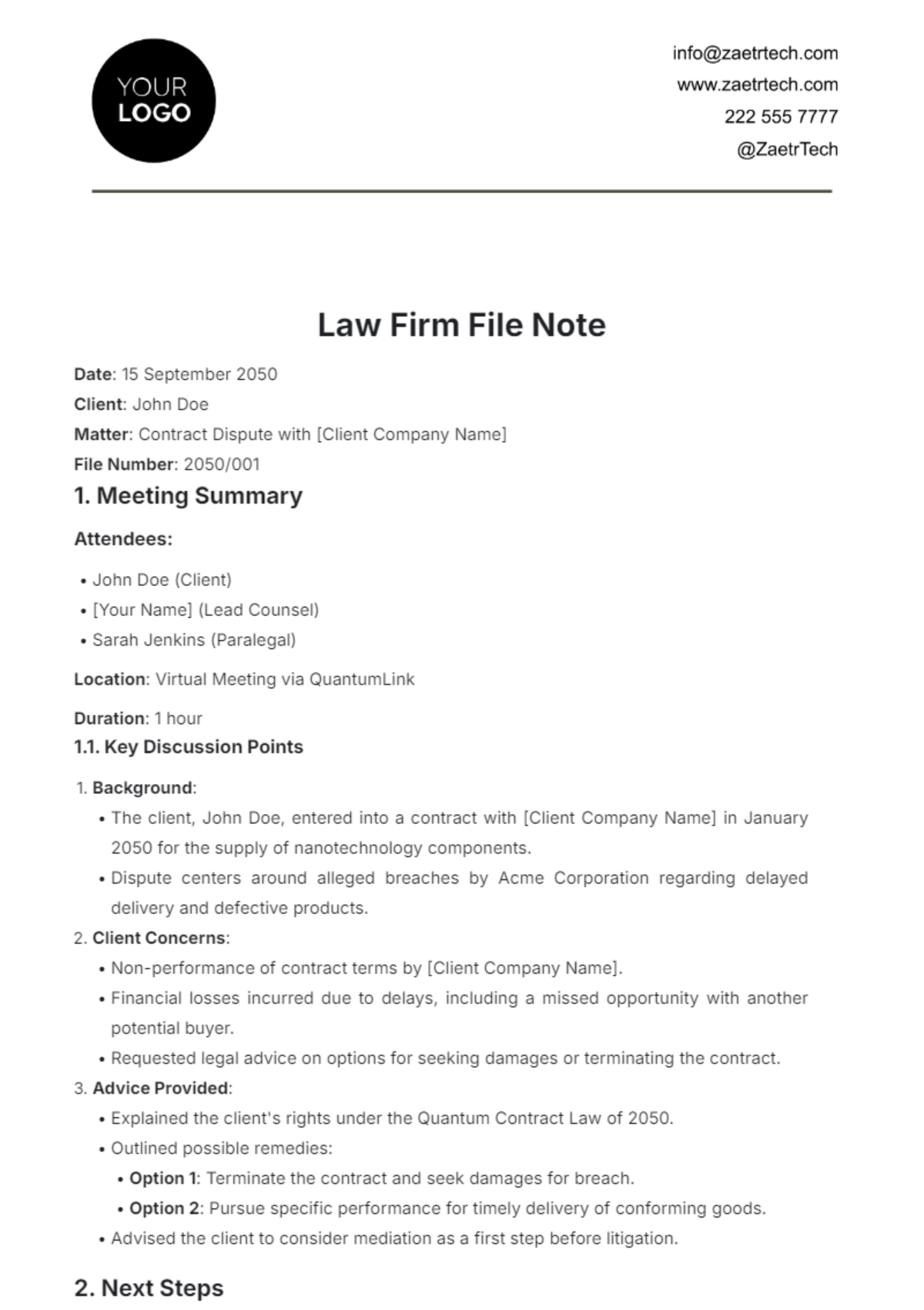
Law firms rely on precise documentation to protect client interests and satisfy ethical obligations. A well‑designed file note template provides a repeatable framework that ensures no essential element is overlooked, from the date and participants to the substance of the discussion. By standardizing the format, firms can more easily audit records, respond to discovery requests, and defend against malpractice claims. Moreover, consistent notes improve collaboration among team members, as everyone can quickly locate and interpret the same type of information without deciphering individual handwriting or idiosyncratic abbreviations.
From a business perspective, uniform file notes translate into more accurate time tracking. When each note includes a clear description of tasks performed, lawyers can assign billable hours with confidence, reducing disputes over fees and enhancing client transparency. In short, a robust template supports both legal compliance and operational efficiency.
Core Elements of an Effective Template
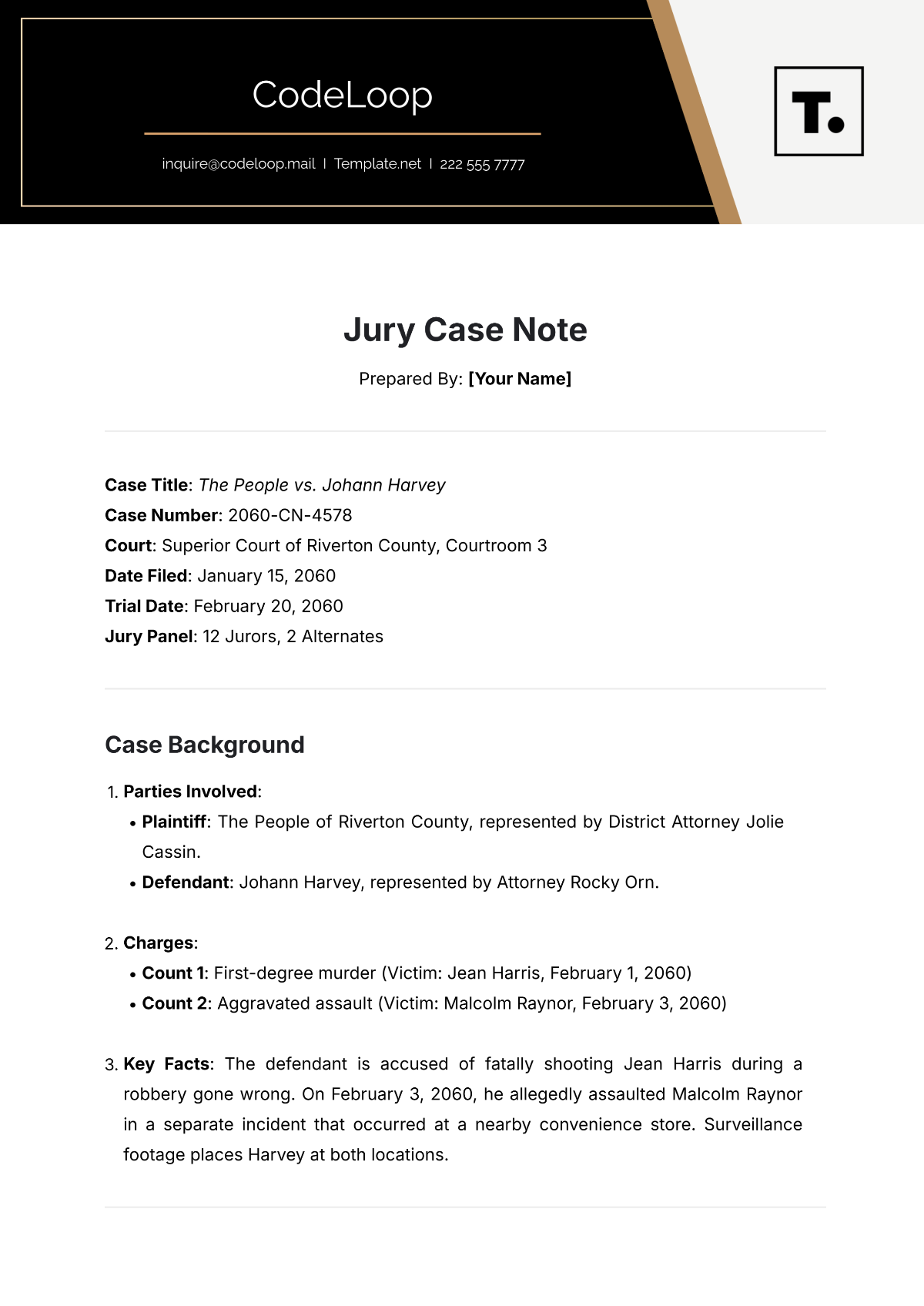
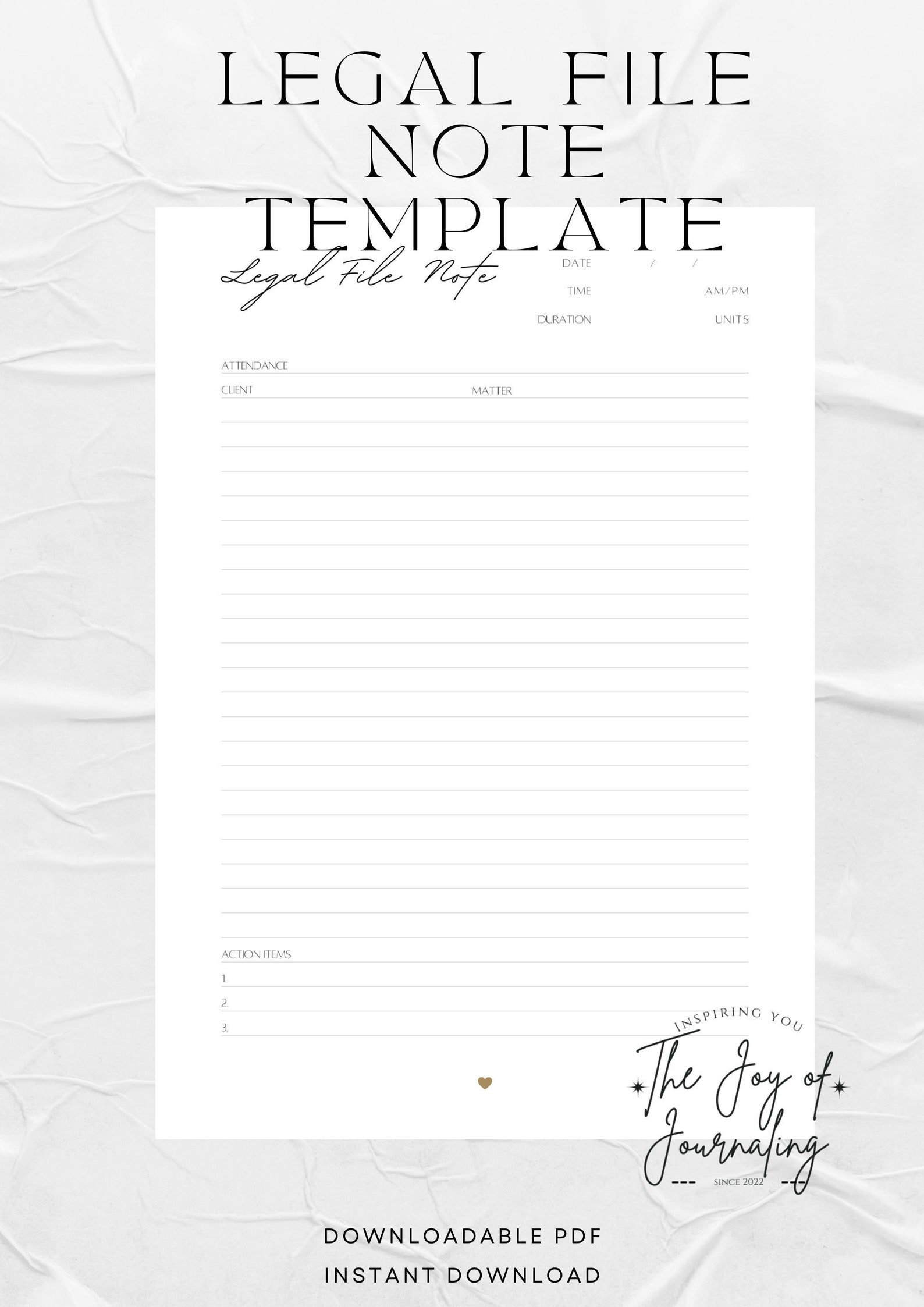
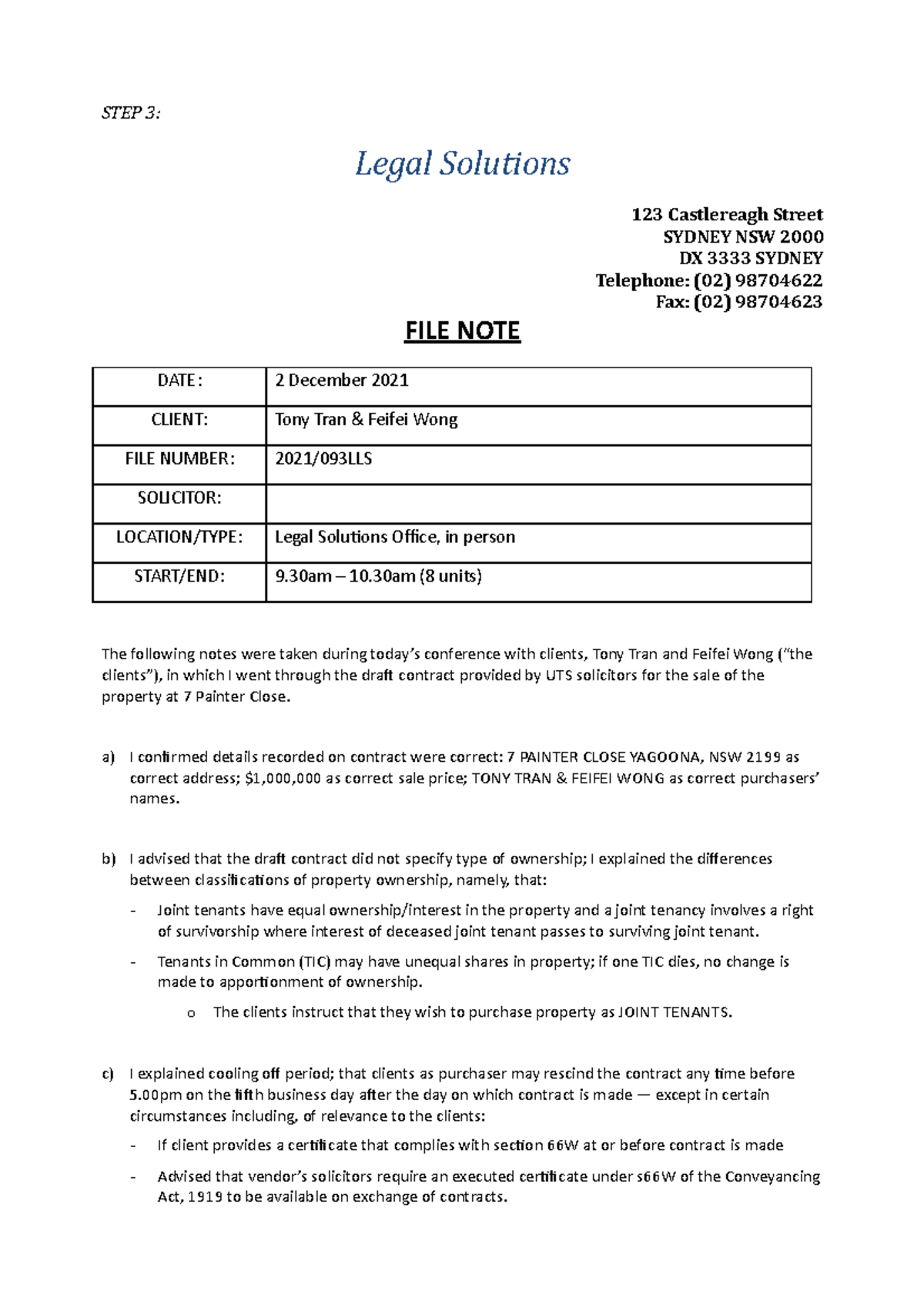
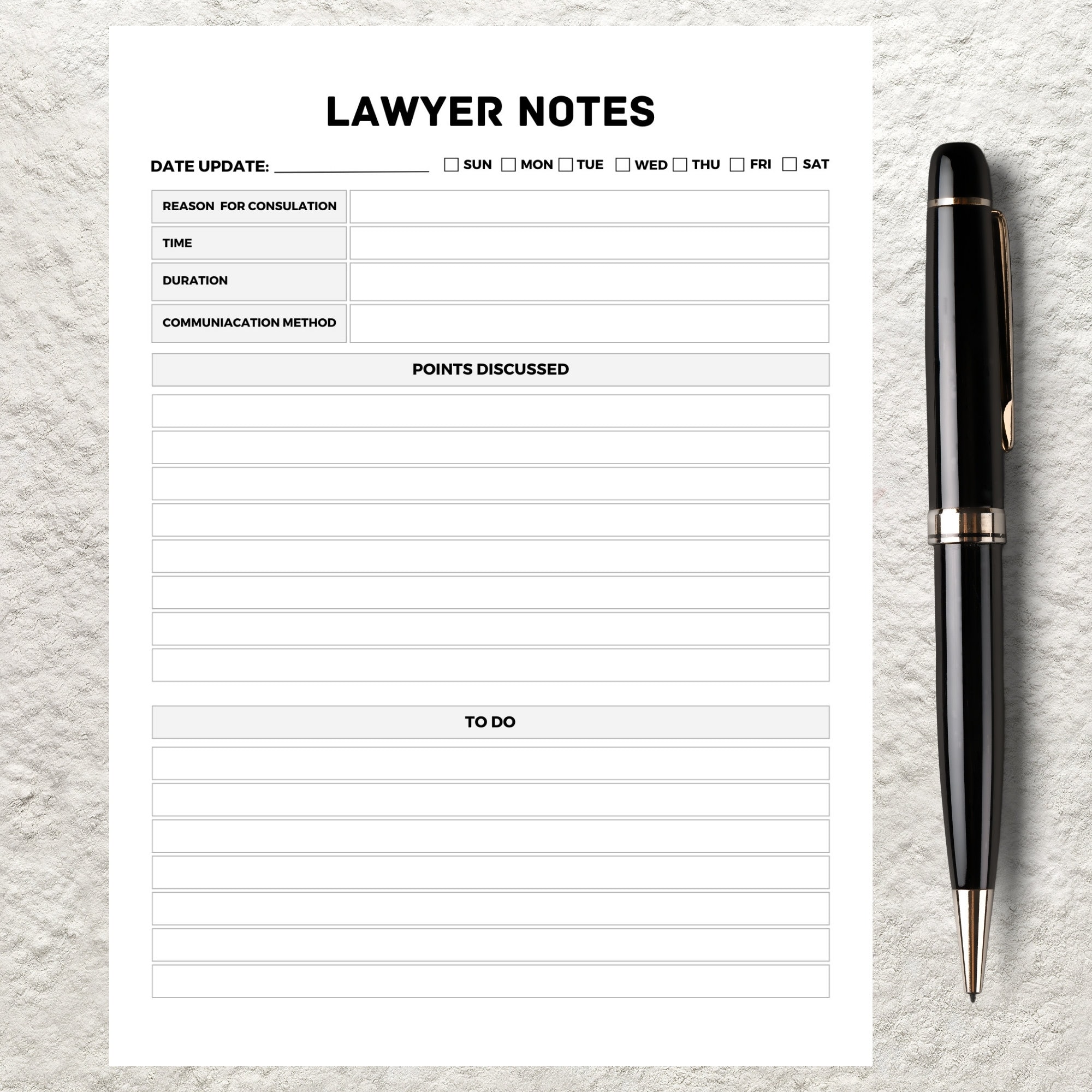
Every successful Legal File Note Template shares a set of foundational fields that capture the who, what, when, where, and why of each interaction. Below is a detailed breakdown of each element and the rationale behind it.
Header Information
- Date and Time: Record the exact timestamp to establish a chronological record.
- Case or Matter Identifier: Include the docket number, client name, or internal reference to link the note to the correct file.
- Author: Name of the attorney, paralegal, or staff member creating the note.
- Location: Specify whether the discussion occurred in person, via phone, video conference, or email.
Participants
List all individuals present, including their roles (e.g., client, opposing counsel, expert witness). This detail is crucial for later verification and for demonstrating that appropriate parties were involved in decision‑making.
Purpose of the Interaction
Summarize the primary objective in a concise sentence. Whether it is a status update, strategy session, or settlement discussion, stating the purpose up front helps readers quickly assess relevance.
Substantive Content
The body of the note should capture key facts, statements, and decisions. Use bullet points or short paragraphs to separate distinct topics, and avoid unnecessary legal jargon that could obscure meaning. Direct quotations should be flagged with quotation marks and attribution to the speaker.
Action Items and Next Steps
Clearly delineate any tasks assigned, responsible parties, and deadlines. This section turns a passive record into an actionable roadmap, ensuring accountability and preventing missed follow‑ups.
Sign‑off
A simple “Prepared by” line with the author’s signature (digital or handwritten) adds authenticity and satisfies many firm policies regarding record‑keeping.
How to Customize Your Template for Different Practice Areas
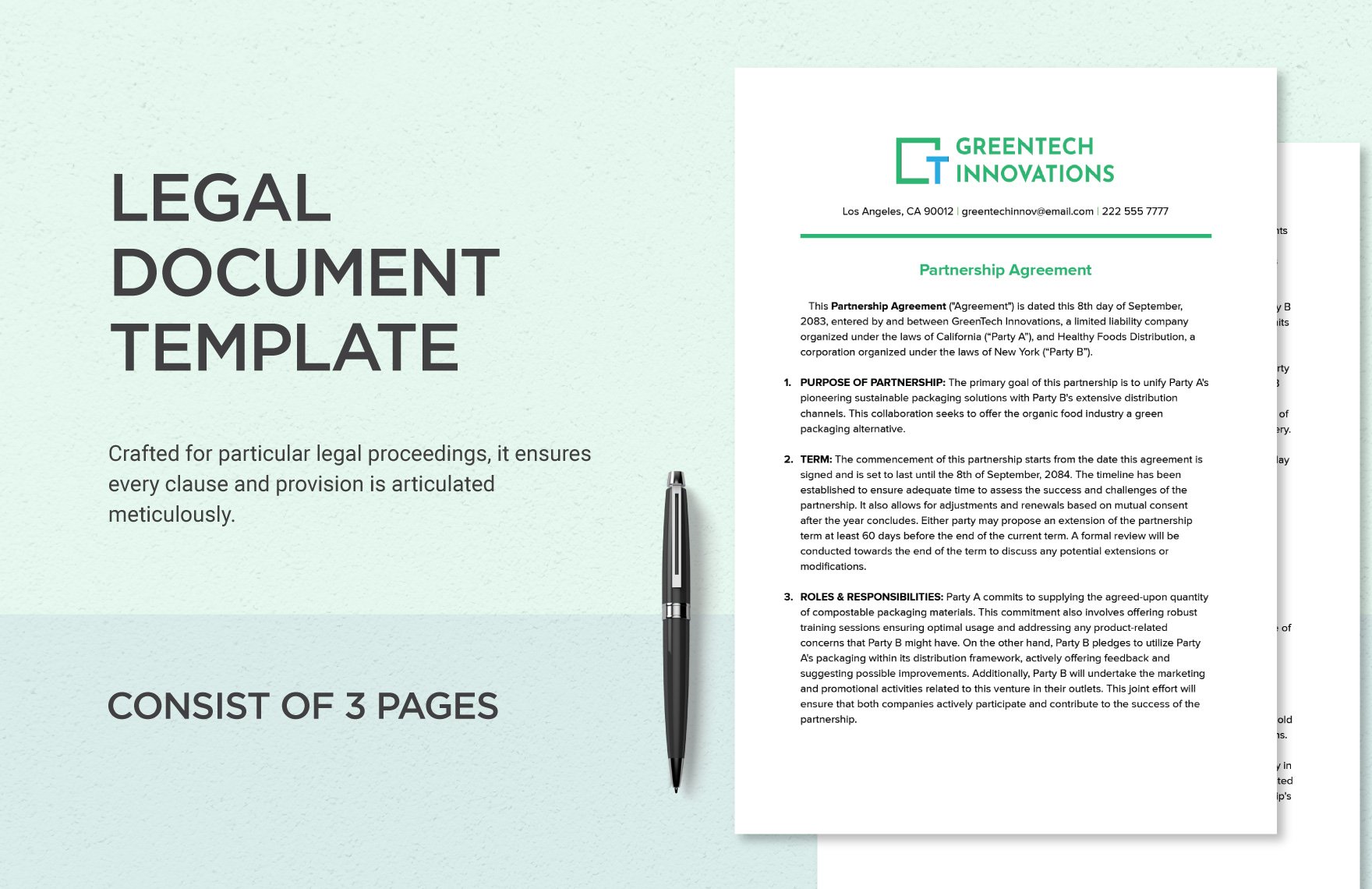
While the core elements remain constant, tailoring the template to specific practice areas maximizes relevance and efficiency. Below are three common specialties and the modifications that make the template truly work for each.
Family Law
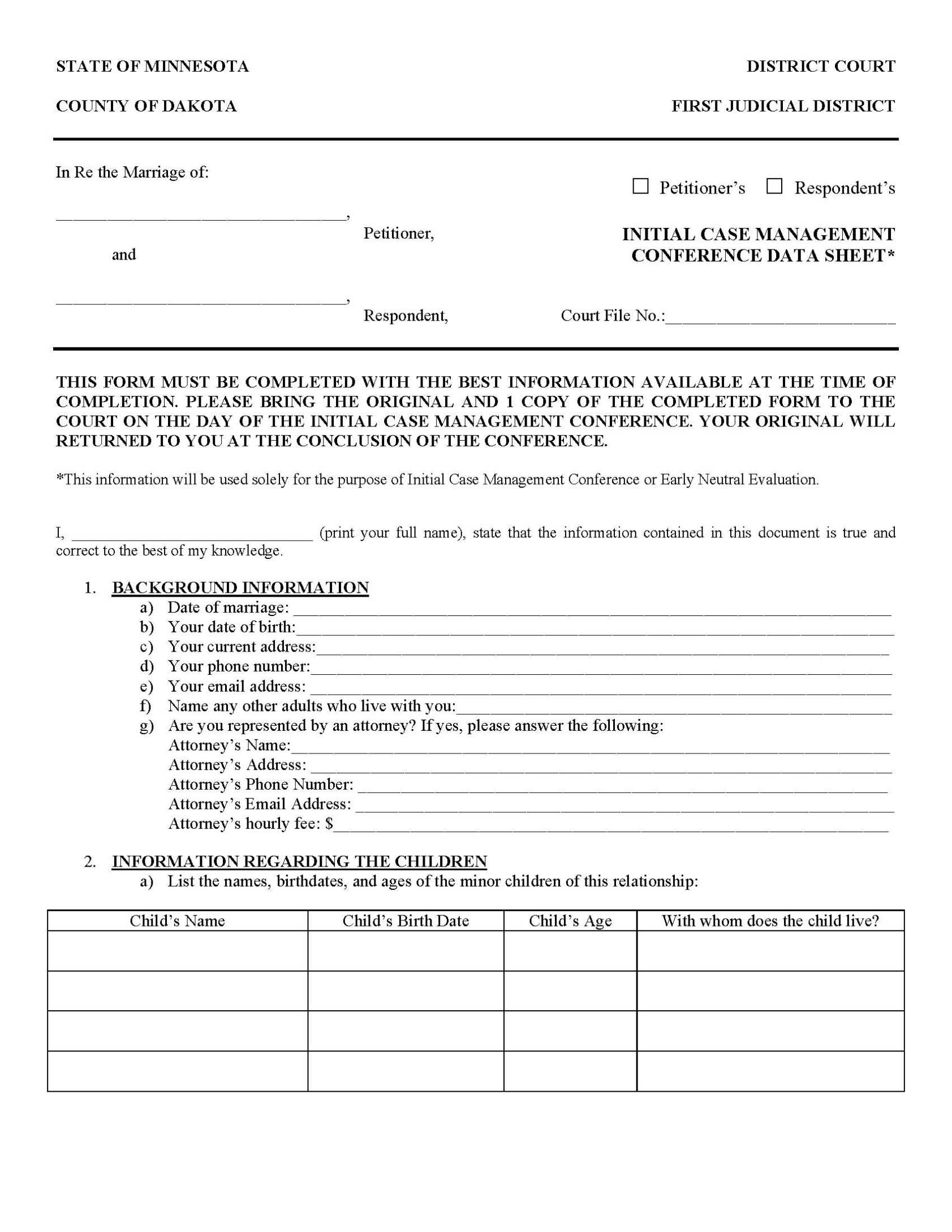
Family law matters often involve emotionally charged conversations and multiple parties such as spouses, children, and mediators. Add fields for “Custody Discussion Points” and “Financial Disclosure Summary.” A checkbox for “Court Order Reference” helps link notes directly to pending or issued orders.
Corporate Transactions
Transaction-focused notes benefit from sections that track “Deal Milestones,” “Document Review Status,” and “Risk Assessment Highlights.” Include a field for “Board Approval Required” to flag items that need higher‑level sign‑off.
Litigation
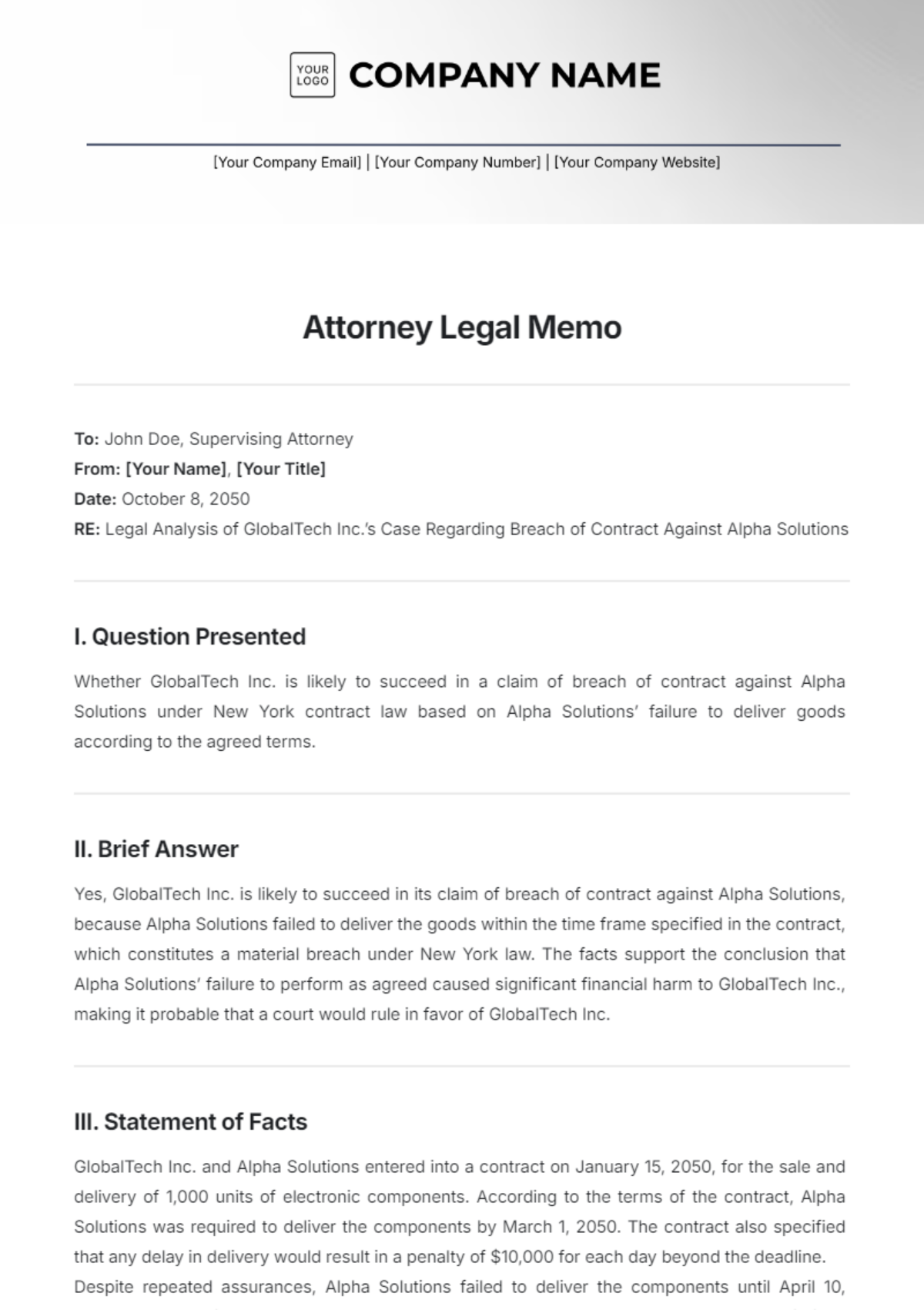
Litigation notes should incorporate “Evidence Presented,” “Witness Testimony Summary,” and “Legal Argument Outline.” A dedicated area for “Precedent Cited” enables quick reference to case law discussed during strategy meetings.
Best Practices for Maintaining Accurate File Notes
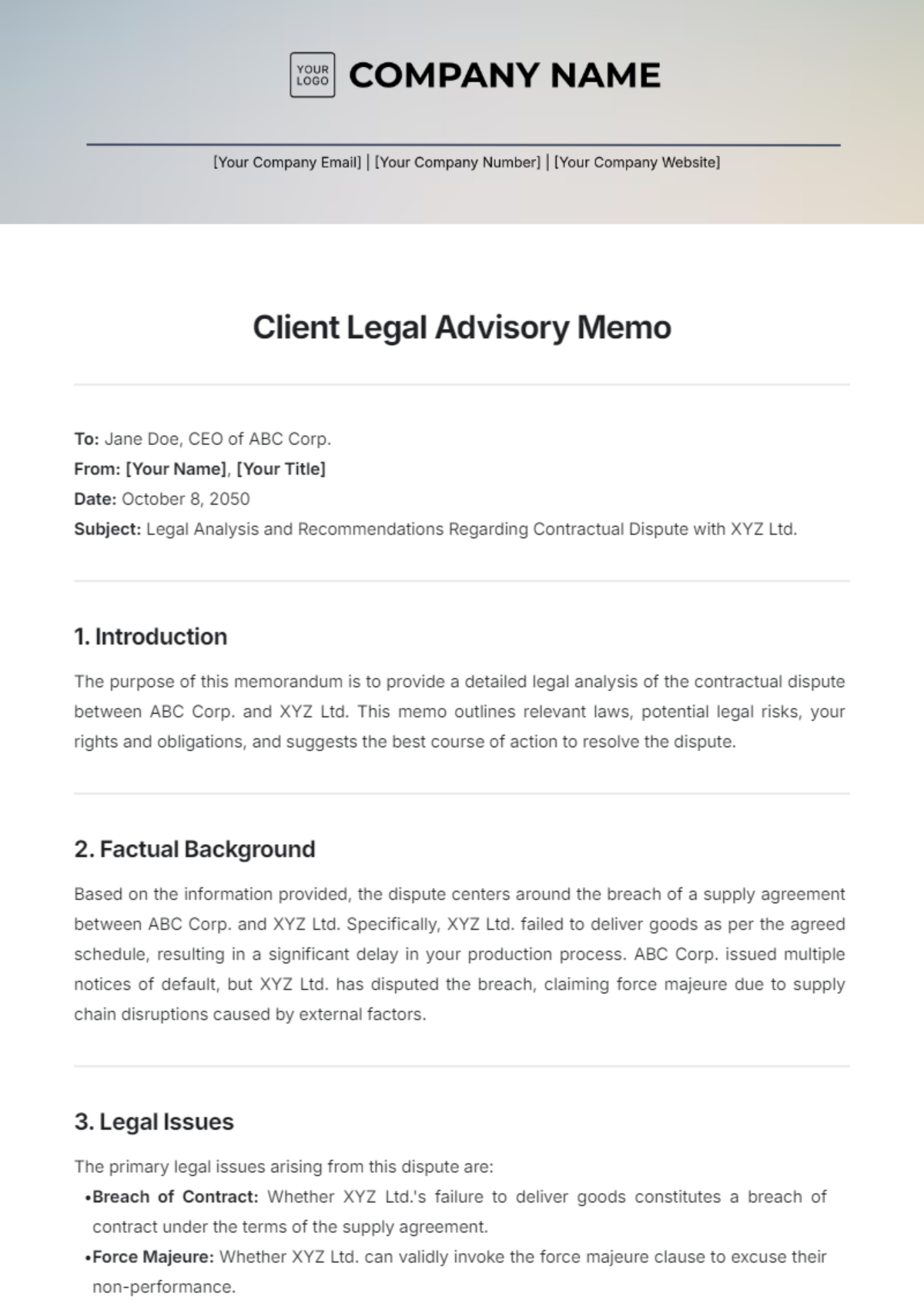
Adopting a template is only the first step; disciplined usage determines the real value. Follow these best practices to keep your file notes reliable and defensible.
Write Promptly
Capture information while the memory is fresh. Delayed note‑taking increases the risk of omissions or inadvertent alterations.
Use Clear, Concise Language
Avoid ambiguous terms and overly complex sentences. Clear language reduces misinterpretation when notes are reviewed months or years later.
Separate Opinion from Fact
Clearly label personal analysis or legal opinion as such, distinct from factual observations. This separation supports ethical obligations and protects against allegations of bias.
Maintain Consistency
Apply the same formatting rules throughout the firm. Consistency aids in training new staff and streamlines document retrieval.
Secure Storage
Store notes in a secure, searchable electronic system with role‑based access controls. Ensure backups are performed regularly to prevent data loss.
Common Mistakes to Avoid
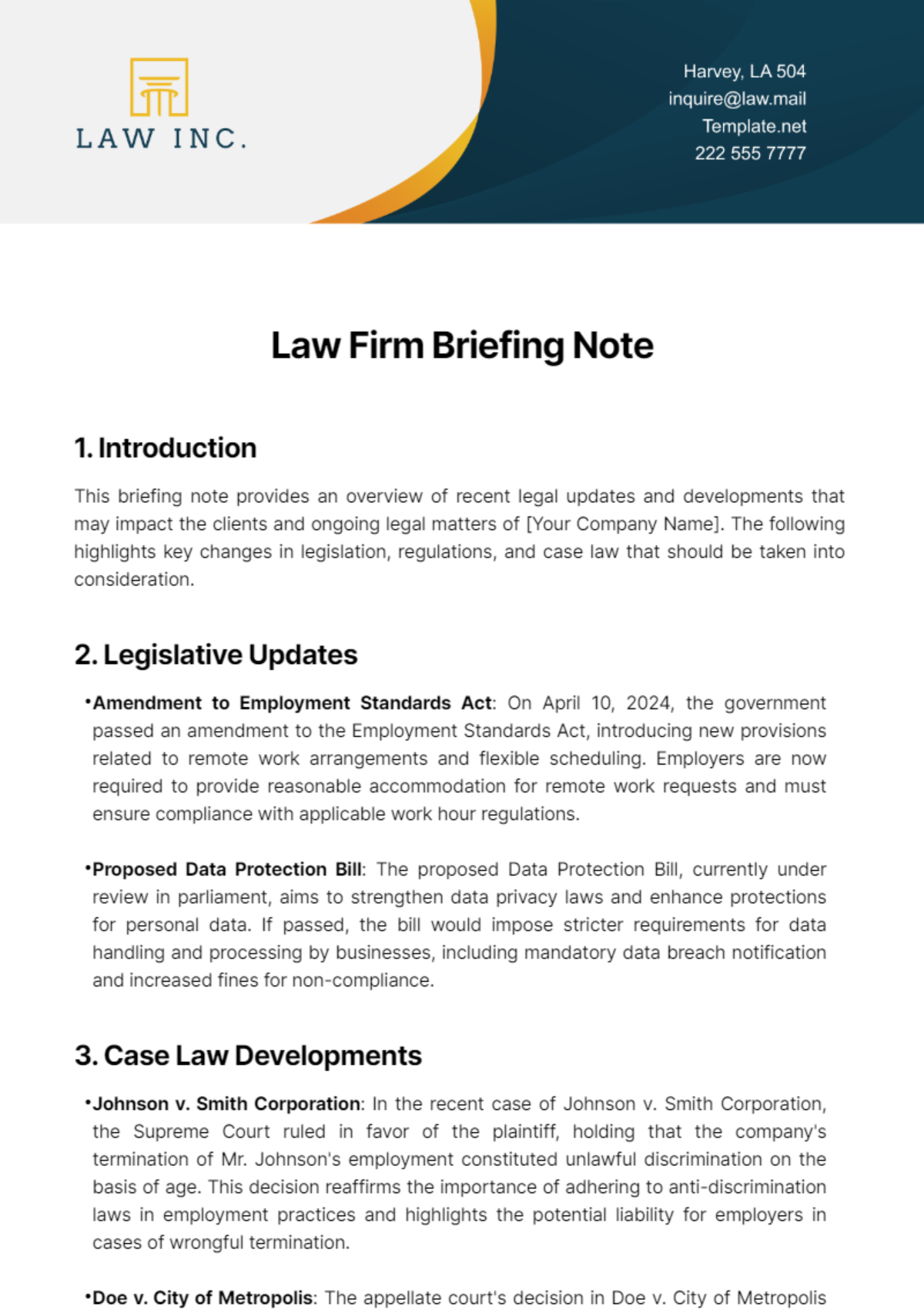
Even seasoned attorneys can fall into habits that undermine the effectiveness of a file note template. Recognizing these pitfalls helps you safeguard the integrity of your documentation.
Over‑Detailing Irrelevant Information
Including excessive minutiae clutters the record and makes it harder to locate critical points. Focus on facts, decisions, and action items that directly impact the case.
Skipping the Action Item Section
Neglecting to document next steps turns a file note into a static log rather than a dynamic tool. Without clear tasks, follow‑ups can be missed, leading to delays or errors.
Inconsistent Use of the Template
If some team members use a free‑form style while others follow the template, the firm loses the benefits of standardization. Enforce template usage through firm policy and periodic audits.
Failing to Update Notes
Legal matters evolve; failing to amend notes with new developments creates an incomplete narrative. Treat each note as a living document that reflects the current state of affairs.
Digital Tools and Automation
Modern practice management software often includes customizable templates, but you can also leverage generic word processors or cloud‑based forms. Automation features such as dropdown menus for “Location” or “Participant Role” reduce manual entry errors. Integration with calendar apps can auto‑populate date and time fields, while time‑tracking modules can pull action items directly into billing entries.
When selecting a tool, prioritize:
- Ease of Customization: Ability to add or remove fields without developer assistance.
- Searchability: Full‑text indexing so you can retrieve notes by keyword, case number, or author.
- Security Compliance: Encryption, audit trails, and compliance with relevant data‑protection regulations.
Implementing the Template in Your Workflow
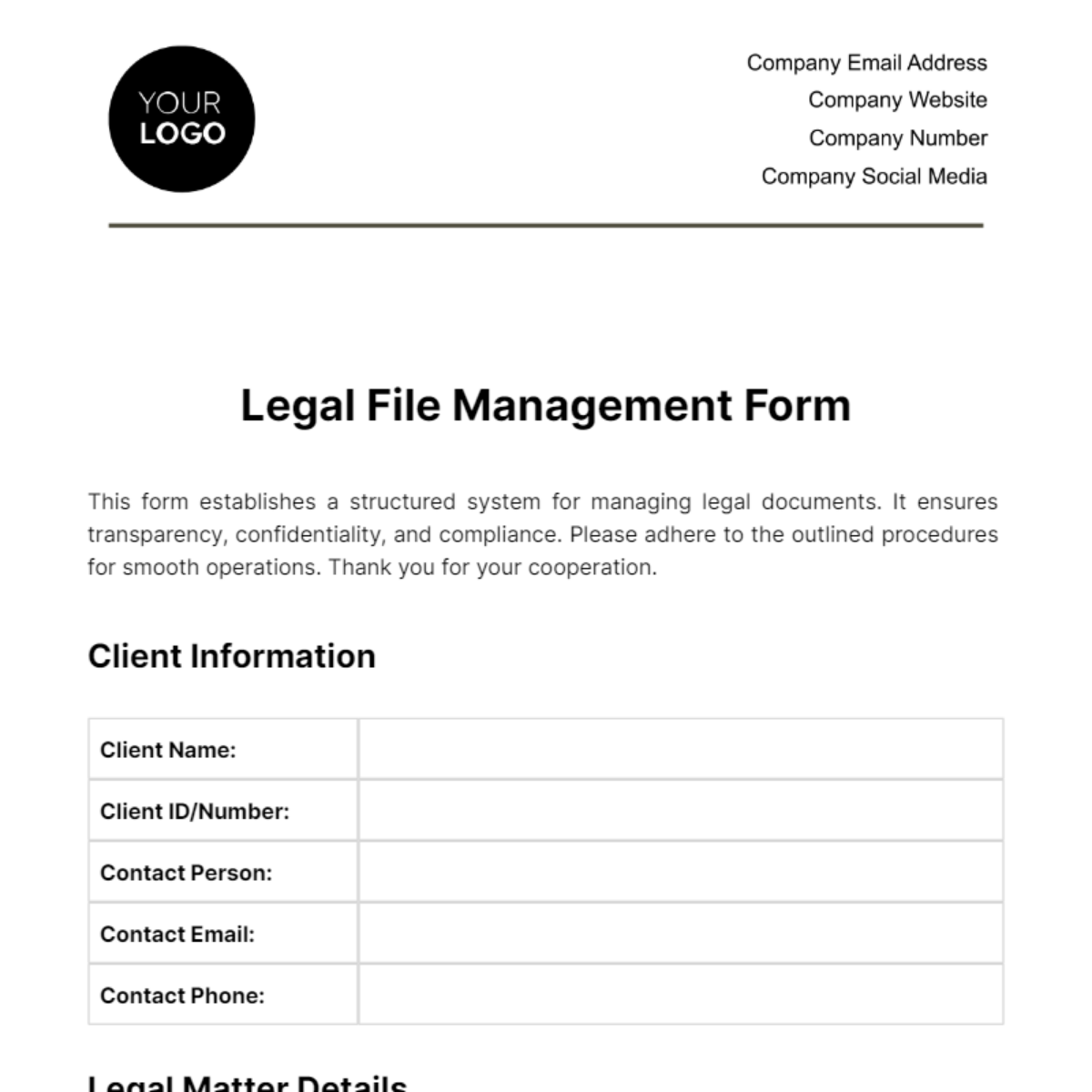
Introducing a new template requires thoughtful change management to ensure adoption across the firm. Follow these steps for a smooth rollout.
Training Sessions
Conduct brief, hands‑on workshops where staff practice filling out the template in realistic scenarios. Highlight the benefits, such as faster billing and reduced risk, to motivate participation.
Pilot Phase
Start with a single practice group or project team. Gather feedback on usability, then refine the template before firm‑wide deployment.
Policy Documentation
Publish a concise guide outlining when and how to use the template, including any mandatory fields and signature requirements. Reference this guide in onboarding materials for new hires.
Continuous Monitoring
Assign a compliance officer or senior associate to review a sample of notes each month. Provide constructive feedback and recognize teams that consistently meet standards.
Conclusion
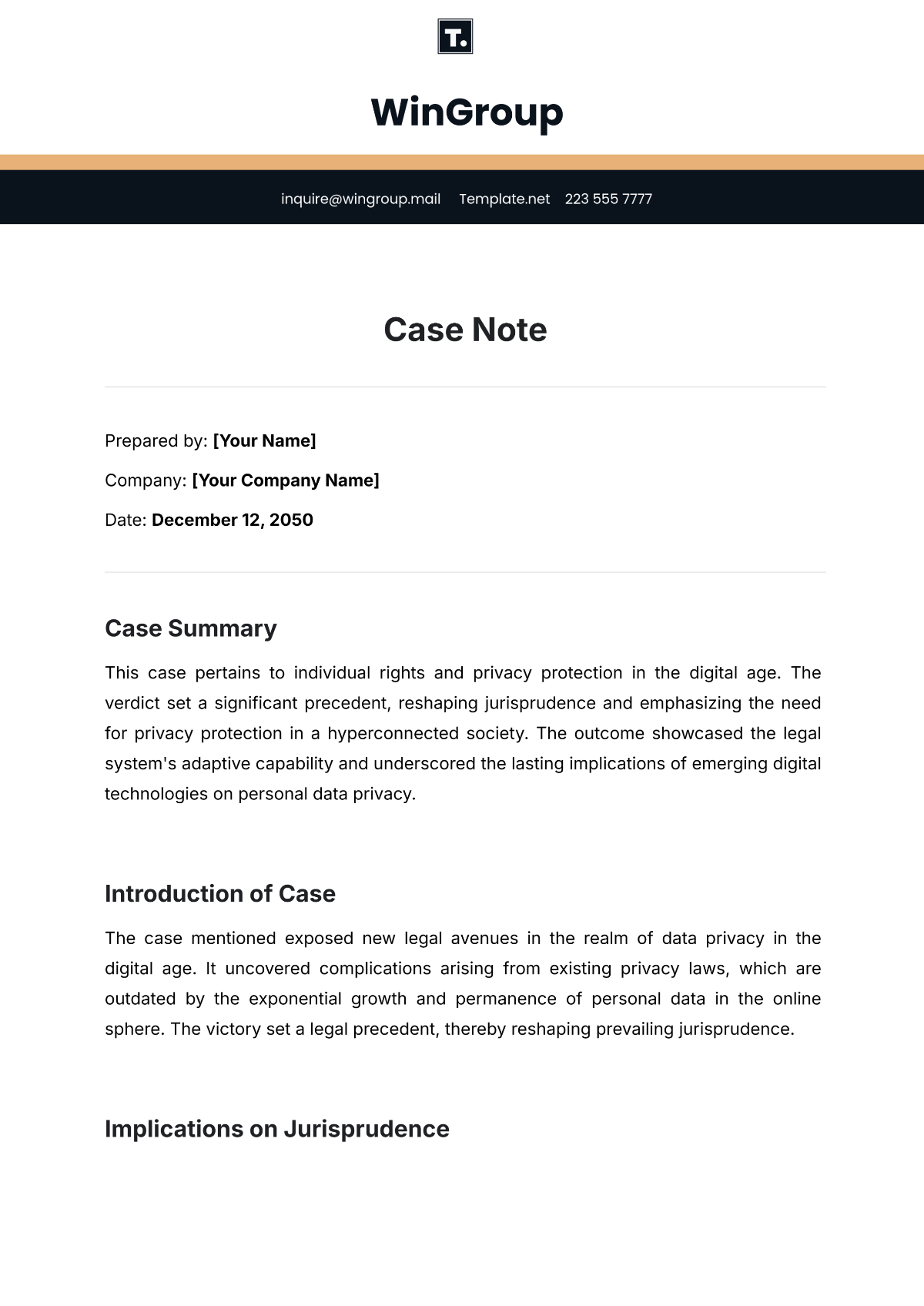
Investing time in a well‑crafted Legal File Note Template yields measurable benefits: enhanced accuracy, stronger client relationships, streamlined billing, and reduced exposure to malpractice claims. By incorporating core elements, customizing for specific practice areas, and following best practices, your firm can turn routine documentation into a strategic asset. Leverage digital tools to automate repetitive tasks, train your team thoroughly, and embed the template into everyday workflows. With disciplined use and periodic review, your file notes will become a reliable chronicle of every case, supporting both day‑to‑day operations and long‑term success.