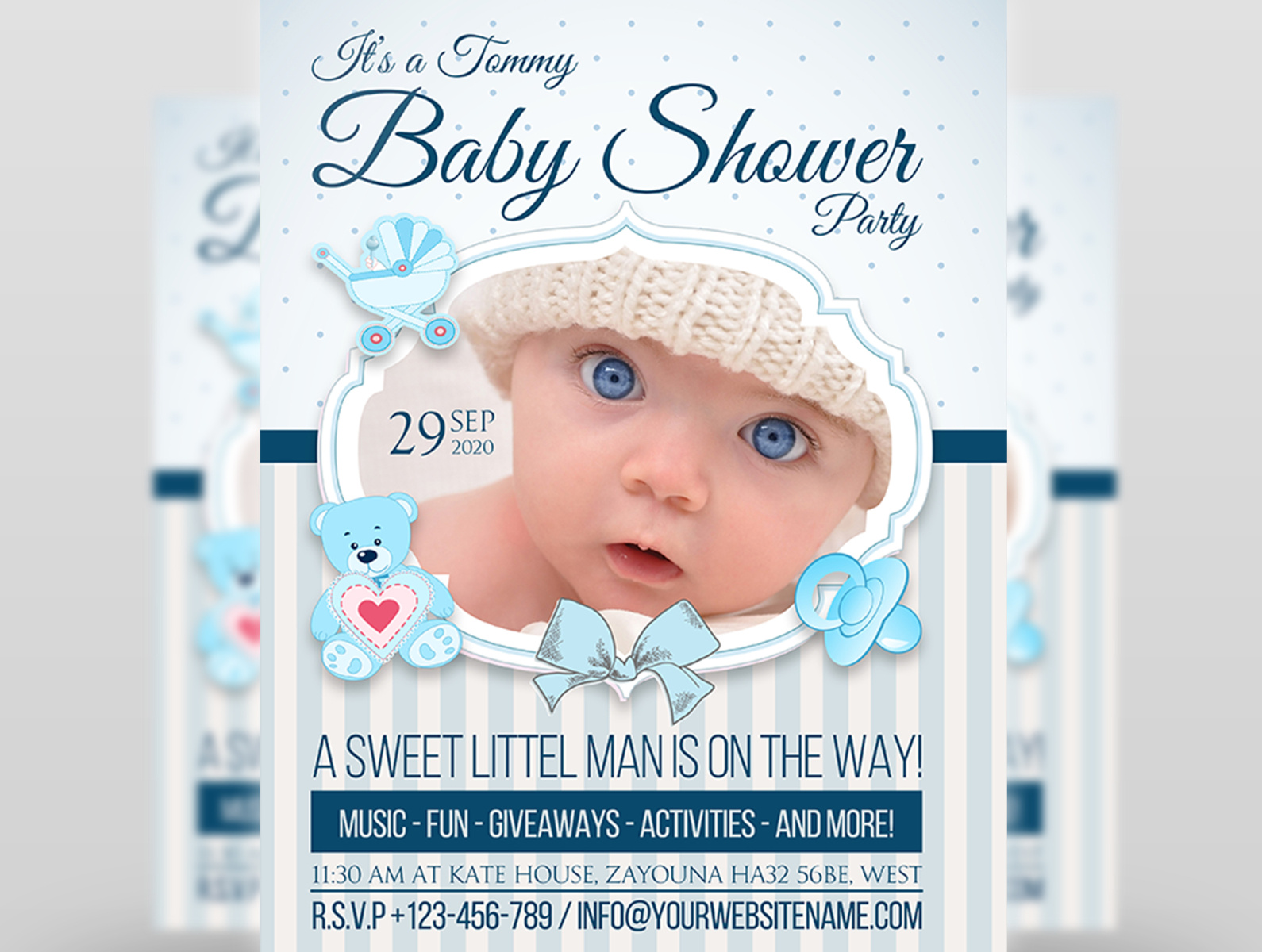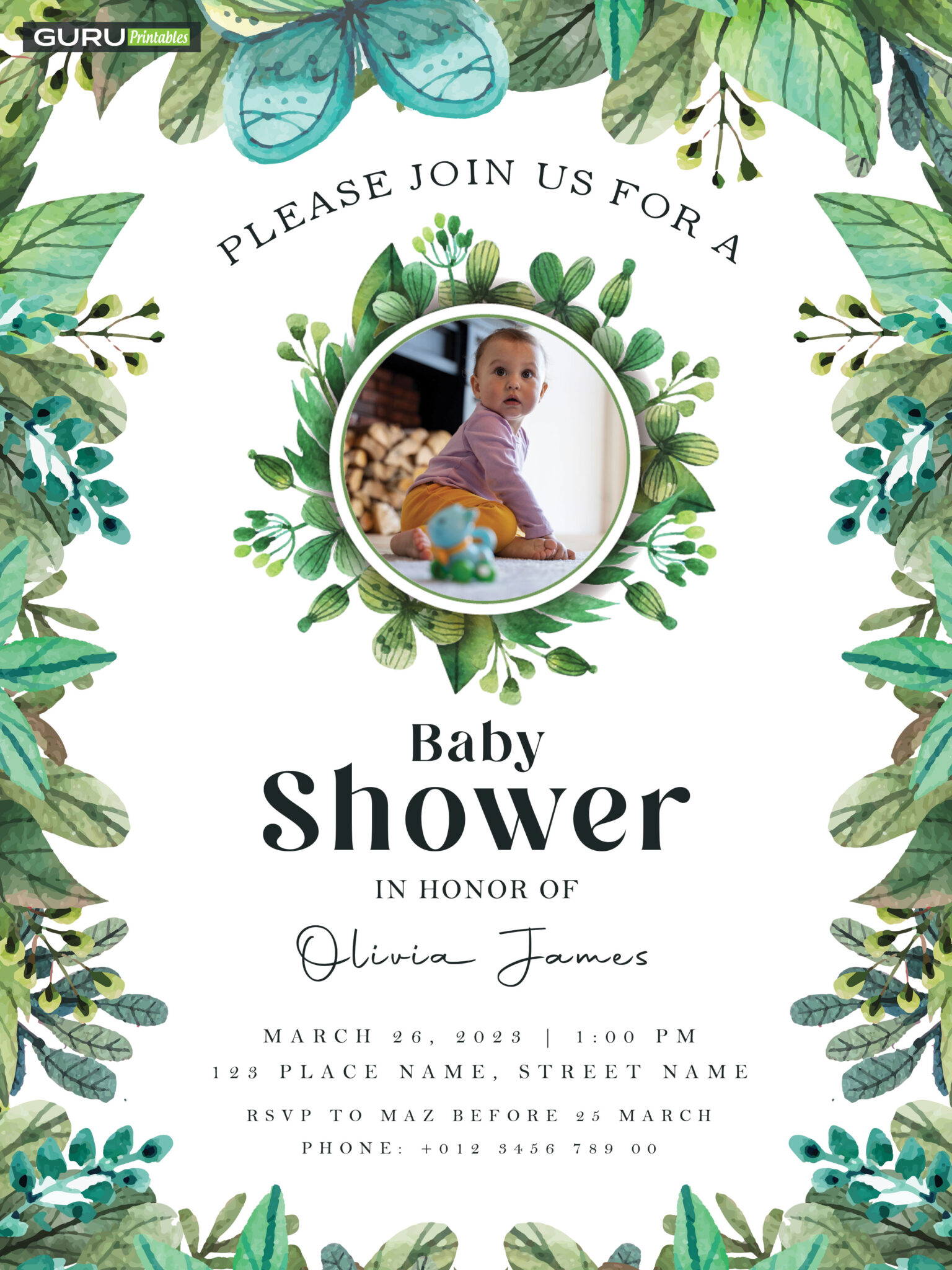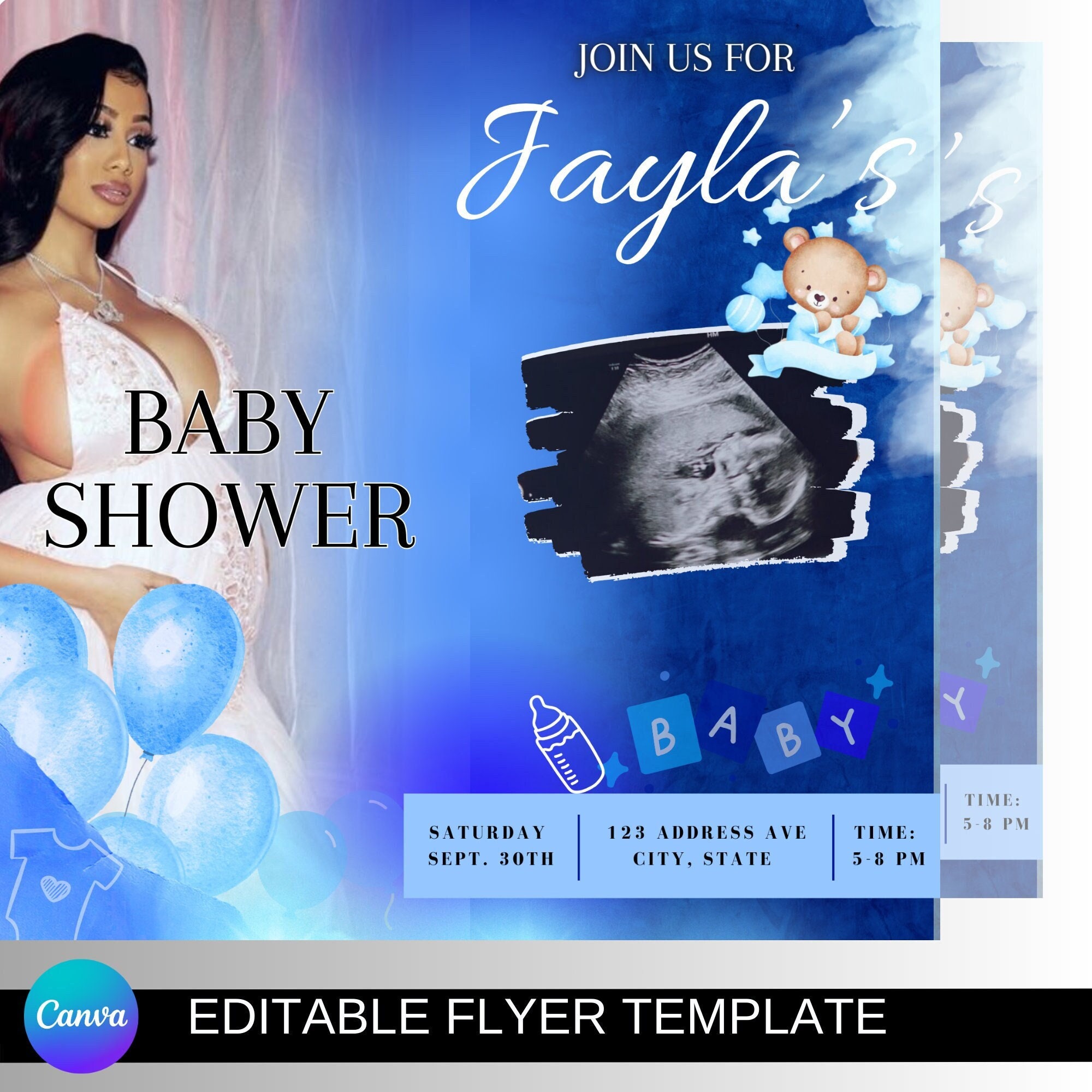
When it comes to announcing a bundle of joy, the Baby Shower Flyer Template is your best friend—because nothing says “bring a diaper, bring a snack” louder than a well‑designed flyer that makes your guests laugh, cry, or at least smile while scrolling through their phones.
Why a Baby Shower Flyer Template Matters

Imagine this: you’re scrolling through Facebook, and you stumble upon a flyer that looks like a newborn’s first selfie—cute, playful, and perfectly timed. That’s the power of a good template: it saves you time, ensures consistency, and guarantees that every detail from the color scheme to the font choice feels intentional. Plus, when you hand out a flyer that looks like it was designed by a professional, your guests will immediately recognize the event’s importance—no more “Did I get this for a baby shower or a birthday?” moments.
Instant Credibility
Templates give you a polished look that signals you’ve done your homework. A flyer that looks like a DIY project might make your guests wonder if you’re still waiting for a gift card to the mall. With a template, you’re saying, “I care enough to look good.”
Time is Money (and a Baby’s Diapers)
Let’s face it: you’re probably juggling a to-do list that includes buying a crib, ordering a cake that can hold a single scoop of vanilla ice cream, and figuring out who’s bringing the mashed potatoes. A ready‑made template lets you jump straight to the creative part—choosing colors, adding personal touches, and sending out invitations—without starting from scratch.
Choosing the Right Design Style

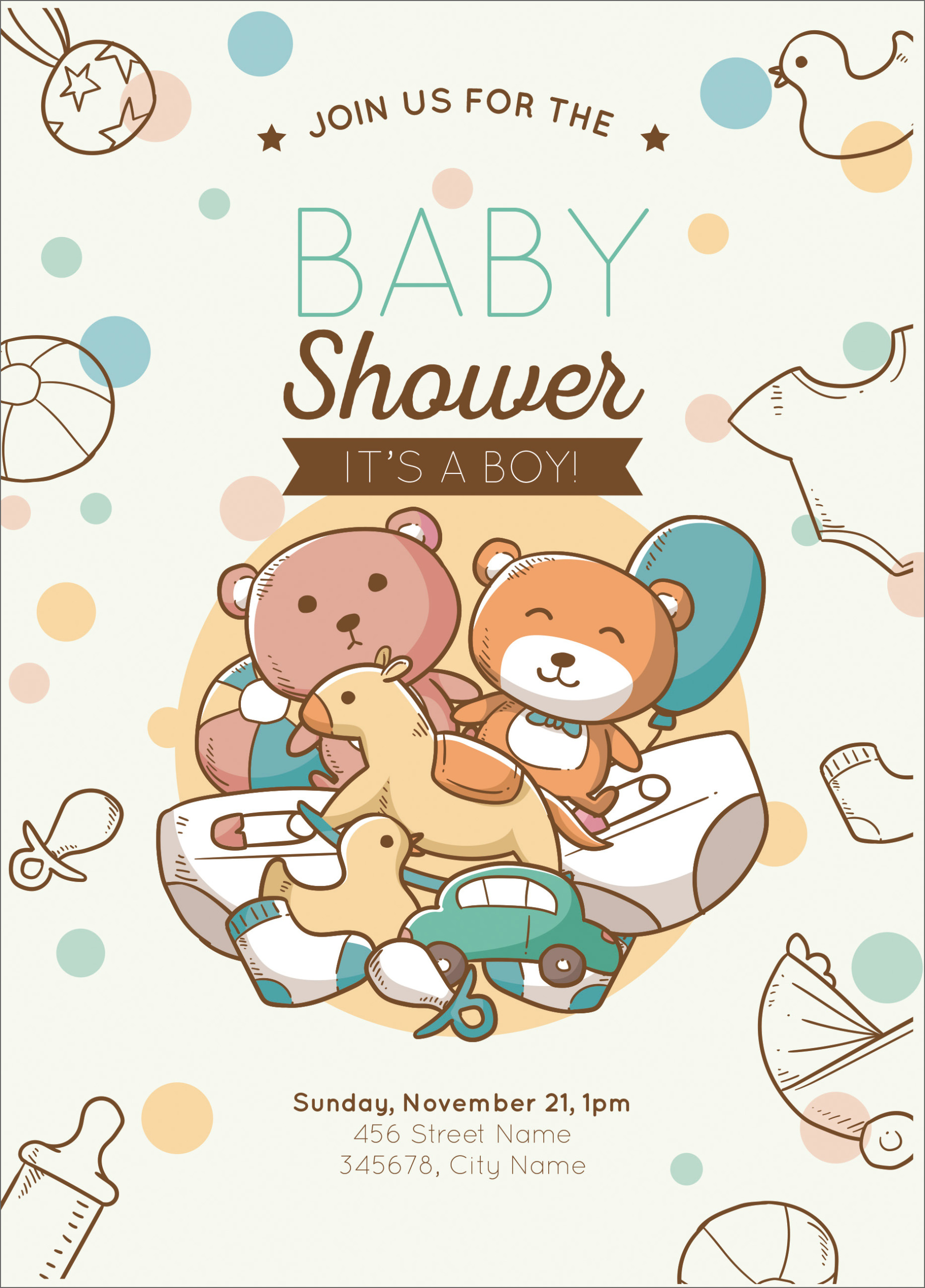
Design styles range from whimsical watercolor doodles to sleek modern minimalism. The key is to match the style to the host’s personality and the overall vibe of the shower.
Whimsical & Cute
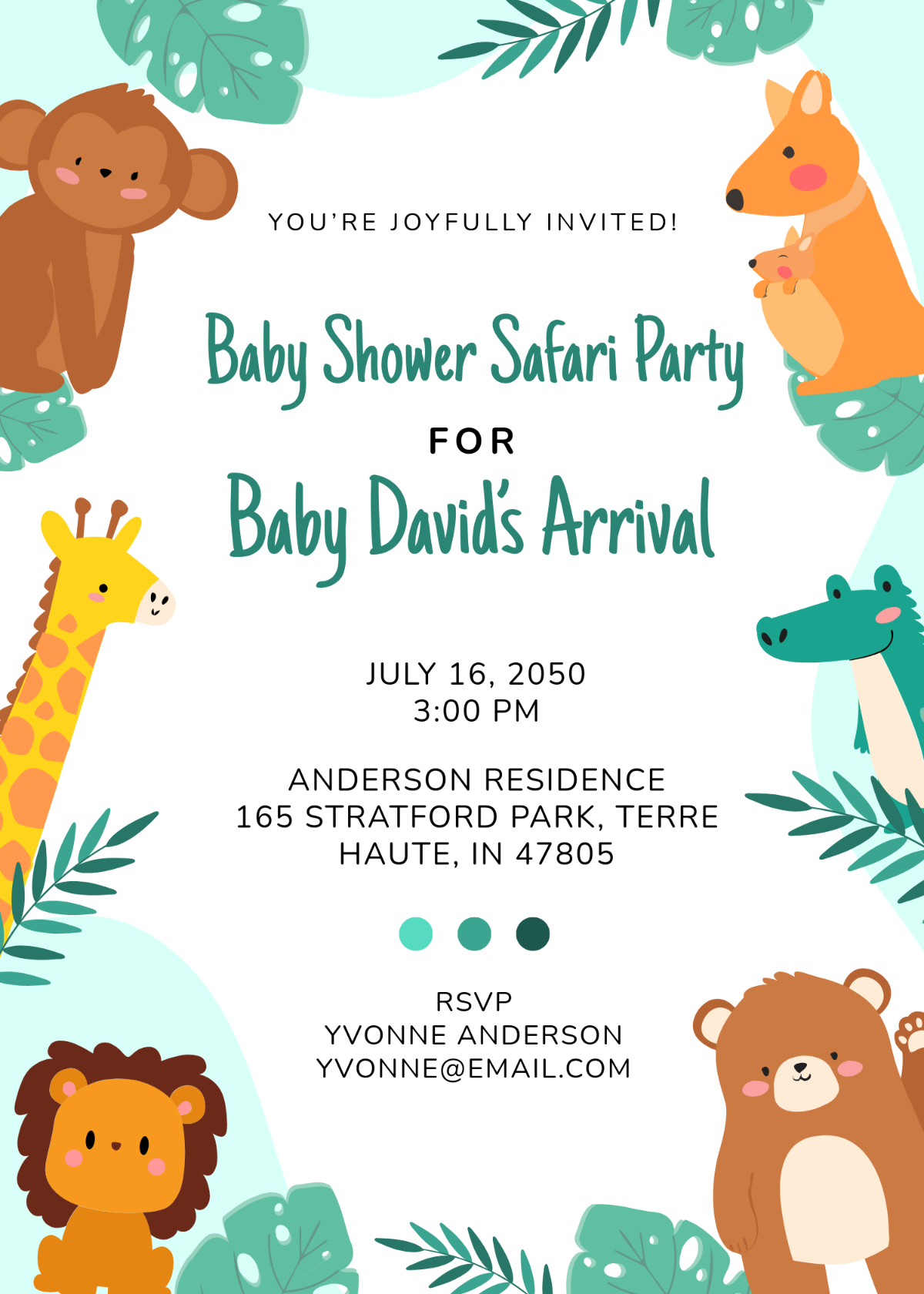
Think pastel clouds, baby animals, and playful fonts. This style works best for a classic baby shower that leans into tradition and charm. Add a touch of glitter or a subtle pattern to make the flyer pop without overwhelming the eyes.
Modern & Minimal
If the mother‑to‑be is a minimalist with a love for clean lines, opt for a design with bold typography, muted colors, and plenty of white space. The message becomes the hero of the flyer, and the simplicity keeps the focus where it belongs: on the event details.
Boho & Natural
For a laid‑back, nature‑inspired celebration, choose earth tones, botanical illustrations, and handwritten fonts. This style works great if the shower is outdoors or themed around a forest or beach.
Color Schemes That Pop (And Don’t Make You Cry)
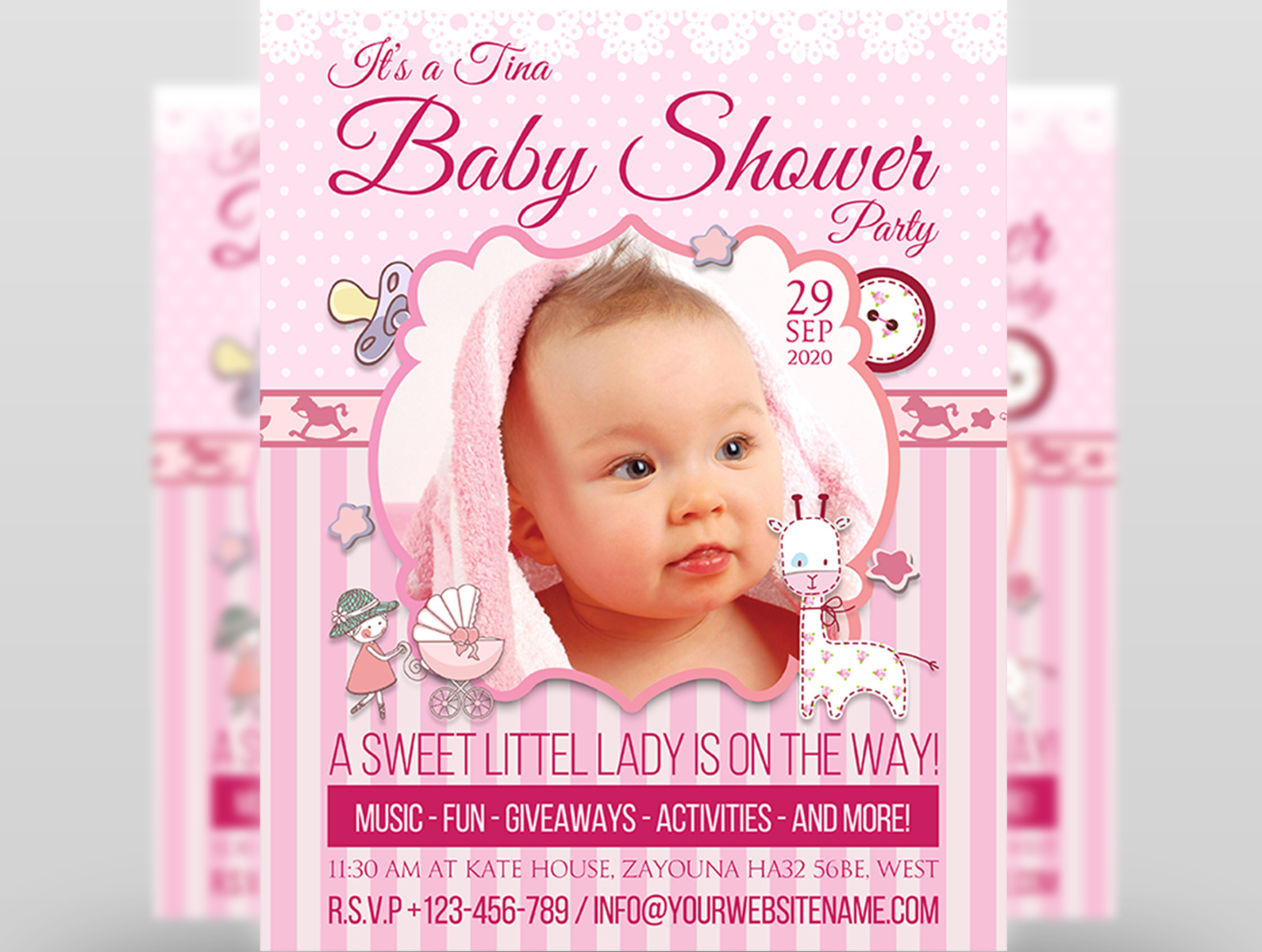
Color is more than aesthetics; it sets the emotional tone of the flyer. Here are some proven combinations that never fail.
- Soft Pink & Cream – Classic, soothing, and universally loved by baby shower guests.
- Lavender & Mint Green – A fresh, unexpected duo that adds a dash of sophistication.
- Sky Blue & White – Perfect for a gender‑neutral or traditional baby shower.
- Gold & Navy Blue – Adds a hint of luxury without being too over‑the‑top.
When selecting colors, remember to check the contrast. You don’t want your guests reading a flyer that looks like a faded grocery list.
Crafting the Perfect Message
Words are the heart of a flyer. Make them concise, clear, and, if you’re feeling bold, a little funny.
Essential Information
Every flyer must include:
- Host(s) Name(s)
- Guest of Honor (the mom‑to‑be)
- Date & Time
- Location (or virtual link)
- RSVP instructions
Keep it short. A long paragraph can feel like a novel and may turn readers into nap time.
Injecting Humor
Humor builds rapport. Here are some light‑hearted line starters:
- “Because your diaper‑changing skills are about to be put to the test!”
- “Help us celebrate the arrival of our newest member—without the actual babies!”
- “RSVP before we run out of baby wipes and snacks.”
Make sure the jokes stay inclusive and respectful; you’re inviting friends, not creating awkwardness.
Adding Personal Touches Without Overwhelm

Personalization transforms a generic flyer into a memorable keepsake.
Family Photo or Custom Illustration
Insert a photo of the mom‑to‑be as a baby or a custom illustration of her in a superhero cape. This instantly adds a personal flair that readers will appreciate.
Custom Icon Set
Use icons like storks, baby bottles, or tiny sneakers to reinforce the theme. Keep the icon style consistent for a polished look.
Signature Style
Add a handwritten signature or a playful doodle. If you’re not into drawing, consider using a font that mimics handwriting to give that effect.
Printing vs Digital Distribution

Decide early whether you’ll print or go digital (or both). Each option has its advantages.
Printed Flyers
They feel tangible and can double as a party favor. Print on high‑quality cardstock, use foil stamping for a touch of elegance, and consider a unique shape like a baby footprint.
Digital Flyers
Fast, eco‑friendly, and shareable. Use PDF or JPEG formats that are easy to email or post on social media. A digital flyer can also be an animated GIF—just keep the animation subtle to avoid distracting from the message.
Hybrid Approach
Print a set of key guests and send the rest digitally. This balances cost and personalization.
Common Mistakes to Avoid (And How to Be a Hero)

Even seasoned designers fall into traps. Here’s a quick rundown and how to dodge them.
Too Many Fonts
Stick to two complementary fonts at most. Overusing fonts can make the flyer look chaotic and hard to read.
Ignoring Mobile View
Most people will open your flyer on a phone. Ensure the layout is responsive: keep text large enough, avoid tiny icons, and make the RSVP link tappable.
Leaving Out RSVP Details
A flyer without RSVP instructions is like a cake without frosting—it’s missing the best part. Provide an email, phone number, or online RSVP form.
Neglecting Proofreading
Typos are a quick way to undermine credibility. Have a friend or the host read it once before finalizing.
Step-by-Step: From Sketch to Send-Off
Now that the theory is covered, let’s dive into the practical process of creating a flyer.
Step 1: Gather Your Essentials
Collect the event details, host names, photos, and any special requests from the mom‑to‑be. Decide whether the flyer will be printed, digital, or both.
Step 2: Pick a Template
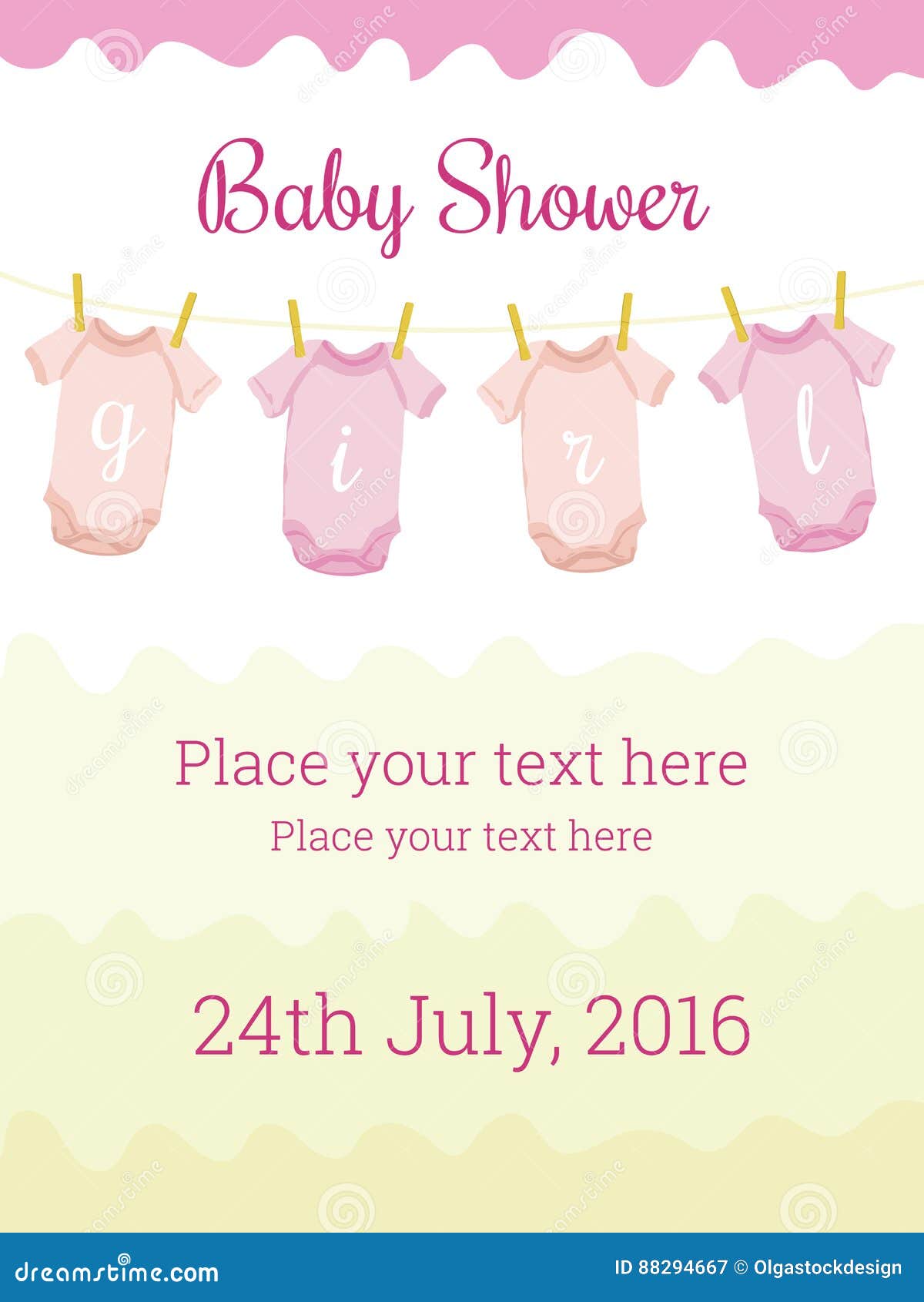
Choose a template that aligns with your chosen style. If you’re using design software like Canva, Adobe Spark, or Photoshop, search “baby shower flyer template” and filter by your preferred aesthetic.
Step 3: Customize the Layout
Replace placeholder text with your details, swap images, and tweak colors. Keep a consistent color palette and font pairing. Use the “grid” or “align” tools to maintain balance.
Step 4: Add Personal Touches
Insert a photo, custom icon set, or a signature line. Make sure these additions don’t clutter the flyer. Use the rule of thirds to position important elements.
Step 5: Proofread & Polish
Check the spelling, grammar, and layout on different devices. Ask a friend to do a final read‑through.
Step 6: Export & Print/Digitalize
Export the final design in the appropriate format: PDF for printing, PNG or JPEG for digital. If printing, send it to a professional printer or use high‑quality home printing settings. If digital, upload to an email list or social media.
Step 7: Send & Celebrate
Hit the send button, monitor RSVPs, and start planning the rest of the shower! Your flyer is the first step toward a memorable event.
Tips for Last-Minute Changes
Plans shift, and dates can change. Here’s how to manage updates without sending out a batch of outdated flyers.
- Version Control – Keep the original design file and label new versions clearly (e.g., “Version 2.1”).
- Print-on-Demand – If you’re printing, choose a vendor that offers quick turnaround and allows for last‑minute edits.
- Digital Flexibility – For digital flyers, update the file and resend the updated version. Make sure you indicate the new date/time clearly.
Final Checklist Before You Hit Send

Take a moment to run through these quick checks.
- All essential details are included.
- Typography is readable on both desktop and mobile.
- Colors are consistent and accessible (high contrast).
- Personal touches are balanced with clarity.
- Proofread completed and approved.
- Print/digital files are exported correctly.
- RSVP instructions are clear and actionable.
Conclusion: Your Baby’s First Party Is Just a Template Away

With the right Baby Shower Flyer Template, a dash of humor, and a sprinkle of personal flair, you’re ready to announce the newest addition to the family in style. Remember: a great flyer sets the tone, invites excitement, and ensures your guests arrive on time—and with snacks. Now go forth, design, print, and celebrate—your baby’s first big day is about to become unforgettable, one flyer at a time.