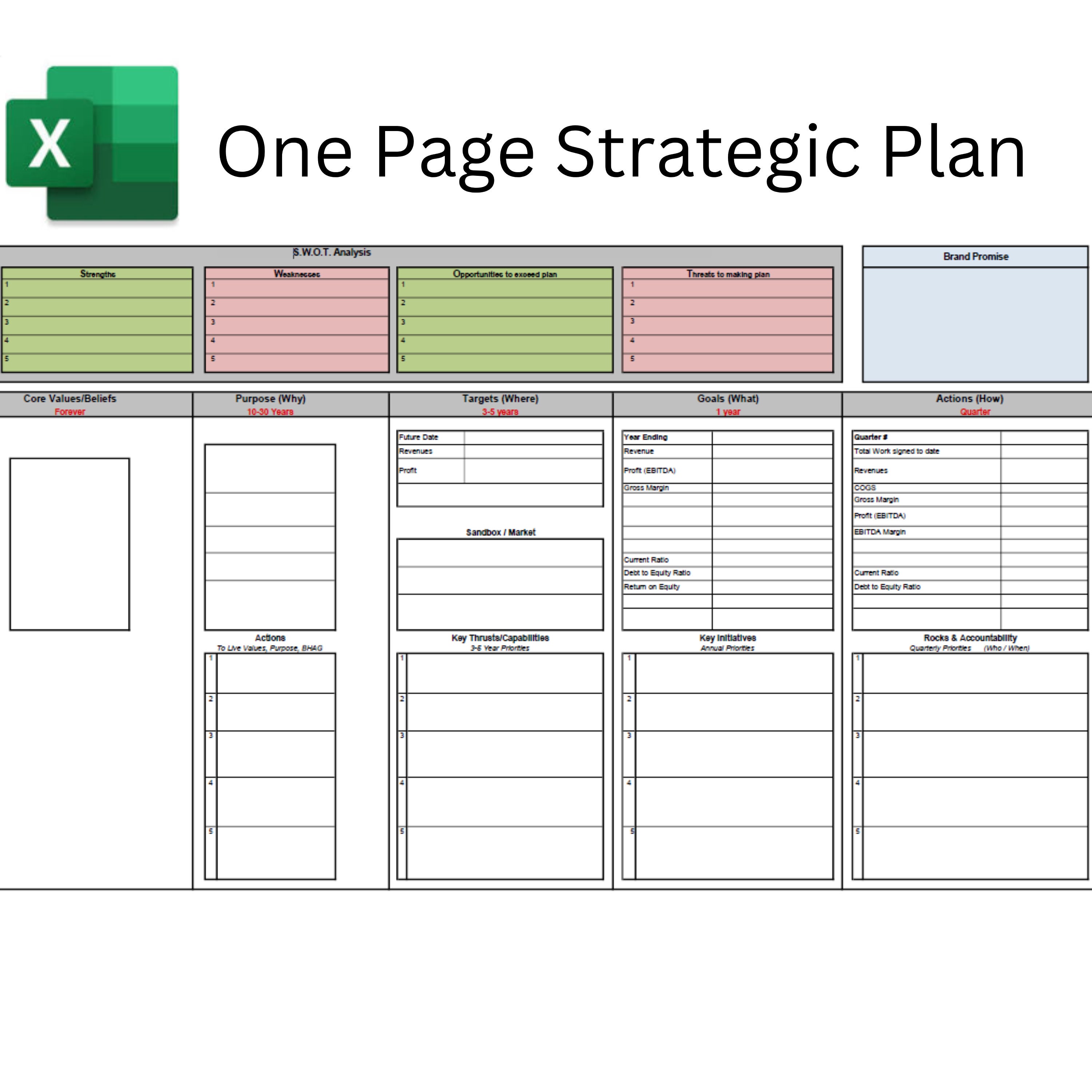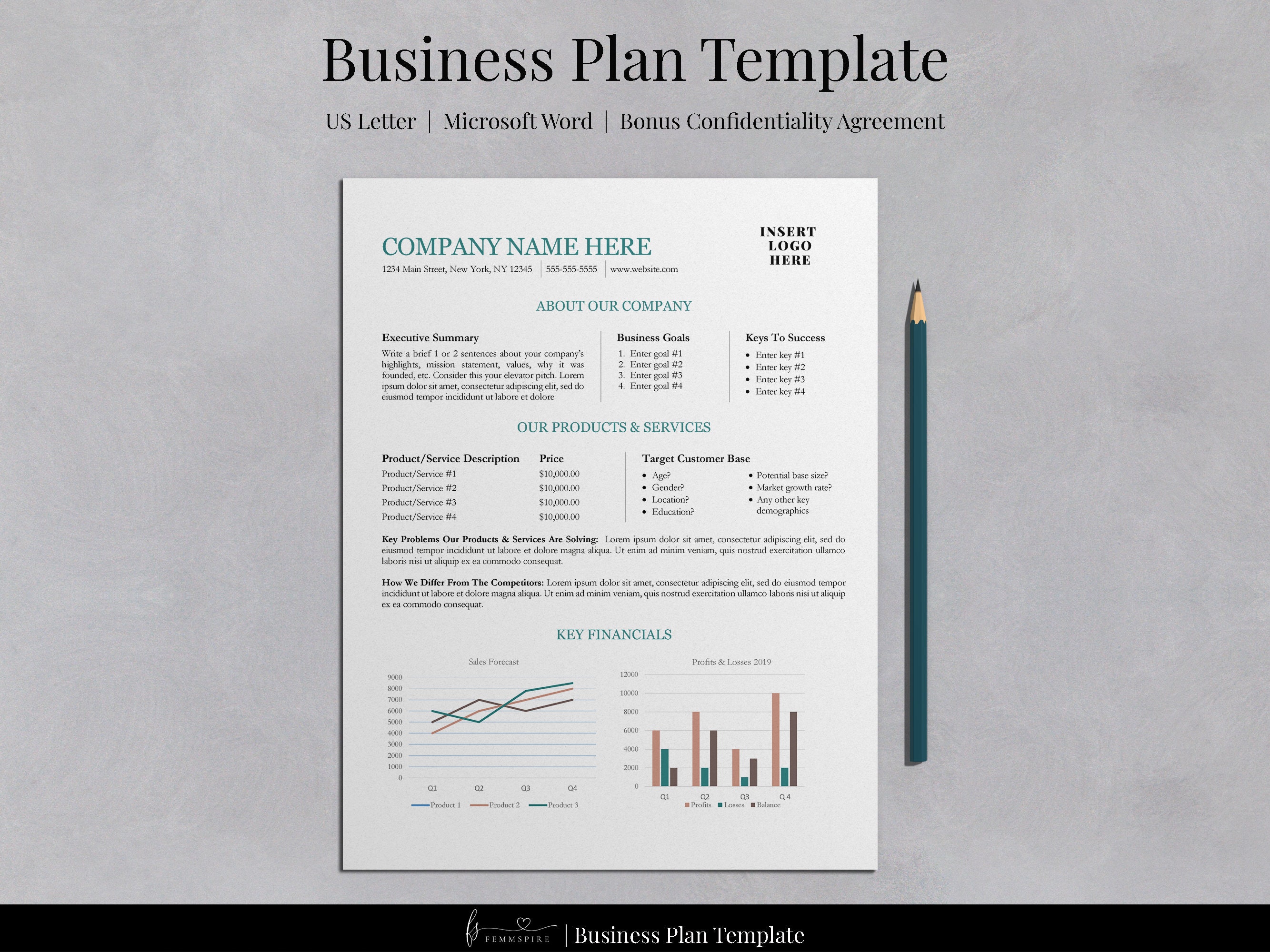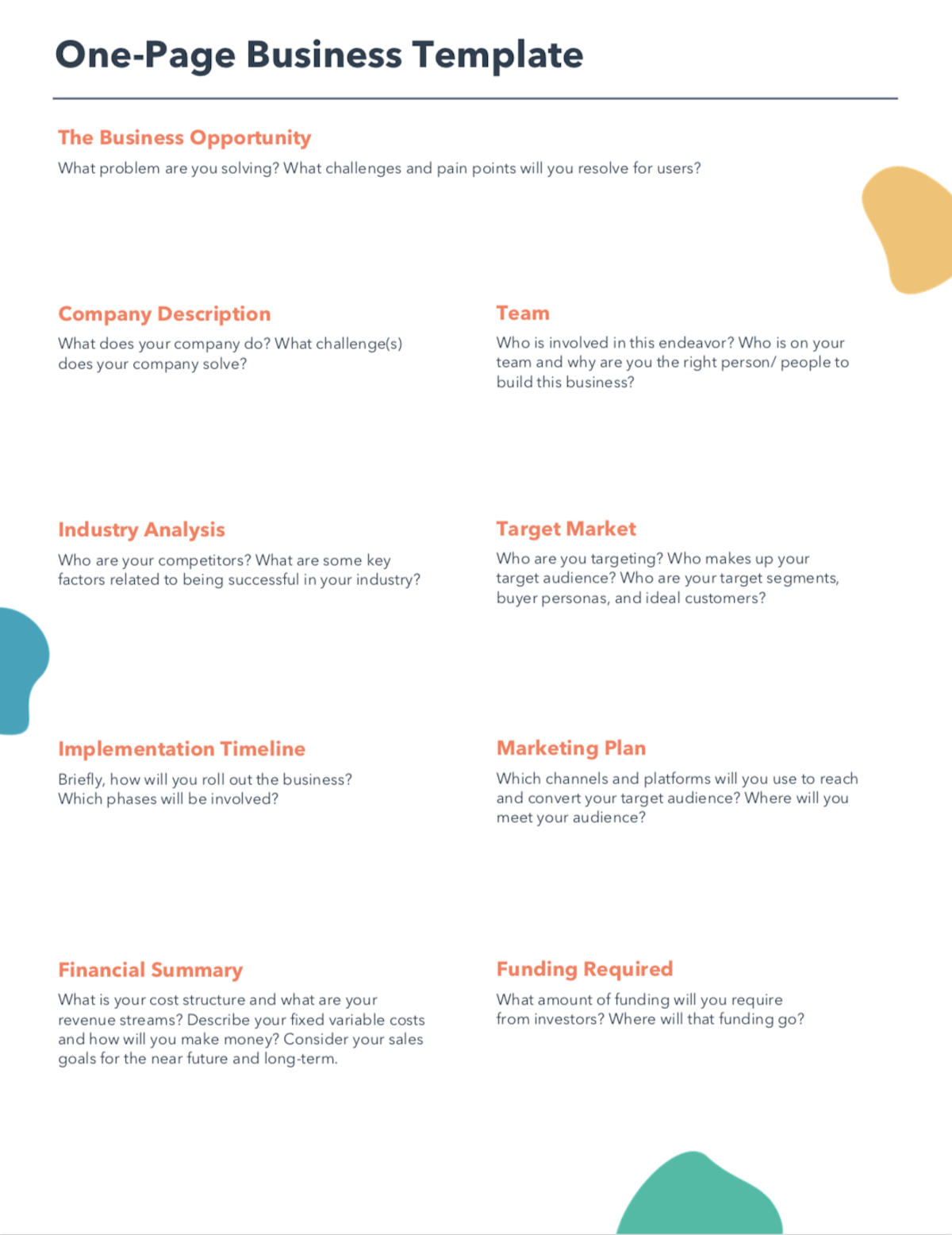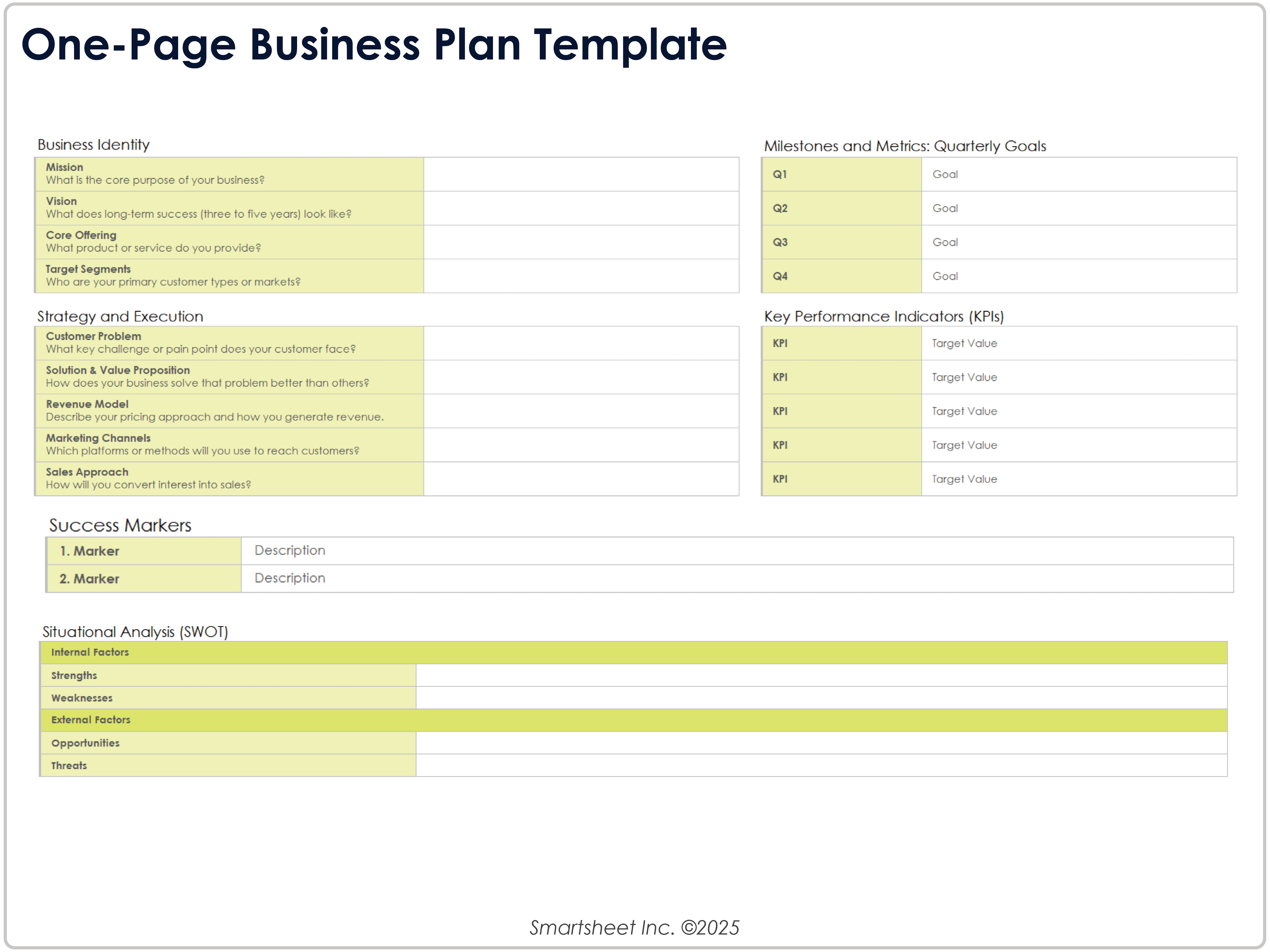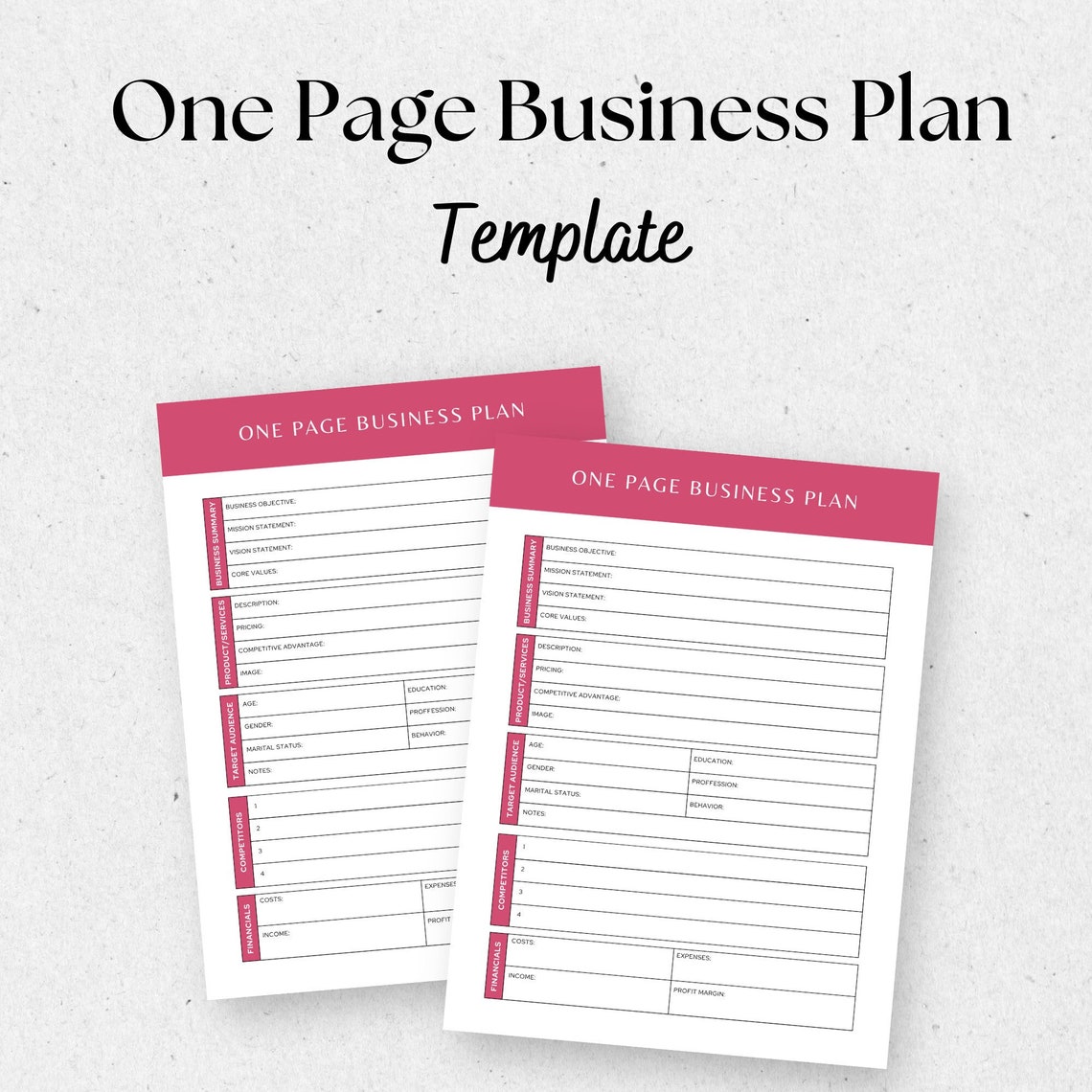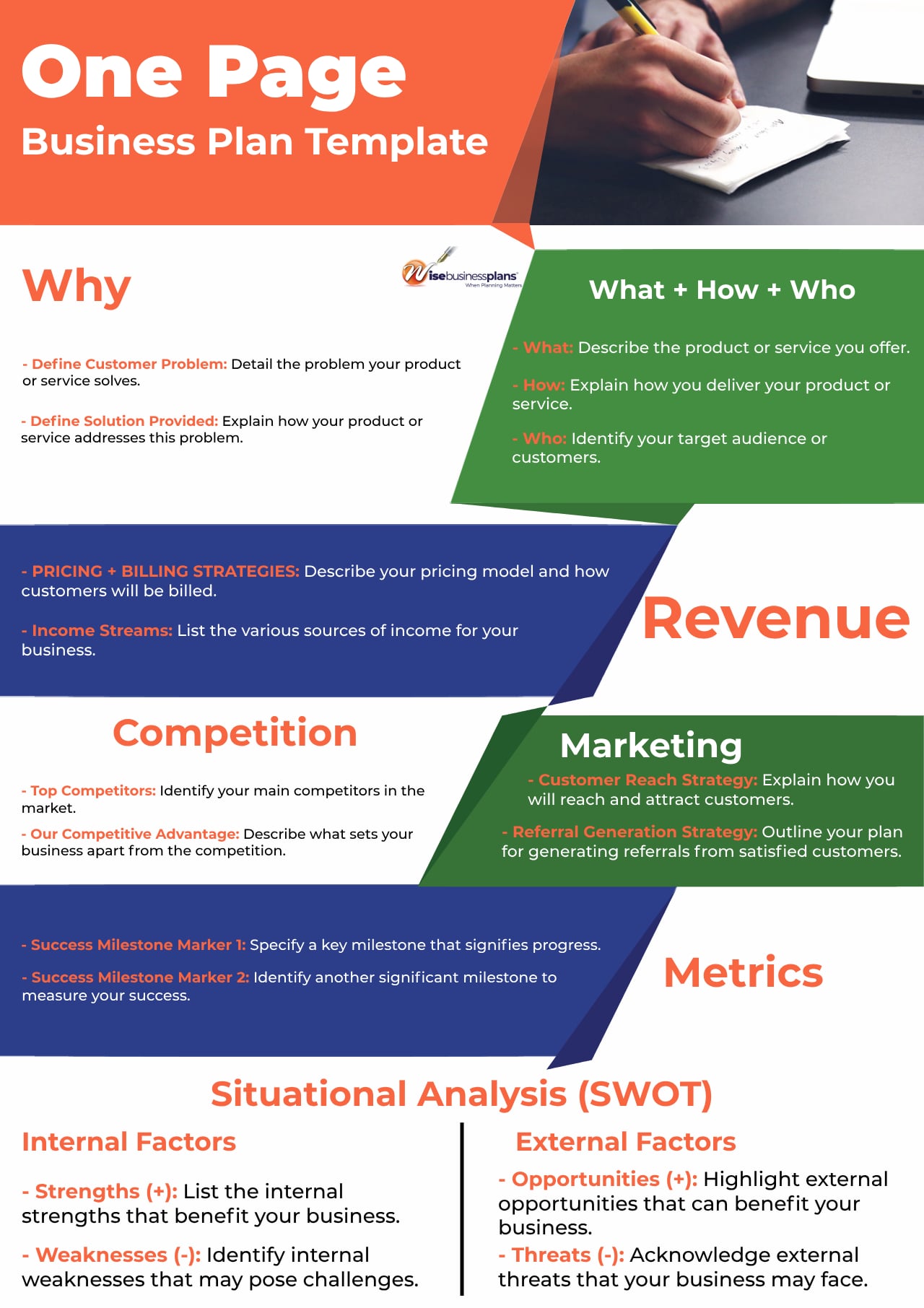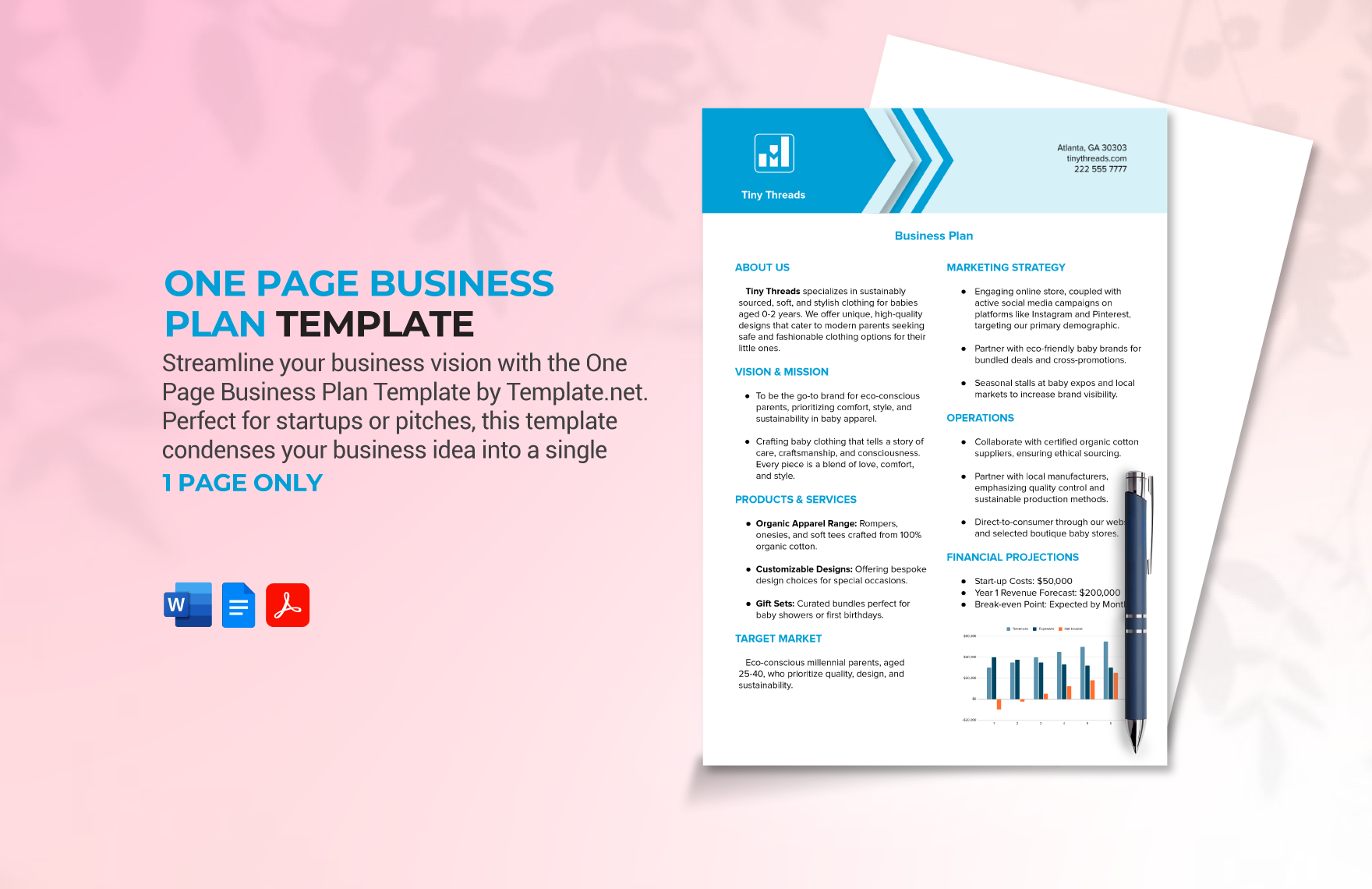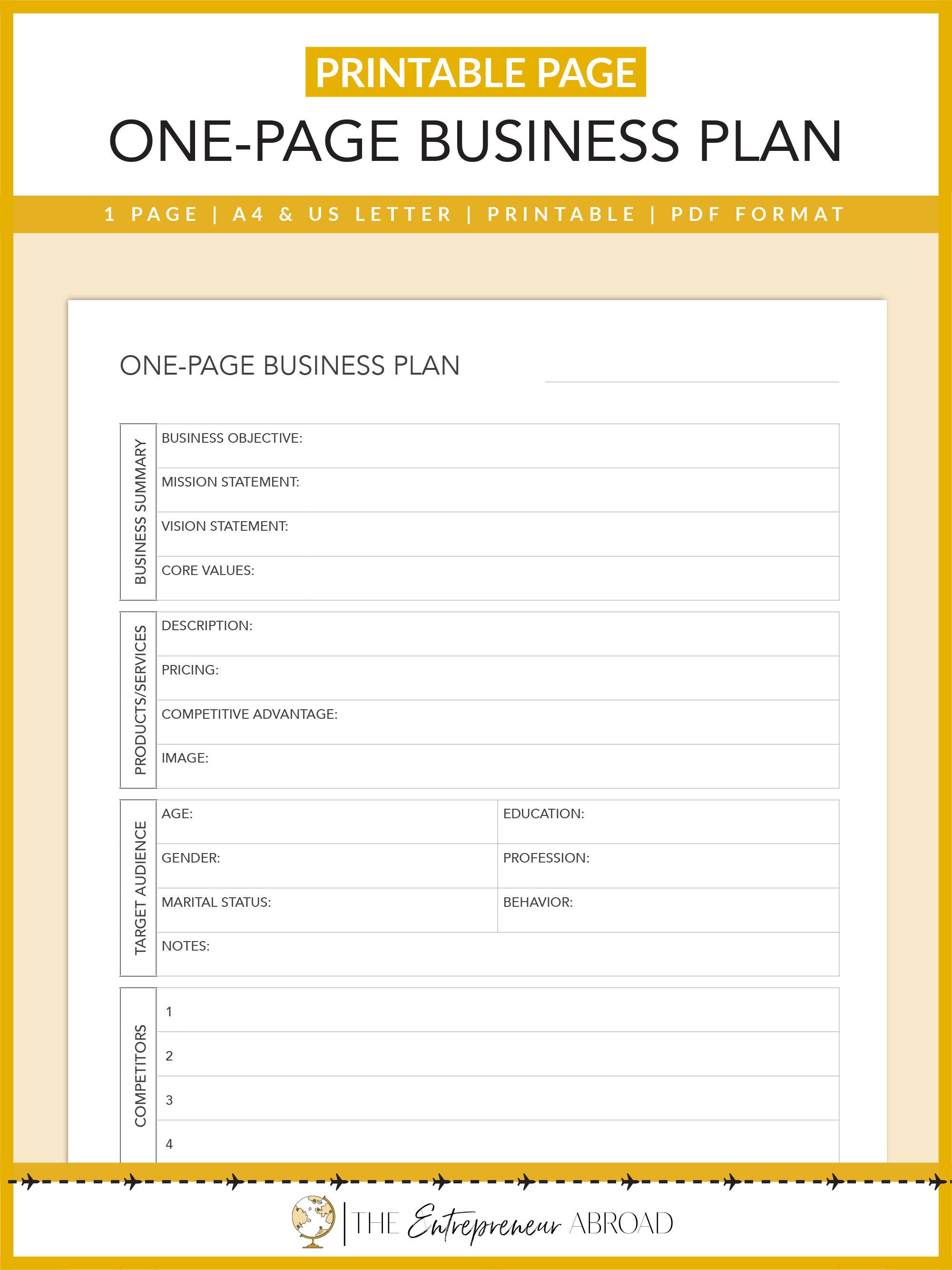
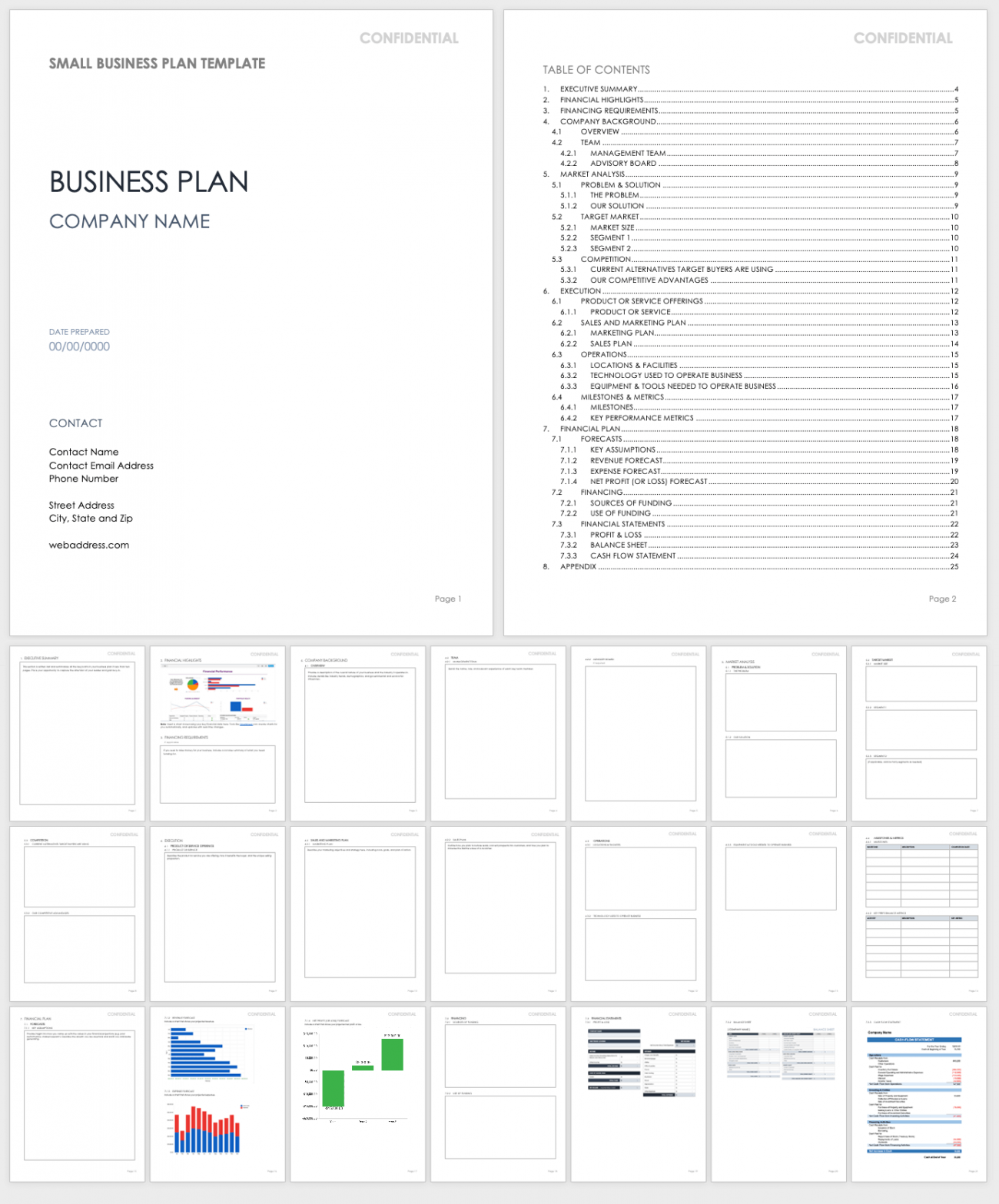
One Page Business Plan Template Word offers entrepreneurs a sleek, printable roadmap that captures the essence of a venture on a single sheet, making strategy both visible and actionable without overwhelming detail. By condensing vision, market analysis, financial forecasts, and operational milestones into a concise format, this template empowers founders to clarify priorities, communicate swiftly with stakeholders, and stay agile as market conditions shift. Whether you are launching a tech startup, a boutique service, or a small‑scale retail operation, a well‑crafted one‑page plan in Microsoft Word serves as a living document that evolves with your business while keeping the core narrative crystal clear.
Why Choose a One‑Page Format?
Speed and Simplicity
Traditional business plans often span dozens of pages, demanding extensive research and time that many early‑stage founders simply cannot spare. A one‑page layout eliminates unnecessary prose, forcing you to distill each element to its most impactful statement. This rapid‑write approach accelerates decision‑making and reduces the risk of analysis paralysis.
Enhanced Communication
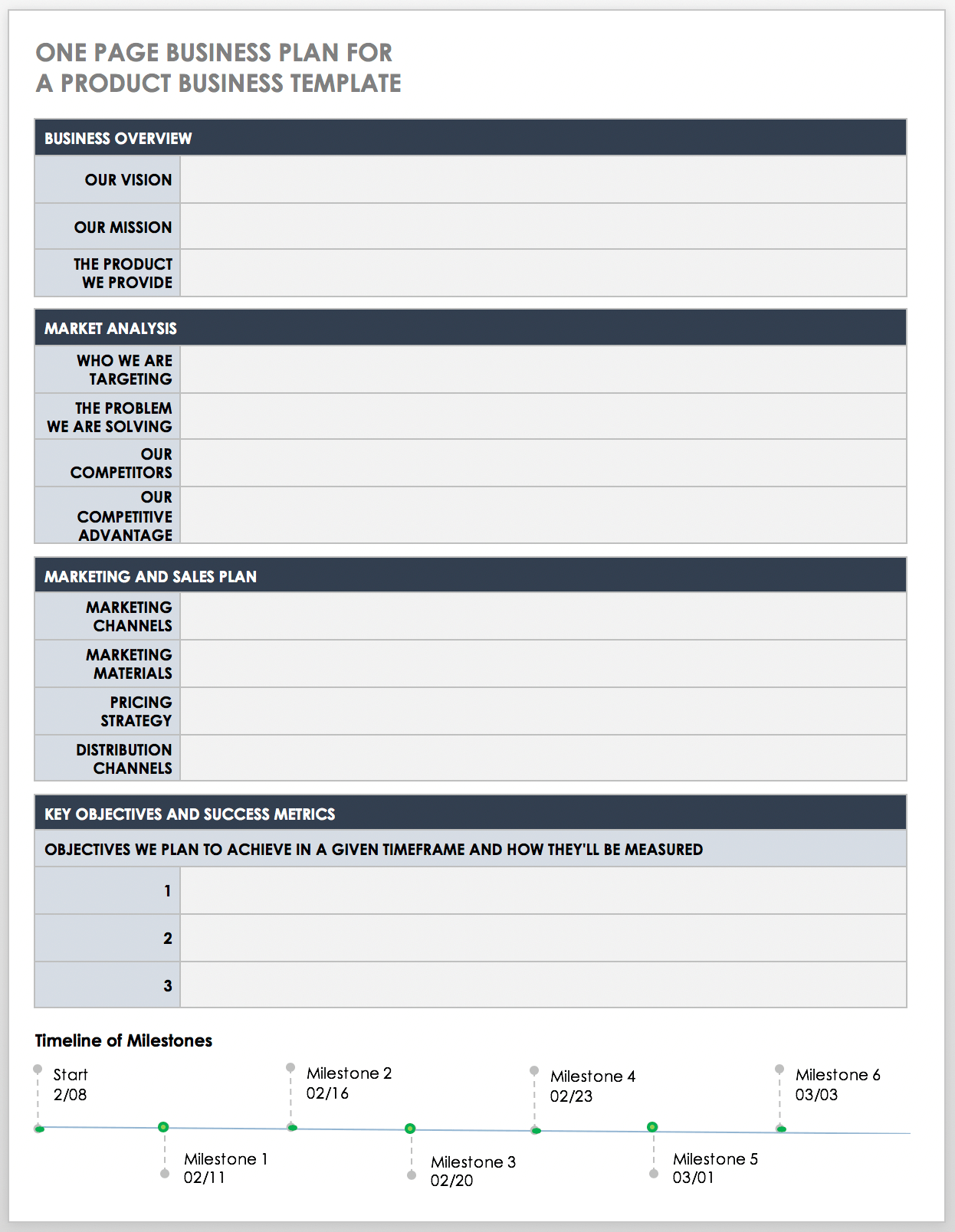
Investors, partners, and team members appreciate brevity. A single‑page overview can be handed out at a coffee meeting, pinned on a wall, or displayed on a screen during a pitch, ensuring that everyone receives the same core message. The visual hierarchy of a Word template—often featuring sections with bold headings, shaded boxes, and simple tables—makes key metrics instantly recognizable.
Flexibility for Iteration
Because the document lives in Word, you can edit, copy, and version it with just a few clicks. This fluidity supports continuous improvement: after each milestone, you update the metrics, tweak the value proposition, and share the refreshed plan without re‑writing an entire dossier.
Core Components of an Effective One‑Page Plan
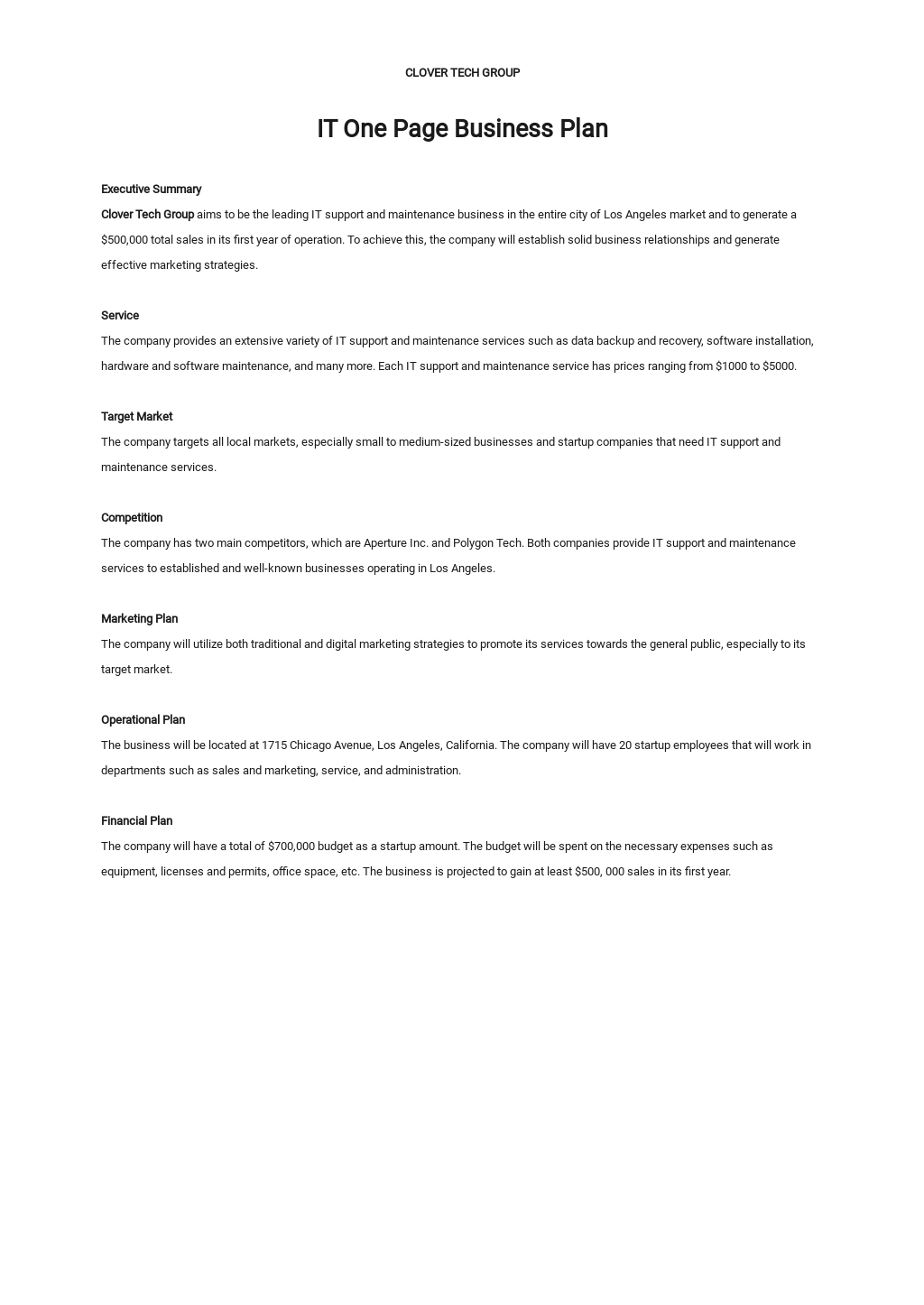
Executive Summary
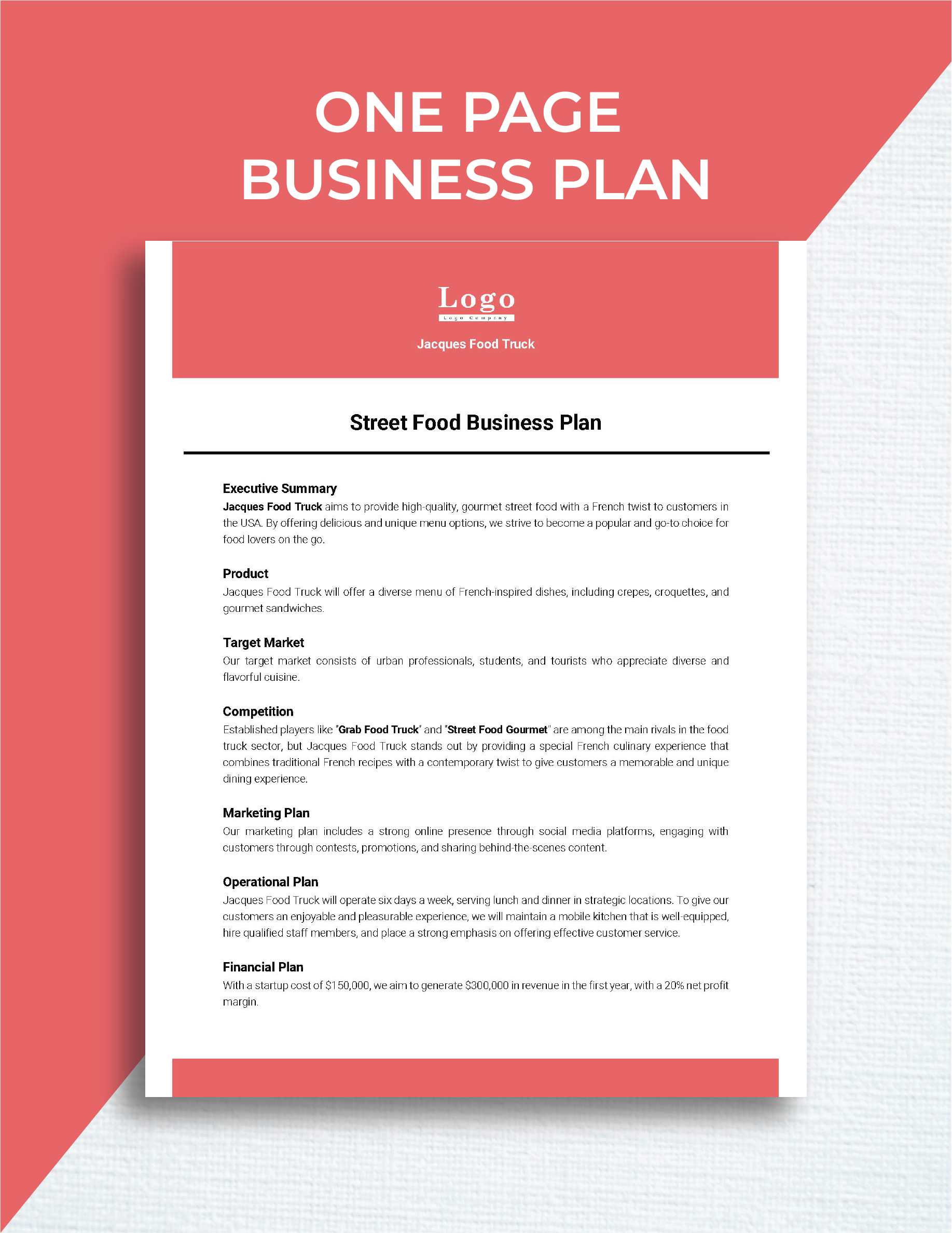
The executive summary should be a concise, punchy statement that answers the “what, why, and how” of your business in no more than two sentences. It sets the tone for the entire page and should instantly convey the problem you solve and the unique advantage you bring.
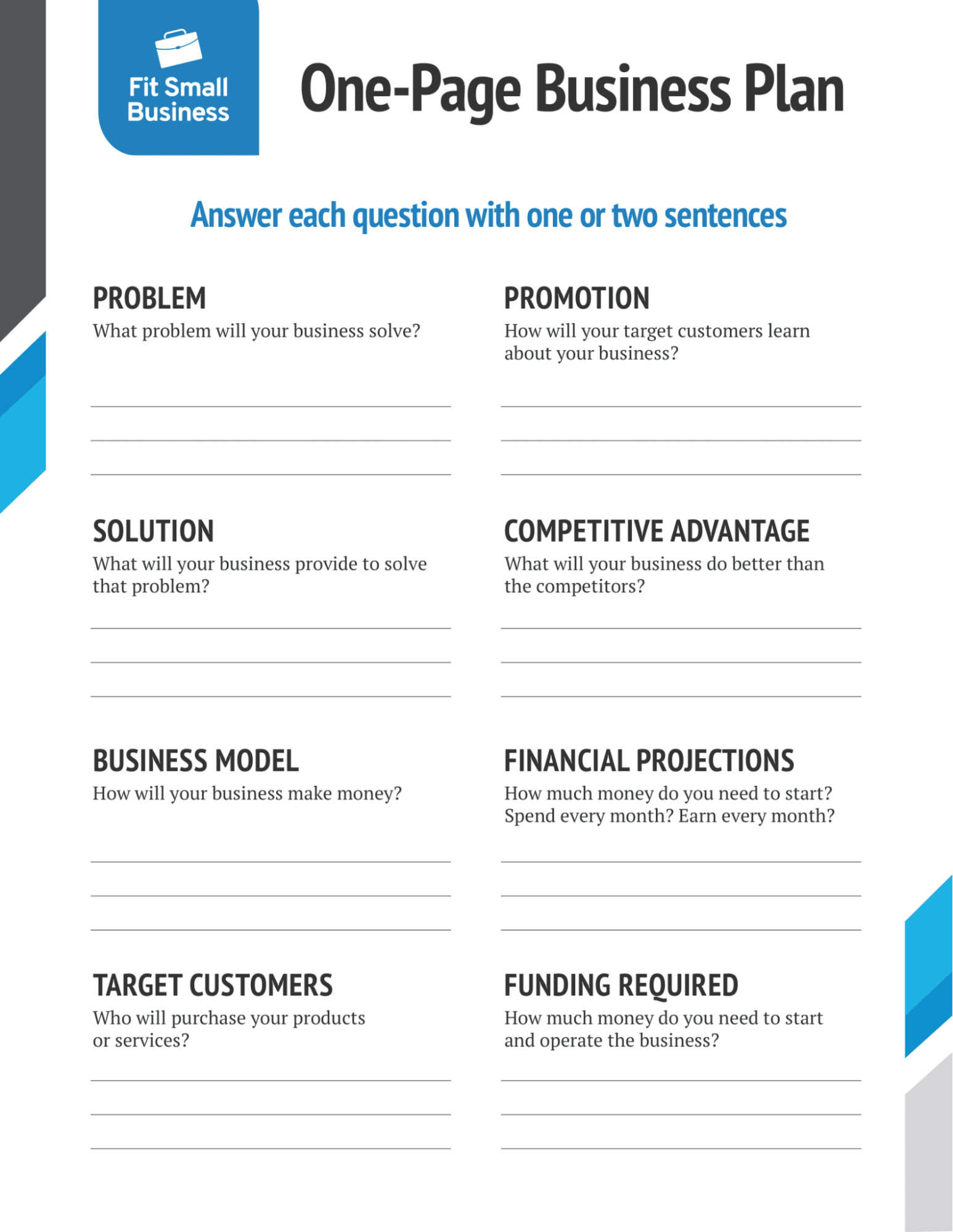
Problem Statement
Identify the specific pain point or gap in the market that your product or service addresses. Use quantifiable data where possible—such as market size or customer complaints—to underscore the urgency of the problem.
Solution Overview
Describe your offering in plain language, highlighting the core features that directly resolve the identified problem. Include a brief tagline or elevator pitch that can be read at a glance.
Target Market
Define the ideal customer segment with demographics, psychographics, and buying behavior. A simple table or bullet list works well to illustrate market size, growth rate, and primary channels for acquisition.
Revenue Model
Explain how you generate income—whether through subscription fees, one‑time sales, licensing, or advertising. Include projected average revenue per user (ARPU) and any tiered pricing structures.
Marketing and Sales Strategy
Outline the primary tactics you will employ to attract and retain customers, such as content marketing, paid ads, partnerships, or direct sales outreach. Keep each tactic to a single line for clarity.
Milestones and Timeline
Present a visual timeline or a short list of critical milestones, such as product launch, first 100 customers, break‑even point, and next funding round. Assign realistic dates to each milestone to demonstrate feasibility.
Financial Snapshot
Include a mini‑income statement or a set of key financial metrics—revenue, gross margin, net profit, and cash burn—for the next 12‑24 months. Use simple tables or colored cells to draw attention to growth trends.
Team Overview
List the founding team members, their roles, and the relevant experience that makes them suited to execute the plan. Highlight any notable advisors or board members.
Step‑By‑Step Guide to Customizing the Template in Word
Download and Open the Template
Start by saving the Word template to a dedicated folder. Open the file, and enable editing if prompted. The template usually contains pre‑formatted sections with placeholder text and sample graphics.
Replace Placeholder Text
Select each placeholder paragraph and type your own content. Use the Ctrl + B shortcut to bold headings if they are not already emphasized, and Ctrl + I for any sub‑headings that require italics. Ensure that the font size and style remain consistent throughout the document.
Insert Your Brand Elements
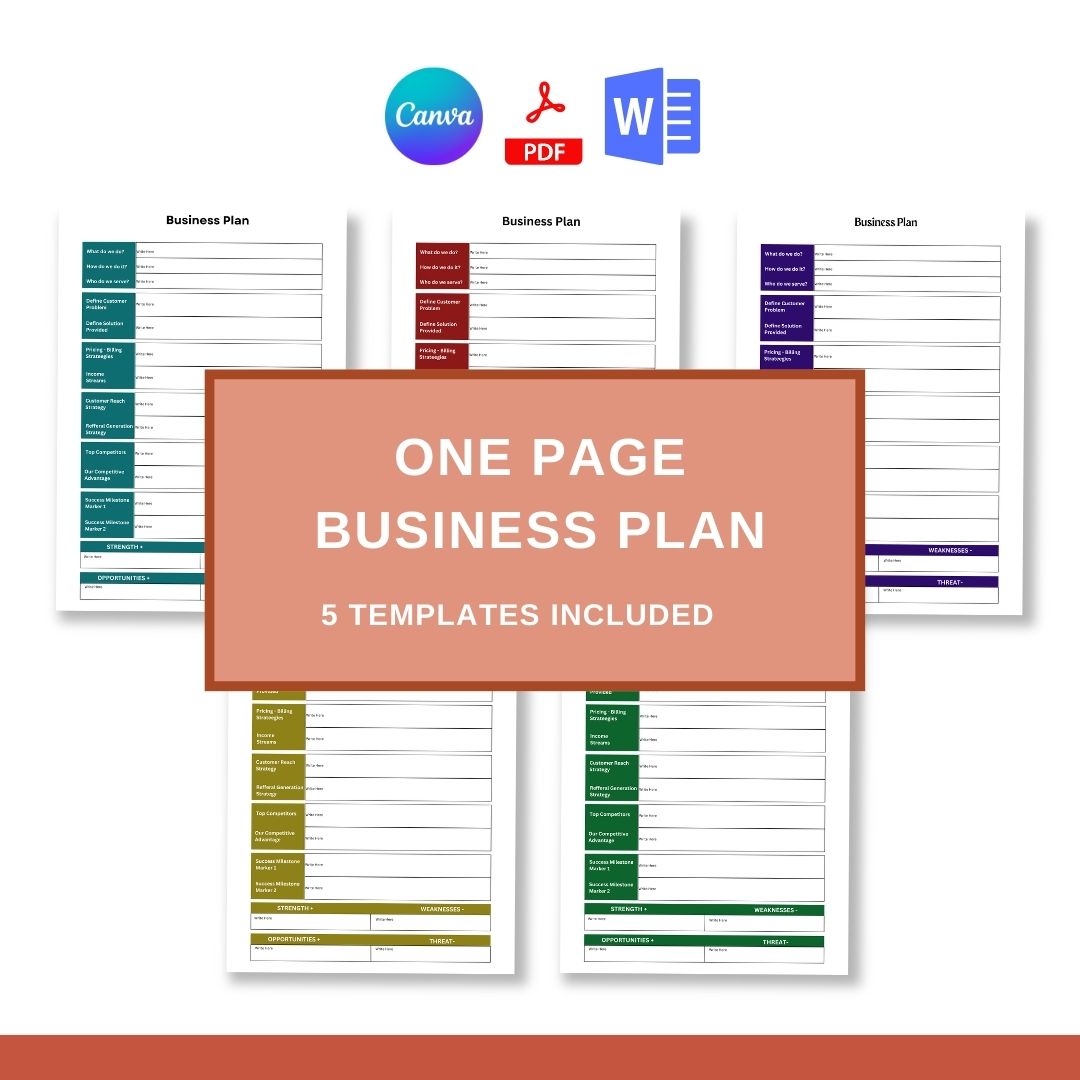
Navigate to the header or top‑left corner where the logo placeholder resides. Click the image icon, choose your high‑resolution logo, and resize it to fit within the allotted space. Adjust the color scheme of tables or shaded boxes by selecting the element, opening the “Design” tab, and choosing a palette that matches your brand identity.
Populate Tables and Charts
If the template includes a financial table, click inside each cell and replace the sample numbers with your actual projections. For visual charts, right‑click the chart placeholder, select “Edit Data,” and input your figures. Word will automatically regenerate the chart based on your data.
Fine‑Tune Layout and Spacing
Use the “Layout” tab to adjust margins, column widths, and line spacing. A clean, white‑space‑rich layout improves readability and keeps the page from feeling cramped. Aim for a line height of 1.15 to 1.25 and avoid overcrowding sections.
Proofread and Optimize for SEO
Even though the document is primarily for human readers, incorporating relevant keywords—such as “business plan template,” “startup roadmap,” and “financial forecast”—in the appropriate sections can improve discoverability when the file is uploaded online. Run a spell‑check and verify that all figures add up correctly.
Save and Export
Save the final version in both .docx and PDF formats. The PDF version preserves the layout when shared with investors who may not have Word installed. Store the files in a cloud folder with version control to track future updates.
Real‑World Example: A Boutique Coffee Roaster

A small coffee roasting startup used a one‑page Word template to secure its first round of seed funding. The executive summary read, “We source single‑origin beans from ethical farms, roast them in small batches, and deliver fresh coffee directly to urban professionals via subscription.” The problem statement highlighted the lack of transparency in mainstream coffee supply chains, while the solution emphasized traceability and freshness.
The target market section identified “city‑dwelling professionals aged 25‑40 with disposable income and a passion for specialty coffee.” Revenue projections were based on a subscription model: $30 per month per customer, targeting 500 subscribers by month six. The financial snapshot showed a break‑even point at 350 subscribers, with a projected net profit of $45,000 in the first year.
By keeping the plan to a single page, the founders could hand the document to potential angel investors during a coffee tasting event. The concise format allowed investors to quickly grasp the market opportunity and the founder’s clear path to profitability, resulting in a $100,000 investment on the spot.
Tips for Maintaining Focus and Clarity
- Use Action‑Oriented Language: Begin each bullet with a verb (“Capture,” “Deliver,” “Scale”) to convey momentum.
- Limit Jargon: Replace industry‑specific acronyms with plain English unless you are certain the audience understands them.
- Prioritize Data Over Narrative: Numbers speak louder than adjectives; embed key metrics wherever possible.
- Stick to One Idea per Section: Avoid cramming multiple concepts into a single paragraph; each section should answer a distinct question.
- Leverage White Space: Blank areas guide the reader’s eye and prevent information overload.
Common Mistakes to Avoid
Overloading with Details
Including exhaustive market research or lengthy product specifications defeats the purpose of a one‑page plan. Keep details to a minimum and reference external documents for deep dives.
Inconsistent Formatting
Mixing fonts, colors, or heading styles creates visual chaos. Stick to the template’s predefined styles to maintain a professional appearance.
Unrealistic Financial Projections
Inflated revenue forecasts raise red flags for investors. Base projections on conservative assumptions and clearly state the rationale behind each number.
Neglecting Updates
A one‑page plan loses relevance if it isn’t refreshed after major milestones. Schedule quarterly reviews to adjust goals, metrics, and strategies.
Frequently Asked Questions
Can I use a one‑page plan for a non‑profit?
Absolutely. Replace revenue sections with funding sources, donor acquisition strategies, and impact metrics. The core structure remains the same.
Is a one‑page plan sufficient for venture capital pitches?
While a one‑page summary is an excellent hook, most VC meetings require a more detailed deck. Use the one‑page plan as an executive summary and attach a comprehensive pitch deck for deeper analysis.
How often should I revise the plan?
Review and update the document at least every three months or after each major pivot—such as a product launch, pricing change, or new market entry.
Do I need design skills to make the template look professional?
No. Word’s built‑in styles, tables, and shape tools provide all the necessary elements. Follow the template’s guidelines, and the result will look polished without graphic‑design expertise.
Conclusion
A well‑crafted One Page Business Plan Template Word condenses the complexity of entrepreneurship into a clear, actionable sheet that drives focus, facilitates communication, and accelerates growth. By mastering the core components—executive summary, problem and solution, market, revenue model, milestones, financial snapshot, and team—founders can present a compelling narrative that resonates with investors, partners, and internal stakeholders alike. The step‑by‑step customization process in Word ensures that the plan remains flexible, updatable, and visually consistent, while real‑world examples demonstrate its power to secure funding and align teams. Avoid common pitfalls such as over‑detailing, inconsistent formatting, and unrealistic forecasts, and commit to regular revisions to keep the plan aligned with evolving business realities. With this concise yet comprehensive tool in hand, you are equipped to chart a focused course, seize opportunities, and steer your venture toward sustainable success.