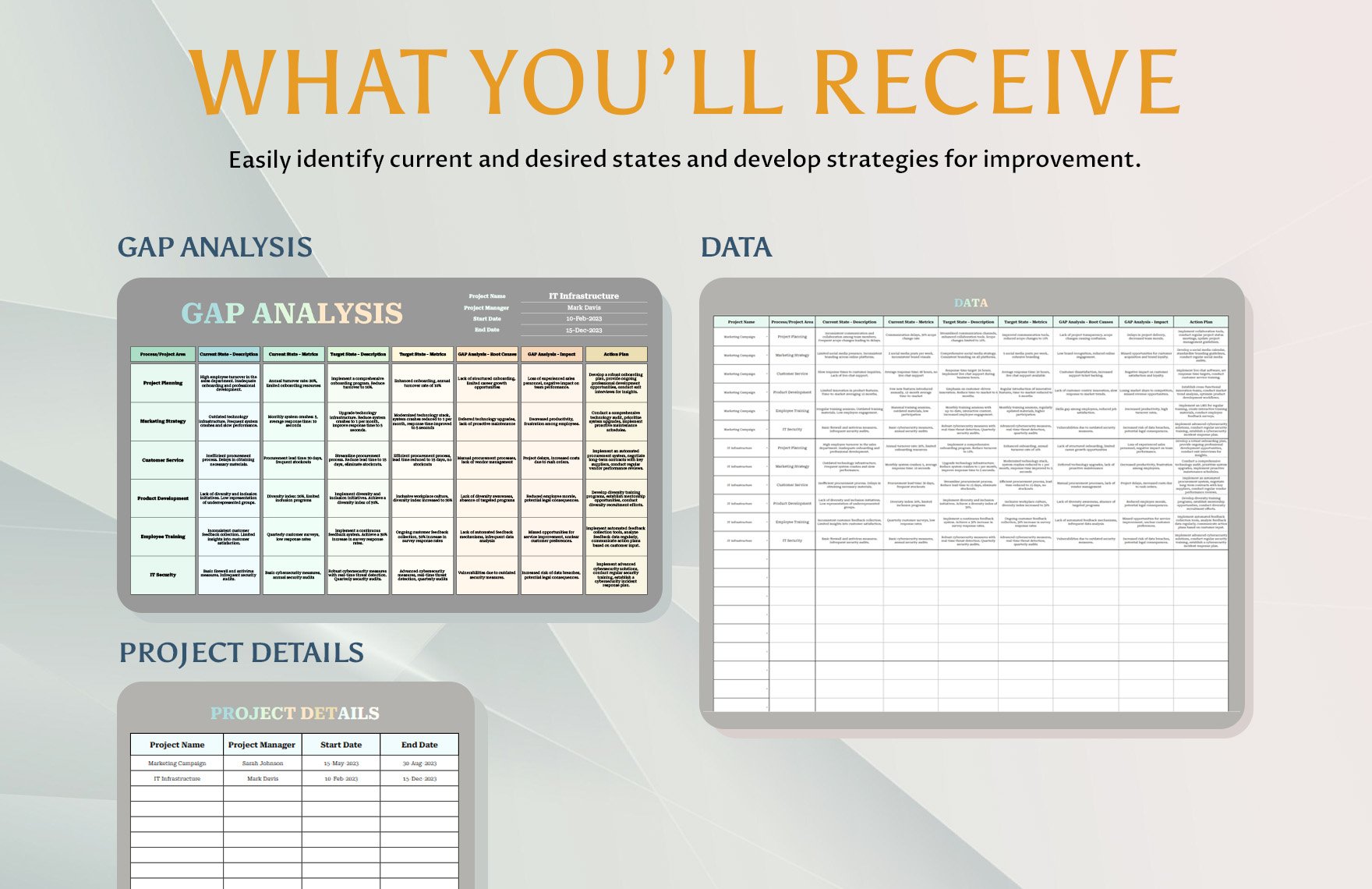
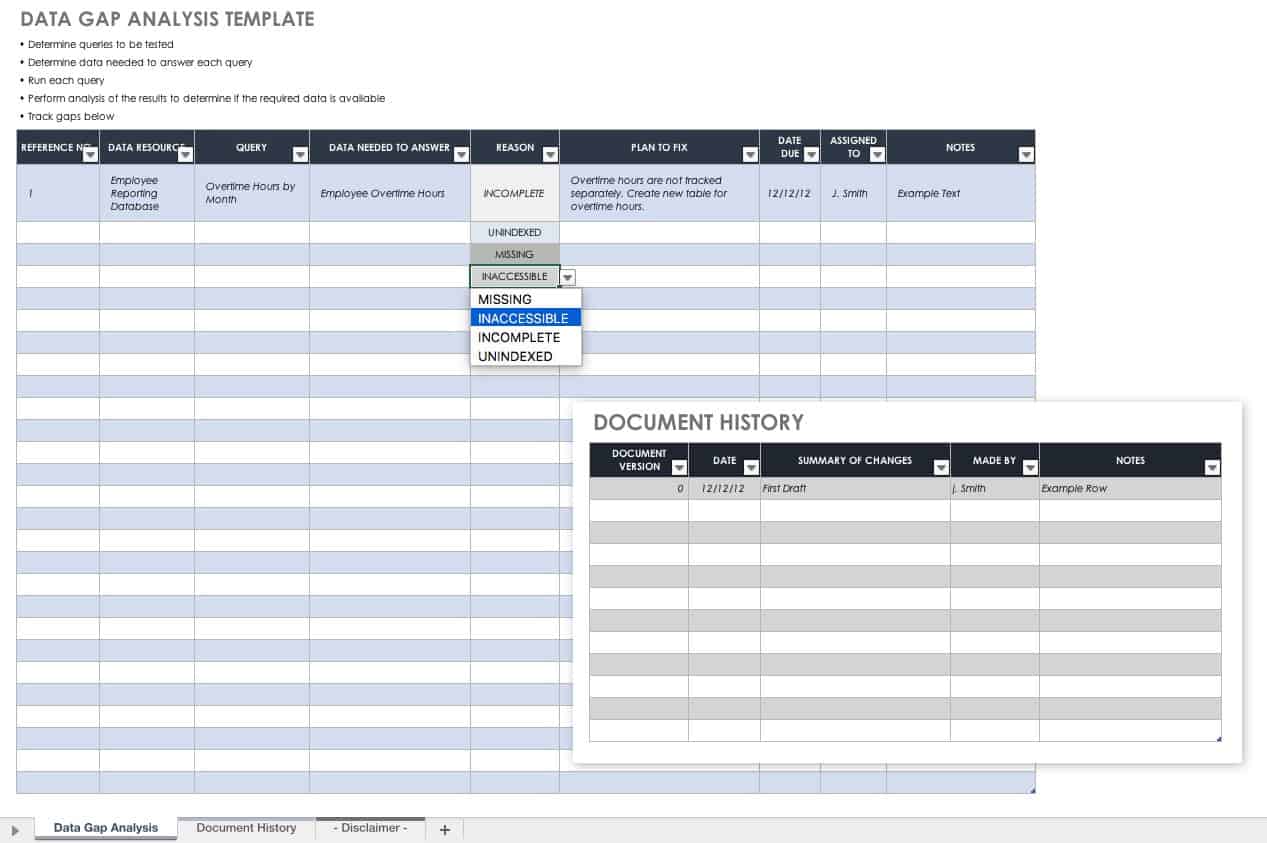
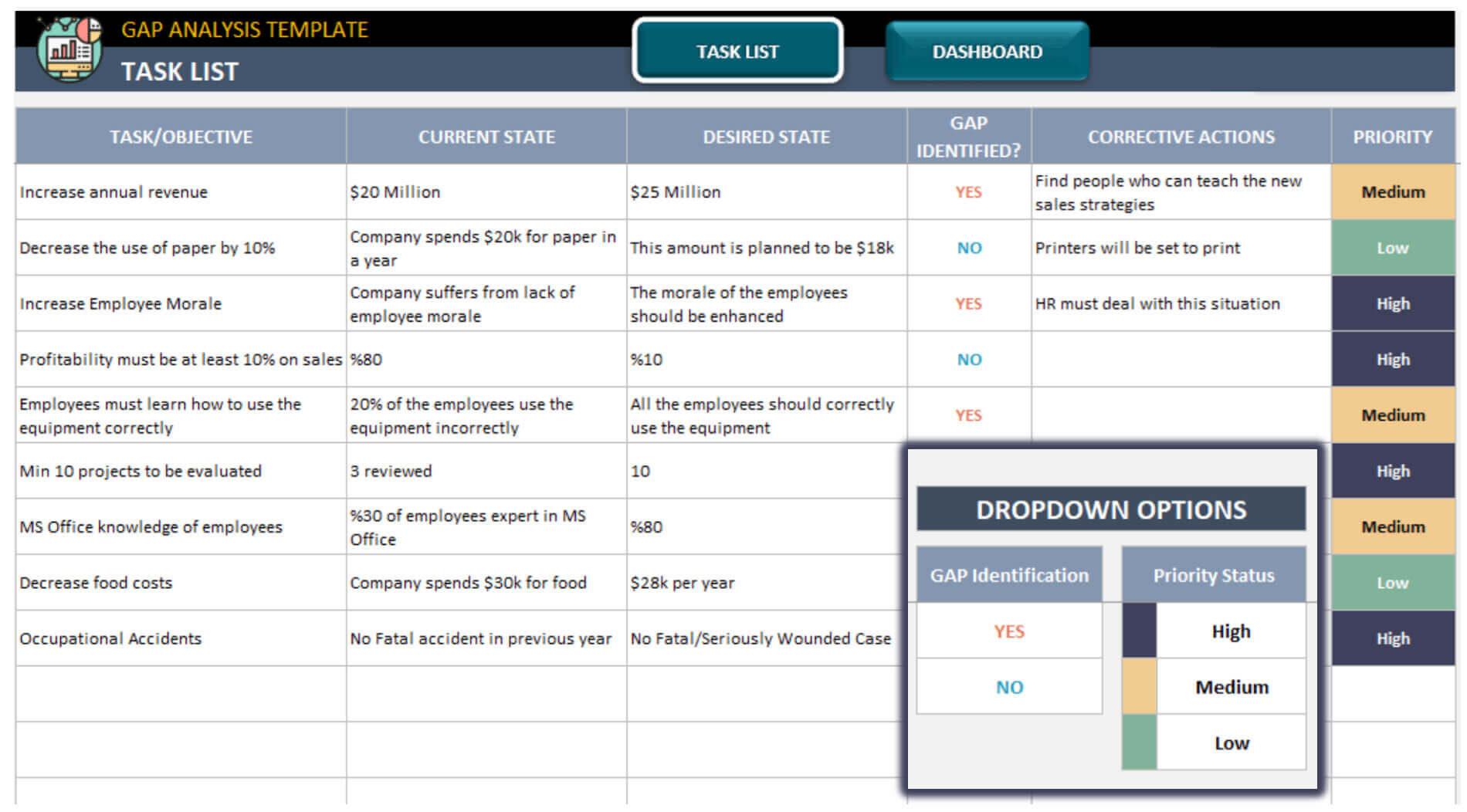
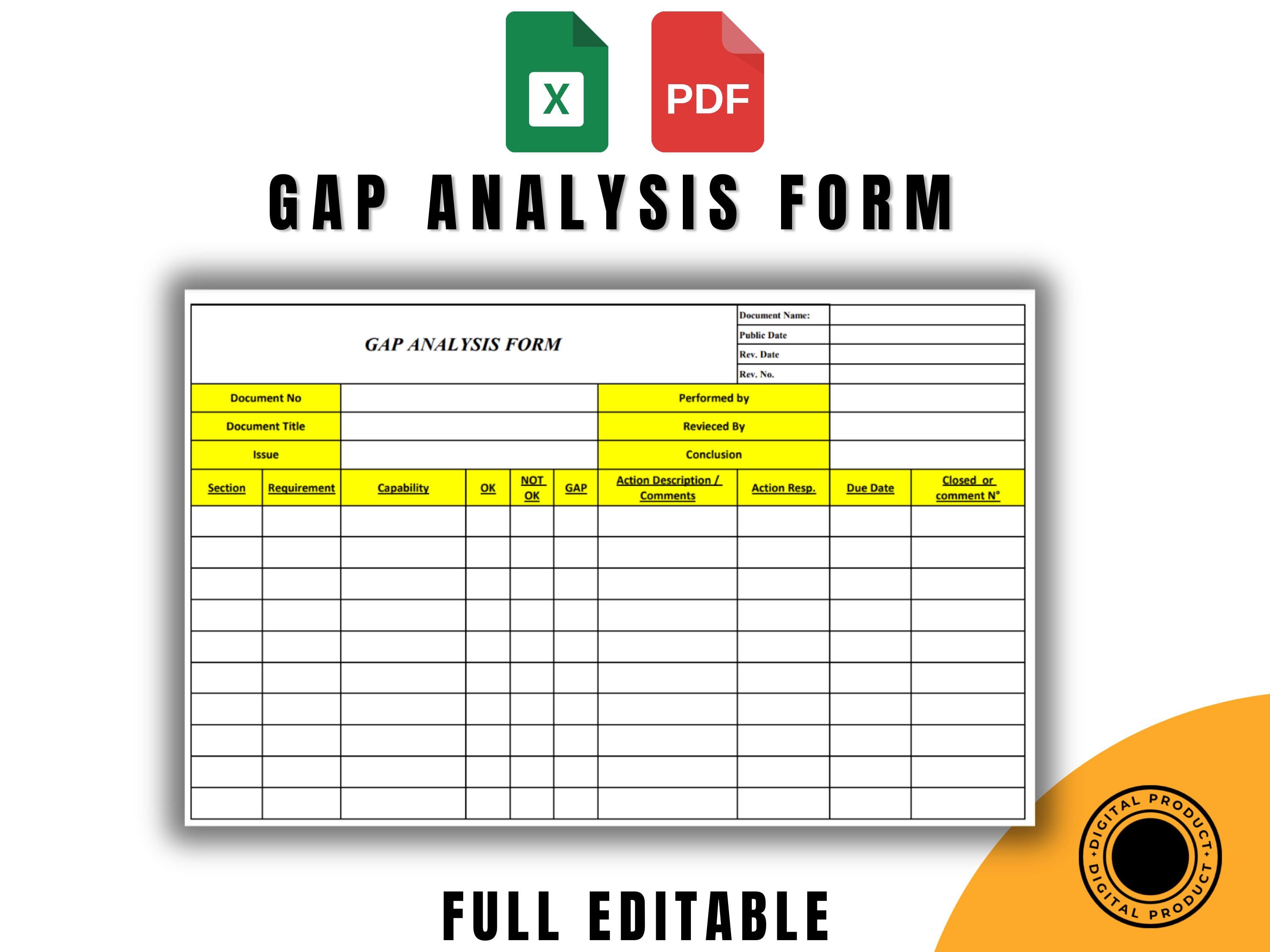
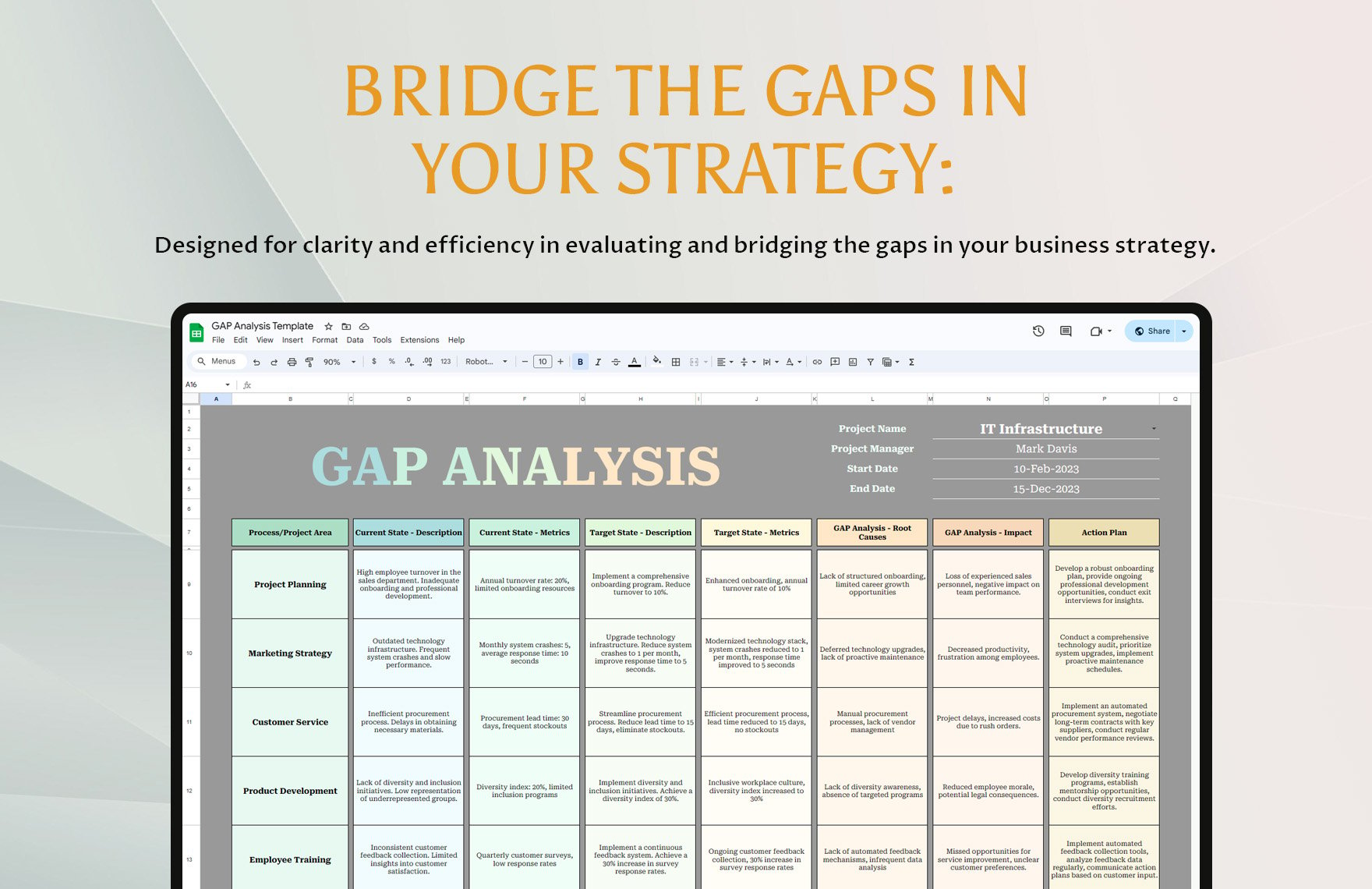
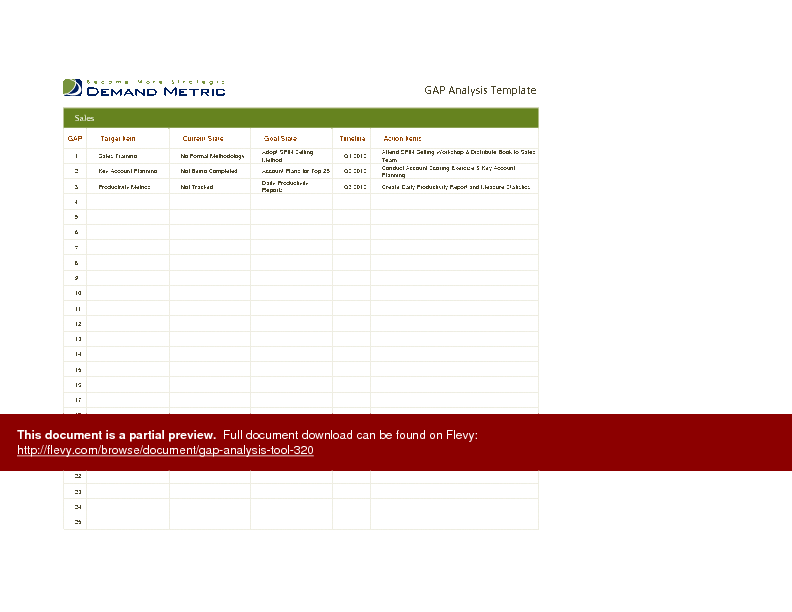
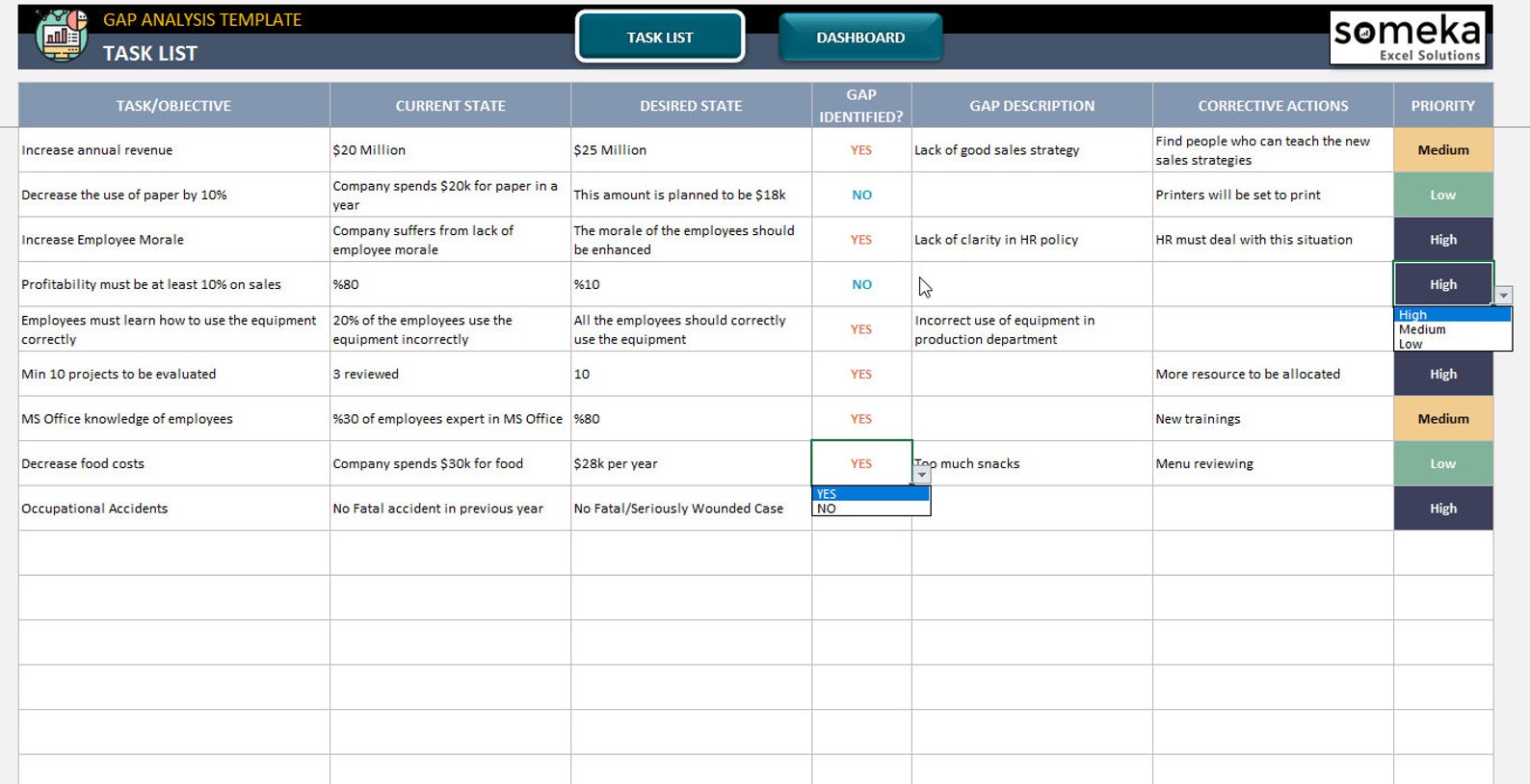
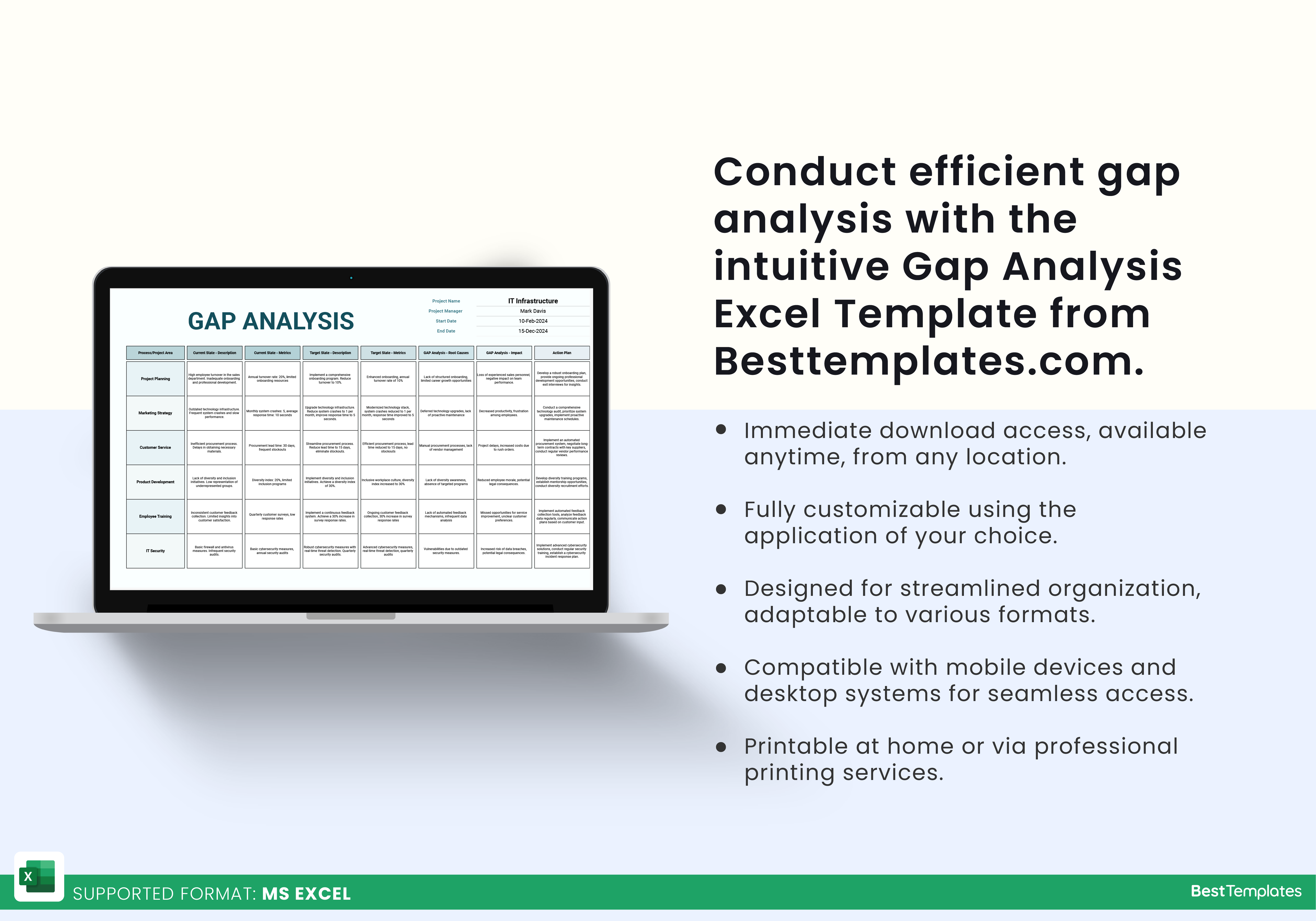
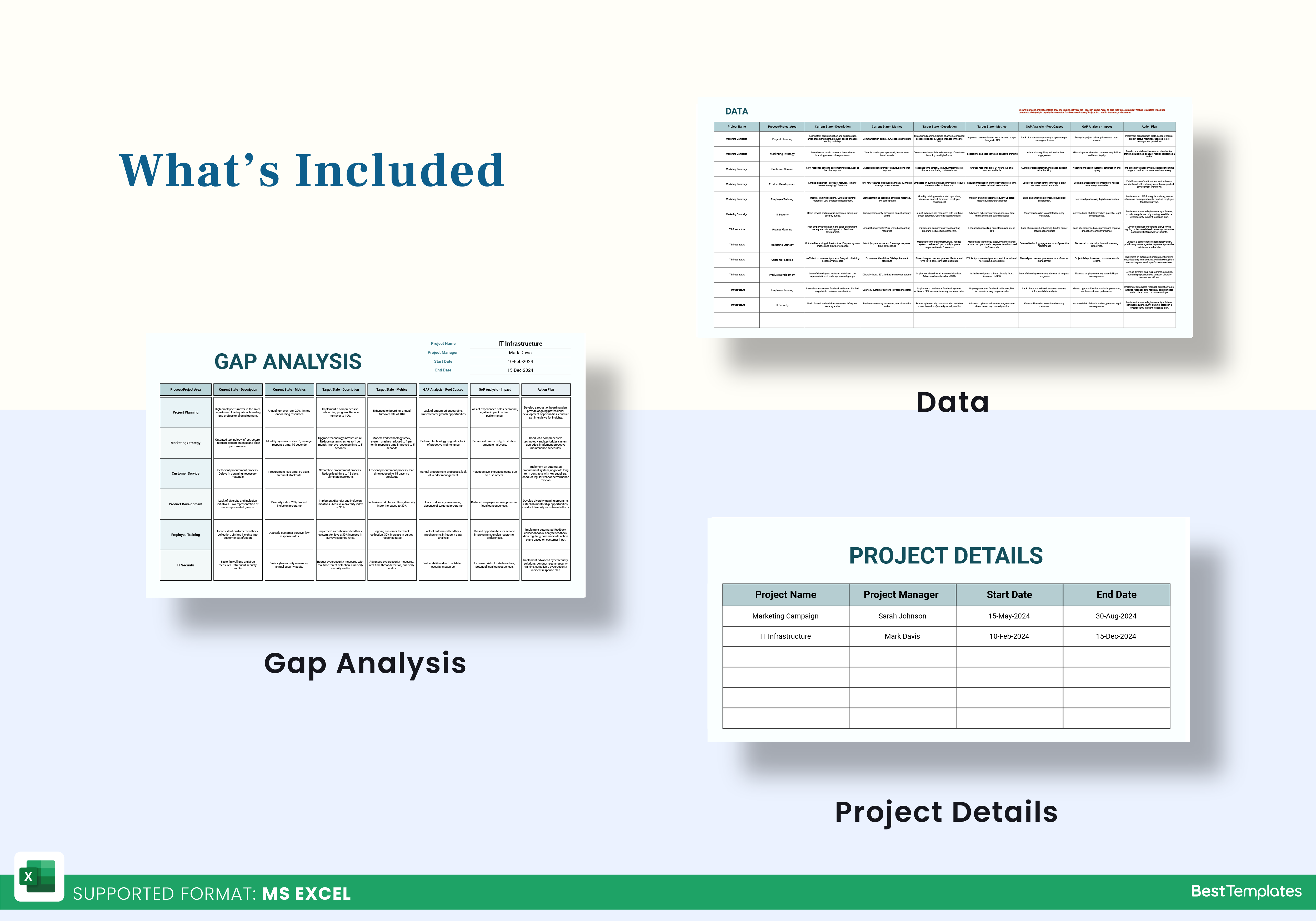
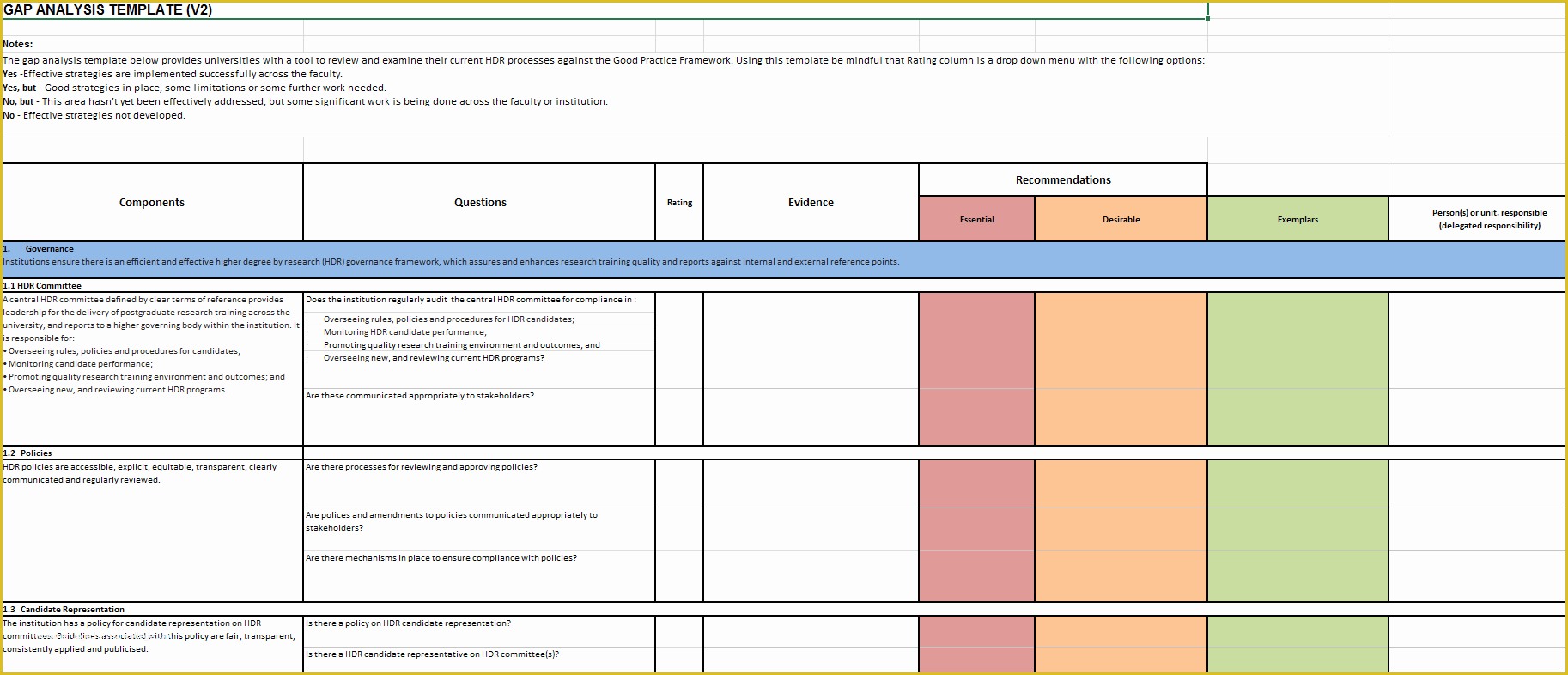
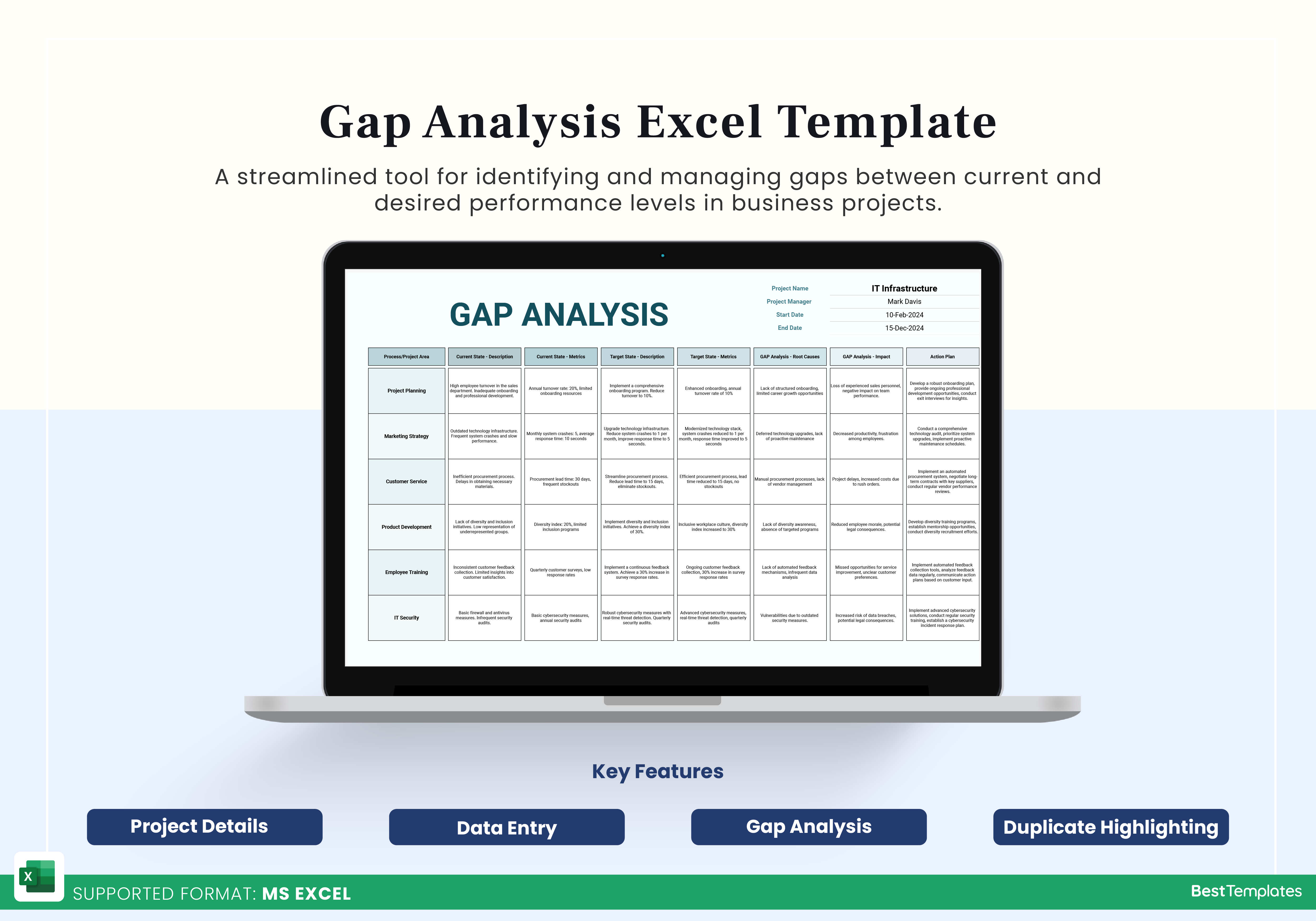
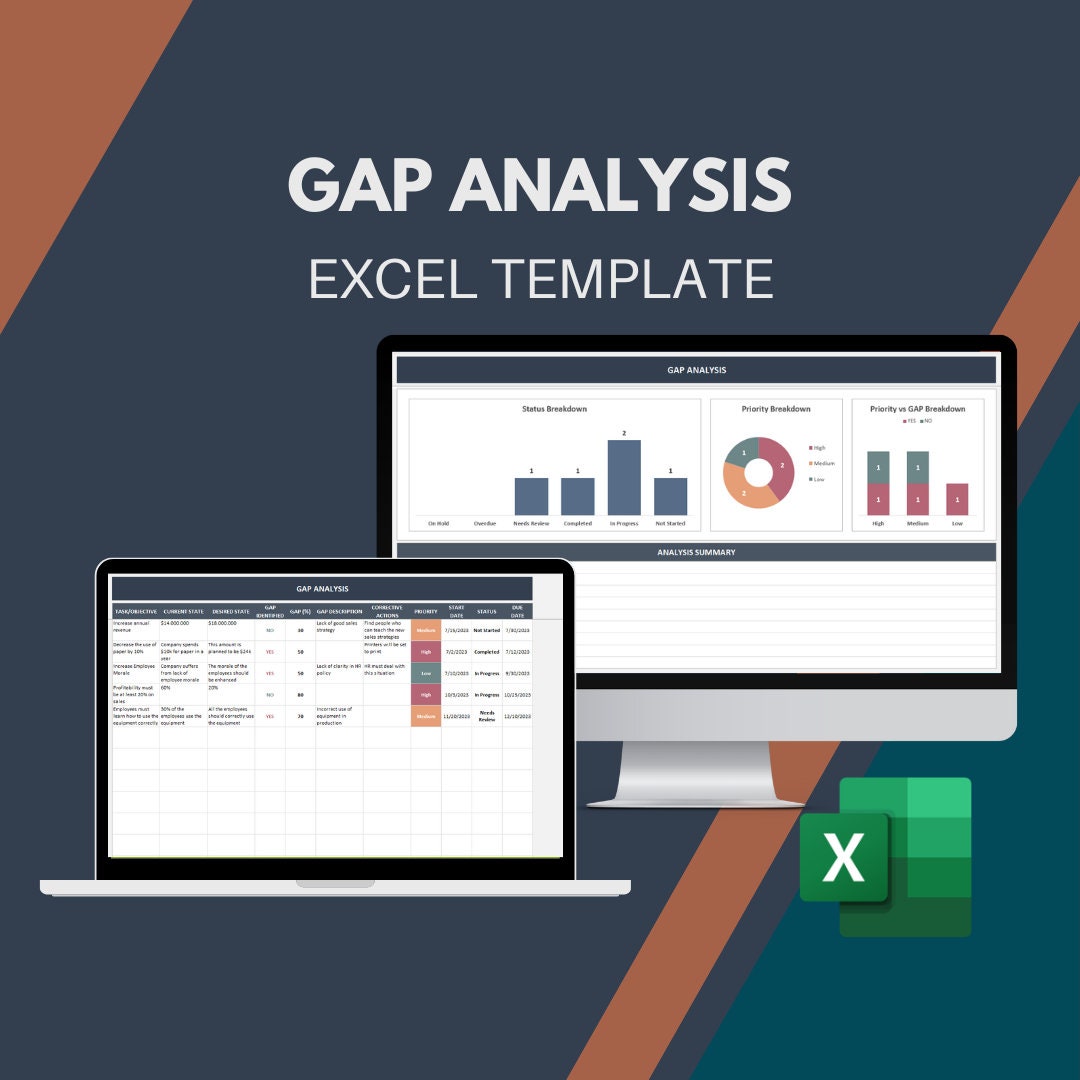
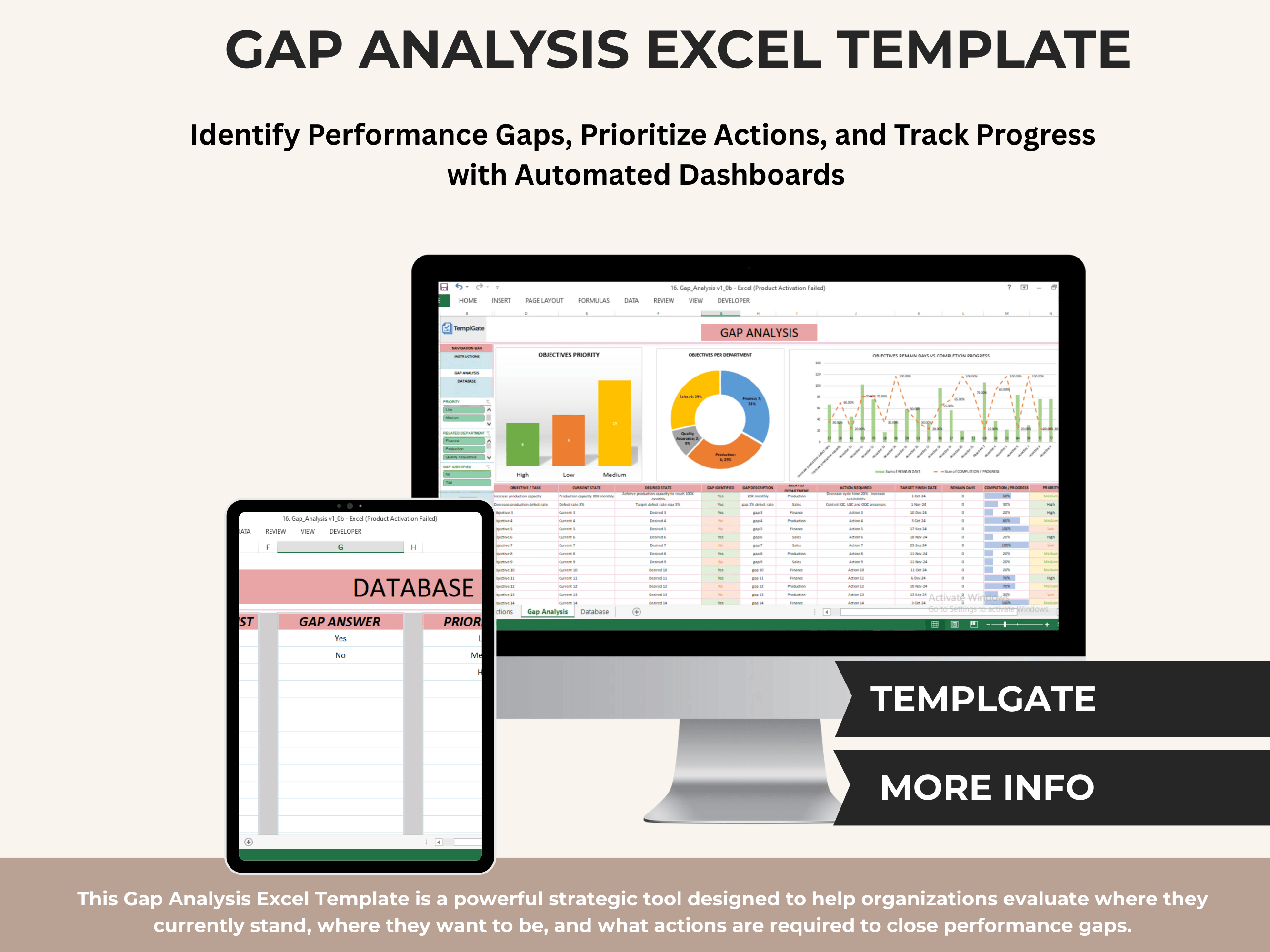
Gdpr Gap Analysis Template Excel is a powerful tool designed to help organizations assess their compliance status against the EU General Data Protection Regulation. By mapping existing data protection practices against GDPR requirements, businesses can identify weaknesses, prioritize remediation efforts, and demonstrate a structured approach to regulators.
What Is a GDPR Gap Analysis and Why It Matters
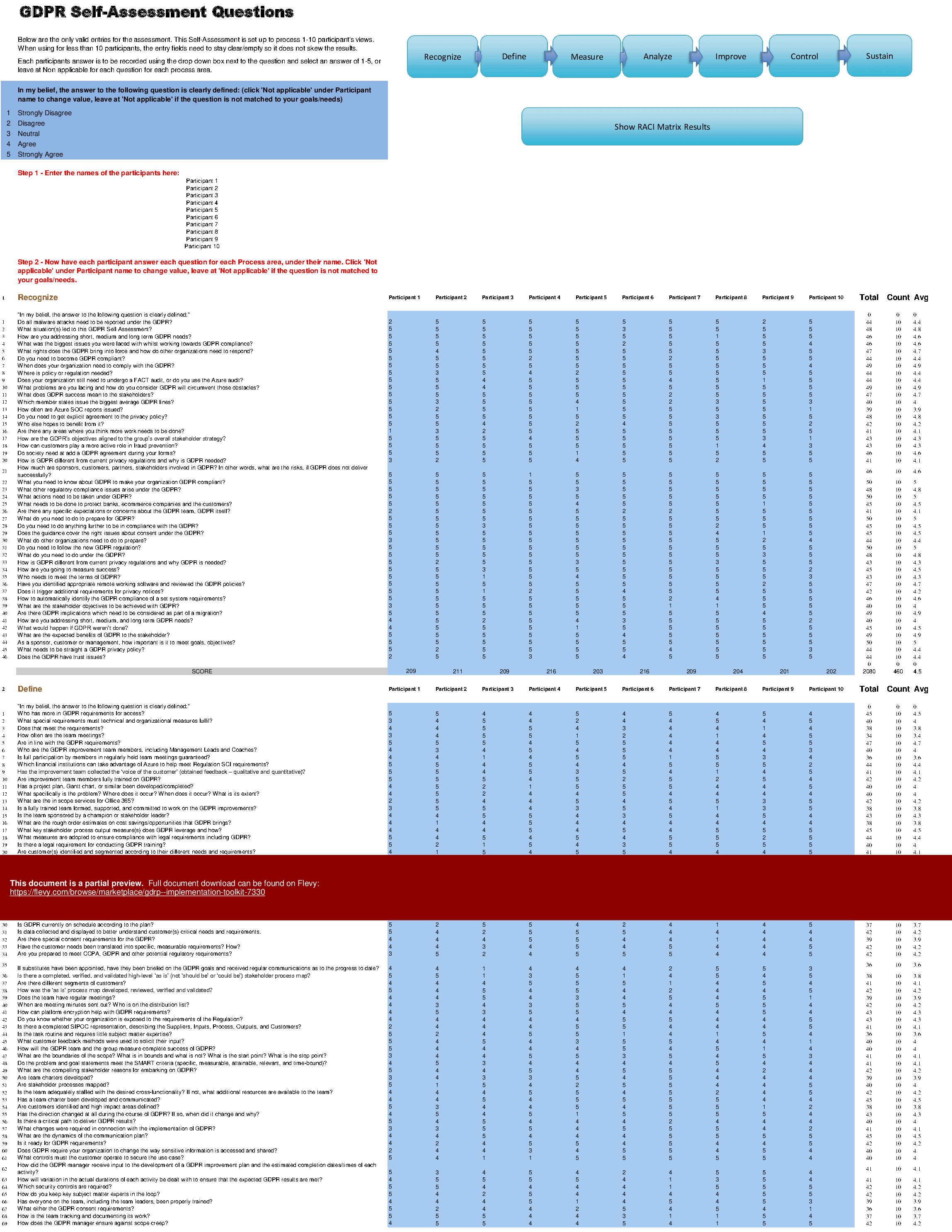
A GDPR gap analysis is a systematic comparison between an organization’s current data protection measures and the statutory obligations outlined in Article 5 through Article 32 of the regulation. The analysis uncovers compliance gaps, provides a risk ranking, and supports the creation of corrective action plans.
Why it matters? First, GDPR enforcement fines can reach up to €20 million or 4 % of global turnover. Second, a documented gap analysis builds stakeholder confidence, facilitates audit readiness, and often speeds the approval process of privacy impact assessments. Finally, it establishes a baseline for continuous improvement and helps align business processes with evolving privacy norms.
Core Elements of a GDPR Gap Analysis
- Data Inventory: A detailed list of personal data types, sources, storage locations, and processing activities.
- Legal Basis Mapping: Verification of the lawful grounds (consent, legitimate interest, contract, etc.) for each processing activity.
- Risk Assessment: Evaluation of the likelihood and impact of non‑compliance or data breaches.
- Remediation Roadmap: Prioritized actions, responsible owners, and timelines.
Building Your Gdpr Gap Analysis Template Excel from Scratch
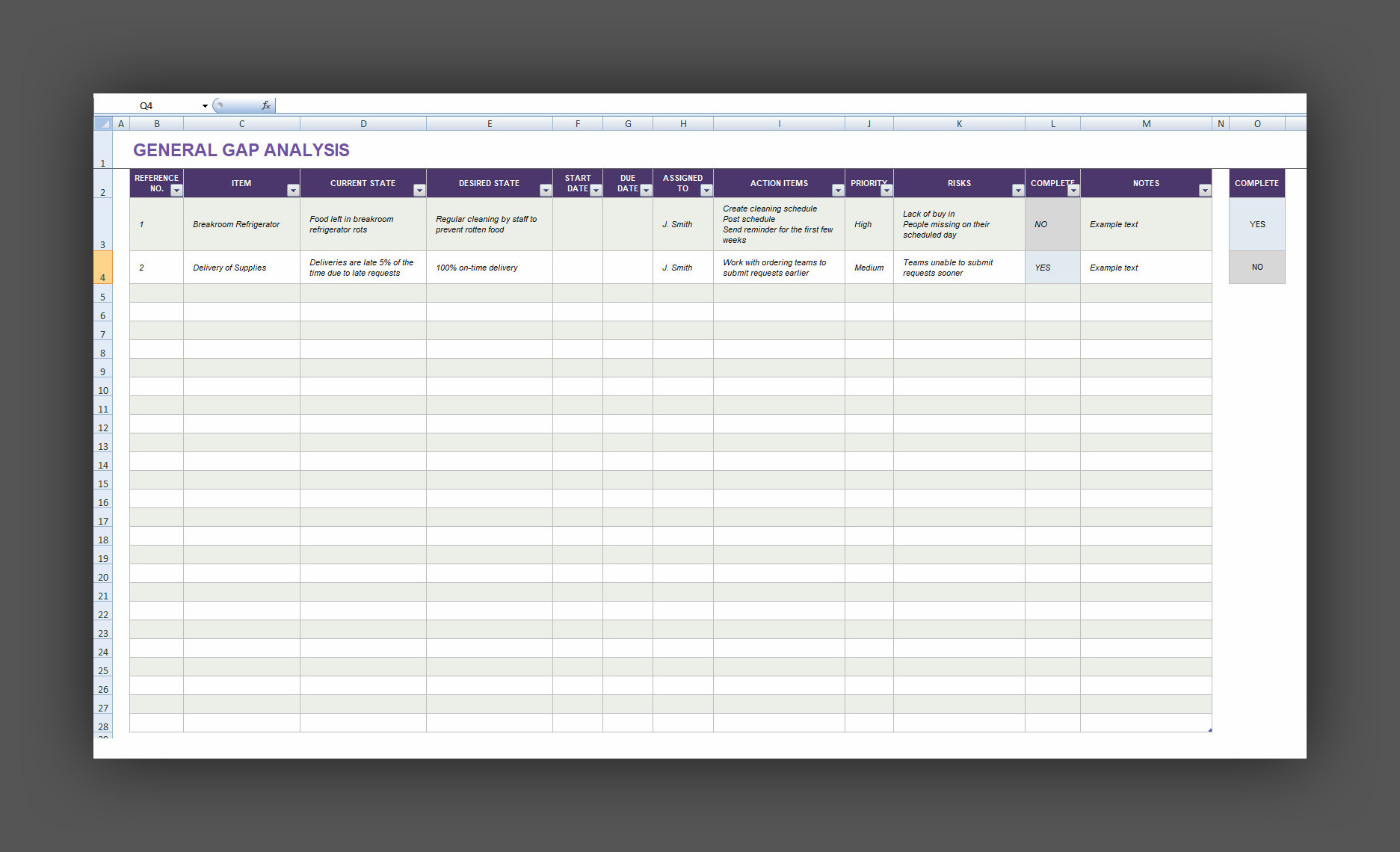
Creating a reusable Excel template allows teams to capture data efficiently and automate calculations that would otherwise be tedious.
Setting Up the Spreadsheet Framework
Start with a clean workbook and create the following tabs:
- Data Inventory – Columns for Data Category, Collection Method, Storage Location, Retention Period, Data Subject Rights.
- Legal Basis – Columns for Processing Activity, Legal Basis, Documentation Reference, Consent Status.
- Risk Matrix – Rows for each processing activity, columns for Likelihood, Impact, Risk Score (Likelihood × Impact).
- Gap Summary – A consolidated view that pulls in non‑compliant items from the previous tabs.
- Action Plan – Columns for Action Item, Owner, Due Date, Status, Comments.
Use Data Validation to enforce dropdown lists for legal bases and risk levels, reducing input errors.
Populating the Data Protection Impact Sections
For each processing activity, fill in:
- What data is collected, why it is collected, and where it resides.
- The lawful basis and supporting evidence (e.g., consent forms).
- Existing technical and organizational measures (encryption, access controls, training).
When documenting legal bases, note whether consent was explicit or implied and whether it has been refreshed in line with GDPR’s periodic consent requirement.
Automating Gap Calculations with Formulas
Leverage Excel’s built‑in functions to highlight gaps automatically:
- IF statements to flag missing legal bases:
=IF(B2="", "Missing Legal Basis", ""). - Conditional Formatting to color-code risk scores: high risk cells turn red, medium yellow, low green.
- SUMPRODUCT to calculate total risk exposure by summing Likelihood × Impact across activities.
- Use VLOOKUP or INDEX/MATCH to pull in corresponding documentation references from the Legal Basis tab into the Gap Summary tab.
These automated checks reduce manual oversight and ensure every row is scrutinized consistently.
Real-World Example: Applying the Template to a Mid‑Sized E‑Commerce Company
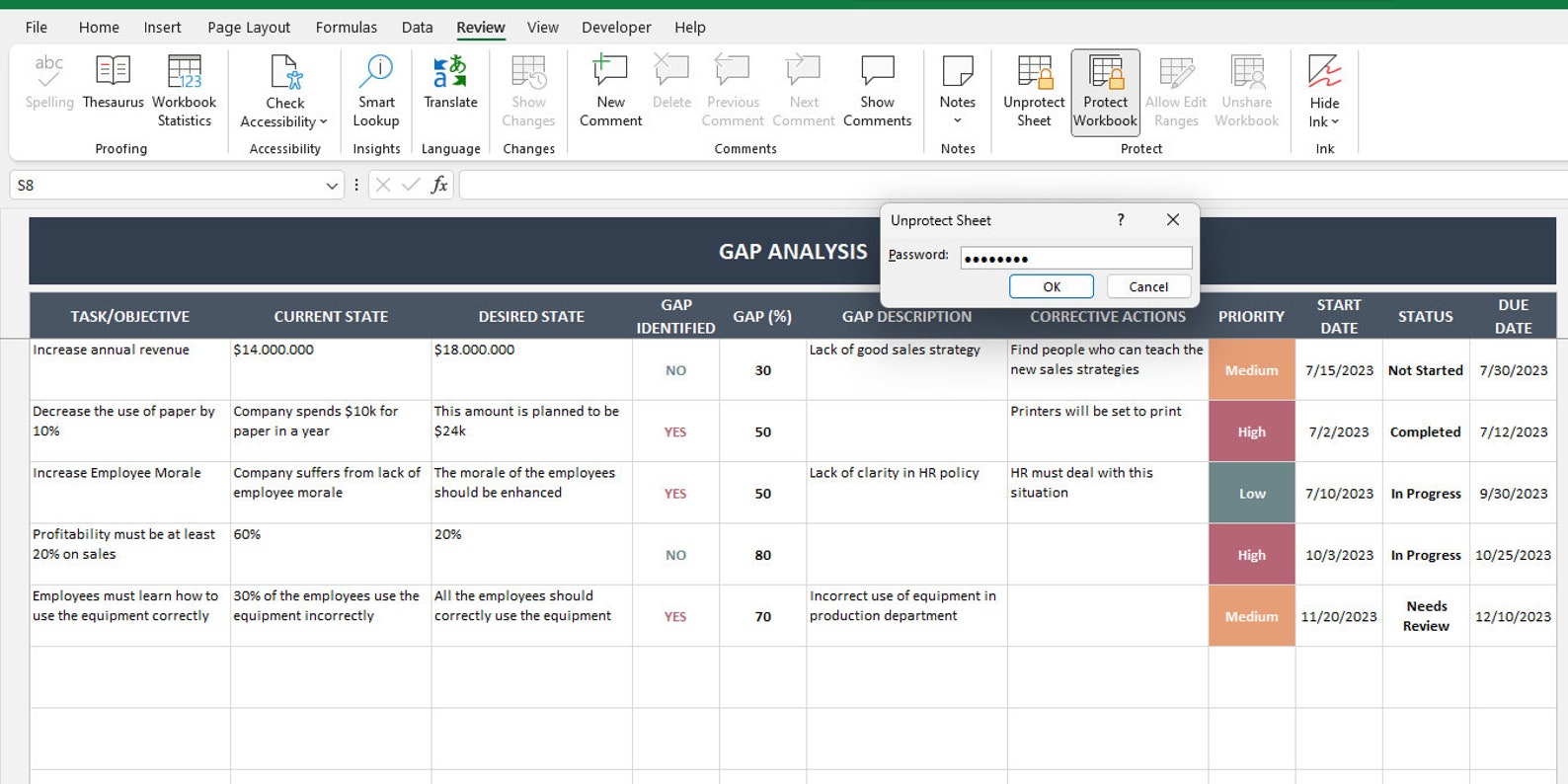
Let’s walk through a practical scenario where an online retailer uses the template to evaluate its GDPR compliance.
Initial Data Collection
1. Data Inventory: The retailer lists customer profiles, order histories, payment card details, marketing preferences, and employee records.
2. Legal Basis: Consent is obtained for marketing; legitimate interest for order fulfillment; contract for payment processing.
3. Risk Matrix: Payment card data receives a high likelihood of breach and high impact score, resulting in a risk score of 25 (on a 0-25 scale).
Gap Identification
The Gap Summary tab flags several issues:
- Marketing consent not refreshed in the last 12 months.
- Retention period for marketing preferences exceeds the statutory 24 months limit.
- No documented data subject access request (DSAR) workflow for employee data.
- Encryption not enabled for customer contact details stored in the CRM.
Action Plan Development
In the Action Plan tab, the organization assigns owners and deadlines:
- Refresh marketing consent – Owner: Marketing Manager – Due: 30 days – Status: In Progress.
- Implement DSAR workflow – Owner: Legal – Due: 45 days – Status: Planned.
- Enable encryption on CRM – Owner: IT – Due: 60 days – Status: Not Started.
Each action item includes a brief comment clarifying the expected outcome and the impact on overall risk exposure.
Tips for Keeping Your Gap Analysis Up to Date
Maintaining an evergreen compliance posture requires disciplined process updates.
Version Control Best Practices
Store the workbook on a shared platform (e.g., SharePoint, OneDrive) and enable version history. Every time a change is made, include a comment box that records the rationale, owner, and date. This practice ensures that audit trails are intact and that previous versions can be referenced if needed.
Integrating with Compliance Dashboards
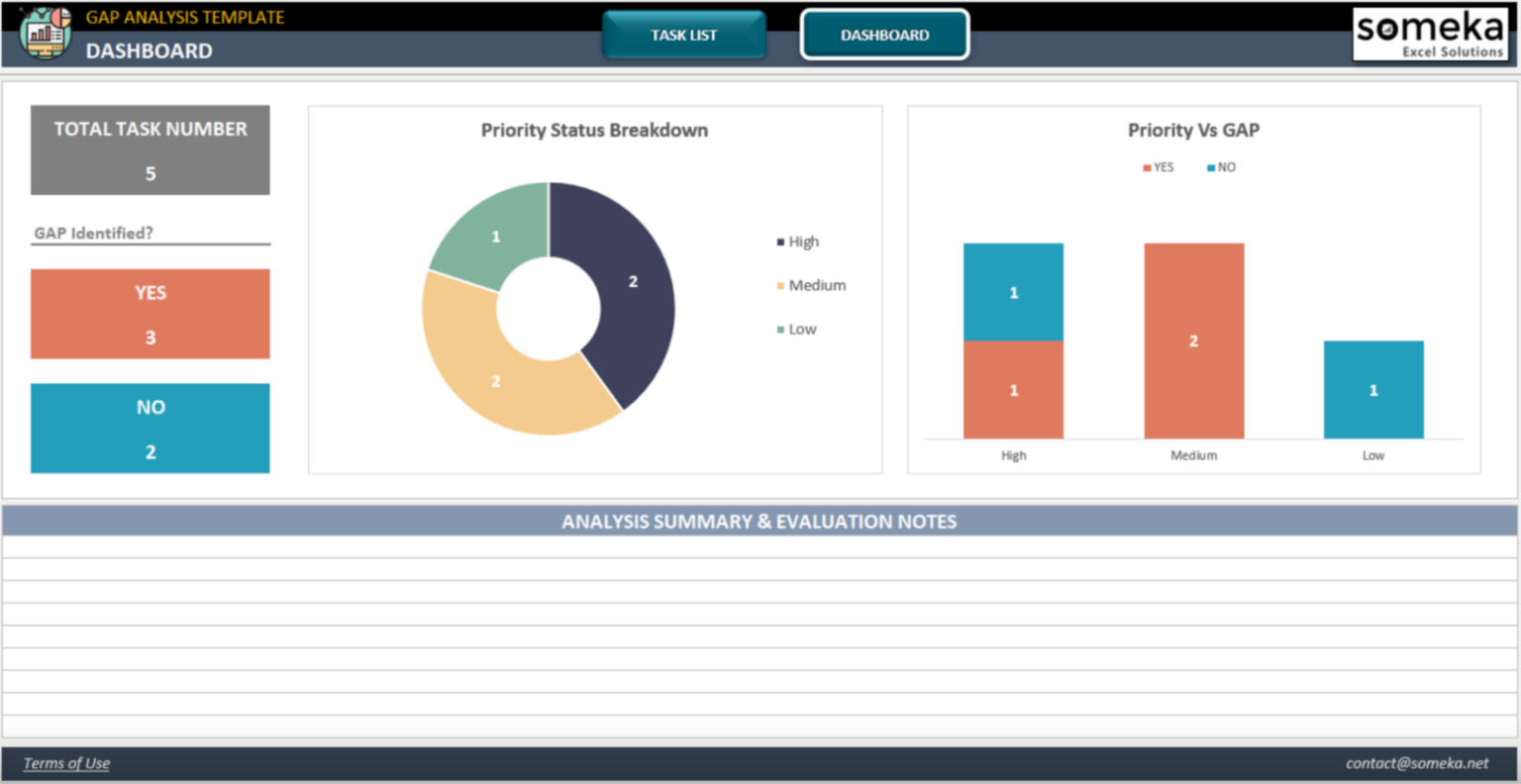
Export the Action Plan tab to a Power BI or Tableau dashboard. By linking key metrics—such as the number of outstanding gaps, risk scores, and completion rates—to a visual interface, executives gain real‑time visibility without diving into Excel manually.
Common Mistakes to Avoid in Gap Analysis Templates

Overloading the Sheet with Too Many Columns
While it is tempting to capture every detail, excessive columns can lead to data fatigue, increased risk of errors, and reduced clarity. Focus on the essentials: data category, legal basis, risk score, and corrective action. Additional context can be stored in linked documents or footnotes.
Ignoring Data Subject Rights Mapping
GDPR mandates that organizations explicitly document how they handle rights such as access, rectification, erasure, portability, and objection. Failing to map these rights often results in compliance gaps that are difficult to remediate during an audit. Include a dedicated column or tab that tracks each right, the corresponding process, and evidence of execution.
Conclusion
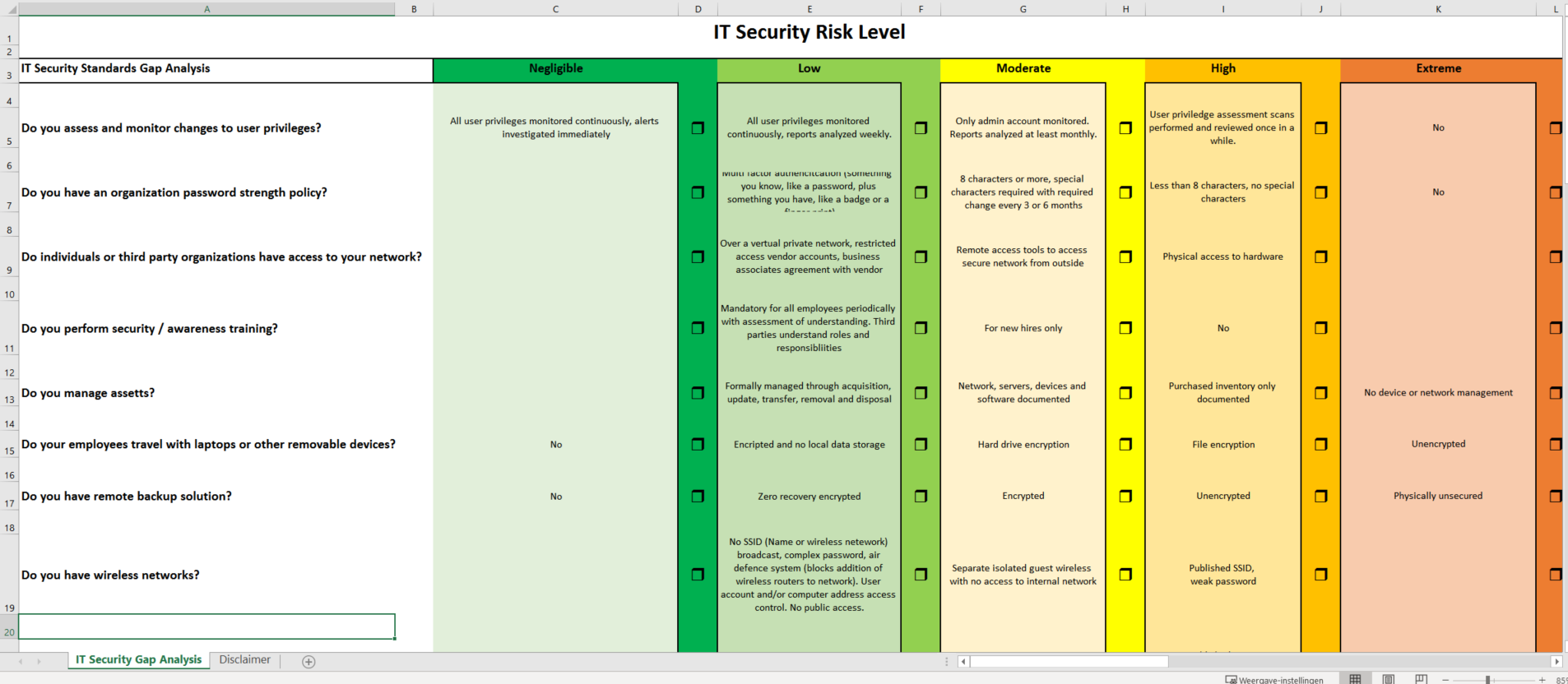
Implementing a Gdpr Gap Analysis Template Excel equips organizations with a structured, repeatable framework to identify compliance gaps, quantify risk, and prioritize remediation. By building a solid spreadsheet foundation, automating gap detection, and integrating actionable roadmaps, companies can move from compliance uncertainty to demonstrable accountability. Regularly revisiting the template, updating documentation, and aligning it with evolving data protection standards will keep the organization resilient against both regulatory scrutiny and the ever‑changing threat landscape. This disciplined approach not only safeguards personal data but also builds trust with customers, partners, and regulators alike.