Forklift Certification Template is more than a simple document; it is a cornerstone of safety compliance, employee credibility, and operational efficiency. A well‑crafted template streamlines the issuance of certificates, ensures regulatory consistency, and reflects a company’s commitment to professionalism.
Understanding the Role of a Forklift Certification Template

What Is a Forklift Certification Template?
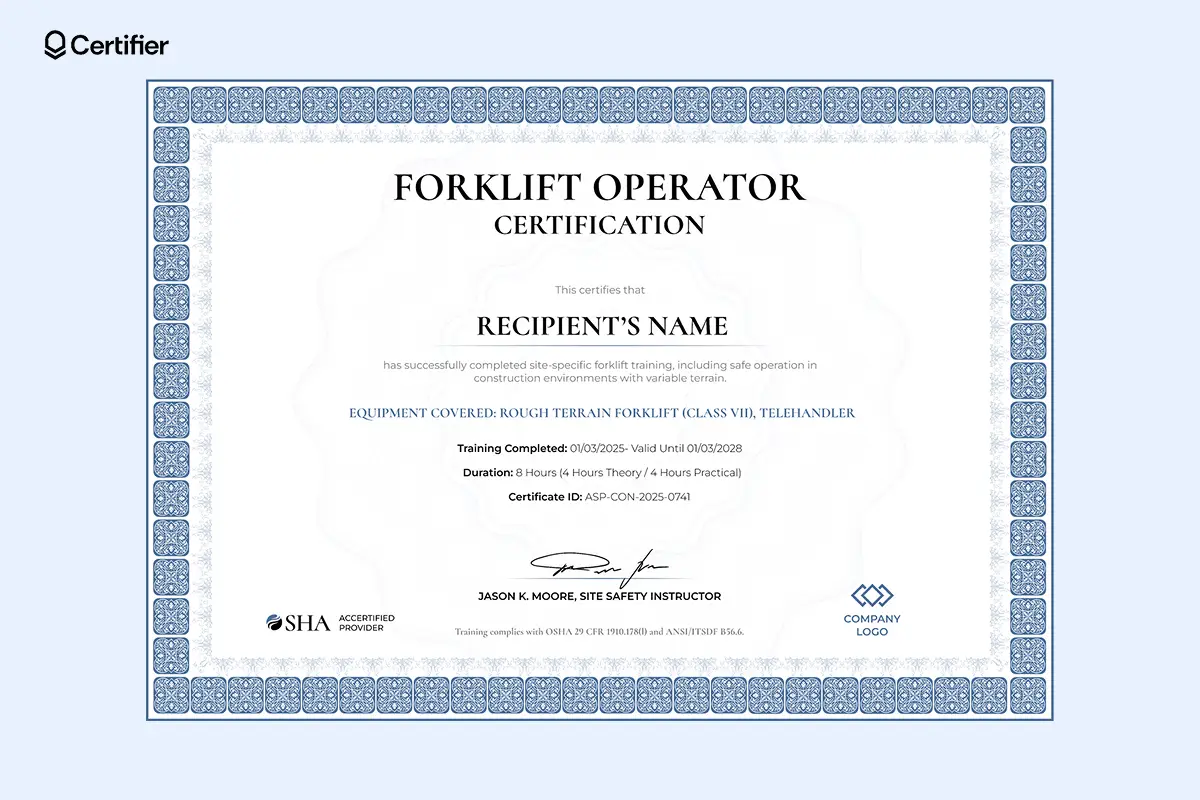
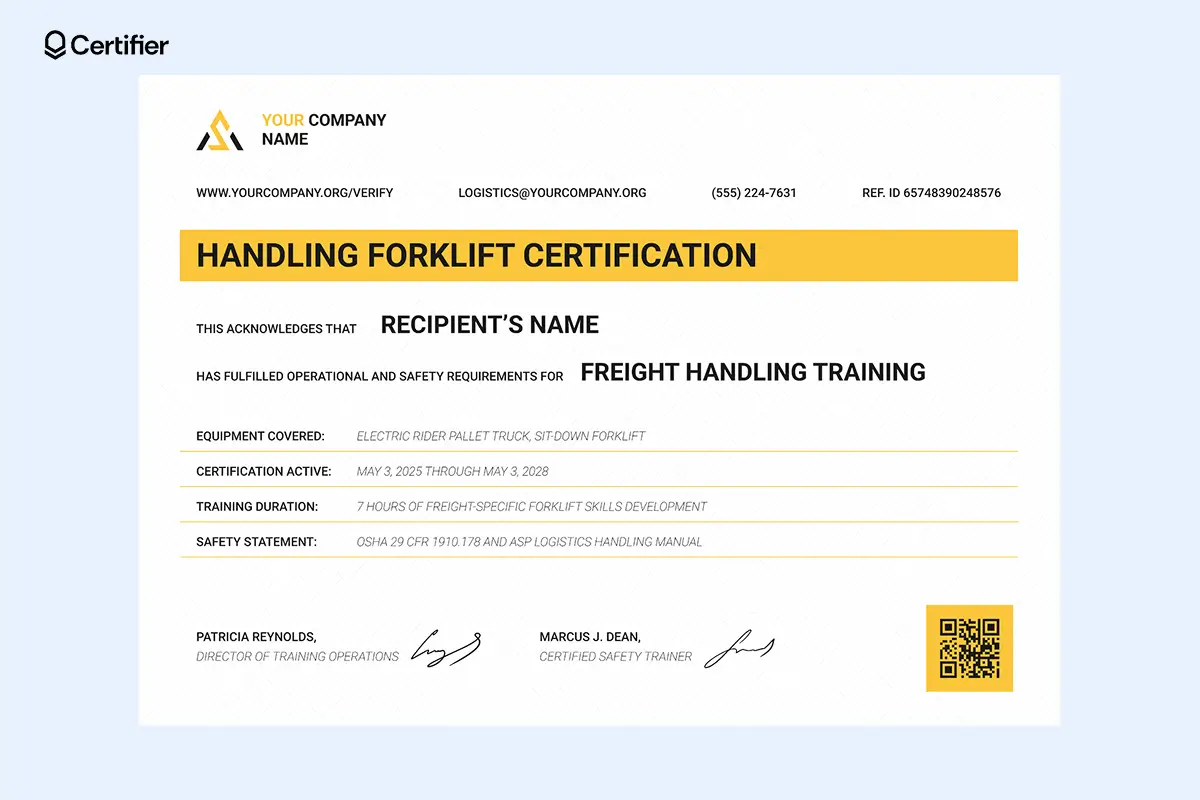
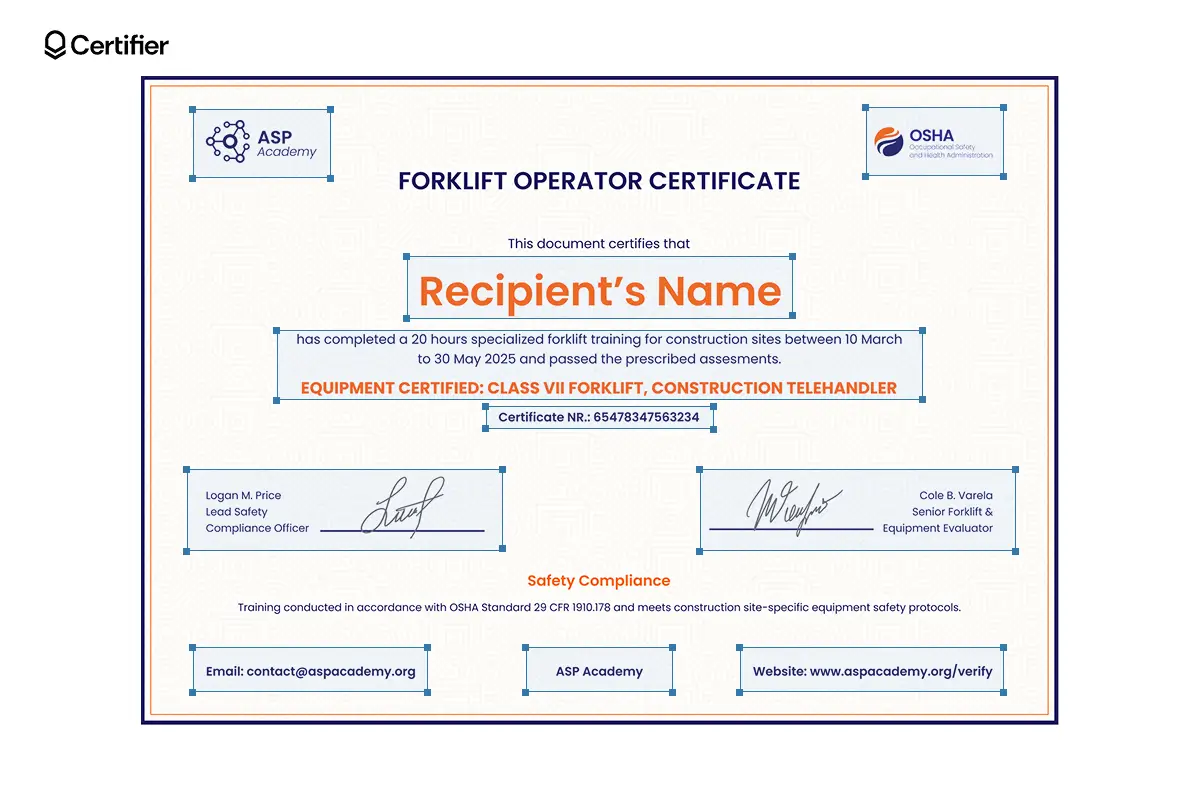
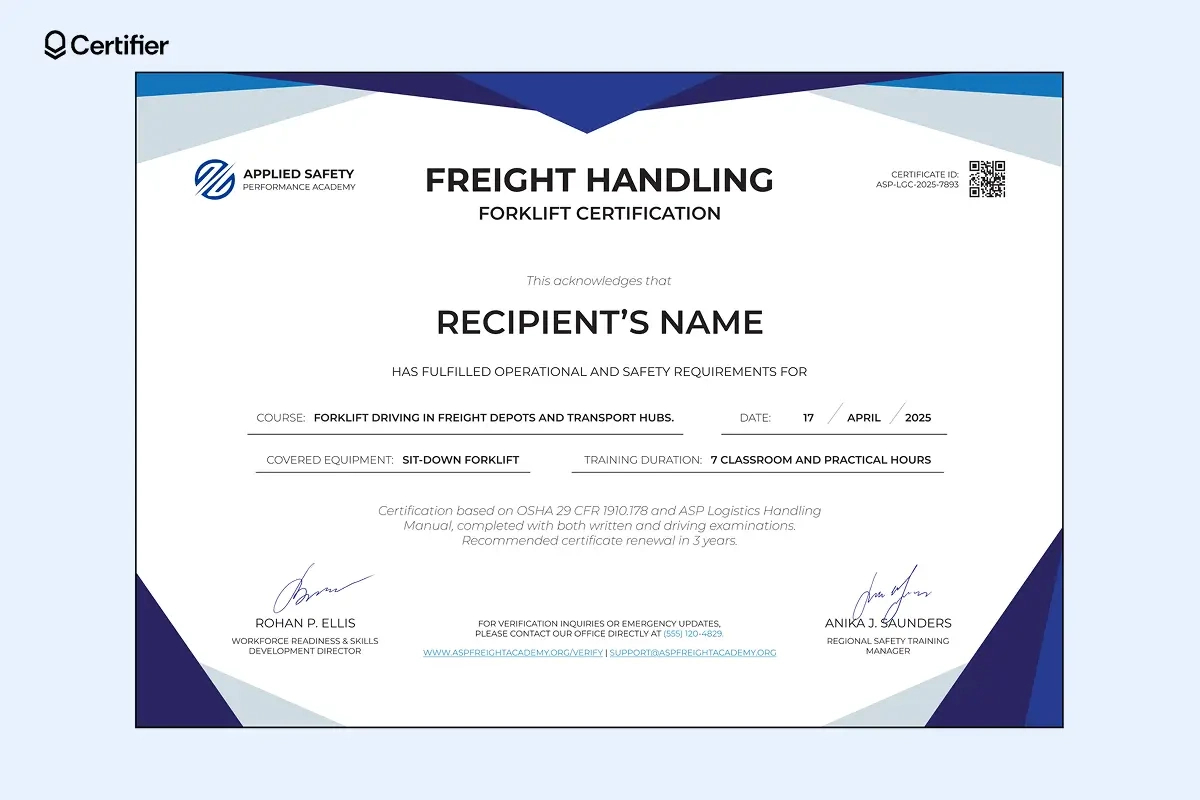
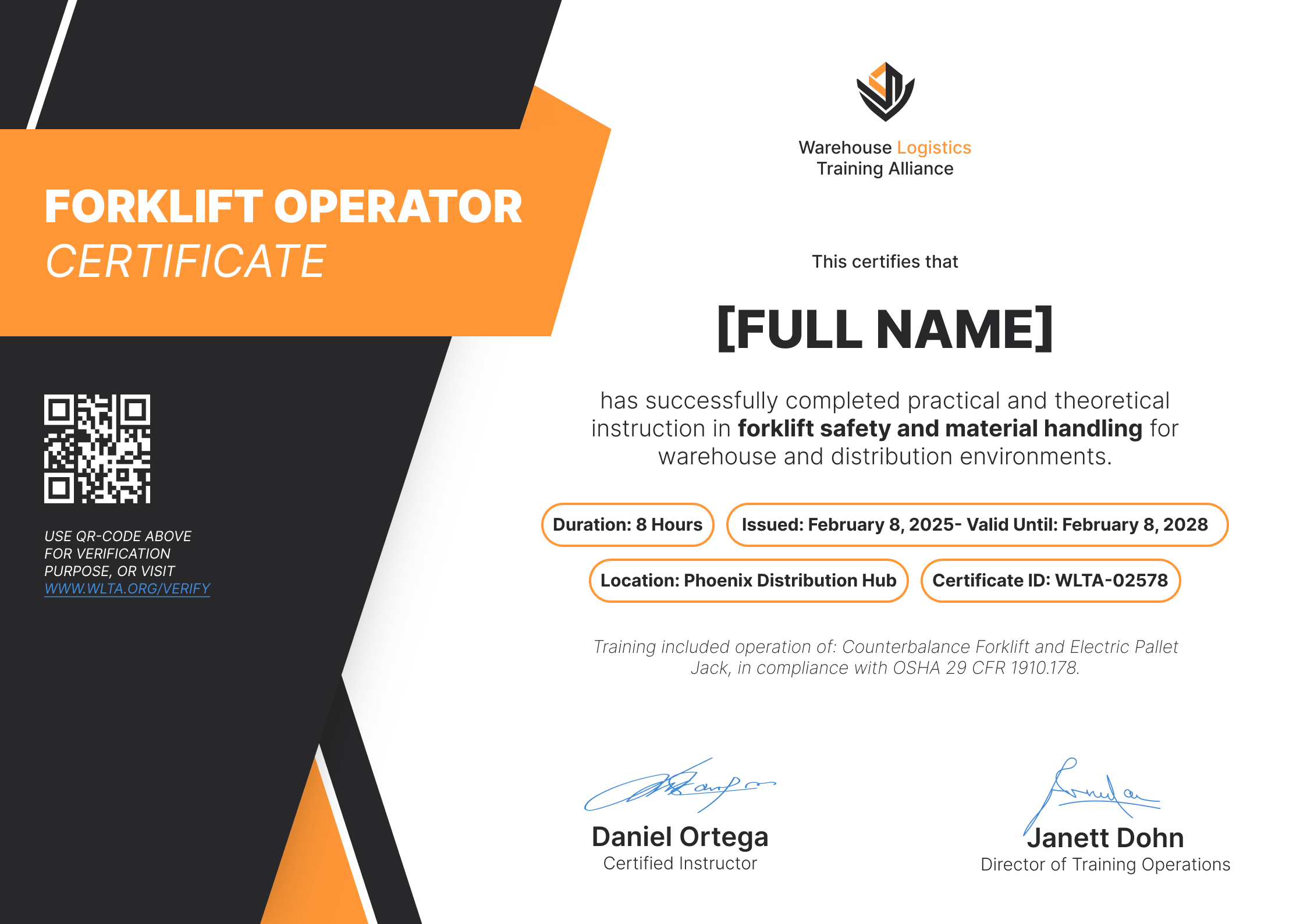
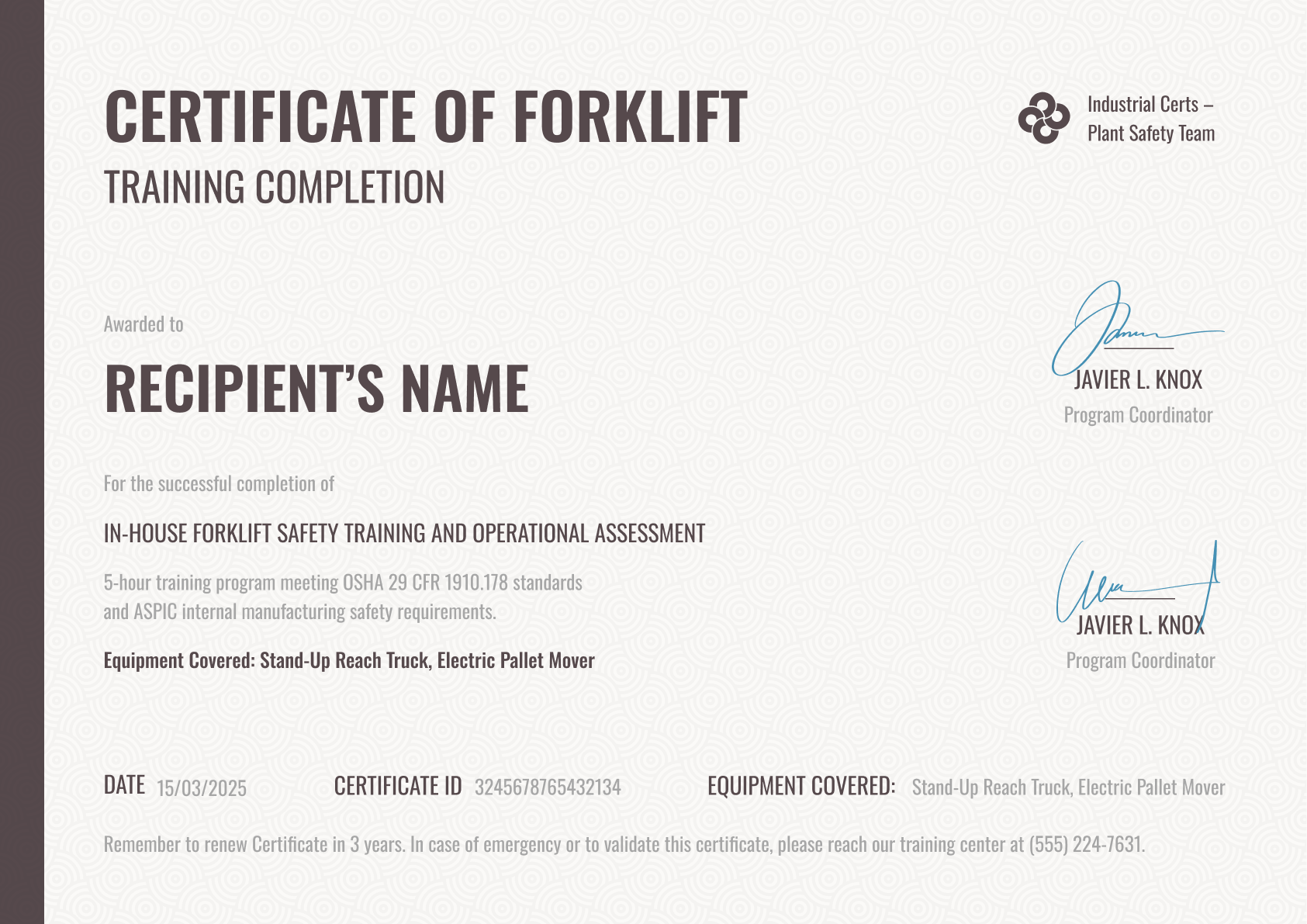
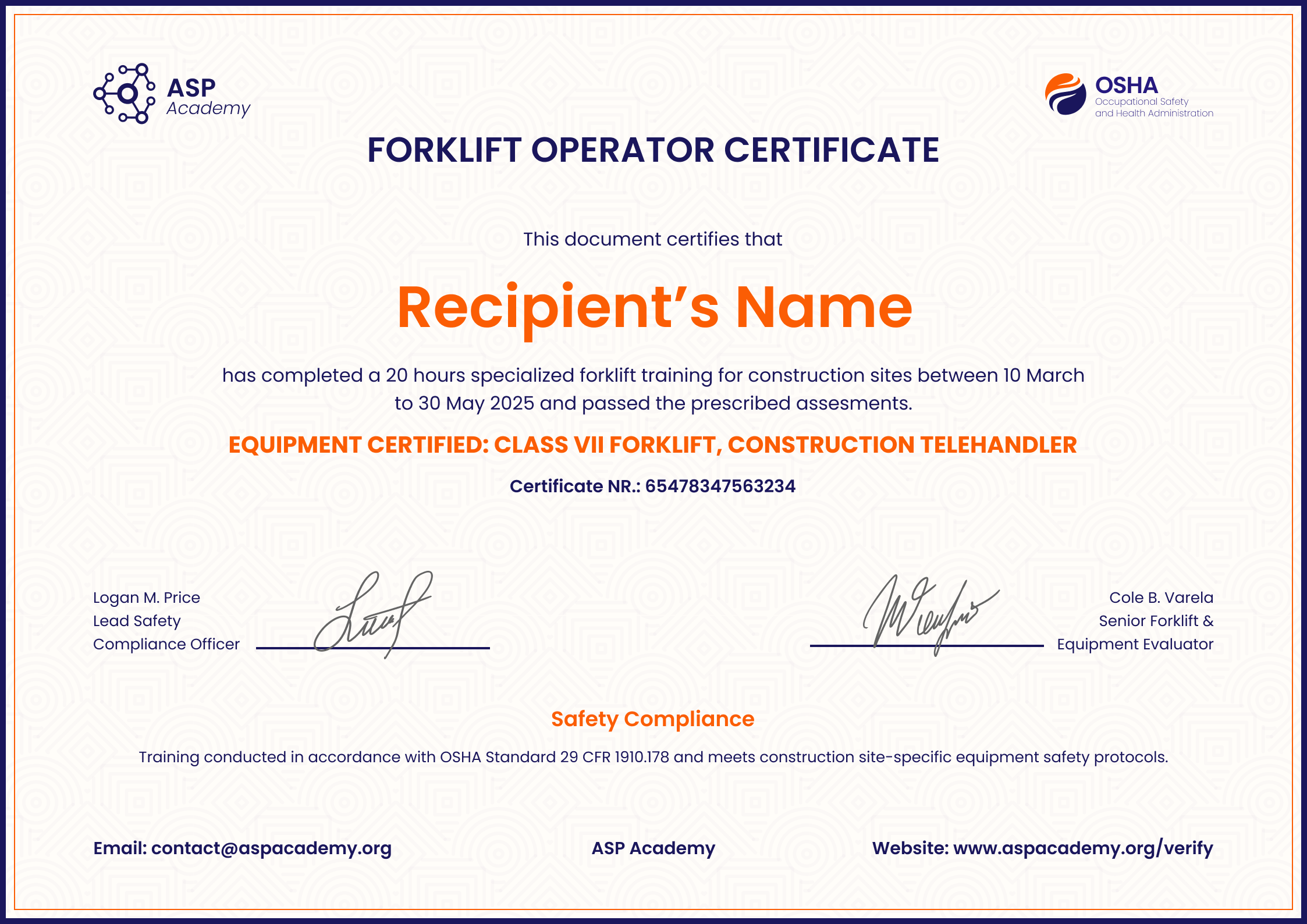
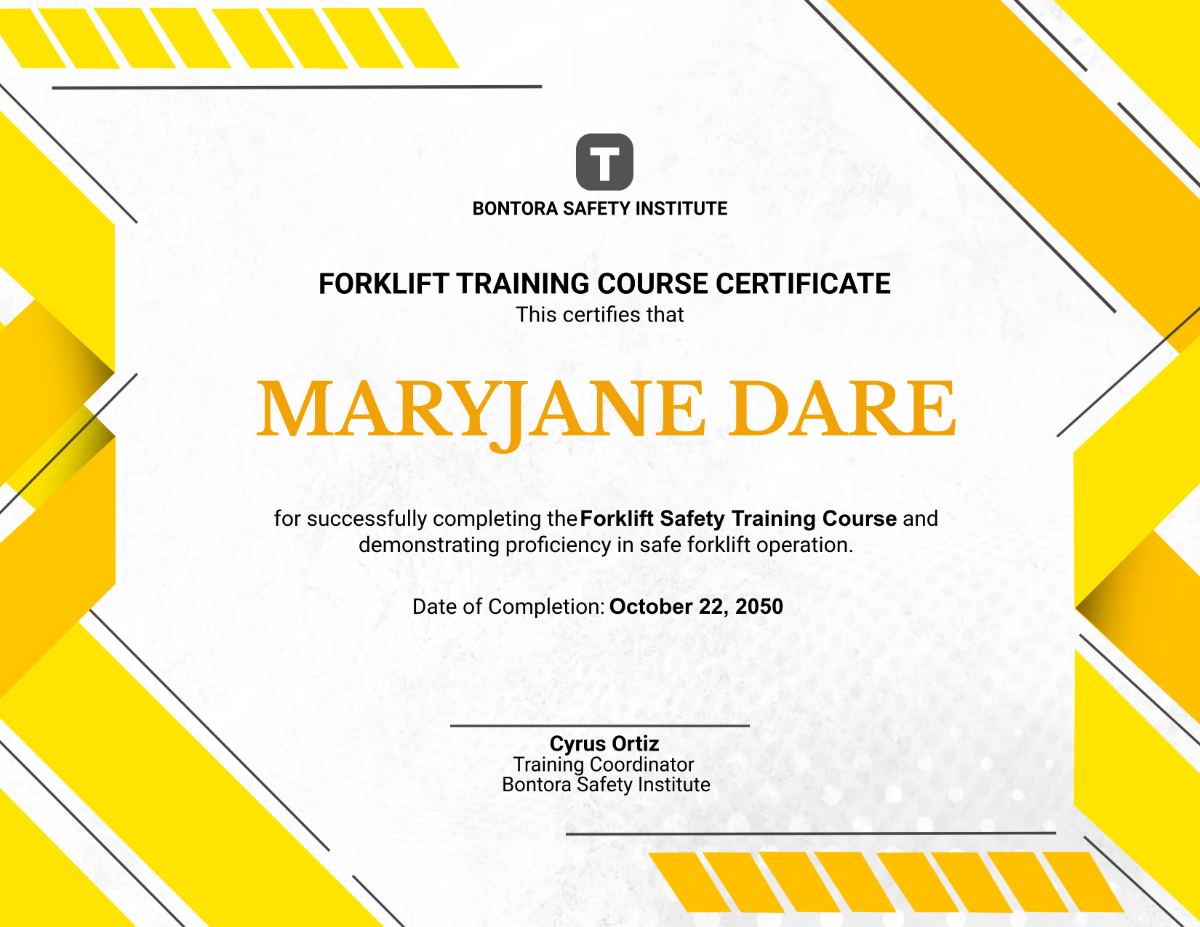
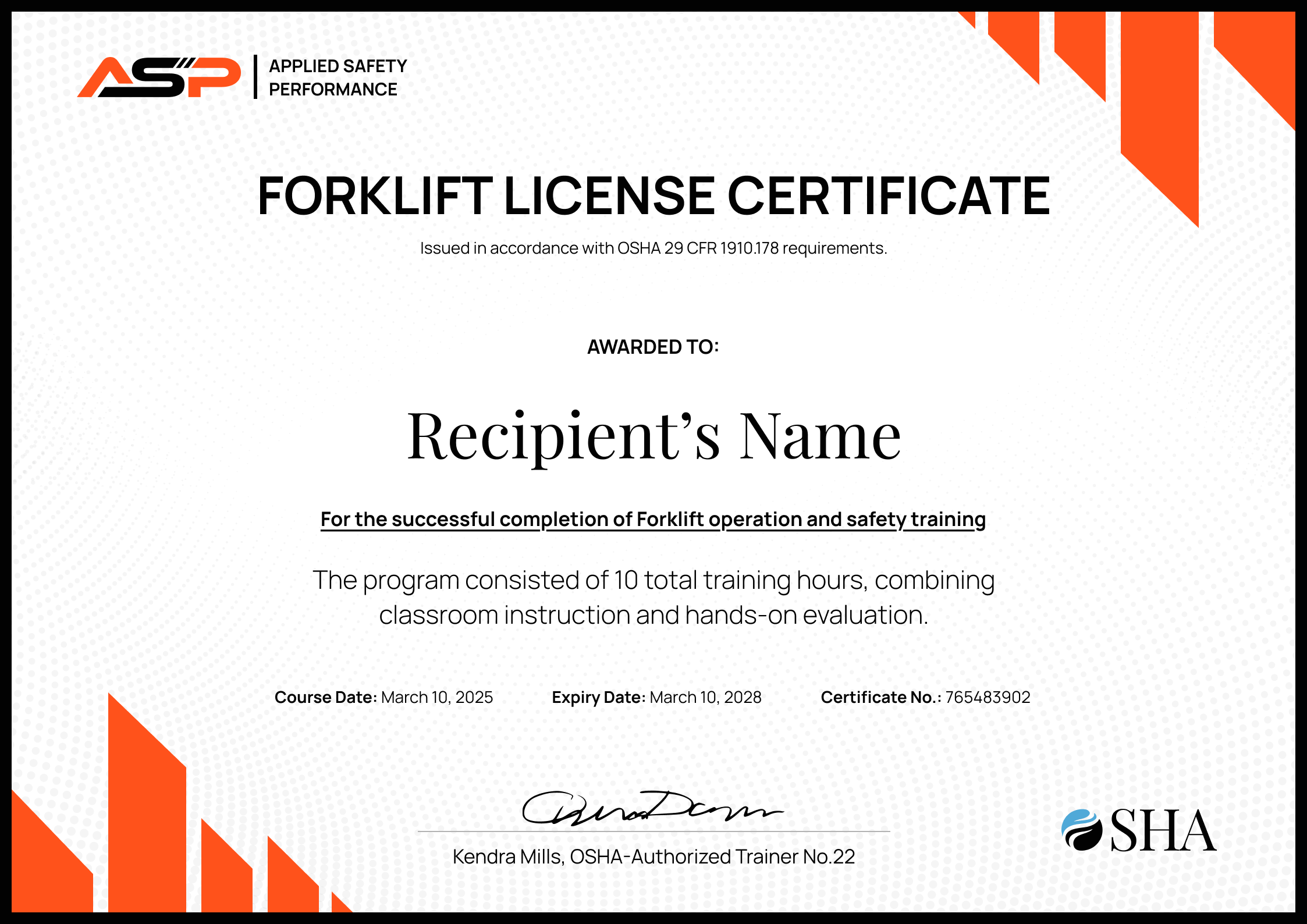
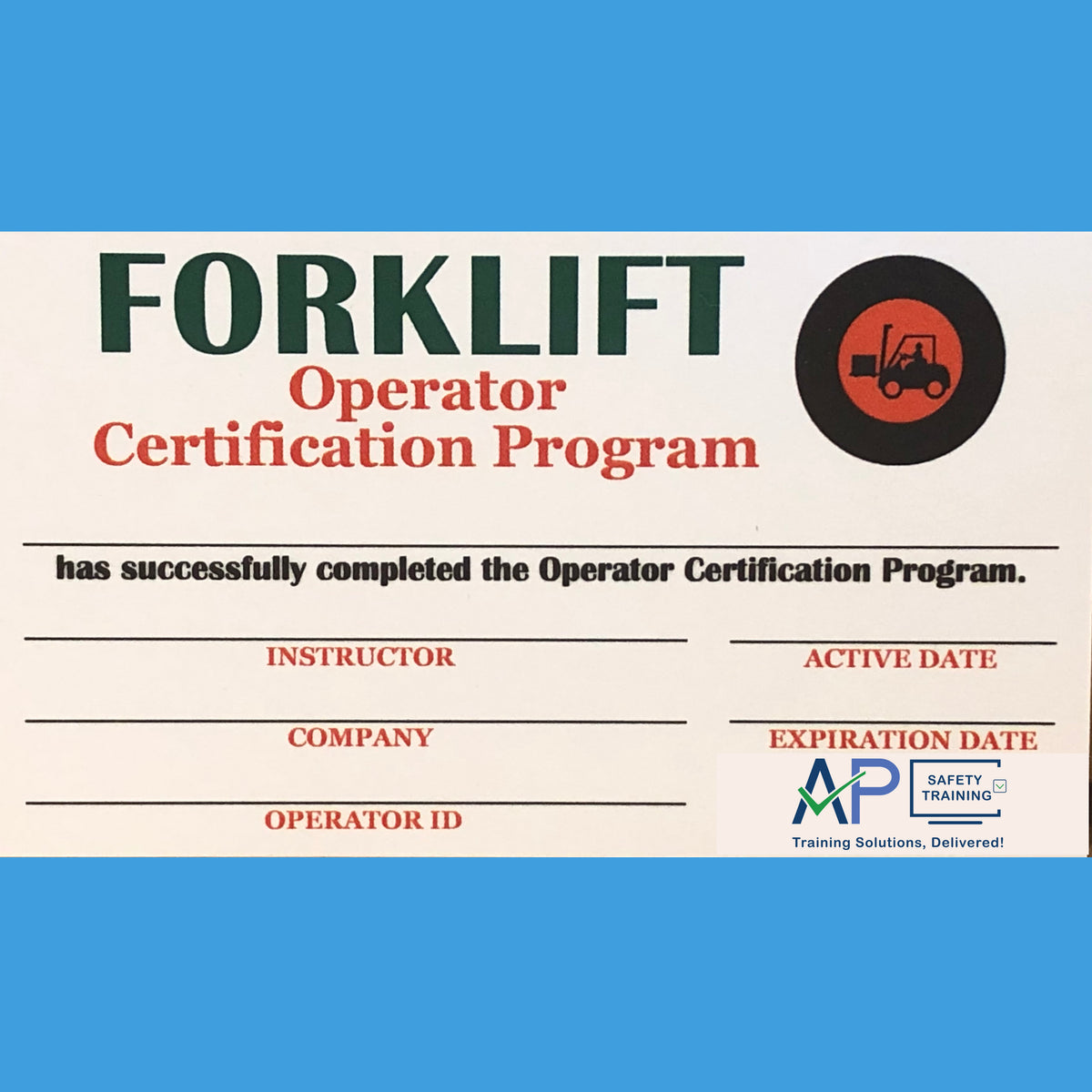
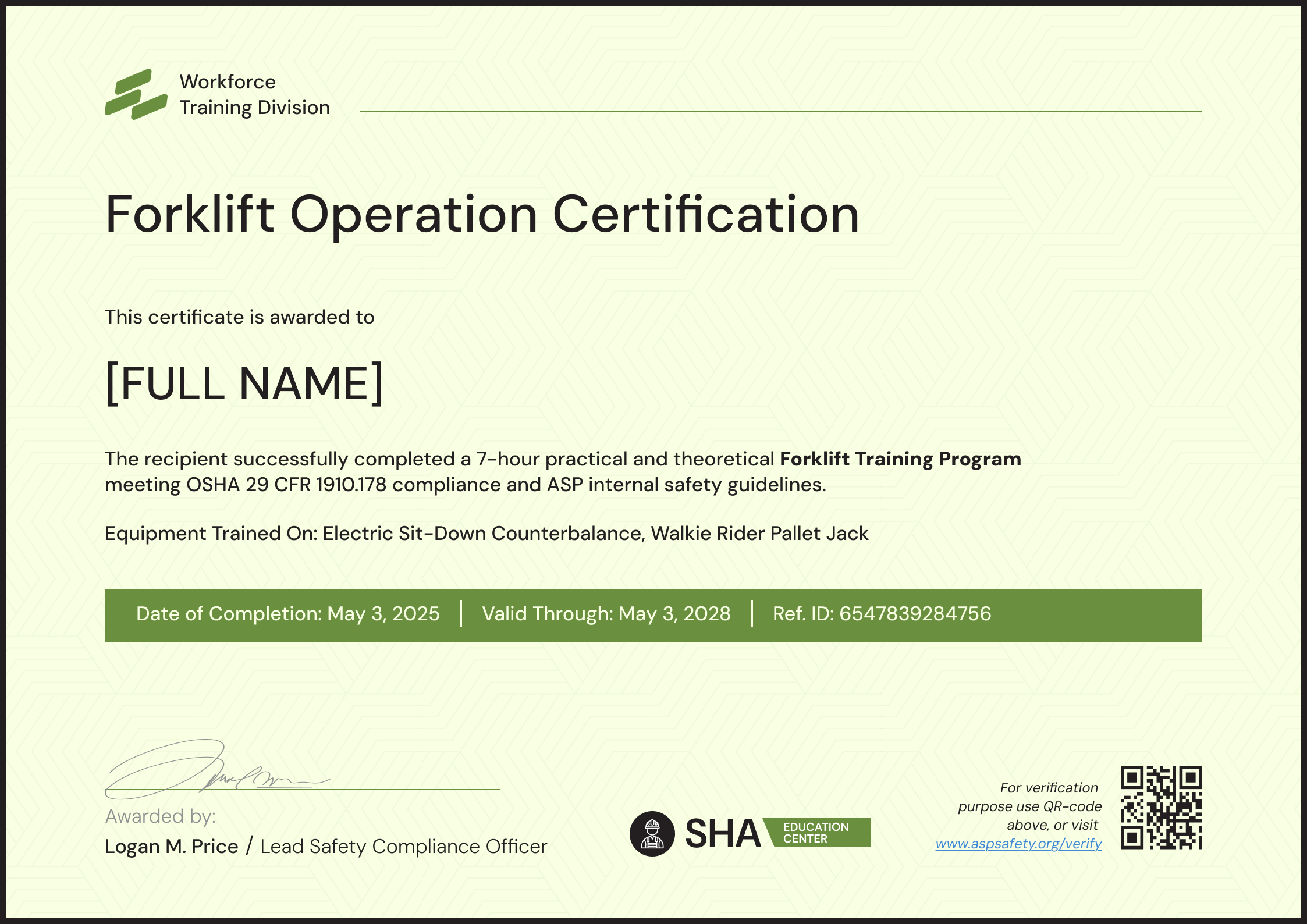
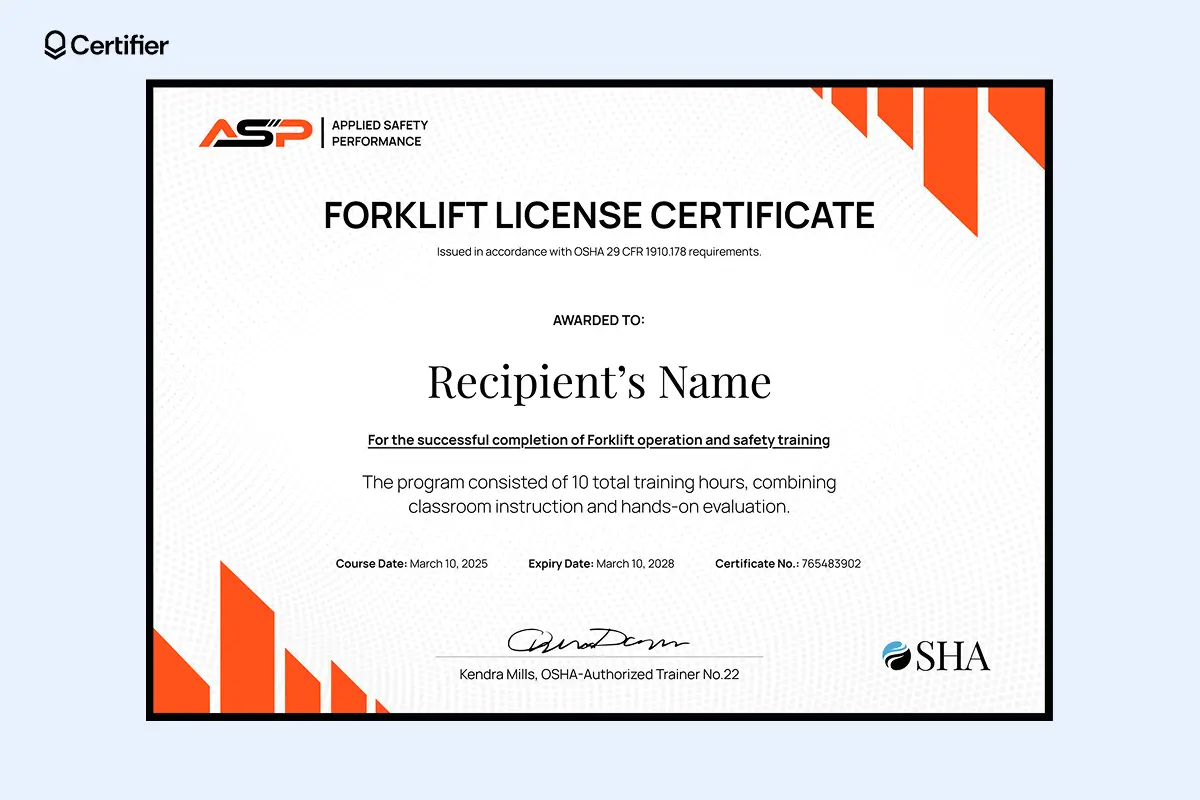
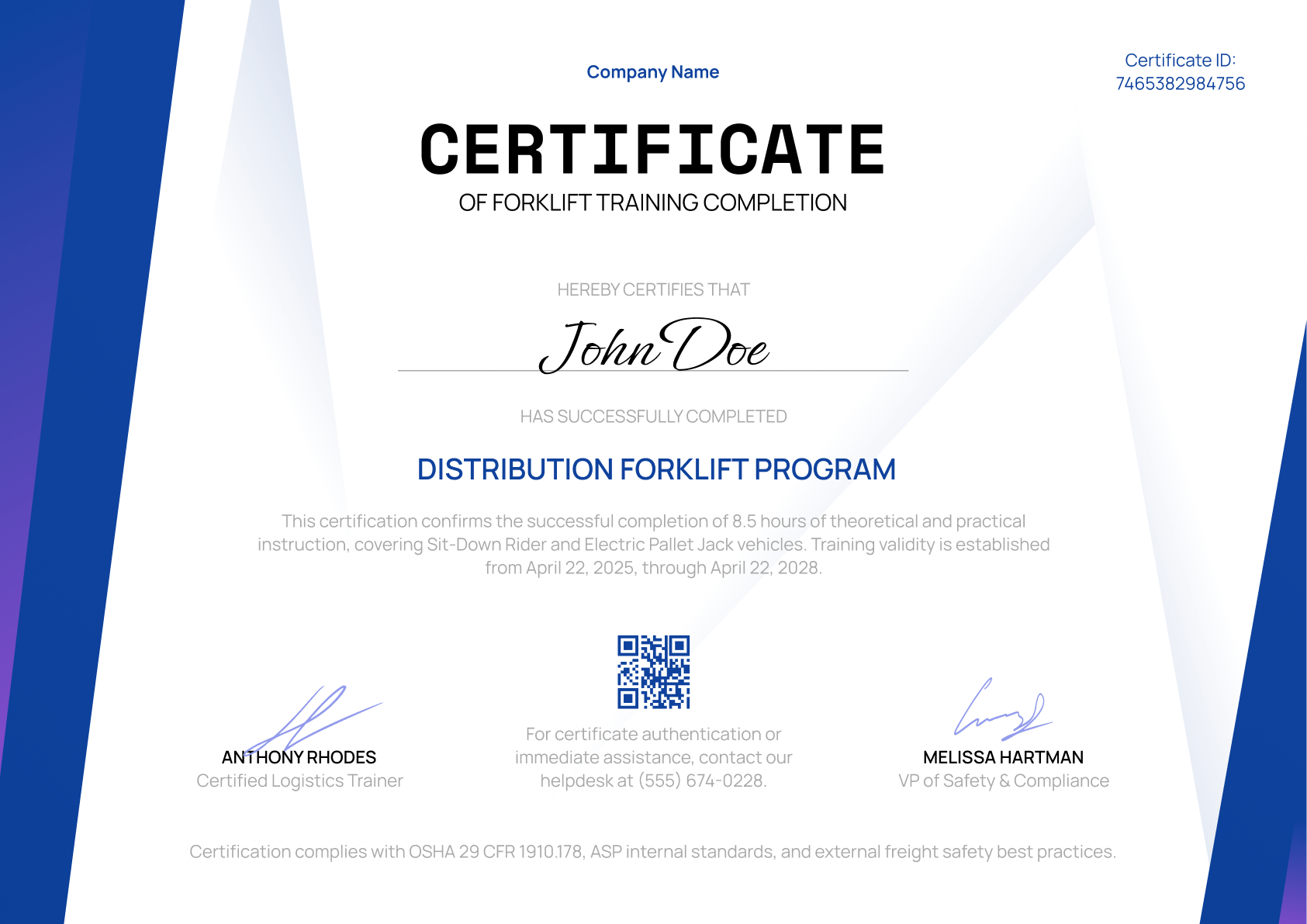
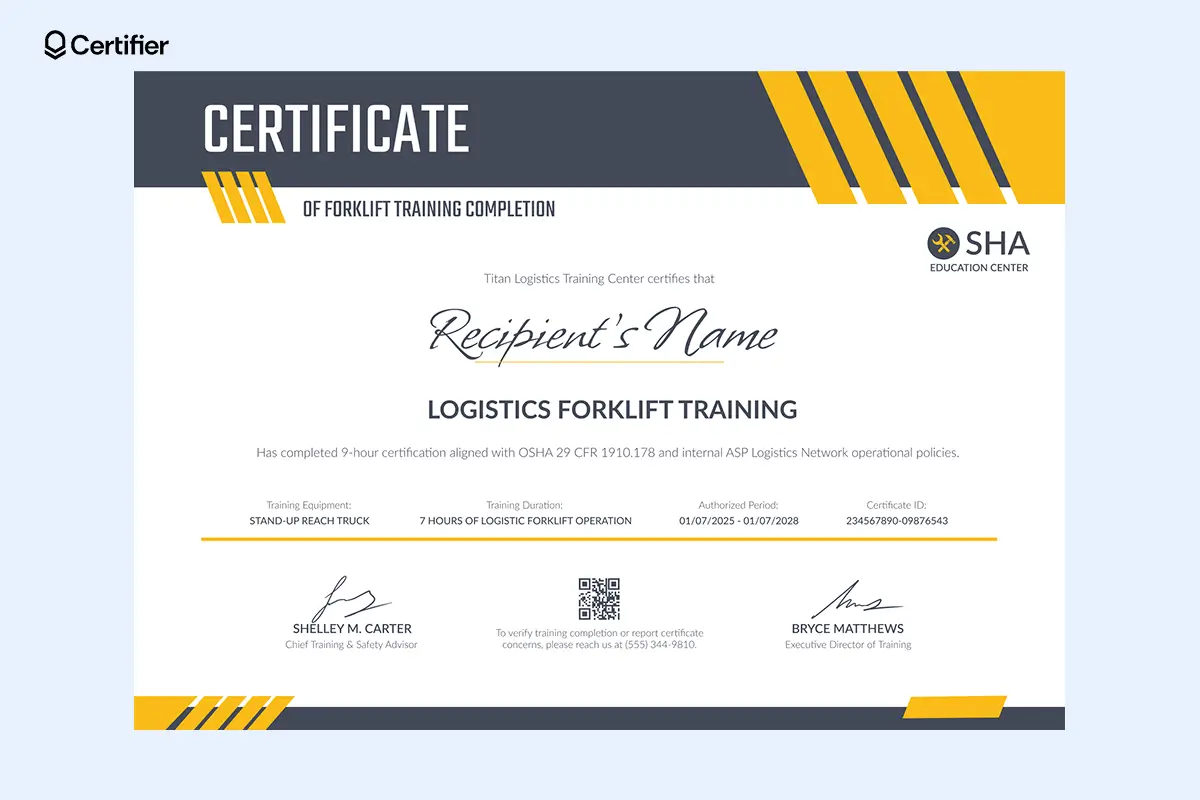
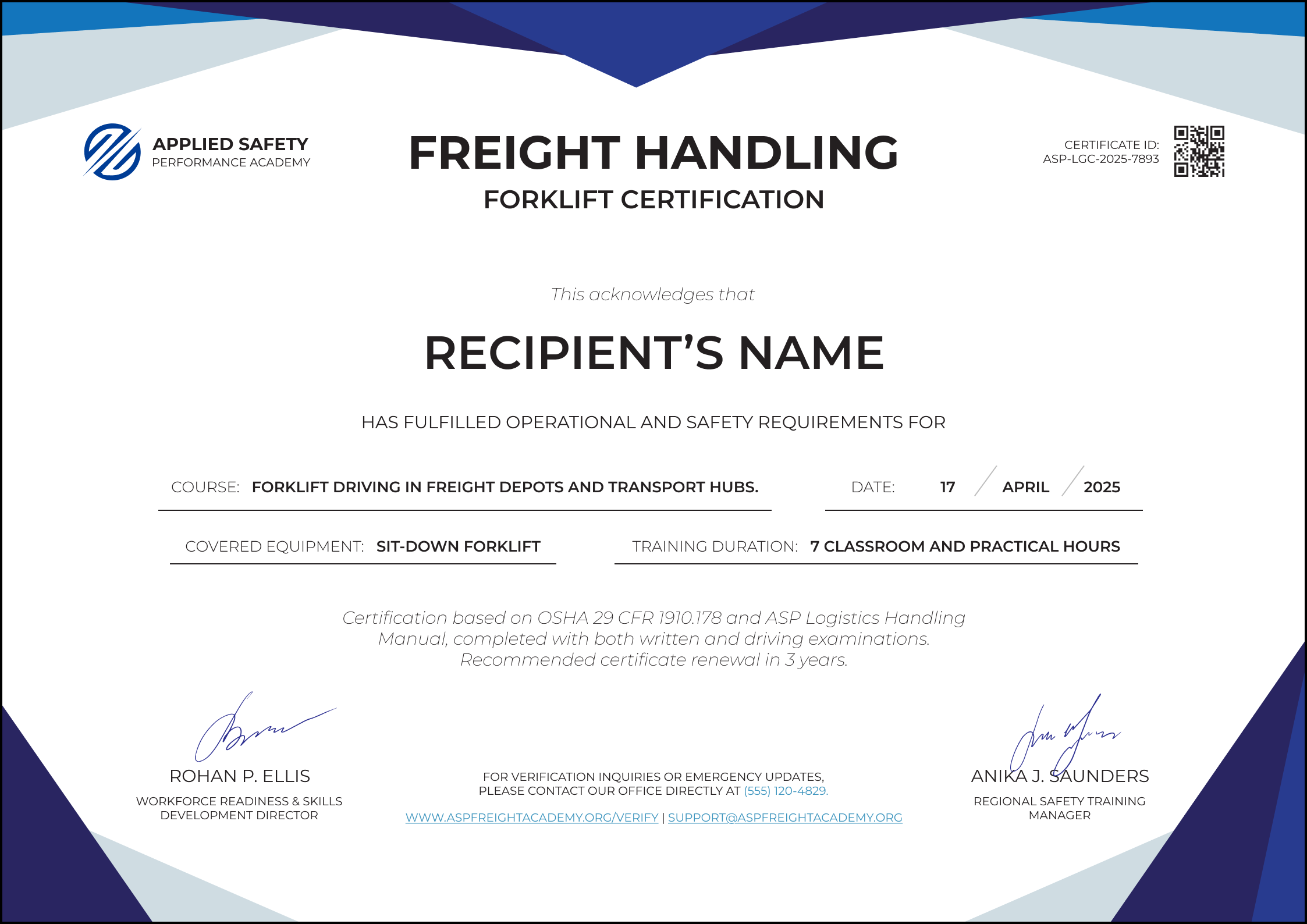
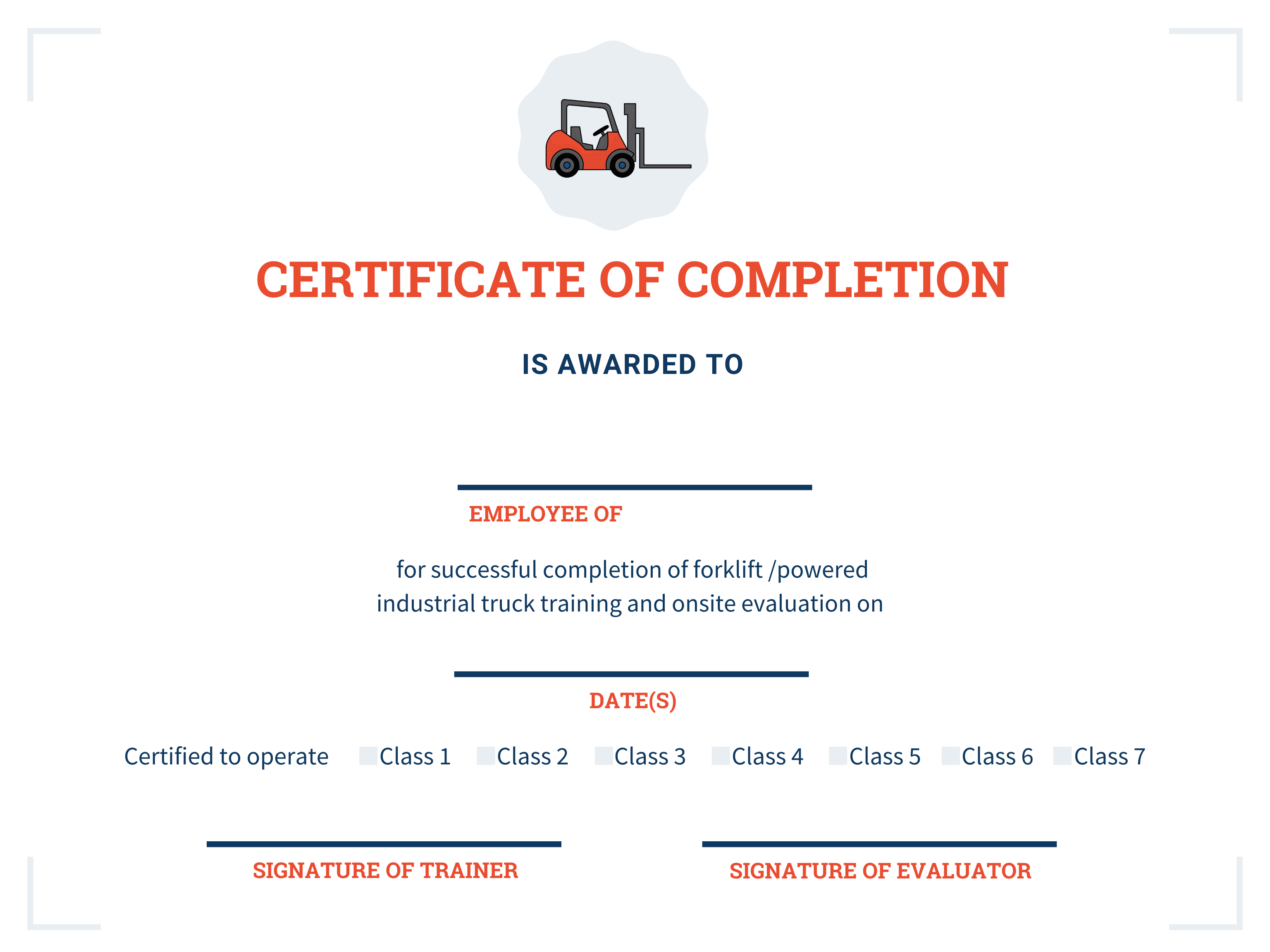
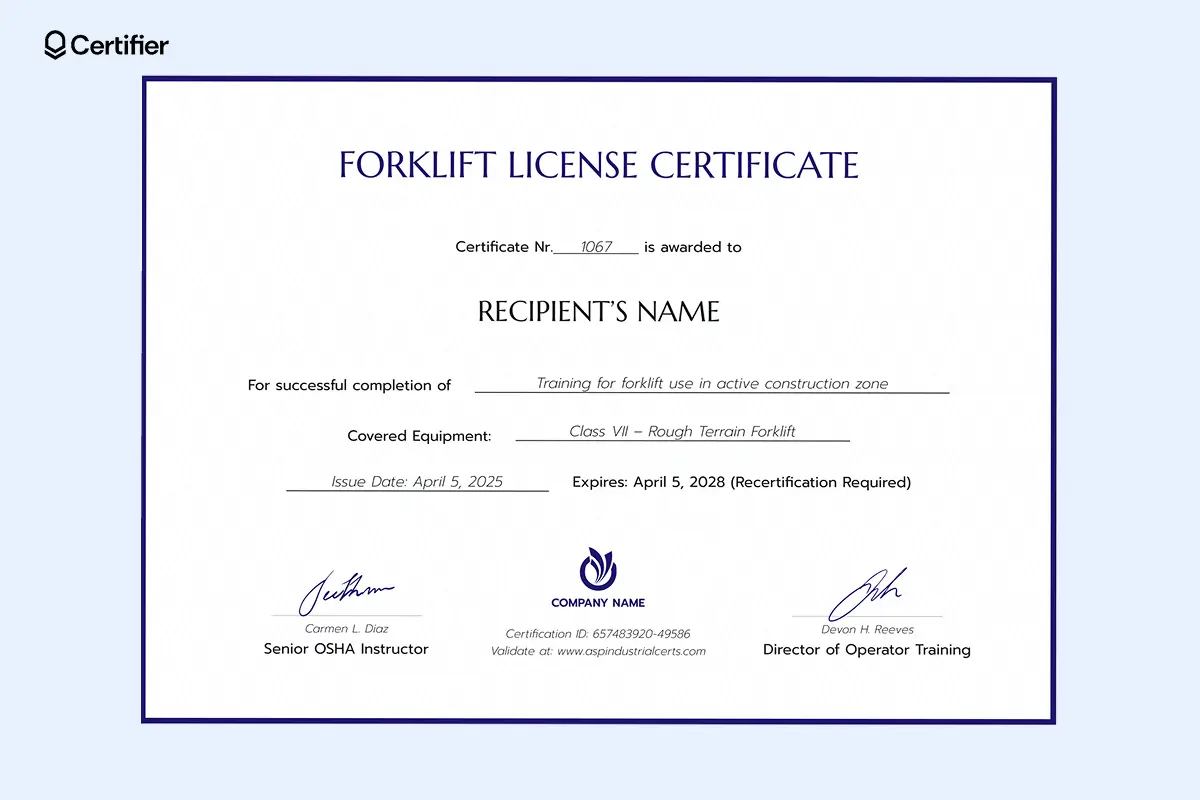
A forklift certification template is a pre‑designed, editable document that records essential details about an employee’s completion of a forklift training program. It typically includes sections for the employee’s name, company logo, training date, certification period, and signatures from the instructor and supervisor. By using a template, organizations can eliminate the manual drafting of certificates, reduce errors, and maintain a uniform appearance across all issued documents.
Regulatory Landscape
In the United States, the Occupational Safety and Health Administration (OSHA) mandates that operators of forklifts receive proper training and certification. OSHA’s 29 CFR 1910.178 requires that each employee be trained in the safe operation of the type of forklift they will use. A certification template that follows OSHA guidelines signals compliance and protects the business against potential fines or litigation.
Industry Best Practices
Leading companies use digital templates that integrate with learning management systems (LMS). These templates automatically populate learner data, validate completion dates, and send notifications to HR departments. By adopting such practices, businesses can reduce paperwork, speed up onboarding, and create audit trails for regulatory inspections.
Designing an Effective Forklift Certification Template
Key Elements to Include
- Company Branding: Logo, company name, address, and contact information establish credibility.
- Employee Information: Full name, employee ID, and job title personalize the document.
- Training Details: Course title, dates, duration, and type of forklift covered.
- Certification Validity: Issue date, expiration date, and renewal requirements.
- Signatures: Instructor, supervisor, and employee attestations.
- Security Features: Barcodes, QR codes, or watermarks to deter fraud.
Typography and Layout Tips
Use a clean, readable font such as Arial or Helvetica for body text, and a bold typeface for headings. Keep margins wide enough to avoid a cramped look. Place the most critical information—such as employee name and certification date—in a prominent location. A well‑structured layout improves legibility and gives the certificate a professional finish.
Choosing the Right File Format
PDF is the gold standard for certificates because it preserves layout and is difficult to alter without detection. For internal use, editable formats such as Word or Google Docs can be more convenient, allowing HR to quickly insert new employee data before exporting to PDF for final issuance.
Customizing Templates for Diverse Forklift Operations

Types of Forklifts Covered
Different forklift models require distinct training modules. A template can include a dropdown or checklist section that lists:
- Standard Reach Trucks
- Pallet Jacks
- High‑lift Stackers
- Telehandlers
- Electric vs. Internal Combustion Units
By customizing the “Type of Forklift” field, organizations can demonstrate that each operator is trained for the specific equipment they will use on the job.
Sector‑Specific Customization
Manufacturing plants, distribution centers, and retail warehouses have unique operational environments. A template can be adapted to reflect sector‑specific hazards, such as:
- Warehouse: Load stacking limits, aisle width, and pallet dimensions.
- Construction: Rough terrain, uneven surfaces, and variable load weights.
- Food & Beverage: Temperature‑controlled environments and contamination controls.
Including these details not only enhances relevance but also reassures customers and partners that operators are equipped to handle environment‑specific challenges.
Integrating Templates Into Your Training Workflow
Step 1: Identify Training Modules
Catalog all courses your organization offers—basic forklift operation, advanced load handling, maintenance checks, and safety audits. Each course should have a unique code that can be auto‑filled into the template.
Step 2: Capture Learner Data
Use an LMS to record learner names, IDs, completion dates, and assessment scores. Export this data into a CSV file, then merge it with the template using a mail merge tool. This automation eliminates manual entry errors and speeds up certification generation.
Step 3: Validate and Sign
Once the template is populated, the instructor or trainer reviews and signs digitally. The supervisor’s approval follows, ensuring that the certification meets organizational standards. Finally, the employee receives a signed copy in PDF format.
Step 4: Store and Monitor
Upload each certificate to an HR database or document management system. Set up alerts for upcoming expirations—usually 3–5 years depending on the equipment and jurisdiction. This proactive approach guarantees that every operator remains compliant and reduces the risk of untrained personnel operating forklifts.
Real‑World Case Studies
Case Study A: A Large Distribution Center
ABC Logistics, handling over 10,000 pallets daily, implemented a cloud‑based template system. By integrating the template with their existing ERP, they cut certification processing time from 5 days to 2 hours. Moreover, the digital certificates included QR codes that verified authenticity during external audits, resulting in a 30% reduction in compliance‑related penalties over a year.
Case Study B: A Medium‑Sized Manufacturing Plant
XYZ Manufacturing upgraded from paper certificates to a stylized PDF template. The new design highlighted safety icons and included a brief recap of key operational rules. Workers reported higher confidence levels, and the plant experienced a 15% decline in forklift‑related incidents within six months of implementation.
Case Study C: A Small Retail Warehouse
RetailCo adopted a free, customizable template from an online resource library. They modified the template’s color scheme to match corporate branding and added a section for “Specialized Training.” Within three months, employee engagement scores related to safety training rose by 20%, as staff felt the certificates reflected their unique roles.
Common Pitfalls to Avoid
Overlooking Legal Requirements
Failing to include required fields such as expiration dates or OSHA compliance statements can invalidate the certificate in an audit. Always double‑check that the template aligns with local regulations.
Inconsistent Formatting
Using multiple fonts or inconsistent spacing can undermine professionalism. Stick to one font family and maintain uniform margins throughout the document.
Neglecting Accessibility
Certificates should be accessible to all employees, including those who use screen readers. Ensure that PDF files have proper tags and that text is selectable, not flattened.
Future Trends in Forklift Certification Templates
Digital Signatures and Blockchain Verification
Emerging technologies allow certificates to be signed digitally and stored on a blockchain ledger. This approach offers tamper‑proof verification, making it easier to prove authenticity during inspections or insurance reviews.
Mobile‑First Design
With workers often on the go, mobile‑friendly certificates that can be viewed and signed on smartphones are becoming standard. Responsive templates ensure readability across devices.
Integration With IoT and Fleet Management
Some companies combine certification data with real‑time forklift telemetry. This integration allows operators’ qualifications to be automatically verified before they are granted access to specific equipment through smart locks or RFID badges.
Conclusion
A robust Forklift Certification Template is more than a formality—it is a strategic tool that safeguards personnel, satisfies regulatory demands, and elevates corporate credibility. By carefully selecting the right elements, customizing for specific forklift types and industry needs, and embedding the template into an efficient workflow, businesses can ensure that every operator is properly credentialed and confident in their role. As technology advances, embracing digital signatures, mobile optimization, and integrated verification systems will further strengthen compliance and operational excellence. Investing in a well‑designed forklift certification template today sets your organization up for safer operations, fewer legal headaches, and a stronger reputation for safety and professionalism tomorrow.