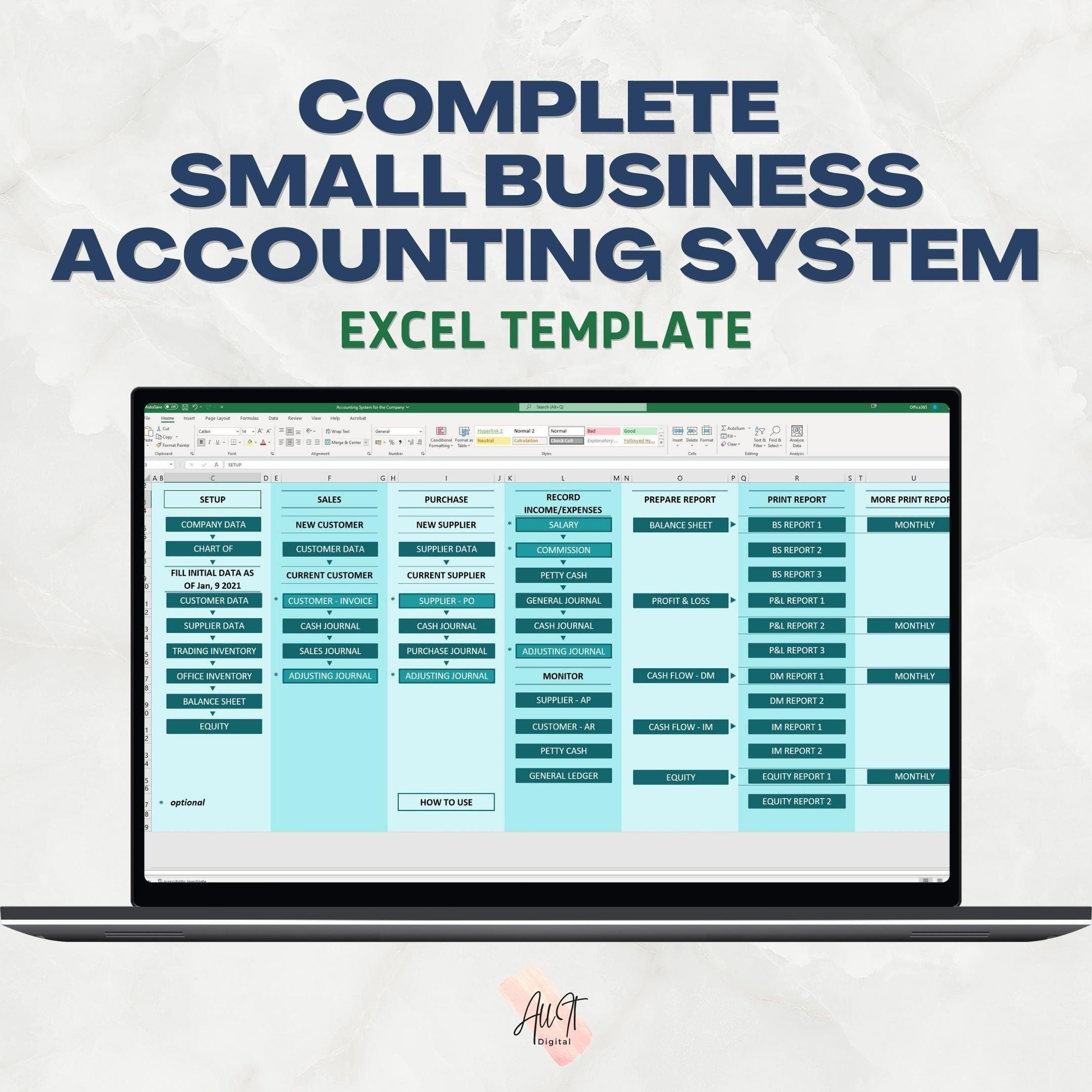
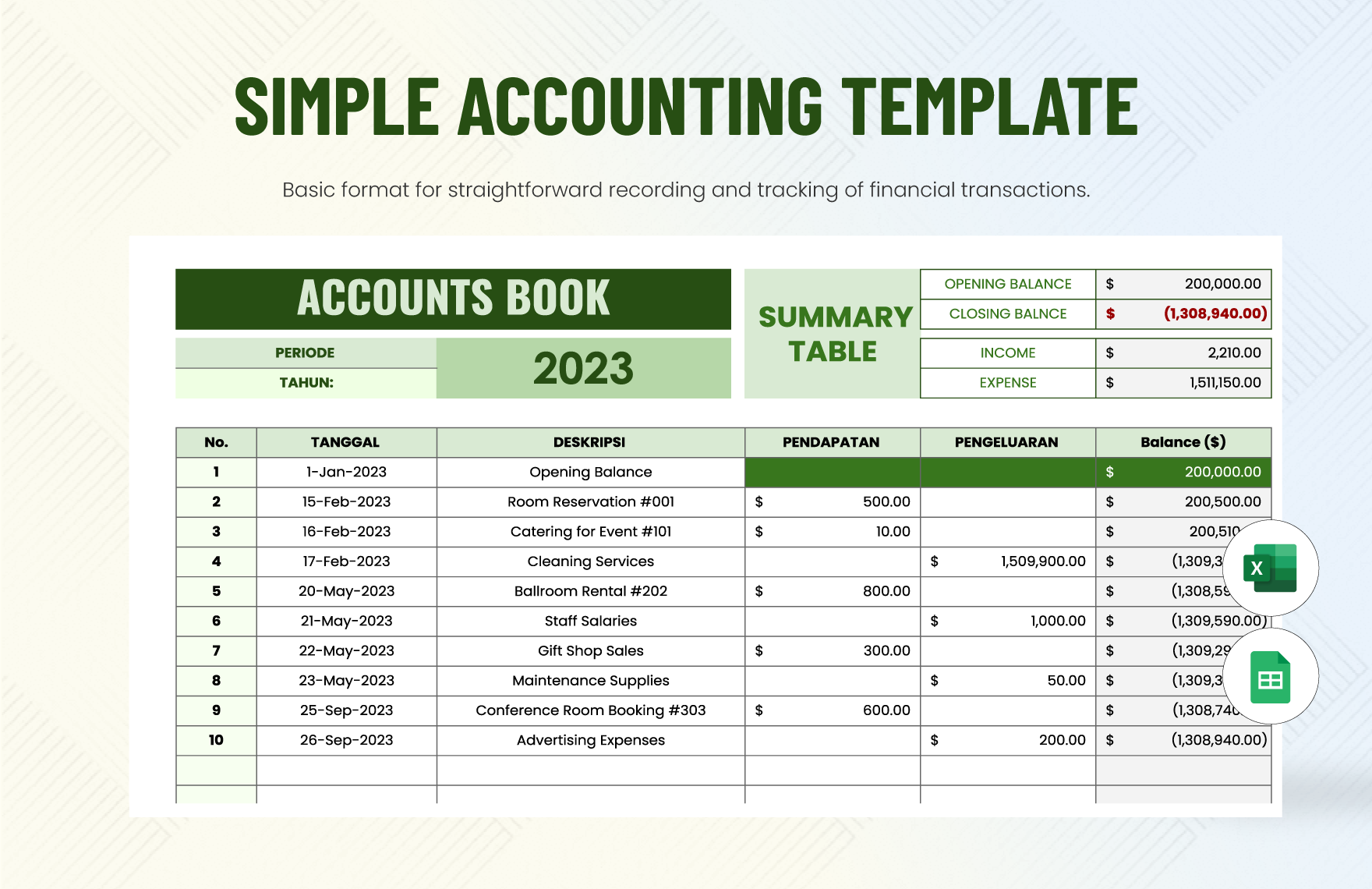
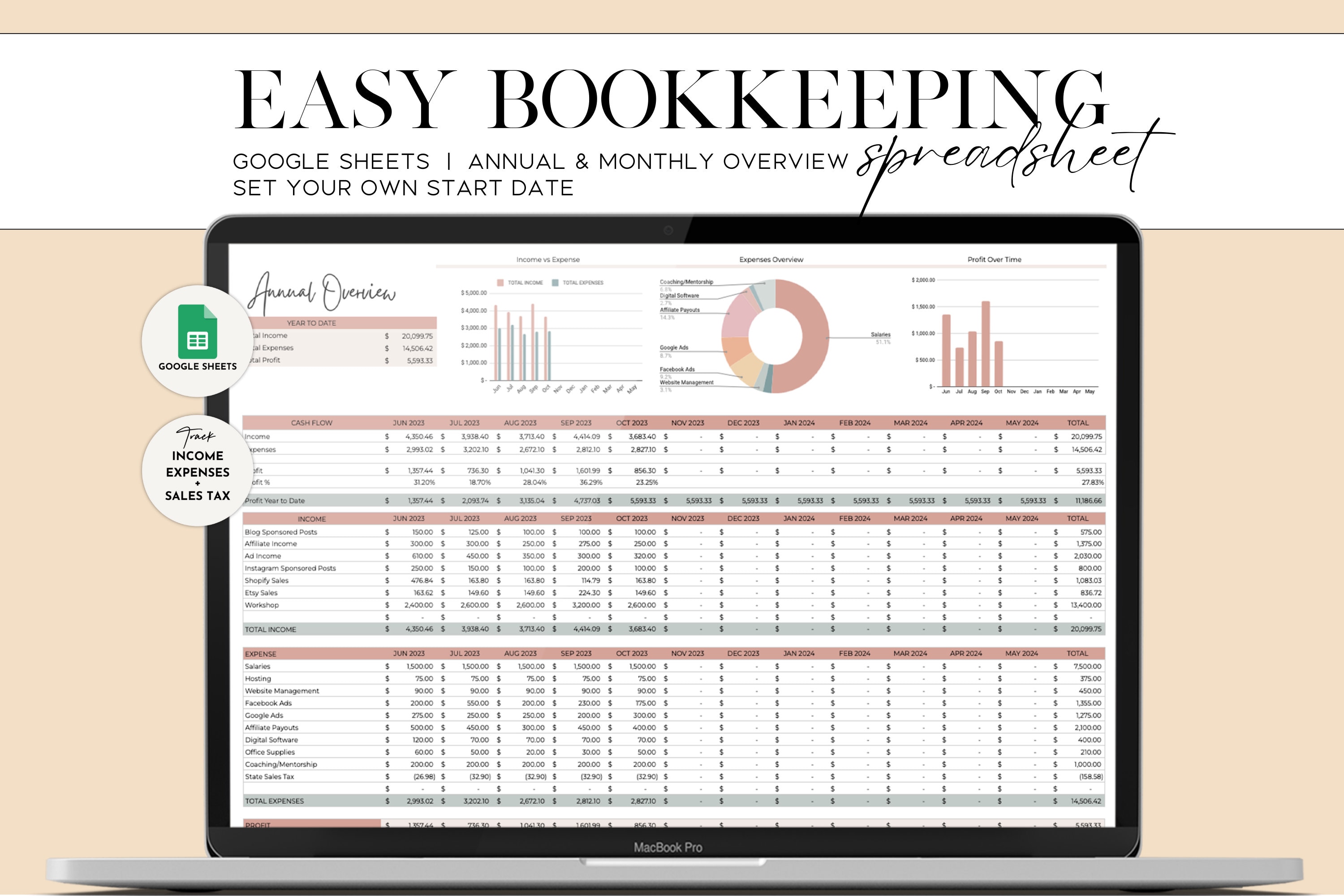
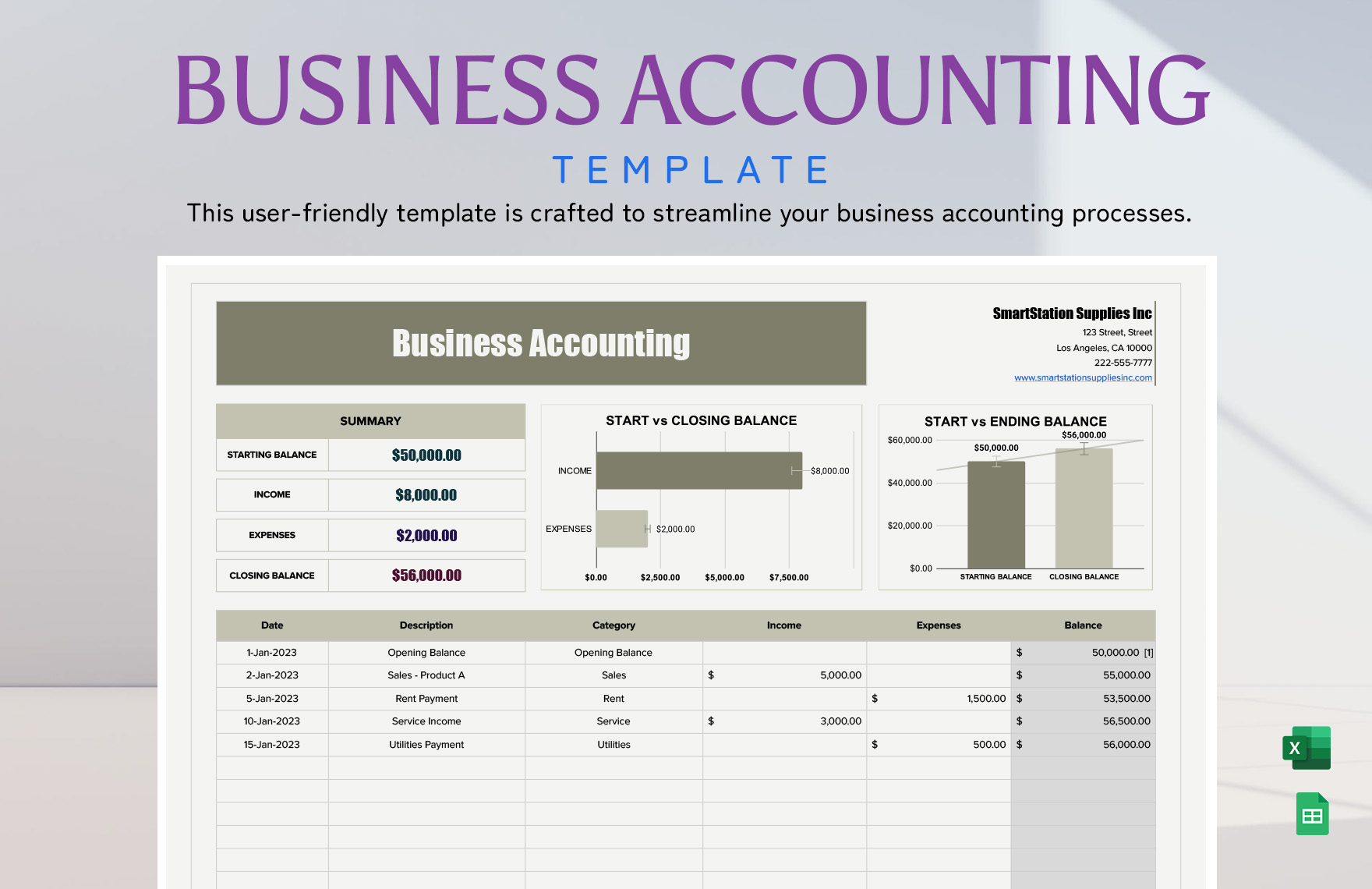
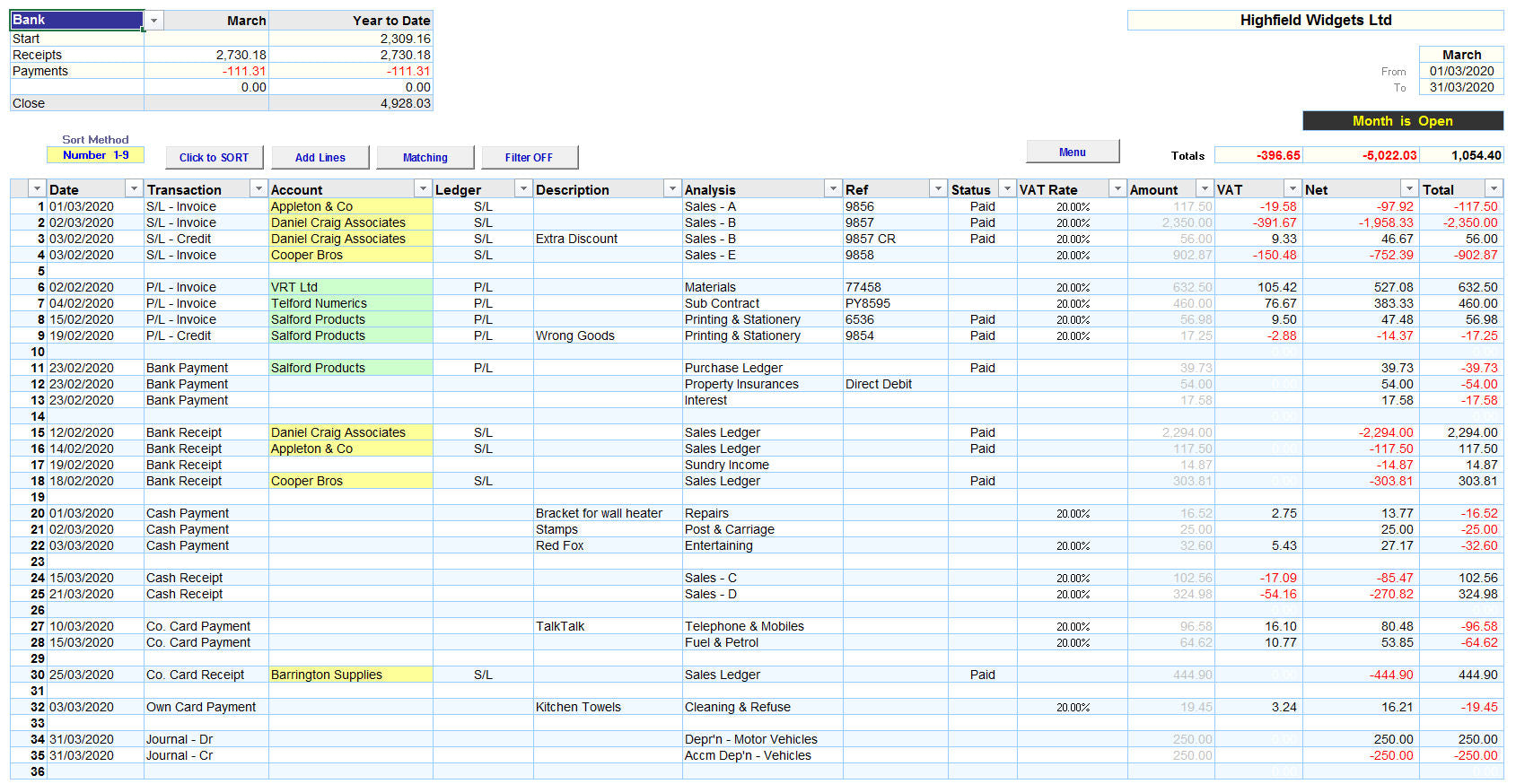
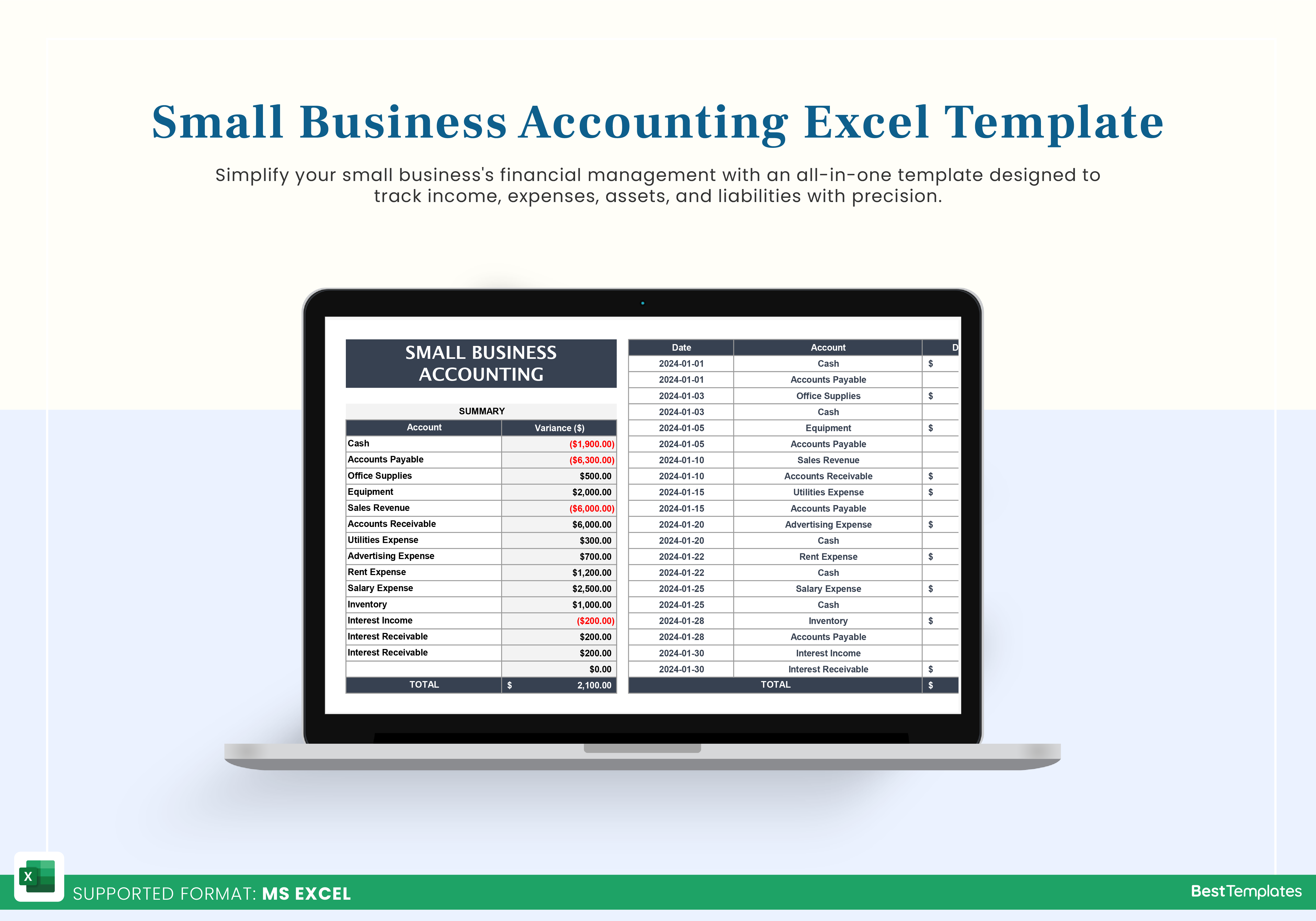
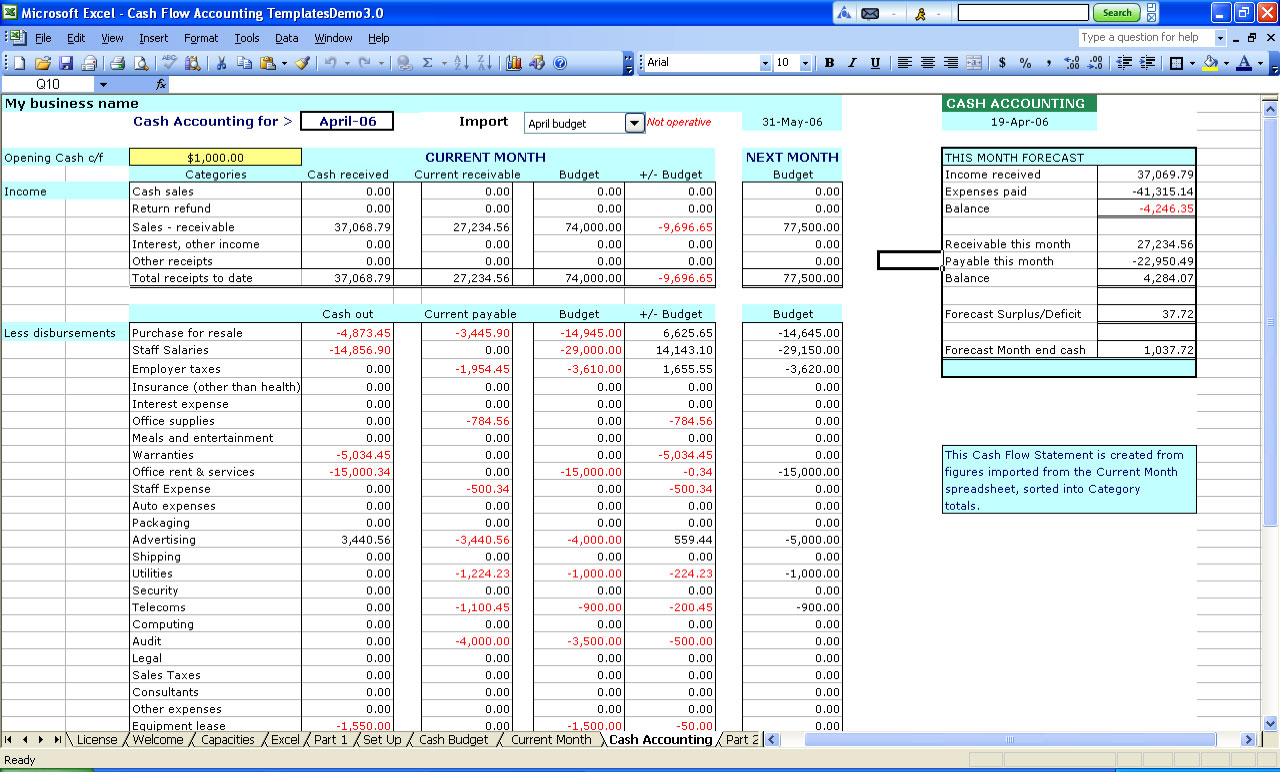
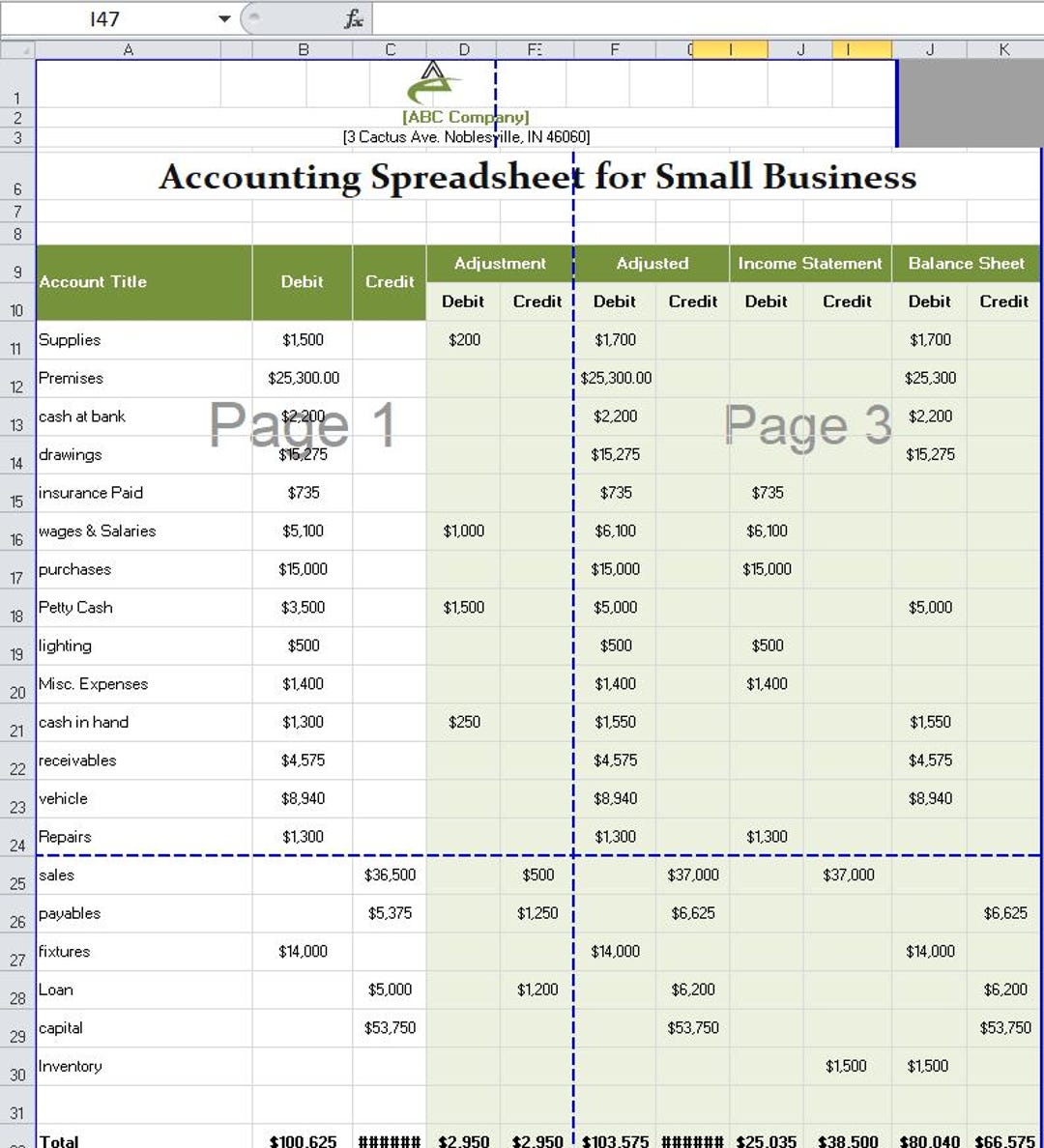
Accounting Spreadsheet Templates For Small Business provide an essential foundation for entrepreneurs who want to manage finances efficiently without investing in costly software. By harnessing the power of pre‑built Excel or Google Sheets frameworks, small firms can track revenue, expenses, and cash flow with precision, maintain compliance, and make data‑driven decisions—all while staying agile and scalable.
The Core Advantages of Spreadsheet Templates

Small businesses often operate on thin margins and limited resources. Spreadsheet templates address several pain points:
- Cost‑effective: No licensing fees—just download, customize, and use.
- Flexible: Adjust formulas, layouts, and categories to fit your industry’s unique needs.
- Scalable: Add new lines, departments, or product categories without rewriting the whole file.
- Accessible: Compatible with multiple devices; collaborate in real time via cloud services.
- Time‑saving: Built‑in formulas auto‑calculate totals, percentages, and variances, reducing manual entry errors.
Essential Templates Every Small Business Needs
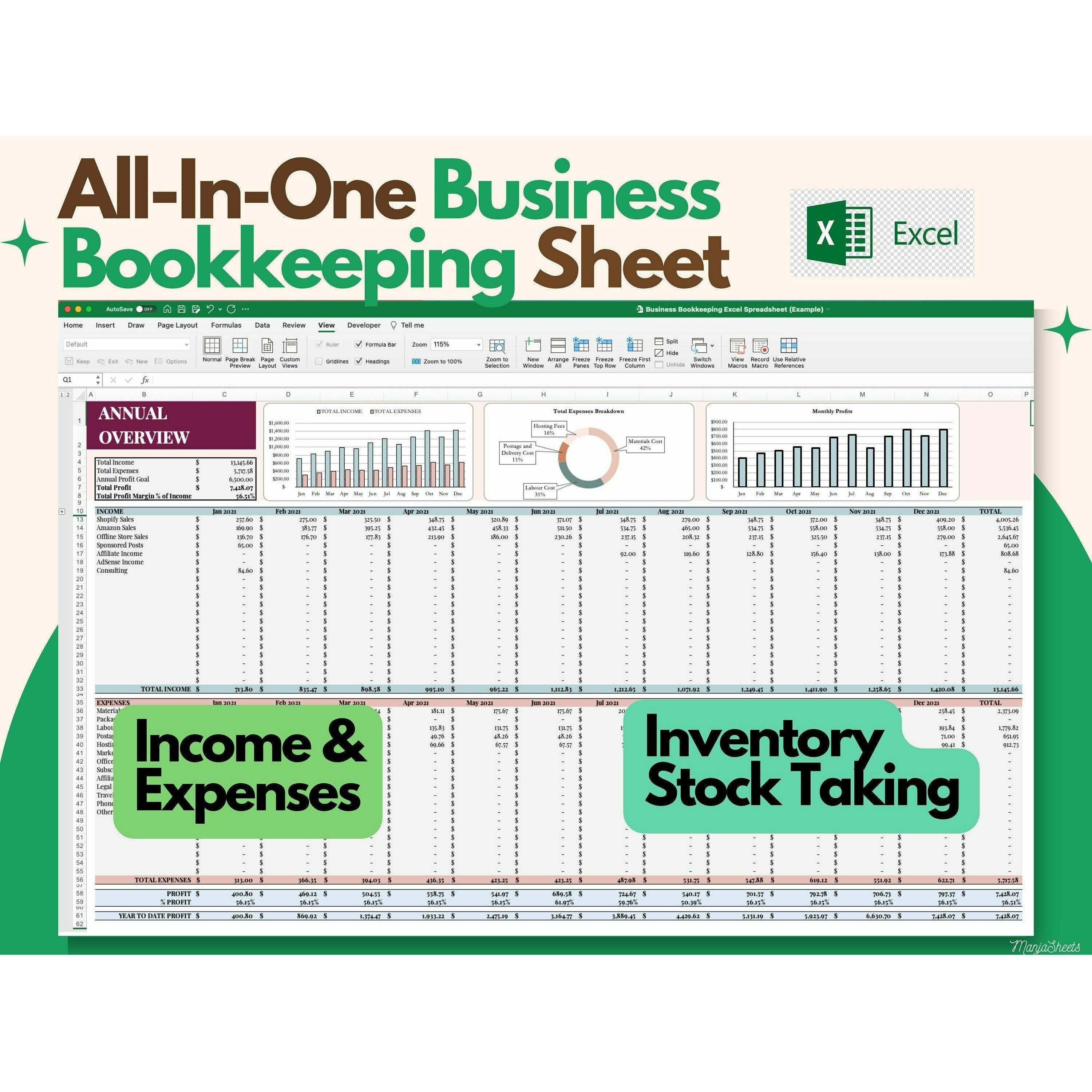
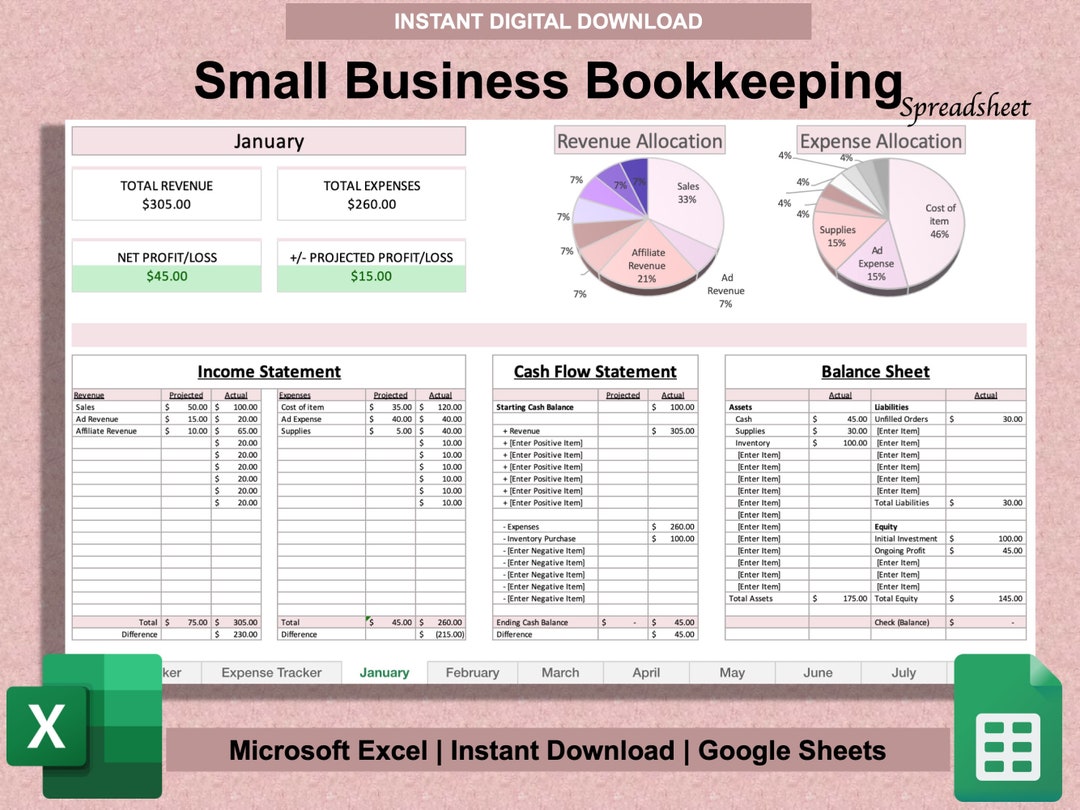
Profit & Loss Statement (Income Statement)
This template consolidates sales, cost of goods sold (COGS), operating expenses, and net profit. A well‑structured income statement lets you gauge profitability and spot trends quickly.
- Revenue categories (product sales, services, subscriptions)
- COGS linked to inventory levels
- Operating expenses (rent, salaries, marketing, utilities)
- Tax calculations and net income
- Year‑to‑date vs. period comparison charts
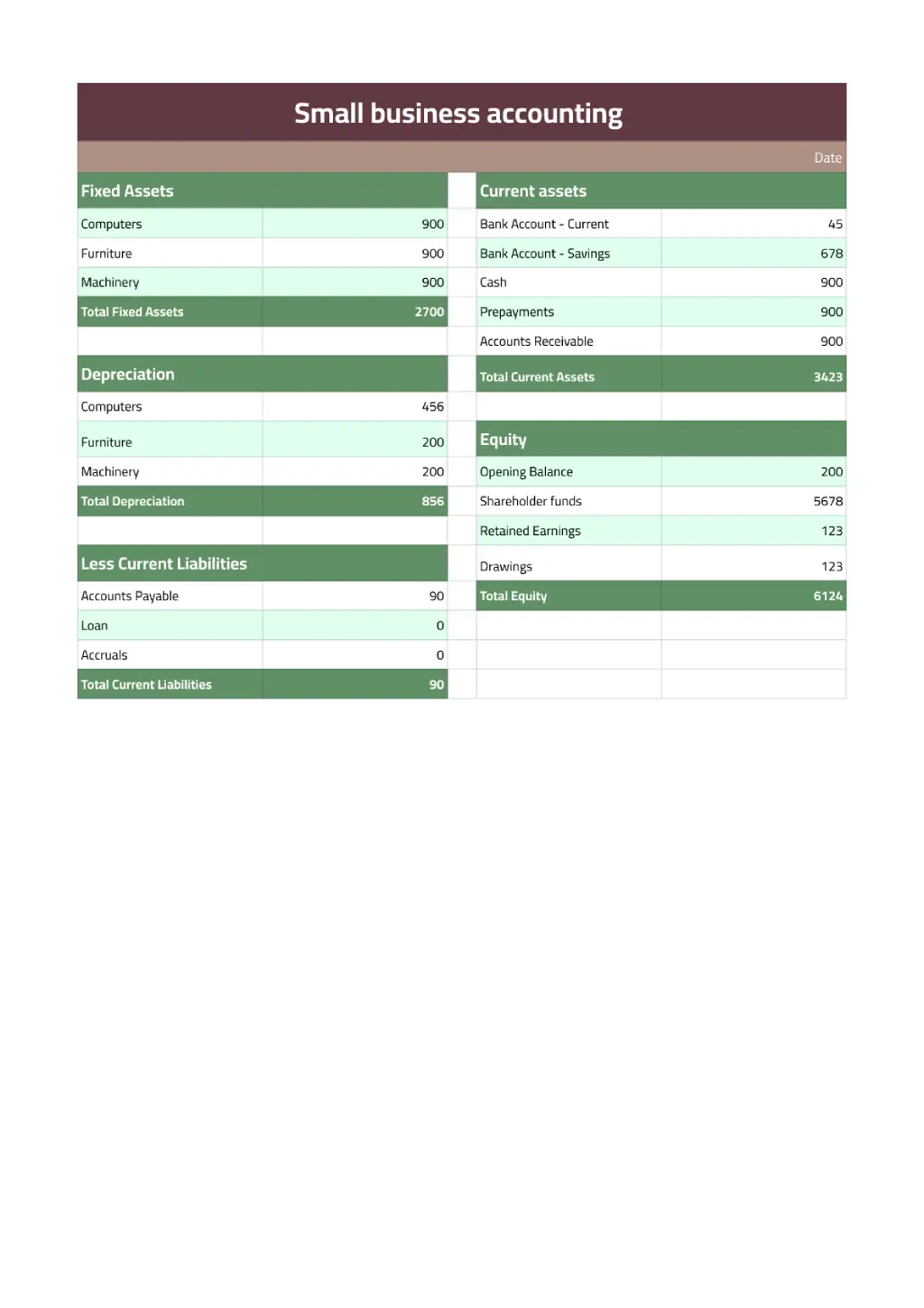
Balance Sheet
The balance sheet outlines assets, liabilities, and equity. Keep it current to understand liquidity and capital structure.
- Current assets (cash, accounts receivable, inventory)
- Fixed assets (equipment, property) with depreciation schedules
- Current liabilities (accounts payable, short‑term loans)
- Long‑term debt and retained earnings
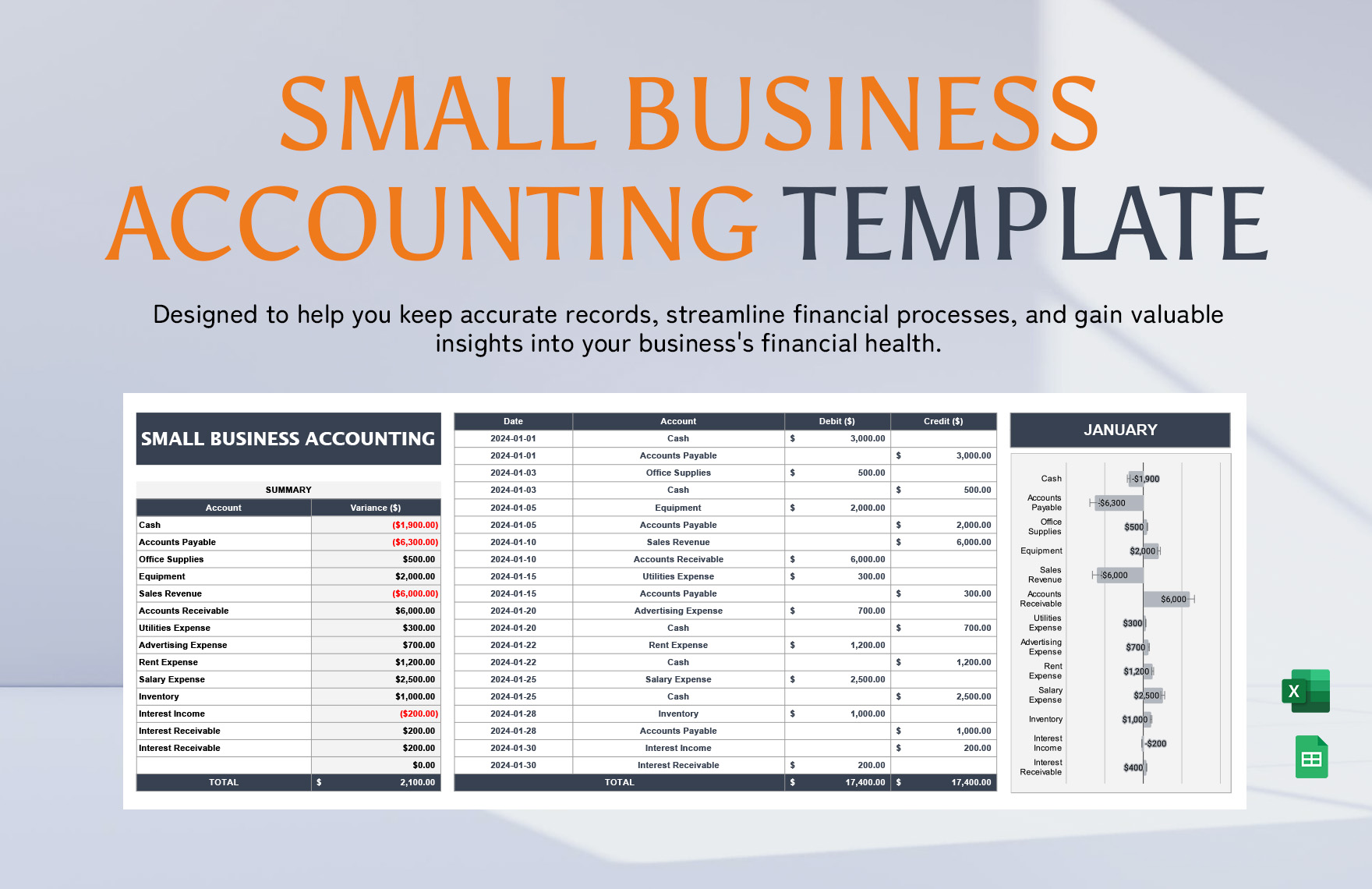
- Ratio analysis (current ratio, debt‑to‑equity) built into the sheet
Cash Flow Forecast
Cash flow templates help predict cash availability, essential for meeting obligations and planning growth.
- Inflows: sales, loans, capital injections
- Outflows: payroll, supplier payments, taxes
- Opening and closing balances per month
- Scenario analysis: best case, worst case, realistic projection
- Conditional formatting to highlight negative balances
Expense Tracker
Track day‑to‑day costs to maintain budget discipline. Separate fixed and variable expenses for clearer insights.
- Recurring costs (subscriptions, insurance)
- Non‑recurring items (equipment purchases)
- Automatic sum of category totals
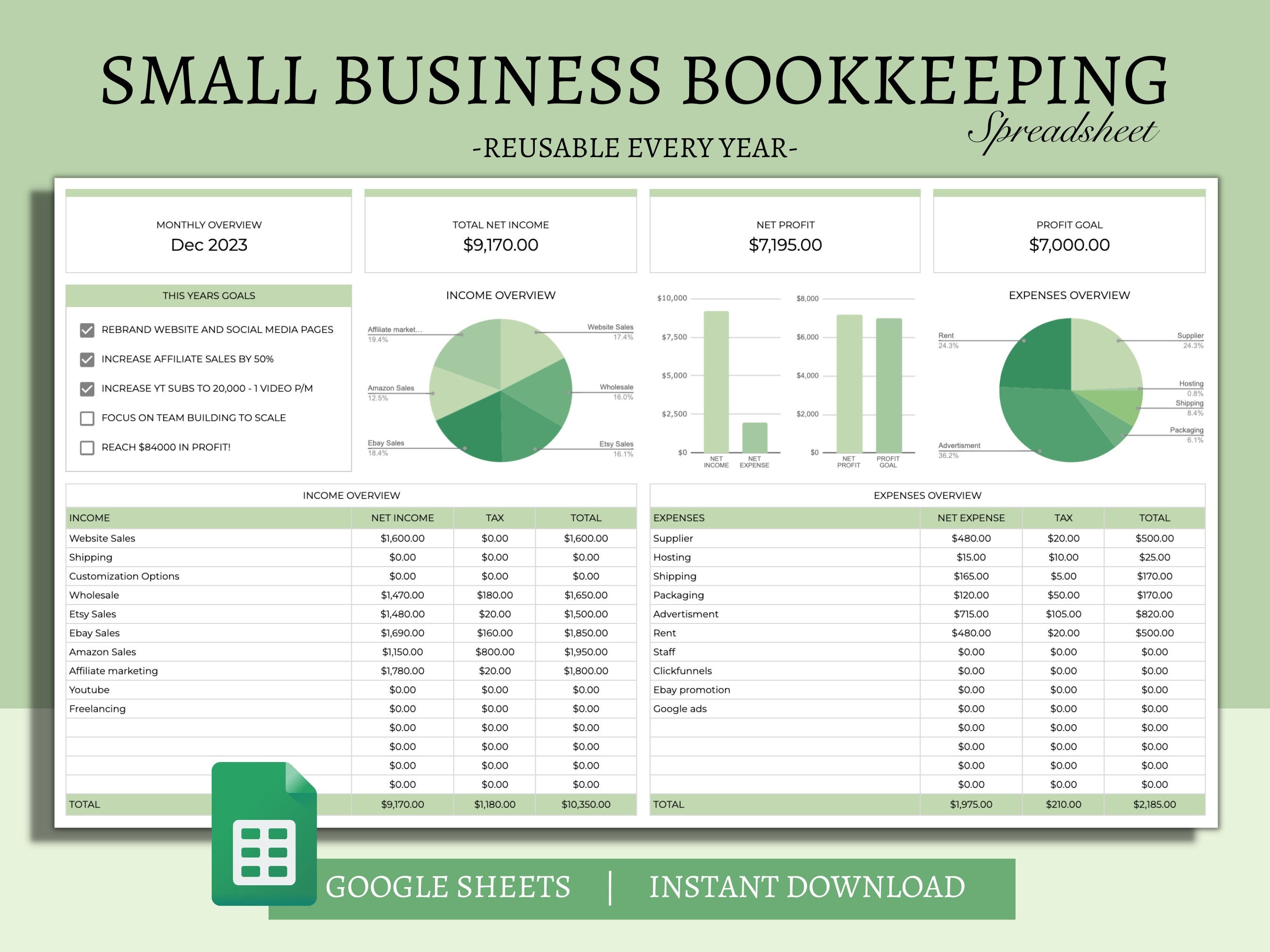
- Visual dashboards showing spend vs. budget
- Export to CSV for accounting software integration
Inventory Management Sheet
For product‑based businesses, an inventory template tracks stock levels, reorder points, and supplier details.
- SKU, description, and unit cost
- Current quantity, minimum threshold, and reorder quantity
- Automatic calculation of stock value
- Supplier contact information and lead time
- Seasonal trend analysis to avoid overstocking
Choosing the Right Template Design
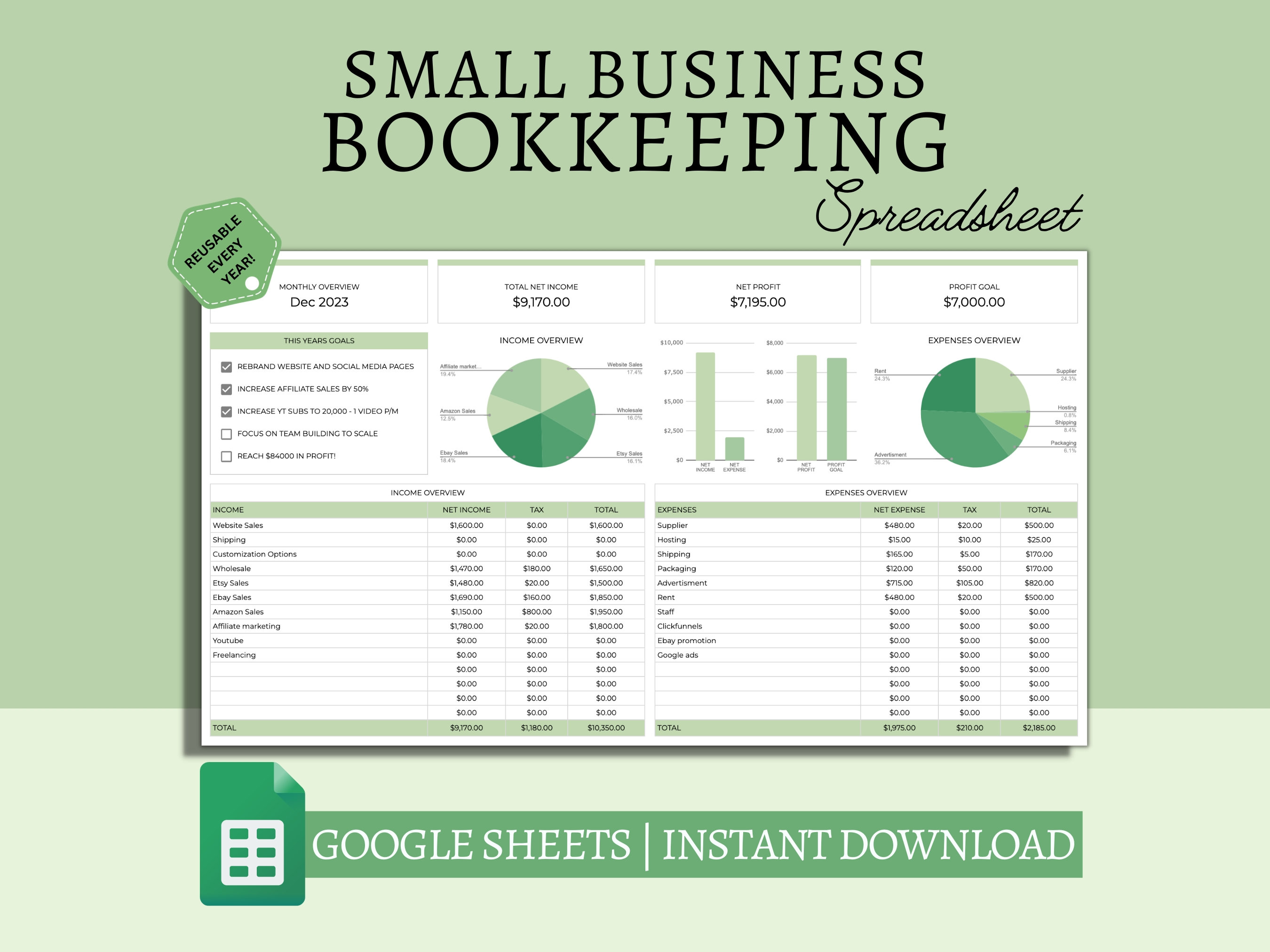
Not all templates are created equal. Consider the following criteria when selecting a framework that aligns with your operational style:
Industry Relevance
Retail, service, and manufacturing firms each have distinct financial metrics. A restaurant template may emphasize food cost percentages, while a digital agency might focus on project billing cycles.
User Experience
Look for intuitive layouts: clear headings, color‑coded sections, and dropdown menus for category selection. A clean interface reduces the learning curve for new staff.
Automation Features
Templates that incorporate PivotTables, VLOOKUP, and Dynamic Arrays can automatically update charts and summaries when raw data changes. This automation is crucial for real‑time reporting.
Cloud Compatibility
Templates designed for Google Sheets or Excel Online enable real‑time collaboration. Multiple team members can edit simultaneously, and version control prevents accidental overwrites.
Customizing Templates for Your Business

While templates provide a solid foundation, tailoring them to reflect your specific processes maximizes their value. Here’s a step‑by‑step guide:
Step 1: Define Your Accounting Period
Decide whether you’ll run monthly, quarterly, or annual reports. Adjust date ranges in the template and ensure formulas adapt accordingly.
Step 2: Map Your Chart of Accounts
Translate your existing chart of accounts into the template’s categories. Use consistent naming conventions to keep data clean.
Step 3: Incorporate Your Tax Codes
Insert your local tax rates (sales tax, VAT, corporate tax) into calculation cells. This allows instant tax liability updates as new sales are recorded.
Step 4: Set Up Automated Alerts
Use conditional formatting to flag overdue invoices, low cash balances, or high expense thresholds. Set up Data Validation rules to prevent incorrect entries.
Step 5: Test with Sample Data
Populate the spreadsheet with historical data or a mock dataset. Verify that all formulas return expected results before using it live.
Integrating Templates with Accounting Software
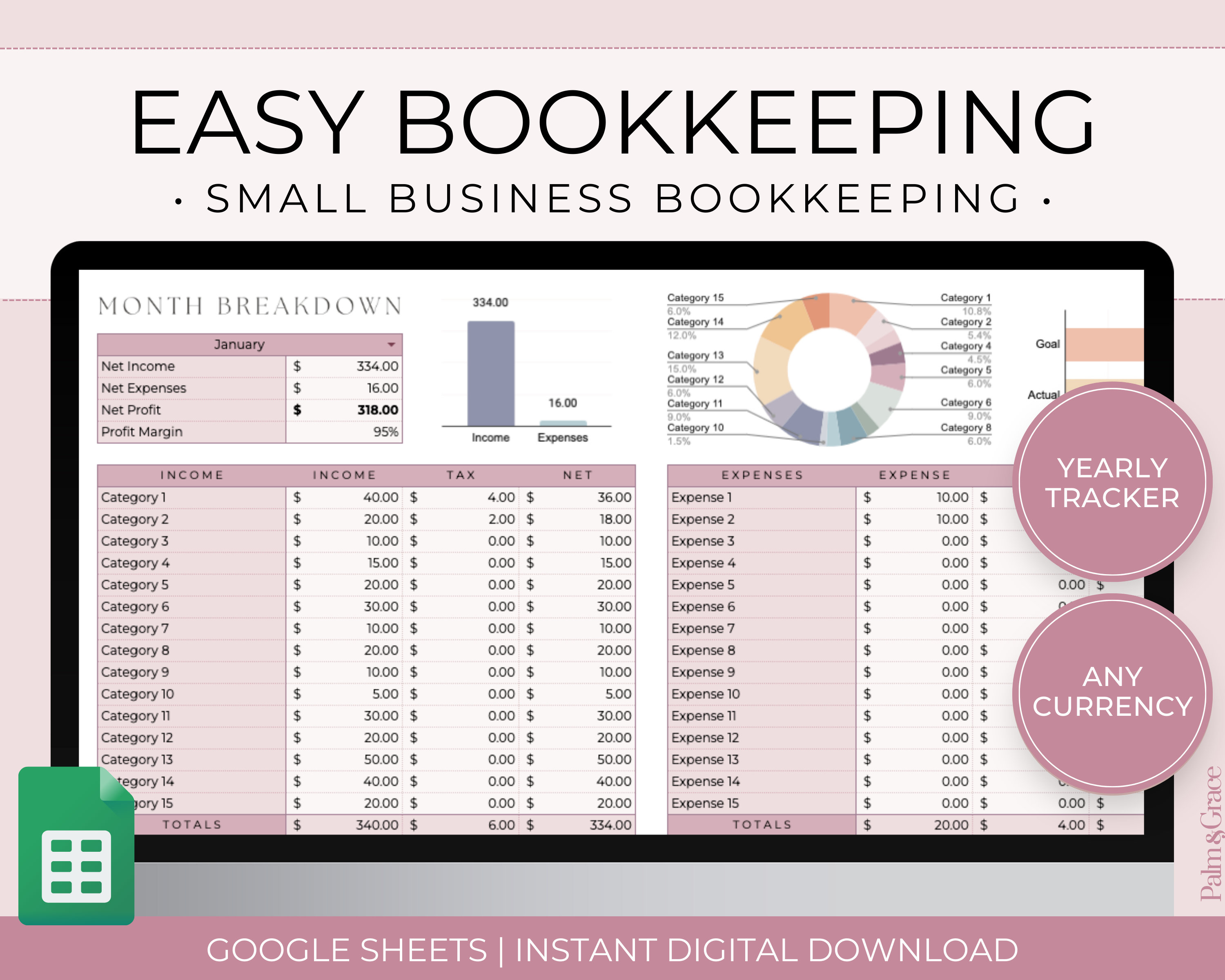
Even the most robust spreadsheet can be complemented by accounting platforms like QuickBooks, Xero, or Wave. Import/export options bridge the gap between manual tracking and automated bookkeeping.
- Export to CSV: Most accounting systems accept CSV uploads. Ensure your template’s column order matches the platform’s requirements.
- Zapier or Power Automate: Set up triggers that push new rows from the spreadsheet into your accounting software.
- Dual‑ledger approach: Maintain a spreadsheet for quick analysis while the software handles audit‑ready ledgers.
Best Practices for Spreadsheet Maintenance
Version Control
Save incremental versions (v1, v2) after major changes. Store them in a shared cloud folder with access permissions to avoid accidental deletions.
Regular Backups
Automate backups to external drives or cloud services. A simple one‑click backup button in the template can protect against data loss.
Audit Trail
Add a hidden sheet that logs every edit: timestamp, user, and cell range. This transparency helps identify errors and improves accountability.
Data Validation and Protection
Restrict editing of formula cells using the “Protect Sheet” feature. Only allow authorized personnel to modify key inputs.
Continuous Improvement
Review financial reports monthly and adjust template logic if new business lines emerge or regulatory requirements change.
Real‑World Success Stories
Case Study 1: A Boutique Design Studio
The studio used a custom service‑income template that mapped project milestones to revenue recognition. By linking client billing dates to the calendar view, the studio avoided late payments, improving cash flow by 15% in the first quarter after implementation.
Case Study 2: A Local Bakery
Adopting an inventory and cost‑of‑goods template helped the bakery track ingredient spoilage. The template’s automatic calculation of food cost percentages revealed that a supplier’s price increase was inflating expenses by 8%. Switching suppliers reduced costs and increased net margin by 5% within a month.
Case Study 3: A Tech Startup
Using a combined profit‑loss and cash flow dashboard, the startup monitored runway. The template’s scenario analysis feature allowed founders to simulate the impact of a new product launch, leading to a 20% increase in funding negotiations with investors.
Common Pitfalls and How to Avoid Them
Overcomplicating the Template
Adding too many columns or hidden sheets can confuse users and increase errors. Stick to essential categories and provide a user guide.
Neglecting Data Accuracy
Rely on manual entries only if necessary. Whenever possible, import data directly from sales or bank feeds to reduce human error.
Ignoring Mobile Compatibility
Many small business owners review reports on smartphones. Ensure your template displays properly on mobile versions of Excel or Google Sheets.
Failing to Update Tax Rates
Tax regulations change. Set a quarterly reminder to audit tax cells and update rates accordingly.
How to Get Started Today
- Choose a template that aligns with your business model.
- Download the file and save a copy in a secure, version‑controlled location.
- Customize the chart of accounts and tax parameters.
- Enter a month’s worth of data to test calculations.
- Set up automatic alerts and conditional formatting.
- Integrate with your accounting software or keep it standalone based on your preference.
- Schedule monthly reviews to refine and expand the template as your business grows.
Conclusion
Accounting Spreadsheet Templates For Small Business are more than mere tools; they are strategic assets that streamline financial management, reduce errors, and provide actionable insights. By selecting industry‑specific frameworks, customizing them to match your unique operations, and maintaining rigorous best practices, entrepreneurs can transform raw numbers into a clear picture of profitability, liquidity, and growth potential. Embrace templates today, and let your small business navigate the complexities of finance with confidence and clarity.