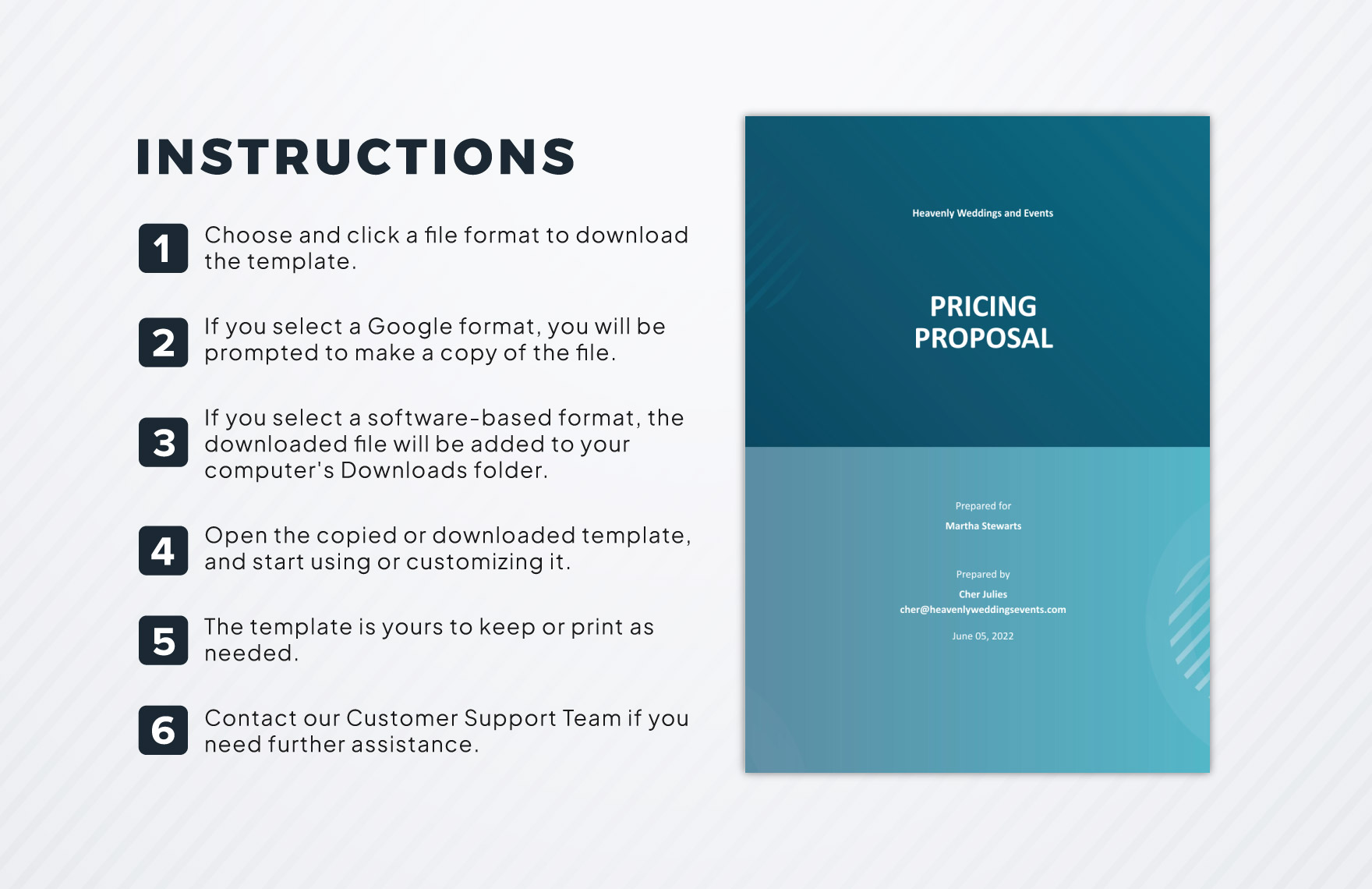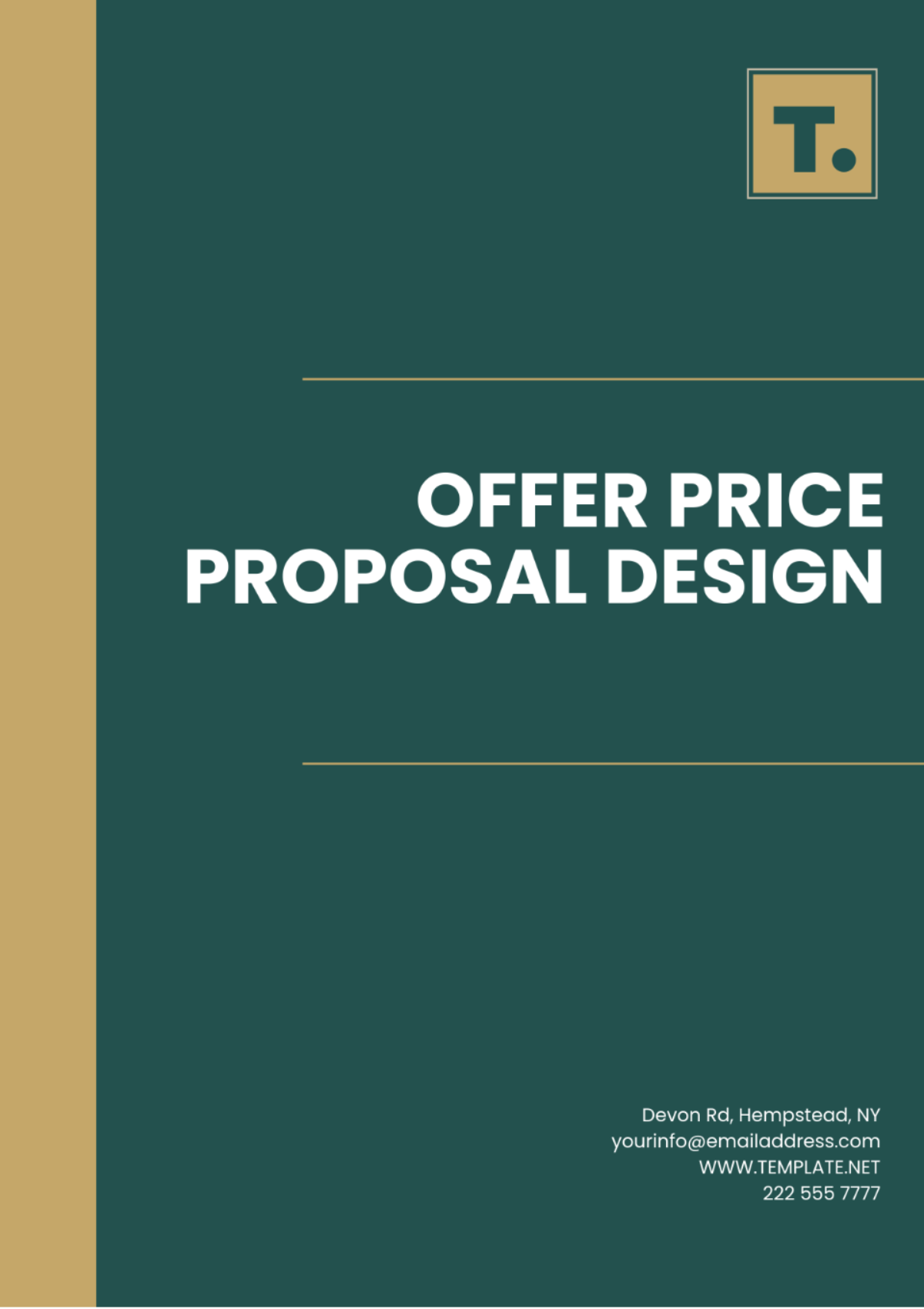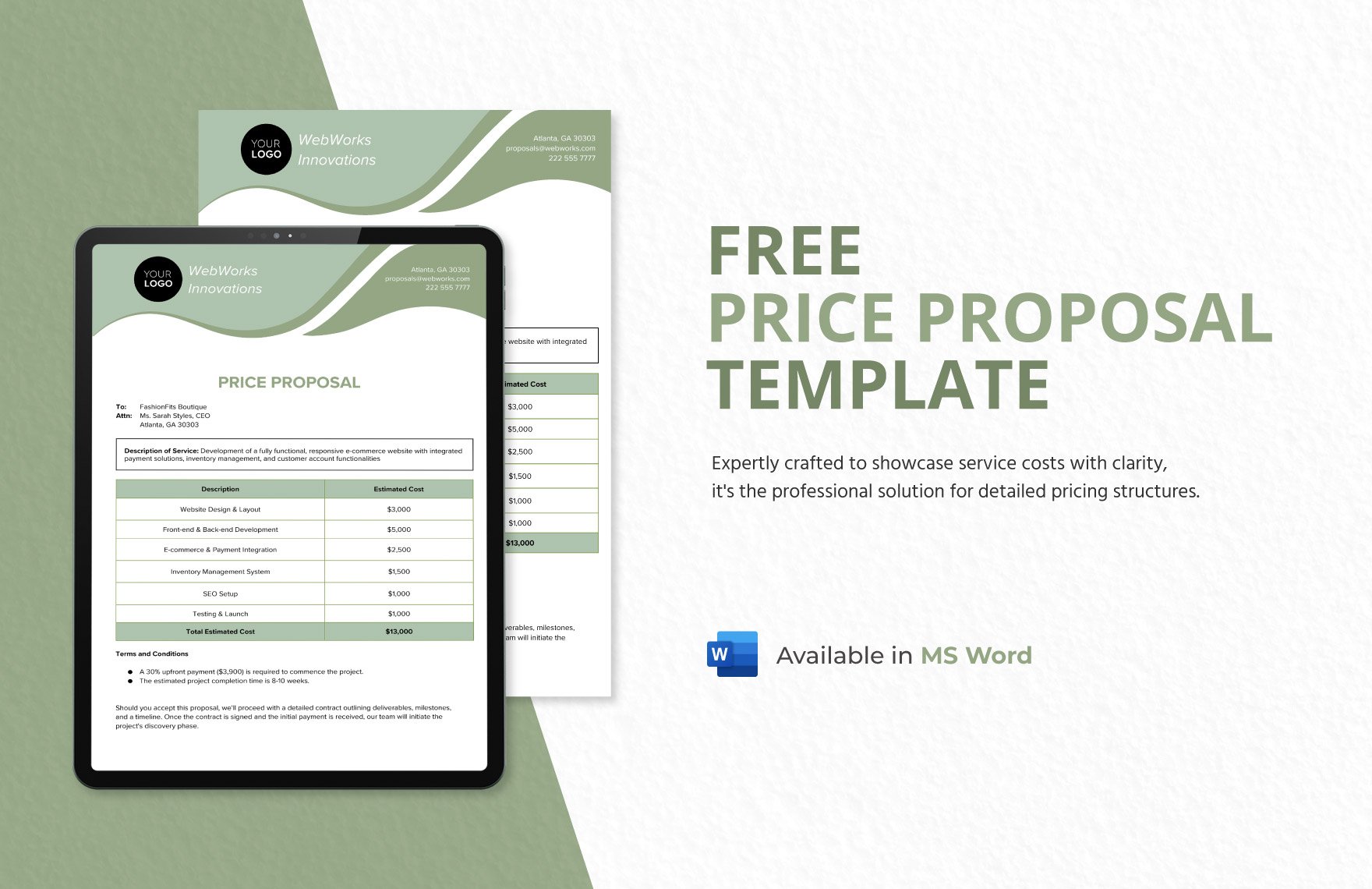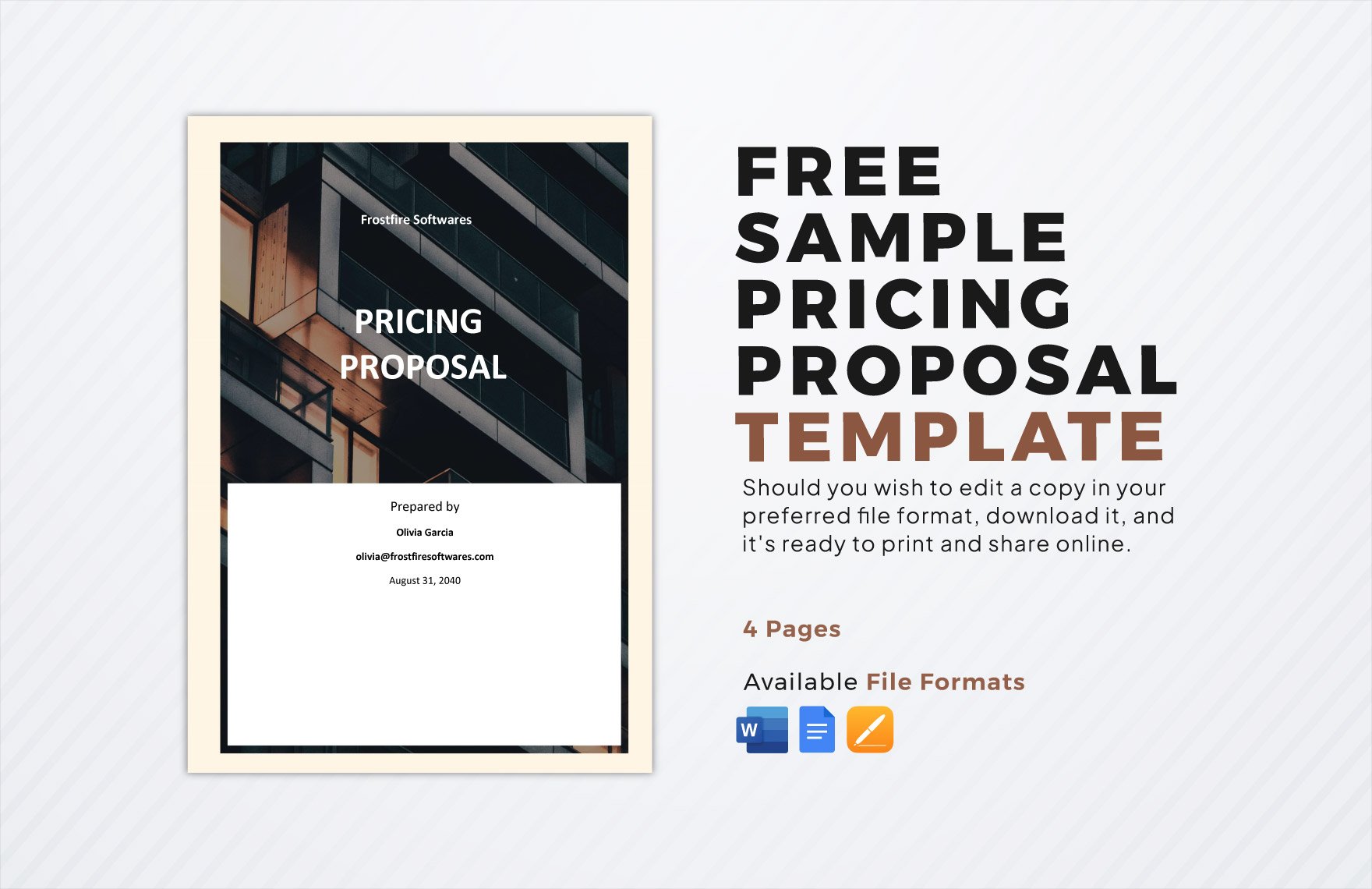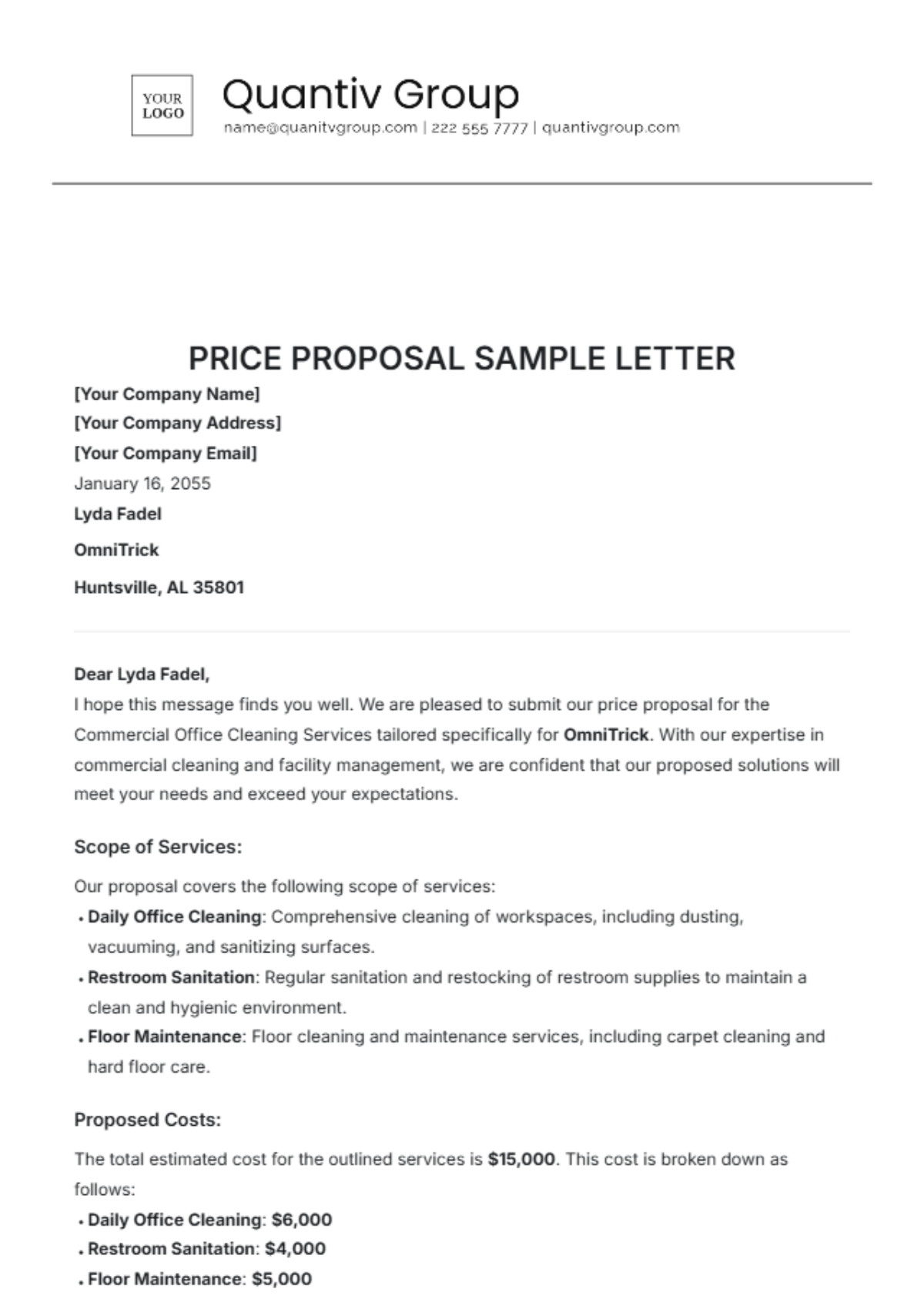
Pricing Proposal Template is the superhero cape every freelancer and agency secretly wishes they owned, because let’s face it, nobody wants to look like a circus clown when they’re trying to sell their brilliant services.
Why You Absolutely Need a Pricing Proposal Template
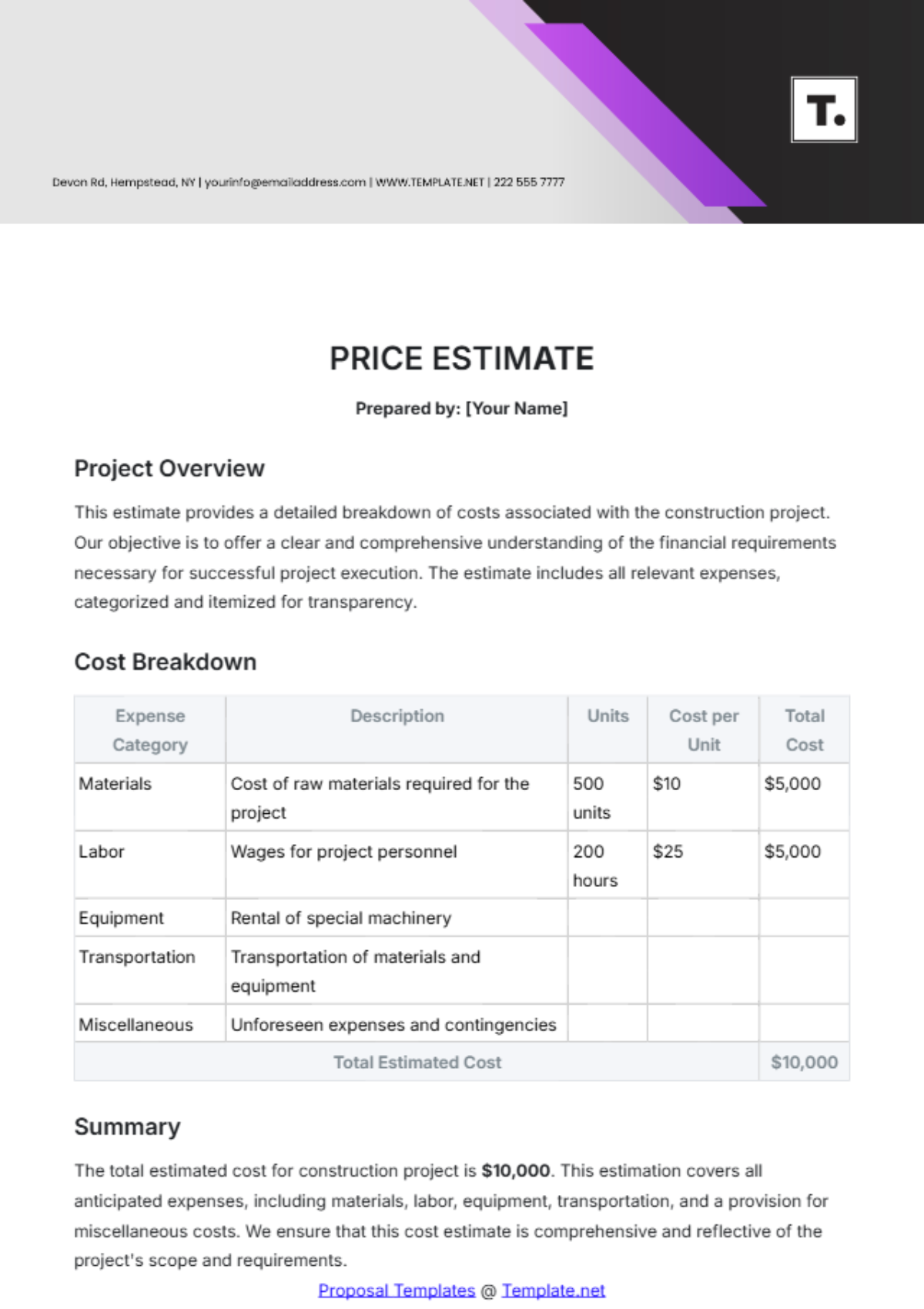
Imagine walking into a client meeting with a stack of paper that looks like it was printed on a dinosaur’s back. That’s the vibe you get when you wing it with a messy spreadsheet. A polished template not only saves you from embarrassment, it also signals professionalism, builds trust, and—most importantly—keeps your cash flow from looking like a leaky faucet.
It Saves Time Like a Time‑Traveling Intern
When you have a reusable template, you can copy, paste, and tweak in seconds rather than reinvent the wheel each time. That extra time can be spent perfecting your craft, binge‑watching the latest Netflix series, or finally learning how to make a decent latte.
It Boosts Credibility Faster Than a Triple Espresso
A clean, well‑structured proposal tells clients you know what you’re doing. It’s the difference between “I’m a seasoned pro” and “I’m a hobbyist who Googled ‘how to price my services’ at 2 a.m.”
It Reduces Errors and Keeps Your Numbers Straight
When you rely on a template, the math is already checked, the currency symbols are consistent, and you won’t accidentally quote $10,000 for a $1,000 project because you missed a zero. Your accountant will thank you, and so will your sanity.
Core Elements of a Killer Pricing Proposal Template
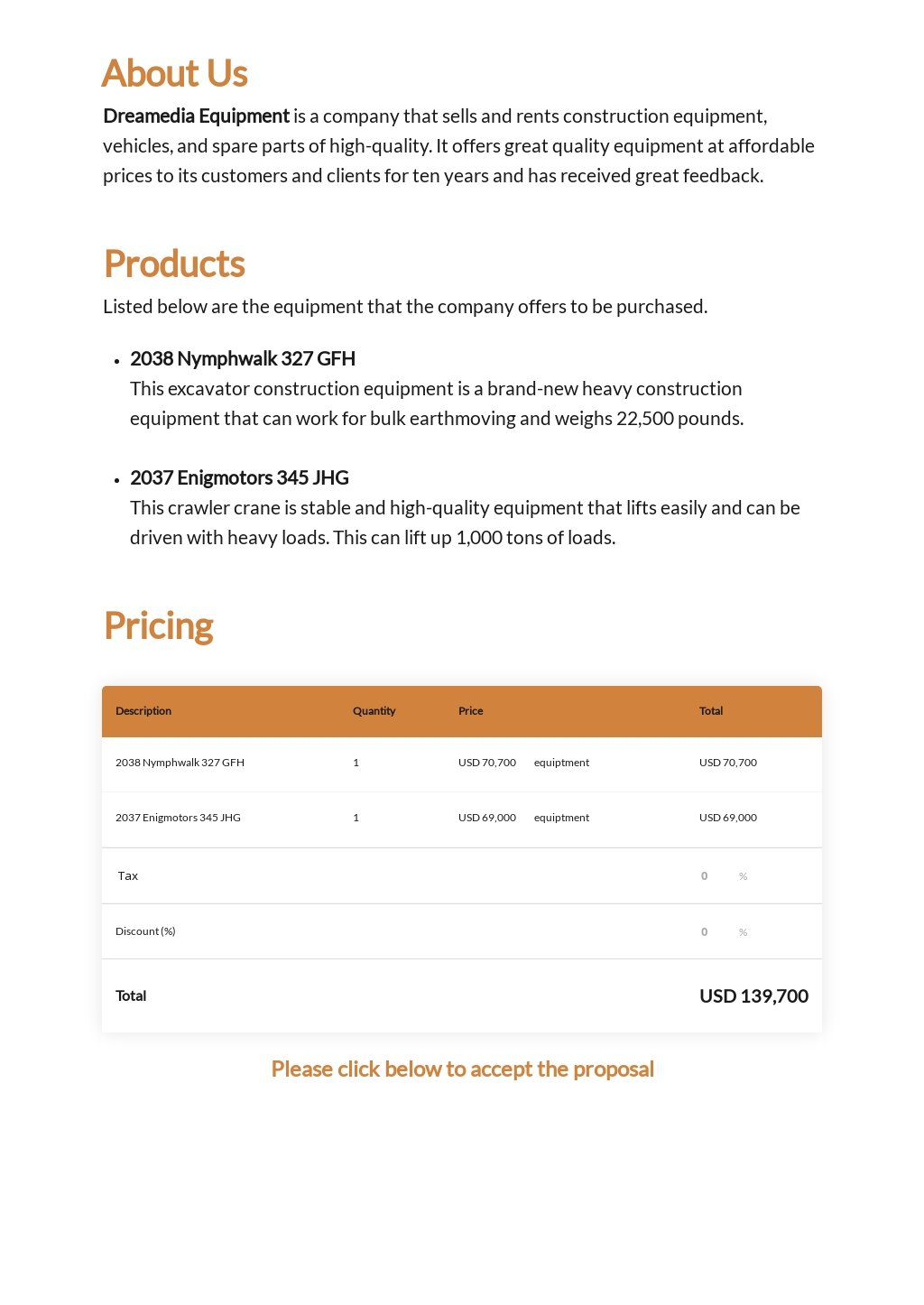
Every great proposal has a few essential building blocks. Think of them as the ingredients in a perfect burger: you need a bun, a patty, cheese, and maybe a secret sauce that makes everyone swoon.
Header and Contact Information
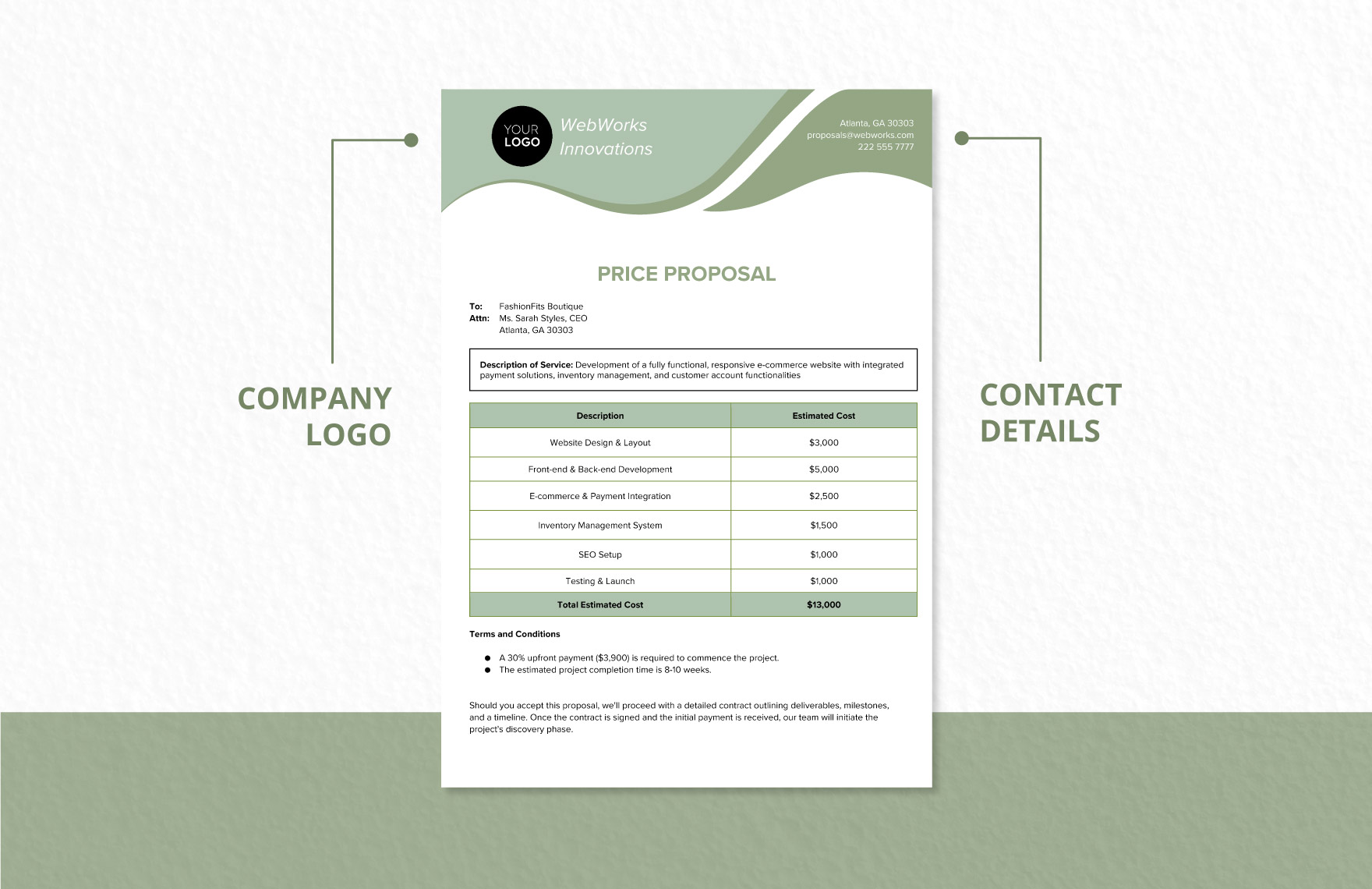
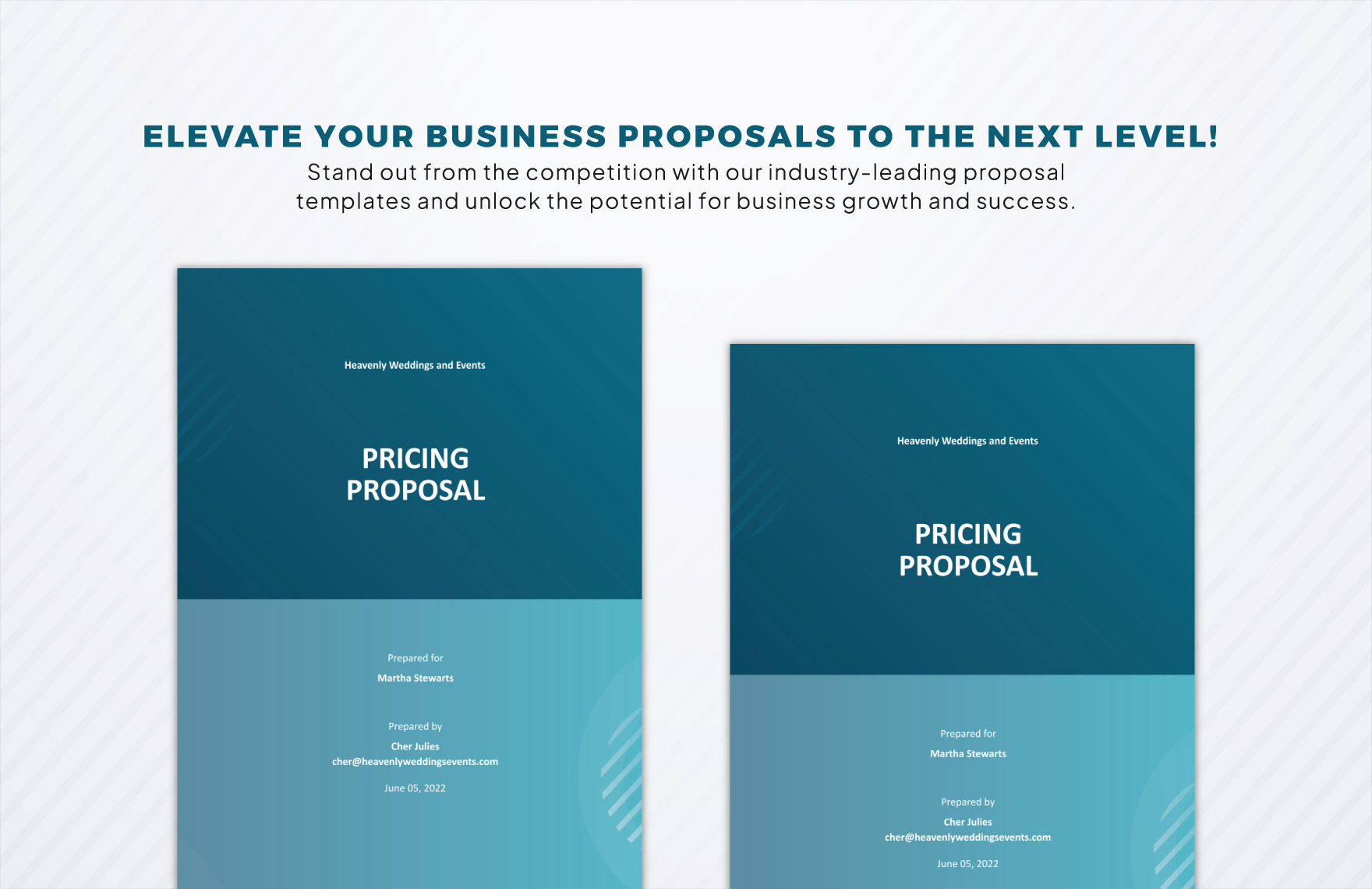
At the top, include your logo, company name, address, phone, and email. Add the client’s details too—this shows you’ve done your homework and prevents the “who’s who” confusion later.
Executive Summary (The Elevator Pitch in Print)
Write a concise paragraph that tells the client why you’re the best fit, what problem you’ll solve, and the value they’ll get. Keep it punchy—think of it as your proposal’s Tinder bio.
Scope of Work (What You’re Actually Doing)
Break down the deliverables into clear, bite‑size tasks. Use bullet points or a table. Clients love seeing exactly what they’re paying for, and you love avoiding scope creep.
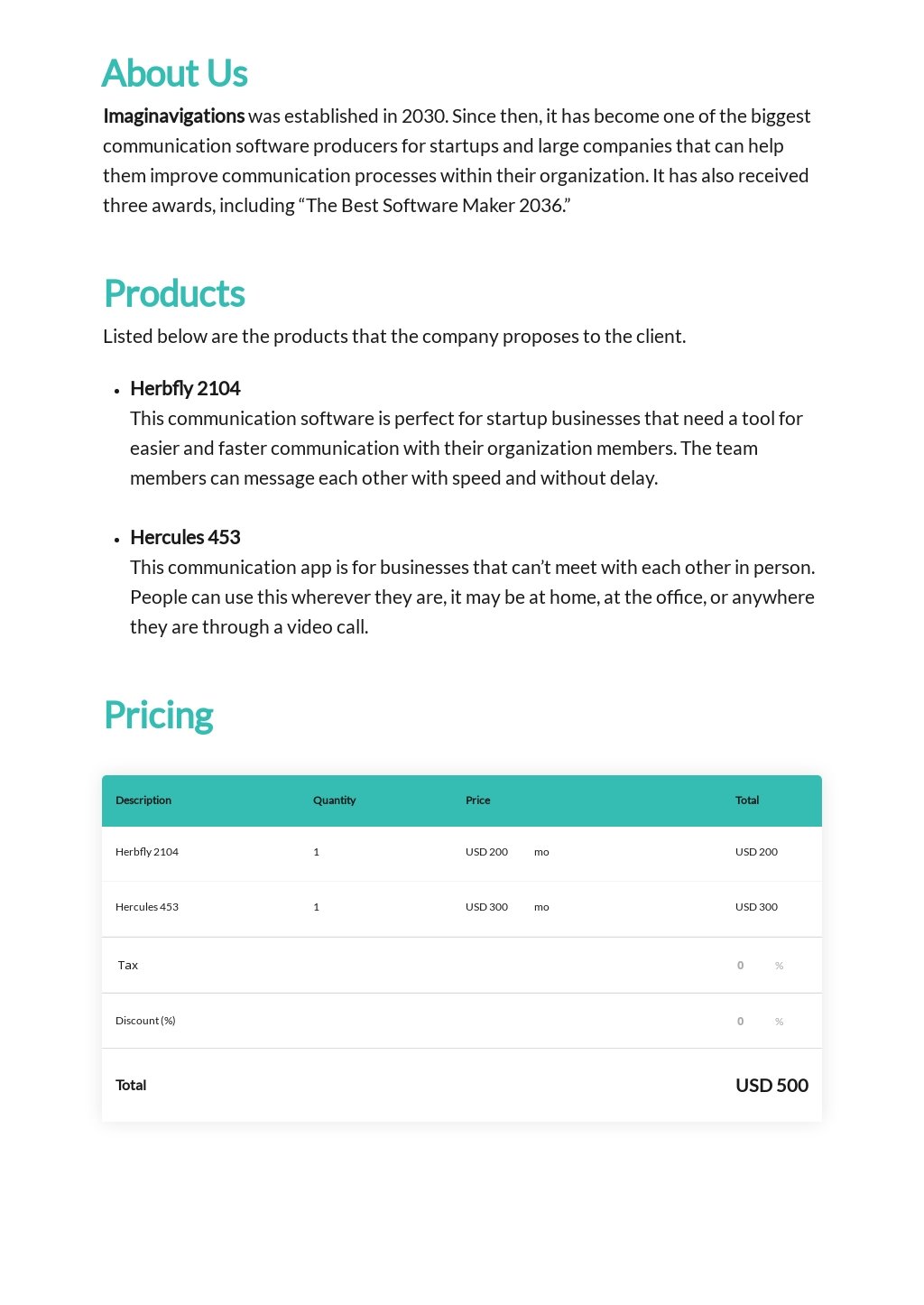
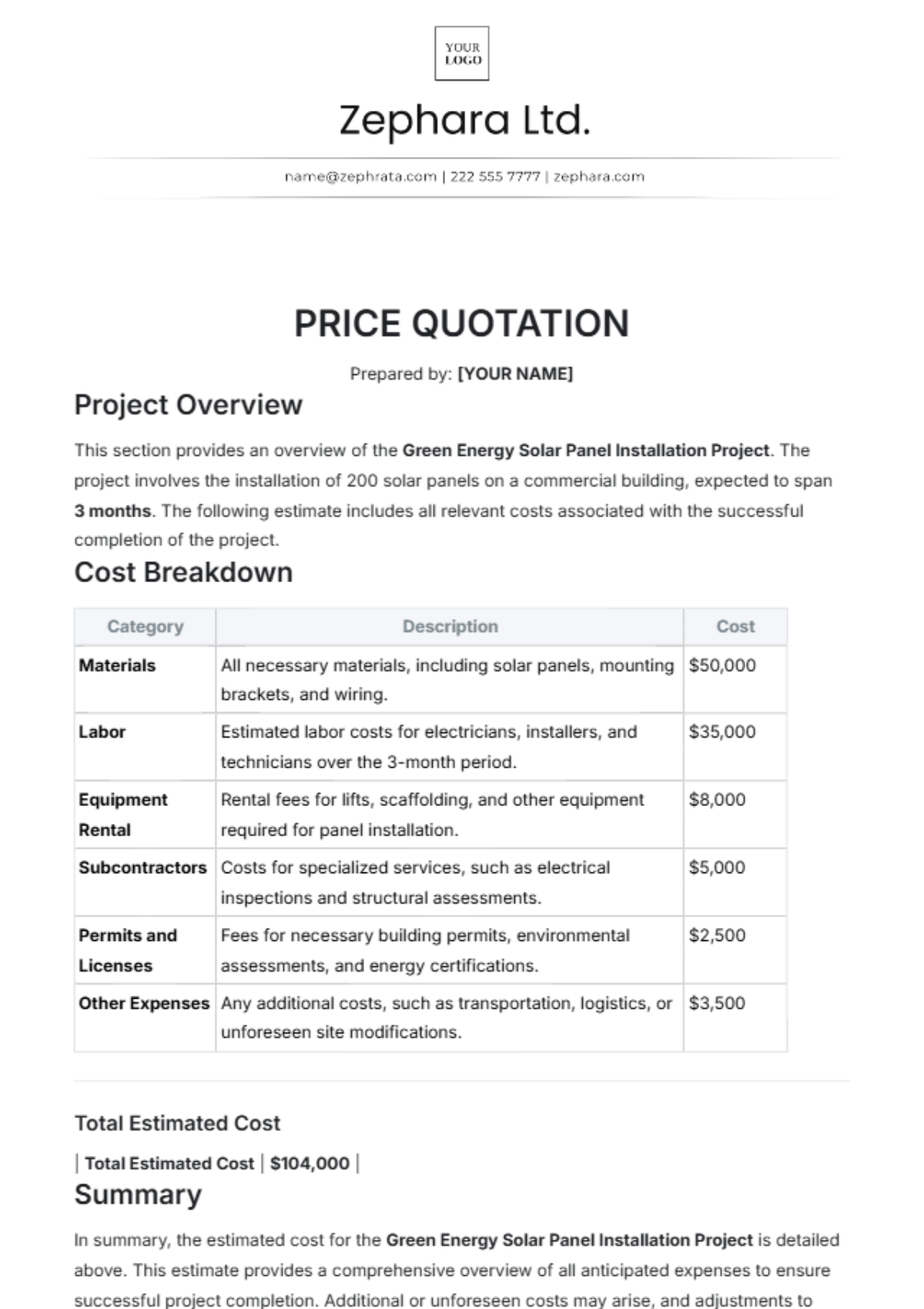
Pricing Table (The Money Part)
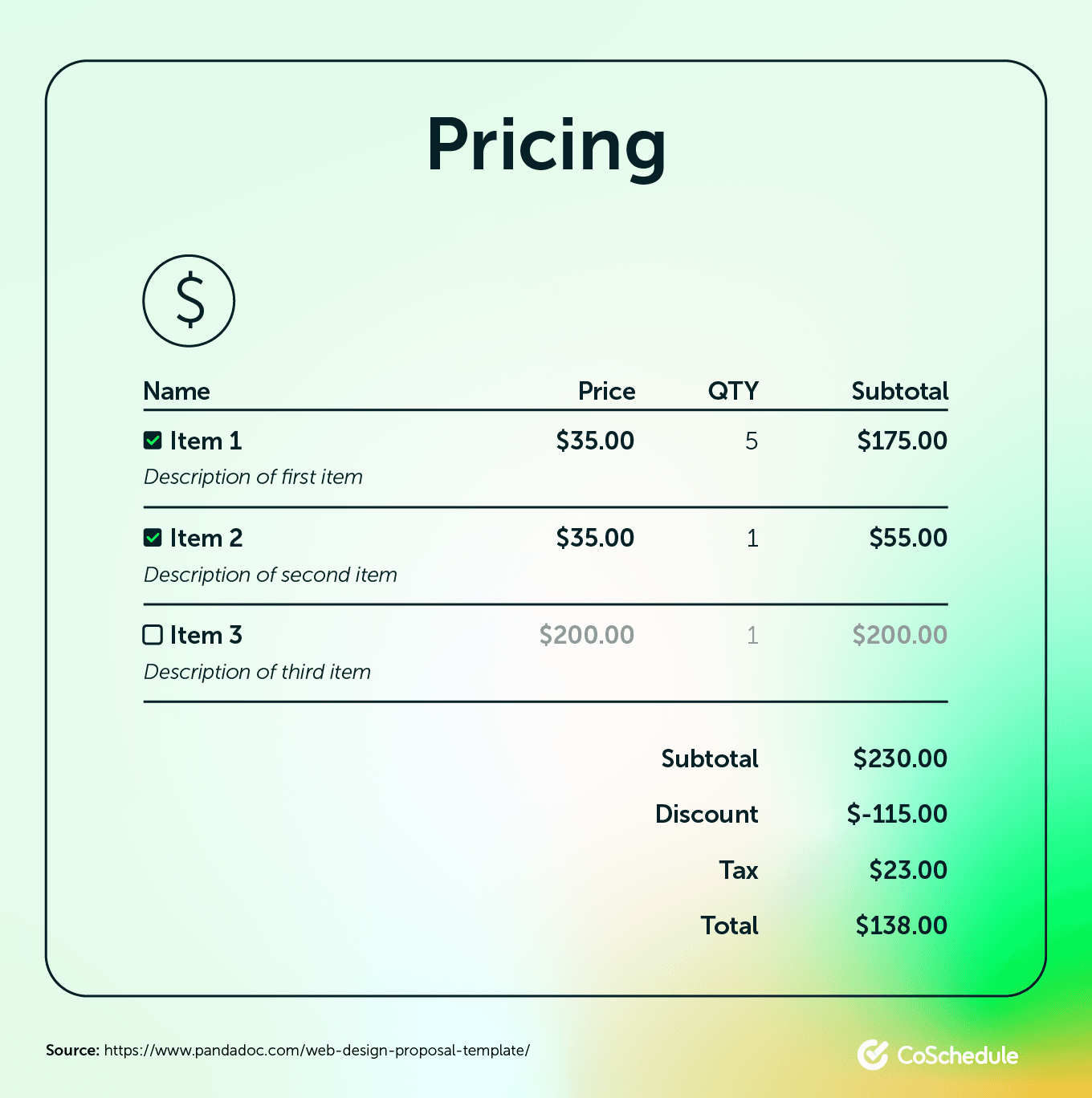
Present costs in a clean table with columns for item, description, quantity, rate, and total. Highlight the grand total in a bold font so the client’s eyes land where the money is.
Timeline and Milestones
Show when each deliverable will be completed. Include review periods and approval dates. This keeps expectations realistic and prevents last‑minute panic attacks.
Terms and Conditions (The Fine Print, But Not Boring)
Outline payment terms (e.g., 50 % upfront, 50 % on completion), late‑fee policy, revision limits, and any confidentiality clauses. Use plain language; no one wants to decode legalese while sipping coffee.
Call to Action (The “Let’s Do This!” Moment)
End with a friendly invitation to sign, a link to an e‑signature platform, or a simple “Reply to this email to get started.” Make it easy for the client to say “Yes.”
Step‑by‑Step Guide to Building Your Own Pricing Proposal Template
Ready to craft a template that will make clients swoon? Follow these steps, and you’ll have a masterpiece faster than a pizza delivery on a Friday night.
Step 1: Choose Your Format
Decide whether you’ll work in Google Docs, Microsoft Word, or a specialized proposal software. Google Docs is great for real‑time collaboration; Word offers robust styling; software like Proposify adds interactive elements.
Step 2: Set Up Your Brand Identity
Insert your logo at the top left, choose a brand‑consistent color palette, and pick a clean font (think Arial, Helvetica, or a modern sans‑serif). Consistency makes you look polished, not like a collage of random clip‑arts.
Step 3: Create the Header Section
Use a table with two columns: left for your branding, right for the client’s contact info. This layout looks organized and saves space.
Step 4: Draft the Executive Summary
Write a 3‑4 sentence paragraph that answers three questions: Who are you? What problem are you solving? What’s the benefit? Add a dash of humor if it fits your brand voice.
Step 5: Define the Scope of Work
List each deliverable as a separate bullet point. If the project has phases, break them down further. Example:
- Phase 1: Research and strategy (2 weeks)
- Phase 2: Design mockups (1 week)
- Phase 3: Development and testing (3 weeks)
- Phase 4: Launch and post‑launch support (1 week)
Step 6: Build the Pricing Table
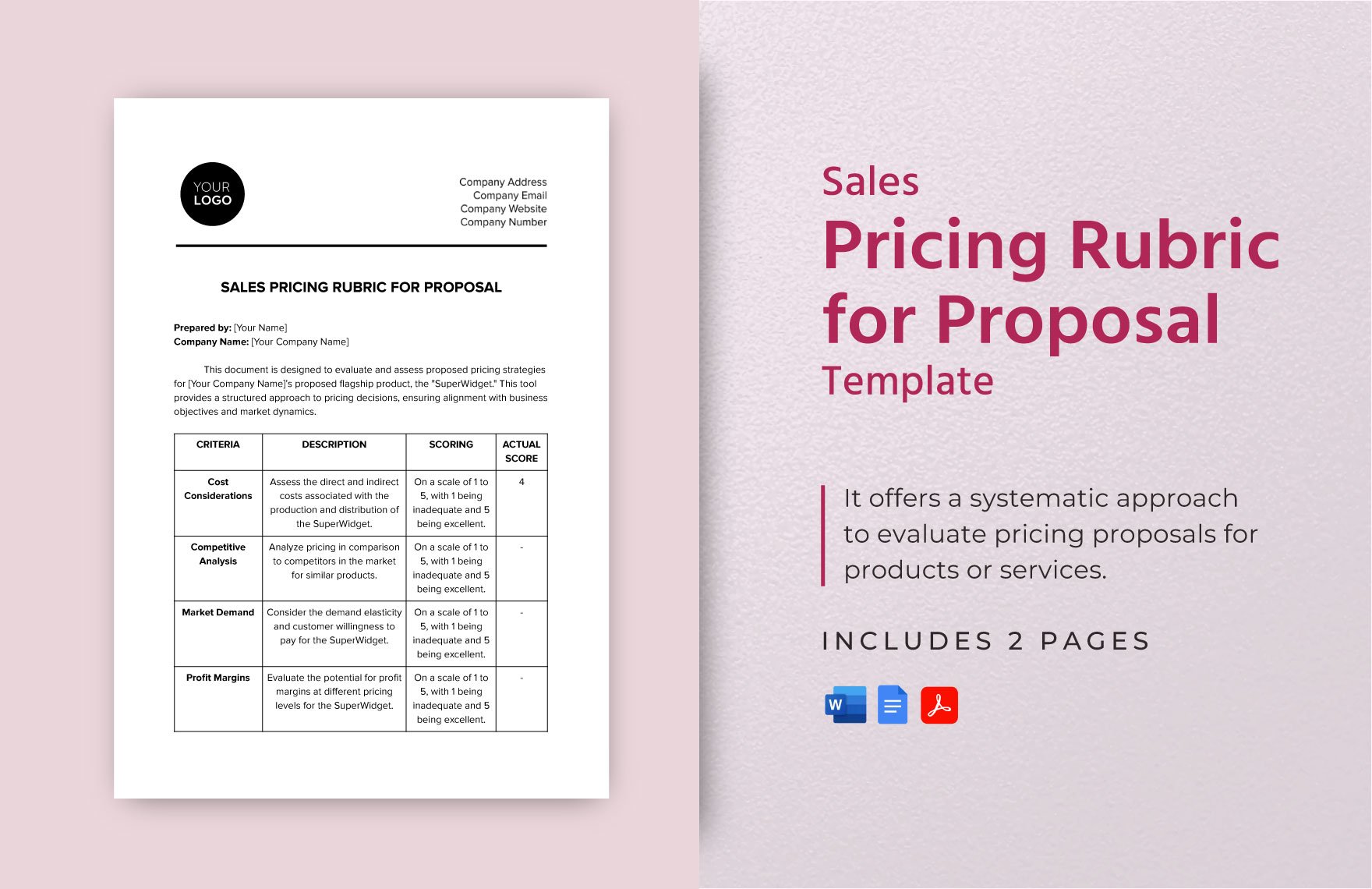
Insert a table with these columns: Item, Description, Qty, Rate, Total. Use formulas if you’re in Excel or Google Sheets, then copy‑paste as a static table into your doc.
Step 7: Add Timeline and Milestones
Use a simple Gantt‑style chart or a list of dates. Example:
- Kick‑off meeting: Jan 10
- First draft delivery: Jan 24
- Client review: Jan 31
- Final delivery: Feb 14
Step 8: Insert Terms and Conditions
Write a short paragraph covering payment schedule, revision limits (e.g., “Two rounds of revisions included”), and cancellation policy. Keep it friendly but firm.
Step 9: Craft a Strong Call to Action
Close with a line like: “Ready to get started? Sign below or hit reply, and we’ll kick off the magic.” Provide a signature line or a link to an e‑signature tool.
Step 10: Review, Test, and Polish
Proofread for typos, check the math, and ask a colleague to review the flow. Then export as a PDF to preserve formatting before sending.
Free and Editable Templates You Can Grab Right Now
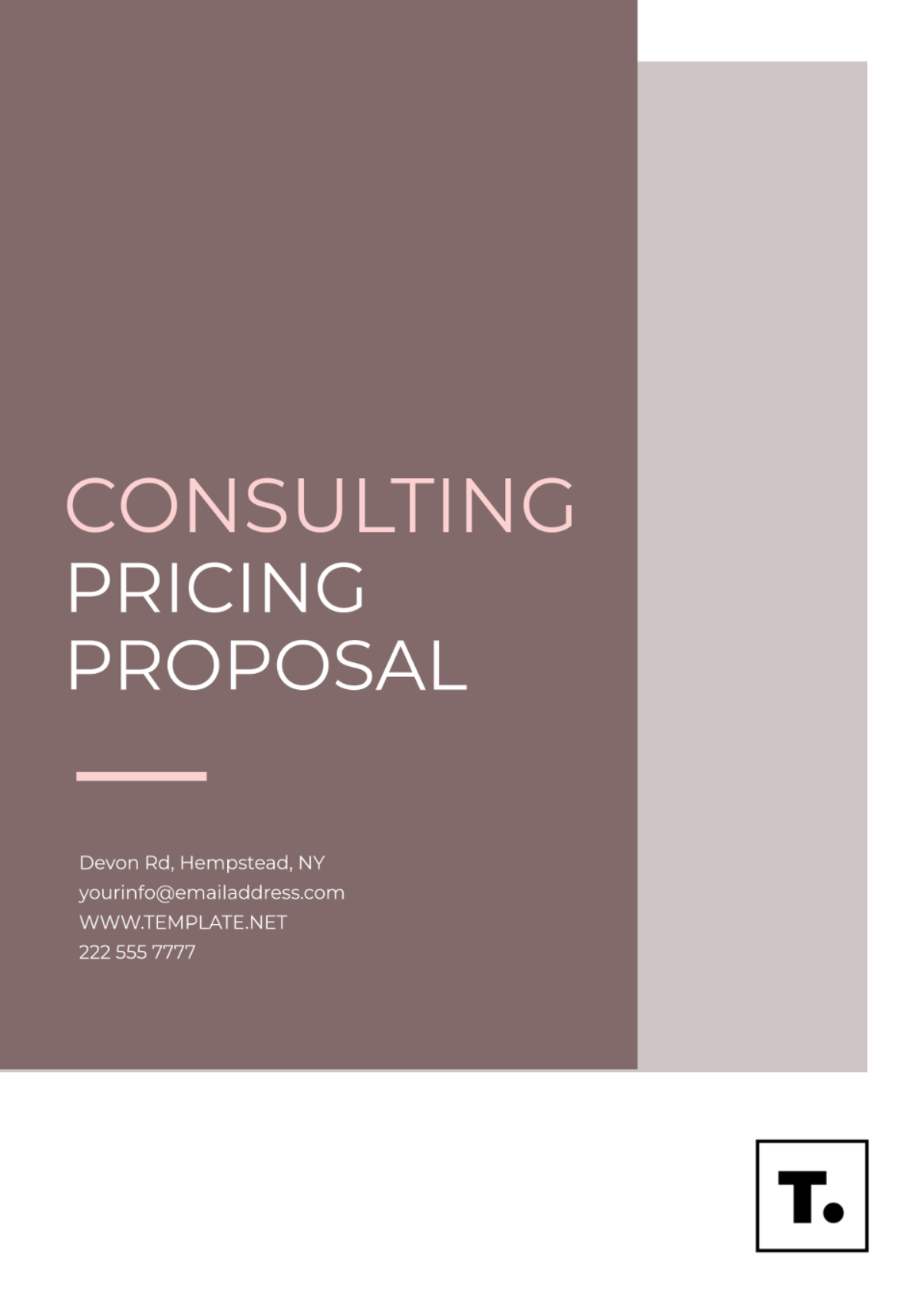
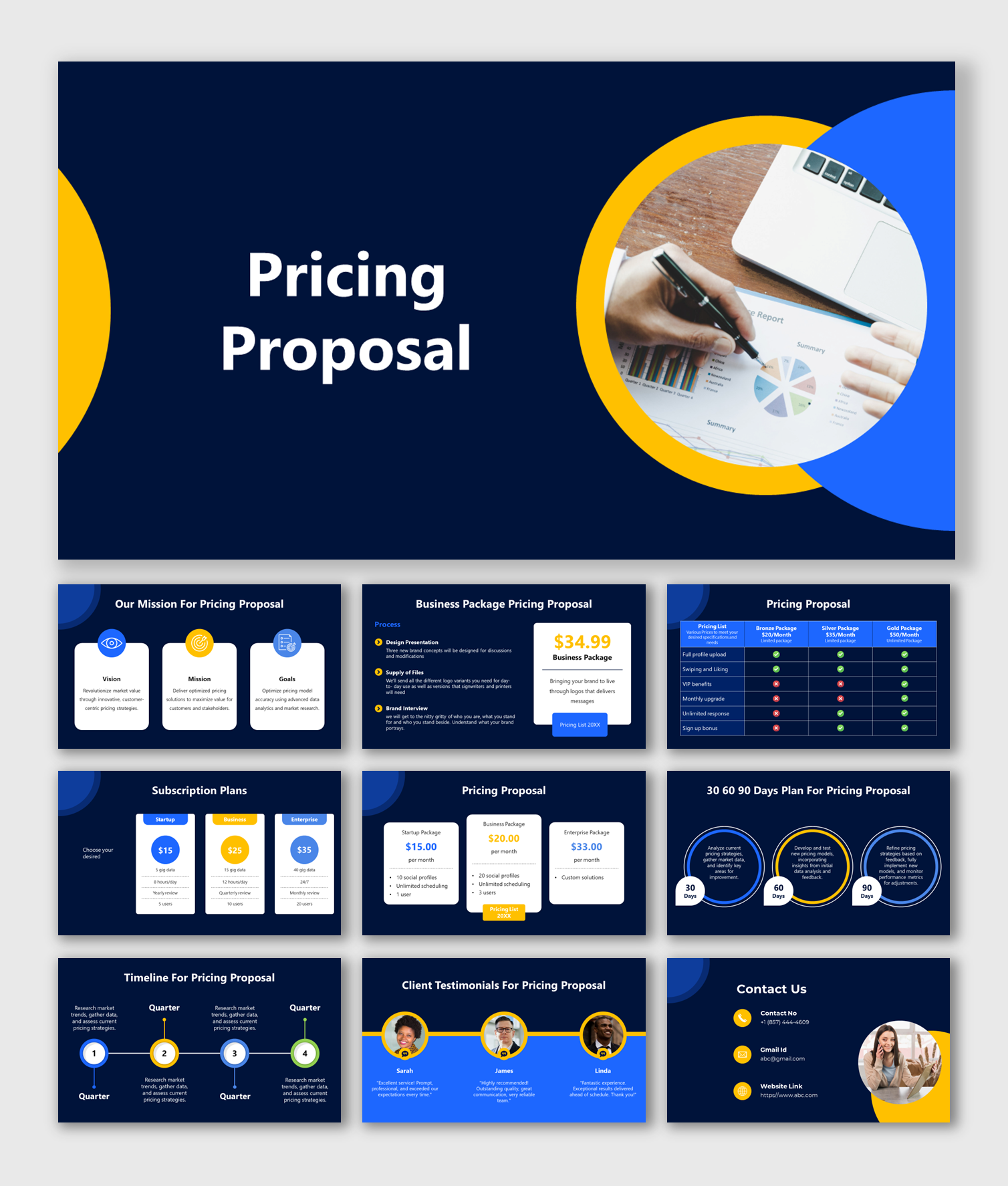
While building your own from scratch is rewarding, sometimes you just need a head start. There are a handful of high‑quality, free templates that you can download, customize, and start sending within minutes. Look for templates that include:
- Pre‑styled headers and footers that match modern design trends.
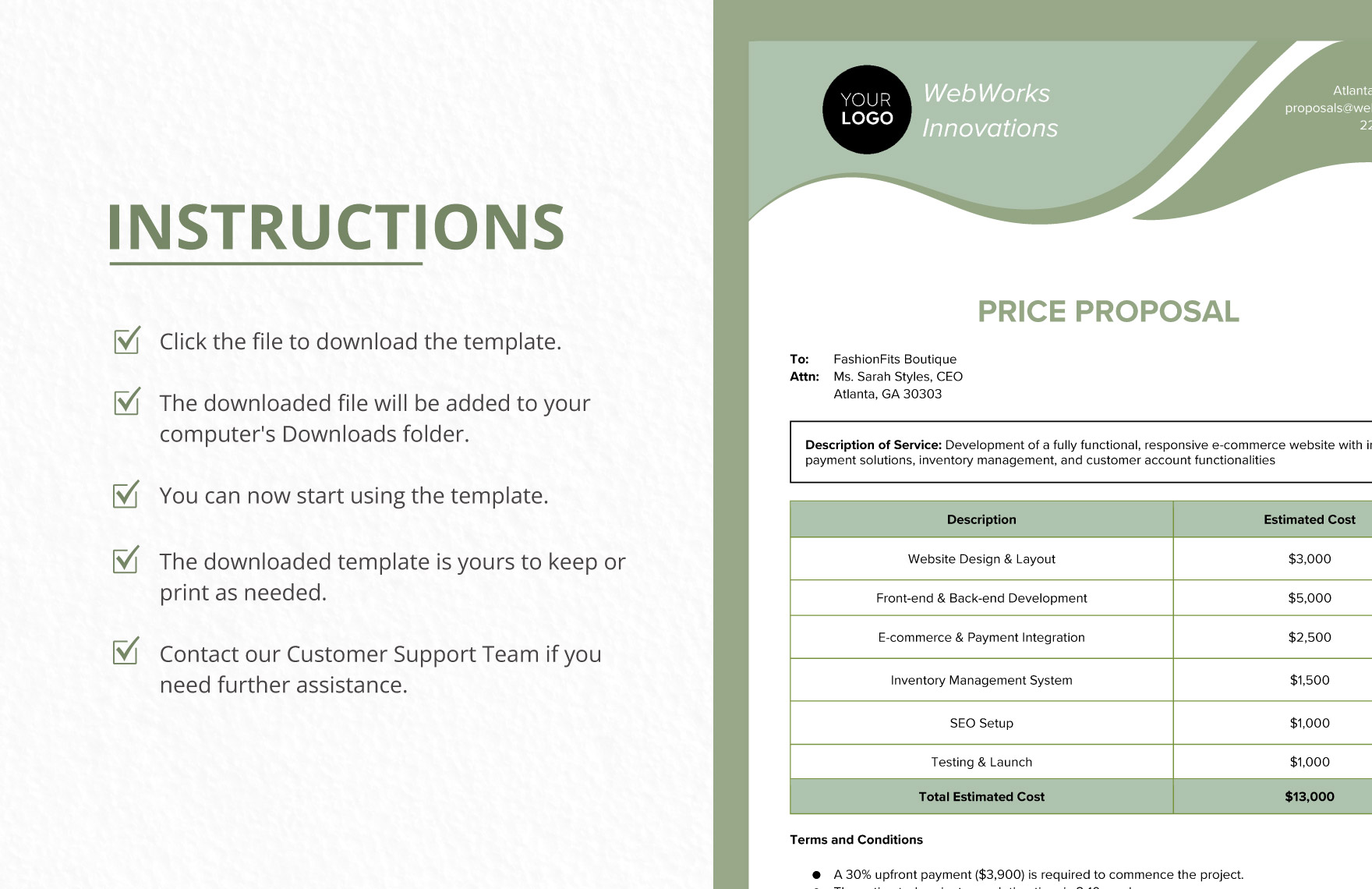
- Editable pricing tables with built‑in formulas.
- Placeholder sections for your executive summary and scope of work.
- Clear sections for terms, timeline, and a call to action.
Once you’ve found a template that tickles your fancy, replace the placeholder text with your own brand elements and you’re ready to roll.
Pro Tips to Make Your Pricing Proposal Stand Out
Even the best template can feel bland without a little personality. Sprinkle these tricks throughout your proposal to keep clients engaged and excited.
Use Visuals Wisely
Include a simple chart or infographic that illustrates ROI, cost savings, or timeline benefits. A well‑placed image can break up text and make data more digestible.
Tell a Mini‑Story
Briefly narrate how a similar client overcame a challenge with your help. Stories create emotional connections and make abstract numbers feel real.
Show Social Proof
Add a short testimonial or two from happy customers. Real quotes add credibility faster than any fancy design.
Personalize the Language
Address the client by name, reference a recent conversation, and tailor the solution to their specific pain points. Generic “Dear Sir/Madam” belongs in a time capsule.
Highlight the Value, Not Just the Cost
Instead of saying “$5,000,” say “$5,000 for a 30 % increase in conversion rates, translating to an estimated $20,000 additional revenue in the first quarter.” Numbers paired with outcomes sell.
Make the Document Easy to Scan
Use bold headings, bullet points, and short paragraphs. Busy decision‑makers skim, so give them the info they need at a glance.
Common Mistakes to Avoid
Even seasoned pros slip up. Here’s a cheat sheet of pitfalls that can sabotage your proposal.
Overloading with Jargon
If you sound like a robot, the client will disengage. Keep language clear and conversational.
Leaving Out Critical Details
Missing a line about payment terms or revision limits can lead to awkward negotiations later. Be thorough.
Inconsistent Formatting
Mixing fonts, colors, and spacing makes the proposal look chaotic. Stick to a style guide.
Pricing Too Low or Too High Without Justification
Low prices can raise doubts about quality; sky‑high prices need solid ROI justification. Explain your numbers.
Failing to Follow Up
Send the proposal and then disappear. A polite follow‑up email shows you’re interested and keeps the conversation alive.
Conclusion
A well‑crafted Pricing Proposal Template is your secret weapon for winning clients, protecting your bottom line, and looking like a seasoned professional even on a Tuesday morning. By including the essential sections, using a clear layout, and injecting a dash of humor and personality, you’ll transform a dull spreadsheet into a compelling sales document that closes deals faster than you can say “signed, sealed, delivered.” Remember to personalize each proposal, double‑check your numbers, and follow up promptly. With these strategies in place, you’ll spend less time fretting over paperwork and more time doing what you love—delivering stellar work and watching your business grow.