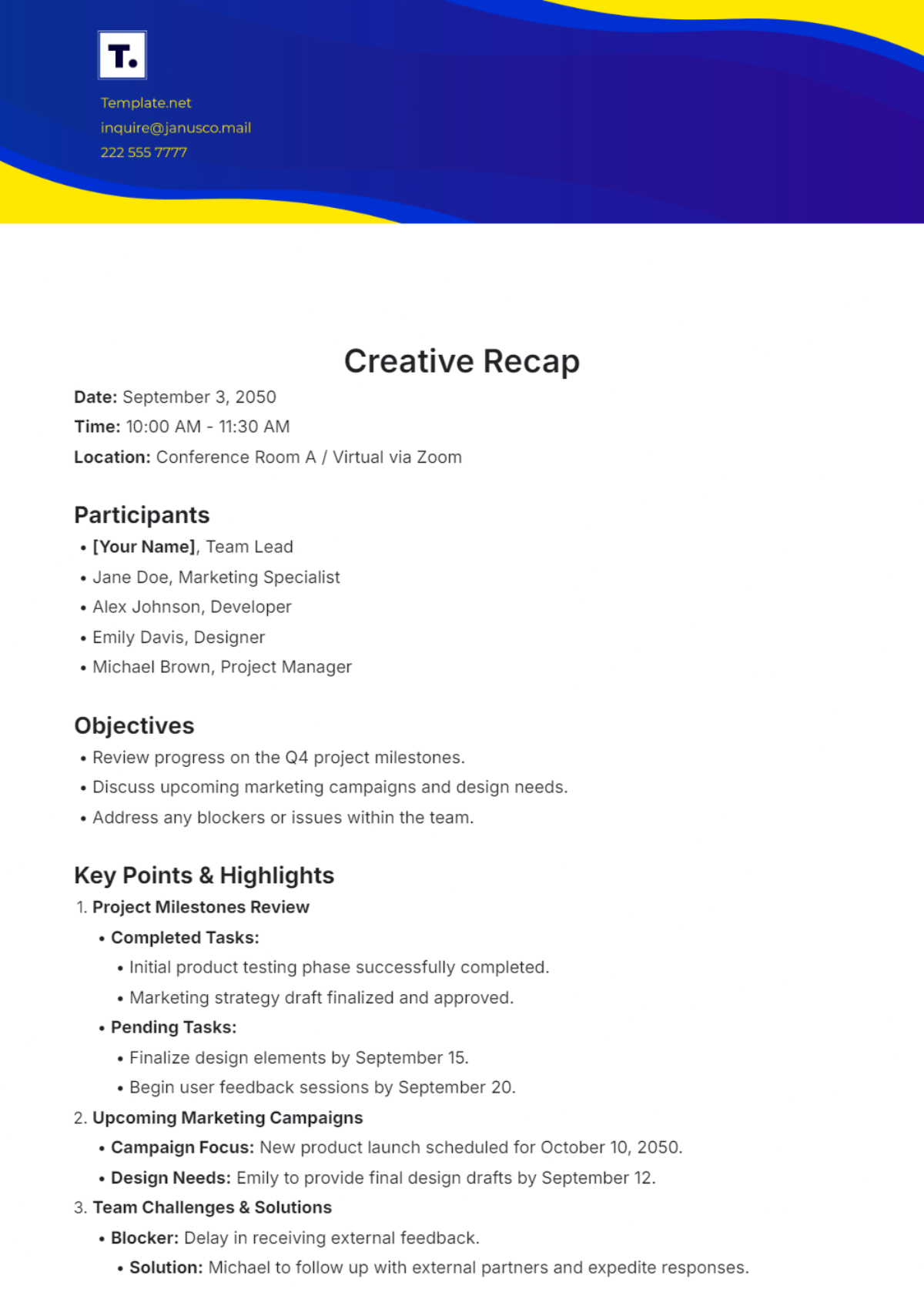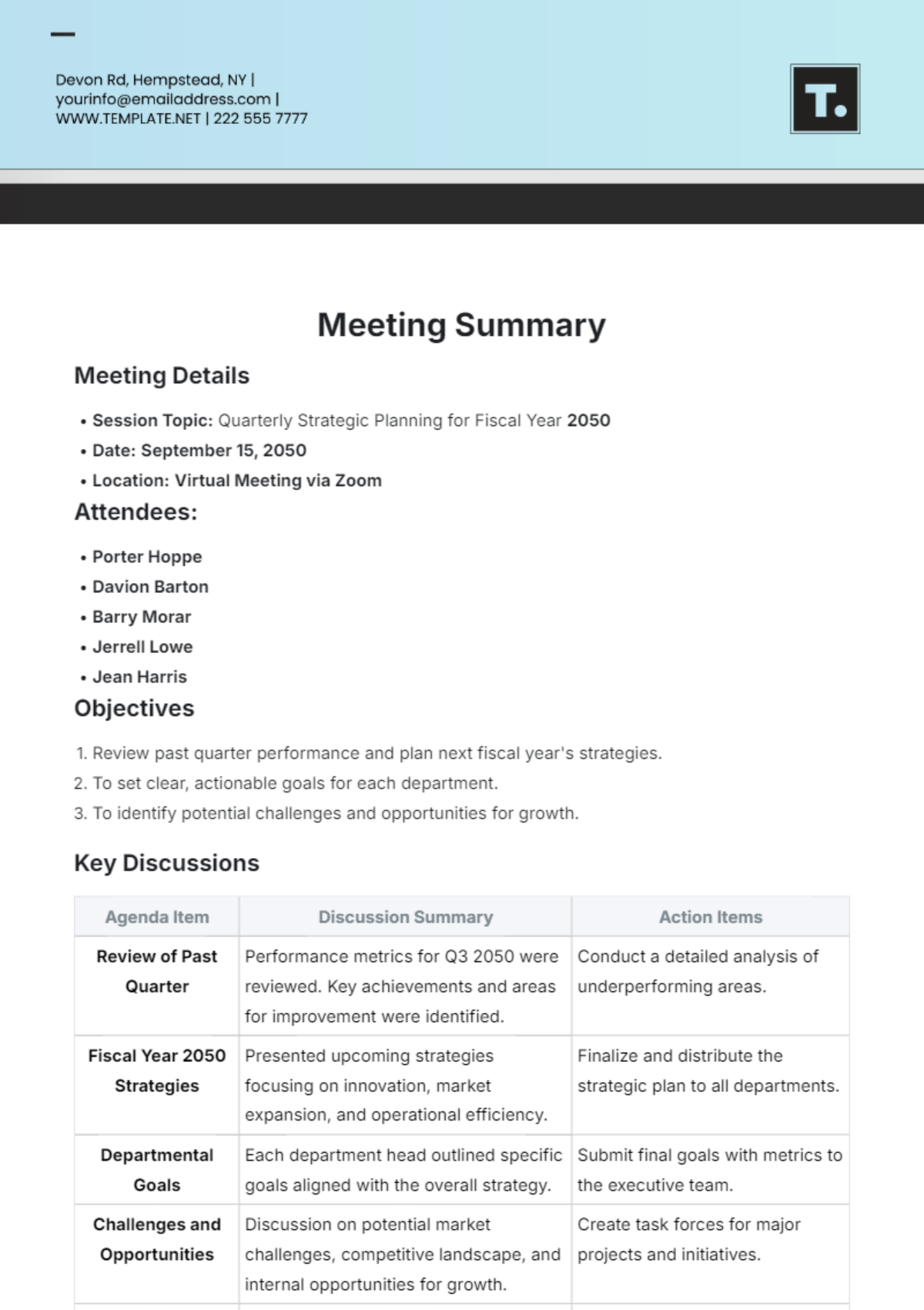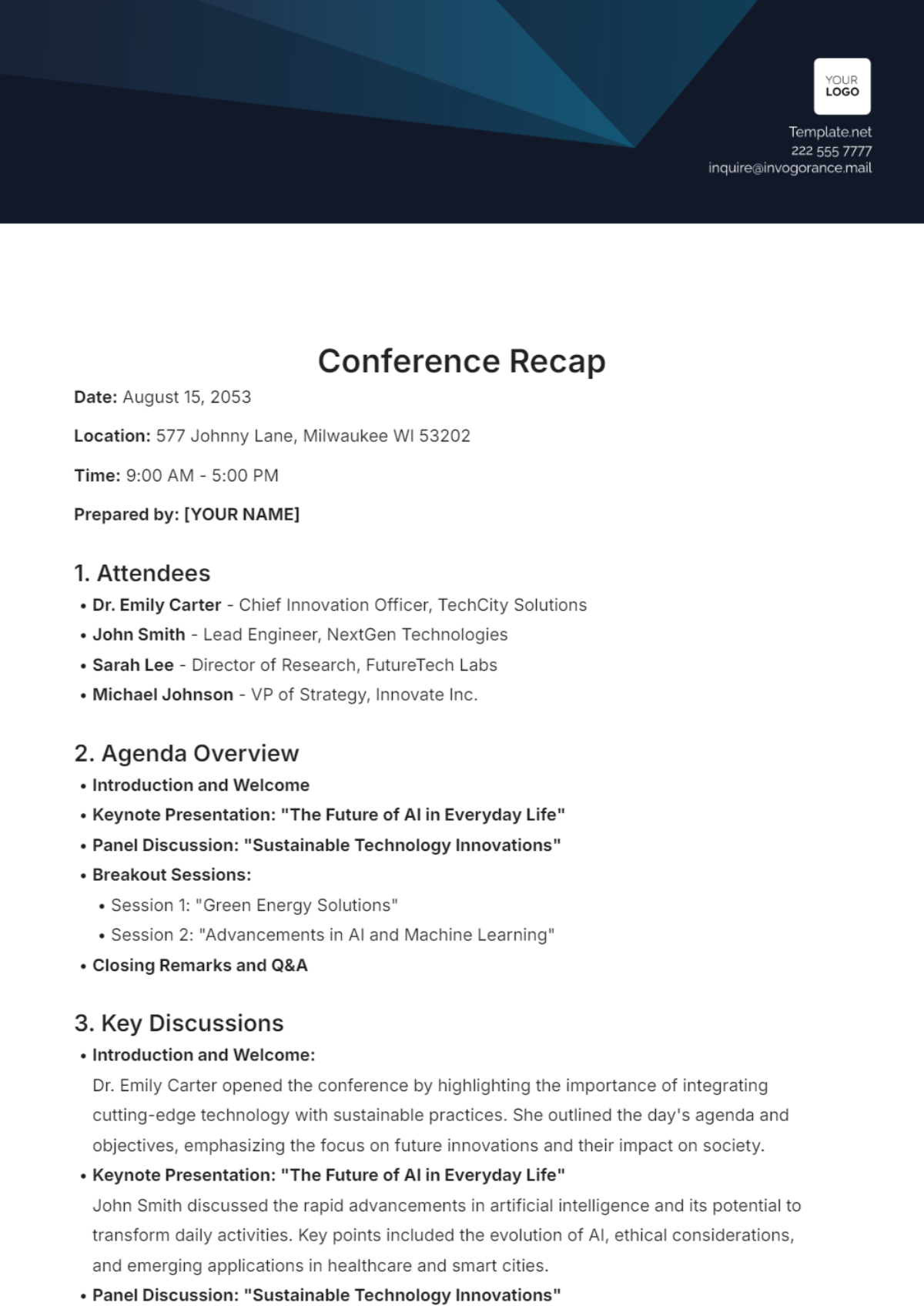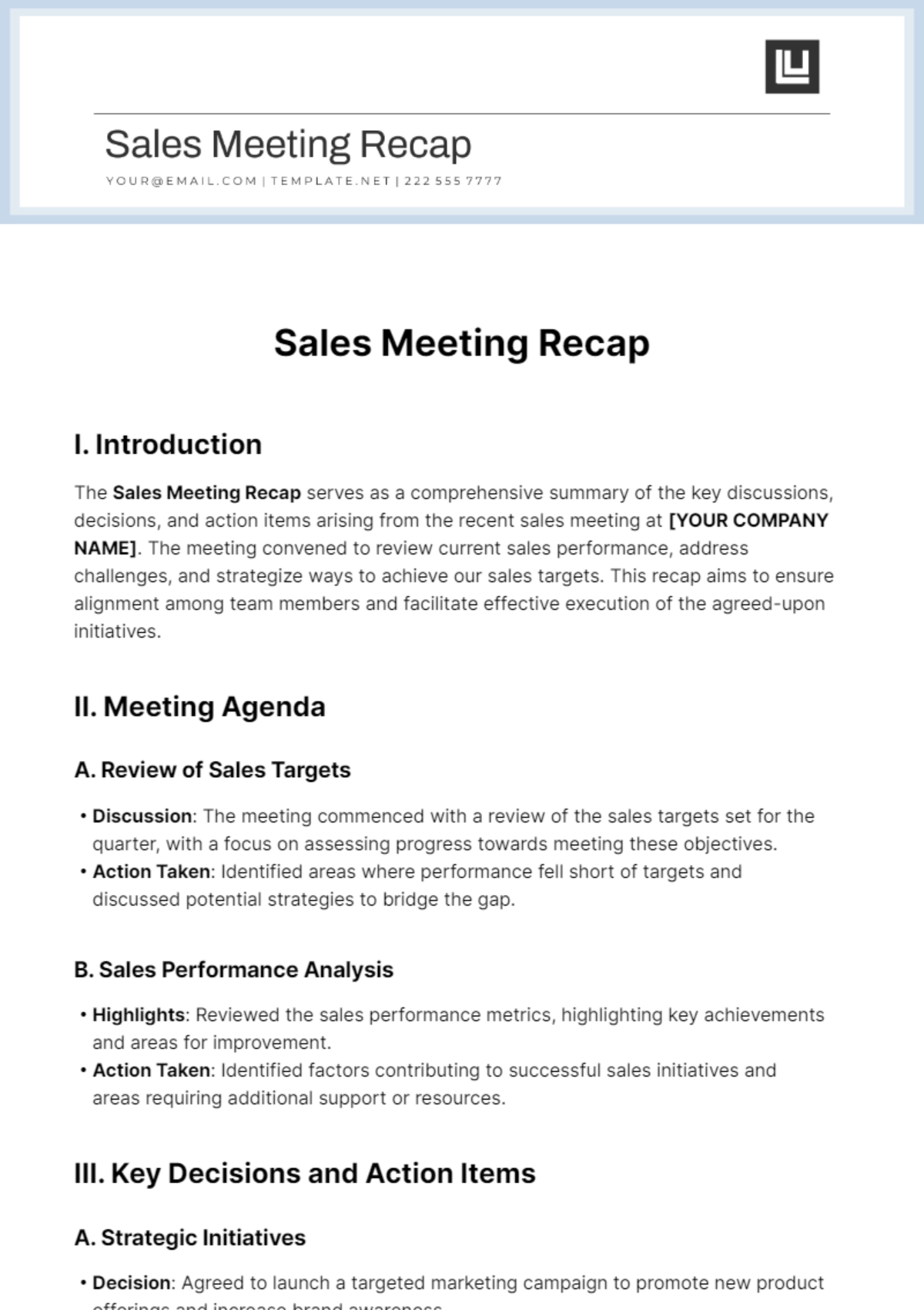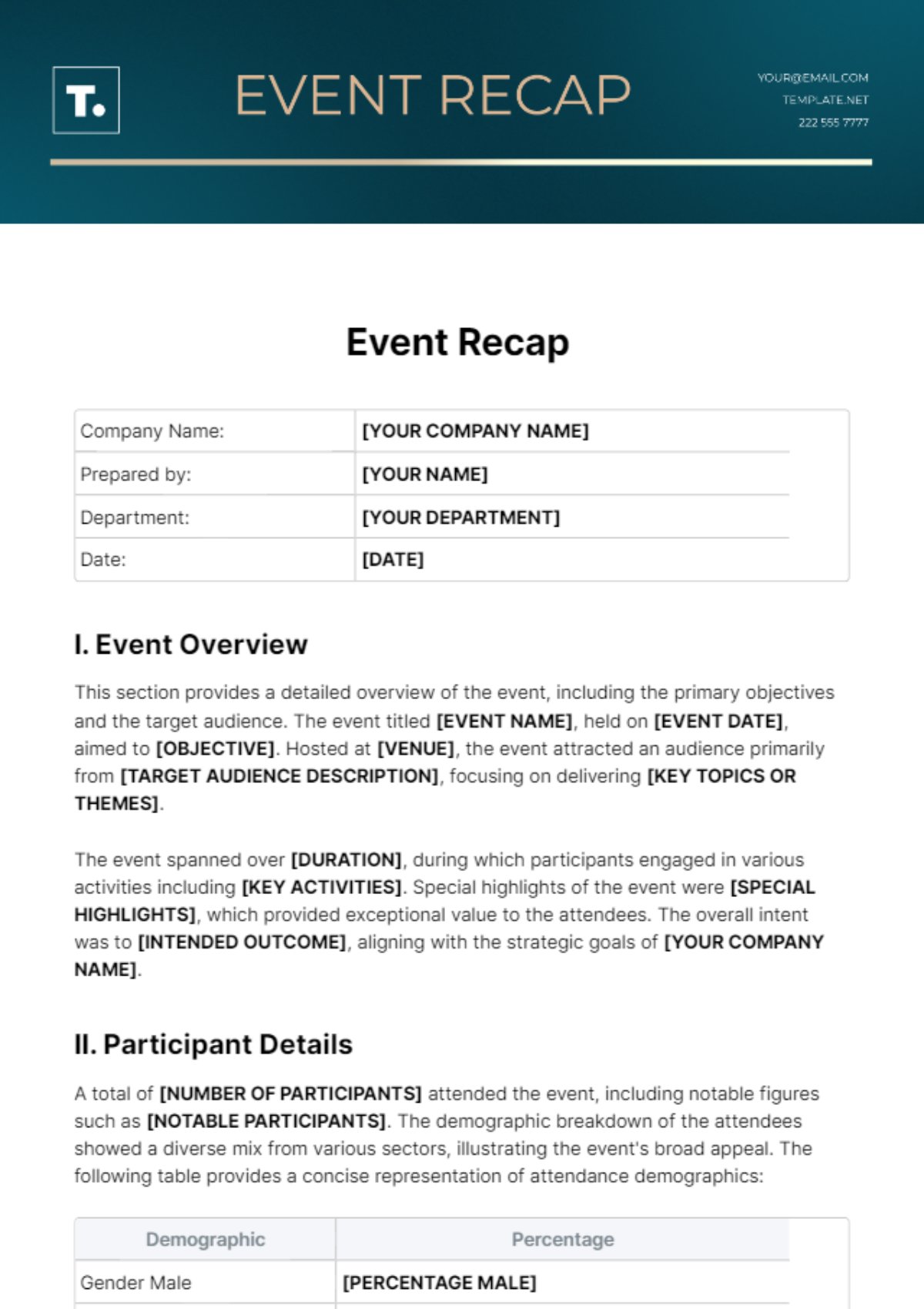
Meeting Recap Template is the secret weapon that turns a chaotic discussion into a clear, actionable plan, ensuring every participant walks away with the same understanding and next steps. In today’s fast‑paced business environment, a well‑crafted recap not only preserves critical decisions but also fuels accountability, alignment, and momentum across teams. This guide dives deep into the anatomy of an effective meeting recap, walks you through step‑by‑step creation, and shares proven strategies to embed the recap into your organization’s workflow.
Why a Meeting Recap Matters
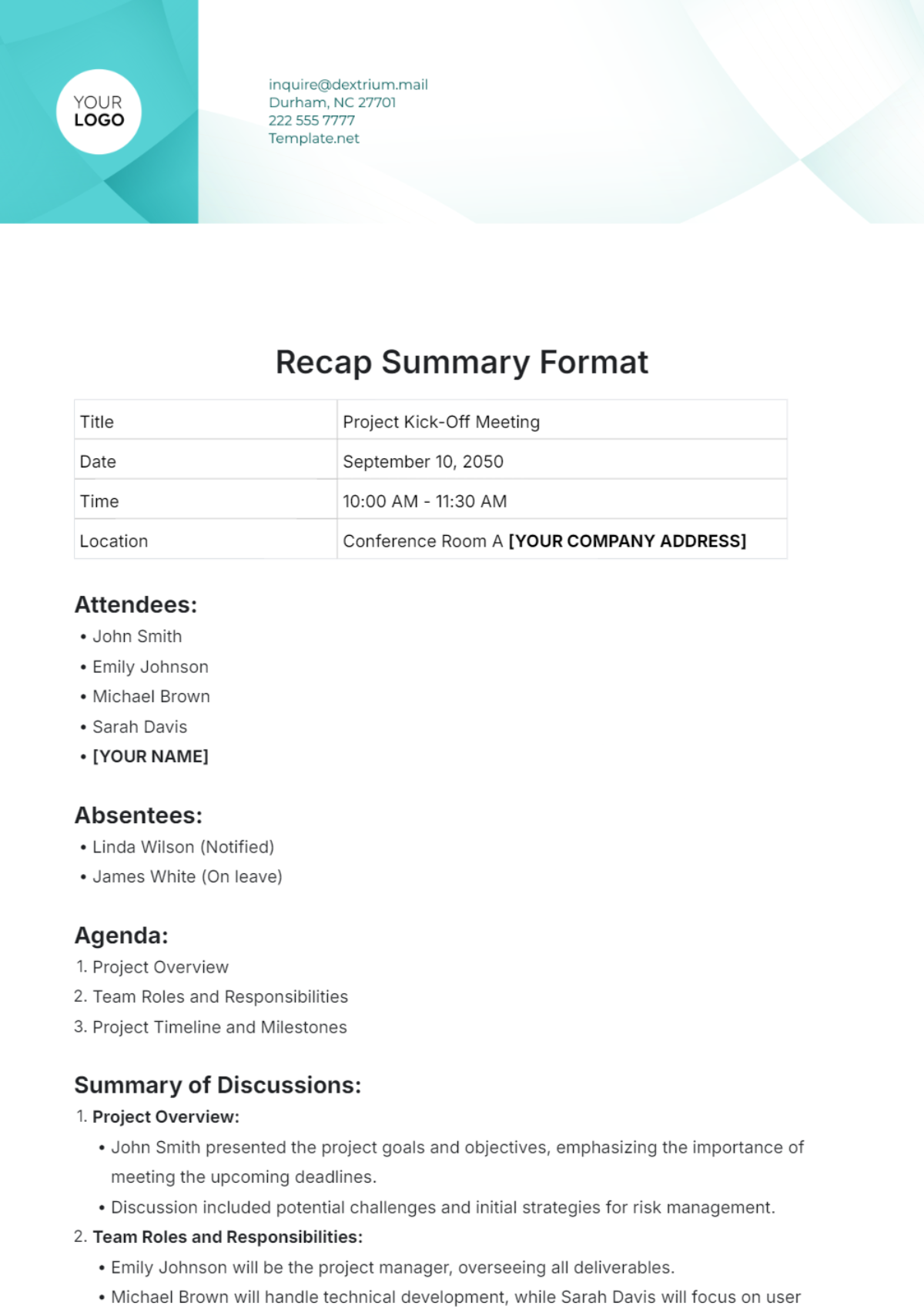
Even the most meticulously planned meetings can lose their impact the moment participants return to their inboxes. A meeting recap bridges that gap by:
- Capturing decisions, action items, and deadlines in a single, searchable document.
- Providing a reference point for absent stakeholders, reducing the need for duplicate briefings.
- Reinforcing accountability through clear ownership and due dates.
- Facilitating knowledge transfer for future projects or new team members.
When teams consistently use a Meeting Recap Template, they create a living archive of institutional memory that drives efficiency and prevents costly misunderstandings.
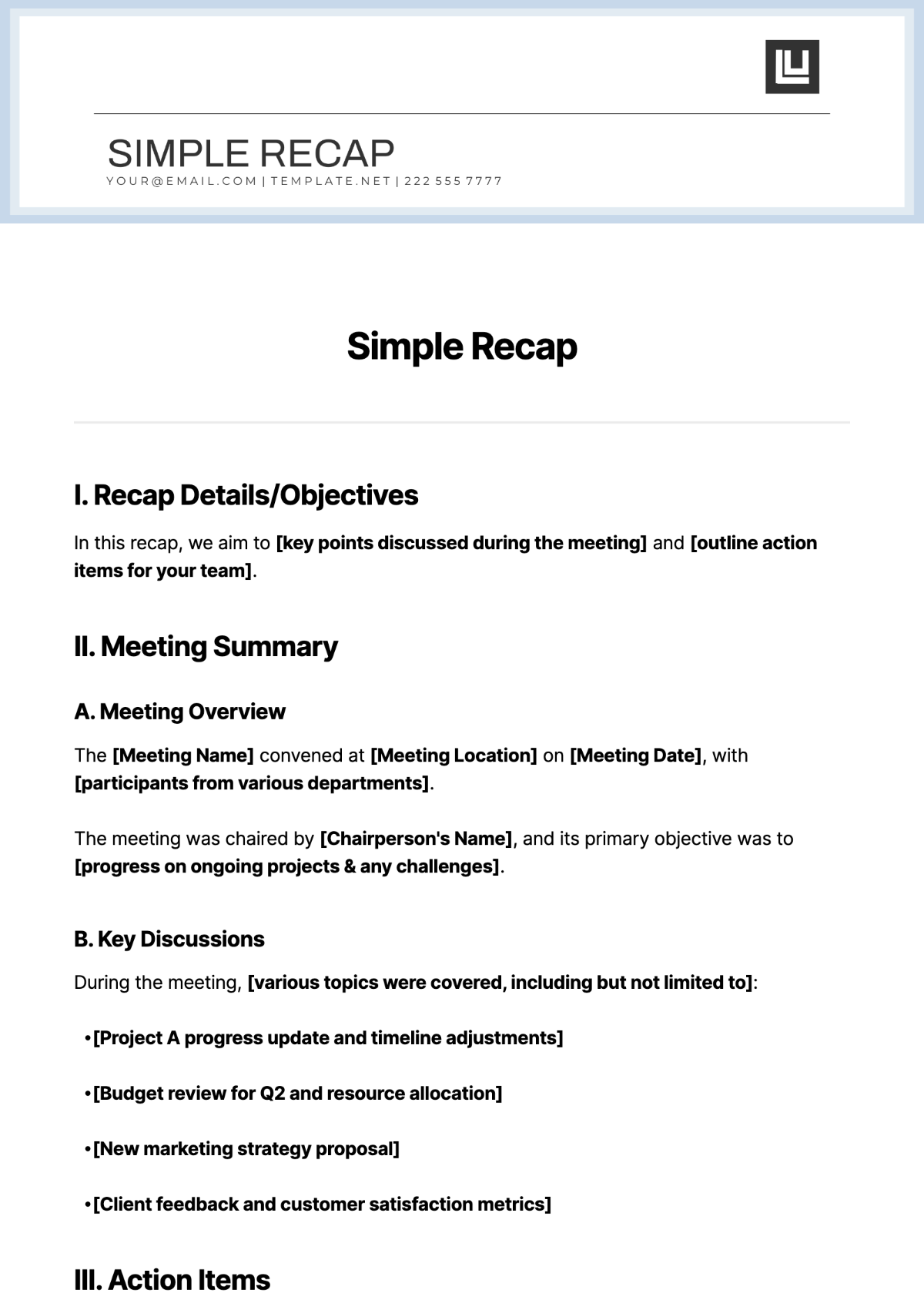
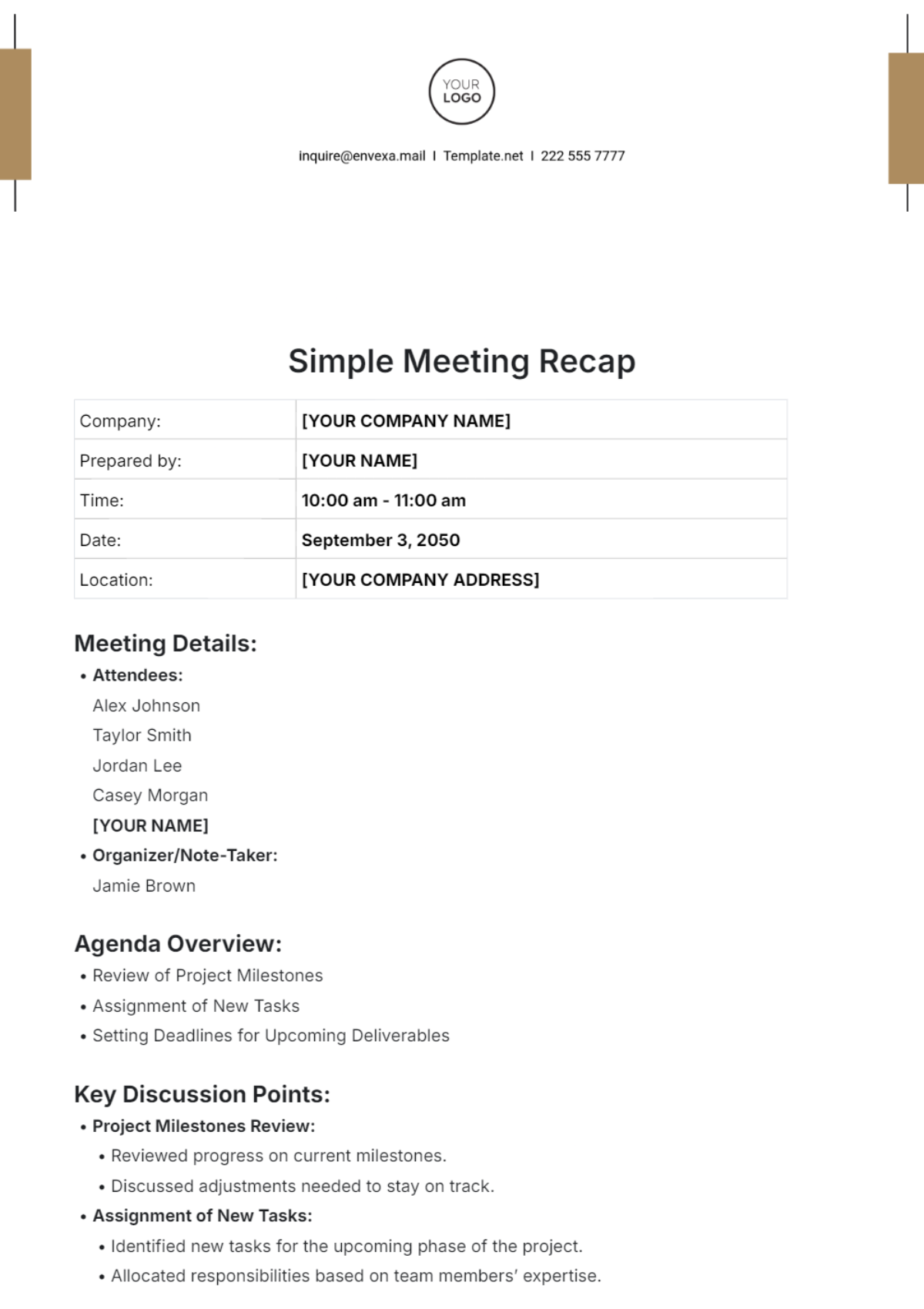
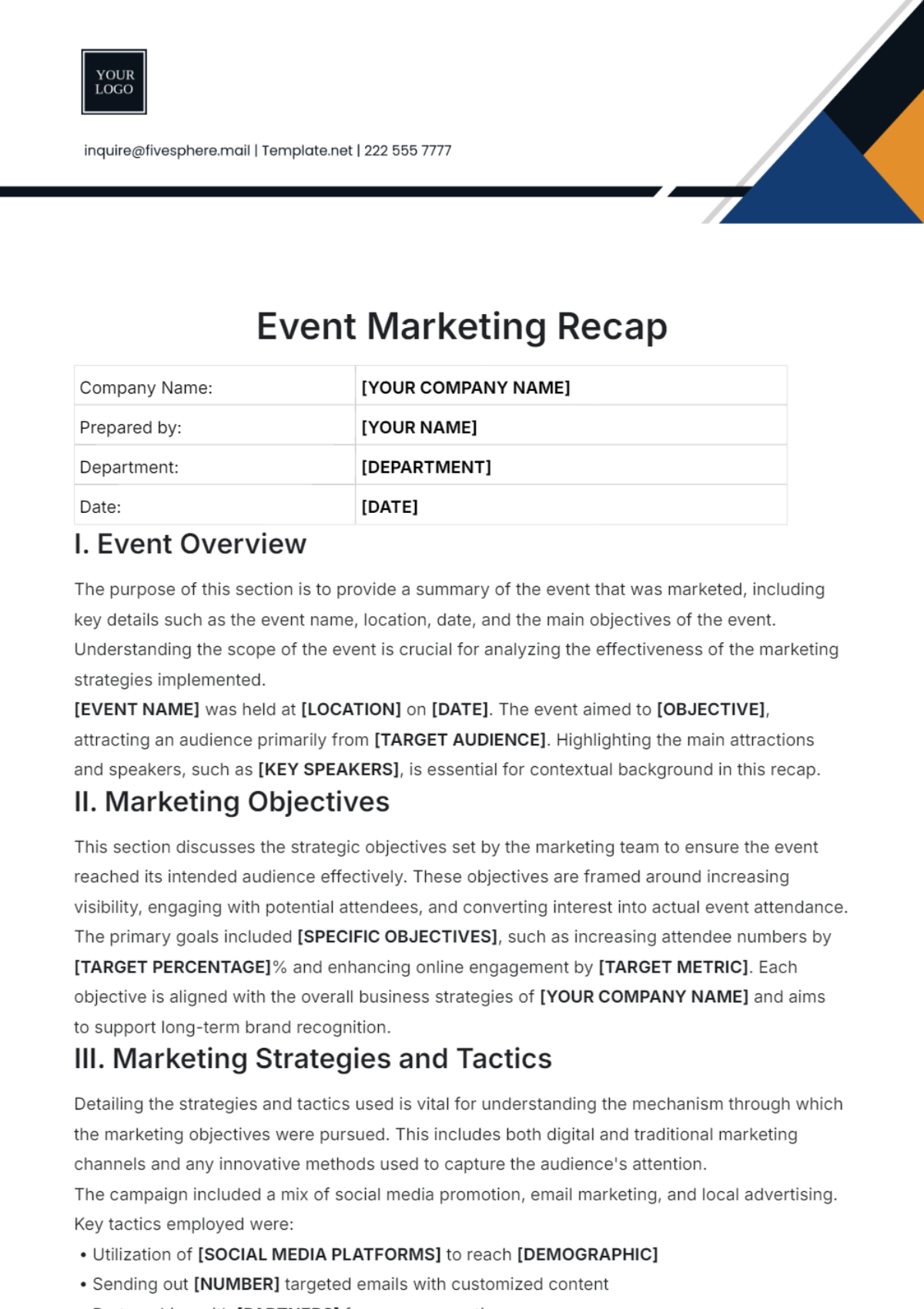
Core Components of an Effective Recap
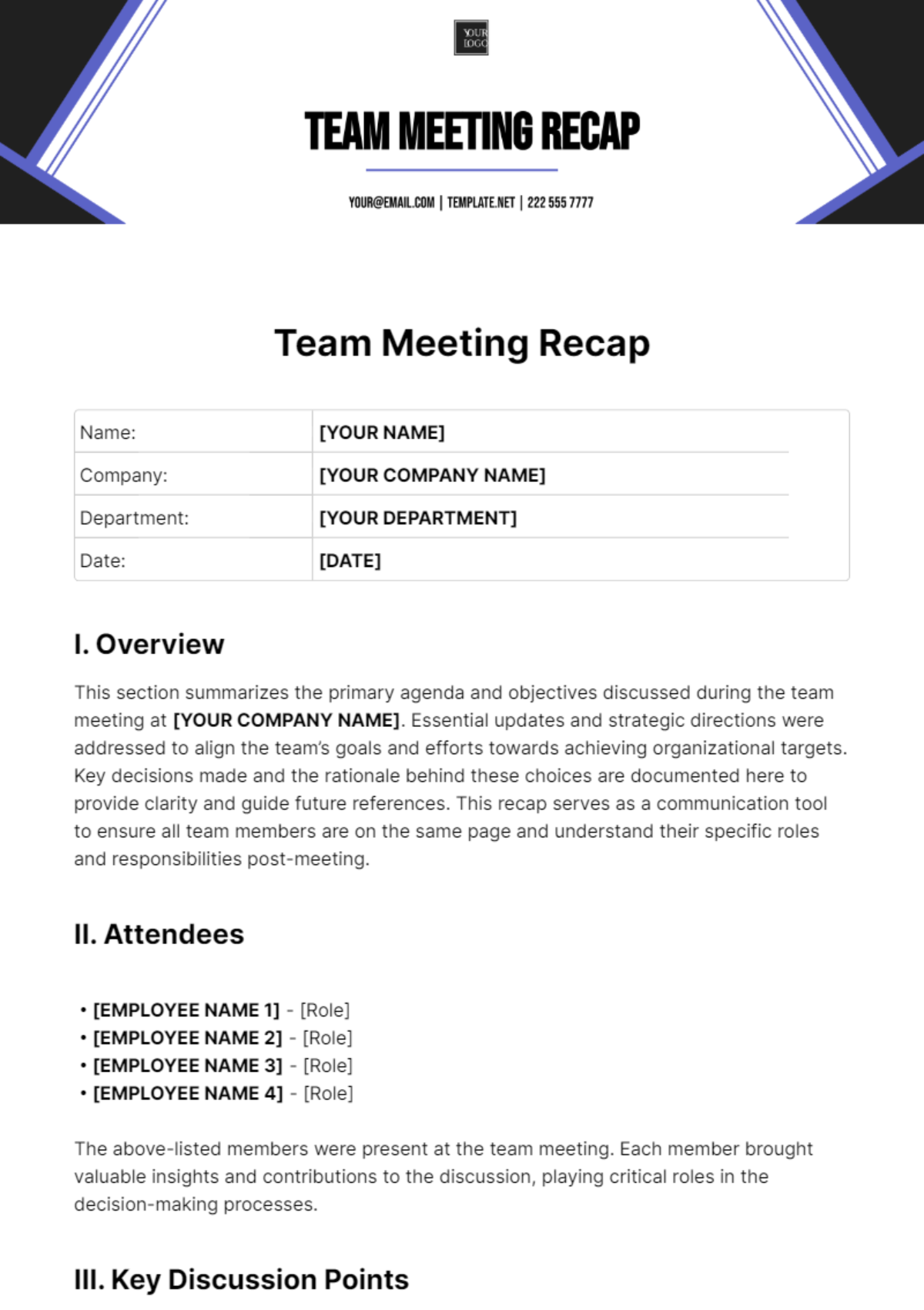
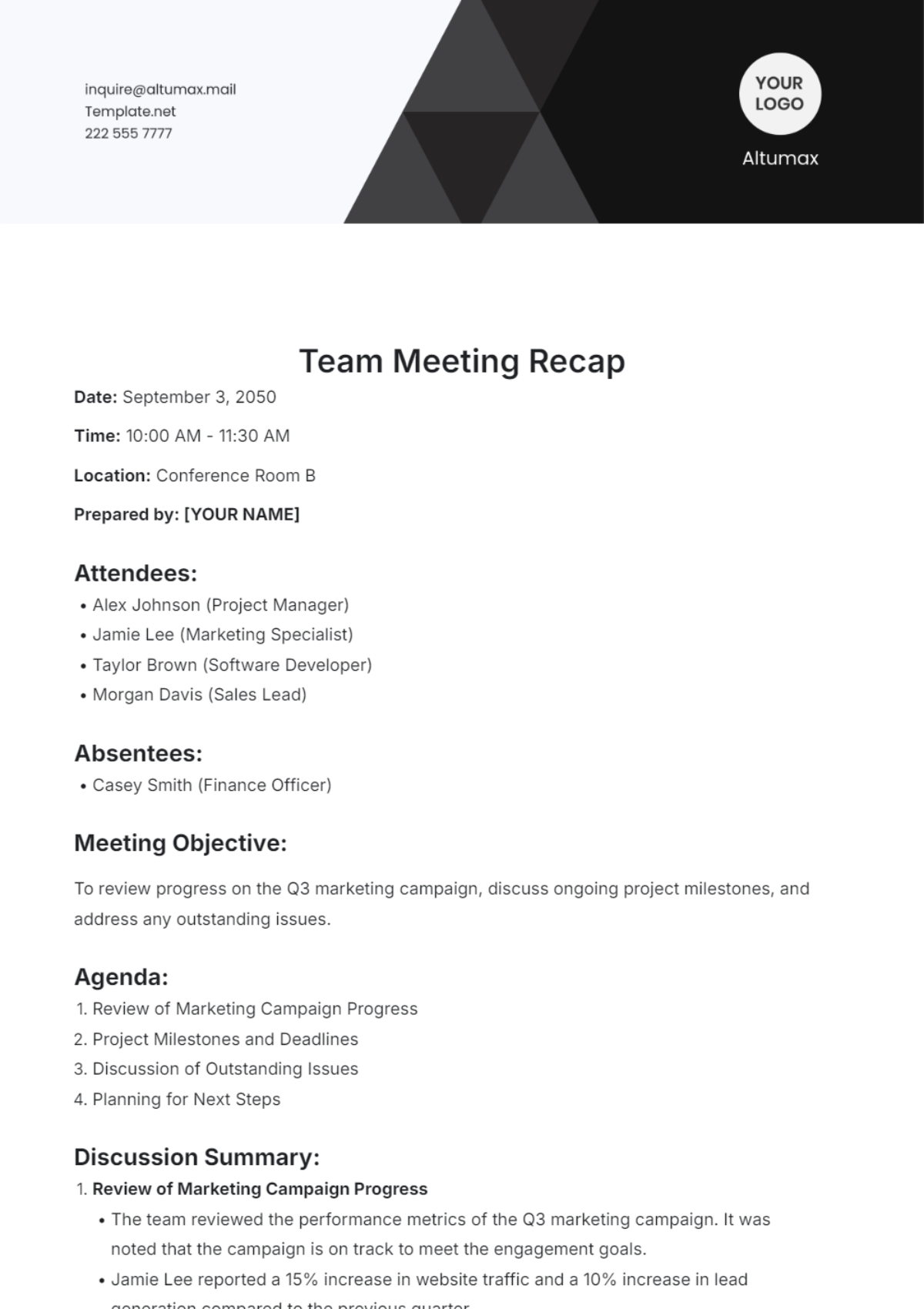
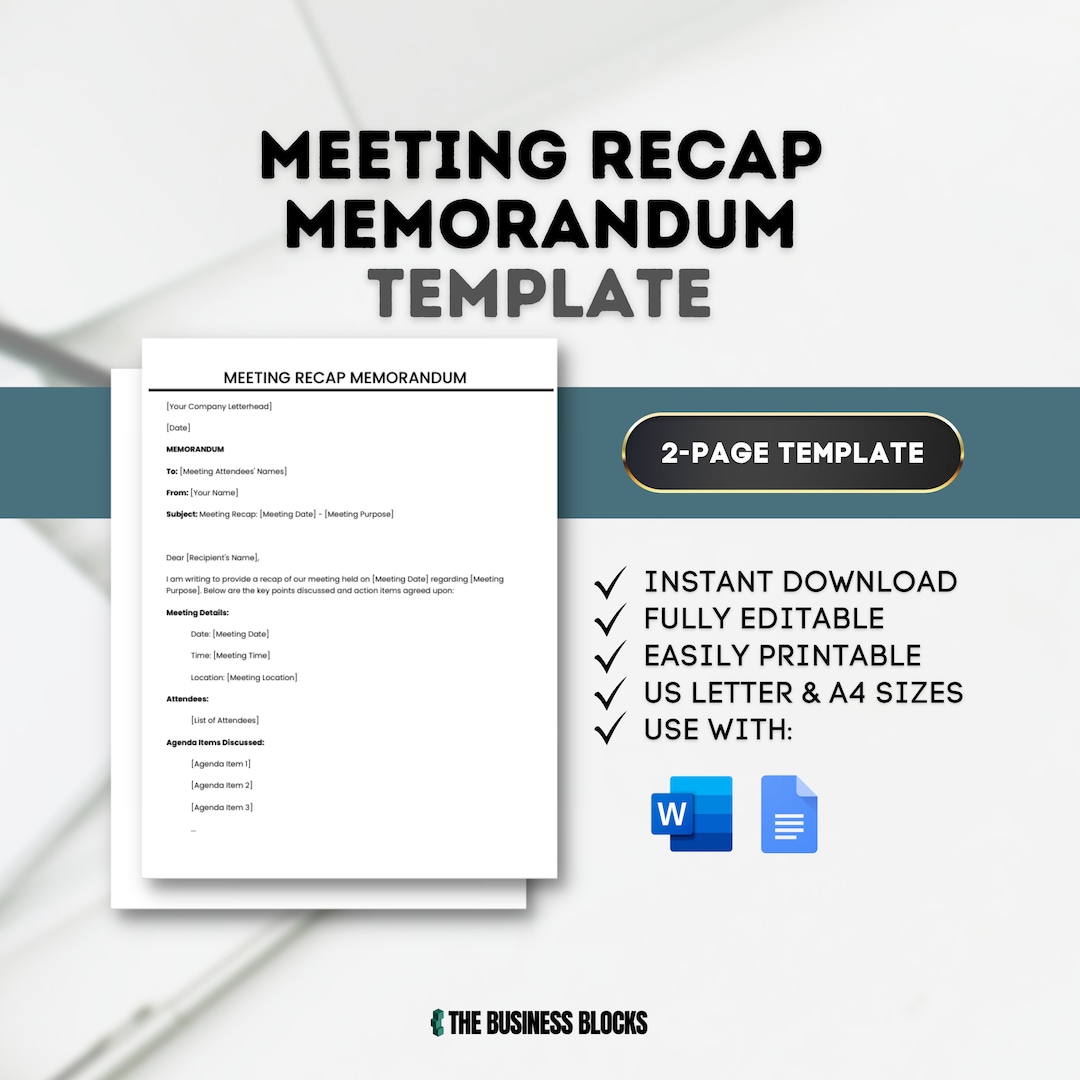
A robust recap should be concise yet comprehensive. Below are the essential sections that every template should include.
Header Information
The header sets the context at a glance. Include:
- Date and Time: Precise timestamp for reference.
- Meeting Title: Reflects the primary purpose.
- Facilitator / Host: Person leading the session.
- Attendees: List of participants and any guests.
- Location / Platform: Physical room or virtual link.
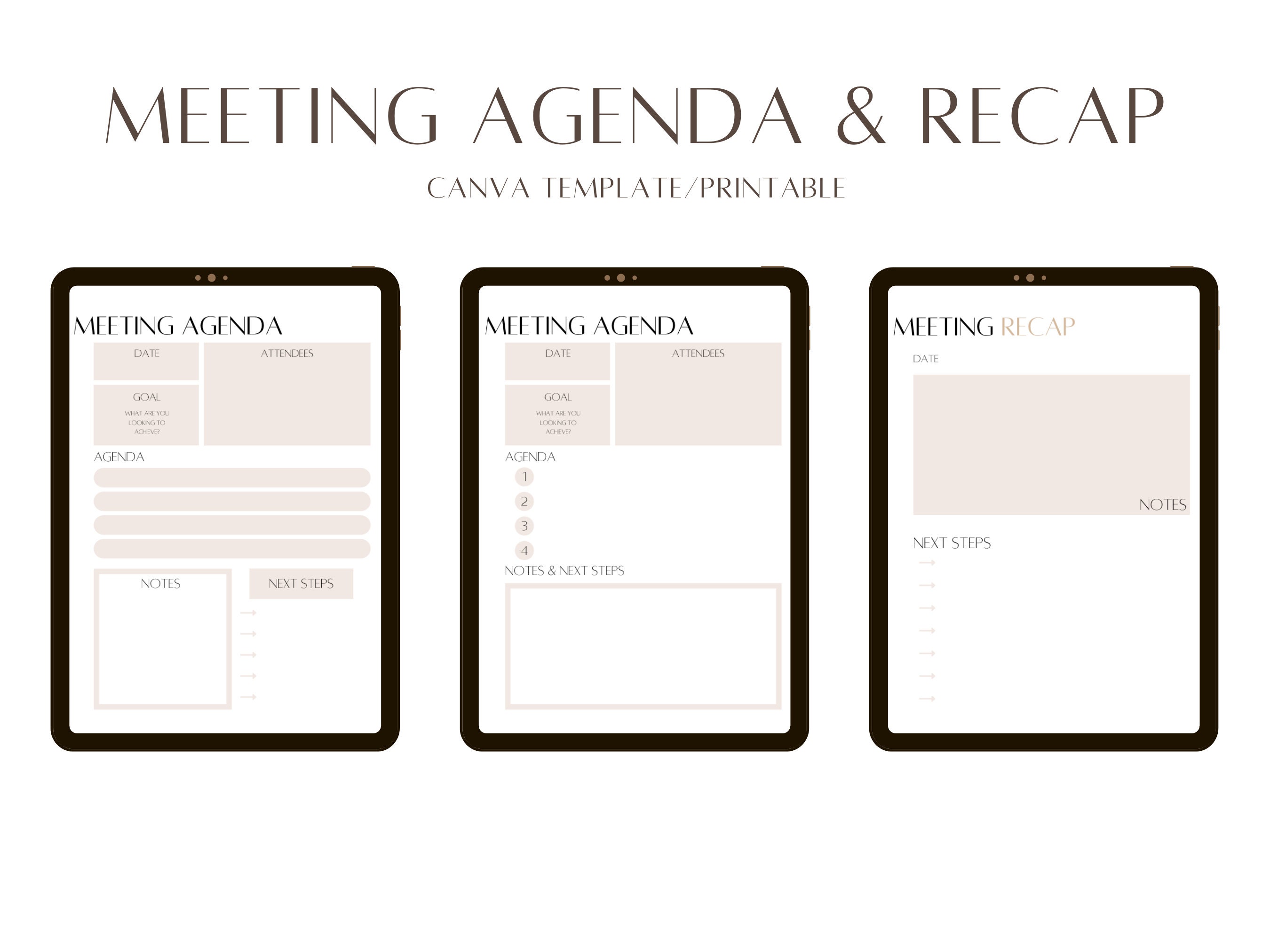
Agenda Overview
Re‑list the agenda items as they were presented. This helps readers see the logical flow and quickly locate specific discussion points.
Discussion Summary
Summarize each agenda item in two to three sentences. Focus on:
- Key points raised.
- Data or evidence referenced.
- Consensus reached or divergent views noted.
Avoid verbatim transcripts; instead, capture the essence that drives decisions.
Decisions Made
Document every formal decision, including the rationale when relevant. Use a table for clarity:
| Decision | Rationale | Owner | Effective Date |
|---|---|---|---|
| Adopt new CRM platform | Improved integration with marketing tools | Jane Doe | 2024‑10‑01 |
| Increase Q4 budget by 5% | Projected revenue growth | John Smith | Immediate |
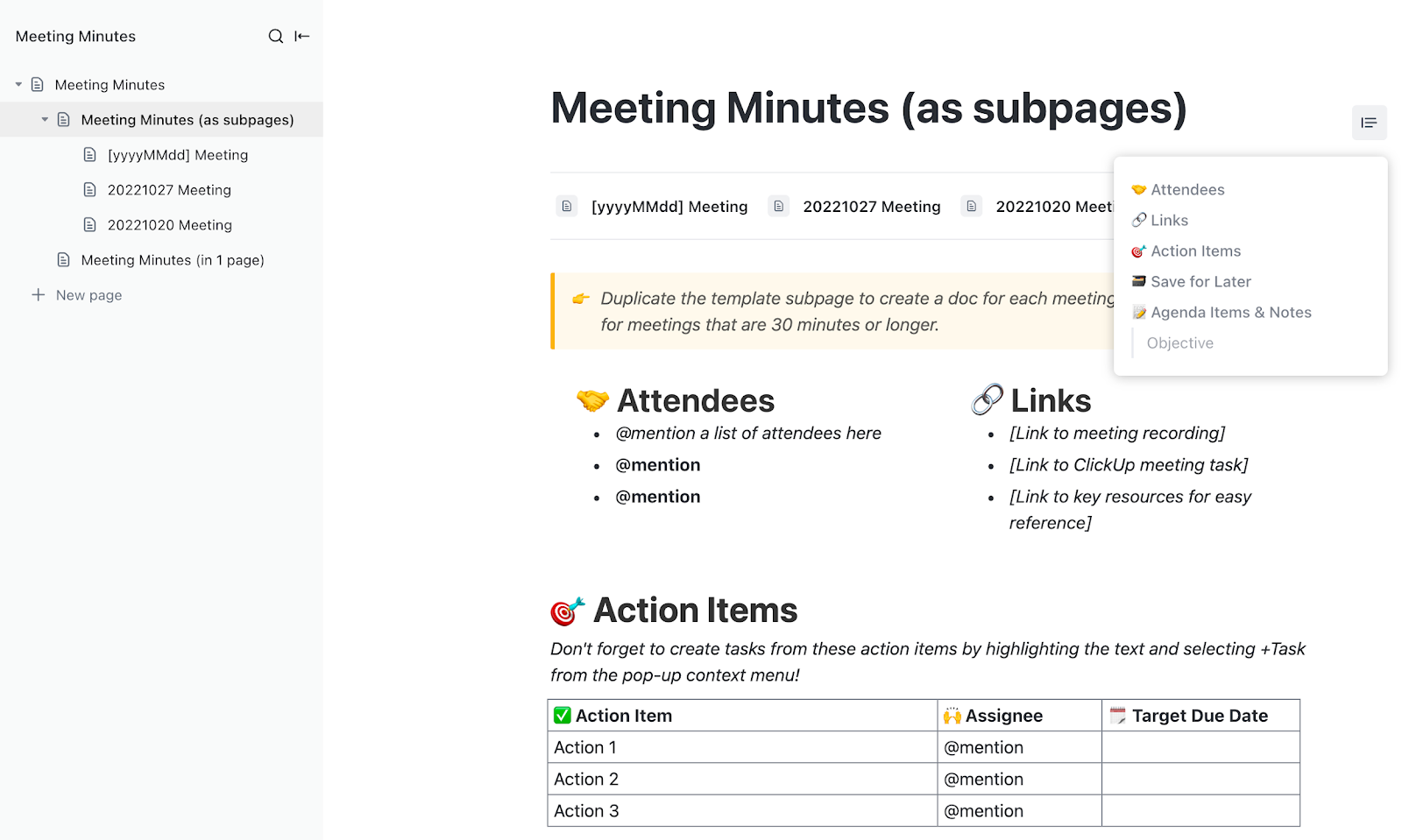
Action Items
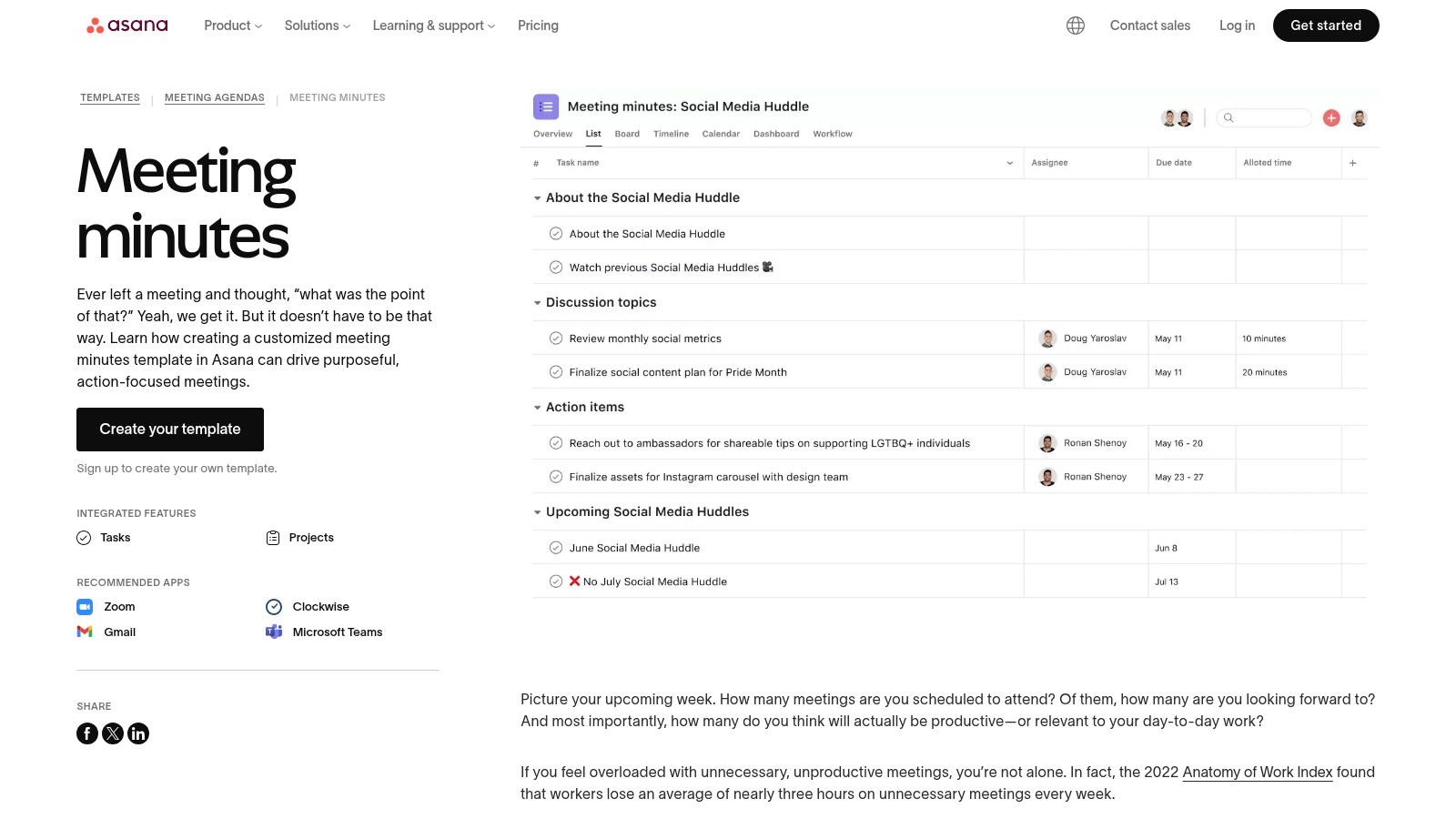
Action items are the engine of progress. List them with the following columns:
- Task – What needs to be done.
- Owner – Person responsible.
- Due Date – Deadline for completion.
- Status – Optional field for ongoing tracking.
Example:
| Task | Owner | Due Date | Status |
|---|---|---|---|
| Draft migration plan | Emily Chen | 2024‑09‑15 | Not Started |
| Run pilot test with 5 users | Mike Rivera | 2024‑09‑22 | In Progress |
Risks and Mitigations
Identify any potential obstacles that emerged during the discussion and propose mitigation strategies. This proactive approach signals foresight and preparedness.
Next Meeting Details
Conclude with the date, time, and focus of the next gathering. This creates a seamless continuity loop.
Designing a User‑Friendly Template

A template that looks good on paper but is cumbersome to fill defeats its purpose. Follow these design principles to maximize adoption.
Keep It Simple
Limit each section to a single line or bullet point wherever possible. Use whitespace strategically to separate sections, making scanning effortless.
Leverage Existing Tools
Most organizations already use collaborative platforms such as Google Docs, Microsoft Teams, or Notion. Build the template within these ecosystems so that participants can edit in real time without switching tools.
Use Consistent Formatting
Adopt a uniform font, heading style, and color palette. Consistency reduces cognitive load and reinforces brand professionalism.
Incorporate Checkboxes and Dropdowns
Interactive elements like checkboxes for completed tasks or dropdowns for status updates streamline data entry and improve accuracy.
Version Control
Maintain a revision history. When a meeting recap evolves (e.g., after a follow‑up), create a new version rather than overwriting the original. This preserves the audit trail.
Step‑by‑Step Guide to Using the Template
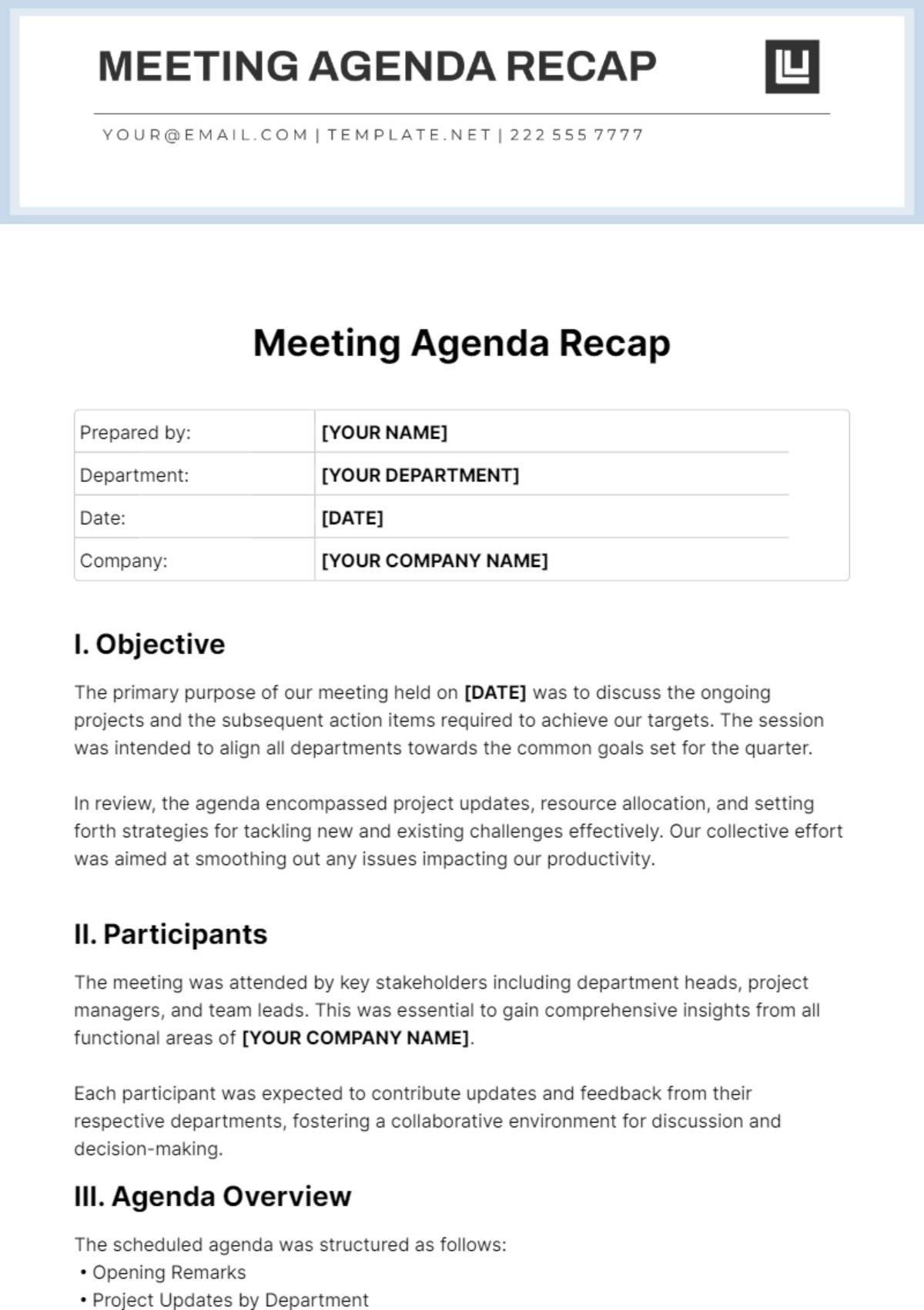
Below is a practical workflow that can be adopted by any team, regardless of size or industry.
Pre‑Meeting Preparation
- Distribute the Agenda: Share the meeting agenda at least 24 hours in advance, attaching the blank Meeting Recap Template for reference.
- Assign a Scribe: Designate a reliable note‑taker who will be responsible for populating the recap live or immediately after the meeting.
- Set Up the Document: Open a shared file, duplicate the master template, and rename it with the meeting date and title (e.g., “2024‑09‑07 Product Roadmap Recap”).
During the Meeting
- Follow the Agenda Rigorously: Stick to time blocks, and signal when moving to the next item. This keeps the recap aligned with the original structure.
- Capture Key Points in Real Time: Use bullet points rather than full sentences. Highlight decisions with a “✓” symbol to make them stand out.
- Confirm Action Items on the Spot: When a task is identified, ask the owner to repeat the assignment and due date aloud. Record it instantly.
- Note Divergent Views: If consensus isn’t reached, capture the differing opinions and schedule a follow‑up discussion.
Post‑Meeting Follow‑Up
- Review and Clean Up: Within 30 minutes, the scribe should review the draft, correct any typos, and ensure all sections are filled.
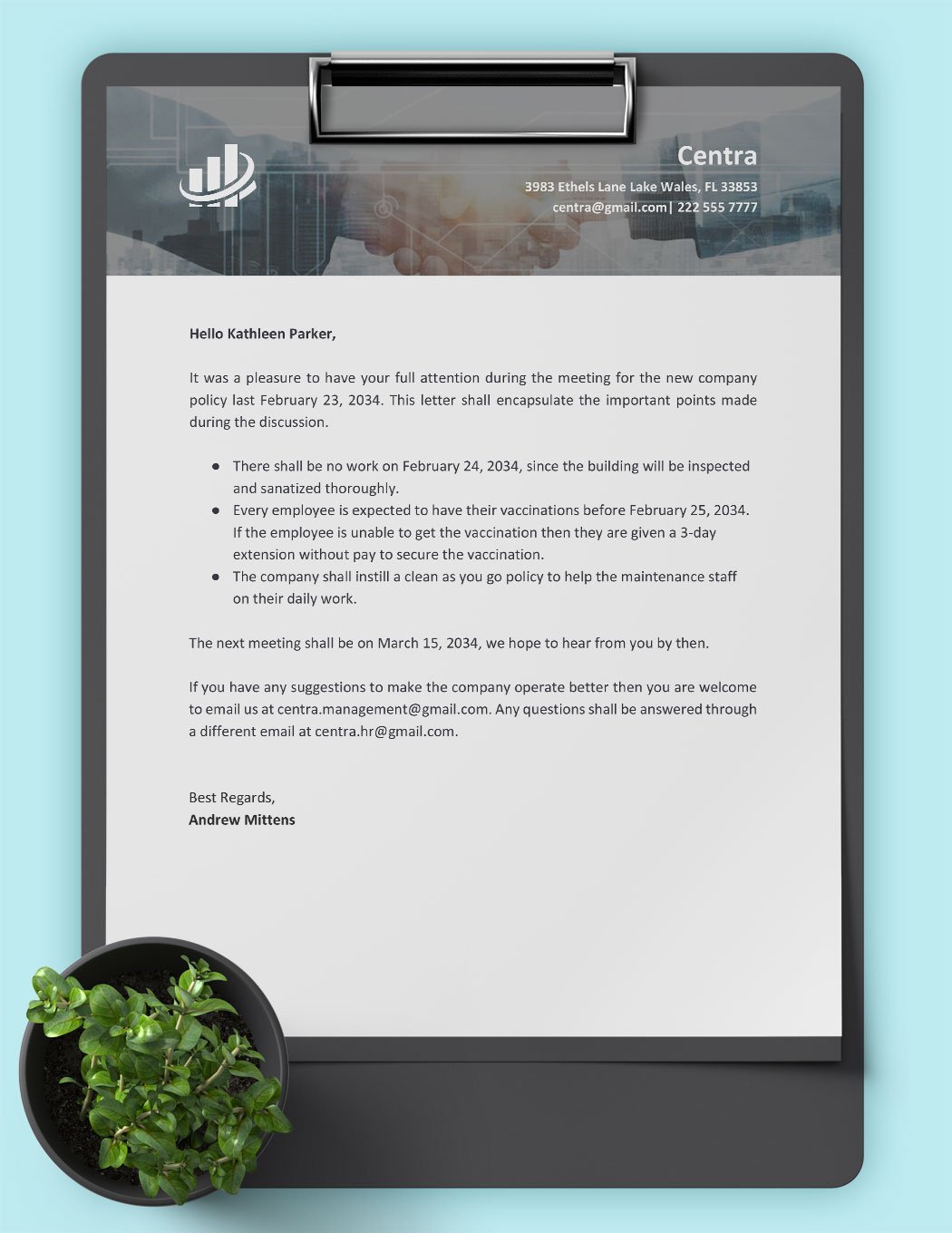
- Distribute the Recap: Email the finalized document to all attendees and relevant stakeholders who were absent. Include a brief “What’s Next” paragraph that highlights the top three action items.
- Track Progress: Add the recap to a centralized repository (e.g., a “Meeting Recaps” folder). Use a project‑management tool to link each action item to its respective task board.
- Set Reminders: Automated reminders for upcoming due dates keep owners accountable and reduce follow‑up meetings.
Best Practices for Long‑Term Success
Adopting a template is only the first step. To embed it into your culture, consider these long‑term practices.
Standardize Across Departments
Develop a master template that every department customizes minimally. This creates a unified language and makes cross‑functional reviews smoother.
Audit Recaps Quarterly
Designate a team lead to audit a random sample of recaps each quarter. Check for completeness, clarity, and adherence to deadlines. Use findings to refine the template.
Integrate with KPI Dashboards
Link completed action items to key performance indicators. For example, if a sales team commits to “Launch new lead scoring model,” tie its completion to the “Lead Conversion Rate” metric on the dashboard.
Provide Training Sessions
Offer short workshops or video tutorials that walk new hires through the recap process. Reinforce the importance of accurate documentation during onboarding.
Encourage a Culture of Ownership
When owners see their tasks reflected in a transparent document, they are more likely to follow through. Publicly recognize individuals who consistently meet their commitments.
Real‑World Examples
Seeing the template in action helps illustrate its value. Below are two scenarios that demonstrate measurable outcomes.
Product Development Sprint Review
A tech startup adopted a Meeting Recap Template for its bi‑weekly sprint reviews. Within three months, the team reduced post‑sprint clarification emails by 68% and increased on‑time story completion from 72% to 89% because owners could reference the recap and see exact due dates.
Executive Quarterly Planning
A multinational corporation used the template for its quarterly executive planning sessions. By documenting strategic decisions and linking them to the corporate OKR system, the company achieved a 12% improvement in goal alignment across business units, as measured by a post‑quarter survey.
Common Pitfalls and How to Avoid Them
Even with a great template, teams can stumble. Recognize these pitfalls early and implement corrective measures.
Overloading the Template
Adding excessive sections (e.g., detailed budget spreadsheets) can turn the recap into a report rather than a quick reference. Keep the focus on decisions and actions; supplementary data belongs in annexes.
Neglecting Follow‑Through
Action items that sit idle erode trust. Pair the recap with an automated task‑creation workflow that pushes each item into your project‑management tool, ensuring visibility and reminders.
Inconsistent Ownership
If the same person repeatedly records action items but never takes ownership, accountability suffers. Rotate the scribe role and explicitly assign owners during the meeting.
Failing to Update
Meeting recaps become stale if not refreshed after each follow‑up. Create a “Status Update” section where owners can briefly note progress, and schedule a quick check‑in during the next meeting.
Measuring the Impact of Your Recap Process
To justify the time invested, track tangible metrics that reflect the recap’s effectiveness.
Key Metrics
- Action Item Completion Rate: Percentage of tasks finished by the due date.
- Decision Recall Accuracy: Survey participants a week after the meeting to see how many decisions they can recall without consulting the recap.
- Meeting Length Reduction: Over time, well‑documented recaps can shorten meetings because less time is spent re‑explaining previous outcomes.
- Stakeholder Satisfaction Score: Gather feedback on the clarity and usefulness of the recap.
Continuous Improvement Loop
Use the data to iterate on the template. If the action‑item completion rate drops, examine whether due dates are realistic or if owners need additional resources.
Conclusion
A well‑designed Meeting Recap Template is more than a document—it is a catalyst for clarity, accountability, and sustained momentum. By embedding the core components, following a disciplined workflow, and reinforcing best practices, organizations can transform every meeting from a fleeting conversation into a durable record that drives results. Regular audits, integration with existing tools, and a culture of ownership ensure that the recap remains a living asset rather than a forgotten afterthought. Start implementing the steps outlined above today, and watch your team’s efficiency, alignment, and overall performance rise dramatically.