Network Outage Root Cause Analysis Template is the superhero cape every IT team secretly wishes they could wear when the Wi‑Fi decides to pull a disappearing act, leaving users in a state of digital panic and IT staff scrambling like cats chasing a laser pointer.
Why a Template Matters
Quick Laughs with Slow Internet
Imagine the scene: the office coffee machine is humming, the printer is jammed, and your team is watching a video that’s more “buffering” than “broadcast.” A well‑structured template ensures you’re not just blaming the router like a toddler blaming a broken toy. It turns chaos into a comic book of cause and effect, giving you the clarity to laugh, learn, and actually fix the problem.
Avoiding the “It Works on My Machine” Myth
That moment when a colleague says, “I can’t see the file. I can see it, though!” A template keeps the focus on real data—latency logs, SNMP traps, packet captures—rather than anecdotal anecdotes that smell like a bad punchline. It saves you from endless “Did you check your Wi‑Fi? Yes, I checked.” cycles.
Anatomy of a Killer Template

Title and Scope
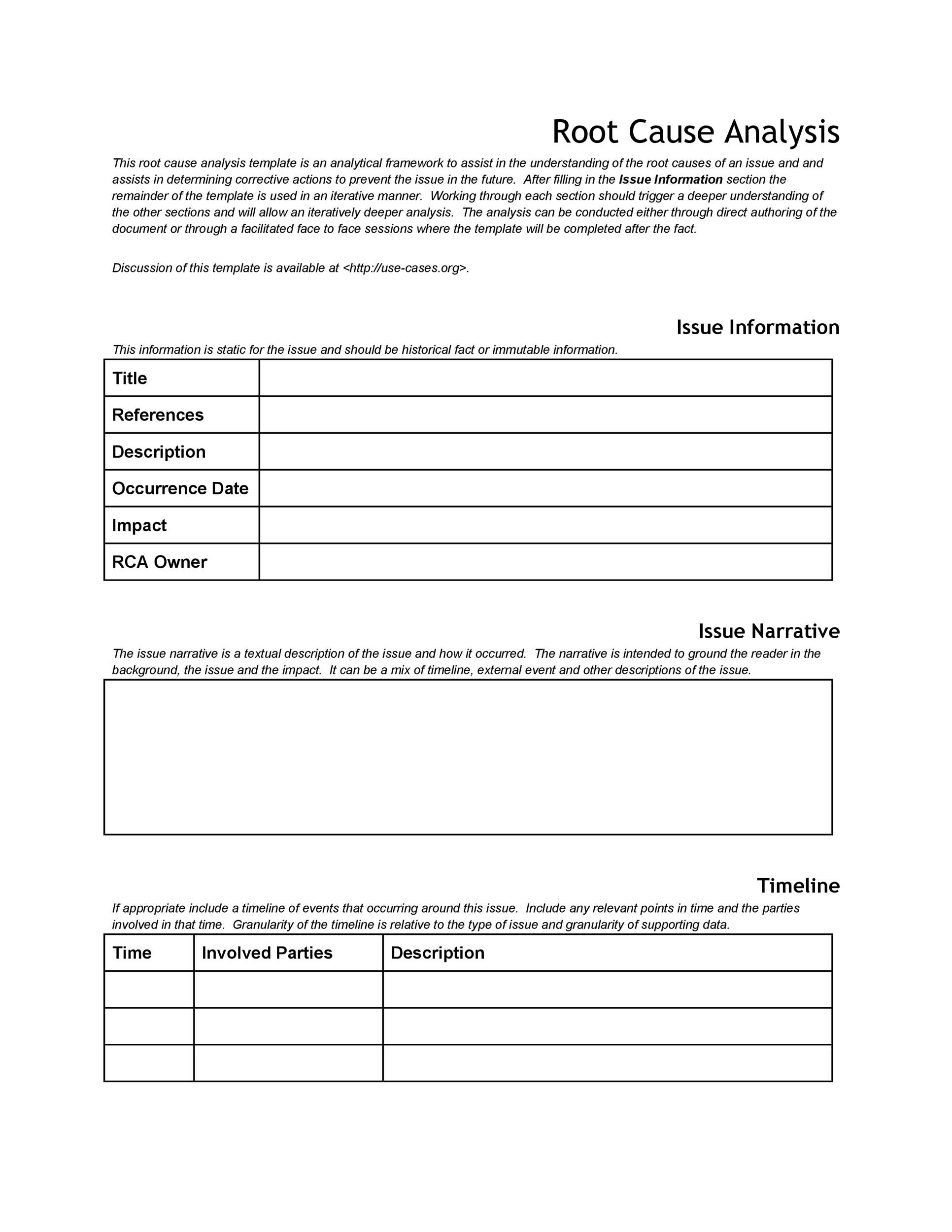
Start with a snazzy, specific title like “Network Outage RCA – 2025‑10‑05 – Data Center #3.” Add scope to define whether it’s a full‑network outage, a localized segment, or a single VLAN.
Problem Statement
In plain English, write what went wrong: “The corporate network was unreachable between 08:32 and 09:15 UTC, affecting all users on the east wing.” The goal is to be descriptive enough that a third‑party could understand the issue without a decoder ring.
Data Collection
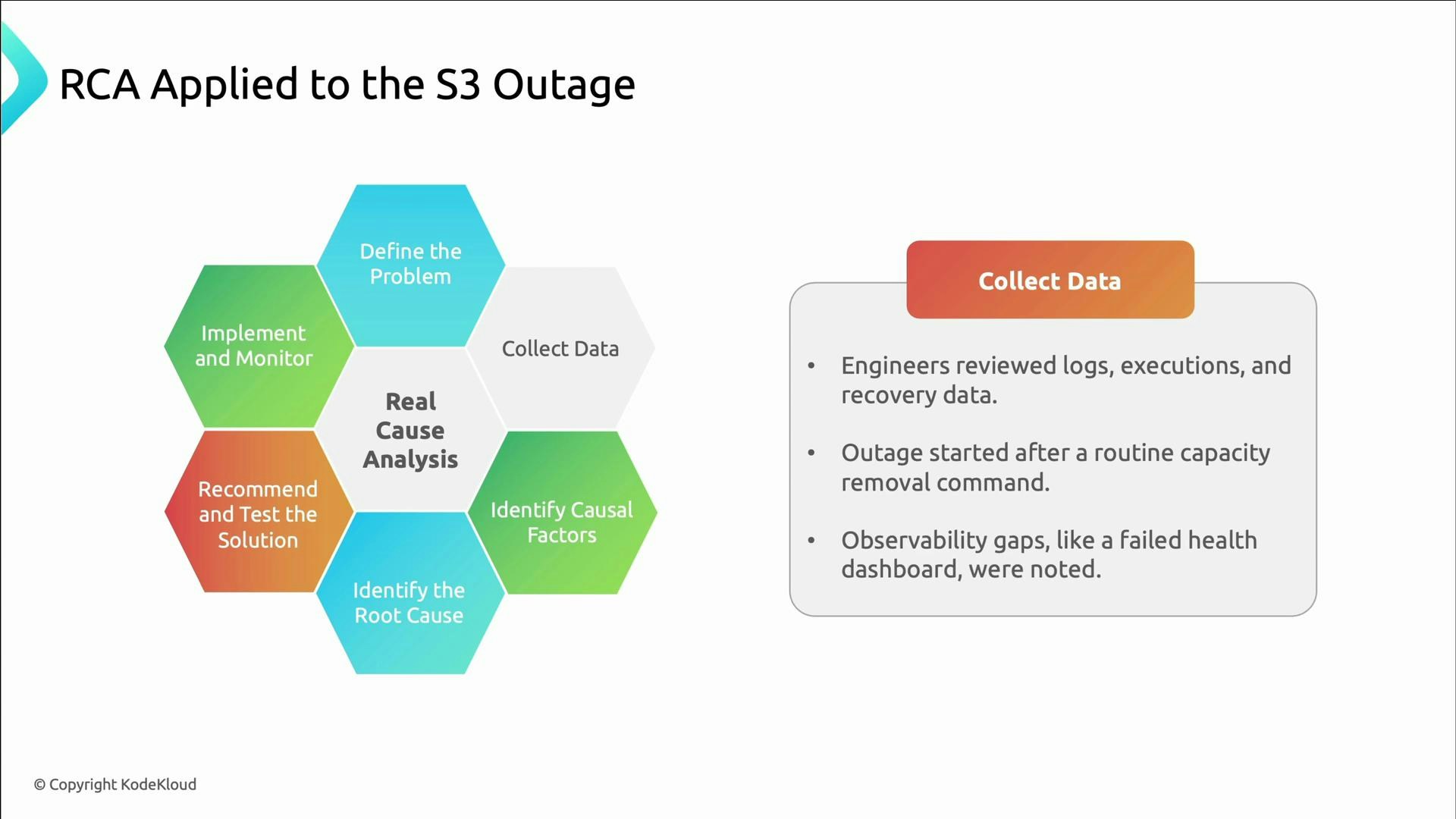
- Logs: Router syslogs, firewall logs, DNS queries.
- Metrics: Bandwidth utilization, packet loss, error rates.
- User Reports: Ticket numbers, screenshots, timestamps.
Root Cause Investigation
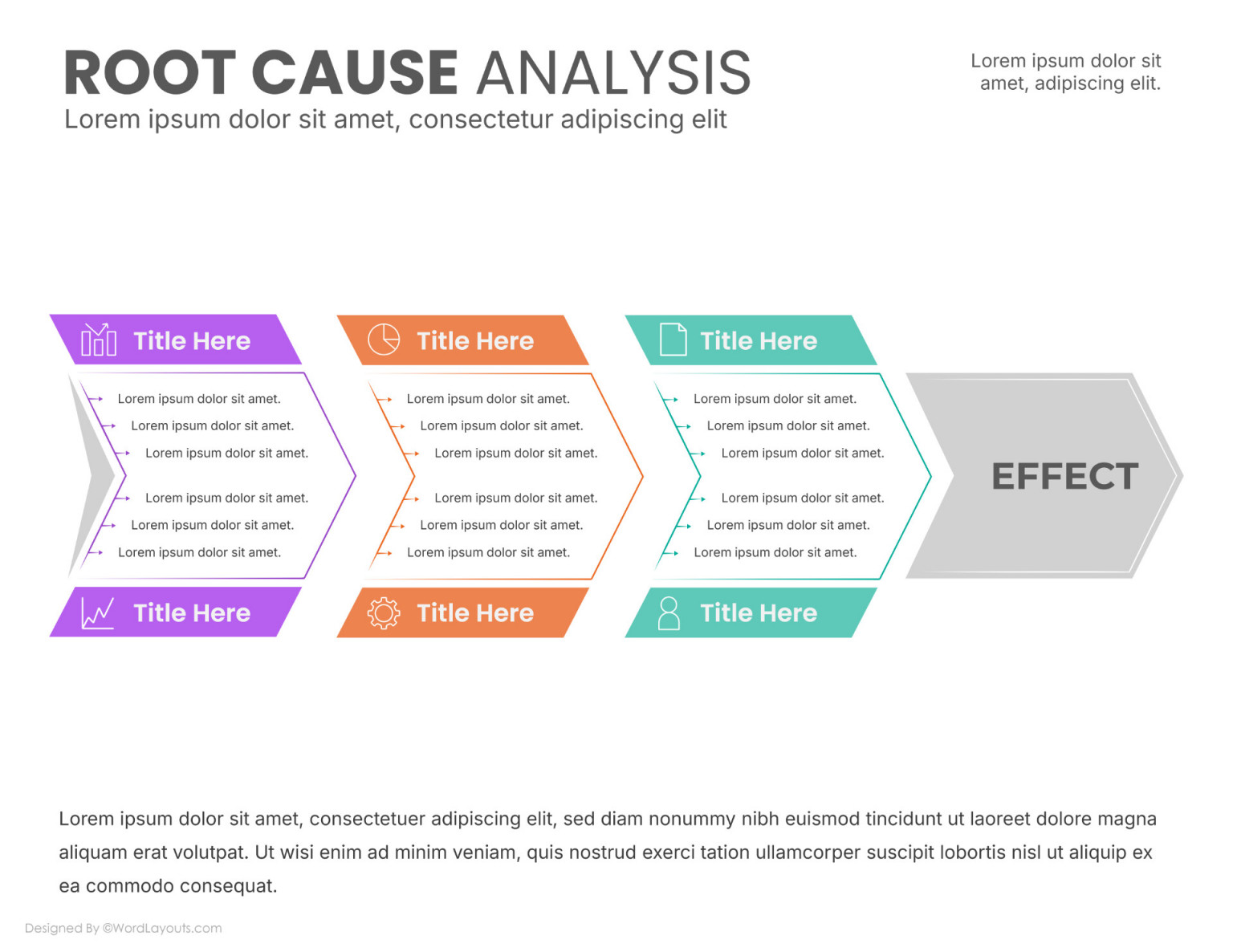
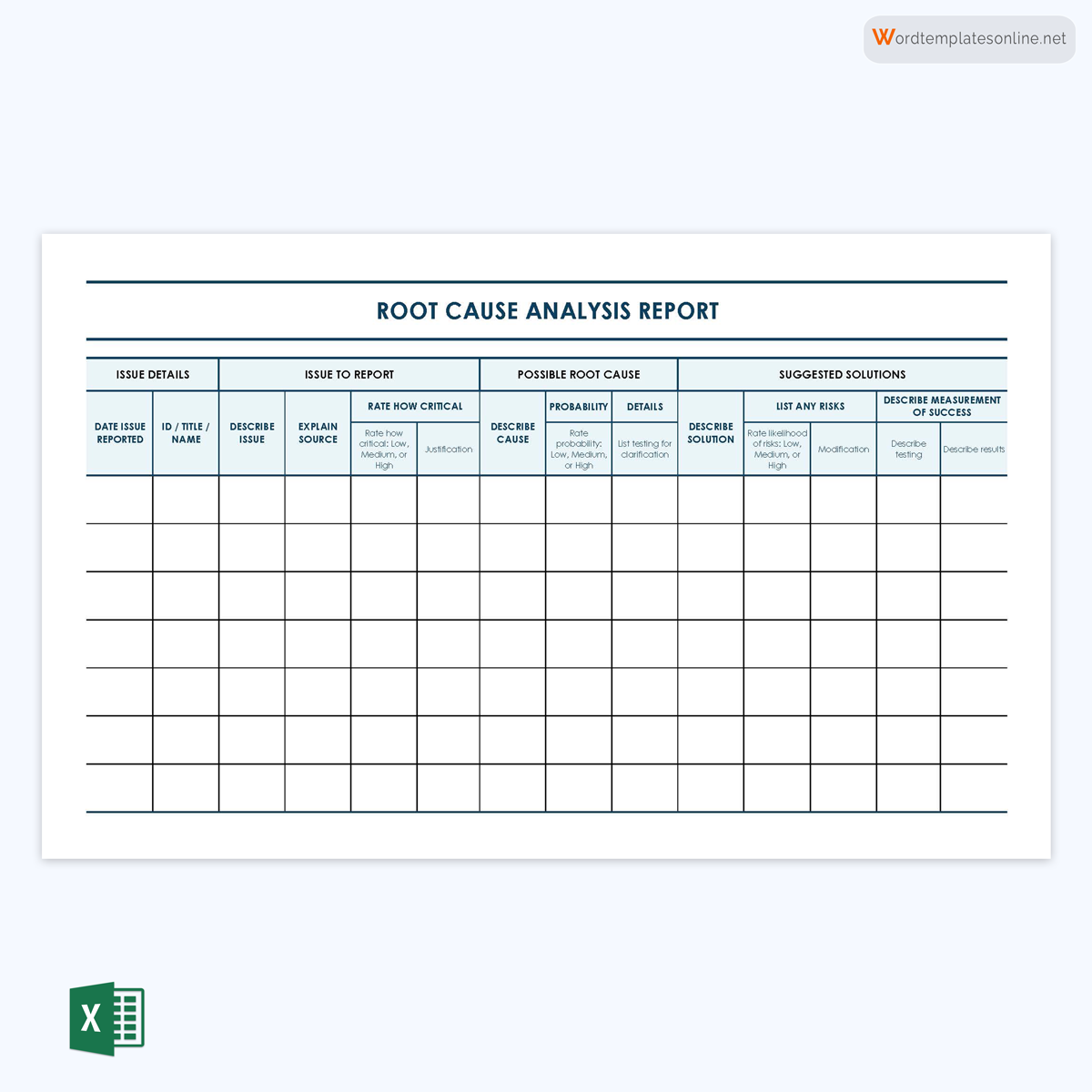
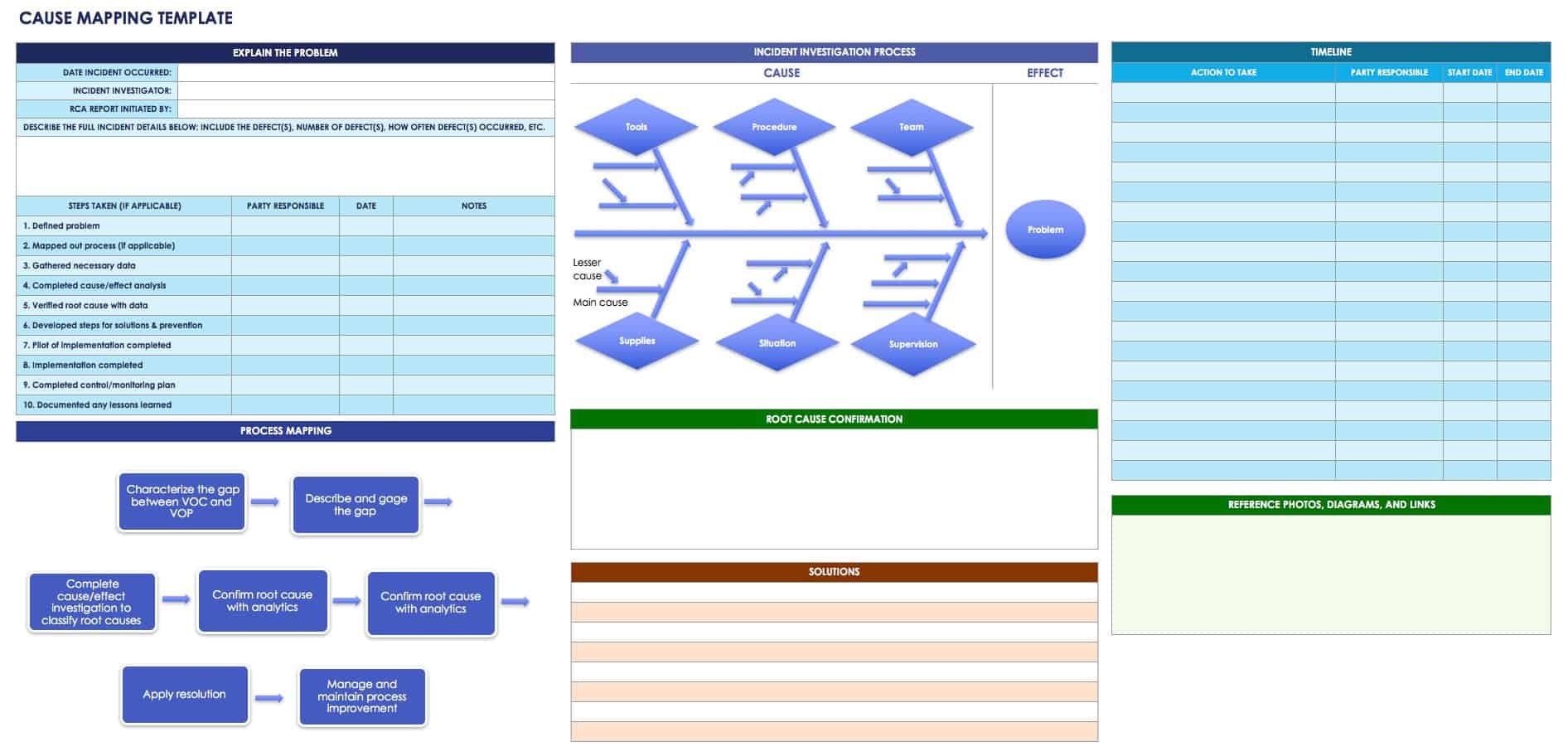
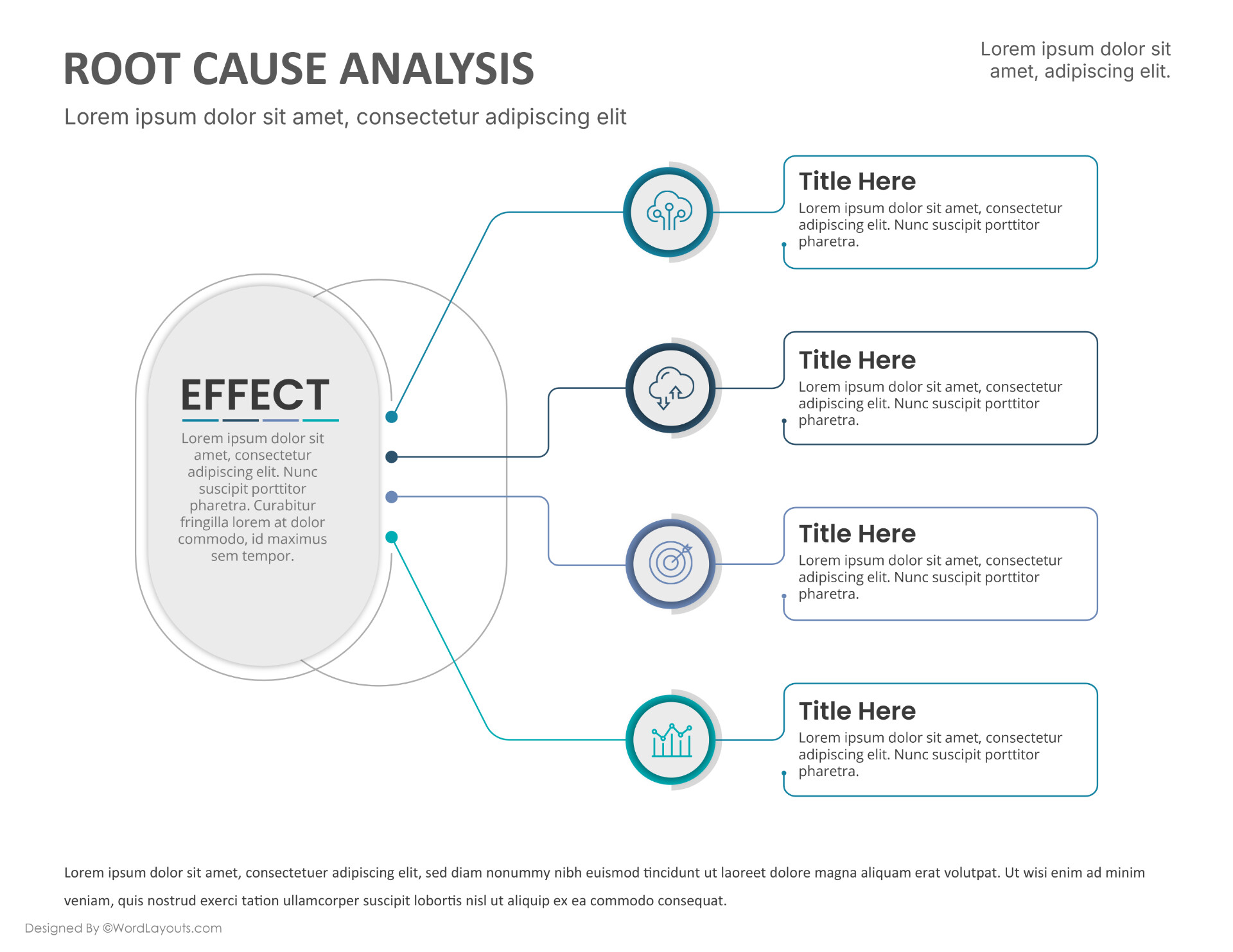
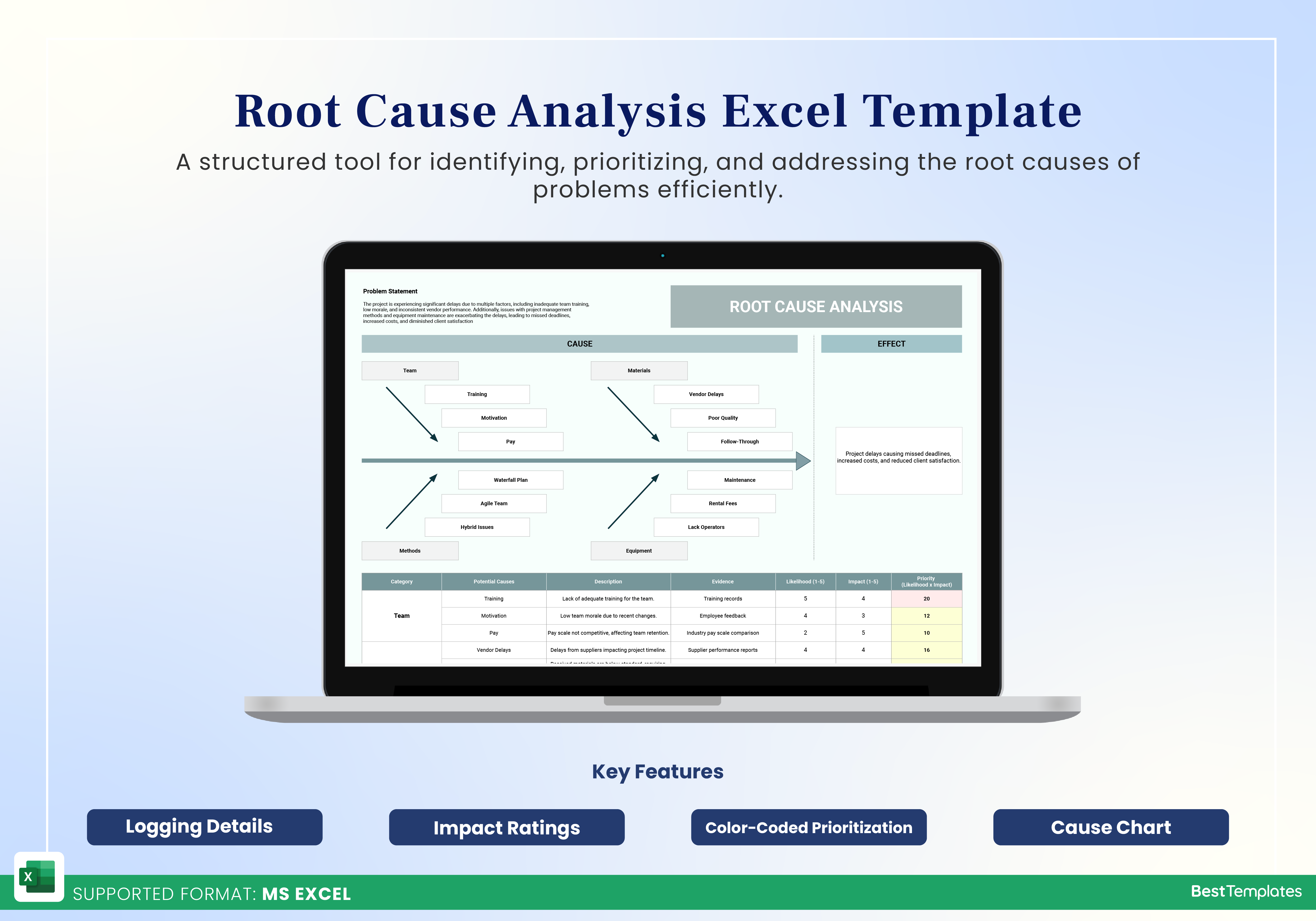
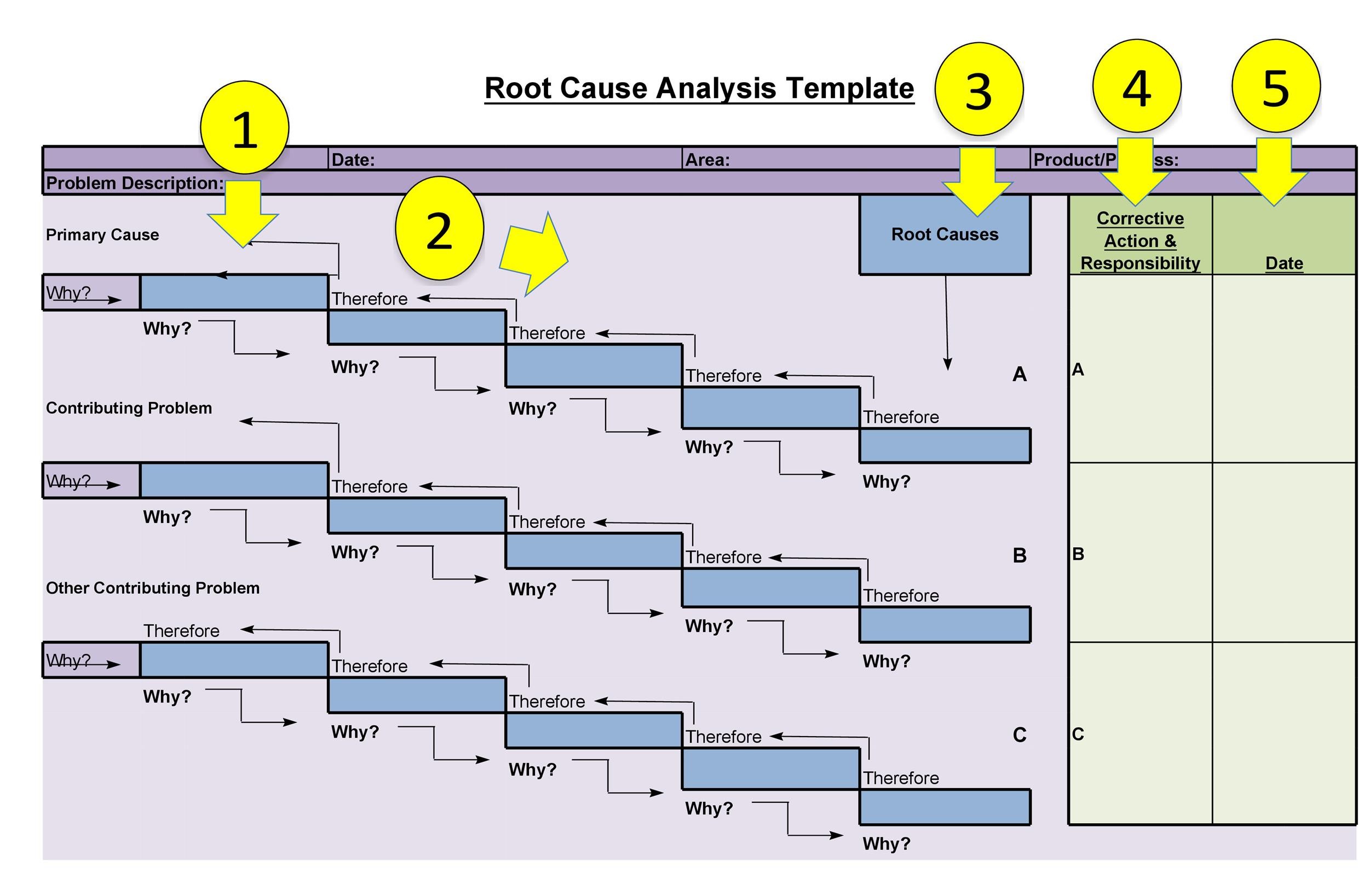
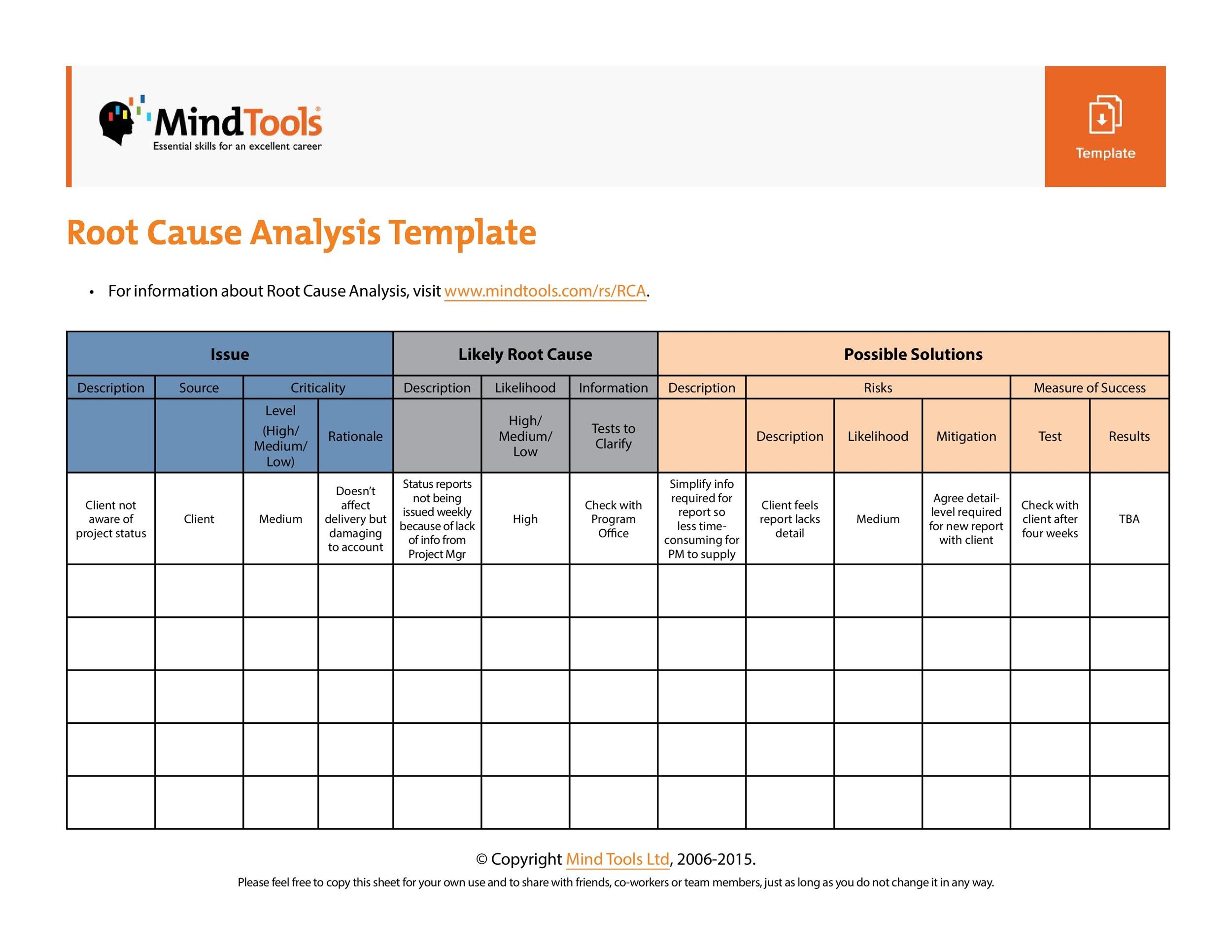
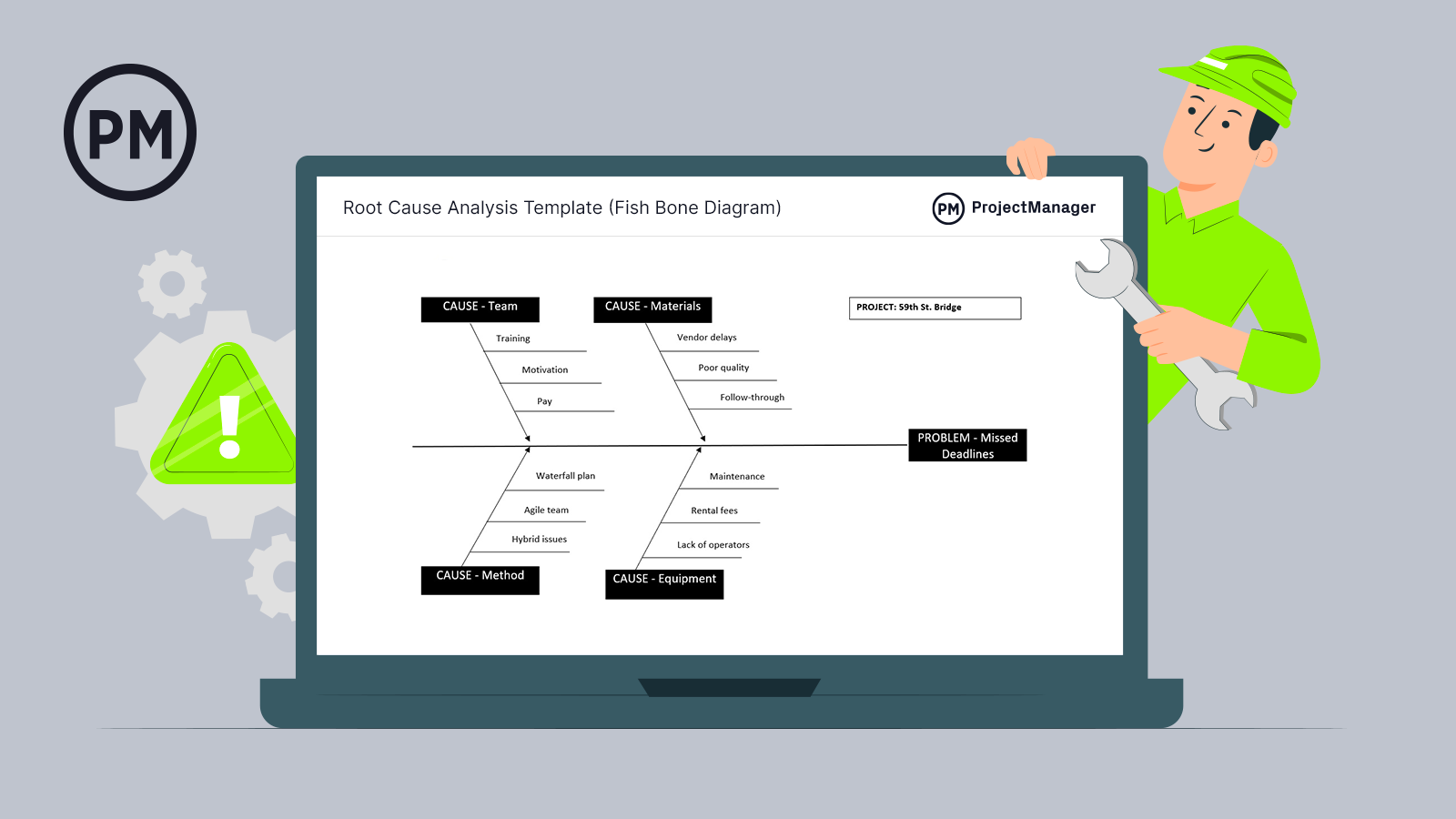
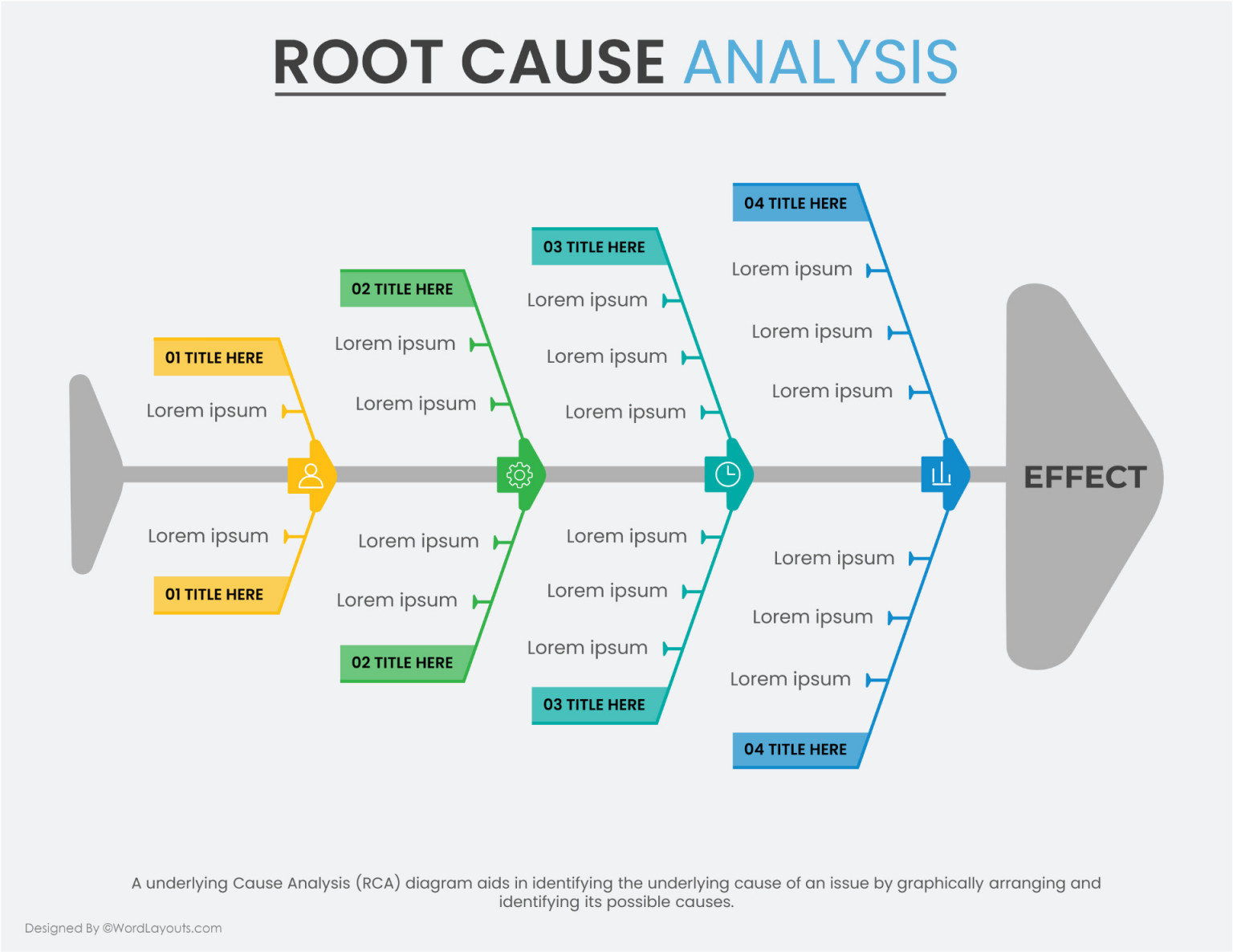
Employ the classic fishbone diagram or a simple cause‑and‑effect table. Break down into categories like Hardware, Software, Configuration, Environment, and Human Error.
Corrective Actions
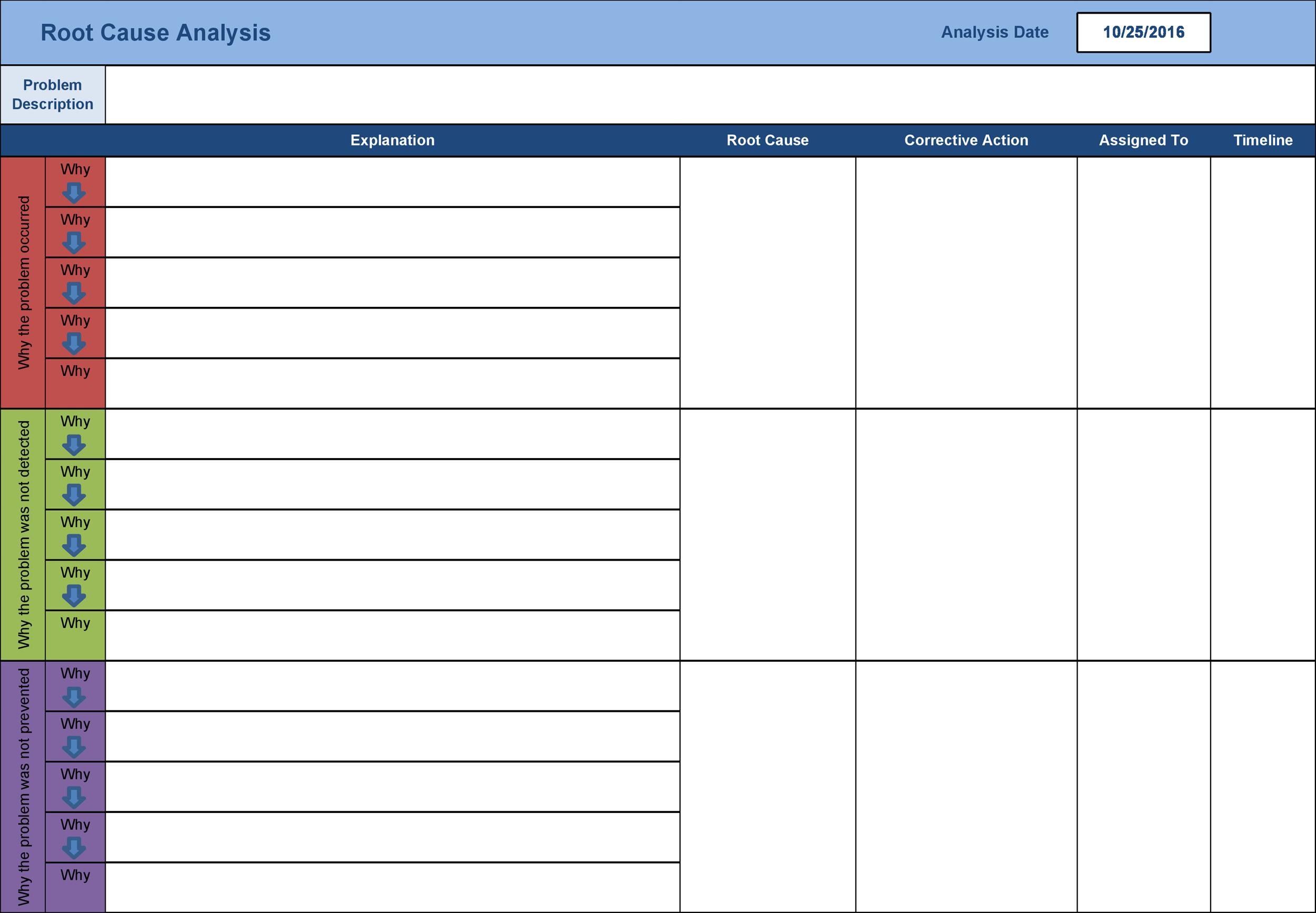
For each root cause, outline a concrete fix, assign owners, and set a completion deadline. Don’t forget to document “what if” scenarios for future reference.
Prevention and Lessons Learned
Highlight what went well, what slipped through, and actionable policy changes—like adding redundant links or tightening access controls.
Executive Summary
A one‑paragraph recap that could be sent to the CEO without making them feel like they’re reading a legal document. Humor optional but appreciated.
Step‑By‑Step Walkthrough

Step 1 – Gather the Crew
Assemble the “outage squad”—network ops, security, application owners, and a charismatic intern for morale. A quick huddle ensures everyone knows the game plan before the first coffee is spilled.
Step 2 – Document the Symptoms
List every symptom, from “slow loading time” to “DNS lookup timeouts.” Use a table with columns: Symptom, Time, Impact, Source (user, ticket, monitoring). Remember: details are the breadcrumbs leading to the culprit.
Step 3 – Chart the Timeline
Create a visual timeline. Mark when the outage began, any spikes in traffic, maintenance windows, or manual configuration changes. A visual cue is often more compelling than a paragraph of dates.
Step 4 – Dive Into Diagnostics
Run diagnostic tools—ping, traceroute, netstat, SNMP walks. Compare real‑time data against historical baselines. Look for anomalies that look like a clown’s red nose in a sea of blue.
Step 5 – Identify the Culprit
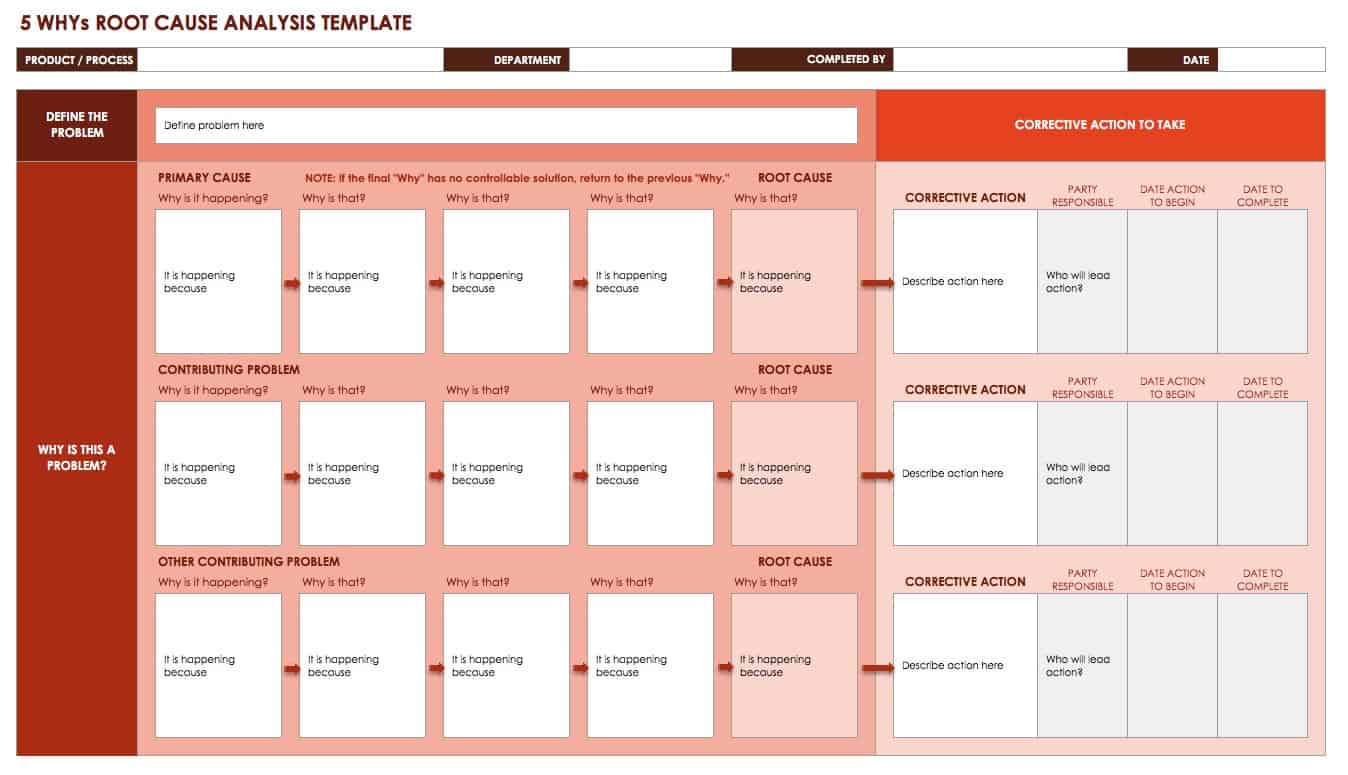
Apply the 5 Whys technique: Why did the latency spike? Why was the router rebooting? Why was the firmware outdated? Pinpoint the root cause and tag it in your template.
Step 6 – Plan the Fix
Draft a fix plan: “Replace aging firmware on switch X by 10:30 am.” Assign owners and add a “Do we need a rollback?” checkbox. Humor? Add a “If this fix fails, we’ll blame the Wi‑Fi mascot” placeholder.
Step 7 – Validate & Close
After implementing the fix, monitor metrics to ensure the network returns to normal. Record the resolution in the template and close the ticket. Send a “All clear!” email with a meme of a relieved cat.
Real‑World Example

The Great Coffee Break Outage
One Tuesday, the office’s coffee‑maker‑powered router was unplugged during a “maintenance break.” The template captured the error logs, the frantic “I’m out of coffee” tickets, and the root cause: a mis‑labelled power cord. The fix was as simple as re‑labeling, but the lesson was priceless—always double‑check labels.
The Power Surge Saga
A sudden surge fried a core switch. The RCA template documented voltage readings, the time of the surge, and the faulty UPS backup. Corrective action included upgrading the UPS and setting a monitoring alert for future surges.
The DNS Drama
When DNS queries started timing out, a mis‑configured zone file was to blame. The template highlighted the erroneous “forwarder” entry, and the fix was a quick edit, but the prevention step added a “Zone file review every six months” policy.
Adding Humor to the Template
Comic Relief Sections
Insert a “Pun of the Day” column or a “Who’s to Blame?” section where the culprit gets a playful caricature. Just don’t let it become a distraction from the serious work.
Meme‑ified Metrics
Use icons or emojis next to key metrics: a 🚦 for network status, a ⏱️ for time to resolve, or a 🐛 for bugs found. It keeps the page lively and readable.
Customizing for Your Team

Integrating with ITSM
Link the template to your ticketing system. Auto‑populate fields like ticket number, assignee, and status to save time and reduce manual errors.
Making It Shareable
Use a collaborative document platform that allows live editing. Add a “Comments” section for future reference and to capture side‑by‑side jokes.
Keeping It Agile
Review and update the template quarterly. Add new sections if you deploy a new cloud service, or remove outdated ones when you retire old gear. Flexibility prevents it from becoming a dusty relic.
Best Practices and Pitfalls

Avoiding “All‑Hands” Meetings
Don’t schedule a full‑blown meeting just to discuss a small hiccup. Use the template as the meeting agenda and keep it concise—one page is often enough.
Documenting in Plain English
Avoid corporate jargon that turns the template into a cryptic puzzle. Use simple terms and add a glossary for technical acronyms if needed.
Storing in a Knowledge Base
Archive completed RCA documents in a searchable knowledge base. Future teams can pull up similar incidents, accelerating the “root cause” detective work.
Wrap‑Up
In the wild world of networking, outages are inevitable—but the way you respond can turn a disaster into a delightful learning adventure. A robust Network Outage Root Cause Analysis Template equips your team with a roadmap that’s as functional as it is funny. By documenting symptoms, timelines, diagnostics, and fixes in a clear, humor‑infused format, you not only restore service faster but also build a culture of transparency, accountability, and a few good laughs along the way. So, next time the lights flicker and your coffee machine falls silent, remember that a well‑crafted template will save you from the “It worked on my machine” chaos and let you march into the next incident armed with confidence, data, and a perfectly timed joke.