Discover how a Root Cause Analysis Free Template can transform your problem‑solving process by providing a clear, structured pathway from symptom to solution, eliminating the guesswork that often hampers progress.
Why Root Cause Analysis Matters in Any Organization
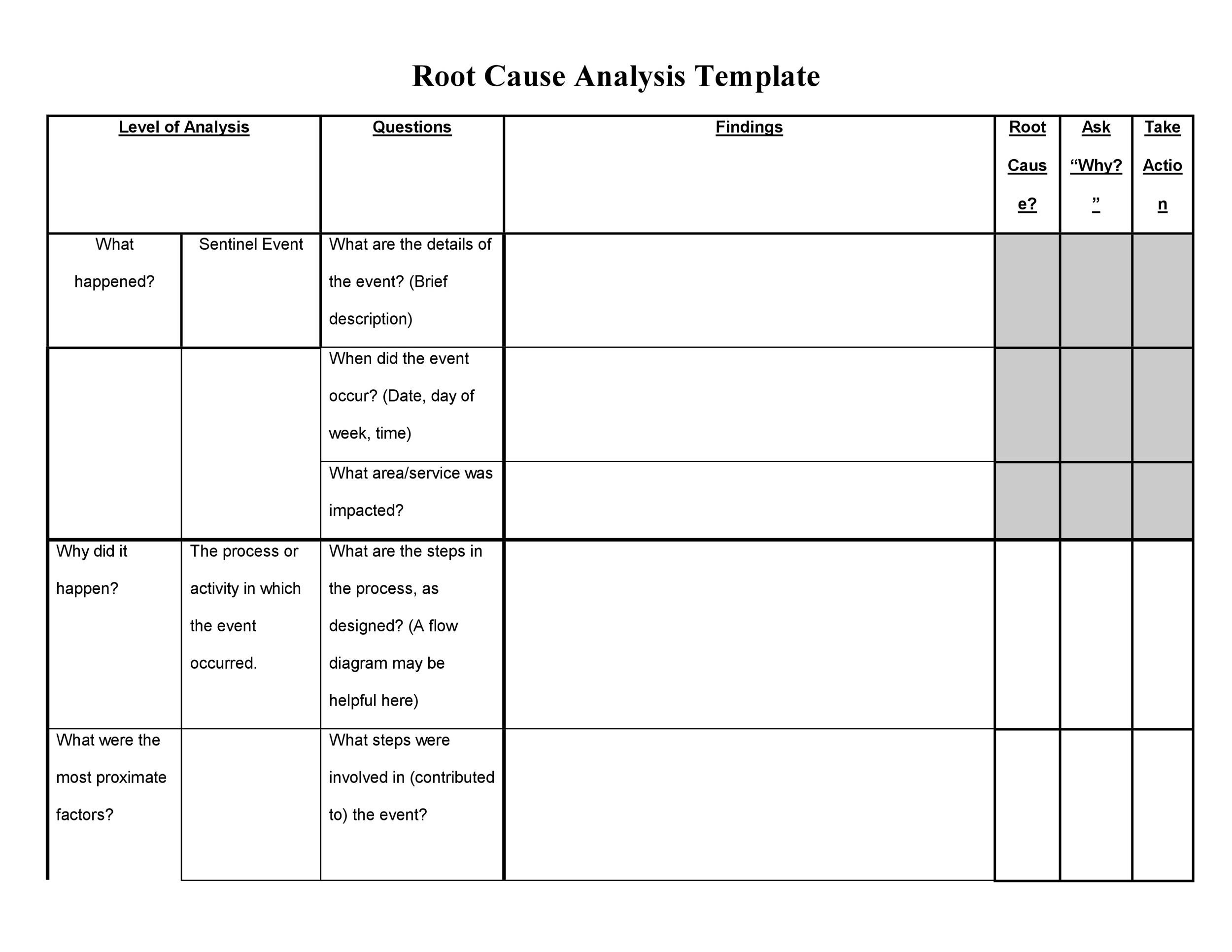
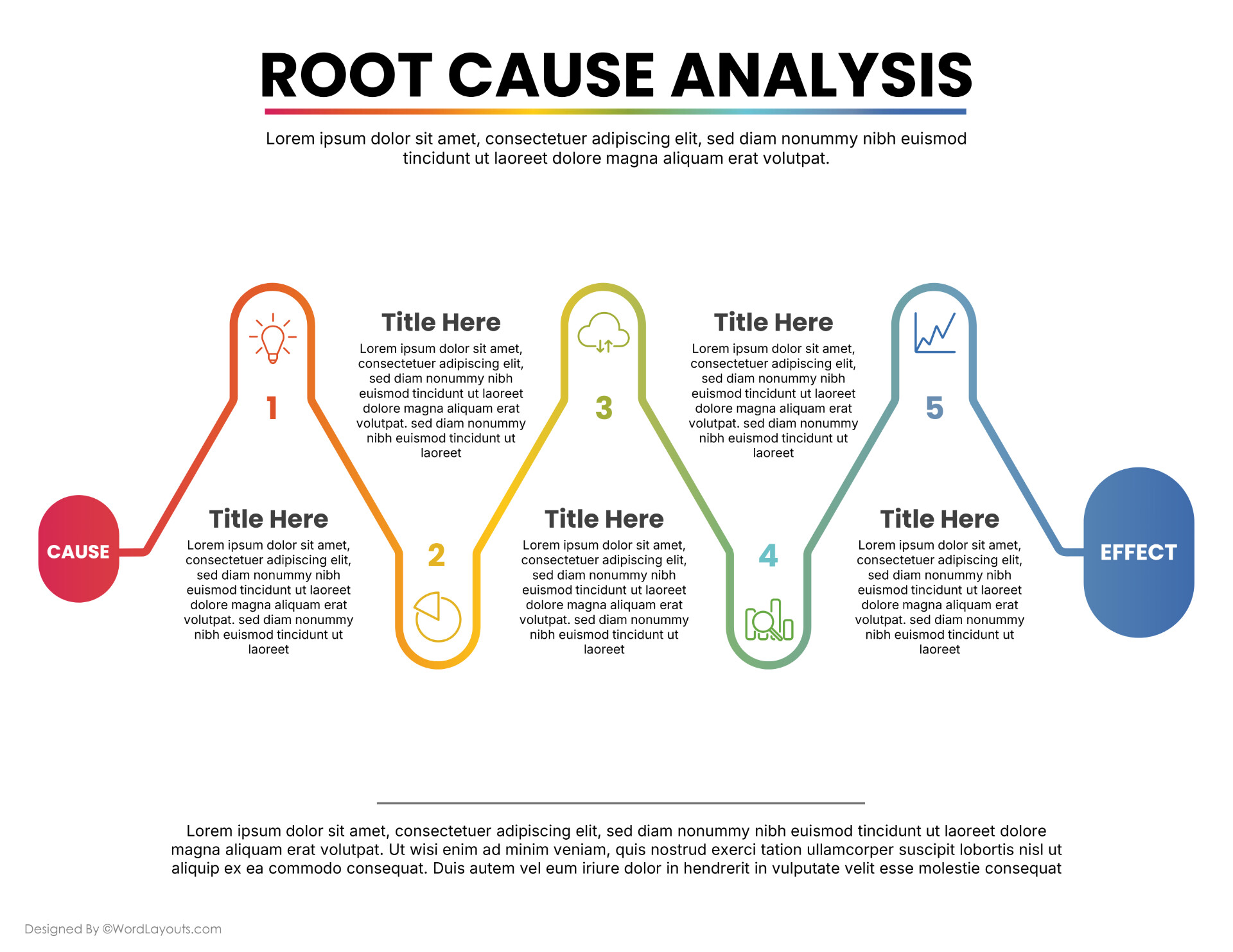
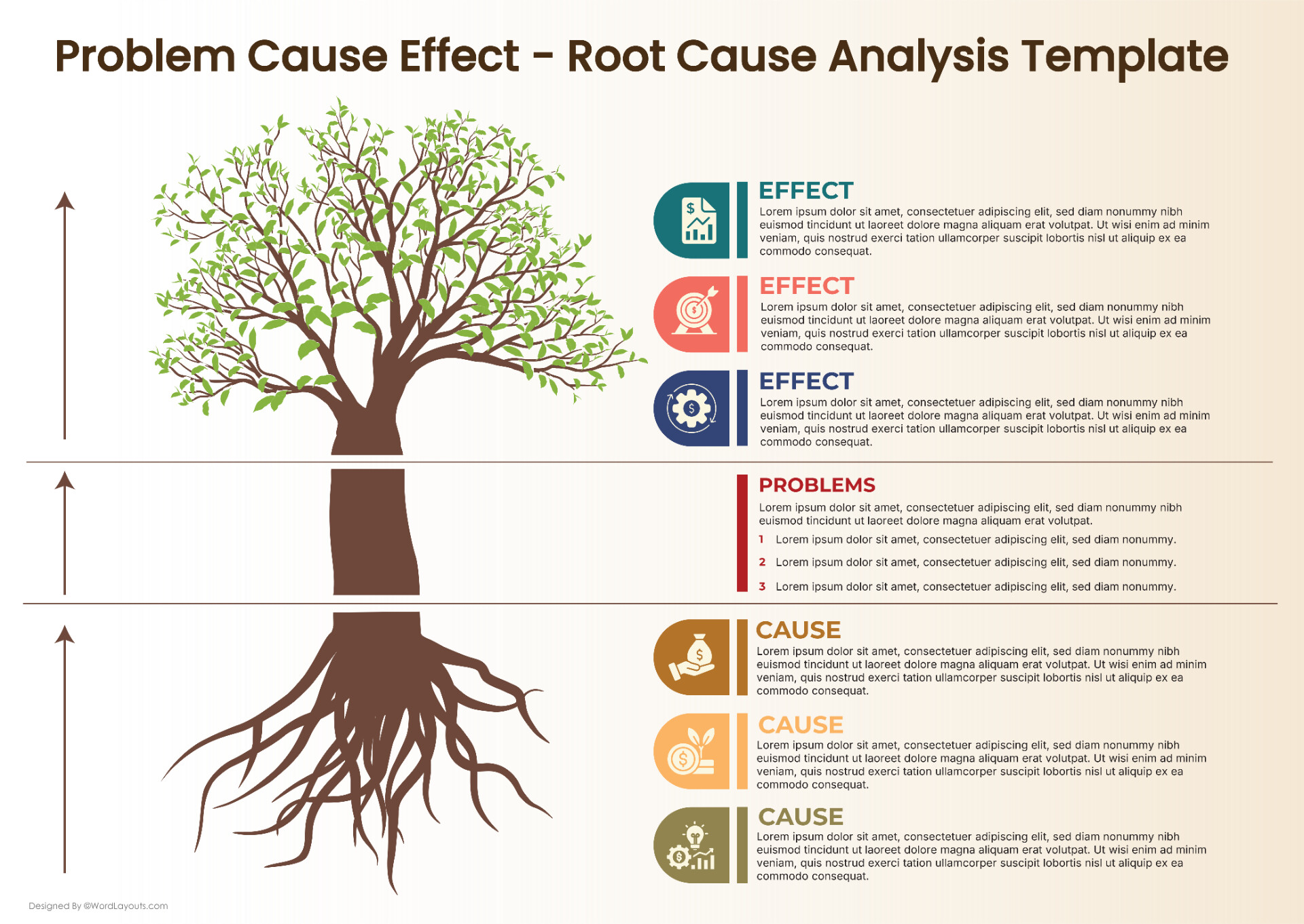
Root cause analysis (RCA) is the systematic approach that separates surface symptoms from underlying problems. In manufacturing, a sudden drop in output might look like a machine malfunction, but RCA often reveals a missing calibration step or a supply‑chain delay. In software, an unexpected crash may stem from a hidden memory leak rather than a recent code change. By addressing the real cause, organizations save time, money, and reputation.
Key Benefits of Applying RCA
- Long‑term Cost Savings: Fixing the root reduces repeat incidents and lowers maintenance budgets.
- Improved Process Reliability: Consistent outcomes increase customer trust and market share.
- Employee Empowerment: Teams feel ownership when they can trace and resolve issues themselves.
- Regulatory Compliance: Many industries mandate RCA for safety, health, and environmental standards.
Choosing the Right Free Template for Your Needs

While several free RCA templates exist, selecting one that aligns with your workflow and data complexity is essential. A good template balances structure with flexibility, enabling both quick assessments and deep investigations.
Core Elements Every Template Should Contain
- Problem Statement: A concise description of the issue, including when, where, and how it was identified.
- Data Collection Section: Fields for symptoms, affected assets, time logs, and relevant metrics.
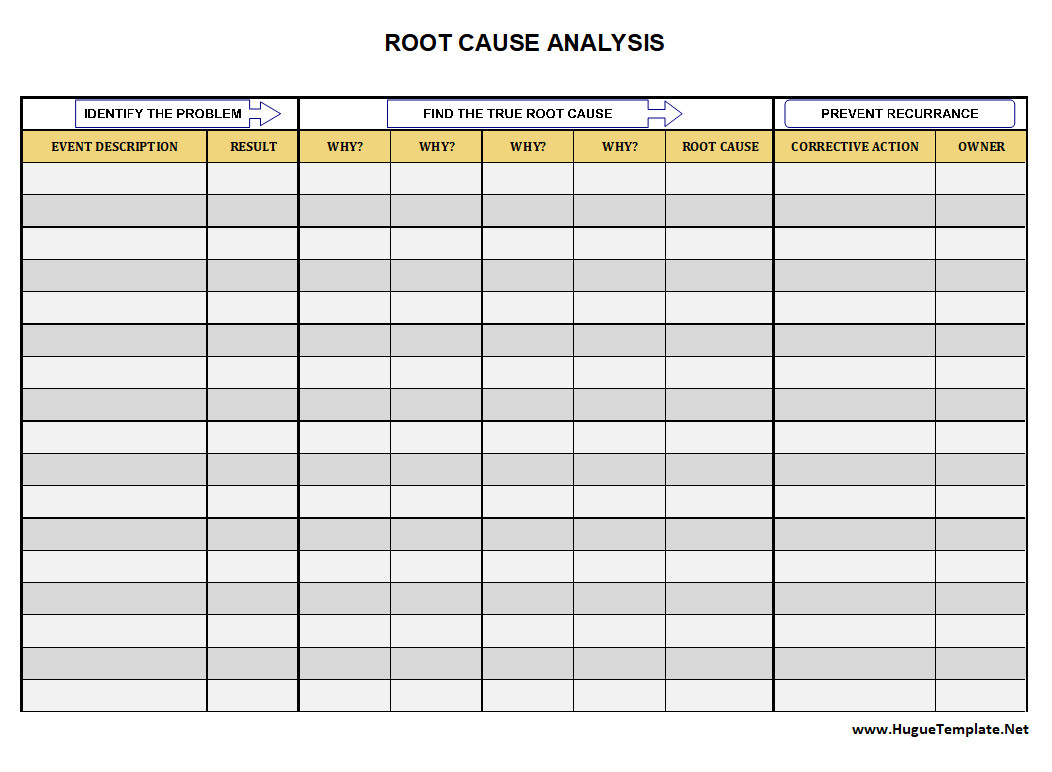
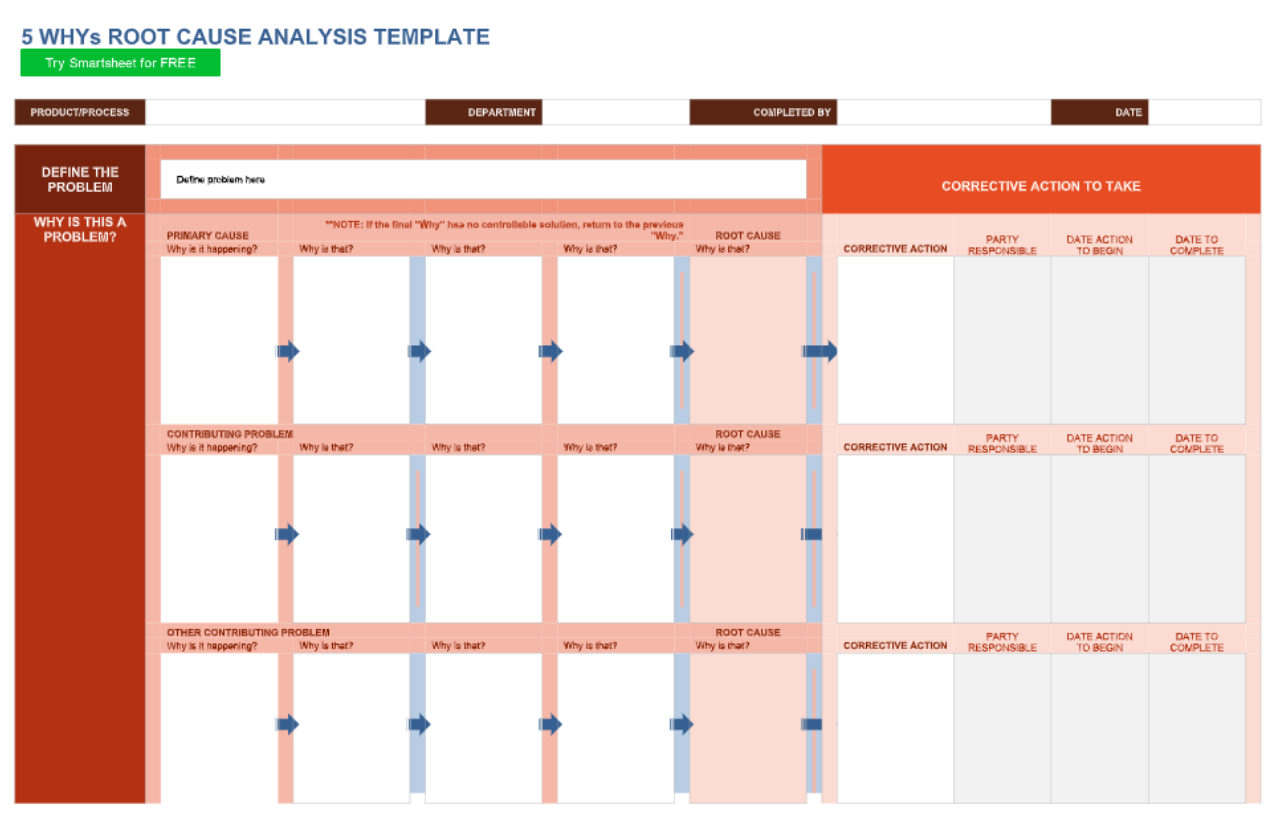
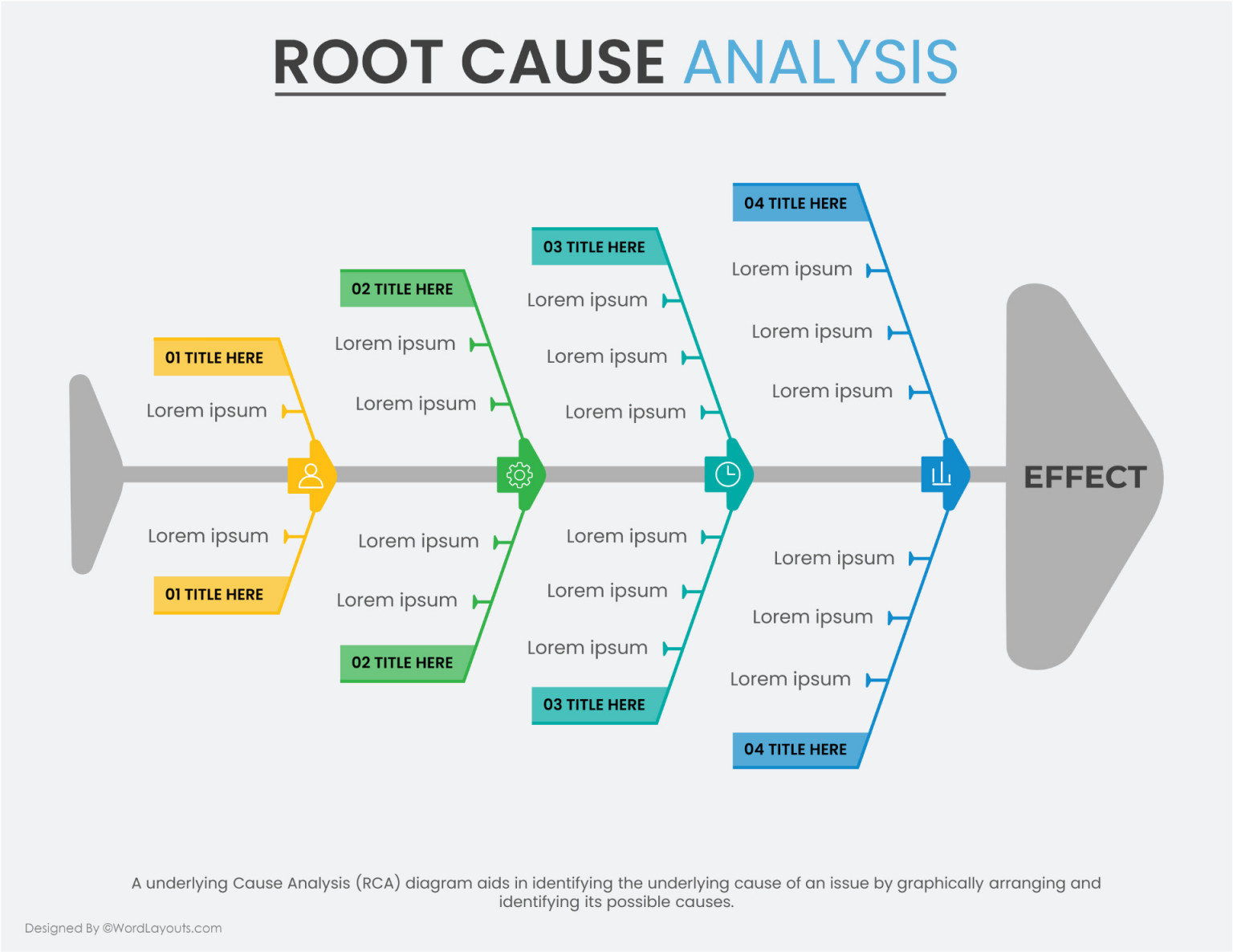
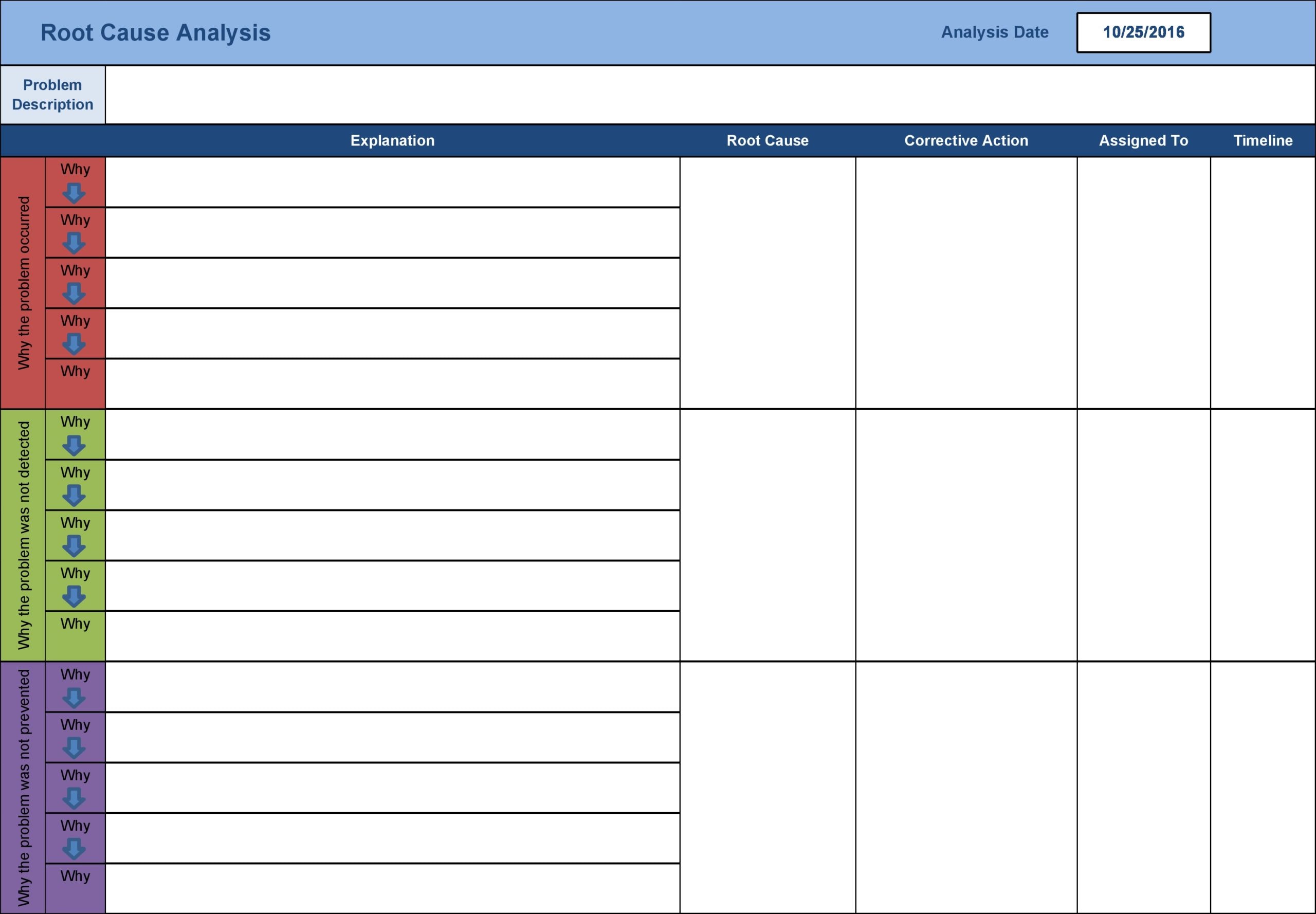
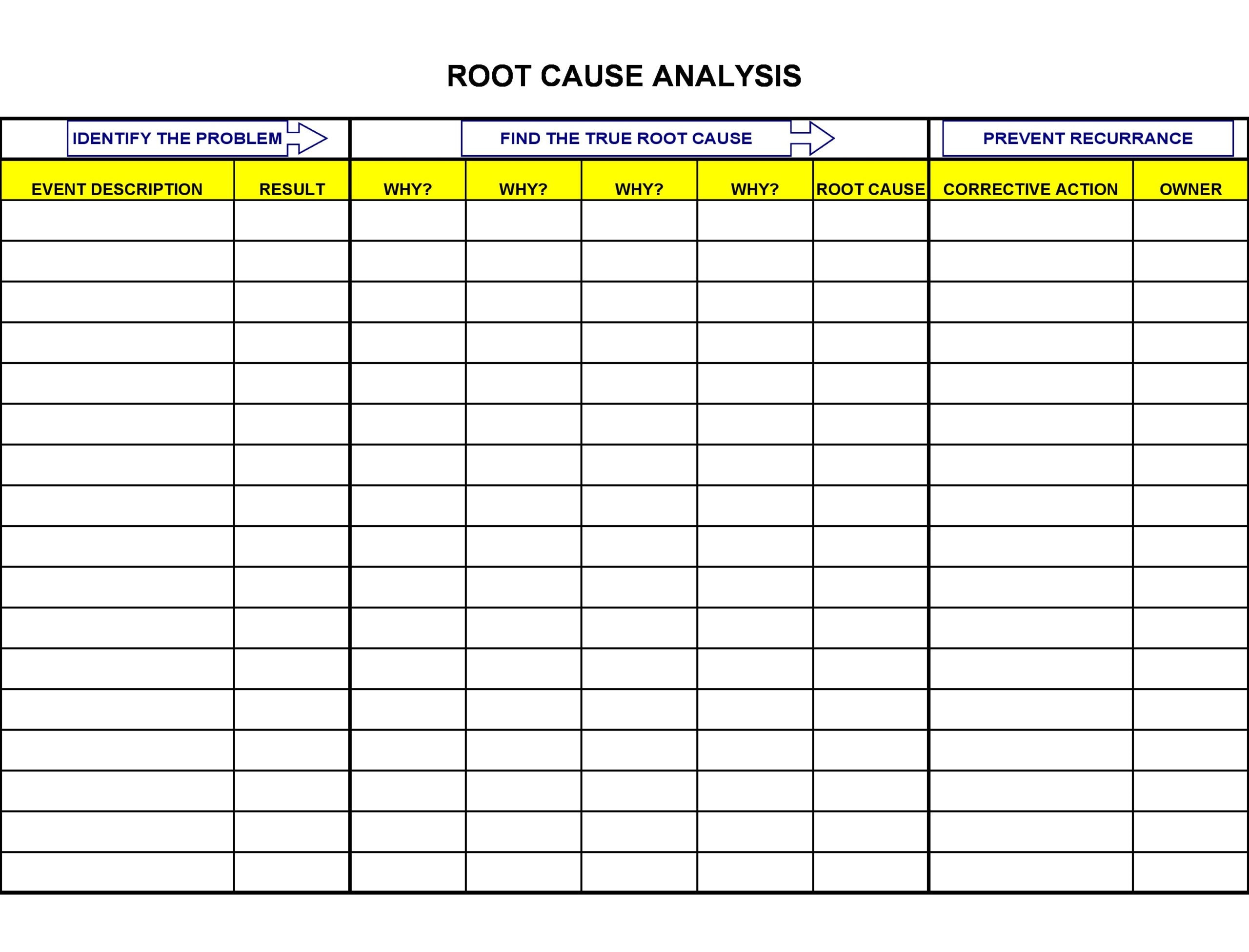
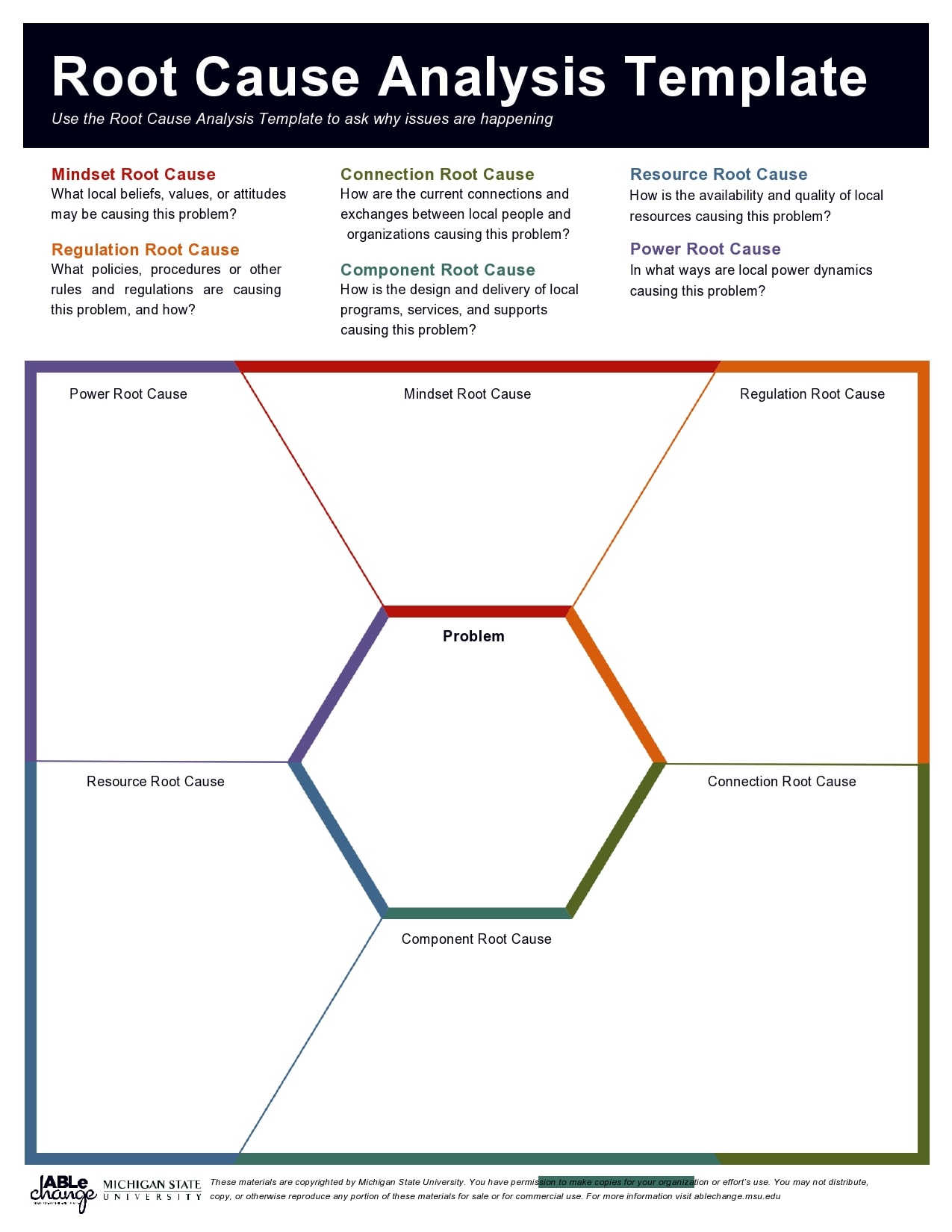
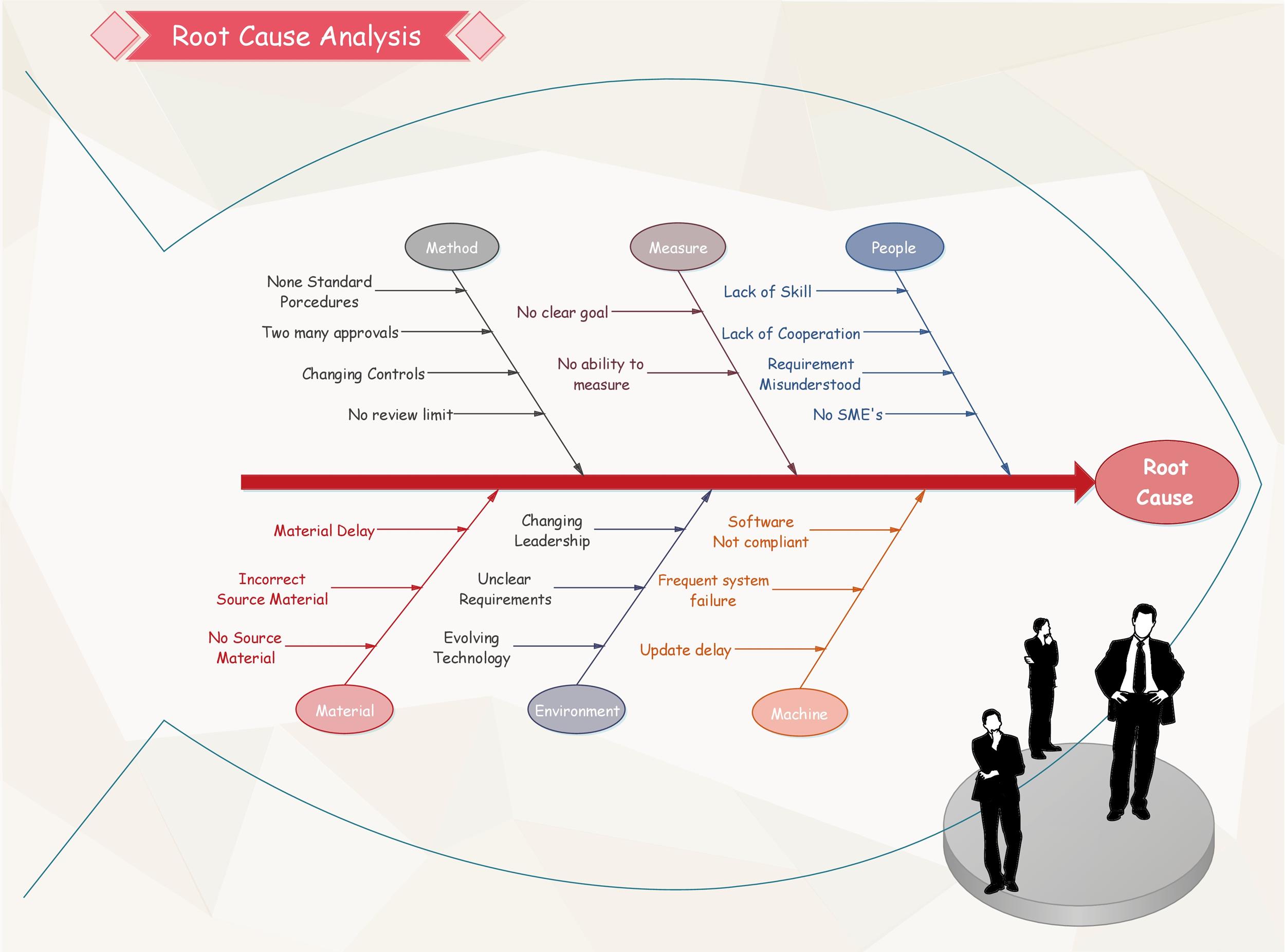
- Cause Mapping: A diagram or table that allows you to list possible causes and categorize them (e.g., Human, Machine, Method, Materials, Environment).
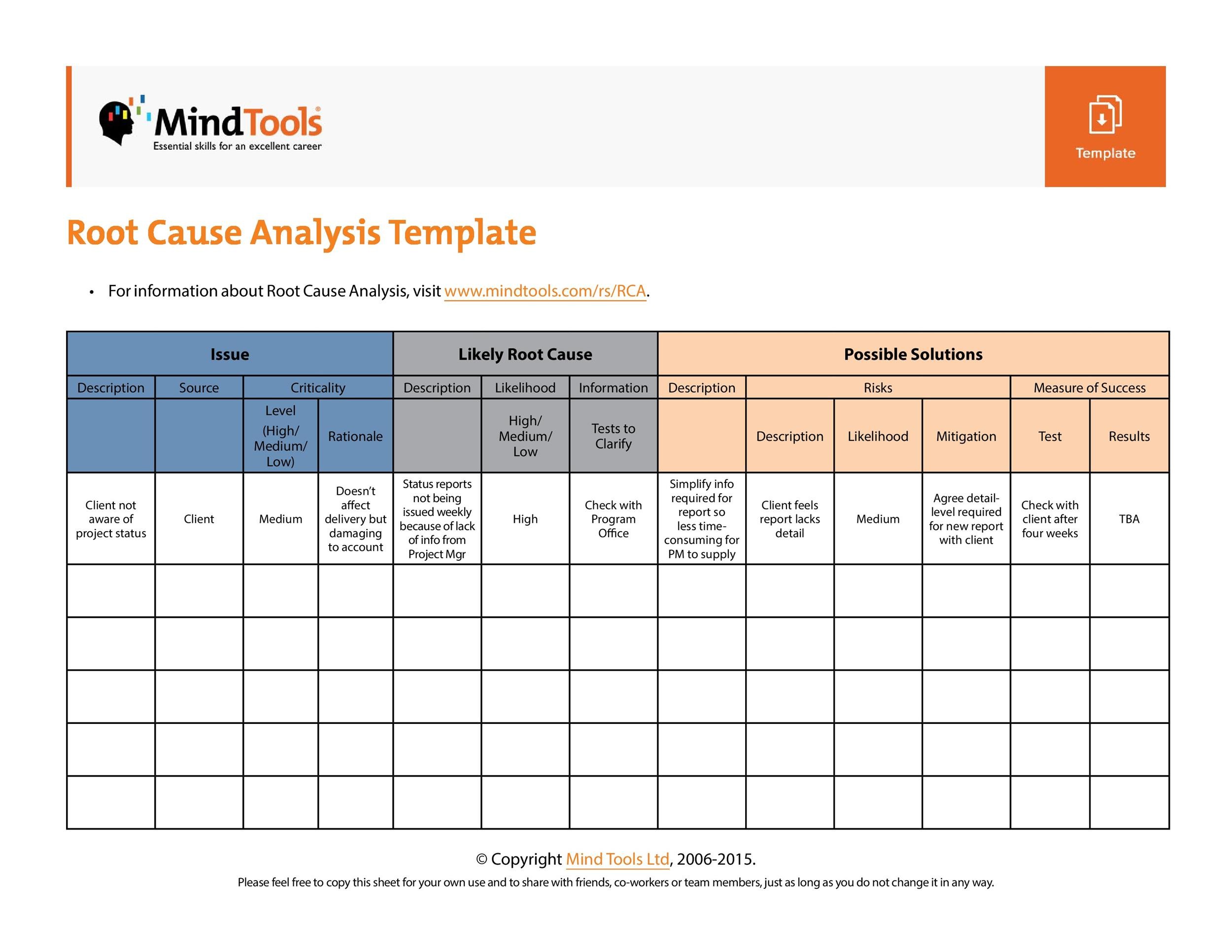
- Evidence Evaluation: Columns for source, validity score, and confidence level to track the reliability of each cause.
- Corrective Actions: Specific tasks, responsible owners, target dates, and required resources.
- Follow‑up & Verification: Checks to confirm that the implemented solution resolved the issue and did not create new ones.
How to Customize a Free Template for Your Context
Begin by mapping the template to your organizational structure. For example:
- In a manufacturing setting, add a “Machine ID” field and a “Downtime Cost” calculator.
- For IT services, include an “Error Code” column and a “Patch Version” tracker.
- In a hospital, integrate a “Patient Outcome” metric and a “Compliance Check” box.
Custom fields should be added at the top of the template to maintain a logical flow from high-level overview to detailed evidence.
Step‑by‑Step Guide to Using the Template Effectively
Following a consistent process ensures that the template becomes a powerful tool rather than a bureaucratic hurdle.
Step 1: Define the Problem Clearly
Start with a single sentence that captures the essence of the incident. Use the template’s “Problem Statement” box to record:
- What happened?
- When did it happen?
- Where did it happen?
- Who noticed it?
Clarity at this stage reduces ambiguity later and helps everyone align on the same issue.
Step 2: Gather and Record Data
Collect all available evidence. The template’s “Data Collection” section should include:
- Time stamps of symptoms and actions.
- Sensor readings or performance logs.
- Witness statements or photographs.
- Historical trends that may provide context.
Ensure that data is entered in a structured format to facilitate analysis. If a field is blank, note the absence as a data gap that may need further investigation.
Step 3: Map Possible Causes
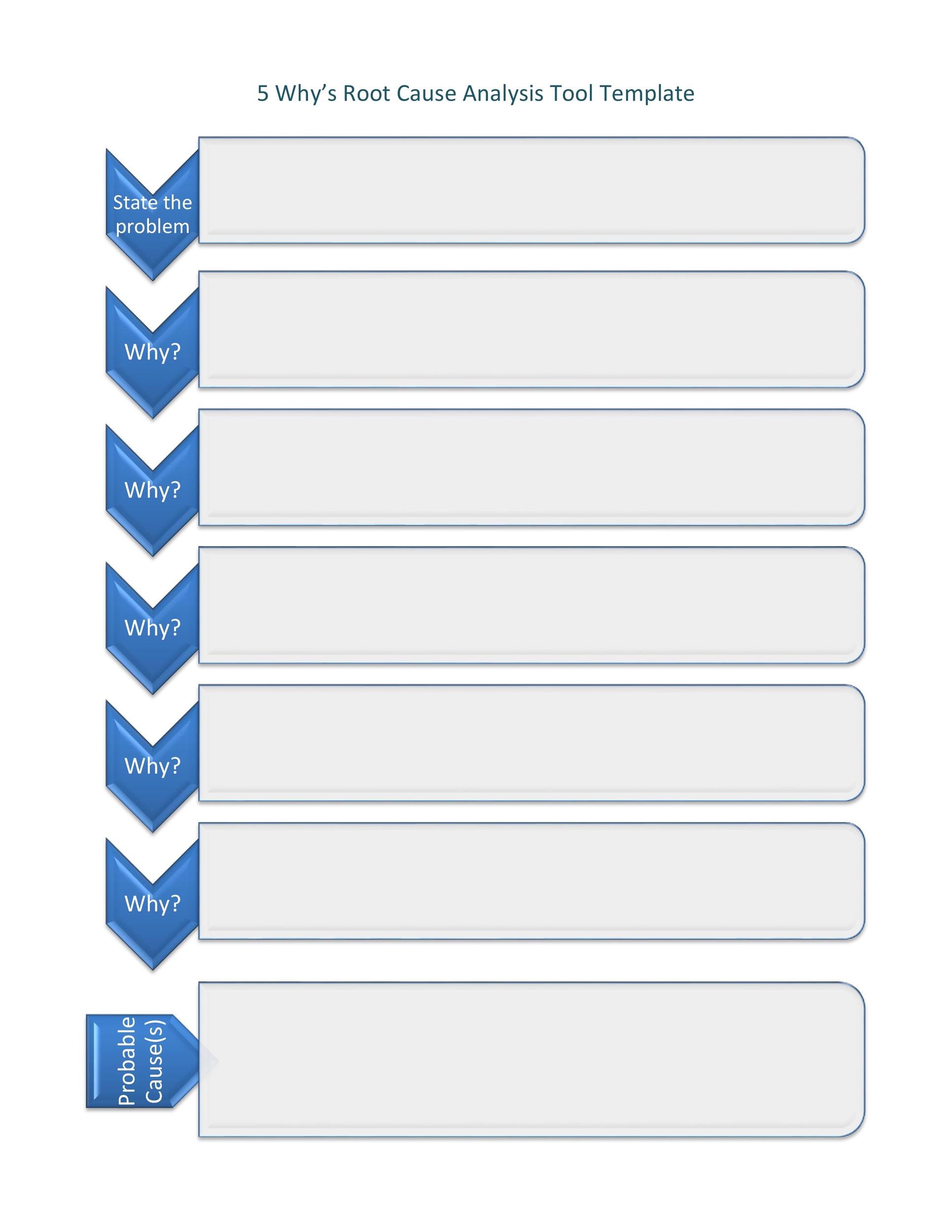
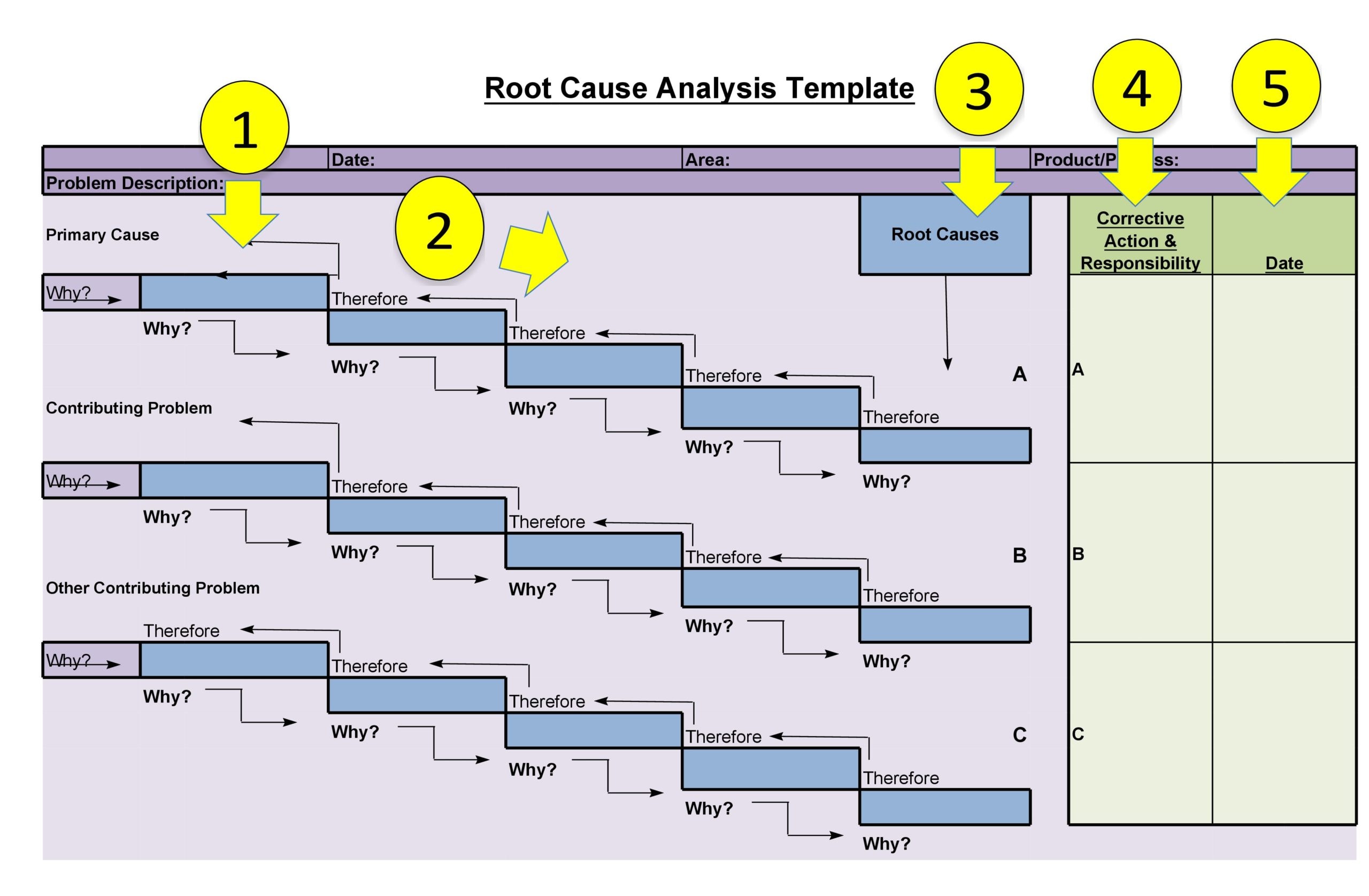
Use the “Cause Mapping” area to brainstorm potential root causes. Popular techniques include the 5 Whys, Fishbone (Ishikawa) diagram, or Fault Tree Analysis. Populate the table with:
- Root cause hypothesis.
- Category (Human, Machine, Method, Materials, Environment).
- Initial evidence supporting it.
- Confidence rating (e.g., low, medium, high).
Keep the mapping iterative—refine as new data emerges.
Step 4: Evaluate Evidence and Prioritize
In the “Evidence Evaluation” section, rate each hypothesis against:
- Source credibility.
- Reproducibility.
- Impact magnitude.
Rank causes from most to least likely. This prioritization guides resource allocation for testing or corrective actions.
Step 5: Design and Implement Corrective Actions
For each top‑ranked cause, draft a corrective action in the “Corrective Actions” box. Include:
- Specific task description.
- Owner or responsible department.
- Required resources (time, budget, tools).
- Target completion date.
- Success metrics.
Use a simple Gantt‑style visualization if your template supports it, otherwise rely on the timeline columns.
Step 6: Verify and Document Results
After actions are executed, collect follow‑up data to confirm that the issue is resolved. Record:
- Post‑action performance metrics.
- Any new anomalies.
- Feedback from affected stakeholders.
Update the template’s “Follow‑up & Verification” section to reflect the outcome, and note lessons learned for future reference.
Real-World Examples of RCA in Action
Below are two case studies that demonstrate how a free RCA template can be leveraged to achieve tangible results.
Case Study 1: Reducing Production Downtime in a Food Processing Plant
Problem: A conveyor belt in the packaging line stopped for 45 minutes, causing a backlog that pushed the shipment schedule back by two days. Using the template, the team recorded sensor data and interviewed operators.
Root Cause Identified: A worn-out roller bearing that had not been replaced during the last scheduled maintenance check. Evidence: Accelerometer data indicated vibration spikes, and the maintenance log showed the bearing was due for replacement 120 days ago.
Corrective Action: Replace the roller bearing immediately and adjust the preventive maintenance calendar to include a quarterly check on all bearing assemblies. The template’s corrective actions section captured the task details and assigned the maintenance supervisor as owner.
Result: Downtime reduced from 45 minutes to less than 5 minutes in subsequent cycles, and the shipment schedule was restored.
Case Study 2: Eliminating Recurrent Software Crash in a Mobile App
Problem: Users reported crashes during the “Save” operation, leading to negative reviews. The QA team logged crash reports and captured stack traces.
Root Cause Identified: A null pointer exception triggered by missing input validation in the data serialization layer. Evidence: The stack trace pinpointed the exact line, and test cases confirmed the absence of input checks.
Corrective Action: Implement a validation routine before serialization, add unit tests to cover null inputs, and conduct a regression test run. The template recorded the action owner (lead developer) and a two‑week deadline.
Result: The crash rate dropped from 4% to 0.1% over the next release cycle, and user ratings improved by 0.8 points.
Common Pitfalls and How to Avoid Them

Even with a robust template, mistakes can undermine RCA. Being aware of these pitfalls can save time and resources.
Overreliance on Historical Data
Relying solely on past incidents can cause blind spots. Always validate hypotheses with fresh evidence and consider new variables.
Incomplete Data Collection
Missing data gaps lead to inaccurate root causes. Encourage teams to document “data not available” explicitly rather than leaving blanks.
Failure to Update the Template
Static templates that never evolve become irrelevant. Schedule quarterly reviews to refine fields, add new categories, or streamline workflows.
Neglecting Follow‑up
Implementing a fix without verification risks creating new problems. Ensure the “Follow‑up & Verification” section is fully populated before closing the RCA cycle.
Integrating RCA Templates into Continuous Improvement Initiatives
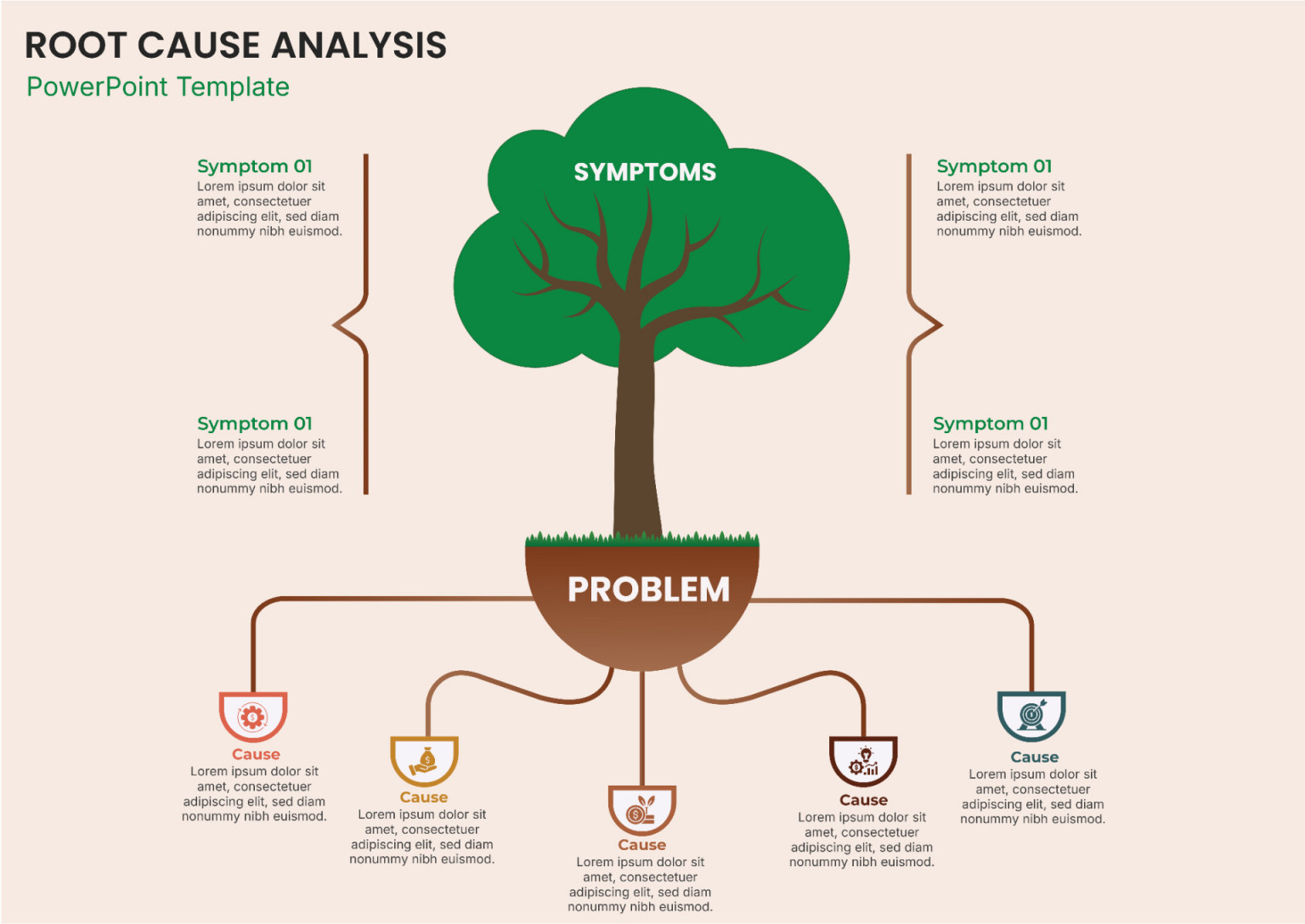
Root cause analysis should not be a one‑off event. Embed it into your organization’s continuous improvement (CI) culture by:
- Linking RCA outcomes to a Knowledge Base that documents solutions and best practices.
- Incorporating RCA metrics into the KPI dashboard (e.g., average time to resolution, recurrence rate).
- Using RCA insights to inform training programs and preventive maintenance schedules.
When every team member understands how the template contributes to overall performance, RCA becomes a natural part of daily operations rather than an extra task.
Conclusion: Empower Your Team with a Proven Root Cause Analysis Free Template

Adopting a well‑structured, free RCA template transforms reactive firefighting into proactive problem prevention. By defining the problem, collecting evidence, mapping causes, prioritizing actions, and verifying results, you create a disciplined process that delivers measurable benefits. Whether you’re in manufacturing, software, healthcare, or any industry where reliability matters, this template is a foundational tool that scales with your organization. Start using it today, and watch as root causes are eliminated, resources are conserved, and confidence in your processes grows.